



Passwords aren’t enough anymore. Hackers can crack them in seconds, and one stolen password could put your entire business at risk.
That’s where multi-factor authentication (MFA) software comes in, adding extra layers of protection that keep the bad guys out, even if they have your password.
But with so many MFA tools out there, how do you pick the right one?
This guide breaks down the top MFA solutions, showing you what each does best, who should use it, and how to choose based on your needs.
You’ll learn what MFA actually is, why it matters now more than ever, and which features separate the good tools from the great ones.
Let’s find the perfect fit for your security setup.
What Is Multi Factor Authentication Software?
Multi-factor authentication software makes you prove who you are in more than one way before logging in. Think of it like an ATM; you need both your card and your PIN. MFA works the same way for your digital accounts.
Why Passwords Alone Fail: Hackers steal them through phishing emails, people reuse them across multiple sites, and common passwords get cracked in seconds. Once someone has your password, they can pretend to be you.
MFA vs 2FA vs Passwordless:
- 2FA uses exactly two verification methods (like password + phone code)
- MFA uses two or more methods for extra security
- Passwordless skips passwords entirely, using fingerprints or security keys instead
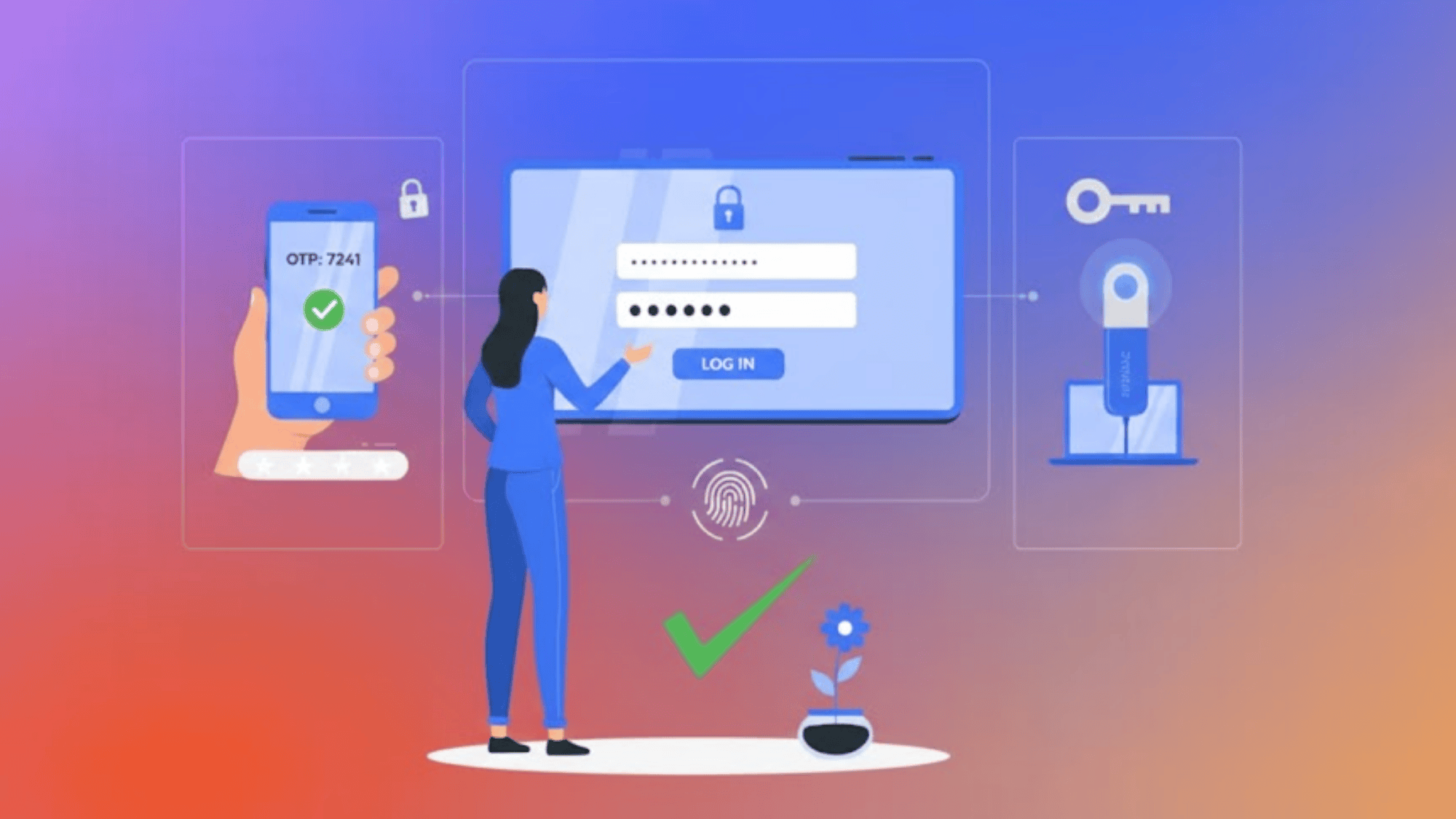
The Three Authentication Factors
All MFA builds on these three types of proof:
- Something You Know: Passwords, PINs, or security questions. Easy to forget or steal.
- Something You Have: Your smartphone, security token, or hardware key. Hackers can’t log in without physically having your device.
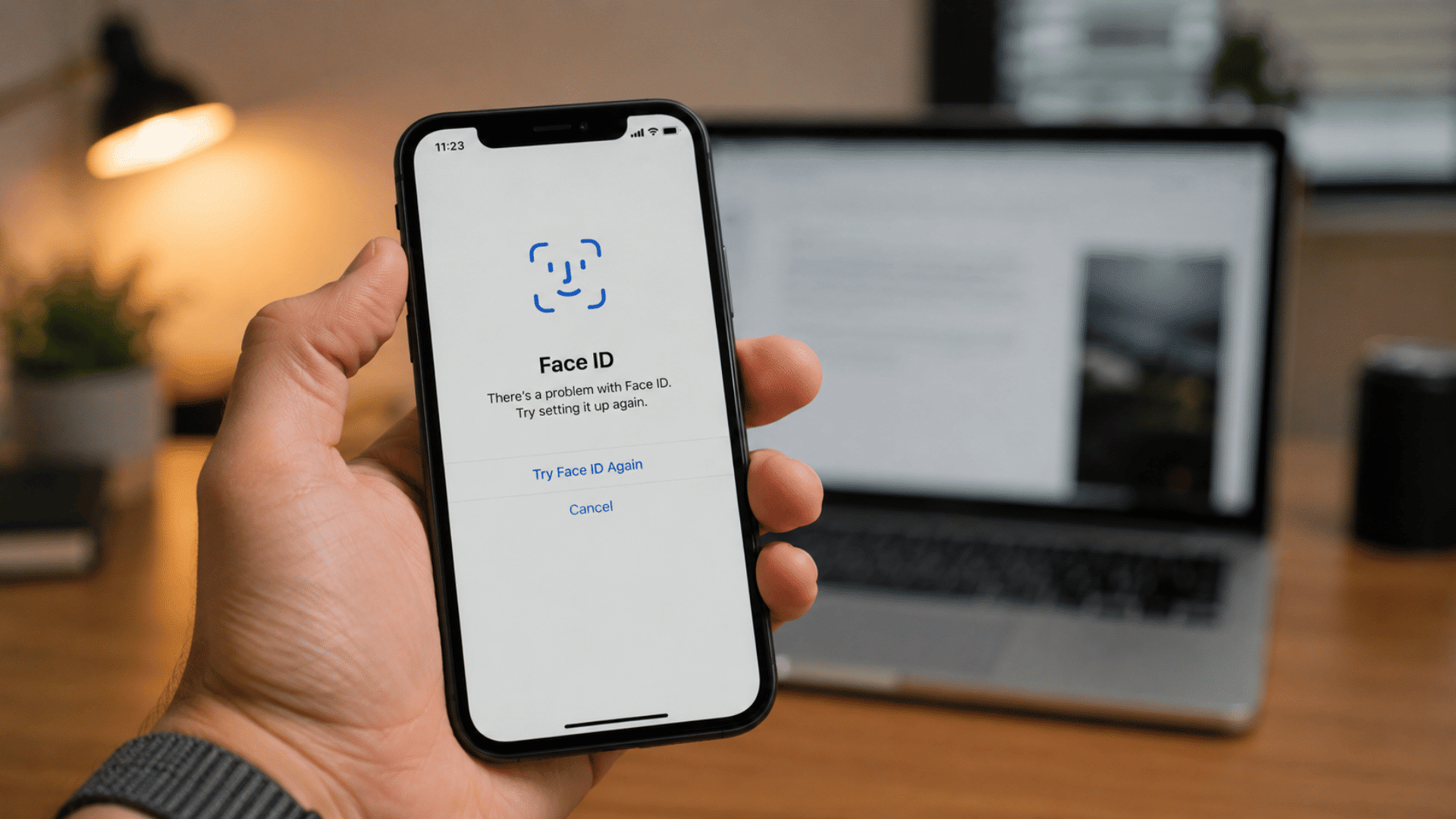
- Something You Are: Fingerprints, face scans, or voice recognition. Always with you and hard to fake.
The strongest MFA combines at least two factors, like a password plus your fingerprint. Even if hackers steal one factor, they still can’t get in.
Top Multi-Factor Authentication Software Solutions
Choosing the right MFA tool depends on your specific needs, budget, and existing technology. Here’s our detailed breakdown of the eleven best solutions available today.
1. Infisign
Pricing: Custom pricing based on organization size and requirements
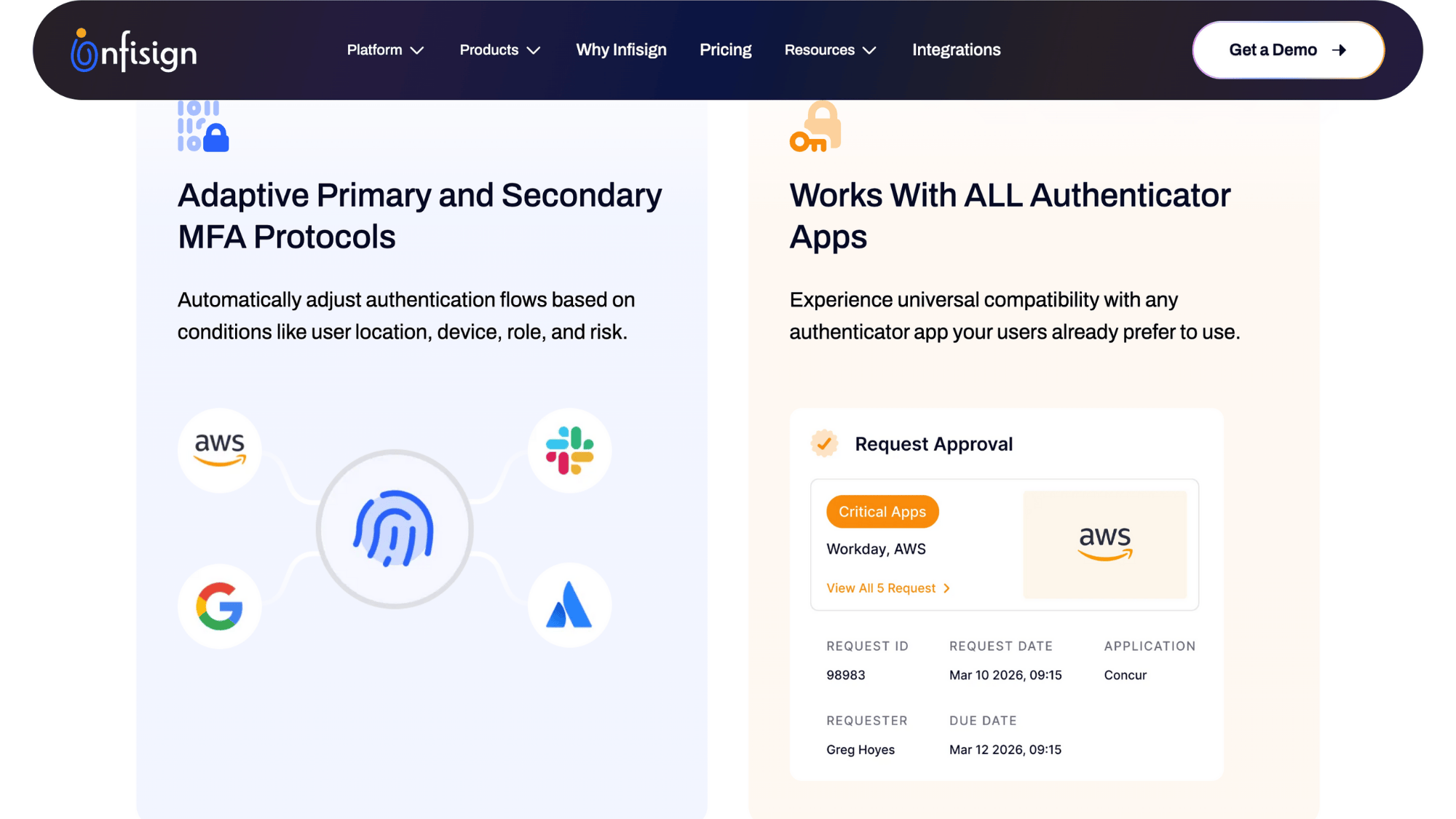
Infisign uses artificial intelligence to analyze login patterns and detect threats in real-time. The platform eliminates passwords entirely while protecting both cloud-based and older legacy applications.
Zero Trust architecture means every access request gets verified, regardless of where it comes from.
The AI engine learns normal user behavior and automatically blocks suspicious activity without creating friction for legitimate employees.
Key Features:
- Behavioral AI Analysis: Monitors user patterns to identify unusual login attempts automatically
- Legacy System Protection: Adds modern security layers to outdated applications lacking native protection
- Unified Identity Platform: Manages all authentication types from a single dashboard interface
- Adaptive Security Policies: Adjusts verification requirements based on real-time risk assessment scores
- Biometric Integration: Supports fingerprint and facial recognition across multiple device types
| Pros | Cons |
|---|---|
| AI catches sophisticated attacks that rule-based systems miss | Relatively new compared to decades-old competitors in the market |
| The Zero Trust model provides the strongest security architecture available | Advanced features need time investment to configure properly |
| Single solution for modern apps and legacy systems | Must contact the sales team for pricing information |
| Reduces password-related helpdesk tickets by eliminating them completely | Fewer independent reviews available than established enterprise vendors |
Why we recommend this: Infisign delivers cutting-edge AI security that grows smarter over time, perfect for forward-thinking organizations seeking next-generation protection.
2. MiniOrange
Pricing: Starts at $3 per user/month with volume discounts available
MiniOrange provides comprehensive multi-factor authentication at prices small businesses can actually afford.
It handles everything from cutting-edge cloud services to decades-old on-premises software without breaking a sweat. The straightforward interface means you won’t need expensive consultants or specialized training.
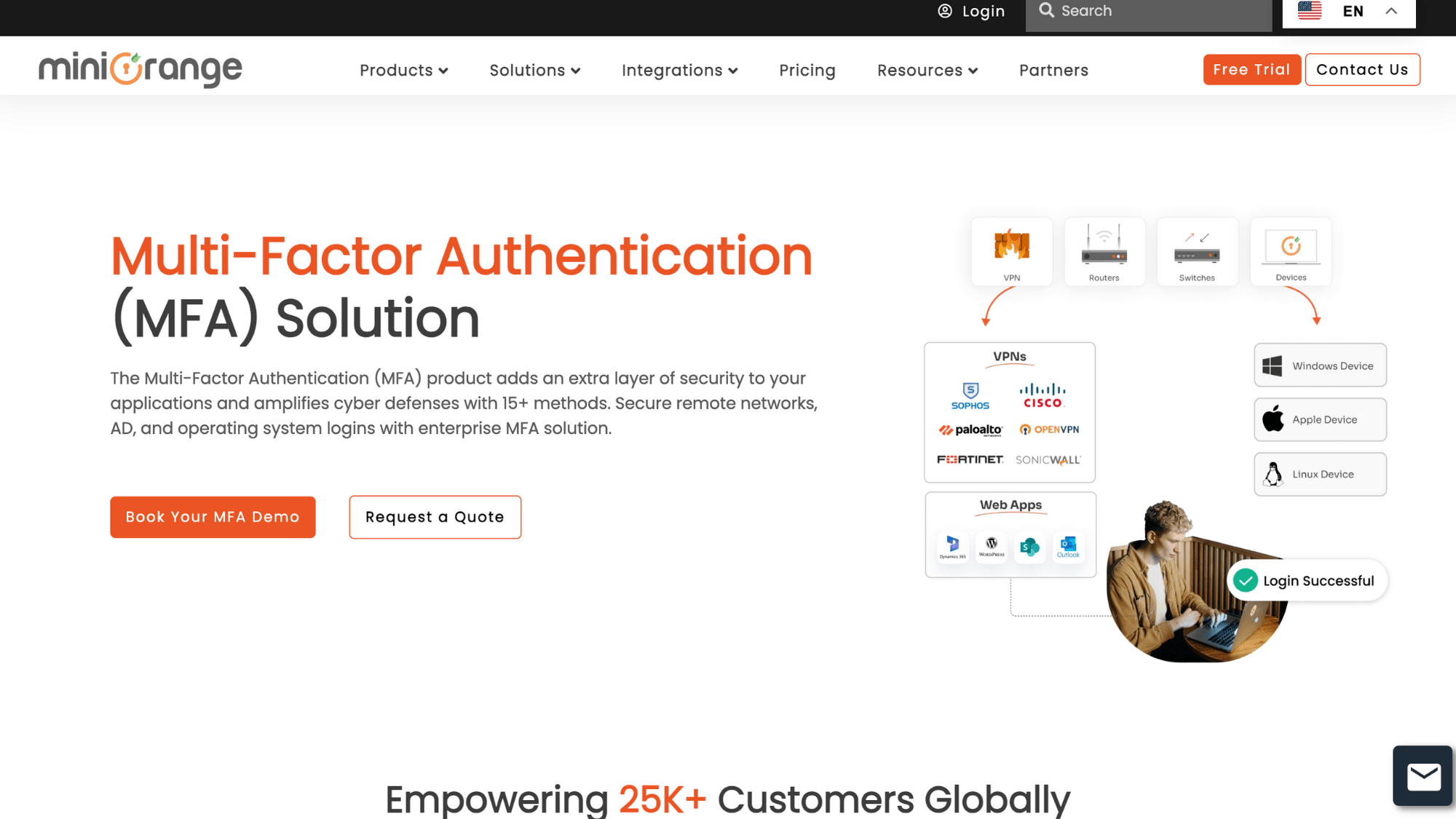
With support for fifteen different authentication methods, every user can verify their identity in whatever way works best for their situation.
Key Features:
- Multi-Method Support: Choose from SMS, email, authenticator apps, hardware tokens, or biometrics
- On-Premises Compatibility: Protects local servers and applications alongside cloud-based tools
- Quick Deployment Process: Get basic protection running within hours, not weeks or months
- Active Directory Integration: Syncs directly with existing user directories and permissions
- White-Label Options: Customize branding for customer-facing authentication pages and emails
| Pros | Cons |
|---|---|
| Extremely affordable without sacrificing essential security capabilities | Interface design looks dated compared to modern enterprise competitors |
| Handles diverse technology environments smoothly across deployment types | Support tickets sometimes take longer than desired to resolve |
| No specialized IT knowledge required for basic setup | Premium capabilities are locked behind higher subscription tiers |
| Flexible authentication choices accommodate different user preferences | Missing advanced AI-powered threat detection features |
Why we recommend this: MiniOrange proves small budgets don’t mean weak security, delivering essential protection across any technology environment affordably.
3. Okta Adaptive MFA
Pricing: Starts at $3 per user/month for Workforce Identity Cloud
Okta has built the industry’s most comprehensive application integration network with over 7,000 pre-configured connections.
Its adaptive engine automatically strengthens security when detecting risky situations like travel, new devices, or impossible time zones.
Enterprise-grade infrastructure handles millions of authentication requests daily without slowdowns.
The platform grows seamlessly from startup to Fortune 500 scale while maintaining consistent performance and reliability throughout your expansion.
Key Features:
- Context-Aware Authentication: Automatically adjusts security levels based on location and device trust
- Pre-Built App Catalog: Connects instantly to thousands of business applications without custom coding
- Universal Directory: Centralizes user management across all connected applications and systems
- Detailed Audit Logging: Tracks every access attempt for compliance reporting and security investigations
- Lifecycle Management: Automates user provisioning and deprovisioning across the entire software stack
| Pros | Cons |
|---|---|
| Unmatched integration library covers virtually every business application available | Premium pricing model excludes budget-conscious small and mid-sized businesses |
| Risk-based decisions balance strong security with user convenience effectively | Initial configuration requires planning for complex organizational structures |
| Proven reliability at massive scale with consistent uptime | Certain advanced features are sold separately from the base MFA package |
| Comprehensive compliance certifications satisfy strict regulatory requirements | Simpler alternatives exist for organizations with basic needs |
Why we recommend this: Okta dominates when managing security across sprawling application portfolios, where intelligent automation prevents both breaches and frustration.
4. Auth0
Pricing: Free tier available; paid plans start at $35/month for 1,000 users
Auth0 treats authentication as code, giving developers complete programmatic control through clean APIs and comprehensive SDKs.
Perfect for building customer-facing applications where login experience directly impacts satisfaction and retention.
The platform handles the complex security backend while letting your team design exactly the user experience they envision.
Extensive documentation and code samples mean faster implementation than building authentication systems from scratch.
Key Features:
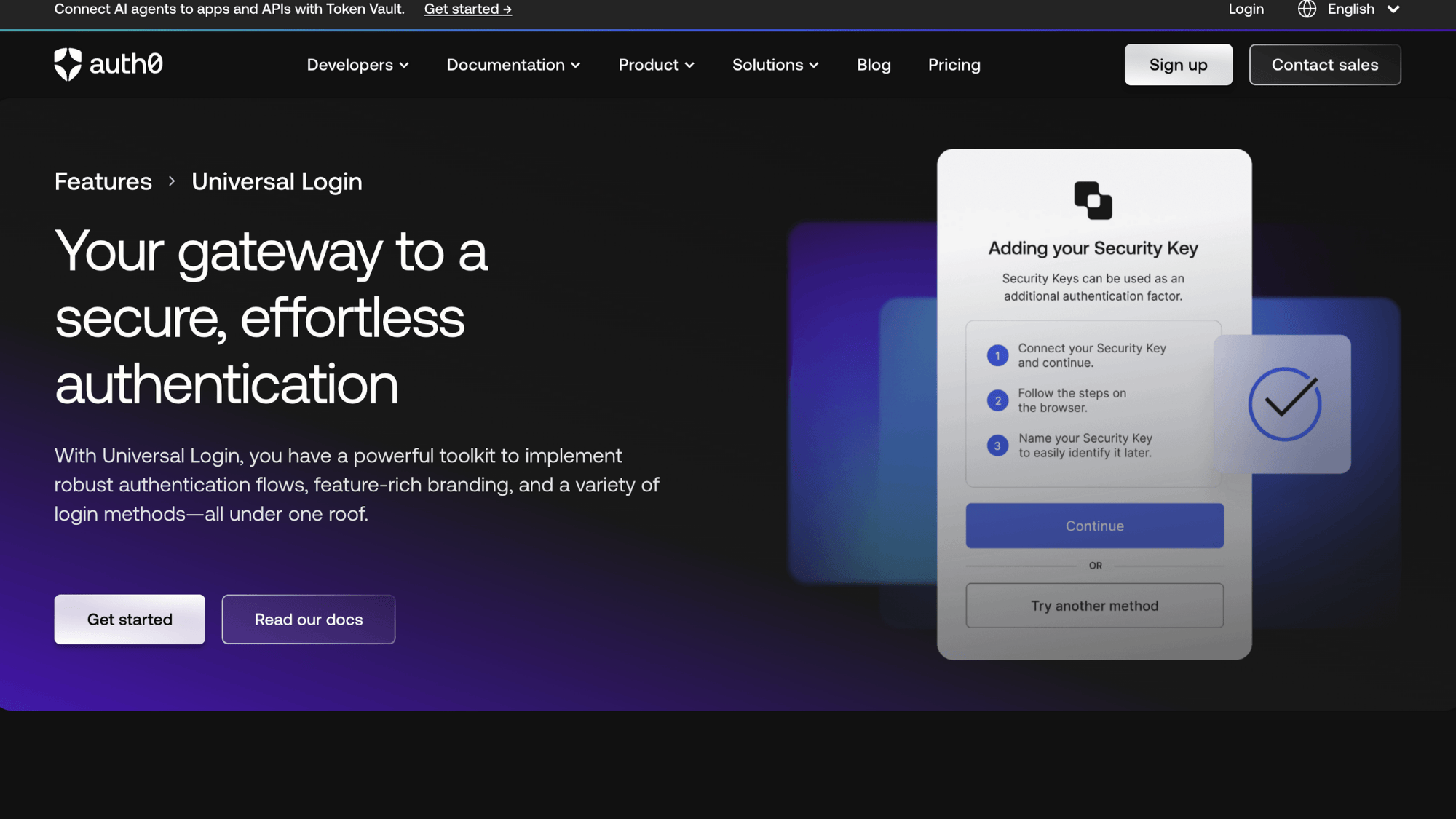
- Customizable Login Flows: Build authentication experiences matching your exact brand and workflow
- Multi-Language SDK Support: Integrate using JavaScript, Python, Java, Ruby, or other languages
- Social Login Options: Let users authenticate through Google, Facebook, Apple, and more
- Machine-to-Machine Authentication: Secure API calls between services with OAuth protocols
- Rules Engine: Write custom code that runs during the authentication pipeline
| Pros | Cons |
|---|---|
| Unparalleled flexibility for creating unique authentication experiences, completely customized | Requires actual development skills to leverage full platform capabilities |
| Outstanding technical documentation with working code examples throughout | Costs increase significantly as monthly active users grow |
| Perfect fit for customer identity management in consumer applications | Non-technical business users need developer assistance for changes |
| An active developer community provides solutions and shares implementation patterns | Usage-based pricing makes budgeting difficult with unpredictable growth |
Why we recommend this: Auth0 empowers development teams to build exactly the authentication experience they want without compromising on enterprise-grade security.
5. Microsoft Entra ID
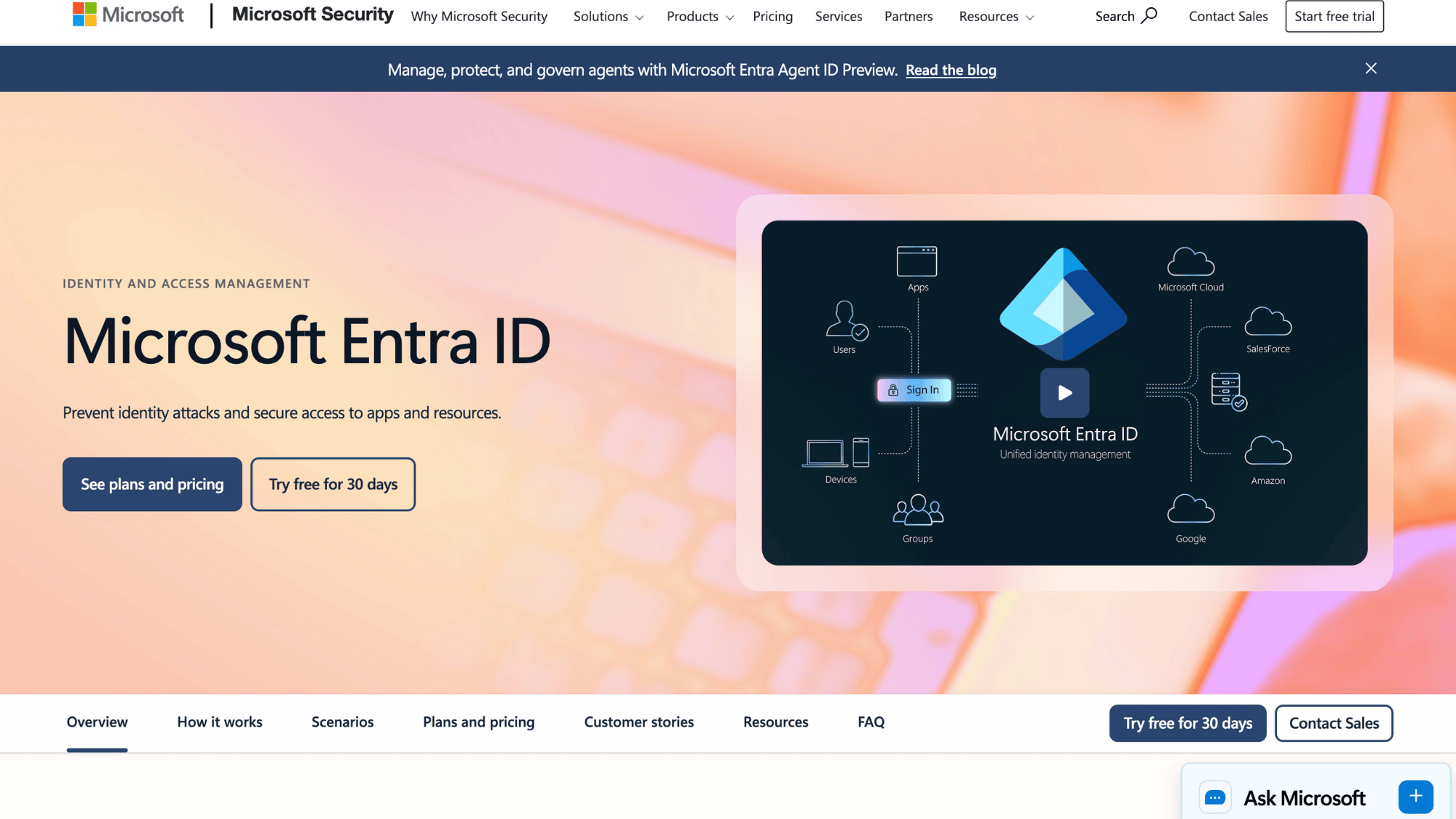
Pricing: Basic MFA included with Microsoft 365 Business Premium ($22/user/month)
Microsoft Entra ID provides native authentication for the entire Microsoft ecosystem, including Windows, Office 365, Teams, and Azure cloud services.
Conditional Access policies create sophisticated security rules based on user roles, device compliance, location, and dozens of other factors.
Organizations already paying for Microsoft 365 subscriptions often get MFA capabilities included without additional licensing fees.
The tight integration means seamless single sign-on experiences across every Microsoft product and thousands of third-party applications.
Key Features:
- Conditional Access Engine: Creates if-then security rules based on dozens of contextual signals
- Microsoft Ecosystem Integration: Works natively across Windows, Office, Teams, and Azure
- Passwordless Windows Hello: Enables biometric login for Windows devices without passwords
- Identity Protection: Uses Microsoft’s threat intelligence to detect compromised credentials globally
- Privileged Identity Management: Provides just-in-time administrative access with approval workflows
| Pros | Cons |
|---|---|
| Often included with existing subscriptions, eliminating extra security costs | Best features concentrated within Microsoft’s own product ecosystem |
| Sophisticated conditional access creates nuanced security policies easily | Configuration complexity overwhelms administrators without Azure expertise |
| Leverages Microsoft’s massive threat intelligence network for protection | Third-party application integrations are less polished than native Microsoft ones |
| Meets strict compliance standards across heavily regulated industries | Different license levels create confusion about feature availability |
Why we recommend this: Organizations committed to Microsoft products maximize value and minimize complexity by using Microsoft’s own authentication platform.
6. Duo Security (Cisco Duo)
Pricing: Starts at $3 per user/month for Duo MFA
Duo Security focuses obsessively on making authentication painless for end users while maintaining rock-solid security.
The signature push notification system lets users approve logins with a single tap on their phone instead of typing codes. Device health checks verify that computers and phones meet security standards before granting access.
Acquired by Cisco in 2018, it now benefits from enterprise-level resources while keeping the user-friendly approach that made it popular with universities and tech companies.
Key Features:
- One-Tap Push Approvals: Simplest authentication method requiring just a phone tap for verification
- Device Trust Assessment: Checks endpoint security posture before allowing access to resources
- Self-Service Enrollment: Users add devices independently without requiring IT helpdesk involvement
- Offline Access Codes: Generates backup codes for situations without internet connectivity
- Trusted Device Memory: Remembers verified devices to reduce repeated authentication requests
| Pros | Cons |
|---|---|
| Exceptionally smooth user experience increases adoption rates dramatically | Push notifications are vulnerable to MFA fatigue attacks if not configured carefully |
| Device visibility helps IT understand and manage endpoint security | Limited customization options compared to more developer-focused platforms |
| Self-service features reduce helpdesk burden and support tickets | Pricing increases notably for advanced features and larger deployments |
| Strong reputation and trust built over the years in the market | Some competitors now offer similar features at lower prices |
Why we recommend this: Duo proves security doesn’t require frustration, delivering protection that users actually appreciate rather than constantly trying to bypass.
7. Ping Identity (PingOne MFA)
Pricing: Contact for custom enterprise pricing based on deployment needs
Ping Identity specializes in complex hybrid environments where some systems live in the cloud while others remain on-premises.
Perfect for enterprises running workloads across AWS, Azure, Google Cloud, and private data centers simultaneously.
The policy engine creates consistent security rules that apply everywhere, regardless of where applications or users are located.
Large financial institutions and healthcare organizations trust Ping for its ability to handle intricate identity scenarios involving partners, contractors, and customers.
Key Features:
- Hybrid Identity Bridge: Seamlessly connects cloud services with on-premises Active Directory infrastructure
- Multi-Cloud Support: Works consistently across AWS, Azure, GCP, and private clouds
- Intelligent Policy Engine: Builds sophisticated access rules based on numerous contextual factors
- API-First Architecture: Enables integration with custom applications and unique workflows easily
- Risk Score Calculation: Assigns numerical risk levels to every authentication attempt automatically
| Pros | Cons |
|---|---|
| Exceptional at managing complex hybrid and multi-cloud infrastructure scenarios | Enterprise focus means overkill and overpriced for smaller organizations |
| Policy flexibility handles intricate access requirements across diverse environments | A steeper learning curve requires experienced identity management professionals |
| Strong track record with Fortune 500 companies and regulated industries | Implementation timeline longer than simpler cloud-only solutions |
| Comprehensive standards support, including SAML, OAuth, and OpenID Connect protocols | Must contact sales for pricing; there is no transparent cost information |
Why we recommend this: Ping Identity excels when infrastructure complexity demands a sophisticated platform that brings order to sprawling, distributed environments.
8. CyberArk MFA
Pricing: Custom enterprise pricing; part of CyberArk Identity Security Platform
CyberArk built its reputation protecting the most sensitive accounts in organizations, system administrators, database administrators, and other privileged users with extraordinary access.
The MFA solution focuses specifically on high-risk scenarios where account compromise could cause catastrophic damage.
Adaptive authentication intensifies verification requirements when users attempt sensitive operations like accessing production databases or changing security settings.
Banks, government agencies, and critical infrastructure operators rely on CyberArk for their most protected accounts.
Key Features:
- Privileged Session Protection: Applies the strongest authentication to administrative and high-risk accounts
- Step-Up Authentication: Requires additional verification when users attempt sensitive operations
- Biometric Options: Supports advanced biometric methods for the highest security assurance
- Anomaly Detection: Identifies unusual privileged account behavior indicating potential compromise
- Session Recording: Logs detailed activity during privileged sessions for forensic investigation
| Pros | Cons |
|---|---|
| Industry-leading protection specifically designed for privileged account security | Expensive compared to general-purpose MFA solutions for standard users |
| Deep integration with CyberArk’s privileged access management suite | Complexity is unnecessary if not protecting high-risk administrative accounts |
| Advanced threat detection capabilities catch sophisticated insider threats | Requires CyberArk expertise for optimal configuration and management |
| Meets stringent compliance requirements for critical infrastructure sectors | Not designed or priced for protecting regular employee accounts |
Why we recommend this: CyberArk provides the specialized protection that privileged accounts demand, making it essential for organizations where admin compromise means disaster.
9. IBM Verify
Pricing: Starts at $4 per user/month for IBM Security Verify
IBM Verify combines multi-factor authentication with comprehensive identity and access management in a single enterprise platform.
The adaptive engine analyzes over 40 risk signals, including device reputation, network characteristics, and behavioral patterns, to make intelligent security decisions.
Large enterprises appreciate the extensive reporting capabilities that satisfy auditors and compliance officers across multiple regulatory frameworks.
IBM’s decades of enterprise experience show in the platform’s ability to handle complex organizational structures with thousands of roles and permissions.
Key Features:
- 40+ Risk Signal Analysis: Evaluates numerous factors to calculate authentication risk scores
- Enterprise-Grade Reporting: Generates detailed compliance reports for audits and regulatory requirements
- Single Sign-On Integration: Provides unified access across thousands of enterprise applications
- Identity Governance: Manages user lifecycle from onboarding through role changes to departure
- API Access Management: Secures machine-to-machine communication and service-to-service calls
| Pros | Cons |
|---|---|
| Comprehensive platform combining MFA with full identity governance capabilities | IBM’s enterprise reputation comes with corresponding enterprise complexity |
| Extensive compliance certifications satisfy strict regulatory requirements globally | User interface feels less modern than newer cloud-native competitors |
| Scalability proven with some of world’s largest organizations | Implementation requires significant planning and professional services engagement |
| Deep integration with IBM’s broader security portfolio products | Pricing and licensing structure can be confusing with multiple tiers |
Why we recommend this: IBM Verify suits large enterprises needing comprehensive identity management alongside MFA, especially those already invested in IBM’s ecosystem.
10. RSA SecurID MFA
Pricing: Contact for enterprise pricing; typically premium tier pricing
RSA SecurID has protected sensitive systems for over 35 years, making it the veteran choice for organizations where compliance isn’t optional.
The risk-based authentication engine has been refined through decades of real-world deployment in banks, healthcare systems, and government agencies.
Extensive audit trails and compliance reporting come built-in to satisfy regulators across industries like finance, healthcare, and defense.
Legacy compatibility means it protects both cutting-edge cloud apps and decades-old mainframe systems that still run critical operations.
Key Features:
- Risk-Based Authentication Engine: Decades of refinement create accurate threat assessment models
- Compliance Documentation: Pre-built reports satisfy HIPAA, PCI-DSS, SOX, and other regulations
- Hardware Token Support: Continues supporting physical tokens for high-security environments
- Legacy System Protection: Extends modern MFA to mainframes and older enterprise systems
- Fraud Detection Network: Leverages RSA’s threat intelligence from millions of authentication events
| Pros | Cons |
|---|---|
| Unmatched track record in heavily regulated industries over decades | Premium pricing reflects enterprise positioning and legacy brand value |
| Extensive compliance certifications cover virtually every regulatory framework | User experience feels dated compared to modern cloud-native alternatives |
| Proven reliability protecting critical infrastructure and sensitive data | Implementation complexity is high for organizations without RSA experience |
| Strong legacy system support protects older applications still in production | Slower innovation cycle compared to nimble startup competitors |
Why we recommend this: RSA SecurID remains the gold standard when regulatory compliance and proven reliability matter more than cutting-edge features.
11. OneSpan MFA
Pricing: Custom pricing based on transaction volume and deployment model
OneSpan specializes in transaction-level authentication for financial services, protecting not just logins but individual high-value transactions.
The platform excels at detecting and preventing fraud during wire transfers, large withdrawals, and other sensitive financial operations.
Banks use OneSpan to secure mobile banking apps where transaction signing and strong customer authentication are regulatory requirements.
Advanced fraud detection analyzes transaction patterns to identify suspicious activity before money moves, preventing losses that other MFA solutions might miss.
Key Features:
- Transaction Signing: Applies cryptographic verification to individual financial transactions securely
- Fraud Analytics: Monitors transaction patterns to detect suspicious activity in real-time
- Mobile App Security: Hardens banking applications against tampering and reverse engineering
- Regulatory Compliance: Meets PSD2, SCA, and other financial sector authentication requirements
- Cronto Visual Cryptography: Uses colored patterns for secure transaction verification on mobile
| Pros | Cons |
|---|---|
| Unparalleled transaction-level security designed specifically for financial operations | Focused capabilities make it overkill for non-financial use cases |
| Meets strict banking regulations, including European PSD2 requirements | Premium pricing reflects specialized financial services positioning |
| Advanced fraud prevention catches threats that other MFA platforms miss | Complexity and features exceed the needs of general business applications |
| Proven at scale, protecting millions of banking customers worldwide | Implementation requires financial services expertise for optimal results |
Why we recommend this: OneSpan delivers the specialized transaction security that financial institutions require, making it indispensable for banking and payment applications.
Key Features to Look for in Multi-Factor Authentication Software
Not all MFA tools are created equal. Some offer basic protection while others provide advanced security that adapts to threats in real-time.
Here are the essential features that separate good MFA software from great ones when protecting your business.
- Authentication Methods Supported: Look for platforms offering multiple verification options like authenticator apps, SMS codes, biometrics, hardware keys, and push notifications for flexibility.
- Adaptive / Risk-Based MFA: Smart systems that automatically require stronger verification when detecting suspicious login attempts from unusual locations or new devices.
- Phishing-Resistant MFA: Protection against sophisticated attacks using FIDO2 security keys or biometrics that hackers can’t intercept through fake websites or emails.
- Integration with Cloud & On-Prem Apps: Seamless connections to both modern cloud services and older on-premises applications without requiring custom coding or complicated configurations.
- Compliance & Audit Support: Built-in reporting and logging features that help satisfy regulatory requirements like HIPAA, GDPR, SOC 2, and PCI-DSS standards.
- Passwordless Authentication Options: Ability to eliminate passwords entirely using fingerprints, facial recognition, or security keys for both stronger security and a better experience.
The best MFA solution checks all these boxes while fitting your budget and working smoothly with your existing technology infrastructure.
At the End
Cyber threats keep getting smarter, but you don’t have to face them alone. The right MFA software stops hackers dead in their tracks, even when they’ve stolen passwords.
Even if you’re running a small business on a tight budget or managing enterprise-level security, there’s a perfect solution waiting for you.
Start by figuring out what matters most: Do you need AI-powered protection? Budget-friendly pricing? Seamless Microsoft integration? Pick the tool that matches your needs, not just the most expensive one.
Your data is too valuable to leave unprotected. Every day without MFA is another day hackers could walk right through your digital front door.
Ready to lock down your accounts? Choose an MFA solution from this list and set it up today. Your future self will thank you.