






Ever wondered if WiFi and the internet are the same thing? You’re not alone! Most people use these words interchangeably, but they actually mean two different things.
Understanding the difference can help you troubleshoot connection problems and sound tech-savvy when talking to your internet provider.
In this guide, you’ll learn what WiFi really is and how the internet works.
You’ll learn if you can have WiFi without internet, how they work together to get you online, and why your phone sometimes says “connected” but you still can’t load a single webpage.
By the end, you’ll fully understand the difference.
Is WiFi and Internet the Same?
No, WiFi and the internet are not the same thing.
Here’s the simple breakdown:
- WiFi is the wireless signal that connects your devices (like your phone or laptop) to your router. Think of it as the invisible bridge inside your home.
- The internet is the massive global network that lets you access websites, stream videos, and send messages. It comes from your internet service provider (ISP).
Why the Confusion?
Most people need both to get online, so they seem like one thing. But WiFi is just the delivery method; the internet is what’s actually being delivered.
What is the Internet?
The internet is a massive worldwide network (also called a WAN) that connects billions of devices across the globe. It’s like a digital highway that lets information travel from one place to another instantly.
With the Internet, You Can:
- Visit websites and search for anything
- Send and receive emails
- Stream movies and music
- Use apps like social media and games
To get internet at home, you need an Internet Service Provider (ISP), companies like Comcast, AT&T, or Verizon.
They send the internet to your house through physical lines: fiber-optic cables, traditional cable wires, or even cellular towers for mobile data.
Your modem is the device that receives this internet signal and brings it into your home. Without the internet connection from your ISP, you couldn’t watch Netflix, check Gmail, or browse anything online.
What is WiFi?
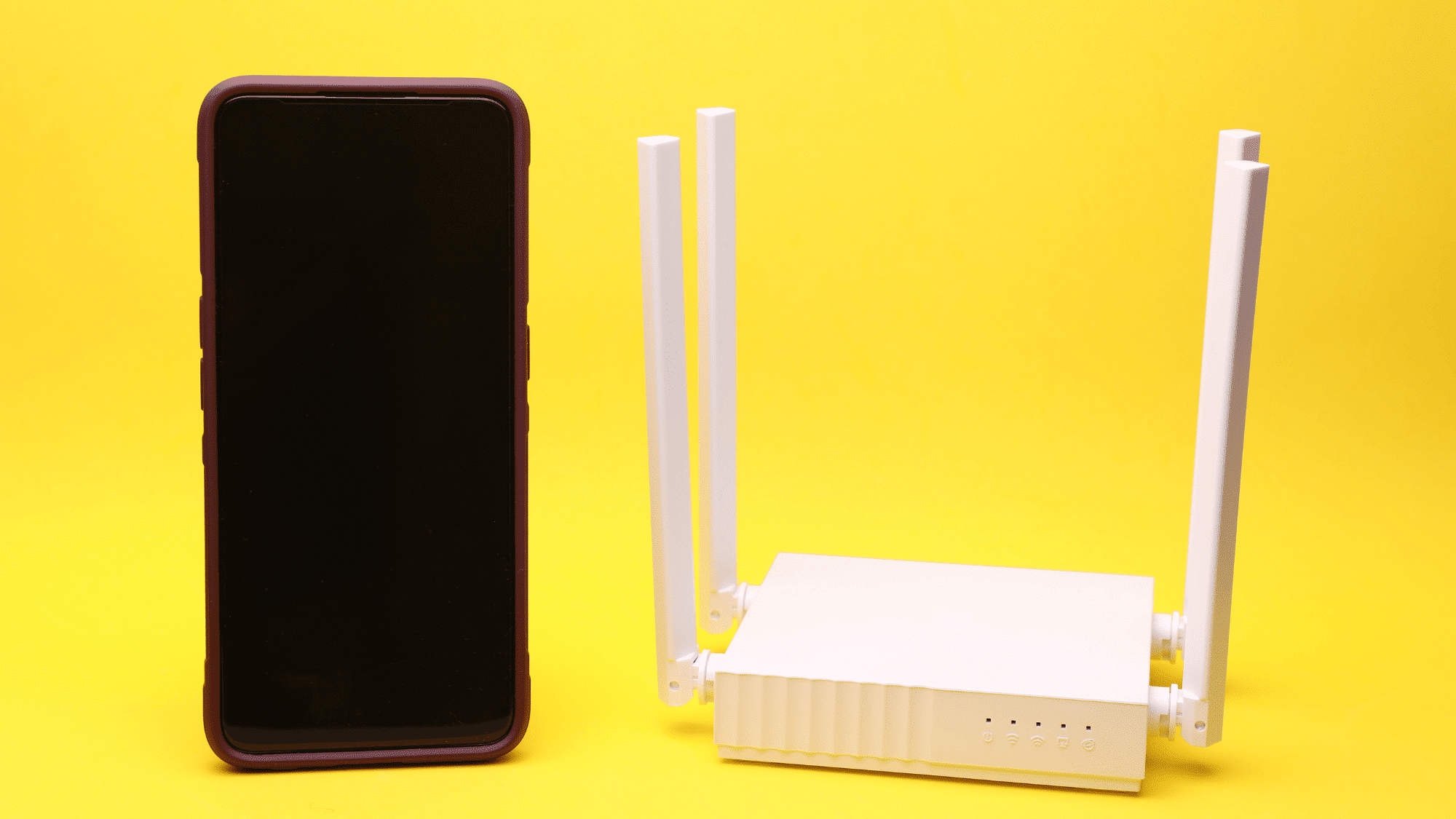
WiFi is a wireless signal that creates a local network (LAN) inside your home or office. It’s powered by your router, that box with blinking lights in the corner.
WiFi connects your devices to each other and to the router:
- Your phone connects to the router wirelessly
- Your laptop talks to your printer without any cables
- Smart TVs, tablets, and gaming consoles all join the same network
Here’s the surprising part: WiFi can work perfectly well without an internet connection. You can still print documents, share files between devices, or set up smart home gadgets, all using just WiFi.
When you look for available networks on your device, each network name (called an SSID) represents a different WiFi signal.
Your router creates a local bubble of connectivity, allowing devices to communicate with each other whether the internet is working or not.
Can You Have WiFi Without Internet?
Yes, you can absolutely have WiFi without internet!
Your router creates a WiFi network regardless of whether the internet is working. Here are common situations where this happens:
- ISP Outage: Your router is on and broadcasting WiFi, but your internet service provider’s connection is down. Devices show “connected,” but websites won’t load.
- Printing Documents: Send files from your laptop to a wireless printer, no internet needed.
- File Sharing: Transfer photos or videos between your phone and computer over the local network.
- Smart Home Setup: Configure devices such as smart bulbs or security cameras over Wi-Fi before connecting them to the internet.
You can even create a direct wireless connection between two devices (sometimes called an ad hoc network) without a router. WiFi is simply the wireless technology; internet access is a separate service.
Can You Have Internet Without WiFi?
Absolutely! WiFi is just one way to access the internet; there are several alternatives that work just as well.
Here are the most common ways to get online without WiFi:
| Method | How It Works | Best For |
|---|---|---|
| Ethernet Cable | Plug directly from the modem/router to the device | Desktop computers, gaming consoles |
| Mobile Data (4G/5G) | Cellular network on phones and tablets | On-the-go internet access |
| Public Wired Connections | Cable hookups in libraries, hotels, and offices | Temporary secure connections |
Ethernet cables are the most reliable option; they plug straight into your device and provide faster, more stable internet than WiFi. Gamers and people working from home often prefer this wired connection.
Your smartphone uses mobile data via cell towers, which means you’re accessing the internet without any WiFi network. It’s a completely different connection method!
How WiFi and Internet Work Together
When both WiFi and the internet work together, here’s the journey your data takes:
- Step 1: The internet starts at your Internet Service Provider (ISP), the company you pay each month for internet access.
- Step 2: The internet signal travels through physical cables (fiber, copper, or coaxial) to your home.
- Step 3: Your modem receives this internet signal and converts it into a format your devices can use.
- Step 4: The router receives the signal from the modem and creates a Wi-Fi network in your home.
- Step 5: Your WiFi broadcasts the signal wirelessly throughout your space.
- Step 6: Your device (phone, laptop, tablet) connects to the WiFi and accesses the internet.
Troubleshooting Tip: Ever see “Connected, no internet” on your phone? That means Steps 4-6 are working (you’re connected to WiFi), but something broke in Steps 1-3 (the internet isn’t reaching your modem).
Usually, it’s an ISP outage or an unpaid bill.
Do You Need Both WiFi and Internet?
It depends on what you’re trying to do!
When You Need Both
If browsing websites, watching YouTube, checking social media, or doing anything online, both are necessary. The internet provides access, and WiFi delivers it wirelessly to your devices.
When You Don’t Need Both
WiFi works for local tasks like printing, sharing files, or setting up smart home gadgets. If you’re okay with Ethernet or mobile data, you can skip WiFi and still get full internet access.
WiFi is about convenience and wireless freedom. The Internet is about accessing the online world. Most people want both, but they’re not always required together.
Final Thoughts
Now the mystery is solved! WiFi and the internet might work as a team, but they’re definitely not the same thing. One handles local communication, the other connects you to everything online.
Next time your WiFi shows connected but nothing loads, you’ll know exactly what’s happening: your local network is fine, but the internet connection has issues.
And when someone says, “the WiFi is down,” you can politely explain that they probably mean the internet is down! Understanding this difference makes troubleshooting easier and helps you communicate better with tech support.
Got questions or tech tips to share? Drop a comment below and let’s keep the conversation going!

One Response