




Managing your farm’s finances shouldn’t feel like guessing in the dark. If you’re tracking expenses on paper or juggling spreadsheets that don’t quite fit farming’s unique needs, you’re not alone, but there’s a better way.
Farm accounting software is built specifically for agriculture, helping you track everything from seed costs and livestock expenses to seasonal income and tax prep.
Even if you run a small family farm or manage a larger operation, the right software can save you hours each week and give you clearer financial control.
In this guide, you’ll find the best farm accounting software, compare top options side-by-side, learn what features actually matter, and get practical tips to choose the perfect fit for your farm’s size and budget.
What is Farm Accounting Software?
Think of farm accounting software as your digital financial assistant that speaks farming language. It’s a tool designed to track where your money comes from and goes, like seed purchases, repairs, livestock sales, and crop income.
It organizes everything so you can see your farm’s financial health at a glance and stay ready for tax time, especially when filling out Schedule F.
General Accounting Software vs. Agriculture-Specific Software
| Feature | General Accounting Software | Agriculture-Specific Software |
|---|---|---|
| Best For | Typical businesses with steady income | Farms with seasonal income and unique needs |
| Inventory Tracking | Basic units and items | Bushels, bales, head of cattle, acres |
| Income Pattern | Expects steady, year-round sales | Understands harvest-time income spikes |
| Expense Tracking | General business categories | By field, crop, herd, or livestock group |
| Built-in Categories | Office supplies, utilities, payroll | Seed costs, feed, veterinary, fertilizer |
| Examples | QuickBooks, Wave, FreshBooks | FarmRaise, Traction Ag, PCMars, Ambrook |
Regular accounting software like QuickBooks works great for typical businesses, but farms aren’t typical businesses.
Agriculture-specific software is built for farming; it speaks your language and tracks what matters most on your operation.
Why Farming Needs Special Features
Your farm deals with things most businesses don’t: acres planted, feed inventory measured in tons, multiple crops with different growth cycles, and equipment that depreciates over the years.
Farm accounting software comes with pre-built charts of accounts that include farming categories (such as seed costs or veterinary expenses) and lets you measure in bushels, bales, or head of cattle, not just dollars.
This saves you from forcing square pegs into round holes.
Key Features to Look for in Farm Accounting Software
Not all farm accounting software is created equal. The right tool should handle your farm’s unique challenges, from tracking seasonal labor to preparing tax forms farmers actually need.
Here’s what to look for when comparing your options.
- Farm-Specific Chart of Accounts: Pre-built categories for farm expenses like seed, feed, and vet bills instead of generic business terms.
- Units of Measure Flexibility: Track inventory in bushels, head, acres, or bales, not just dollar amounts like regular accounting software.
- Crop and Livestock Income Tracking: Separate income by enterprise so you know which crops or animals are actually making money.
- Inventory and Asset Management: Monitor feed, seed, and fertilizer on hand, plus track equipment depreciation correctly for tax deductions and planning.
- Tax and Reporting Tools: Generate Schedule F reports and lender-ready financials without manually transferring numbers from different places or spreadsheets.
- Payroll Capabilities: Handle seasonal workers during planting and harvest; check if payroll is built-in or costs extra monthly.
- Cloud or Desktop Access: Cloud software needs internet but syncs everywhere; desktop works offline but won’t let you enter from the field.
Focus on features that match your farm’s actual needs, not just the longest feature list available.
Top Farm Accounting Software Picks
Choosing the right software depends on your farm’s size and complexity. Here’s an honest look at the best options for different operations.
1. FarmRaise
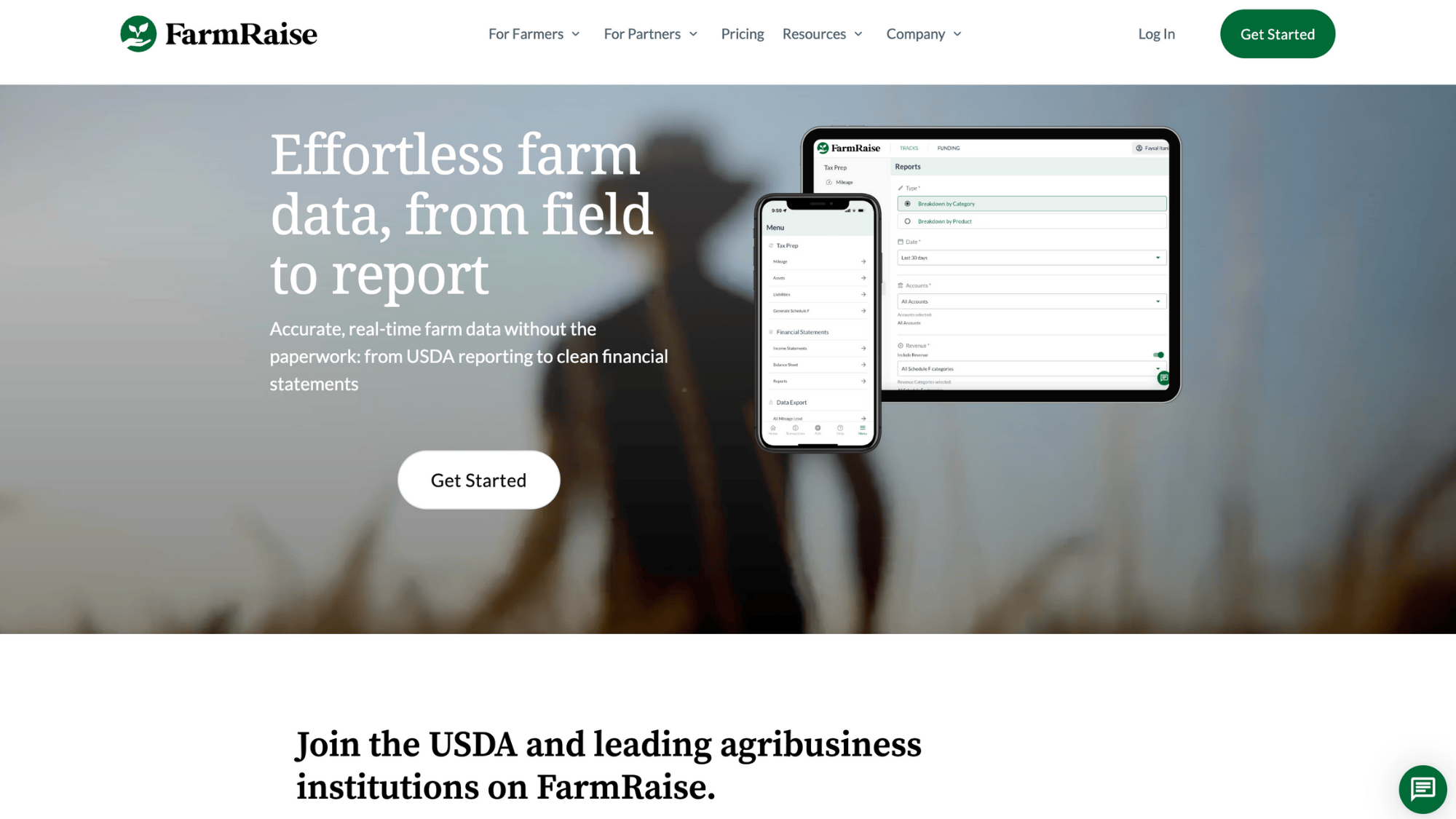
FarmRaise is designed specifically for small farms and beginning farmers who want something simple to use.
It focuses on helping you track basic farm finances, apply for grants, and understand where your money is going without overwhelming you with complicated features.
The interface is clean and beginner-friendly, making it perfect if you’re just starting to move beyond spreadsheets or paper records.
| Pros | Cons |
|---|---|
| Extremely easy to learn and use | Limited inventory tracking features |
| Built-in grant-finding tools | Fewer users allowed on basic plans |
| Made specifically for small farms | Not ideal for complex operations |
| Mobile-friendly for field access | Reporting options are more basic |
Why It’s Recommended: FarmRaise works best for small family farms and beginning farmers who need straightforward bookkeeping without the steep learning curve.
If you value simplicity over advanced features and want help finding grant opportunities, this is your starting point.
2. Wave
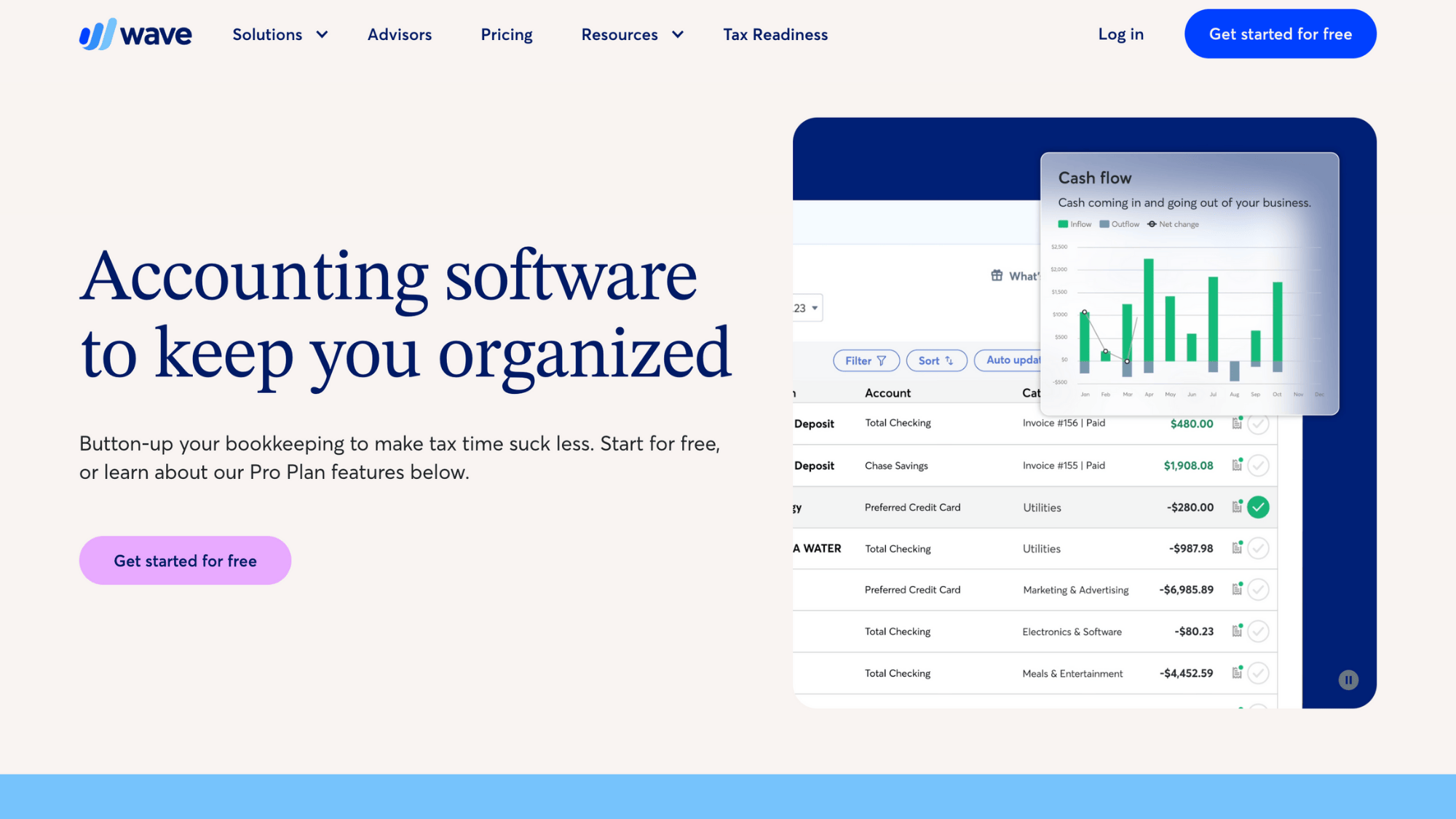
Wave is a completely free accounting software that works surprisingly well for very small farms with simple needs.
While it wasn’t built specifically for agriculture, it handles basic income and expense tracking, invoicing, and receipt scanning without charging monthly fees.
Many small-scale farmers use it successfully by customizing categories to fit their farm operations and keeping things straightforward.
| Pros | Cons |
|---|---|
| Completely free to use forever | No farm-specific features built-in |
| Easy invoicing and receipt scanning | Requires manual category customization |
| Good for side hustles and startups | Limited support options available |
| Works well for simple operations | Payroll costs extra if needed |
Why It’s Recommended: Wave makes sense for hobby farms, CSA operations, or farmers’ market vendors who need basic bookkeeping on a tight budget.
If your farm income is under $50,000 yearly and you don’t need complex inventory tracking, Wave gets the job done without monthly costs.
3. QuickBooks
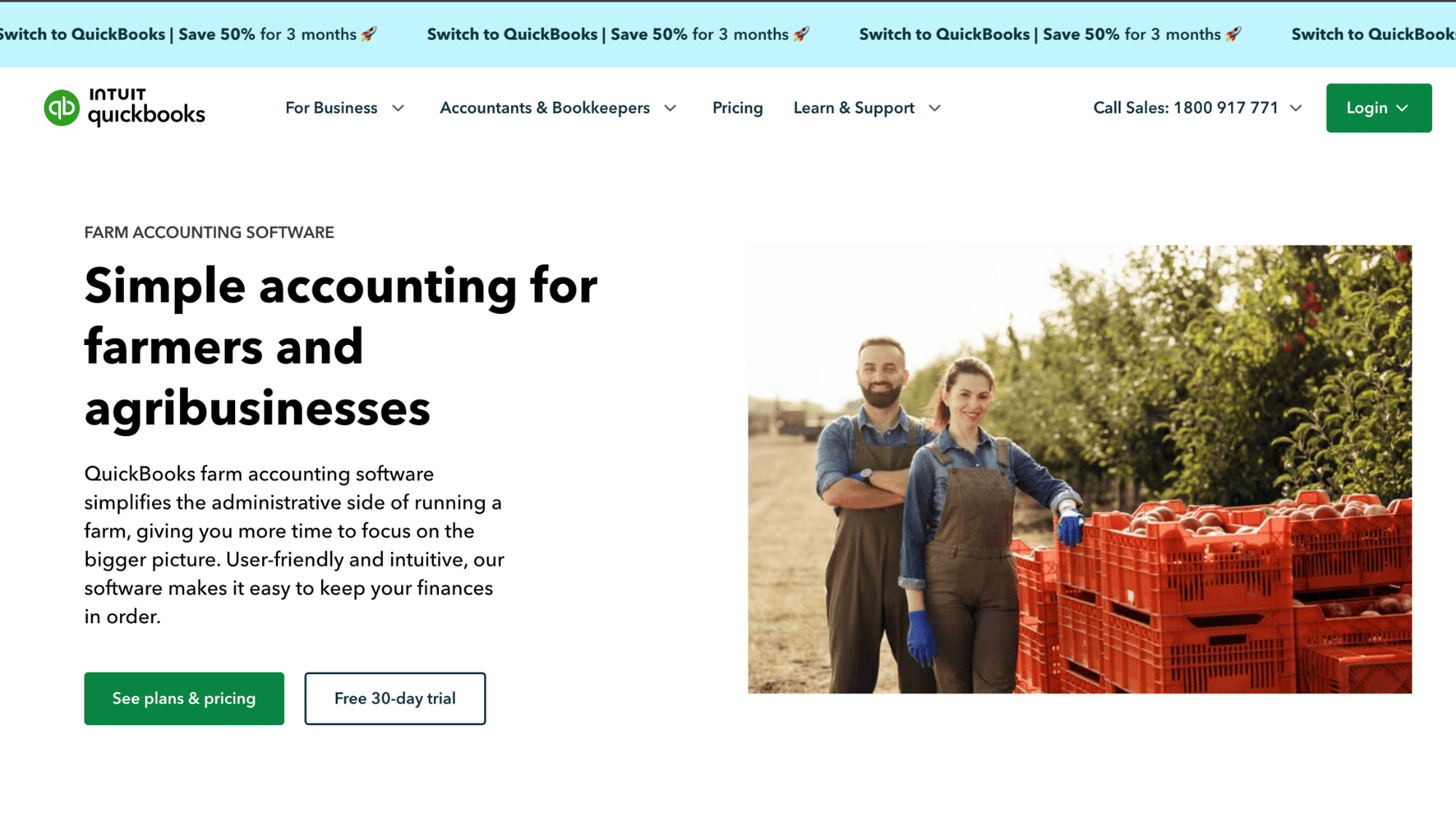
QuickBooks is the entry-level version of the most popular accounting software used by professional accountants.
It handles basic farm bookkeeping and makes tax time easier since most accountants already know how to work with QuickBooks files.
You’ll need to customize it for farming by adding your own categories and adjusting settings, but it’s powerful enough to grow with your operation.
Minimum Plan: $9.90/month
| Pros | Cons |
|---|---|
| Most accountants already use it | Not farm-specific out of the box |
| Strong invoicing and expense tracking | Requires setup and customization work |
| Easy tax prep file sharing | Monthly subscription costs add up |
| Scalable as your farm grows | Can feel overwhelming for beginners |
Why It’s Recommended: Choose QuickBooks Simple Start if you want software your accountant definitely knows, and you’re comfortable doing some initial setup.
It’s especially good for farms planning to expand or needing professional-looking invoices for wholesale buyers and restaurants.
4. Ambrook
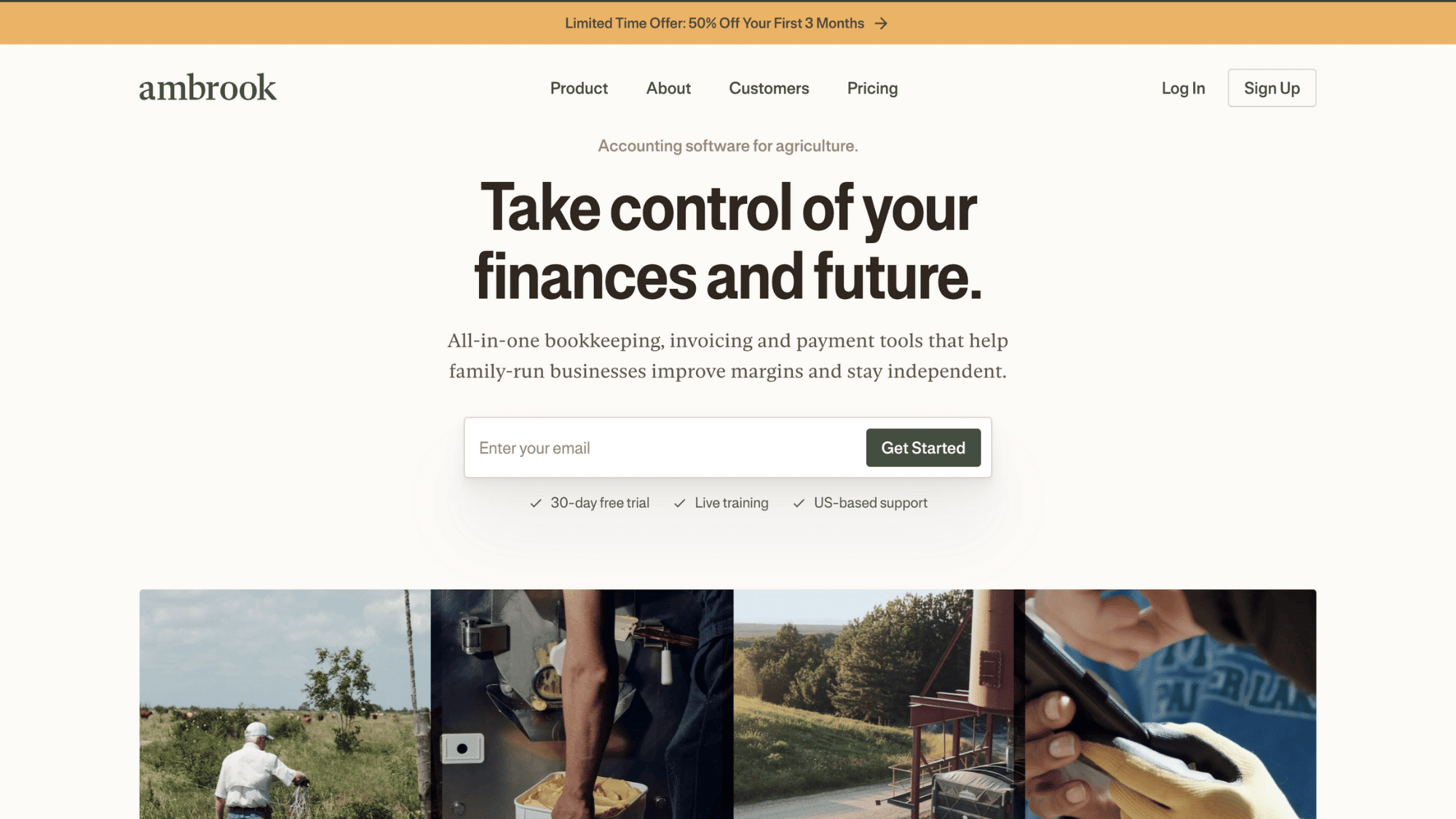
Ambrook was built by farmers for farmers who need more than basic bookkeeping but don’t want enterprise-level complexity.
It combines farm accounting with field-level tracking, letting you see profitability by crop or livestock enterprise.
The software understands agricultural rhythms and reporting needs, making it easier to manage mid-sized operations with multiple income streams without hiring a full-time bookkeeper.
| Pros | Cons |
|---|---|
| Built specifically for modern farms | Higher price point than basic options |
| Enterprise tracking by field or herd | Newer company with a smaller user base |
| Clean, intuitive farmer-focused interface | May have more features than needed |
| Good customer support from an ag background | Integration options are still growing |
Why It’s Recommended: Ambrook shines for mid-sized farms with 100-500 acres or diversified operations needing to track profitability by enterprise.
If you’re serious about understanding which parts of your farm make money and want farm-specific software without outdated interfaces, Ambrook delivers.
5. PCMars
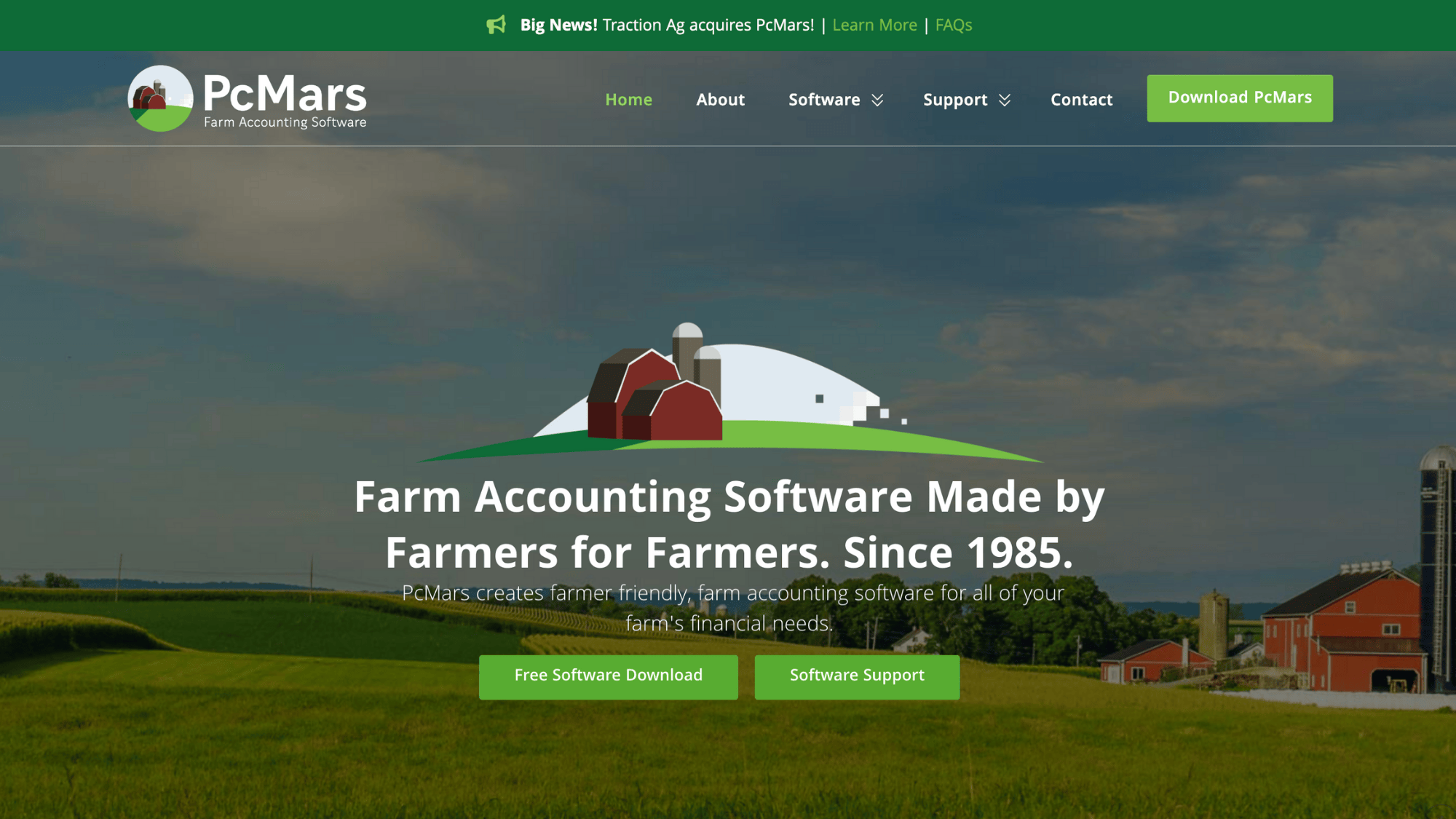
PCMars has been around for decades, serving farmers who need detailed financial management and tax preparation tools. It’s desktop software that works offline, which matters if your farm has spotty internet.
The system handles complex depreciation schedules, detailed inventory tracking, and generates all the farm tax reports accountants need, making it a solid choice for established operations.
| Pros | Cons |
|---|---|
| Works offline without an internet connection | Desktop-only, no mobile app access |
| Comprehensive farm tax reporting included | The older interface feels less modern |
| Handles complex depreciation automatically | Steeper learning curve than cloud options |
| Subscription is divided on basis of features needed | Limited cloud backup and syncing |
Why It’s Recommended: PCMars works well for traditional row-crop farms or established operations with accountants who prefer desktop software.
If you value offline access, one-time pricing instead of subscriptions, and comprehensive tax tools over modern mobile features, PCMars remains reliable.
6. CenterPoint Accounting for Agriculture
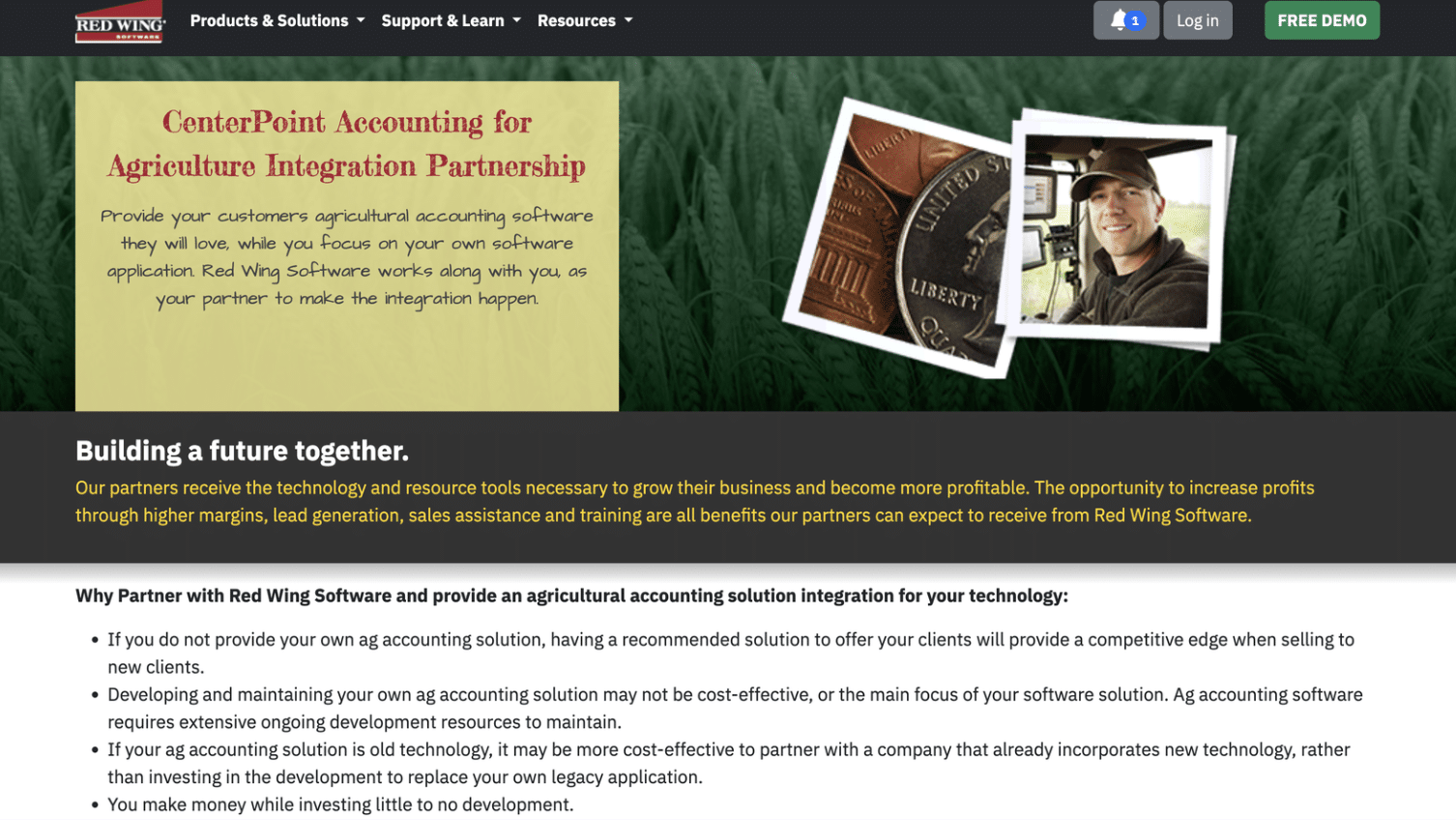
CenterPoint is professional-grade farm accounting software used by mid-sized and large operations needing detailed financial management.
It handles everything from basic bookkeeping to complex multi-entity accounting, making it suitable for both those who run one farm and those who manage several operations.
The software includes robust reporting, inventory tracking, and payroll capabilities, though it requires more setup time and training than simpler options.
| Pros | Cons |
|---|---|
| Handles complex multi-entity farm operations | Significant learning curve for new users |
| Comprehensive inventory and asset tracking | Higher cost than entry-level software |
| Professional-level reporting and compliance tools | Requires time investment for proper setup |
| Scales from mid-size to large farms | Interface is not as modern as newer options |
Why It’s Recommended: CenterPoint is recommended for established farms with multiple enterprises, complex inventory needs, or several related business entities that require separate tracking.
If you need professional-grade features and your operation justifies the investment in training and setup, CenterPoint handles growth well.
7. EasyFarm
EasyFarm focuses specifically on crop farms and helps track profitability field by field. It combines accounting with farm management features, letting you see which fields and crops perform best financially.
The software integrates planning, record-keeping, and financial analysis in one place, making it valuable for grain and row-crop operations wanting detailed enterprise analysis beyond basic bookkeeping.
| Pros | Cons |
|---|---|
| Field-level profitability tracking is built in | Focused mainly on crop farms, not livestock |
| Combines planning and financial management | Desktop software with limited mobile access |
| Strong crop enterprise analysis tools | Smaller support community than major brands |
| University-developed for real farm needs | Less frequent updates than cloud competitors |
Why It’s Recommended: EasyFarm excels for grain and row-crop farmers growing multiple crops who want to compare field performance and enterprise profitability easily.
If you need detailed crop budgeting and planning integrated with your accounting, not just expense tracking, EasyFarm delivers focused tools.
8. ZipBooks
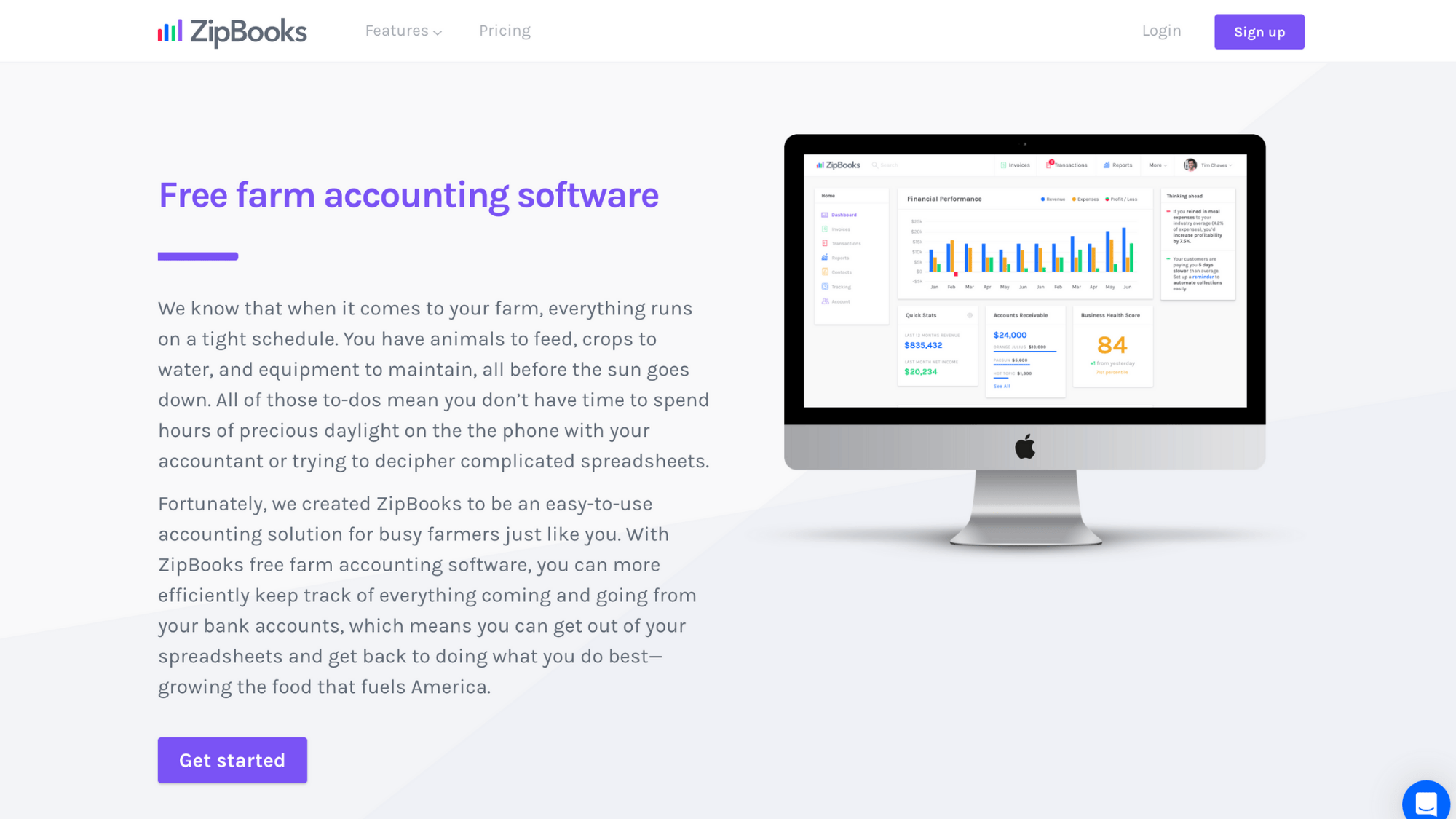
ZipBooks offers a free tier that works well for very small farm operations just getting started with digital bookkeeping. It provides basic income and expense tracking, invoicing, and simple reporting, with no monthly costs.
While not agriculture-specific, the free version includes features that paid competitors charge for, making it attractive for farmers testing accounting software before committing to paid options.
| Pros | Cons |
|---|---|
| Free plan includes solid basic features | Limited reporting in the free version |
| Easy invoicing for direct-to-consumer sales | Must upgrade for advanced features |
| Good mobile app for on-the-go tracking | Smaller user community for troubleshooting |
Why It’s Recommended: ZipBooks makes sense for farmers’ market vendors, small CSAs, or agritourism businesses that need professional invoices and basic bookkeeping, all for free.
If you’re earning under $30,000 annually from farm sales and want to test accounting software without financial commitment, start here.
9. Traction Ag
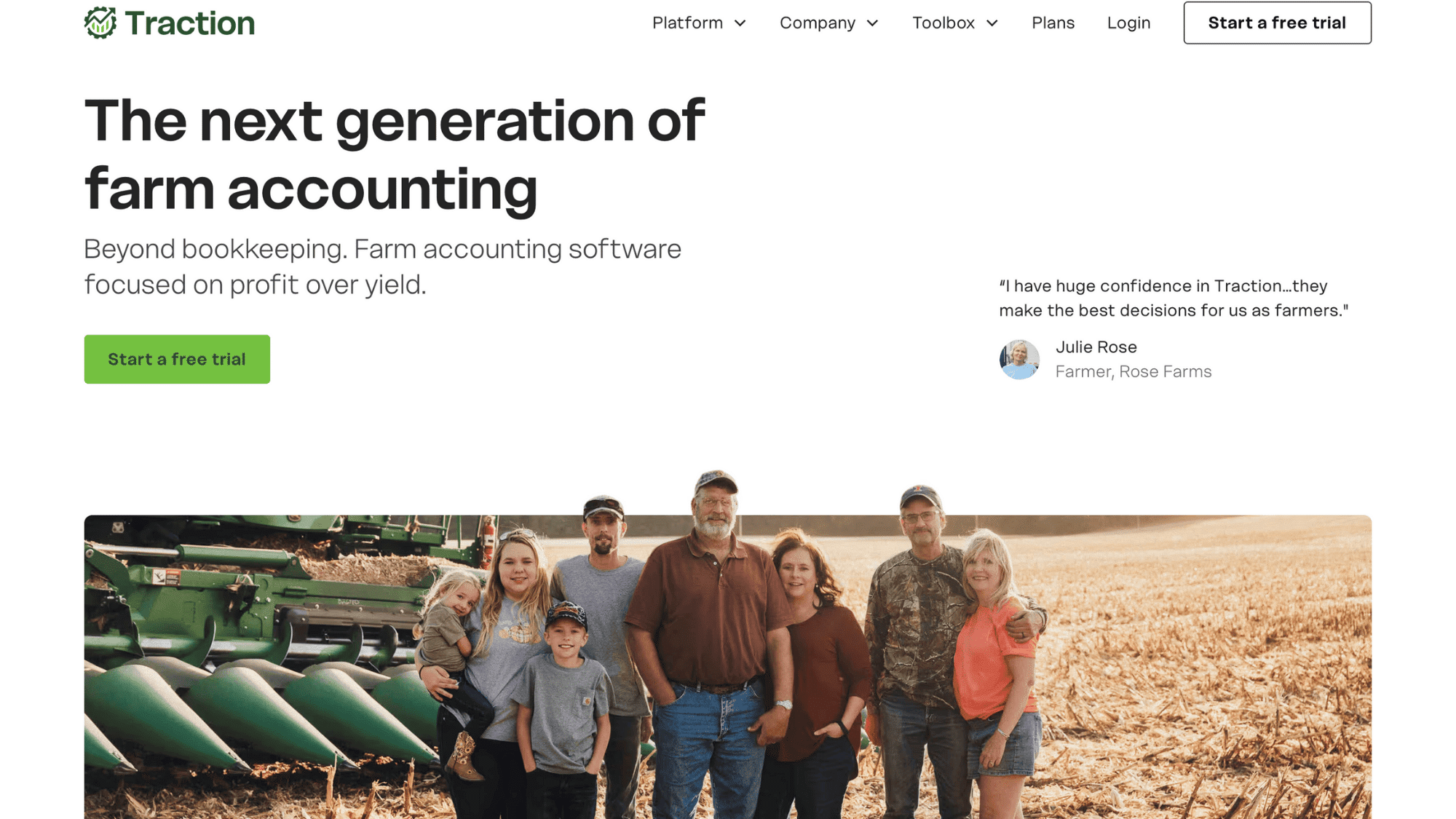
Traction Ag is enterprise-level farm management software that combines accounting with precision agriculture data and equipment integrations.
It connects with John Deere Operations Center, Climate FieldView, and other farm tech platforms, giving large operations a single dashboard for financial and operational data.
The system handles multiple users, complex reporting, and simple analysis that commodity farms and large producers need.
Basic Plan: $950/ Year
| Pros | Cons |
|---|---|
| Integrates with major farm equipment platforms | Premium pricing reflects enterprise focus |
| Multi-user access with permission controls | Overkill for small and mid-sized farms |
| Combines financial and agronomic data powerfully | Requires significant setup and training investment |
| Built for operations managing thousands of acres | More complex than most farms need |
Why It’s Recommended: Traction Ag targets large commercial farms managing 1,000+ acres or operations needing tight integration between financial tracking and precision agriculture technology.
If you’re already using advanced farm management tools and need everything connected for data-driven decisions, Traction Ag its worth the cost.
10. Red Wing Software Farm Accounting
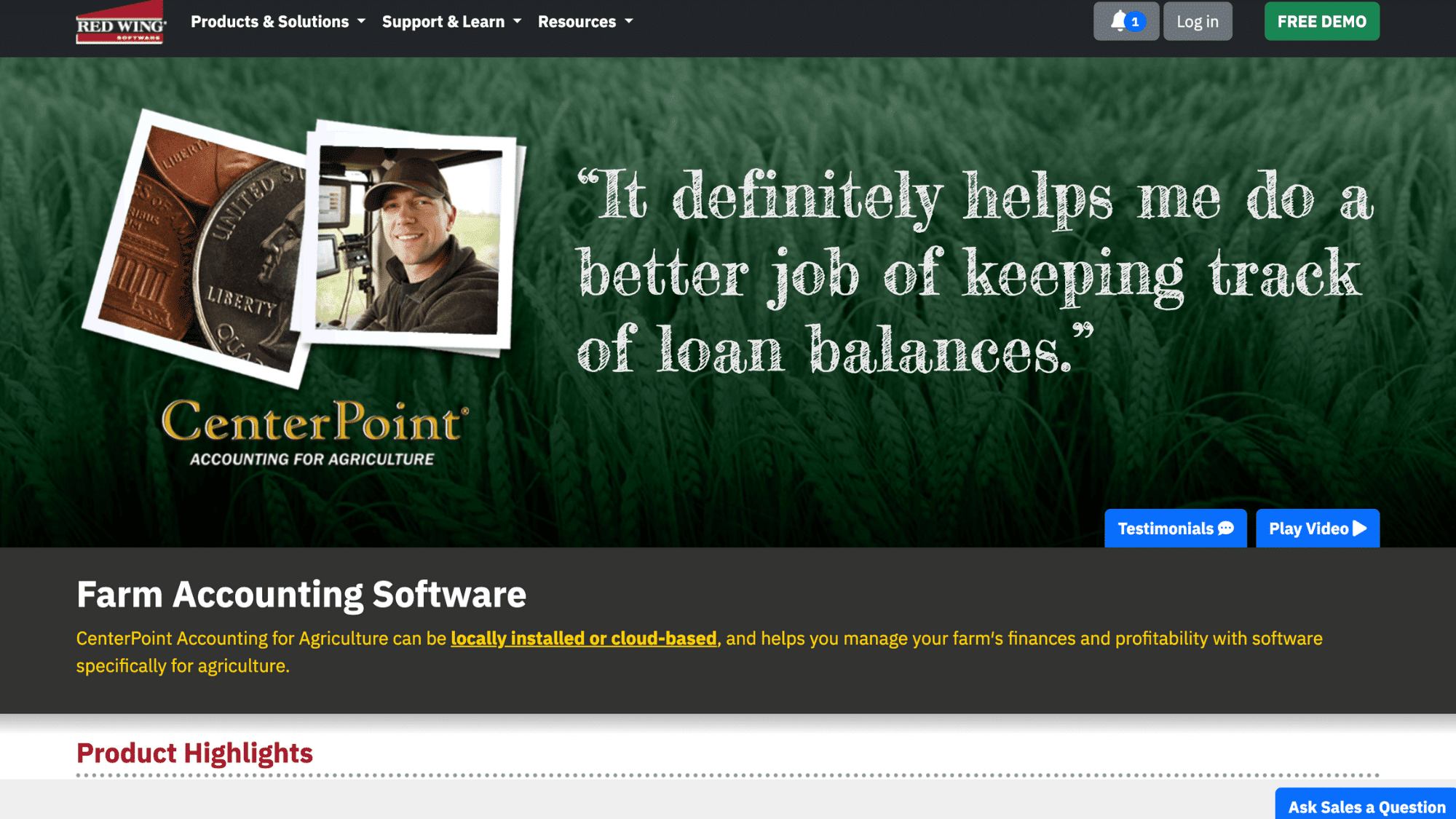
Red Wing Software offers farm-specific accounting that has served agricultural operations for over 40 years.
It provides desktop reliability with optional cloud access, detailed Schedule F preparation, and specialized features for livestock and crop tracking.
The software includes robust inventory management and handles the unique depreciation rules farmers face, making it trusted by farm accountants and used in established operations nationwide.
| Pros | Cons |
|---|---|
| Decades of farm accounting specialization | The traditional interface may feel dated |
| Excellent Schedule F and tax compliance | Desktop-first design with limited mobile |
| Strong livestock and crop tracking features | Higher upfront cost than cloud subscriptions |
| Trusted by farm accountants nationally | Learning curve steeper than modern options |
Why It’s Recommended: Red Wing works well for established livestock operations, diversified farms, or producers whose accountants specifically recommend it for tax compliance.
If you prioritize proven reliability and comprehensive farm tax tools over sleek interfaces and mobile access, Red Wing remains a solid choice.
Free vs Paid Farm Accounting Software
If free tools feel “good enough” today, we will help you spot the exact point where upgrading to paid farm accounting software saves real time, stress, and money.
What Free Software Usually Covers
Free accounting software handles the basics pretty well. You can track income and expenses, create invoices for customers, scan receipts with your phone, and generate simple profit and loss reports.
Tools like Wave and ZipBooks help small farms with simple bookkeeping at no cost. If your farm is a basic operation, such as a farmers’ market stand, small CSA, or side hustle earning under $30,000, free software might suffice.
The catch? Free versions typically lack farm-specific features. You won’t find pre-built categories for seed costs or fertilizer, no field- or livestock-herd tracking, and limited support when you’re stuck.
Reports stay basic, which works fine until your accountant or bank needs something more detailed.
When Paid Software Becomes Worth It
Paying for farm accounting software makes sense when your operation grows more complex. Here’s when the investment pays off:
- Inventory Management: Once you’re tracking feed, seed, fertilizer, and supplies across multiple bins or fields, free software becomes frustrating. Paid options handle quantities and units that farmers actually use.
- Payroll Features: Hiring seasonal workers means dealing with payroll taxes and reporting. Paid software either includes payroll or integrates smoothly, saving accountant fees and headaches.
- Multi-Entity Tracking: Running separate LLCs for crops and livestock, or managing family farm partnerships? Paid software tracks multiple businesses properly without mixing everything together.
- Lender-Ready Reports: Banks want specific financial statements when you apply for operating loans or equipment financing. Paid farm software generates exactly what lenders expect.
- Farm-Specific Features: Enterprise tracking, Schedule F reports, depreciation schedules, and units such as bushels or heads are available only with paid agricultural software.
Most farms outgrow free software once annual revenue hits $50,000-$100,000 or when tax preparation becomes complicated. The time saved and mistakes avoided usually justify $20-$100 monthly pretty quickly.
Final Thoughts
The right farm accounting software isn’t about picking the fanciest option; it’s about finding what fits your operation’s size and daily reality. A small family farm needs something completely different than a 2,000-acre grain operation.
Start by honestly assessing where your farm stands today. Test free trials before committing. Talk with your accountant about their preferences; their input saves headaches at tax time.
Even the best software won’t help if it’s too complicated or doesn’t match how your farm actually operates.
Your farm’s financial health deserves better than guesswork and messy spreadsheets. Choose wisely now, and you’ll gain hours back every month while making smarter decisions with clearer numbers.
Ready to take control of your farm finances? Pick one software from this list and start a free trial this week.