







Modern businesses rely on many cloud apps to run daily work. When these tools do not talk to each other, teams lose time and data gets messy.
That is why cloud integration platforms have become so important today. In this guide, I have shared some leading tools that help connect apps, sync data, and automate workflows.
You will learn how these platforms work, what features matter most, and how pricing and limits differ across options.
This guide includes detailed reviews, clear pros and cons, and simple tips to compare platforms side by side.
Small businesses looking to grow, larger companies handling complex systems, and SaaS teams that need steady data flow will find this guide useful.
By the end, you will know which platforms fit your needs and how to choose one with confidence.
What Is a Cloud Integration Platform?
A cloud integration platform is a tool that helps different cloud apps share data and work together.
Instead of moving data by hand, it connects systems automatically so information stays updated across tools. These platforms pull data from one app, process it, and send it to another in real time or on a schedule.
Businesses use them to sync customer data, automate workflows, connect sales and marketing tools, and manage reports from one place.
Key use cases include linking CRMs with email tools, syncing finance software, and cloud storage apps.
Unlike basic API connections, which often require custom code and ongoing fixes, cloud integration platforms offer ready-made connectors and dashboards.
This makes setup faster, reduces errors, and allows teams to manage integrations without deep technical skills.
Best Cloud Integration Platforms for Businesses
Below are tools that help businesses connect cloud apps, sync data, and automate workflows. Each platform suits different needs based on size, setup, and complexity.
1. Boomi (Dell Boomi)
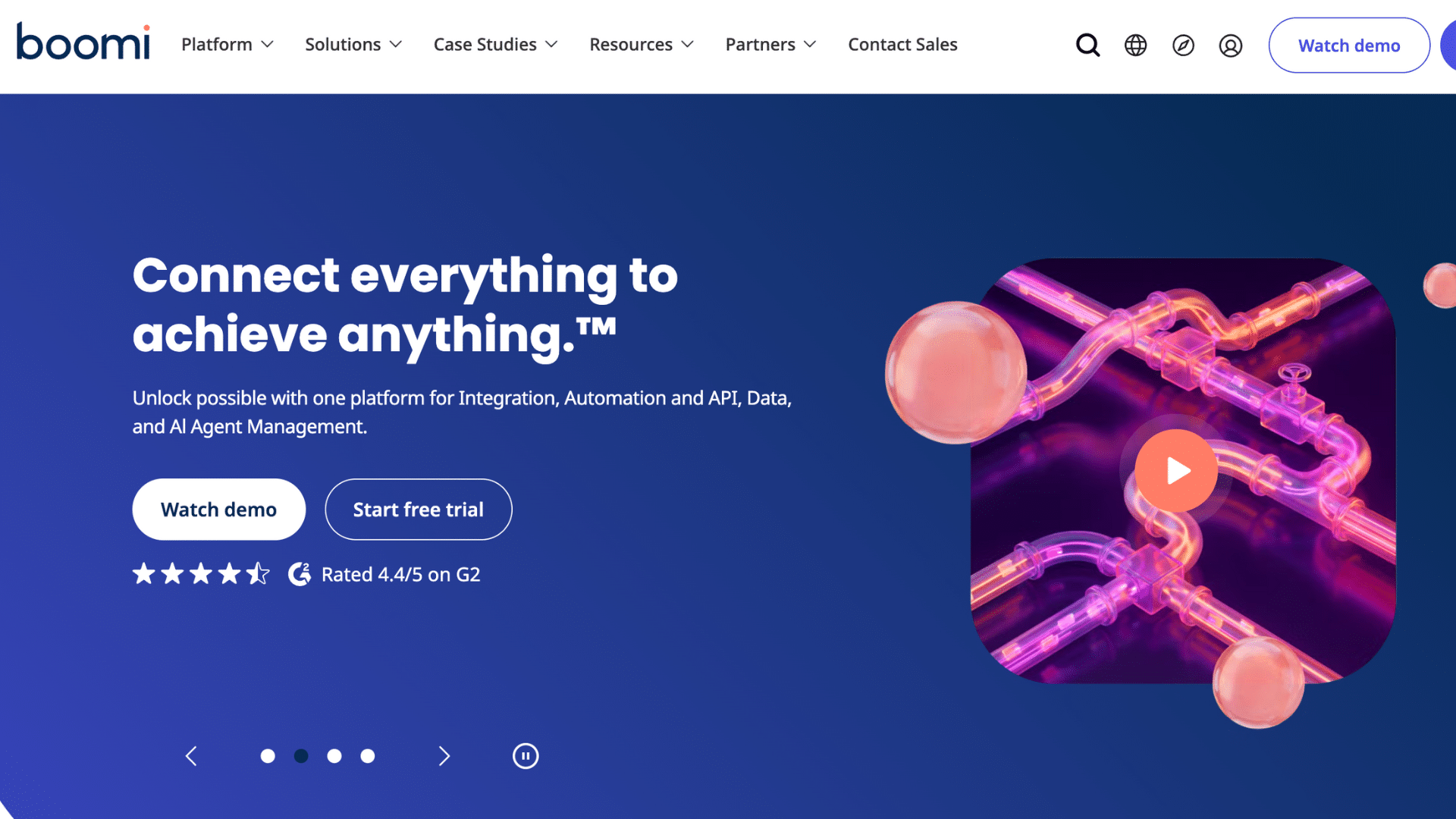
Boomi is a cloud integration platform designed to connect apps, data, and systems without heavy coding.
It uses a visual interface that makes building integrations easier for both technical and non-technical users.
Businesses often use Boomi to sync CRM, ERP, and finance tools in real time. It supports cloud-to-cloud and hybrid setups, which helps growing companies scale.
Built-in monitoring tools also help teams track performance and fix issues faster as systems expand.
2. MuleSoft Anypoint Platform
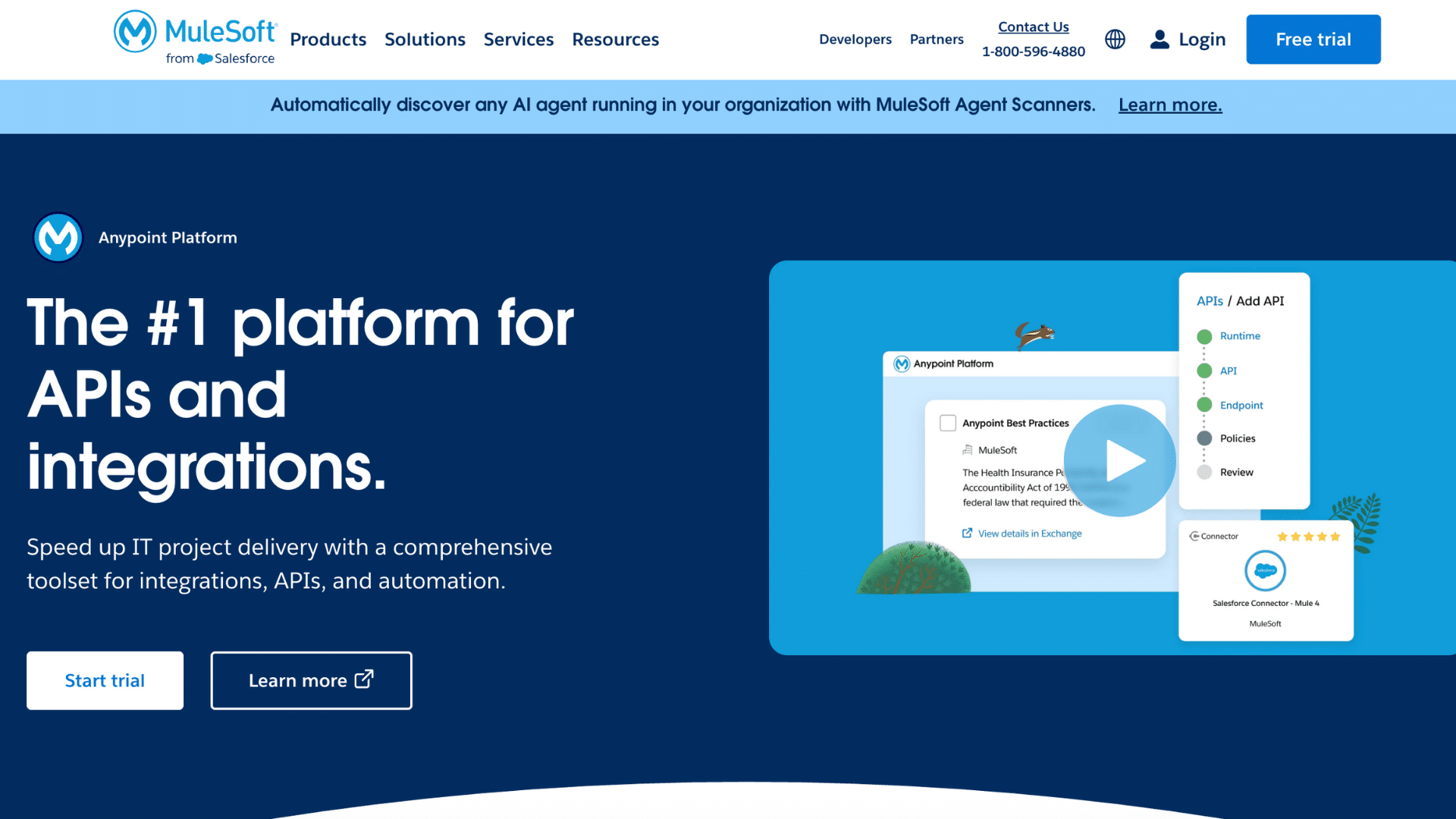
MuleSoft Anypoint is another cloud integration platform that focuses on API-led integration for large and complex systems. It helps businesses connect cloud apps, on-premise systems, and data sources through reusable APIs.
Many enterprises rely on MuleSoft to manage high data volumes and complex workflows.
The platform offers strong security, governance, and monitoring features.
While setup may take more time, it works well for organizations that need control, flexibility, and long-term integration planning across multiple departments.
3. Informatica Intelligent Cloud Services
Informatica Intelligent Cloud Services is built for businesses that manage large amounts of data across cloud systems.
It helps connect apps, databases, and data warehouses while keeping information clean and consistent.
The platform supports data integration, data quality, and governance in one place. Many companies use it to sync customer, sales, and financial data across tools.
Its automation features reduce manual work, making it useful for teams that rely heavily on accurate data.
4. SnapLogic
SnapLogic is a cloud integration platform that uses a visual, drag-and-drop interface to build workflows.
It offers prebuilt connectors that help teams link apps faster without writing complex code. Businesses often use SnapLogic to automate data movement between SaaS tools, databases, and APIs.
The platform handles large data volumes well and supports real-time processing.
It works best for teams that want speed, scalability, and flexible integration options.
5. Celigo Integration Platform
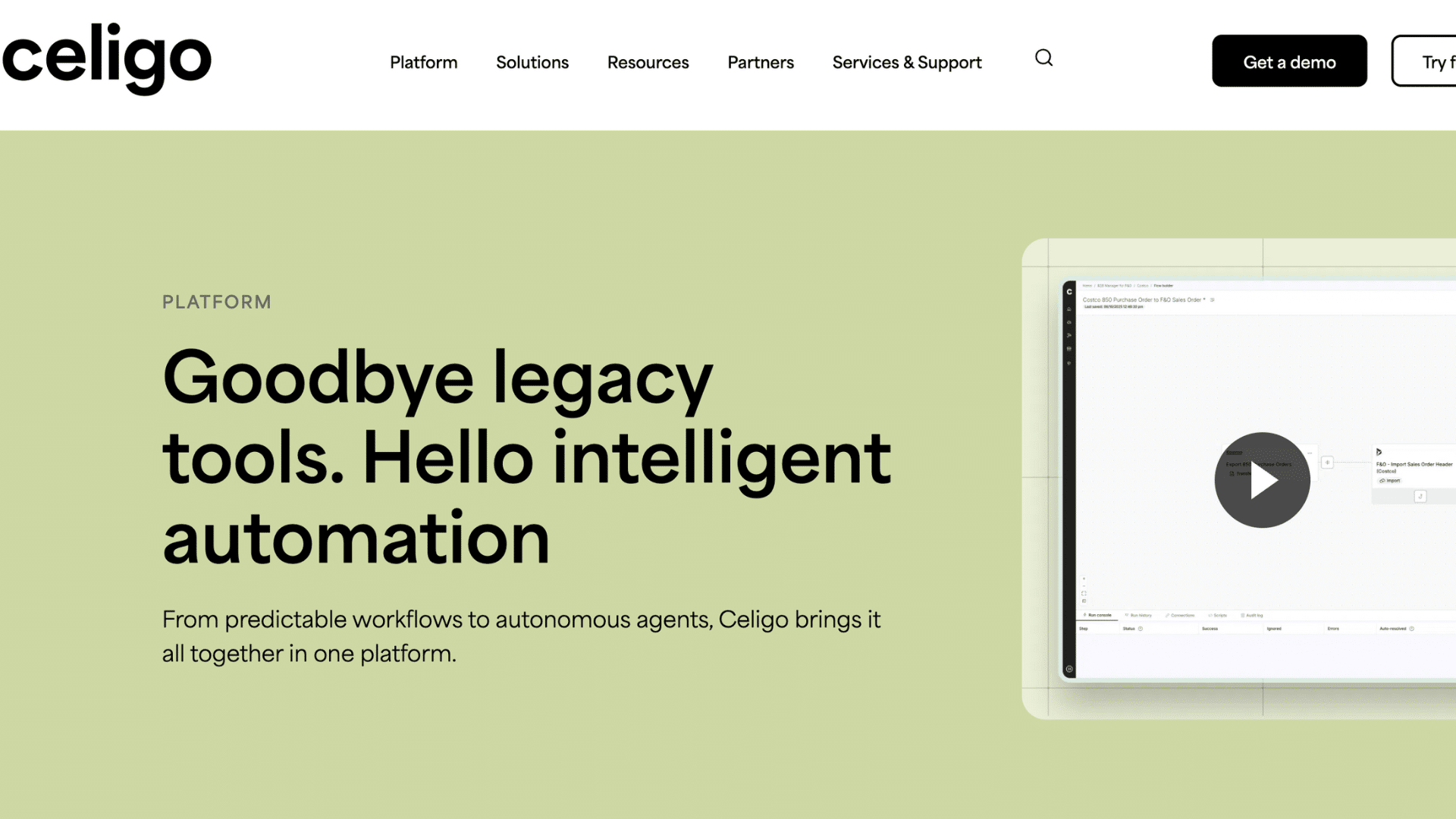
Celigo is designed for SaaS-based businesses that need reliable app integrations. It connects tools like eCommerce platforms, CRMs, and accounting software with minimal setup.
Celigo offers prebuilt integration templates that save time and reduce errors.
Many growing businesses use it to automate order processing, inventory updates, and financial syncing.
Its dashboard makes monitoring workflows simple, helping teams manage integrations without needing advanced technical skills.
6. Workato
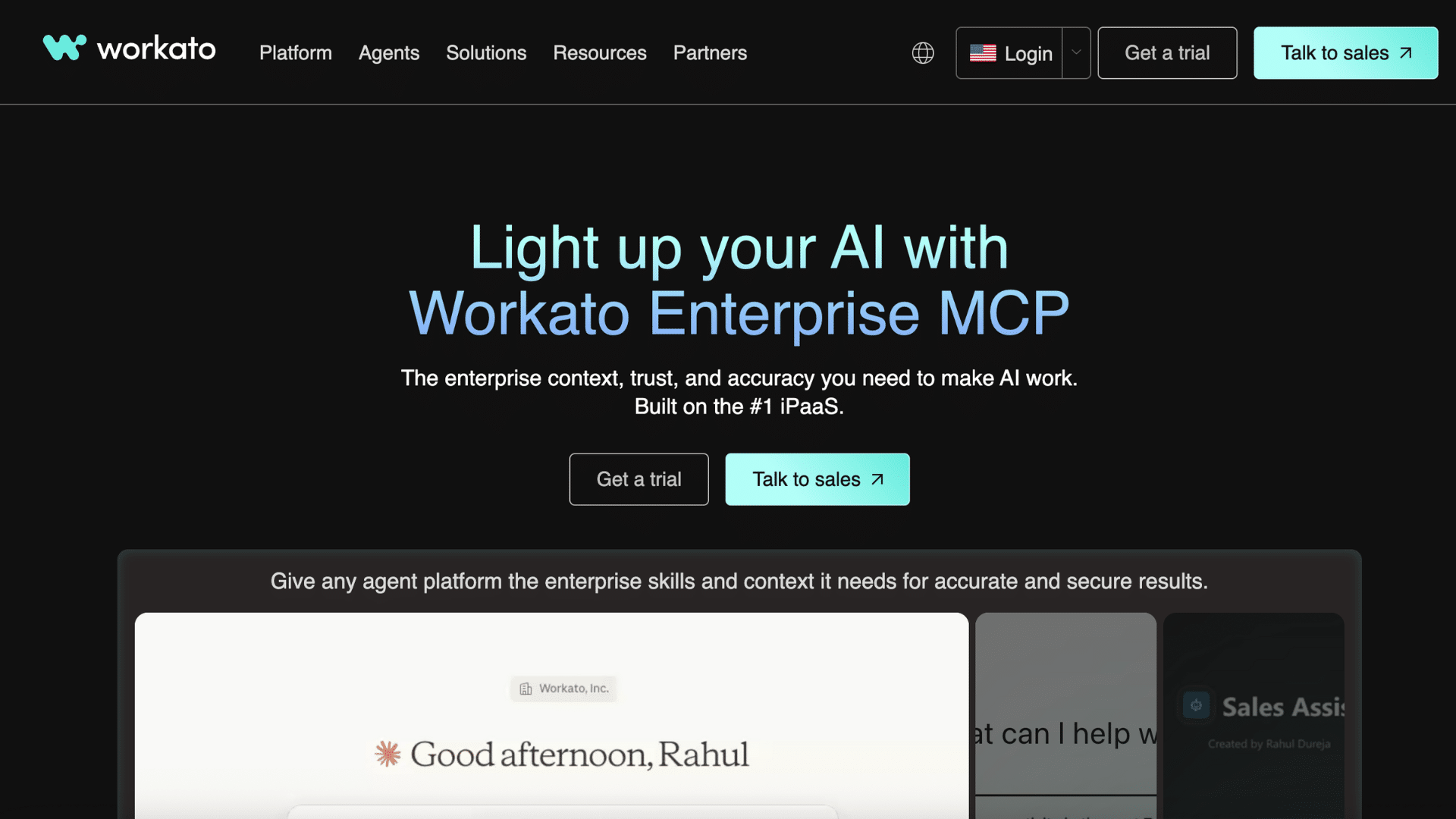
Workato combines cloud integration and workflow automation in one platform. It allows teams to connect apps and automate processes using a low-code interface.
Businesses often use Workato to link sales, support, HR, and finance tools.
This cloud integration platform supports complex logic while staying easy to manage. Built-in security and governance features make it suitable for larger teams.
Workato works well for companies that want both integration and automation without relying heavily on developers.
7. Zapier
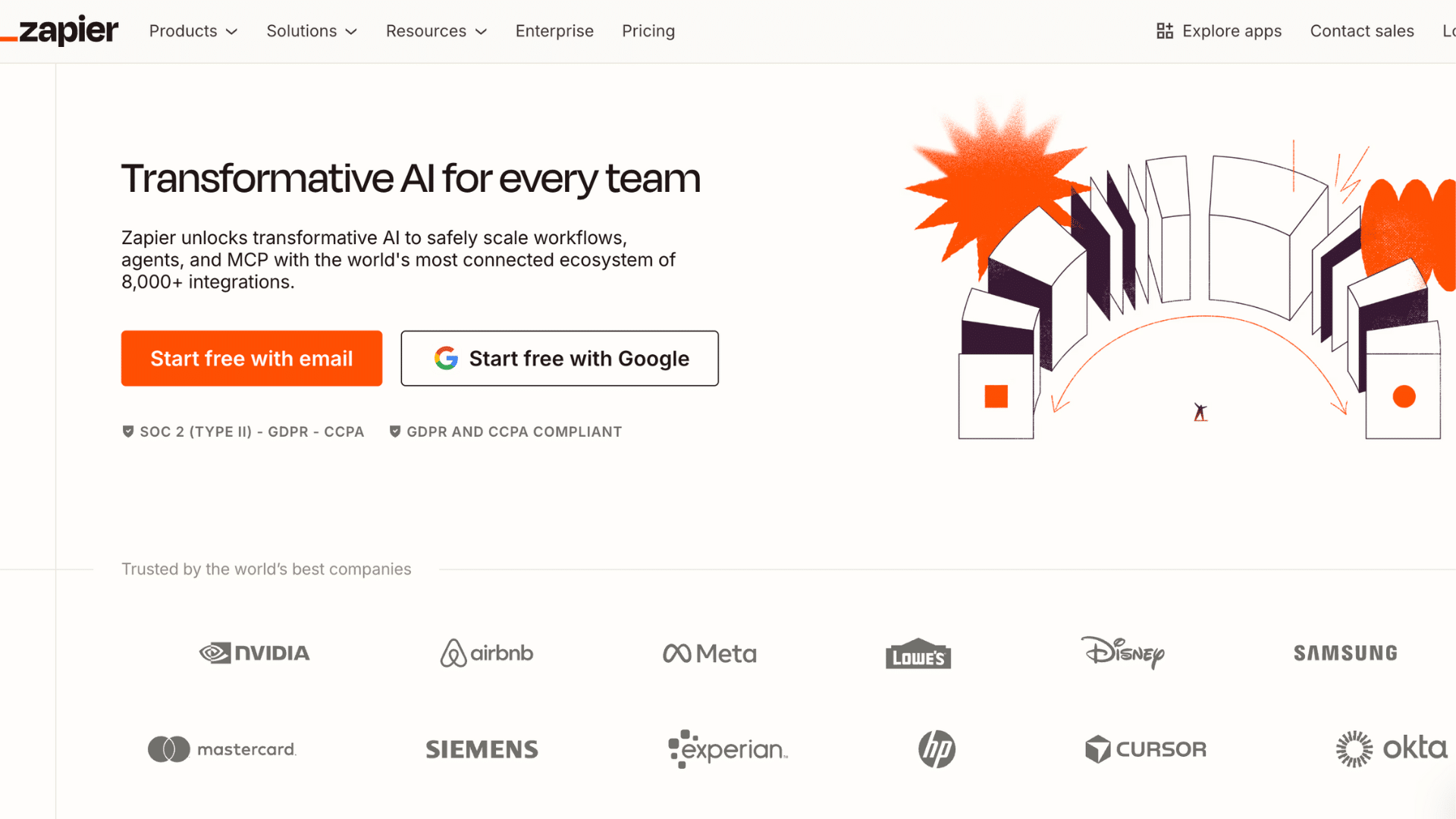
Zapier is a simple integration tool built for small teams and growing businesses.
It connects thousands of apps and automates basic workflows using triggers and actions. Many users rely on Zapier to sync leads, send alerts, and update records across tools.
Setup is quick and does not require coding.
While it handles simple tasks well, it may not suit complex integrations. It is best for teams that need fast and easy automation.
8. Jitterbit Harmony
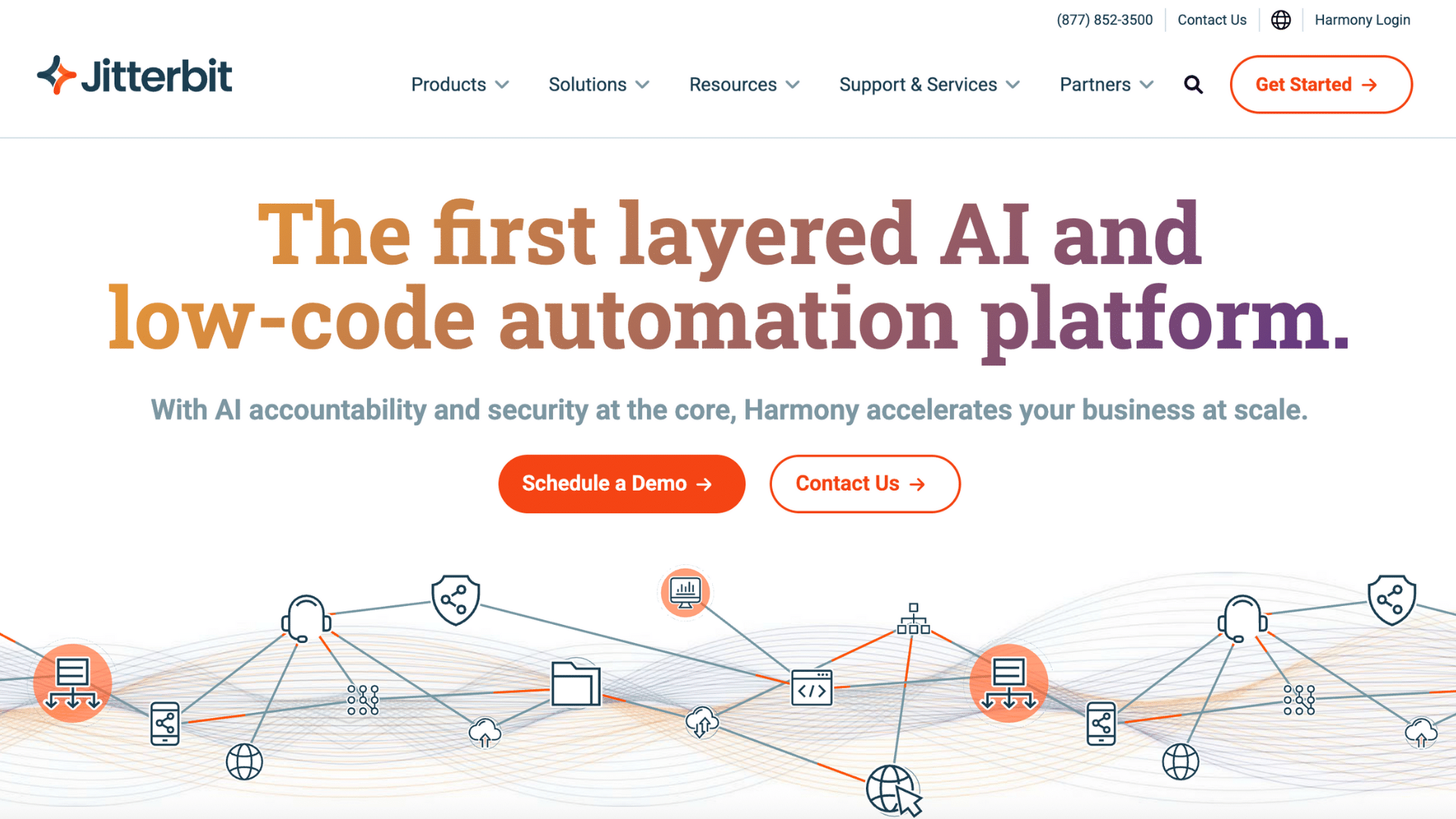
Jitterbit Harmony is a cloud integration platform that supports both cloud and on-premise systems.
It helps businesses connect apps, APIs, and data sources through a visual design tool. Companies often use Jitterbit to automate data flows between CRMs, ERPs, and databases.
The platform offers real-time processing and strong API management features.
It fits teams that need flexible integrations without building everything from scratch.
9. TIBCO Cloud Integration
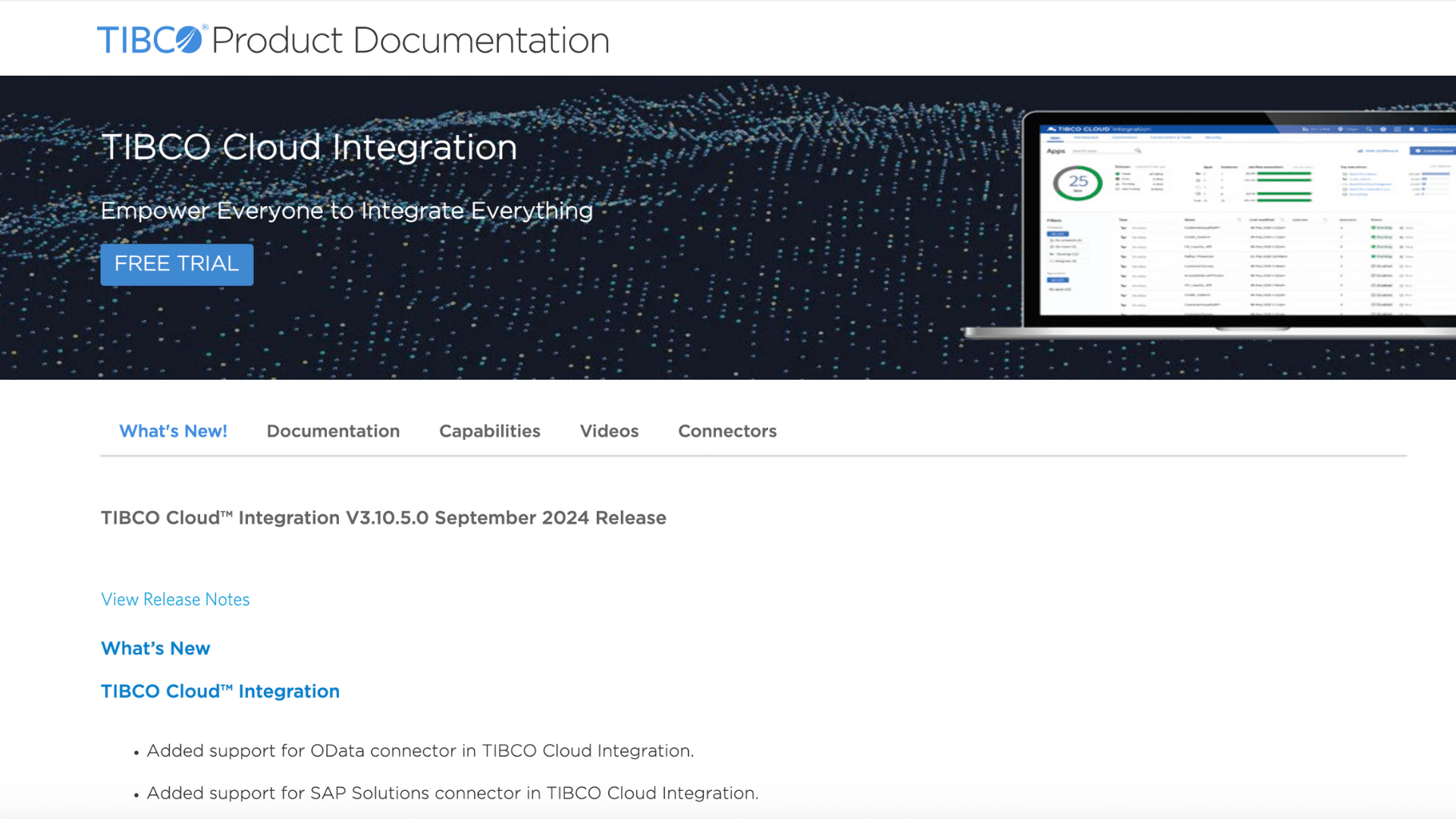
TIBCO Cloud Integration platform helps businesses connect cloud apps, on-premise systems, and data sources through a single platform.
It offers drag-and-drop tools that make building integrations easier, even for teams without deep technical skills.
Many organizations use it to manage APIs, automate workflows, and handle event-based data processing.
The platform supports real-time integration and monitoring, which helps reduce delays and errors. It works well for businesses that need structured integrations with strong control and visibility.
10. Skyvia
Skyvia is a cloud-based integration platform focused on syncing, backing up, and managing cloud data.
Businesses often use it to connect CRMs, databases, and cloud storage tools without complex setup. Skyvia supports ETL, data replication, and scheduled data syncs, which helps keep systems aligned.
Its no-code interface makes it accessible for non-technical users.
Skyvia is a good fit for teams that mainly work with cloud data and want simple, reliable integrations.
11. Cyclr
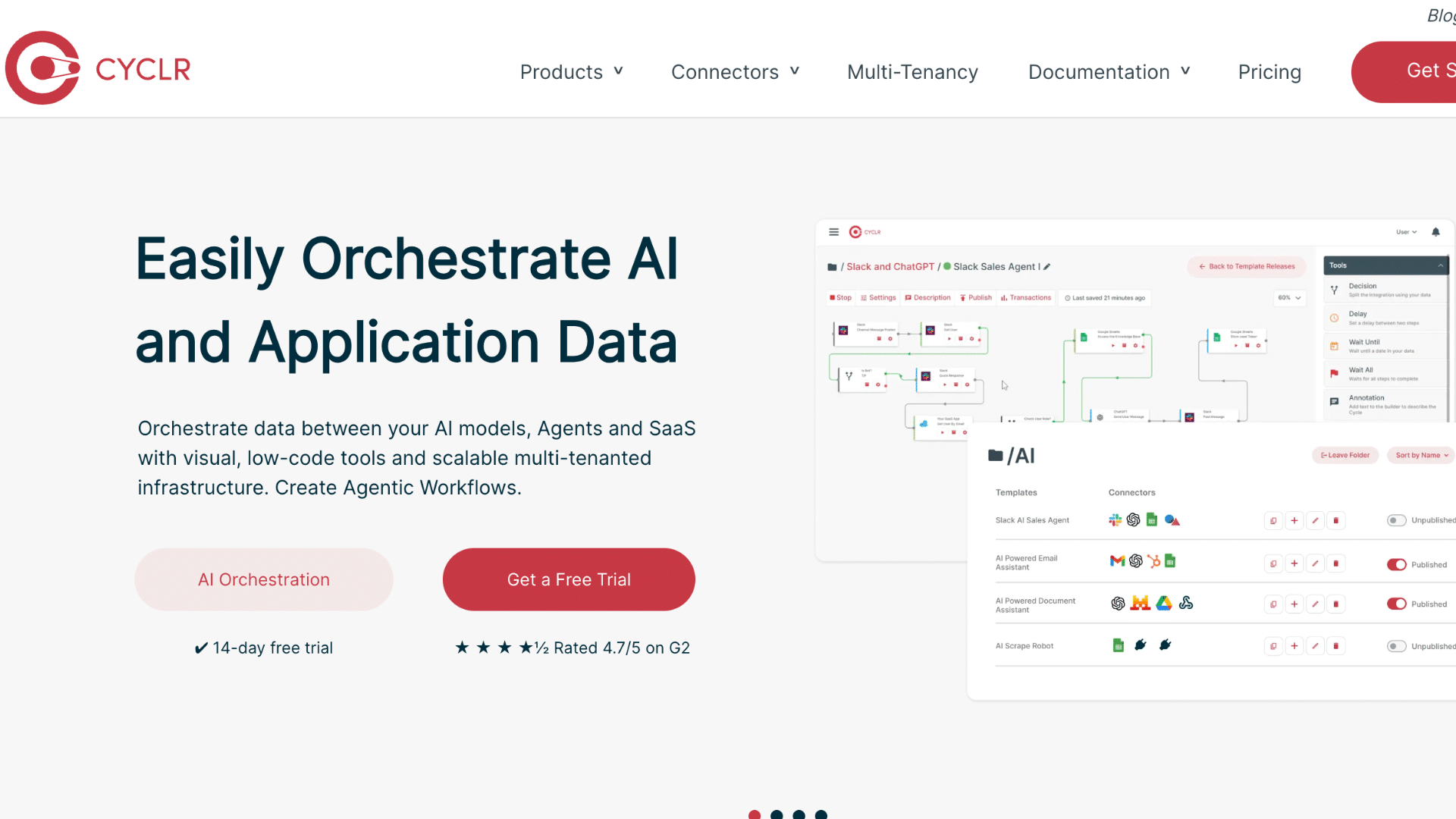
Cyclr is designed mainly for SaaS companies that want to offer integrations to their users.
It provides a visual builder that helps create and manage integrations between apps. Many businesses use Cyclr to embed integration features directly into their products.
The platform supports prebuilt connectors and custom workflows, making it flexible for different needs.
Cyclr works well for teams that want control over integrations while still offering a smooth user experience.
12. Make (Formerly Integromat)
Make is a visual automation and cloud integration platform that connects apps through customizable workflows. It allows users to build complex scenarios using simple blocks and logic.
Businesses often rely on Make to automate data syncs, notifications, and routine tasks across tools.
The platform supports real-time and scheduled automation.
While it offers strong flexibility, it still remains approachable for smaller teams. Make suits users who want more control than basic automation tools provide.
13. Linx
Linx is a low-code integration platform built for developers and IT teams who want more control over integrations.
It allows businesses to connect apps, databases, and APIs while building custom logic when needed. Many teams use Linx to automate backend processes and data flows without relying on heavy scripting.
The platform supports cloud and on-premise environments.
Linx works best for businesses that need flexible integrations but still want a structured development approach.
14. Albato
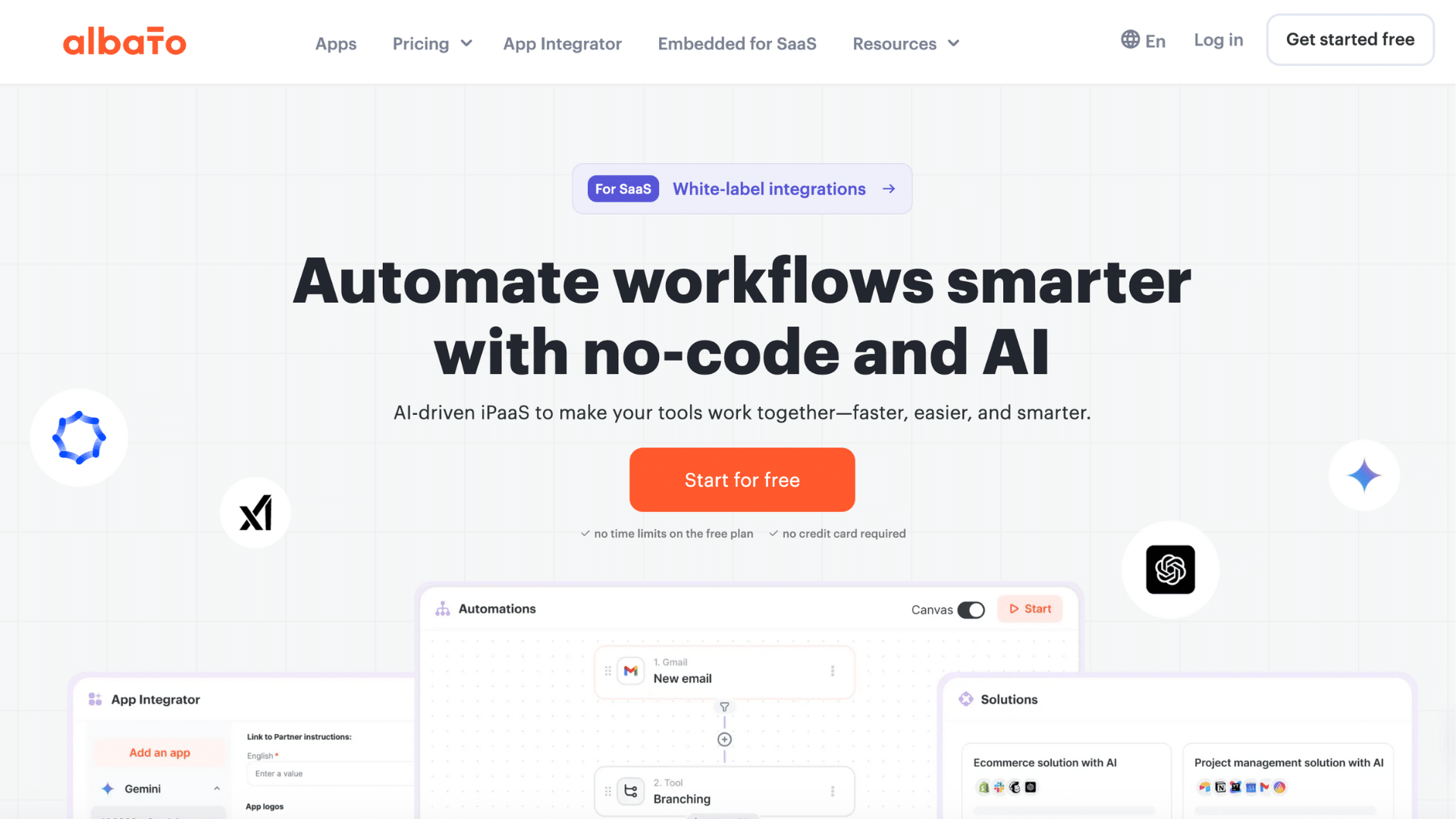
Albato is an affordable cloud integration platform designed for small and mid-sized businesses.
It connects popular apps and automates workflows through a simple interface. Businesses often use Albato to sync leads, manage customer data, and automate routine tasks across tools.
The platform offers ready-made connectors and clear workflow setup.
Albato is a good option for teams looking for basic automation without complex setup or high costs.
15. Frends
Frends is a cloud integration platform focused on enterprise-level reliability and compliance. It helps organizations build and manage integrations across cloud and hybrid environments.
Many companies use Frends to connect core systems, automate processes, and handle large data volumes.
The platform offers strong monitoring and version control features. Frends suits businesses that need stable, long-term integrations with clear oversight and compliance support.
16. DCKAP Integrator
DCKAP Integrator is built for businesses that rely on ERP, eCommerce, and marketplace systems.
It helps connect platforms like ERP software, online stores, and supplier systems. Companies use DCKAP Integrator to automate order syncing, inventory updates, and product data flows.
This cloud integration platform focuses on reducing manual work and improving data accuracy.
It works well for distributors and manufacturers managing complex product and order data.
17. IBM App Connect
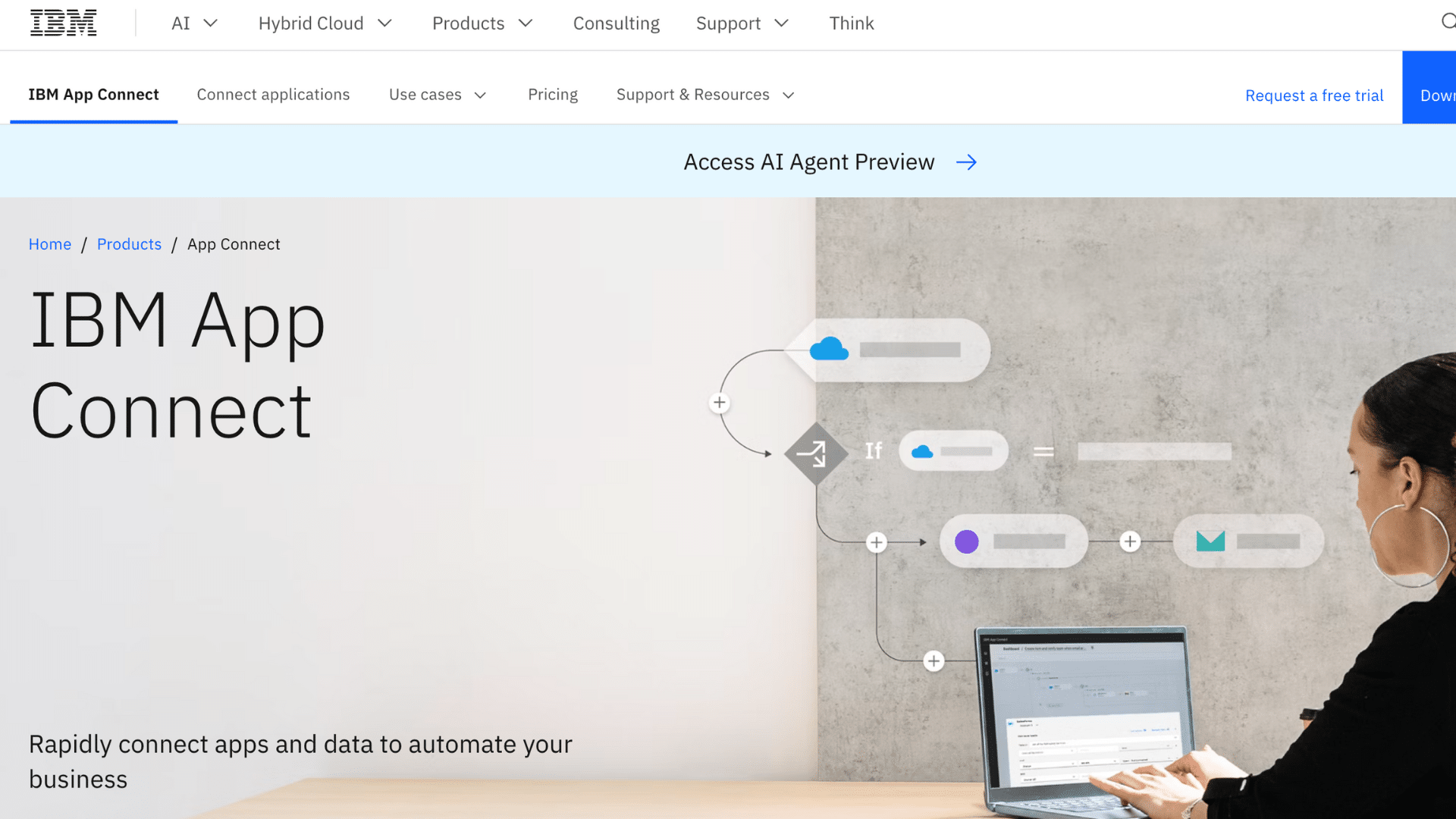
IBM App Connect is a cloud integration platform that connects apps, data, and services across hybrid environments.
Many enterprises use it to automate workflows between cloud systems and on-premise software. The platform offers prebuilt connectors, mapping tools, and strong governance features.
It also supports real-time and scheduled integrations, helping teams keep data accurate and up to date.
IBM App Connect works well for larger organizations that need enterprise-grade security and flexible integration options.
18. Talend (Qlik)
Talend, now part of Qlik, is a data integration platform that helps businesses move, transform, and manage cloud data.
It supports ETL (Extract, Transform, Load) processes and works with data warehouses, analytics tools, and apps. Many teams choose Talend for data-heavy use cases like reporting, BI, and analytics.
The platform includes tools for data quality and governance, helping ensure accuracy and compliance.
Talend is ideal for companies focused on data insights and dependable data pipelines.
19. SAP
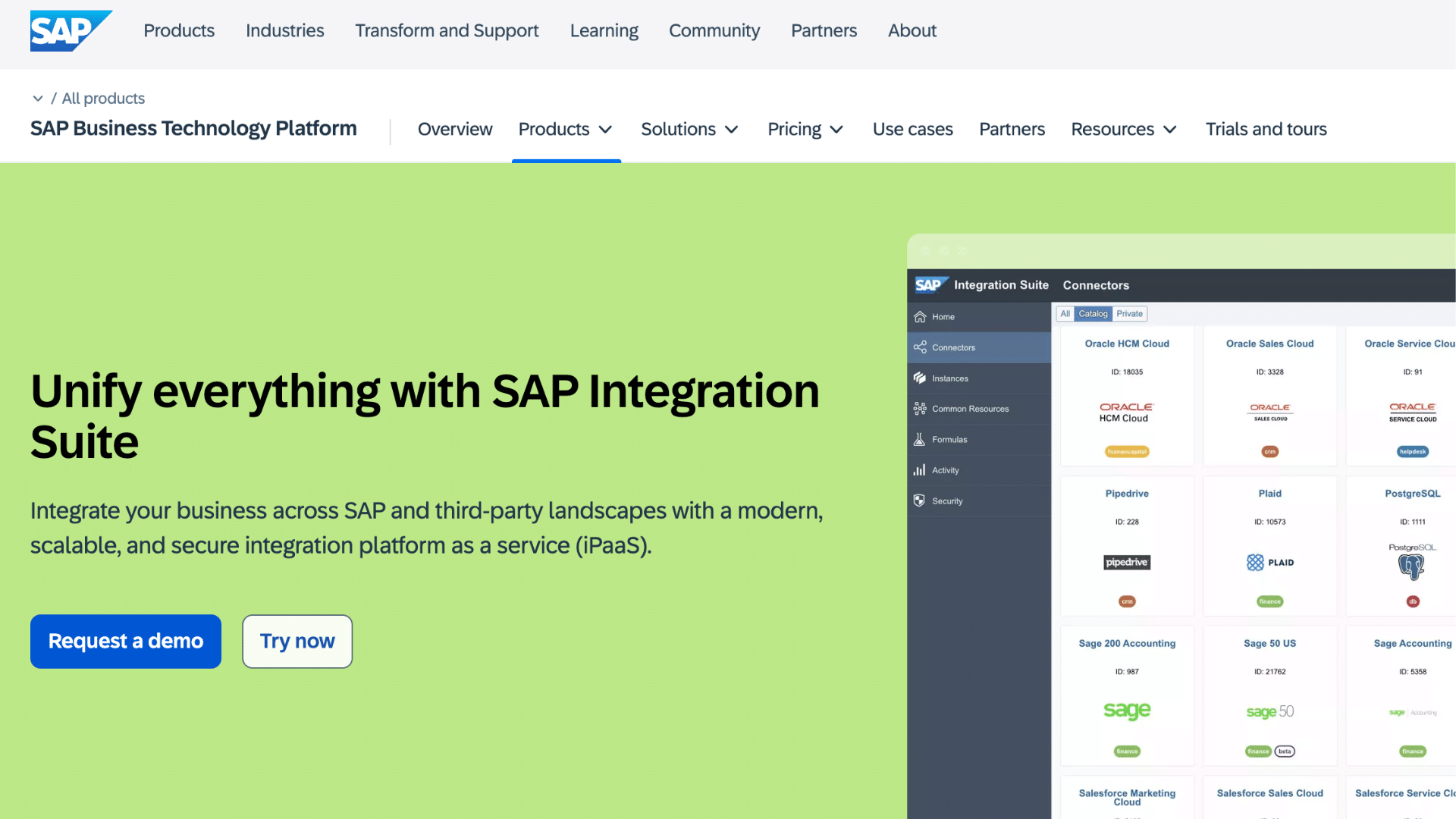
SAP cloud integration platform is a tool built for connecting SAP systems with cloud and third-party apps.
It helps businesses keep their ERP, CRM, and other core systems in sync. Companies that rely on SAP often use this platform to automate workflows and simplify data exchange.
The platform supports APIs, mapping tools, and security features that meet enterprise standards.
SAP Cloud Platform Integration works best for organizations already invested in the SAP ecosystem.
20. Pentaho Data Integration
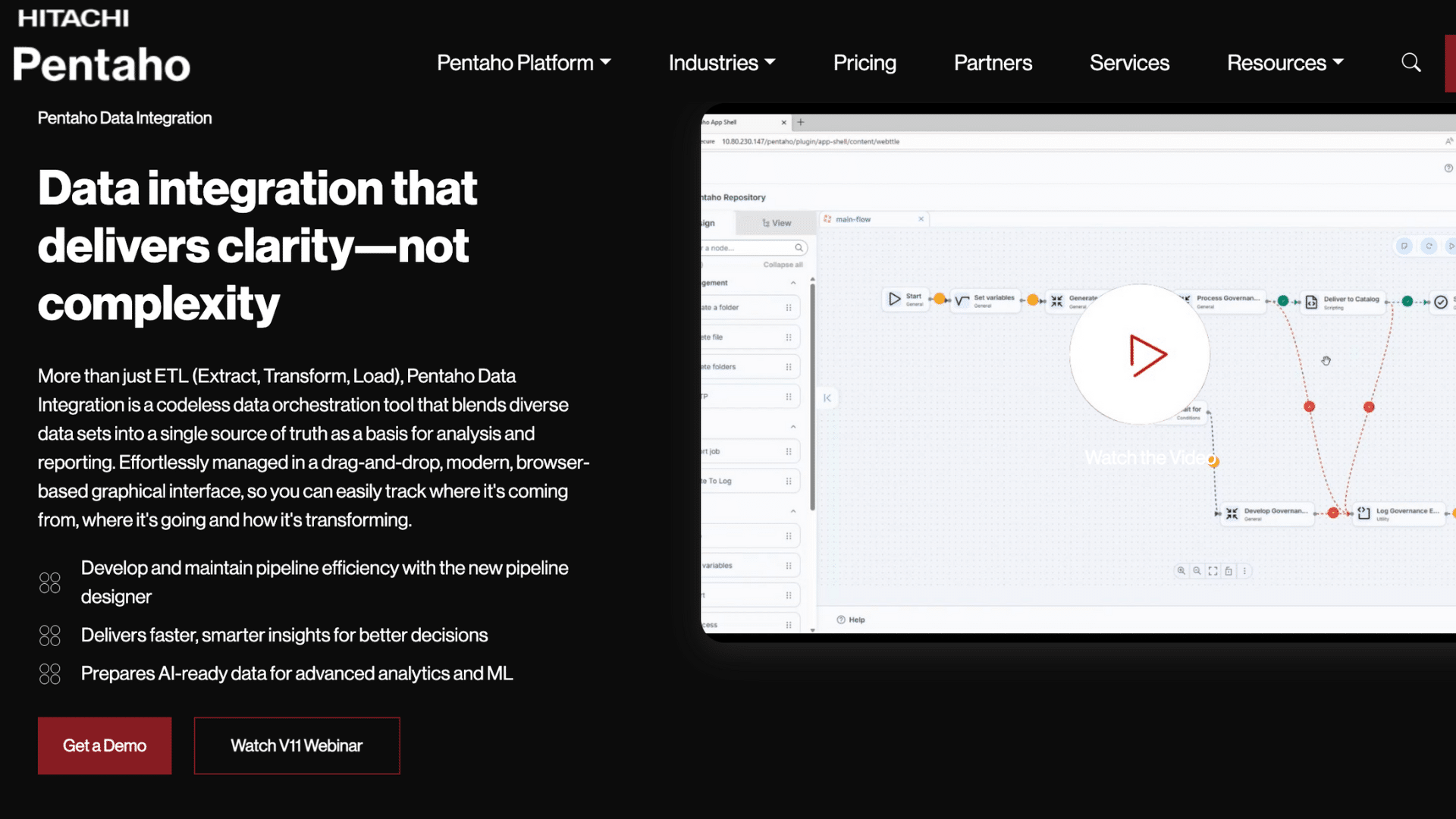
Pentaho Data Integration is an open-source tool for cloud and big data integration. It lets teams design data workflows that extract, change, and load information across systems.
Businesses often use Pentaho to support reporting, analytics, and data warehouse tasks.
It supports a wide range of data sources and formats.
Pentaho is a good choice for teams with technical skills that want flexible, customizable data workflows without licensing fees.
21. Coupler.io
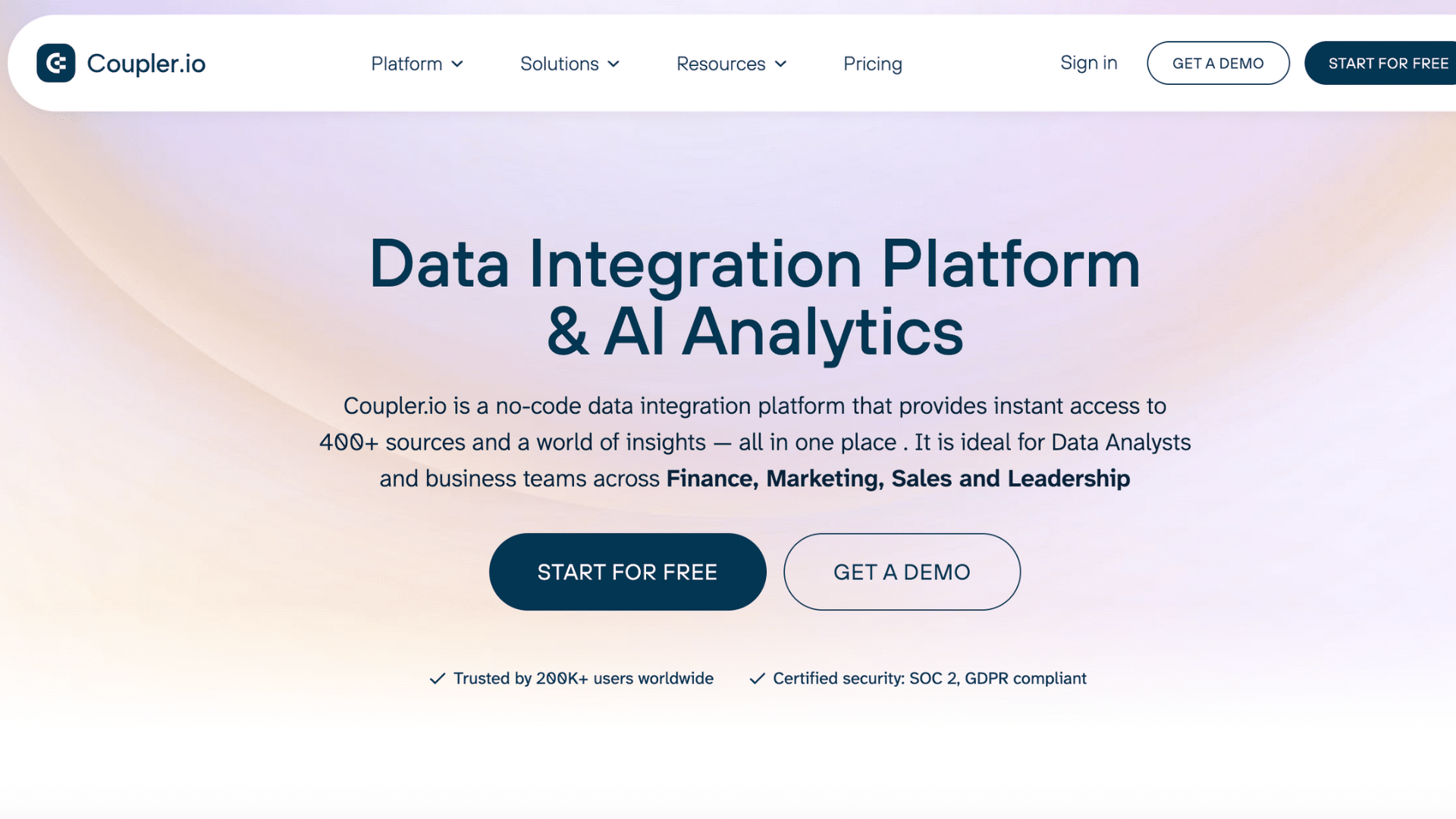
Coupler.io is a no-code data integration tool that helps teams move data from cloud apps into spreadsheets and BI tools.
It supports connectors for apps like Google Sheets, Excel, Airtable, and data warehouses.
Many small and mid-sized businesses use Coupler.io to automate data syncs for reporting and dashboards without manual exports.
The platform lets you schedule automatic updates, which keeps reports current and reduces repetitive work. Coupler.io works well for teams that rely on clean, up-to-date data for analysis and decision-making.
22. Denodo Platform
Denodo Platform focuses on data integration through virtualization rather than moving data between systems.
It lets businesses access and combine data from cloud apps, databases, and on-premise systems in one logical view. Many enterprises use Denodo to speed up reporting and analytics without creating multiple data copies.
This approach reduces storage needs and keeps data more consistent.
Denodo works well for organizations managing complex data environments that need fast access, strong governance, and flexibility across hybrid or multi-cloud setups.
23. Unito
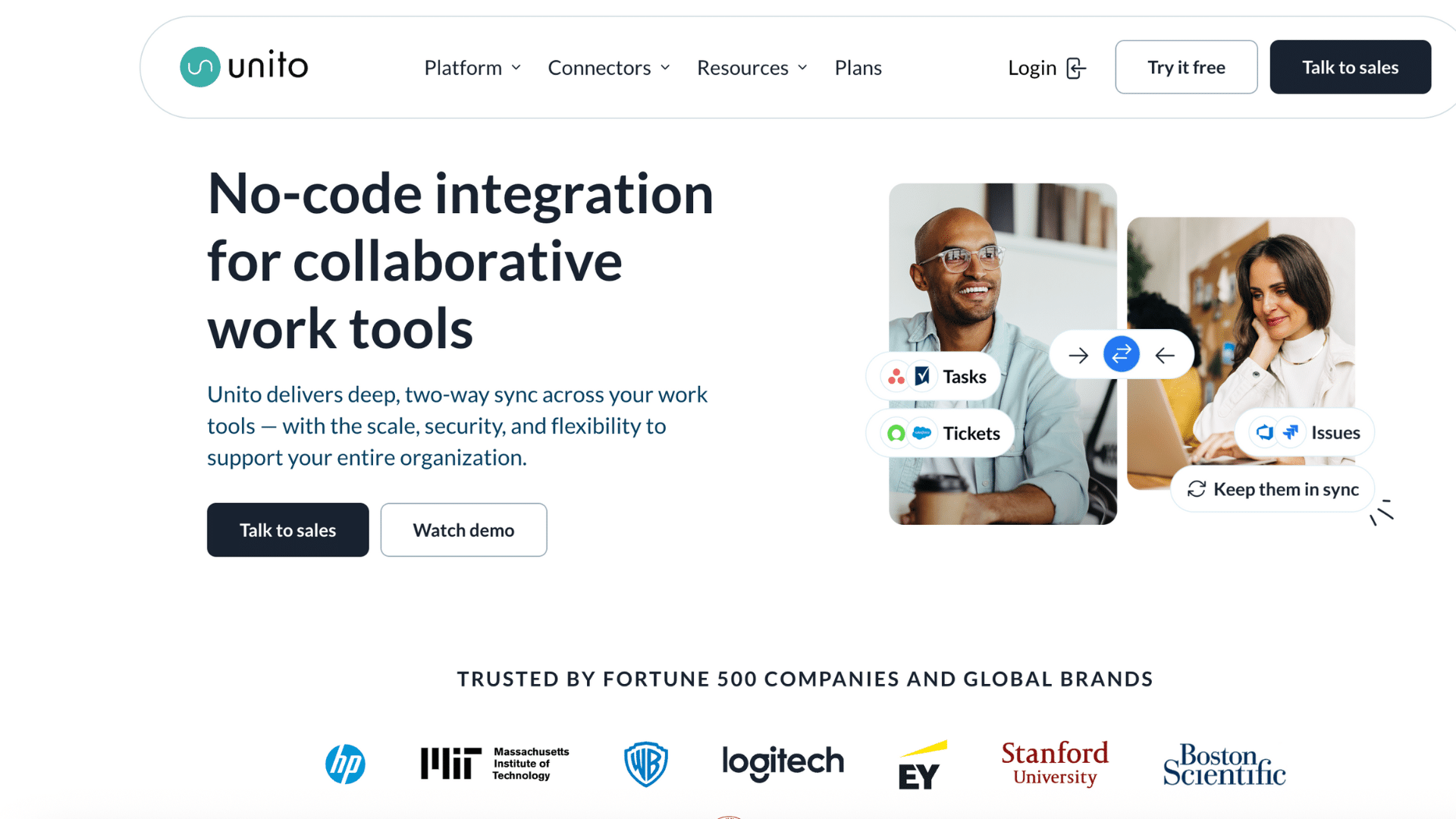
Unito focuses on two-way synchronization between business tools rather than one-direction data transfers.
It helps teams keep project management, CRM, and collaboration apps aligned in real time. Many teams use Unito to sync tasks, issues, and records across tools like Jira, Asana, and Salesforce.
This cloud integration platform offers clear field mapping and sync rules, which reduces confusion and errors.
Unito is a strong choice for teams that rely on multiple tools but want consistent, shared data.
Benefits of Using Cloud Integration Platforms
These platforms help businesses manage data and workflows across multiple tools without extra effort. They support smoother operations as systems and teams grow.
- Improved Data Flow Between Apps: Keeps information consistent across tools so teams always work with updated data.
- Better Workflow Automation: Automates routine tasks and triggers actions between apps without manual steps.
- Reduced Manual Work and Errors: Cuts down on repetitive data entry and lowers the risk of mistakes.
- Scalability for Growing Businesses: Handles more apps and data as business needs increase.
- Time and Cost Savings: Reduces operational delays and lowers long-term integration costs.
Pros and Cons of Cloud Integration Platforms
These platforms offer helpful tools for managing connected systems, but they also come with limits that teams should understand before choosing one.
| Pros | Cons |
| Centralizes data across multiple apps | Can have a learning curve for new users |
| Reduces manual data entry and errors | Pricing may increase with usage |
| Supports automation across workflows | Some tools limit customization |
| Scales as business systems grow | Dependence on third-party platforms |
| Speeds up integration setup | Advanced features may cost extra |
How to Choose the Right Cloud Integration Platform?
The right choice depends on how your systems work today and what you expect to add in the future. A few key factors can help narrow down the options.
- Business Needs: Match the platform to your current workflows and data volume.
- Supported Apps: Check that it connects with the tools you already use.
- Ease of Use: Look for a simple interface that does not need heavy setup.
- Security and Compliance: Make sure data stays protected and meets standards.
- Pricing and Support: Compare plans and confirm help is available when needed.
Conclusion
Cloud integration platforms help businesses keep their apps connected, data accurate, and workflows running without extra effort.
When systems work together, teams save time, reduce mistakes, and focus more on real work instead of manual fixes. That is what makes these tools so valuable today.
There is no single best option for everyone. The right platform depends on your business size, the tools you use, and how complex your workflows are.
Taking time to compare features, pricing, and limits can make a big difference in long-term results.
Before deciding, test a few platforms and see how they fit your needs.
If you have already used a cloud integration platform, share your experience in the comments below and help others choose with confidence.


One Response