





Running a business means dealing with tons of repetitive tasks every day, processing invoices, managing documents, handling customer requests, and more.
These manual processes eat up time, cost money, and often lead to mistakes. That’s where business process automation services come in.
They use smart software and AI to handle these routine tasks automatically, freeing up your team to focus on what really matters.
In this guide, you’ll learn what business automation services are, why companies are investing in them, and how they can transform your operations.
We’ll cover the leading companies that offer business automation, key benefits, common use cases across industries, the technology behind automation, and practical tips for choosing the right provider.
Let’s see how automation can make your business faster, more accurate, and more profitable.
What Are Business Process Automation Services?
Business process automation services help companies replace time-consuming manual tasks with smart software solutions.
Instead of manual data entry, invoice processing, or document routing, services use RPA, AI, and workflow software to automate these tasks.
Automation can quickly and accurately handle tasks like copying data from emails into spreadsheets, approving purchase orders, or sorting customer service tickets, saving time and reducing errors.
Platforms are designed to take over repetitive, rule-based tasks so your people can focus on work that requires human judgment and creativity.
Manual Operations vs Business Automation Services
| Manual Operations | Business Automation Services |
|---|---|
| Require constant human attention | Run automatically 24/7 |
| Slower processing times | Handle tasks in seconds |
| Higher costs due to labor | Reduce operational expenses |
| Prone to human errors | Consistent, accurate results |
| Limited by available staff | Scale without hiring more people |
| Hard to track and audit | Built-in monitoring and reporting |
So why are companies rushing to adopt business process automation right now? Rising labor costs, increasing transaction volumes, and the need for faster, more accurate operations are pushing businesses to automate.
Why Businesses Are Investing in Business Automation Services
The business landscape is changing fast, and companies face mounting pressure to do more with less. Manual processes that worked fine five years ago are now bottlenecks holding organizations back.
Here’s why automation has become essential.
- Rising Operational Costs and Manual Errors: Labor costs rise as manual data entry causes costly mistakes, like invoice errors that delay payments, cause disputes, and hurt profits.
- Scalability Challenges in Growing Organizations: Growing businesses face limits as manual processes can’t handle increased transactions. Hiring more staff isn’t always feasible or quick enough to meet growth demands.
- Faster Processing Cycles and Compliance Requirements: Customers expect instant responses, and regulators demand detailed audit trails. Manual workflows can’t meet the speed and documentation needs of modern business.
- Labor Shortages and Strategic Work Priorities: Finding qualified workers is harder, and teams are stretched thin. Automation frees talent from repetitive tasks to focus on innovation, customer relationships, and strategy.
Automation delivers cost reduction, speed, accuracy, and compliance, the four pillars every competitive business needs to thrive.
Core Functions of Business Process Automation Services
Business process automation services excel at handling rule-based, high-volume, repetitive tasks that bog down your team. Here are the core functions these services deliver:
| Core Function | What It Does | Best For |
|---|---|---|
| Automated Data Capture & Data Extraction | Pulls information from documents, emails, PDFs, and forms without manual typing | Processing large volumes of unstructured data efficiently |
| Invoice Processing and Accounts Payable Automation | Matches invoices to purchase orders, routes approvals, and schedules payments automatically | Finance teams handling hundreds or thousands of invoices monthly |
| Document Management and Validation | Organizes, stores, validates, and retrieves business documents with automated quality checks | Companies managing contracts, compliance documents, or customer records |
| Customer Support Workflow Automation | Routes tickets, updates CRM systems, sends responses, and escalates issues based on rules | Support teams dealing with repetitive inquiries and high ticket volumes |
| HR Onboarding and Records Management | Automates new hire paperwork, background checks, training, and file updates. | HR departments onboarding multiple employees or managing personnel records |
These functions work best when tasks follow consistent rules, happen frequently, and don’t require complex human judgment for every decision.
Leading Business Process Automation Tools and Platforms
The automation market offers dozens of platforms, but choosing the right one depends on your organization’s specific needs, technical capabilities, and budget. Here are the top 5 platforms businesses are using today.
1. UiPath
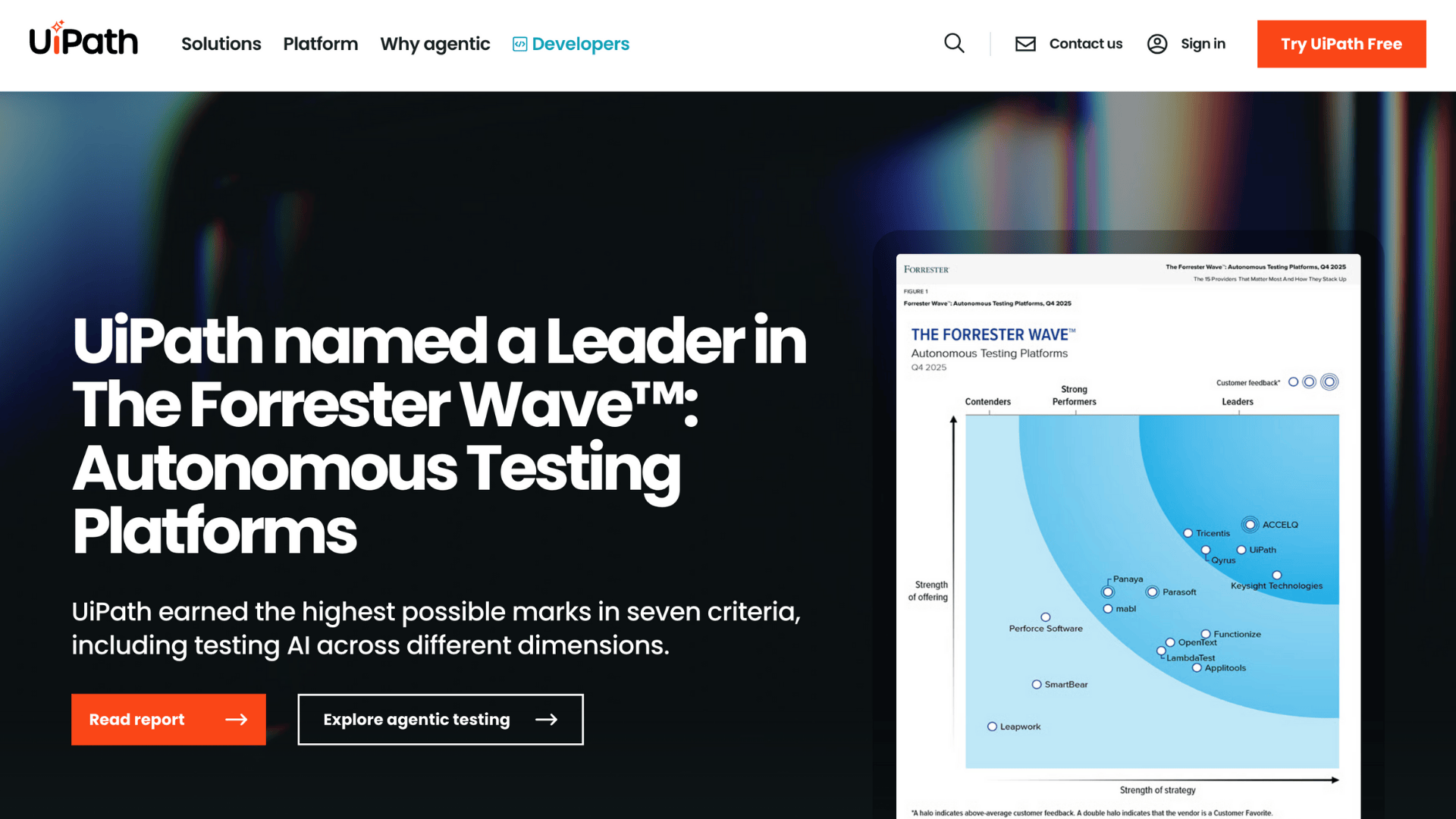
A leading robotic process automation platform that combines powerful RPA capabilities with AI and machine learning. UiPath helps businesses automate both simple tasks and complex workflows through its intuitive visual interface.
Pros:
- Strong AI capabilities for intelligent automation
- Large community and extensive training resources
- Excellent for both attended and unattended automation
- Robust integration with enterprise applications
Cons:
- Can be expensive for smaller organizations
- Steeper learning curve for advanced features
- Requires regular maintenance and updates
2. Microsoft Power Automate
Part of the Microsoft Power Platform, this tool lets users create automated workflows between apps and services. It’s especially powerful for organizations already invested in the Microsoft ecosystem.
Pros:
- Seamless integration with Microsoft 365 and Azure
- Affordable pricing, especially for existing Microsoft customers
- User-friendly interface for non-technical users
- Pre-built templates for common workflows
Cons:
- Limited functionality outside the Microsoft ecosystem
- Advanced automations may require custom connectors
- Performance can vary with complex workflows
3. Appian
A low-code enterprise platform designed for building complex business applications and automating end-to-end processes. Appian focuses on process orchestration and case management across entire organizations.
Pros:
- Powerful for enterprise-wide digital transformation
- Strong data management and governance features
- Excellent for regulated industries requiring compliance
- Unified platform for apps, automation, and AI
Cons:
- Higher cost compared to other platforms
- Requires significant planning and implementation time
- May be overkill for simple automation needs
4. Automation Anywhere
A cloud-native automation platform that combines RPA with intelligent document processing and analytics. It’s built to scale automation across global enterprises with minimal infrastructure requirements.
Pros:
- Cloud-first architecture for easy deployment
- Strong intelligent document processing (IQ Bot)
- Bot Insight provides detailed analytics and ROI tracking
- Good balance of ease-of-use and advanced capabilities
Cons:
- Pricing can add up with multiple bot licenses
- Some features require additional modules
- Customer support quality varies by region
5. IBM Business Automation Workflow
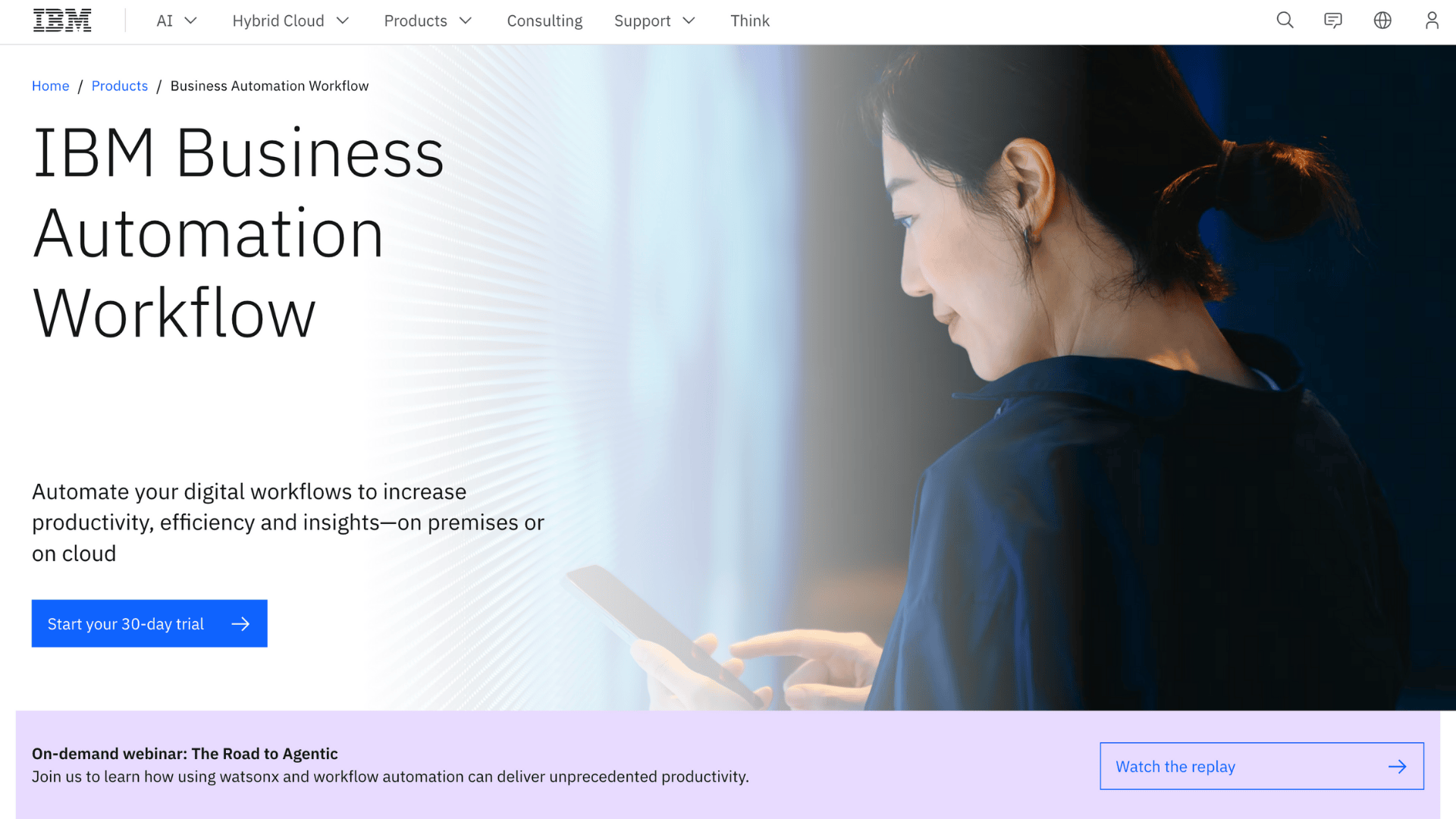
A comprehensive BPM and workflow automation solution designed for large enterprises with complex, mission-critical processes. IBM focuses on process optimization, case management, and decision automation.
Pros:
- Enterprise-grade security and compliance features
- Deep integration with IBM’s AI (Watson) capabilities
- Excellent for highly regulated industries
- Strong process mining and analytics tools
Cons:
- Complex implementation requiring specialized expertise
- Higher total cost of ownership
- Can feel overwhelming for organizations new to automation
- Longer deployment timelines compared to newer platforms
Key Benefits of Business Process Automation for Organizations
Understanding the real-world impact of business automation services helps organizations make informed decisions about where and when to invest.
Here’s how automation delivers measurable value across operations:
| Key Benefit | What It Means | Real-World Impact |
|---|---|---|
| Reduced Manual Effort and Processing Costs | Automation reduces labor costs by handling repetitive tasks previously done by humans. | Tasks that previously took 10 employees can now run with 2-3 people overseeing automated systems, reducing payroll expenses by 60-80% |
| Faster Turnaround Times | Automated workflows process tasks in minutes instead of hours or days, eliminating delays and bottlenecks | Invoice approvals now complete in under 24 hours, down from 5-7 days, boosting vendor relationships and cash flow. |
| Higher Data Accuracy and Fewer Errors | Machines don’t get tired or distracted, ensuring consistent quality even with high-volume processing | Data entry error rates drop from 3-5% to less than 0.1%, preventing costly mistakes and rework |
| Built-In Audit Trails and Compliance | Every automated action is logged, creating complete documentation for regulations. | Compliance audits become simpler with instant access to detailed process histories and approval records |
| Standardized Workflows Across Departments | Automation enforces the same rules and steps every time, eliminating inconsistency between teams or locations | All regional offices follow identical procedures, ensuring quality and making it easier to scale operations |
These benefits compound over time, making business process automation services one of the highest-ROI investments organizations can make in operational efficiency.
Common Use Cases Across Industries
Business process automation works across virtually every industry, but certain functions see the biggest impact.
Here’s how different sectors are using automation to solve their most time-consuming challenges and improve daily operations.
1. Finance & Accounting
Finance teams deal with massive volumes of invoices, expense reports, and compliance documentation daily.
Automation handles invoice approvals by matching purchase orders to invoices and routing them through approval chains automatically.
Expense reporting becomes easy as systems capture receipts, validate claims, and process reimbursements. Tax and compliance workflows ensure accurate record-keeping and timely regulatory filings without manual tracking.
2. Human Resources
HR departments spend countless hours on paperwork and administrative tasks that automation can streamline.
Employee onboarding automation guides new hires through forms, background checks, benefits enrollment, and training assignments without HR staff manually coordinating each step.
Records and payroll support systems maintain employee files, track time off, process salary changes, and ensure payroll accuracy while staying compliant with labor laws.
3. Customer Service
Support teams handle hundreds or thousands of customer inquiries that follow predictable patterns.
Ticket routing automation directs customer requests to the right department or agent based on issue type, priority, and expertise needed.
CRM data updates happen automatically as customer interactions occur, ensuring sales and support teams always have current information without manual data entry slowing down response times.
4. Manufacturing & Logistics
Operations teams need real-time visibility and quick responses to keep production and delivery on track.
Inventory tracking automation monitors stock levels, triggers reorder alerts, and updates systems across warehouses without manual counts.
Supply chain automation coordinates vendors, shipments, and production schedules in real-time.
Freight invoice processing matches shipping charges against contracts, flags discrepancies, and approves payments automatically, eliminating billing errors and delays.
Technologies Behind Business Process Automation Services

Business process automation isn’t just one technology; it’s a combination of tools working together to handle different types of tasks and challenges.
- Robotic Process Automation (RPA): Software bots mimic actions like clicking, typing, and copying data, ideal for rule-based, repetitive tasks that don’t need decision-making or interpretation.
- AI & Machine Learning: Smart algorithms read unstructured data from documents, emails, and forms. They detect patterns, spot anomalies, and learn from examples to handle tasks requiring some level of interpretation.
- Intelligent Business Process Automation (iBPA): Combines RPA bots with AI for end-to-end automation, handling simple tasks and complex decisions, providing more comprehensive process automation than either alone.
- iPaaS & Integrations: Integration Platform as a Service connects various software systems, enabling seamless data flow and real-time synchronization, eliminating manual transfer.
Most modern automation solutions run on cloud infrastructure, making them easy to scale up or down based on business needs without major hardware investments.
Comparison between Business Process Automation, RPA & BPM
These three terms often get used interchangeably, but they’re actually different approaches to improving business operations. Understanding the distinctions helps organizations choose the right solution for their specific needs.
| Aspect | Business Process Automation (BPA) | Robotic Process Automation (RPA) | Business Process Management (BPM) |
|---|---|---|---|
| What It Is | End-to-end workflow automation across entire processes | Task-level automation using software bots | Process modeling, monitoring, and optimization framework |
| Primary Focus | Automating complete business processes from start to finish | Automating specific repetitive tasks within processes | Designing, analyzing, and continuously improving processes |
| Technology Used | Combines RPA, AI, integrations, and workflow engines | Software bots that mimic human actions | Process mapping tools, analytics, and workflow management |
| Best For | Organizations wanting comprehensive automation solutions | Quick wins automating high-volume repetitive tasks | Companies need visibility and control over processes |
| Human Involvement | Handles most steps automatically, with exceptions routed to people | Complements human work by handling repetitive parts | Humans design, monitor, and refine processes |
| Implementation Time | Moderate to long (weeks to months) | Quick (days to weeks) | Long (months) |
RPA automates tasks, BPM optimizes processes, and BPA delivers complete automated workflows. Many organizations use all three together for maximum impact.
When Do You Need Business Process Automation Services?
Certain warning signs indicate it’s time to seriously consider business process automation services for your organization.
- High Transaction Volumes: Processing hundreds or thousands of transactions monthly makes manual handling expensive and error-prone. Automation scales effortlessly regardless of volume increases.
- Manual Data Entry Bottlenecks: Teams waste hours copying information between systems, creating delays and frustration. This repetitive work prevents employees from focusing on strategic tasks.
- Accuracy or Compliance Issues: Frequent errors, missing audit trails, or regulatory struggles signal that manual processes can’t deliver needed consistency and documentation.
- Scaling Without Increasing Headcount: Growing workload, but can’t find or afford more staff. Automation scales operations without proportionally increasing labor costs.
If two or more situations sound familiar, automation will likely deliver significant returns for the organization.
Conclusion
Business process automation is essential for competitiveness, reducing costs, eliminating errors, and freeing teams for meaningful work, delivering measurable results across all departments and industries.
The key is starting with the right processes. Look for high-volume, repetitive tasks that follow clear rules. These are automation’s sweet spot.
Whether it’s invoice processing, customer support, or HR onboarding, the technology exists today to transform how work gets done.
Winning organizations aren’t working harder but smarter, using automation for routine tasks while focusing on strategy, creativity, and customer relationships. The question is now which processes to automate first.
Ready to do automation for your business? Pick out the best automation tool for yourself and start your path toward faster, more efficient operations.