





Many businesses want to save time, reduce manual work, and improve daily tasks.
I have seen companies use different business process automation services, but many people still get confused when comparing business process automation vs robotic process automation.
Both help businesses work faster, yet they solve problems in different ways. If you are trying to understand which one best fits your company, this guide will make it easier.
In this article, I will share how BPA and RPA work, their main differences, benefits, costs, and common use cases.
You will also learn when a business should choose one over the other and how they can work together.
By the end, you will have a clear idea of which automation method best aligns with your business goals and daily workflow needs.
What Is Business Process Automation?
Business Process Automation helps companies automate complete workflows and daily business tasks. It improves speed, reduces manual work, and keeps business processes organized.
Business Process Automation, also called BPA, focuses on improving how a business operates from start to finish.
It connects different systems and tasks, so work moves smoothly without constant manual effort.
BPA helps businesses follow established rules and processes, improving accuracy and saving time. It also helps teams stay more productive by reducing the time employees spend on repetitive work.
Many companies now use automation tools to Automate Business Processes and improve daily workflow management.
Another major benefit is consistency, since automated workflows follow the same process every time.
BPA is often used by businesses that want better control over daily operations while reducing delays, errors, and unnecessary workload across different departments.
What Is Robotic Process Automation?
Robotic Process Automation uses software bots to automate repetitive digital tasks. It helps businesses complete routine work faster with fewer manual errors.
Robotic Process Automation (RPA) focuses on tasks that follow simple, repeatable steps. It uses software robots that work with apps and systems the same way a person would.
RPA is mainly used to reduce the time spent on repetitive work and improve efficiency.
These bots can work all day without breaks, which helps businesses process tasks faster and more accurately.
Another benefit is that RPA usually works with existing systems, so companies may not need major system changes. Businesses often choose RPA when they want quick automation for rule-based tasks.
It also helps employees focus on more important work rather than spending hours on repetitive digital tasks that slow productivity and daily operations.
Business Process Automation vs Robotic Process Automation
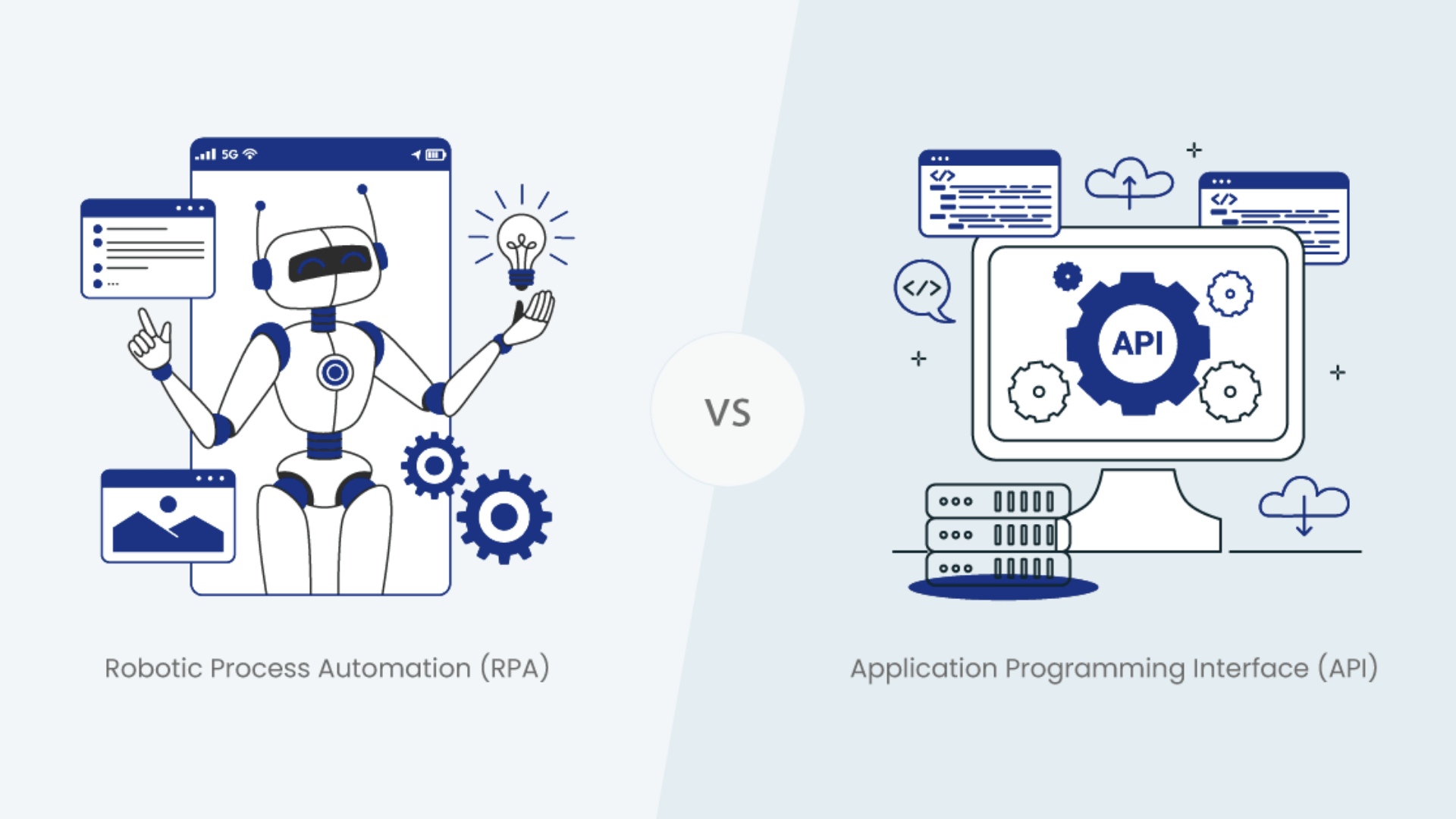
Business Process Automation and Robotic Process Automation both help businesses reduce manual work and improve efficiency.
1. Scope of Automation
Business Process Automation handles complete workflows that involve multiple departments, systems, and approval steps. It focuses on improving the entire business process from start to finish.
Robotic Process Automation handles smaller, repetitive tasks that follow clear rules.
Instead of changing the full workflow, RPA automates individual actions inside the process.
BPA looks at the broader operational picture, while RPA primarily targets repetitive tasks that employees perform daily on digital systems.
2. Purpose and Goals
The main goal of BPA is to improve overall business operations, reduce delays, and create smoother workflows across teams.
It focuses on long-term process improvement and better coordination between systems and employees.
RPA primarily aims to save time by automating repetitive digital tasks that would otherwise require manual effort.
Businesses often use RPA to increase speed and accuracy without redesigning existing workflows. BPA improves how the business functions, while RPA mainly improves how tasks are completed.
3. Implementation Process
BPA usually takes more planning because businesses often need to redesign workflows before automation starts. Companies may also connect several systems and departments during the setup process.
This can make implementation longer and more detailed. RPA is often quicker to install because it works with existing software and follows predefined rules.
Businesses can automate tasks without making major changes to current systems.
BPA focuses on process improvement, while RPA automates tasks faster with minimal disruption.
4. System Integration
Business Process Automation often connects disparate software platforms, databases, and communication systems into a single, organized workflow.
It creates a more connected business environment where tasks move smoothly between departments.
RPA primarily interacts with software via the user interface, much as a human would use an application.
It does not always require deep system integration to perform tasks. BPA builds connected workflows across systems, while RPA automates actions within systems already used by employees.
5. Human Involvement
BPA reduces manual work across complete workflows and helps teams follow standardized business processes.
Employees still make decisions and monitor operations, but much of the workflow runs automatically.
RPA reduces repetitive digital work by handling rule-based tasks that employees normally perform on computers. It acts more like a digital assistant that copies human actions.
BPA changes how teams and systems work together, while RPA mainly removes repetitive tasks from an employee’s daily workload.
Key Differences Between BPA and RPA at a Glance
Business Process Automation and Robotic Process Automation both improve efficiency, but they solve different problems. BPA focuses on full workflows and operations, while RPA mainly automates repetitive digital tasks.
| Feature | BPA (Business Process Automation) | RPA (Robotic Process Automation) | Which Is Better? |
|---|---|---|---|
| Main Focus | Automates complete business workflows | Automates repetitive digital tasks | Depends on business goals |
| Scope | Large end-to-end processes | Specific rule-based activities | BPA for full workflows |
| Goal | Improve overall operations | Save time on repetitive work | BPA for long-term growth |
| Complexity | More complex and process-focused | Simpler and task-focused | RPA for quick setup |
| System Integration | Connects multiple systems and teams | Works mainly through user interfaces | BPA for connected systems |
| Implementation Time | Usually takes longer | Faster to deploy | RPA for faster results |
| Human Involvement | Reduces manual workflow management | Reduces repetitive task handling | BPA for larger operations |
| Flexibility | Better for long-term workflow changes | Better for quick automation tasks | BPA for scalability |
| Best For | Full business process improvement | Repetitive and structured tasks | Depends on company needs |
| Business Impact | Improves overall productivity and coordination | Increases speed and accuracy | BPA for overall efficiency |
Common Challenges of BPA and RPA
Businesses can face several challenges when using BPA and RPA, especially during setup and process management.
Most problems happen because of poor planning, system limitations, or unclear business workflows.
- High Setup Costs: BPA and RPA tools can require a large upfront investment for software, training, and system integration. Smaller businesses may find the initial costs difficult to manage.
- Complex Implementation: BPA often needs workflow redesign and process planning before automation starts. This can increase setup time and require technical support from experienced teams.
- Limited Flexibility: RPA works best with repetitive and rule-based tasks. If processes change often, bots may need regular updates and maintenance to continue working properly.
- Employee Resistance: Some employees may worry that automation could replace their jobs. Businesses often need proper training and communication to reduce concerns and improve adoption.
- Integration Issues: BPA systems may face problems when connecting with older software or outdated business tools. Compatibility issues can slow down automation projects.
- Ongoing Maintenance: Both BPA and RPA systems require monitoring, updates, and regular maintenance. Without proper management, automation performance may decrease over time
Can BPA and RPA Work Together?
Yes, BPA and RPA can work together to improve both business workflows and the automation of repetitive tasks. Many companies combine them to create faster, smoother, and more efficient operations.
When BPA and RPA are used together, businesses can automate entire workflows while also handling smaller, repetitive tasks within them.
BPA manages the overall process, approvals, and communication between systems, while RPA handles rule-based digital actions that require speed and accuracy.
This combination helps companies reduce manual work across multiple levels rather than focusing on only one area. It also improves productivity by enabling workflows to move faster with fewer delays and errors.
Businesses often use BPA for process management and RPA for task execution within those processes.
Together, they create a more connected automation system that helps teams work more efficiently while improving consistency across daily operations and business activities.
BPA vs RPA: Which Is More Cost-Effective?
BPA and RPA both help businesses save time and reduce manual work, but their costs can differ greatly. RPA is usually cheaper and faster to set up, while BPA offers better long-term value for larger operations.
| Cost Factor | BPA (Business Process Automation) | RPA (Robotic Process Automation) | More Cost-Effective |
|---|---|---|---|
| Initial Setup Cost | Higher due to workflow redesign and integration | Lower because it works with existing systems | RPA |
| Implementation Time | Longer setup process | Faster deployment | RPA |
| Maintenance Cost | Moderate to high, depending on system complexity | Moderate with bot updates and monitoring | RPA for short-term |
| Scalability | Strong for growing businesses | Limited for complex workflow expansion | BPA |
| Long-Term Value | Better for full operational improvement | Better for repetitive task automation | BPA |
| Training Requirements | May require more employee training | Usually easier to learn | RPA |
| Productivity Impact | Improves complete workflows | Speeds up repetitive tasks | BPA for large businesses |
| Best for Budget-Friendly Automation | Better for long-term investment | Better for quick low-cost automation | RPA |
How BPA Improves Business Workflows?
Business Process Automation helps businesses manage workflows more smoothly by reducing manual effort and improving process speed.
- Faster Workflow Management: BPA moves tasks automatically from one step to another without unnecessary delays. This helps businesses complete operations faster and improve overall productivity.
- Reduced Manual Work: Employees spend less time handling repetitive tasks because BPA automates many daily processes. This allows teams to focus on more important responsibilities.
- Better Accuracy: Automated workflows follow set rules and processes every time. This reduces human errors and improves consistency across business operations.
- Improved Team Coordination: BPA helps departments share information more smoothly through connected systems and workflows. Teams can work together more efficiently with fewer communication gaps.
- Easier Process Tracking: Managers can monitor workflow progress, approvals, and task completion in real time. This helps businesses identify delays and improve operational control.
- Higher Productivity: By automating routine workflows, BPA helps businesses save time and complete more work with fewer resources. This improves overall efficiency across departments.
Why Businesses Use BPA and RPA?
I have heard many business owners say that employees spend too much time on repetitive work instead of focusing on tasks that actually help the company grow.
That is one major reason businesses use BPA and RPA. These automation tools help companies save time, reduce manual effort, and improve daily operations without adding extra workload to teams.
BPA helps businesses manage complete workflows more efficiently, while RPA handles repetitive digital tasks that follow fixed rules.
Together, they improve productivity, reduce errors, and help operations run more smoothly.
Businesses also use automation to improve customer service, increase accuracy, and lower operational costs.
As companies grow, managing tasks manually becomes harder, so BPA and RPA help create faster and more organized workflows across different departments.
BPA vs RPA: Which Is Better for Your Business?
There is no single winner because BPA and RPA solve different business problems. The better option depends on your workflow size, business goals, and automation needs.
If your business wants to improve complete workflows, connect departments, and manage operations more efficiently, BPA is usually the better choice.
It works well for companies looking for long-term process improvement and better workflow control.
On the other hand, RPA is better for businesses that want fast automation for repetitive digital tasks without making major system changes.
Many companies use both together because they serve different purposes. BPA handles the overall workflow, while RPA automates smaller repetitive tasks inside that workflow.
Choosing the right option depends on how much automation your business needs and the type of tasks you want to improve.
Conclusion
After researching and writing about BPA and RPA, I realized that both automation methods can help businesses work smarter, but the right choice depends on what your company actually needs.
If you want to improve full workflows and long-term operations, BPA can be a strong option. If your goal is to automate repetitive tasks quickly, RPA may work better for you.
In many cases, businesses get the best results by combining both tools.
I also noticed that companies using automation often save time, reduce errors, and help employees focus on more important work.
Businesses of all sizes can adopt automation step by step instead of changing everything at once.
If you have used BPA or RPA before, share your experience in the comments below and let others know what worked best for you.
Frequently Asked Questions
Can BPA and RPA Improve Remote Work Management?
Yes, they help remote teams manage workflows, approvals, and repetitive tasks more efficiently.
Do BPA and RPA Require Coding Skills?
Many modern BPA and RPA tools offer low-code or no-code features for easier setup.
Which Industries Use BPA and RPA the Most?
The healthcare, banking, retail, logistics, and customer service industries widely use both automation methods.
Can Small Businesses Use BPA and RPA?
Yes, many affordable automation tools are designed specifically for small and growing businesses.
How Long Does It Take to See Results from BPA or RPA?
Some businesses notice productivity improvements within a few weeks after implementation.