





Thinking about moving your small business to the cloud? You’ve probably heard the term “cloud computing” thrown around, but what does it actually mean for your business?
Simply put, it’s a way to access software, store files, and run your business online, without relying on physical computers and servers in your office.
The best part? Cloud computing can help your business save money, work more efficiently, and grow without the usual headaches.
Even if you’re curious about the benefits, worried about costs, or just want to understand how it all works, this guide has you covered. You’ll also learn what cloud computing is and why small businesses love it.
What Is Cloud Computing for Small Businesses?
Cloud computing uses the internet for tasks you’d normally do on your computer. Instead of installing programs or saving files on your office computer, everything is online and accessible anytime, anywhere.
Think of it like this: when you check your email on your phone, laptop, or a friend’s computer, you’re using the cloud.
Your emails aren’t stored on one device; they’re stored online, so you can get to them from anywhere. That’s cloud computing in action.
Here’s How It Shows up In Everyday Business:
- Email Access on New Devices: Log into Gmail or Outlook from any computer, and all your messages are right there. No need to transfer files or set up anything special.
- Online File Storage: Upload documents to Google Drive or Dropbox, and your whole team can view or edit them without emailing files back and forth.
- Cloud-Based Software Logins: Use accounting software, project management tools, or customer databases by simply logging in through your web browser. No CDs to install, no updates to worry about.
The biggest misconception? Cloud technology for small businesses doesn’t mean buying expensive servers or fancy hardware.
With small business cloud solutions, you’re renting space and tools online instead of purchasing and maintaining everything yourself. It’s like streaming Netflix instead of buying DVDs, easier, cheaper, and way more flexible.
Why Small Businesses Are Moving to the Cloud

More small businesses are moving to the cloud for good reasons. Cloud services offer benefits once exclusive to large companies. Here’s why this shift makes sense.
1. Cost Savings for Small Businesses
Money talks, and the cloud saves a lot of it. There’s no need to buy expensive servers, computers, or equipment upfront.
Instead of spending thousands on hardware that’ll be outdated in a few years, you pay a small monthly fee for what you actually use.
Pay-as-you-go pricing means you’re only charged for the storage, users, or features your business needs right now. Need more space next month? Add it. Slow season? Scale back. It’s that simple.
No more paying technicians to fix broken servers or update software. The cloud provider handles all the maintenance, updates, and troubleshooting. Your time and money stay focused on running your business.
Quick Comparison:
- Traditional IT: Buy servers ($5,000+), hire IT staff, pay for repairs, replace equipment every few years
- Cloud: Pay monthly ($50-$500), provider handles everything, upgrade anytime without new purchases
2. Scalability Without Growing Pains
Your business doesn’t grow in a straight line; why should your technology? With the cloud, you can add more users, increase storage, or access new apps instantly.
No waiting weeks for new equipment or worrying about whether you bought enough capacity.
Seasonal businesses especially benefit from this flexibility. Run a tax prep service that’s busy from January to April? Scale up during tax season and scale back the rest of the year. Only pay for what you need, when you need it.
This also means you can grow smartly. No need to over-hire IT staff or over-invest in technology you might not use. Test new tools, expand to new locations, or bring on temporary workers without the usual tech complications.
3. Improved Productivity and Collaboration
Work no longer occurs in a single location, and the cloud understands this. Team members access files, software, and data from home, client sites, or anywhere with internet, eliminating the need to be tied to an office computer.
Real-time collaboration makes teamwork actually work. Multiple people can edit the same document simultaneously, leave comments, and see changes instantly.
No more emailing files back and forth or dealing with ten versions of the same spreadsheet.
Workflows are faster. Need approval? Your manager can review and approve from their phone. Customer questions while you’re out? Access their info on any device. Everything speeds up when everyone can access what they need.
4. Better Data Backup and Security
Let’s be honest, most small businesses don’t have great backup systems. The cloud fixes that automatically. Your data gets backed up regularly without anyone having to remember to do it.
Disaster recovery becomes manageable. If your office floods, catches fire, or gets hit by ransomware, your data is safe in the cloud. You can be back up and running quickly, not spending weeks trying to recover lost files.
Here’s the surprising part: Cloud providers offer enterprise-grade security that most small businesses could never afford on their own.
We’re talking encryption, firewalls, threat monitoring, and security teams working 24/7 to protect your data. All included in your monthly fee.
Types of Cloud Computing Services for Small Businesses
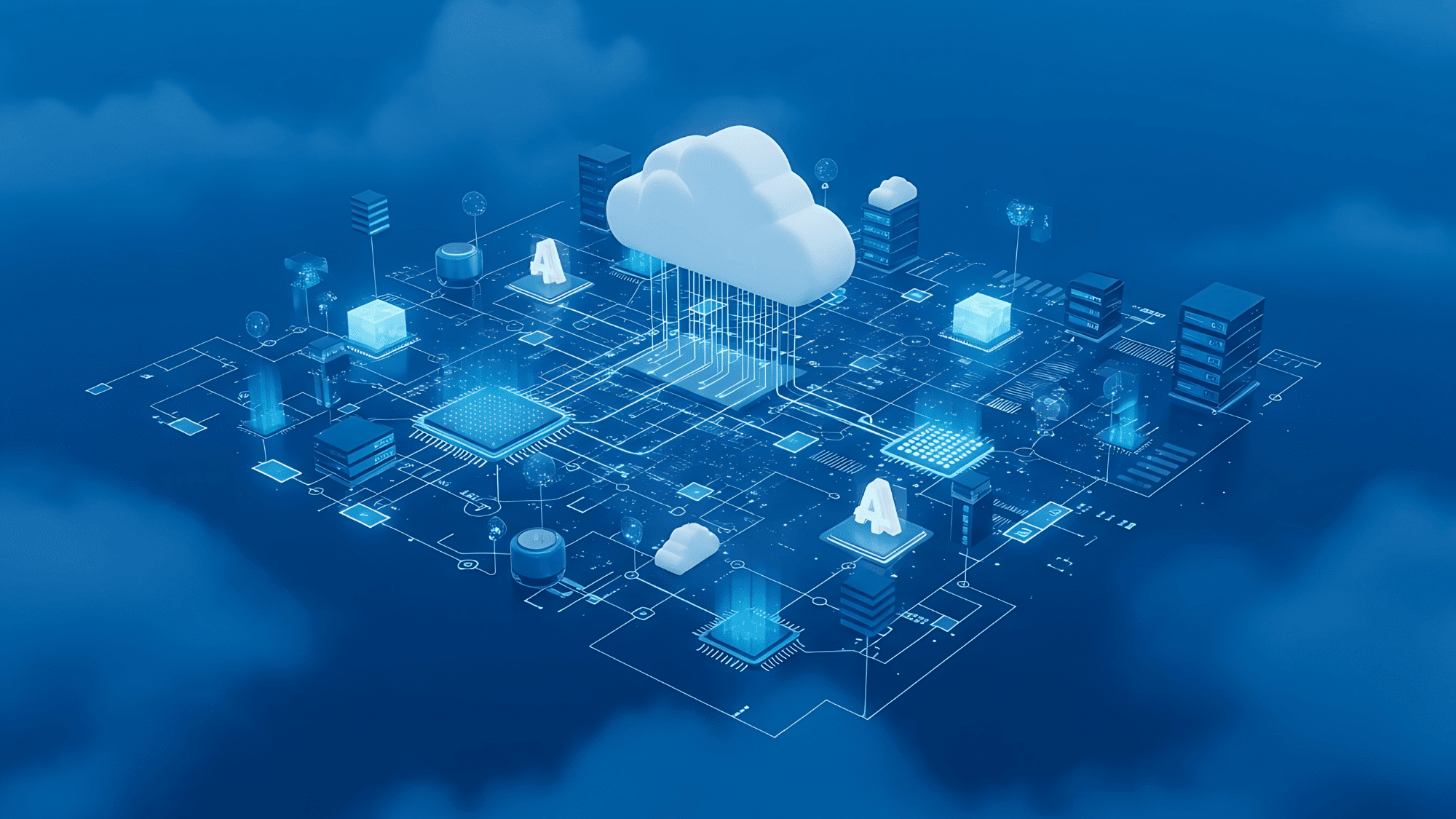
Cloud computing isn’t one-size-fits-all. There are three main types, each designed for different business needs.
1. Infrastructure as a Service (IaaS)
IaaS is like renting the basic building blocks of technology. Instead of buying physical servers and storage equipment, you rent virtual ones online.
You get the raw computing power, storage space, and networking, but you’re responsible for installing and managing everything that runs on it.
When Should Small Businesses Use IaaS?
- Your business needs custom IT setups that off-the-shelf software can’t handle
- You’re running specific applications that require control over the operating system
- You have an IT person or team who can manage the technical side
- You want flexibility to build exactly what you need
Key Benefits
| Benefit | What It Means |
|---|---|
| Full control | Customize everything to fit your exact needs |
| Cost-effective | Only pay for the computing power and storage you use |
| Flexible | Scale up or down instantly without buying new hardware |
| No equipment | Skip the expense of purchasing and maintaining servers |
IaaS gives you power and control, but it requires some technical knowledge. It’s best for businesses with specific IT needs or in-house tech expertise.
2. Platform as a Service (PaaS)
PaaS offers a complete platform for building and running applications, like a fully equipped kitchen where you can cook without installing ovens or fixing plumbing.
PaaS is ideal when your business needs to build custom apps, whether for a customer portal, an internal tool, or a mobile app.
The platform provides everything needed to develop, test, and launch software without managing the underlying infrastructure.
Why Startups Love PaaS:
- Launch new products faster without building infrastructure from scratch
- Test ideas quickly and cheaply before going all-in
- Focus on creating great apps instead of managing servers
- Access development tools that would cost a fortune to buy separately
Cost and speed benefits are huge. Building an app the traditional way might take months and cost tens of thousands in setup alone.
With PaaS, you can start developing immediately and launch in as little as weeks. Plus, you only pay for what you use, no massive upfront investment required.
3. Software as a Service (SaaS)
SaaS is the most common and easiest cloud computing for small businesses. It’s ready-to-use software accessible via a browser or app. No installation, setup, or technical skills needed, just log in and use.
Here’s why SaaS is everywhere: It’s simple. Your business gets professional software without the headache of buying, installing, or maintaining it. The provider handles all updates, security, and technical stuff in the background.
Why SaaS Is Easiest to Adopt:
- No tech skills required: If you can use a website, you can use SaaS.
- Ready to go: Sign up and start using it within minutes.
- Always updated: Get new features automatically without lifting a finger.
- Affordable: Monthly subscriptions start as low as $10-50 per user.
- Accessible Anywhere: Work from any device with internet access.
For most small businesses, SaaS is the perfect starting point. It delivers powerful tools without complexity, so you can focus on growing your business rather than managing technology.
Cloud Deployment Models Explained
Not all clouds work the same way. There are three main deployment models, each with different levels of control, security, and cost. Here’s what small businesses need to know about choosing the right one.
| Deployment Model | What It Is | Best For | Key Benefits | Considerations |
|---|---|---|---|---|
| Public Cloud | Shared infrastructure from providers like Google, Microsoft, or Amazon. | Most small businesses, startups, and remote teams | Lowest cost, no maintenance, easy setup, pay-as-you-go | Less data control, internet-dependent |
| Private Cloud | Dedicated infrastructure for one business only. | Healthcare, finance, legal firms, and regulated industries | Complete data control, customizable security, and compliance needs | Most expensive, requires technical expertise |
| Hybrid Cloud | Combines public and private clouds. | Growing businesses, companies with some regulated data | Balances cost and control, flexible scaling | More complex, higher cost than public |
Which Model Fits Your Small Business?
Most small businesses start with public cloud because it’s affordable, simple, and covers everyday needs like email, file storage, and business software. There’s no setup, no equipment to buy, and you can start using it immediately.
Consider a Private Cloud If:
- Your business handles sensitive information like medical records or financial data
- You need to meet specific industry regulations (HIPAA, PCI-DSS, etc.)
- You have compliance requirements about where data is stored
- Your business can afford higher costs for extra control
Hybrid Cloud Makes Sense When:
- You’re in a regulated industry but want public cloud benefits for non-sensitive work
- You need to keep customer data private, but want a public cloud for marketing tools
- You’re slowly moving to the cloud and need time to transition
- You have seasonal spikes and need extra capacity temporarily
Compliance & Data Control Considerations
Data control matters more for some businesses than others. If you’re in healthcare, finance, or legal services, you might need to know exactly where customer data is stored and who can access it.
Private or hybrid clouds give you that control.
Compliance Requirements Vary by Industry:
- Healthcare (HIPAA): May require private or hybrid cloud with specific security measures
- Finance (PCI-DSS): Credit card processing needs strict security, often requires a private cloud
- Legal: Client confidentiality might demand private cloud options
- General Retail/Services: Public cloud typically meets all requirements
Most public cloud providers offer compliance certifications and can help small businesses meet regulatory requirements without switching to a private cloud.
Just make sure your provider supports the standards your industry requires.
If you’re a typical small business without special regulatory needs, the public cloud is your best bet. It’s simple, affordable, and does everything you need.
Cloud Computing and AI for Small Businesses

Here’s where things get exciting. Cloud computing isn’t just about storage and software anymore; it’s the gateway to artificial intelligence tools that used to cost hundreds of thousands of dollars.
Now, small businesses can use the same smart technology that big corporations rely on, all through affordable cloud services that require zero technical expertise to get started.
Cloud providers build AI capabilities right into their platforms, so small businesses can access powerful automation and intelligence without buying expensive equipment or hiring data scientists.
Just log in and start using AI features that analyze data, predict trends, and automate tasks.
AI Use Cases Transforming Small Businesses:
- Task Automation: Let AI handle repetitive work like data entry, appointment scheduling, invoice processing, and email sorting automatically.
- Personalized Marketing: AI analyzes customer behavior to send targeted emails, product recommendations, and special offers that actually match what people want.
- Sales Assistance: AI tools predict which leads are most likely to buy, suggest optimal pricing, and remind salespeople when to follow up.
- Customer Support: AI chatbots answer common questions 24/7, route complex issues to the right person, and provide instant responses customers expect.
Big companies have been using AI for years, but it was too expensive and complicated for small businesses. Cloud computing changed that completely.
Now, a five-person team can use the same smart tools as a Fortune 500 company for just a few dollars per month.
That levels the playing field, letting small businesses compete on service quality, personalization, and efficiency rather than just budget size.
Disadvantages of Cloud Computing for Small Businesses
Cloud computing isn’t perfect for every situation. Being honest about the challenges helps you make a smart decision for your business. Here are the main drawbacks to consider before moving to the cloud.
| Disadvantage | What It Means | How It Affects Your Business | Ways to Manage It |
|---|---|---|---|
| Internet Dependency | Cloud services need a stable internet to work. | No internet means no access to files or software. Slow connections hurt performance. | Get reliable internet with backup options. Keep critical files available offline. |
| Ongoing Subscription Costs | Monthly or yearly fees that never stop. | Costs add up over time and can strain budgets. | Budget for ongoing costs. Cancel unused services. Choose annual plans for discounts. |
| Learning Curve | New tools require training and adjustment time. | Productivity dips initially. Some employees resist change. | Pick user-friendly platforms. Provide training. Switch one tool at a time. |
| Data Compliance Concerns | Some industries have strict data storage rules. | Healthcare, finance, and legal businesses face regulatory issues. | Choose providers with industry certifications. Read agreements carefully before signing. |
These disadvantages are real, but they’re manageable for most small businesses. The key is knowing what you’re getting into and planning accordingly.
For many businesses, the benefits of cloud computing far outweigh these challenges, but every business is different. Understanding both sides helps you make the right choice for your specific situation.
Final Thoughts
After exploring everything cloud computing offers, the answer is clear: it’s worth it for most small businesses.
The benefits, lower costs, work-from-anywhere flexibility, automatic backups, and access to powerful AI tools far outweigh the drawbacks.
Cloud technology levels the playing field, letting small teams compete with much larger companies without breaking the bank.
The real question isn’t whether to use cloud computing, but when to start and which tools fit your needs best. The good news? You don’t need to switch everything at once. Start small, test one tool, and grow from there.
Ready to get started? Pick one business challenge you’re facing today and find a cloud solution that addresses it.