







Modern software teams need more than speed to succeed. They need stable systems that scale smoothly as demand grows. DevOps infrastructure helps teams build, manage, and maintain reliable systems.
It supports steady testing, smooth releases, faster updates, and fewer errors with less manual work for development and operations teams.
In this article, I will share what it really means and why it matters today.
You will learn the basic ideas behind it, the tools teams often use, and how everything fits together.
You will learn the the benefits, common applications, and use cases of DevOps infrastructure. By the end, you should have a solid understanding and know where to start next.
This overview will help you decide if this approach fits your team or not.
What Is DevOps Infrastructure?
DevOps infrastructure is the foundation that supports how software is built and delivered.
It includes the tools, systems, and processes teams use to develop, test, deploy, and run applications.
Instead of working in separate silos, development and operations teams share the same setup and workflows. This makes work smoother and more predictable.
With DevOps infrastructure, tasks like code testing, updates, and releases can be automated.
Automation helps teams move faster while keeping systems stable. It also makes it easier to scale systems as traffic or data grows.
Another key point is consistency across environments, so software works the same in testing and live use.
Overall, DevOps infrastructure helps teams reduce errors, shorten release times, and keep systems running without constant manual effort.
Benefits of DevOps Infrastructure for Teams
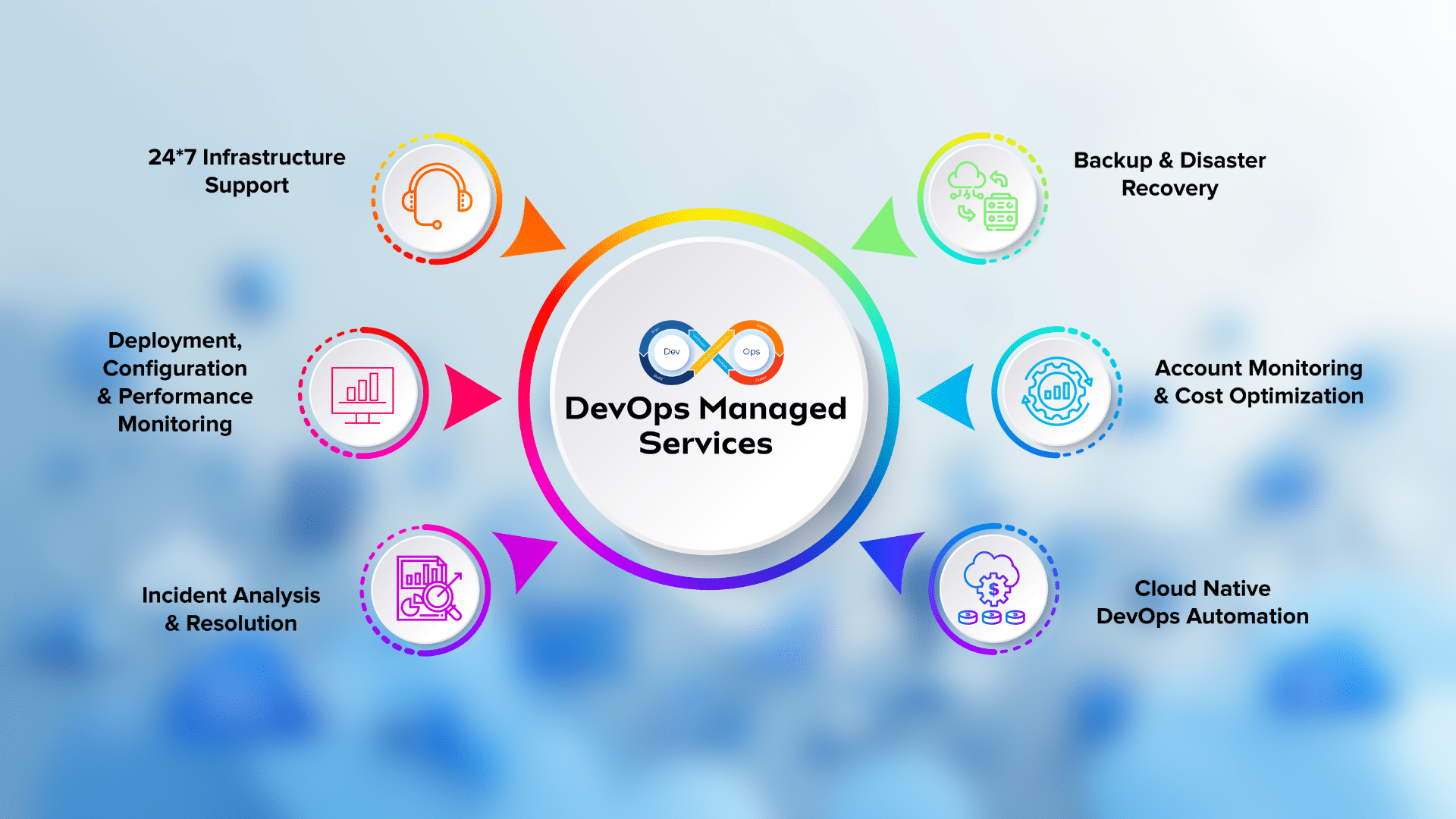
DevOps infrastructure helps teams work in a more organized and reliable way. It supports better coordination between people, tools, and systems, making daily work easier and more predictable.
- Faster delivery: Automation speeds up testing and releases, so updates reach users sooner without long delays.
- Fewer errors: Shared systems and repeatable processes reduce mistakes caused by manual work or miscommunication.
- Better teamwork: Development and operations teams use the same tools and workflows, which improves coordination and trust.
- Consistent results: Standard setups ensure software behaves the same across testing and live environments.
- Easier scaling: Systems can handle growth more smoothly without major changes or downtime.
Core Concepts of DevOps Infrastructure
These core ideas explain how DevOps infrastructure works in practice. They focus on making systems reliable, repeatable, and easier for teams to manage as work and demand increase.
1. Automation
Automation is the core of DevOps infrastructure. It replaces manual testing, setup, and deployment with automated workflows.
This helps teams move faster while reducing human error. Automated processes run the same way every time, which improves consistency across systems.
Teams can focus more on building features instead of fixing setup issues.
Automation also makes it easier to handle frequent updates without slowing down work or risking system stability as projects grow over time.
2. Continuous Integration and Delivery
Continuous integration and delivery help teams release software more often and with fewer problems.
Code changes are tested automatically as soon as they are added, which helps catch issues early. Once tests pass, updates can move smoothly toward release.
This approach reduces last-minute fixes and failed deployments.
It also allows teams to respond faster to user needs. By keeping changes small and frequent, systems stay more stable and easier to manage.
3. Infrastructure as Code
Infrastructure as code means managing servers and systems using code instead of manual setup.
Teams define their infrastructure in files that can be tracked, reviewed, and reused. This makes it easier to recreate environments and avoid configuration mistakes.
If something breaks, teams can quickly restore the setup using the same code.
This approach supports consistency across testing and live systems. It also helps teams scale infrastructure without starting from scratch each time.
4. Monitoring and Feedback
Monitoring helps teams understand how systems perform in real use. It tracks metrics like uptime, errors, and response times.
When issues appear, alerts notify teams quickly so they can act before users are affected.
Feedback from monitoring also helps teams improve future updates. Instead of guessing what went wrong, teams rely on real data.
This leads to better decisions, fewer outages, and more stable systems over time.
Key Components of DevOps Infrastructure
These components work together to support smooth development, testing, and system management. Each part plays a role in keeping workflows consistent, reliable, and easy to scale.
- Servers: Physical or virtual machines that run applications and store data needed for daily operations.
- Cloud platforms: Online services that provide flexible computing resources without managing physical hardware.
- Automation tools: Software that handles tasks like testing, building, and deploying code with minimal manual effort.
- Monitoring systems: Tools that track system health, performance, and errors to catch issues early.
- Version control: Systems that track code changes, support collaboration, and help teams manage updates safely.
Common Applications of DevOps Infrastructure
DevOps infrastructure is used across many industries where speed, reliability, and system stability matter. These applications show how teams apply DevOps practices in real working environments.
1. Software Development Teams
Software development teams use DevOps infrastructure to build, test, and release applications faster. Automated testing and deployment help teams catch issues early and fix them before release.
Shared tools improve coordination between developers and operations staff.
This setup reduces delays caused by manual steps and miscommunication. Teams can push updates more often without risking system stability.
Over time, this leads to better software quality, faster feedback, and smoother release cycles.
2. Cloud-Based Applications
Cloud-based applications rely on DevOps infrastructure to manage changing workloads and traffic levels. Automation helps scale resources up or down based on demand.
Teams can deploy updates without stopping services, which keeps apps available to users.
Monitoring tools track performance and catch issues quickly. This setup helps teams manage cloud costs while maintaining reliability.
DevOps infrastructure also makes it easier to test changes before going live, reducing risks in cloud environments.
3. SaaS Platforms
SaaS platforms use DevOps infrastructure to deliver regular updates to users without disruption.
Continuous delivery pipelines allow teams to roll out features in small, controlled steps. Automated monitoring ensures systems stay stable as users grow.
Version control helps teams manage frequent code changes across multiple features.
This approach supports faster innovation while keeping services reliable. It also helps SaaS teams respond quickly to customer feedback and fix issues without long downtime.
4. Enterprise IT Systems
Large organizations use DevOps infrastructure to modernize traditional IT systems. Automation replaces slow manual processes, improving speed and consistency.
Infrastructure as code helps manage complex systems across departments. Monitoring tools give better visibility into system health.
This setup reduces downtime and improves response times during issues.
Enterprise teams can support large-scale operations while keeping systems stable and easier to manage over time.
DevOps Infrastructure vs Traditional IT
DevOps infrastructure uses shared responsibility and automation, while traditional IT depends on separate roles and manual work. This impacts delivery speed and issue handling.
| Aspect | DevOps Infrastructure | Traditional IT |
| Team structure | Development and operations work together | Development and operations work separately |
| Deployment speed | Fast and frequent releases | Slow and scheduled releases |
| Processes | Automated and repeatable | Mostly manual |
| Error handling | Issues found early through testing | Issues often found after release |
| Scalability | Scales easily with demand | Scaling requires more planning |
| System updates | Small and regular changes | Large and infrequent changes |
Common DevOps Infrastructure Tools
These tools help streamline processes, automate tasks, and ensure smoother collaboration between development and operations teams. They play a key role in creating a reliable and efficient DevOps environment.
1. Jenkins
Jenkins is an open-source automation tool that focuses on continuous integration and continuous delivery.
It helps developers automate the process of building, testing, and deploying code. Jenkins integrates with many other tools, making it flexible and customizable for different workflows.
It supports pipelines that manage code changes, run tests, and deploy updates with minimal manual effort.
This reduces human error and speeds up the release process, allowing teams to deliver software more consistently.
2. Docker
Docker is a platform used to create, deploy, and run applications in lightweight containers.
These containers package an application and its dependencies, making it easy to move between different environments, such as development, testing, and production.
Docker simplifies scaling, reduces conflicts between environments, and improves consistency.
It’s especially useful in DevOps because it ensures that software behaves the same, whether running locally or in the cloud.
Docker also speeds up testing and deployment by isolating applications in separate containers.
3. Kubernetes
Kubernetes is an open-source container orchestration tool that automates the deployment, scaling, and management of containerized applications.
It helps teams manage multiple containers across a cluster of machines, ensuring they run smoothly and efficiently.
Kubernetes provides features like load balancing, automated scaling, and self-healing, which help keep applications available even during traffic spikes.
It works with Docker and other platforms, making it key for managing large-scale containerized applications.
4. Git
Git is a version control system that tracks changes to code, making collaboration easier for developers. It allows multiple developers to work on the same codebase without overwriting each other’s changes.
Git helps teams manage updates, roll back to previous versions, and maintain a clear history of changes.
It’s commonly used with platforms like GitHub and GitLab for code sharing and collaboration.
Git supports branching and merging, which simplifies parallel development and reduces the risk of errors when integrating new code into the main project.
5. Ansible
Ansible is an open-source tool used for configuration management, application deployment, and task automation.
It simplifies IT operations by allowing teams to define infrastructure and software configurations in code, making environments easy to replicate and manage.
Ansible automates server setup, app installation, and patch management.
It’s agentless, meaning no software installation is needed on target systems, making management easier. With its simple syntax, Ansible is popular for its ease of use and scalability in DevOps environments.
DevOps Infrastructure Use Cases
DevOps infrastructure is applied in various industries to improve efficiency, reliability, and speed in software development and IT operations.
- Software Development and Deployment: DevOps streamlines the development pipeline, ensuring faster, more reliable releases with fewer errors.
- Cloud Application Management: It scales cloud applications by automating deployment, ensuring smooth performance, and efficient resource use during traffic spikes.
- Continuous Integration/Continuous Delivery (CI/CD): DevOps supports CI/CD by automating testing, integration, and deployment for faster delivery with consistent quality.
- Microservices Architecture: DevOps ensures microservices are developed, deployed, and scaled independently, with tools to manage complex systems efficiently.
- Infrastructure Management: DevOps tools automate infrastructure tasks, reducing downtime, improving scalability, and minimizing errors.
Conclusion
DevOps infrastructure is essential for teams looking to improve their software development process.
It breaks down silos between development and operations, fostering collaboration and boosting efficiency.
By automating workflows, continuous testing, and monitoring, DevOps allows teams to deliver faster, more reliable products.
Implementing DevOps tools can streamline operations, reduce errors, and ensure smoother deployments.
If you’re new to DevOps or already using some of its tools, there’s always room to grow.
If you’re exploring automation or learning more about collaboration, the key is applying these practices to your projects. I’d love to hear about your experiences with DevOps.
Have you faced any challenges or found helpful strategies? Share your thoughts and experiences in the comments below!