



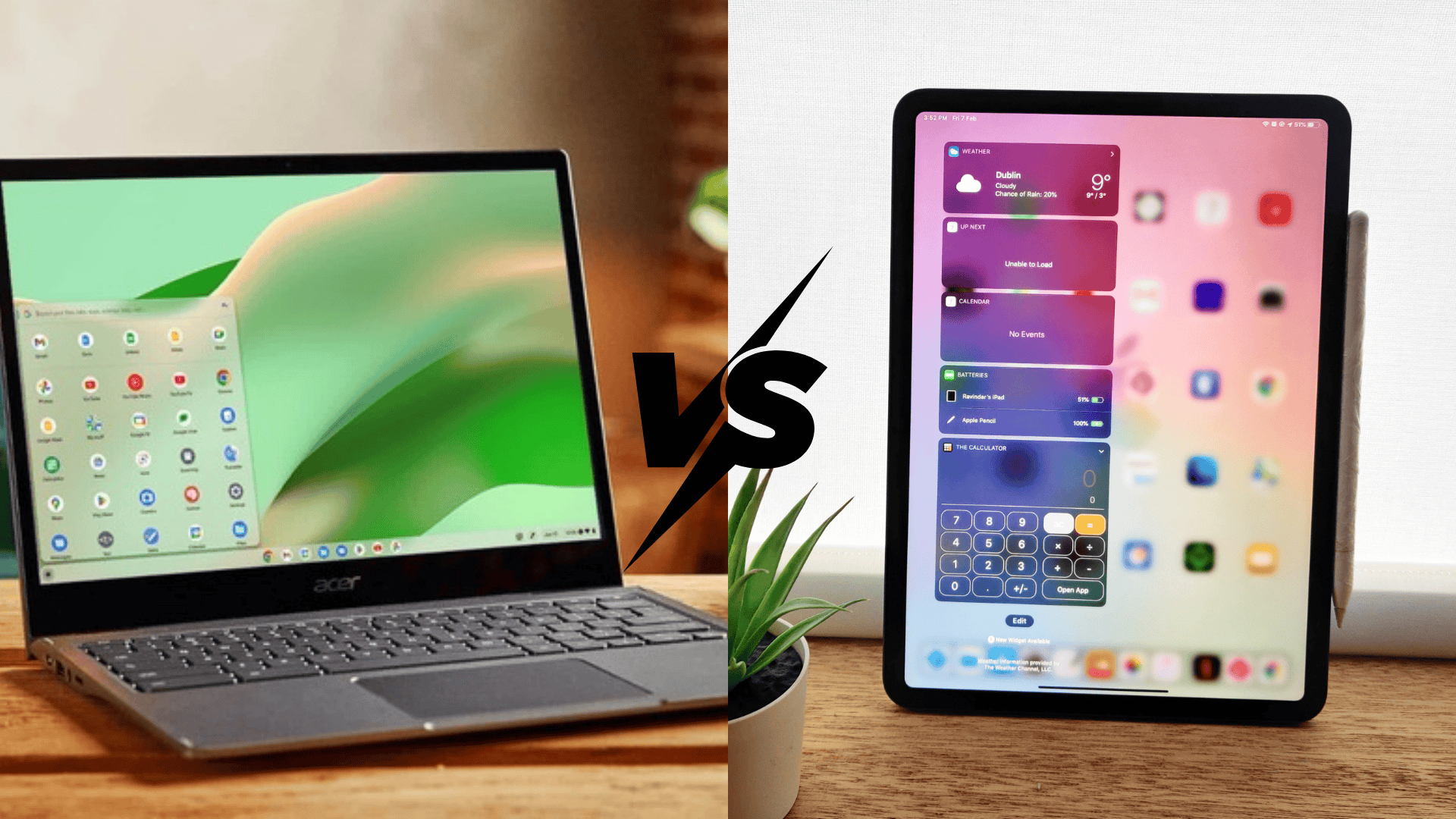



Work today looks very different from what it did a few years ago. People work from offices, homes, and everywhere in between.
Because of this shift, IT teams need better ways to support users without slowing them down.
That is where End User Computing (EUC) comes in. It focuses on giving people easy access to apps, data, and tools they need to do their jobs, while IT keeps control behind the scenes.
In this article, you will learn what EUC is, how it works, and the key parts that make it useful.
I will share some common tools and the benefits and risks that come with them.
EUC matters because it helps businesses stay flexible, support remote work, and improve daily productivity. By the end, you will understand that companies rely on EUC and how it affects users.
What Is End User Computing (EUC)?
End User Computing, or EUC, is a way for people to use technology tools without relying on IT for every small task.
End users are the people who use devices, apps, and systems every day, like employees or remote workers.
EUC focuses on giving these users easier access to what they need to do their work. Instead of waiting for IT to set up everything, users can access approved apps, desktops, and data on their own devices.
This shifts some control closer to them while IT still manages security and rules in the background.
EUC helps balance user freedom and IT control. It supports flexible work, faster access to tools, and smoother daily tasks.
EUC does not remove IT teams. It helps them work smarter by reducing manual setup and support work.
How End User Computing Works?
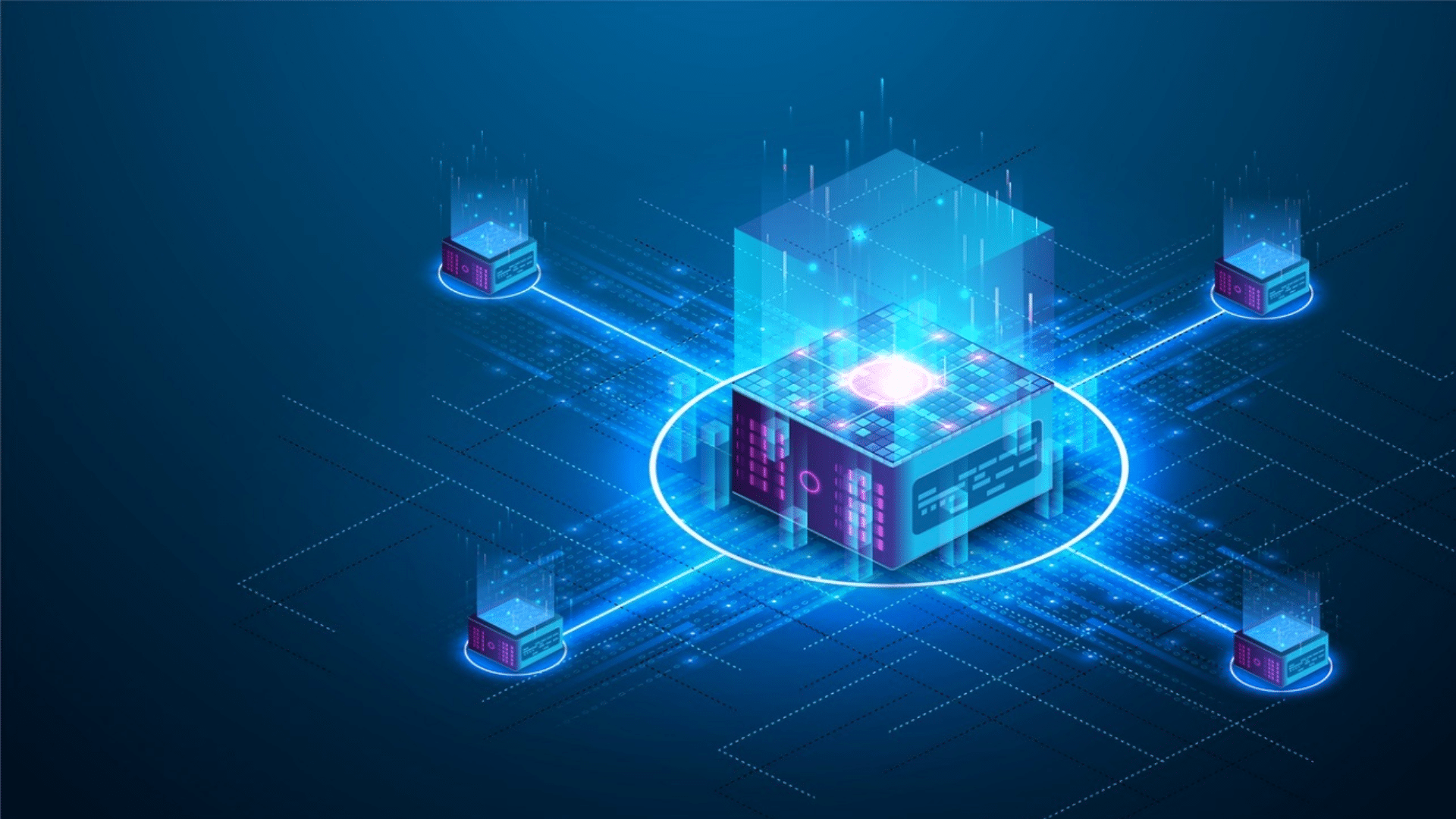
EUC makes it easier for users to get their work done while IT manages systems in the background. It focuses on access, control, and support without constant IT involvement.
- User Access Setup: IT sets rules and permissions so users can sign in securely from approved devices.
- Application Delivery: Users access apps through virtual desktops, cloud platforms, or web-based tools.
- Data Access: Files and data are stored centrally and shared based on user roles.
- Device Flexibility: Users can work from laptops, tablets, or personal devices if allowed.
- Background Management: IT monitors security, updates, and performance without interrupting users.
Key Components of End-User Computing
End-User Computing is built on a few core elements that work together. Each part helps users access tools easily while IT keeps systems secure, stable, and organized.
1. End-User Devices
End-user devices are the tools people use to access work systems each day. These include laptops, desktops, tablets, and sometimes personal devices.
EUC allows users to work from approved devices without needing IT support for every task.
IT teams still control updates, security settings, and usage rules in the background. This setup supports remote and flexible work while keeping company data protected.
Users enjoy fewer delays, and IT teams spend less time fixing device-level issues, which helps improve overall efficiency.
2. Applications and Software
Applications are the programs users rely on to complete daily work tasks.
In an EUC setup, apps are often delivered through cloud platforms or virtual systems instead of local installs.
Users simply log in and access the tools they need. IT teams manage which apps are available and who can use them.
This keeps systems consistent across users and devices. It also makes updates faster and reduces errors caused by outdated software or manual installs.
3. Virtualization Technology
Virtualization allows desktops and applications to run on central servers rather than on local devices. Users connect to these virtual environments through secure access points.
This keeps data stored in one place and reduces the risk of loss or leaks.
Virtual desktops support remote work and make switching devices easy. If a device breaks or changes, users can log in from another device and continue working.
IT teams benefit from easier system control and faster troubleshooting.
4. User Access Management
User access management controls who can view and use systems, apps, and data.
It relies on logins, permissions, and role-based access rules. Users only see what they need for their job, which helps reduce mistakes and limits data exposure.
IT teams can quickly update access when roles change or users leave.
Strong access management helps protect sensitive information while still giving users enough freedom to work without constant IT involvement.
EUC vs Traditional IT Management
These two approaches handle user access and system control in very different ways. The comparison below shows how responsibility and flexibility shift between IT teams and users.
| Aspect | End User Computing (EUC) | Traditional IT Management |
| Control | Shared between IT and users with set rules | Fully controlled by IT teams |
| Flexibility | High, supports remote and device choice | Low, fixed systems and locations |
| User Involvement | Users access tools with minimal IT help | Users rely on IT for most tasks |
| Device Use | Allows approved personal and work devices | Uses company-issued devices only |
| App Access | Apps delivered through cloud or virtual tools | Apps installed manually by IT |
| Speed of Access | Faster access to apps and systems | Slower setup and changes |
| IT Workload | Reduced day-to-day support tasks | High manual support and setup |
| Remote Work Support | Built for remote and hybrid work | Limited remote access options |
Common EUC Tools and Technologies
These tools support how users access apps, desktops, and data across different devices. They help IT teams manage systems while keeping the user experience simple.
- Virtual Desktop Infrastructure (VDI): Runs user desktops on central servers and lets users access them from almost any device.
- Desktop as a Service (DaaS): Provides cloud-hosted desktops managed by a service provider, reducing on-site IT work.
- Endpoint Management: Helps IT monitor, secure, and update user devices from one central platform.
- Cloud-Based Workspaces: Give users web-based access to apps and files through a single login.
- Identity and Access Tools: Controls user logins and permissions to protect systems and data.
- Application Virtualization: Allows apps to run without being fully installed on local devices.
Benefits of End-User Computing
End-User Computing helps organizations support modern work needs without putting extra pressure on IT teams. It improves daily workflows, supports flexible work styles, and keeps systems secure.
1. Increased Work Flexibility
EUC allows users to work from many locations using approved devices. Employees are no longer tied to a single office or system.
This flexibility supports remote and hybrid work without adding risk.
Users can sign in and access the same apps and data from different devices. IT teams still manage access rules and security in the background.
This setup helps businesses adjust to changing work needs while keeping control over systems and information.
2. Higher User Productivity
With EUC, users get quick access to the tools they need to do their jobs. They spend less time waiting for IT support or system changes.
Apps and desktops are ready when users log in, which reduces downtime.
Fewer technical delays mean users can stay focused on tasks. Over time, this leads to smoother workflows and better use of work hours.
IT teams also benefit by spending less time on small support requests.
3. Better Support for Remote Work
Remote work requires secure and stable access to systems. EUC makes this easier by keeping apps and data in central locations.
Users connect safely from home, offices, or travel locations.
IT teams handle updates and security without touching each device.
This reduces risks linked to lost devices or unsecured networks. Businesses can support remote teams without lowering security standards or increasing IT workload.
4. Faster Access to Tools and Updates
EUC helps IT teams roll out apps and updates faster. Changes are made in one place instead of on each device.
Users receive updates the next time they log in.
This keeps software current and reduces errors from outdated versions. New employees can access tools quickly, which shortens setup time.
Overall, EUC improves speed, consistency, and system reliability across the organization.
Challenges and Risks of EUC
While EUC offers many benefits, it also brings new concerns that need careful planning. These challenges affect security, control, and long-term system management.
- Security Risks: More devices and access points increase the chance of unauthorized access or data breaches.
- Data Control Issues: Data spread across platforms can be harder to track and protect without strong controls.
- Compliance Concerns: Meeting industry rules becomes harder if access and data use are not closely monitored.
- Limited IT Visibility: IT teams may lose full insight into user activity if systems are not properly managed.
- Device Management Challenges: Personal devices can create gaps in updates and security policies.
- User Behavior Risks: Poor password habits or unsafe actions can weaken system protection.
The Future of End-User Computing
The future of End-User Computing is closely tied to how people work today. More teams rely on cloud services to access apps and data from anywhere.
This makes EUC easier to scale and manage. Remote and hybrid work will continue to shape how systems are built and supported.
IT teams are also using automation to handle updates, access control, and security checks.
This reduces manual work and speeds up daily tasks. Cloud-based EUC helps keep tools available without heavy setup. Automation in IT improves consistency and lowers the risk of errors.
As EUC grows, the focus will stay on secure access and smooth user experiences.
Businesses will choose flexible systems that support change while keeping control over data and users.
Conclusion
End User Computing matters because the way we work has changed. People expect quick access to tools, simple logins, and the freedom to work from different places.
EUC supports this shift by giving users what they need while IT keeps systems secure and organized.
It helps businesses stay flexible, support remote work, and reduce daily support issues.
At the same time, it brings new challenges that need the right planning and controls. Understanding how EUC works makes it easier to decide if it fits your setup.
If your team struggles with access, device management, or remote support, EUC may be worth a closer look.
Review your IT setup to see where EUC can help, and share your experience or questions in the comments below.