






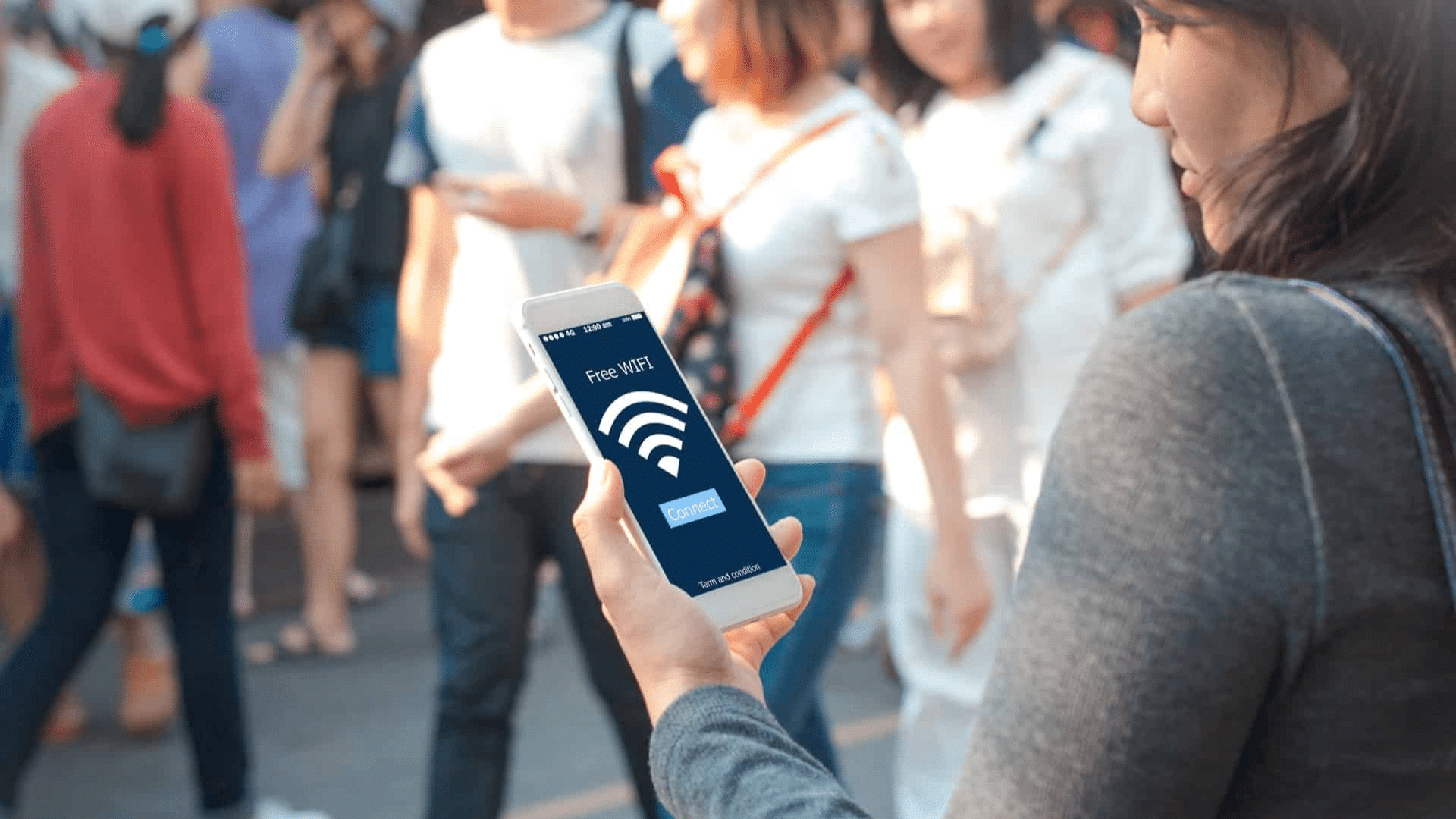
Public Wi-Fi is widely available in places like coffee shops, airports, and libraries, making it easy to stay connected.
However, it’s important to know which activities are safe to do and which ones should be avoided. While public Wi-Fi is convenient, it comes with risks that can put your personal information at risk.
In this blog, I will share which activities are safe to perform on public Wi-Fi and which ones you should avoid.
You’ll learn the potential risks of using public networks and simple tips to protect yourself.
If you’re working or browsing, understanding these risks can help you use public Wi-Fi more securely. With a few simple steps, you can protect your data and enjoy the convenience of public Wi-Fi without worry.
How to Tell if a Public Wi-Fi Network Is Secure?
A “secure” Wi-Fi network is one that uses encryption and requires a password to connect. Encryption helps protect your data, making it harder for others to access.
Look for networks with passwords or that use WPA2 or WPA3 encryption; this shows they are safer.
On the other hand, unsecured or open networks don’t require a password and are more vulnerable to hackers.
Before connecting to a public network, check if it’s password-protected or ask the staff for the network name and security details.
Using a VPN (Virtual Private Network) adds an extra layer of protection by encrypting your internet traffic.
This can help secure your data even on risky networks. Always verify a network’s security before you connect to keep your information safe.
Best Practices for Secure Public Wi-Fi Use
To ensure your safety while using public Wi-Fi, it’s important to follow these best practices. By taking these simple steps, you can protect your personal data and enjoy a secure online experience.
1. Use a VPN
A Virtual Private Network (VPN) is one of the best ways to protect your data on public Wi-Fi.
It encrypts your internet connection, making it much harder for hackers to intercept your information.
When using a VPN, your online activity is hidden, and any sensitive data, like passwords and credit card numbers, is securely encrypted.
It’s a simple but effective way to add an extra layer of security to your connection. Always use a trusted VPN service when accessing public networks.
2. Avoid Accessing Sensitive Accounts
When using public Wi-Fi, it’s best to avoid logging into sensitive accounts like online banking or shopping.
Public networks are less secure, and hackers can easily intercept your login details. If you must access important accounts, wait until you’re on a private, secure network.
If you can’t avoid accessing these accounts, ensure you’re using a VPN for added protection.
This helps prevent hackers from accessing your passwords, ensuring that your sensitive data remains secure.
3. Turn Off Sharing
Public Wi-Fi networks are often shared with other users, making it easier for hackers to access your personal files and data.
To protect yourself, make sure file and printer sharing are turned off on your device when using a public network. This simple step can prevent unauthorized users from accessing your information or spreading malware.
Always double-check your settings to ensure no one can access your files while connected to public Wi-Fi.
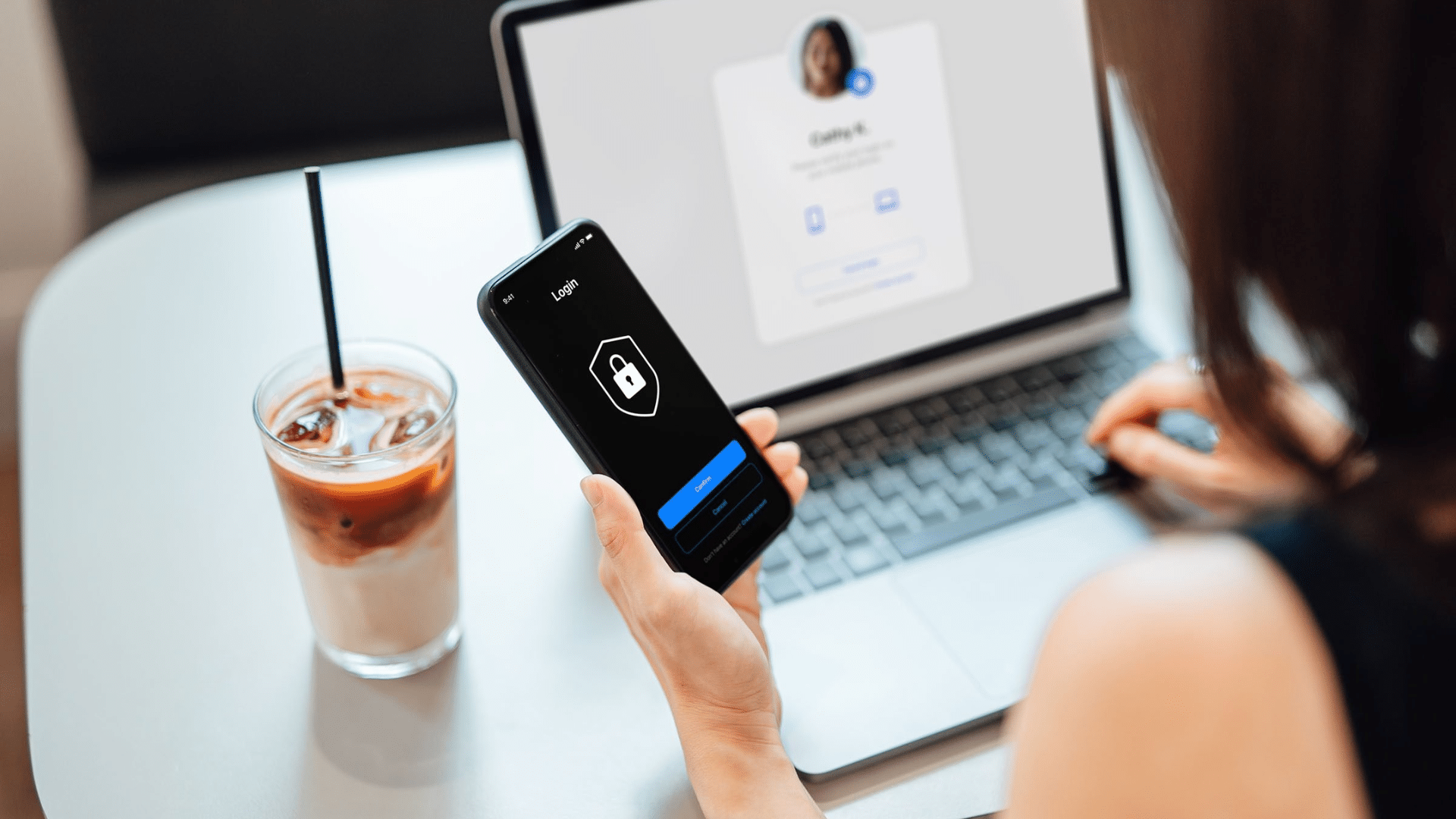
4. Enable Two-Factor Authentication (2FA)
Two-factor authentication (2FA) adds an extra layer of protection to your accounts.
Even if a hacker manages to steal your password, they won’t be able to access your account without the second verification step.
Enable 2FA on all your accounts that support it, especially for email, banking, and social media.
This simple step can significantly reduce the risk of your accounts being compromised while using public Wi-Fi. Always prioritize securing your login methods to stay safe online.
5. Use HTTPS Websites
When using public Wi-Fi, always make sure the websites you visit use HTTPS.
This ensures that any data sent between your device and the website is encrypted, keeping your information safe.
HTTPS websites are more secure than HTTP ones, which don’t encrypt your data and leave you vulnerable to interception. Look for a padlock icon next to the URL to confirm a secure connection.
Prioritize using HTTPS sites to safeguard your personal details while browsing on public networks, reducing the risk of cyberattacks.
6. Disable Automatic Connections
Most devices automatically connect to open Wi-Fi networks, but this can be a security risk. When using public Wi-Fi, turn off the automatic connection feature.
This way, your device won’t connect to unsecured or rogue networks without your knowledge.
Manually select networks that you trust to ensure your connection is secure.
By disabling automatic Wi-Fi connections, you prevent your device from connecting to potential threats and reduce the chances of hackers gaining unauthorized access to your personal information.
7. Keep Your Device Updated
Regular software updates are essential for device security, especially on public Wi-Fi. Updates often contain important security patches that address known vulnerabilities hackers can exploit.
By keeping your operating system and apps up to date, you ensure your device is protected from new threats.
Enable automatic updates to ensure you don’t miss critical security fixes.
Keeping your device updated reduces the risk of cyberattacks, making it harder for hackers to gain access to your data while you’re using public Wi-Fi.
8. Turn Off Wi-Fi when Not in Use
When you’re not using Wi-Fi, it’s a good idea to turn it off. This simple action helps protect your device from automatically connecting to unsecured networks, especially in public spaces.
When Wi-Fi is turned on, your device is constantly searching for available networks, which can expose it to potential risks.
By turning off Wi-Fi when you’re not actively using it, you reduce the chances of connecting to a dangerous or unsecured network, helping protect your personal information and privacy.
9. Avoid Sharing Sensitive Information
While connected to public Wi-Fi, avoid sharing sensitive information like passwords, credit card numbers, or personal details.
Public networks are more vulnerable to hackers, making it easier for them to intercept this type of data.
If you need to enter sensitive information, wait until you are on a secure, private network.
To stay safe, always ensure that the website you’re using has encryption (HTTPS) before entering any personal data, especially when using public Wi-Fi.
Risks of Using Public Wi-Fi Networks
Public Wi-Fi networks are convenient but come with several security risks. Understanding these threats can help you stay safe while using public Wi-Fi.
- Data Breaches: Hackers can intercept your internet connection on unsecured networks, gaining access to your personal information, like login credentials and credit card numbers.
- Man-in-the-Middle Attacks: In this attack, hackers secretly intercept and alter communication between you and the website you’re trying to access, stealing sensitive data in the process.
- Malware: Public Wi-Fi is a common place for hackers to distribute malware. Once connected, your device could be infected, leading to data loss or theft.
- Exploiting Unsecured Networks: Public Wi-Fi networks often lack encryption, making it easier for hackers to spy on and steal data as it travels between your device and the network.
- Importance of HTTPS: Always ensure websites use HTTPS for secure communication. This ensures your data is encrypted and harder for hackers to access.
Conclusion
Using public Wi-Fi is convenient, but it doesn’t have to put your data at risk.
By following simple steps like using a VPN, avoiding sensitive transactions, and checking for HTTPS websites, you can protect your personal information from hackers.
Being cautious and aware of the risks is key, whether you’re working or browsing.
These easy tips can help you stay safe while enjoying the convenience of public Wi-Fi. Stay proactive about your online security, and don’t let public networks jeopardize your privacy.
Ready to take control of your safety? Protect your data today by following these simple steps.
Have you experienced any security issues while using public Wi-Fi? Share your thoughts in the comments below!