




Keeping track of the people you care about has become easier than ever. Phones are always with us, and that makes location sharing a simple way to stay connected.
From school arrivals to knowing when someone is on the way home, these tools support daily life.
In this article, you’ll find some of the best tracking apps for iPhone and Android and what each one does best.
You’ll learn which apps work well for families, which ones focus on safety, and which support both iPhone and Android devices.
Tracking apps matter today because families are busy and often apart.
These apps help improve safety, reduce worry, and work across different phones. By the end, you’ll know what to look for and which apps are worth trying first.
What Are Tracking Apps and How Do They Work?
Tracking apps are tools that help people see where a phone is located using built-in phone features. Most tracking apps rely on GPS, which uses satellites to find a device’s position.
When GPS is turned on, the app can show a phone’s location on a map with fair accuracy.
These apps also support location sharing, which means one person can share their location with family members or trusted contacts.
This is helpful for parents, caregivers, or anyone checking in on loved ones.
Many tracking apps offer real-time updates, so the location refreshes as the person moves. Some apps update every few minutes, while others update instantly.
The app sends this data through the internet or mobile network, making it easy to track across different devices.
Overall, tracking apps are simple tools designed to help people stay connected, improve safety, and reduce worry in everyday life.
Best Location Tracking Apps for iPhone
These apps support location sharing across different devices. They are helpful for families and friends using both phone systems.
1. Life360
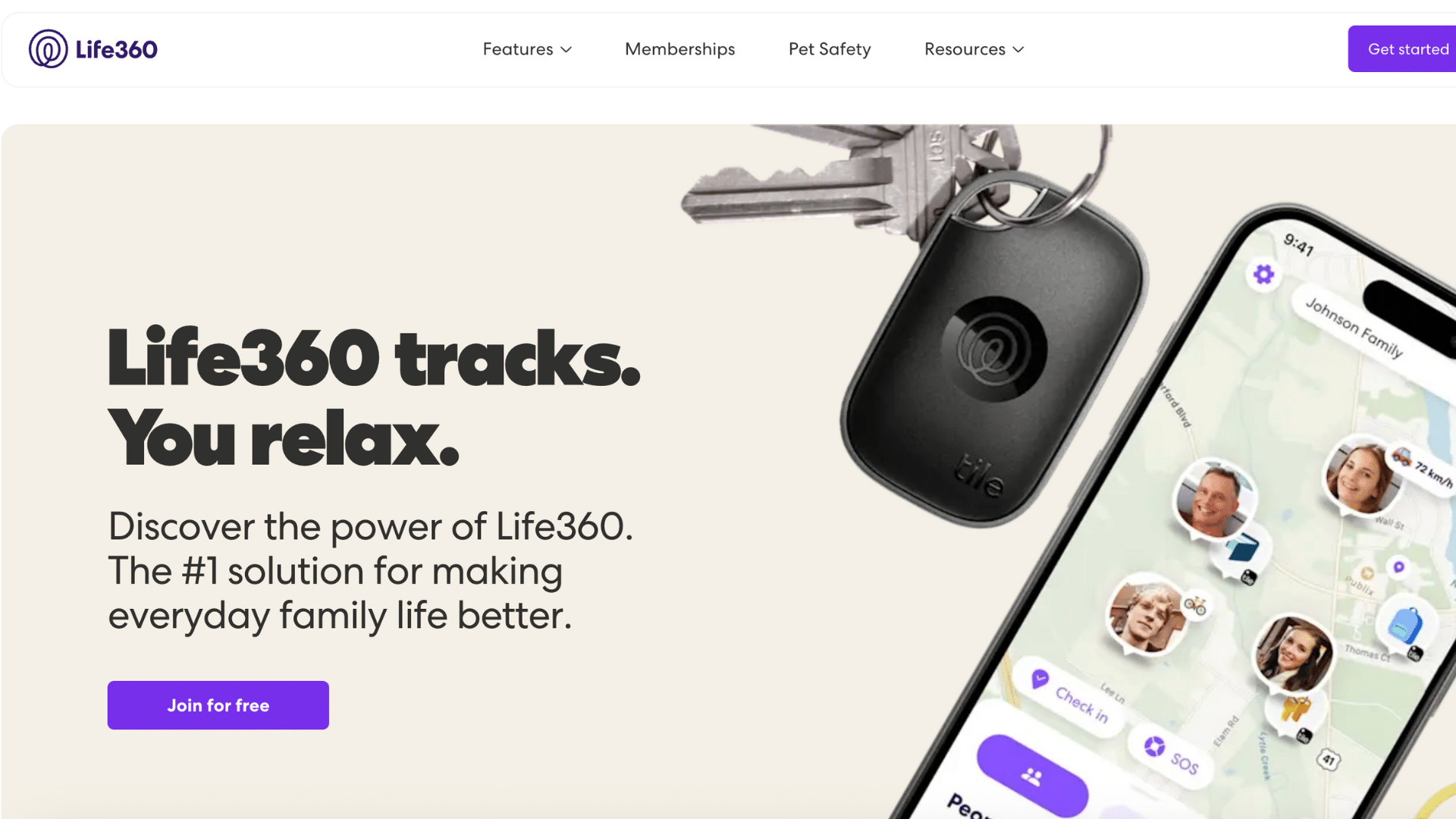
Life360 is one of the most trusted tracking apps for families using both iPhone and Android.
It offers real-time location sharing, place alerts, and safety tools that help everyone stay connected. Users can create private family groups to keep location data limited to trusted members.
The app updates locations regularly and works well throughout the day.
Life360 is easy to set up and simple to use, which makes it a popular choice for parents and families who want steady tracking without confusion.
2. Google Maps

Google Maps includes a built-in location sharing feature that works across iPhone and Android devices.
Users can share their live location for a set time or until they turn it off. The app is easy to use and does not require extra downloads for most people.
Location updates are reliable and work well in real time.
Google Maps is best for casual tracking, meetups, or short-term sharing rather than full-time family monitoring.
3. FamiSafe
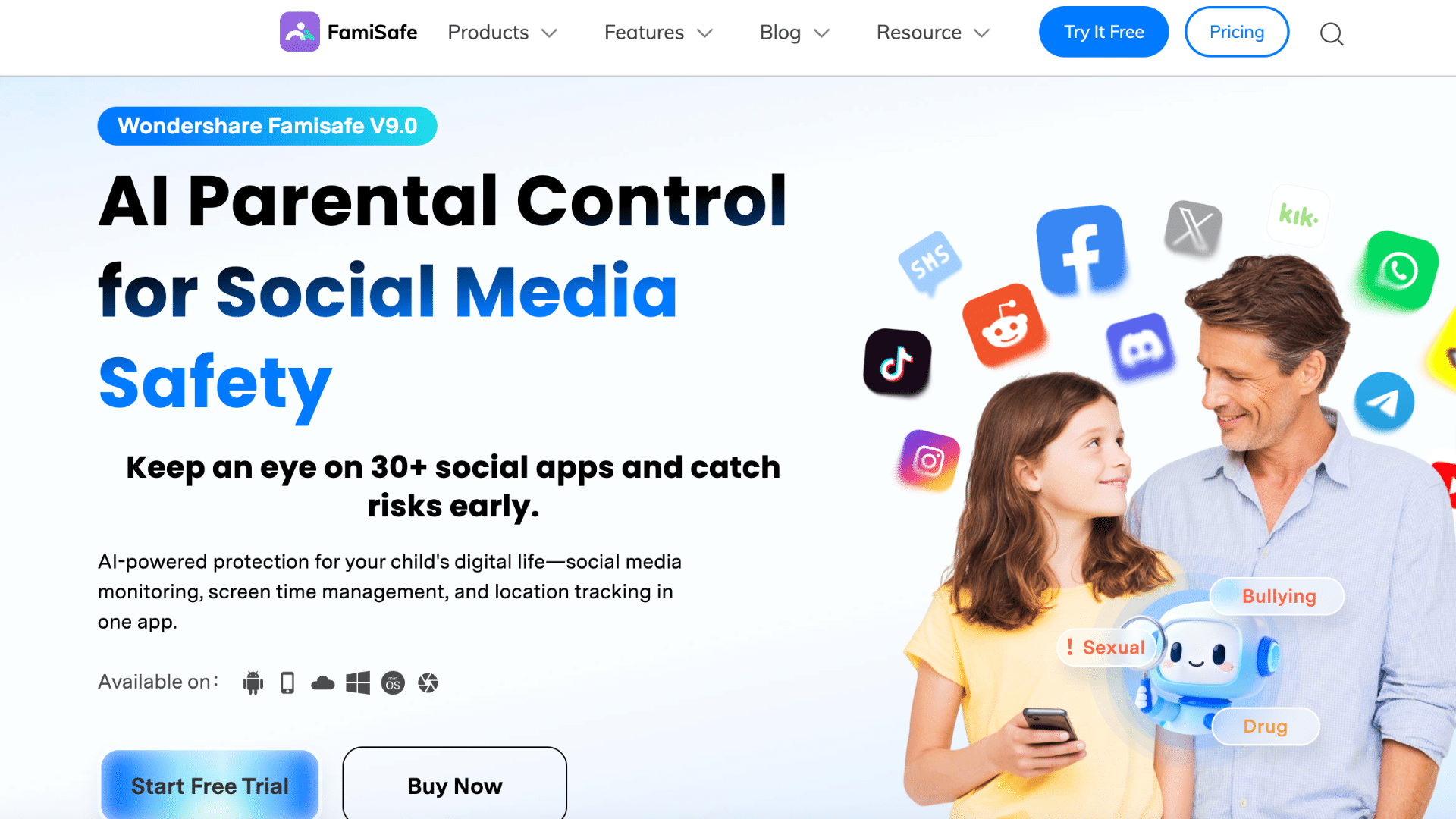
FamiSafe is a cross-platform tracking app designed mainly for families and parents.
It provides real-time location tracking, location history, and alerts for set areas. The app supports both iPhone and Android, making it useful for mixed-device households.
FamiSafe also includes extra safety tools, but its layout stays clear and easy to manage.
It works well for families who want tracking along with added safety features in one place.
4. Glympse
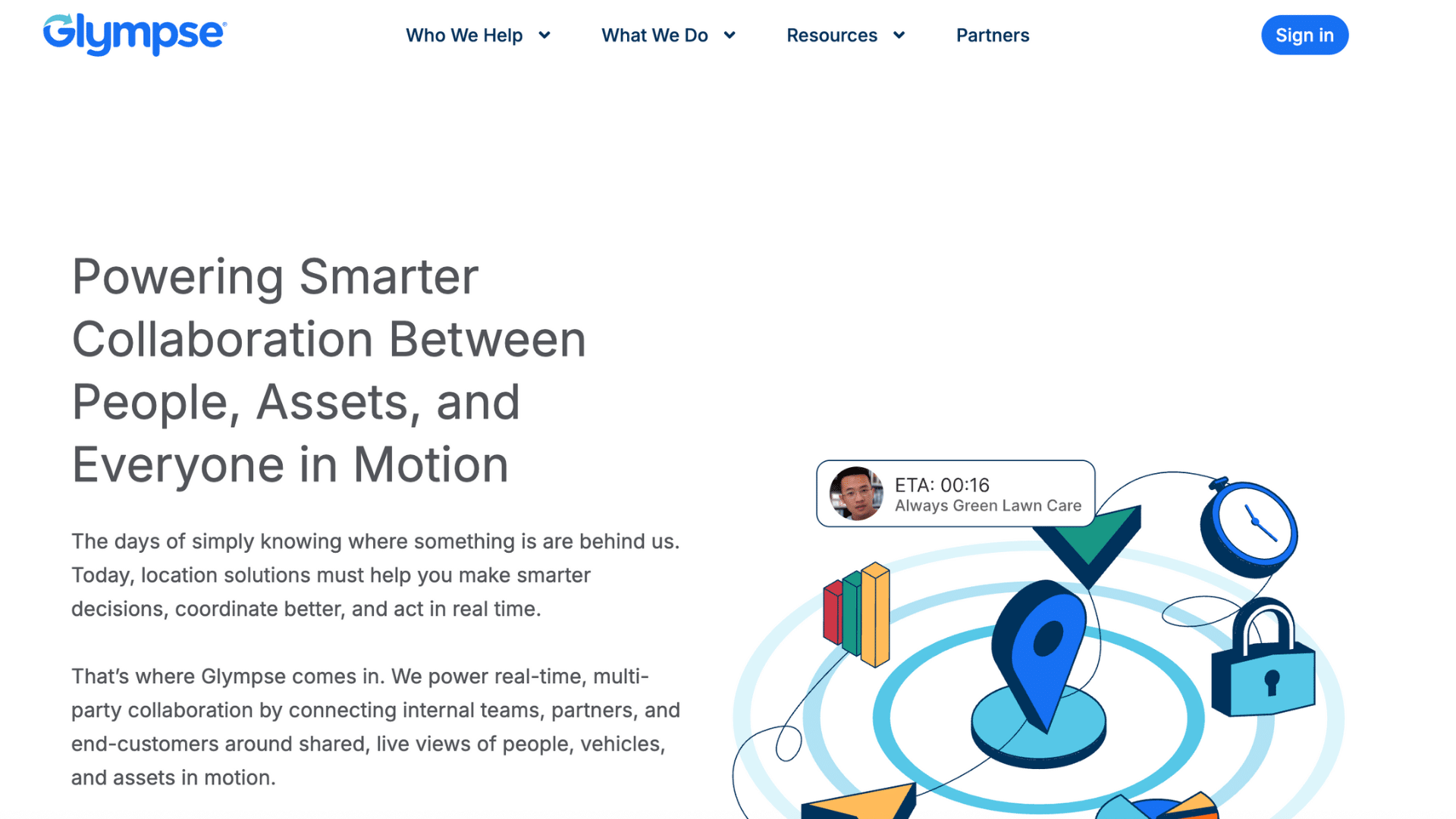
Glympse is a simple tracking app made for short-term location sharing between iPhone and Android users.
It lets you share your live location through a link for a set amount of time. The person viewing the location does not need an account, which keeps things quick and easy.
Glympse works well for meetups, travel updates, or letting someone know you are on the way.
It is best for users who prefer temporary sharing instead of constant tracking.
5. GeoZilla
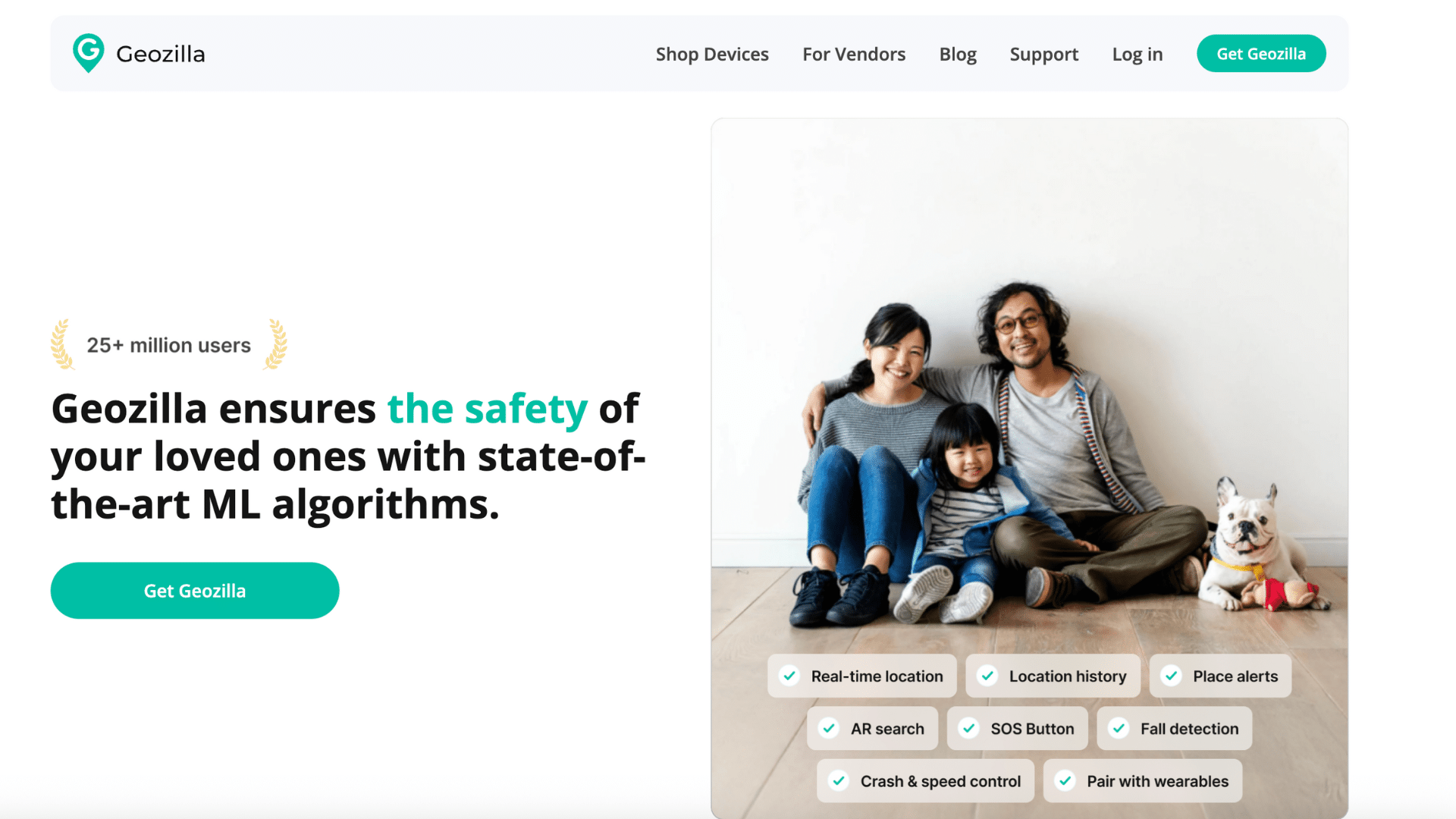
GeoZilla offers steady location tracking for families using both iPhone and Android.
It shows real-time locations and allows users to set alerts for specific places. The app is designed to balance accuracy with battery use, making it suitable for daily tracking.
GeoZilla supports family groups and keeps the layout simple and clear.
It is a good choice for families who want reliable tracking without extra features that make apps harder to manage.
6. Find My Kids
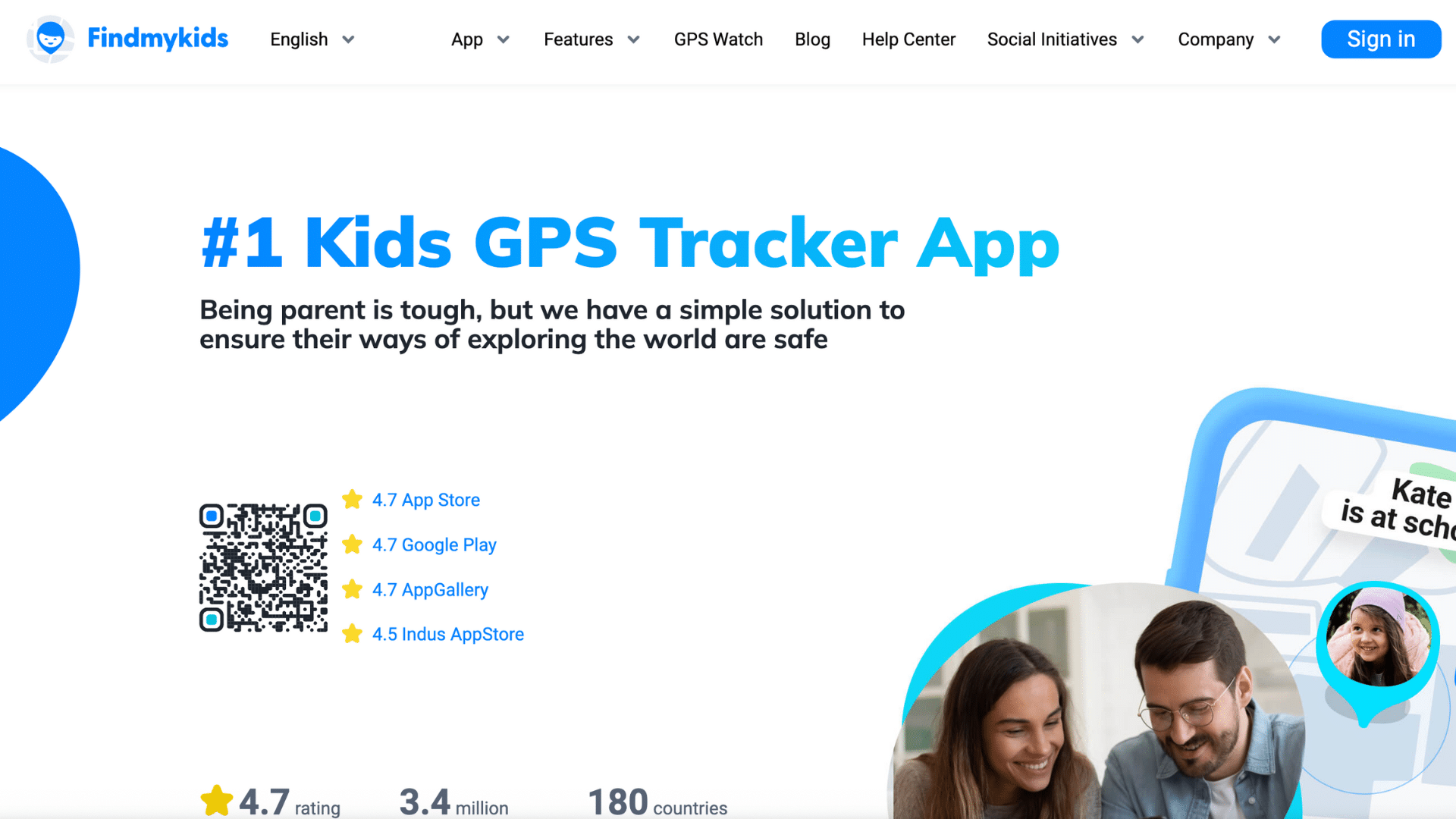
Find My Kids is built with family safety in mind and works across iPhone and Android devices. It provides live location updates and keeps a record of past locations.
The app also sends alerts when a device battery runs low, which helps parents stay informed.
Find My Kids is easy to use and focuses on core tracking features. It suits families who want a clear and simple way to keep track of children and loved ones.
7. iSharing
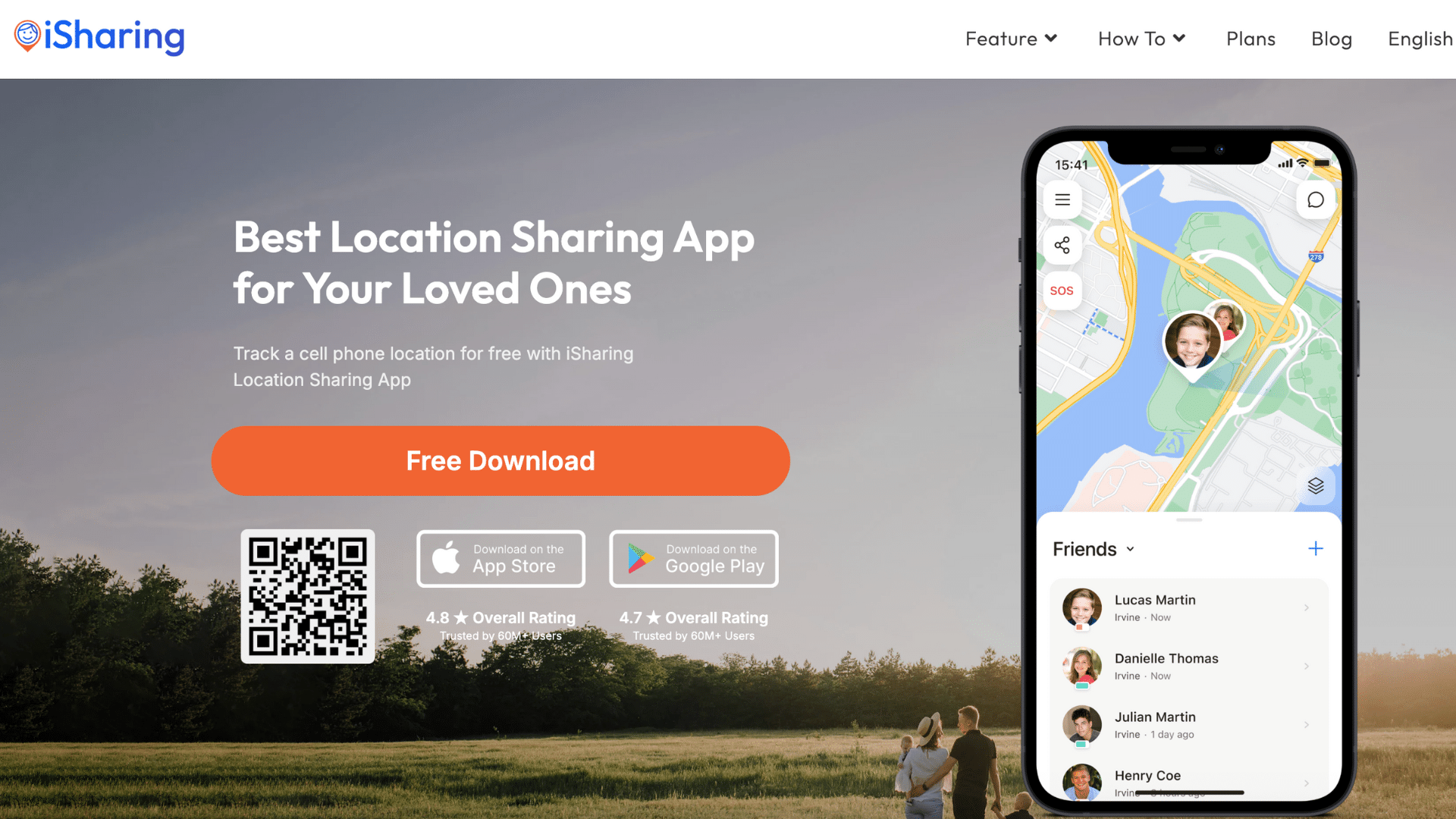
iSharing is a family location tracking app that works well on both iPhone and Android.
It allows users to share real-time locations and receive alerts when someone arrives or leaves a set place.
The app supports private groups, which helps keep location sharing limited to trusted people. iSharing updates locations regularly and is easy to set up.
It works well for families who want basic tracking features without complex tools or long setup steps.
8. Safe365

Safe365 is a family-focused tracking app that works on both iPhone and Android devices. It offers real-time location sharing, emergency alerts, and basic safety tools designed for everyday use.
The app allows family members to see each other’s locations on a clear map and send alerts when help is needed.
Safe365 is easy to set up and does not feel complicated to use. It works well for families who want simple tracking combined with light safety features without heavy controls.
9. FollowMee GPS Tracker
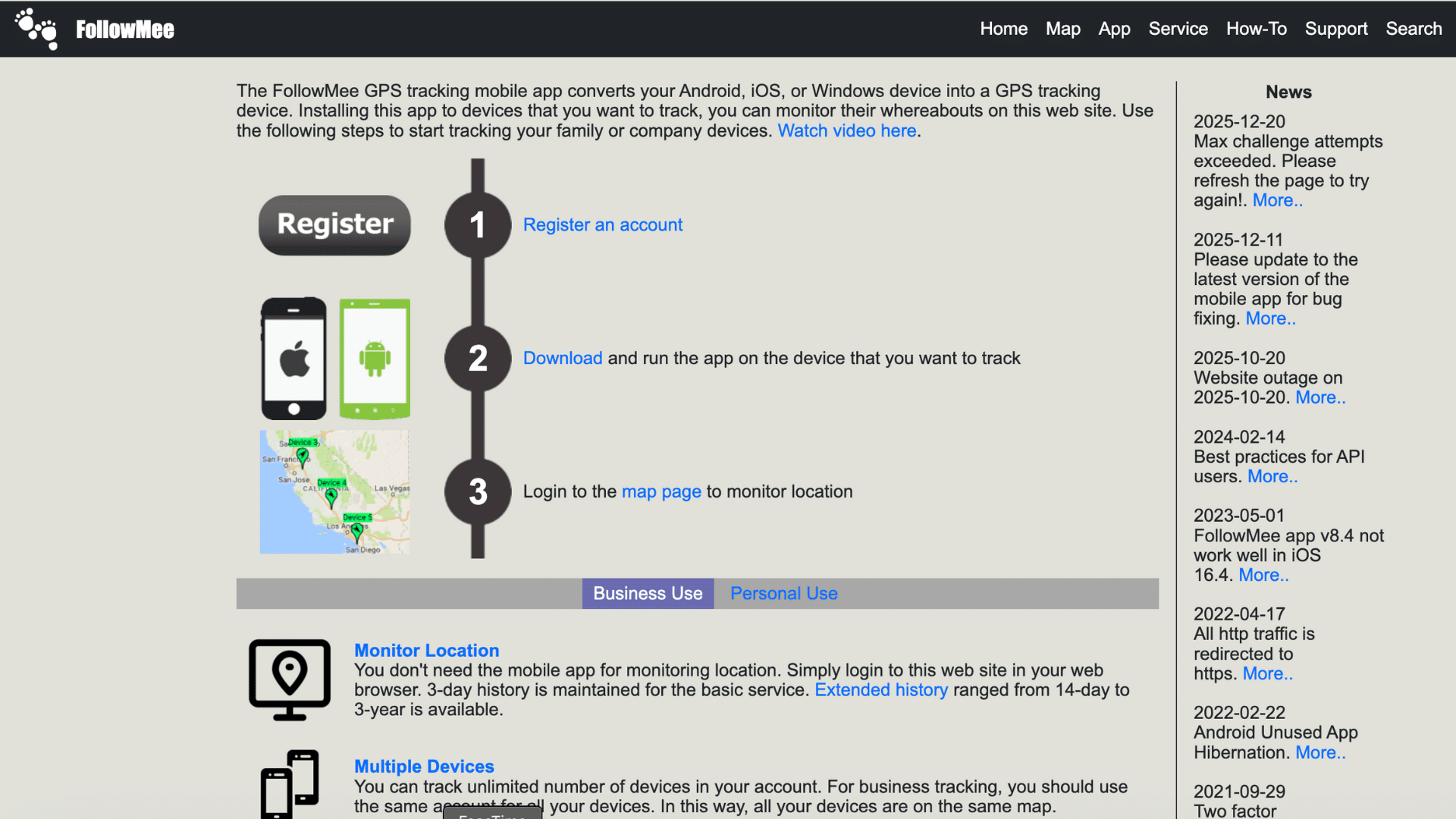
FollowMee GPS Tracker offers cross-platform tracking with real-time updates and saved location data.
It works on both iPhone and Android and allows users to view movement history over time. The app is often used for personal tracking or family use.
FollowMee keeps the interface simple, making it easy to check locations when needed.
It fits users who want steady tracking and access to past location details.
Key Features to Look for in Tracking Apps
Choosing the right tracking app is easier when you know what to check first. These features help make tracking clear, safe, and reliable for daily use.
- Real-Time Location Tracking: Shows the current position of a device on a map. This helps you know where someone is without delays or guesswork.
- Location History: Saves past locations for a set period of time. Useful for checking routes, travel patterns, or missed check-ins.
- Geofencing Alerts: Sends alerts when a device enters or leaves a set area. Helpful for school zones, work locations, or safe places.
- Battery Use: Tracks how much power the app uses while running. Good apps balance updates without draining the phone fast.
- Privacy and Safety Controls: Lets users manage who can see their location. Strong controls protect data and give peace of mind.
Conclusion
Tracking apps make everyday life a little easier and a lot less stressful. They help families stay connected, support safety, and offer peace of mind when people are apart.
From quick location checks to helpful alerts, these apps turn a phone into a simple tool for staying in touch.
The key is choosing an app that fits your routine, your family setup, and the devices you already use.
No single app works the same for everyone, and that’s okay. Some people want basic location sharing, while others need more control and updates.
Take a few minutes to try the option that feels right and see how it works for you.
If you’ve used a tracking app before, or plan to test one now, share your experience in the comments below. Your insight could help someone else make a better choice.