







Ever feel like you’re juggling flaming torches while riding a unicycle? That’s what managing multiple cloud platforms can feel like when you don’t have the right tools.
Your team is spinning between AWS, Azure, and Google Cloud. Bills are climbing. Security feels like a guessing game. And nobody really knows what’s running where or costing what.
Here’s the good news: you don’t have to white-knuckle it anymore. Multi-cloud management platforms pull everything together into a single, manageable view, so you can actually sleep at night.
We will break down the top platforms that can help, what makes each one stand out, and how to pick the right fit for whatever challenge is keeping your team up at night.
What Is a Multi Cloud Management Platform?
Think of it like a universal remote for your cloud accounts.
Instead of logging into AWS, then Azure, then Google Cloud, each with its own dashboard and quirks, a multi-cloud management platform gives you one screen to see and control everything.
You can track spending, check security, spin up resources, and keep tabs on what’s happening across all your clouds without the constant tab-switching nightmare.
Multi-Cloud vs Hybrid Cloud: What’s the Difference?
Multi-cloud means you’re using multiple public clouds at the same time. Maybe you run databases on AWS, analytics on Google Cloud, and some apps on Azure. You’re picking the best tool for each job.
A hybrid cloud is when you mix public cloud with your own on-premise data centers. You might keep sensitive customer data in your own servers, but use AWS for everything else.
Who Actually Uses These Platforms?
Mostly teams that need to wrangle cloud chaos:
- FinOps teams trying to stop cost surprises and figure out where money’s actually going
- DevOps engineers who want to deploy faster without manual setup in each cloud
- Security folks making sure nothing’s left exposed or misconfigured
- Platform teams are building self-service portals so developers can get what they need without waiting on tickets
If your organization uses more than one cloud and things feel scattered, these platforms are built for you.
Top Multi-Cloud Management Platforms
These platforms tackle different pain points, from runaway costs to security gaps to deployment headaches. Here’s what each one does best and who should care.
1. CloudZero
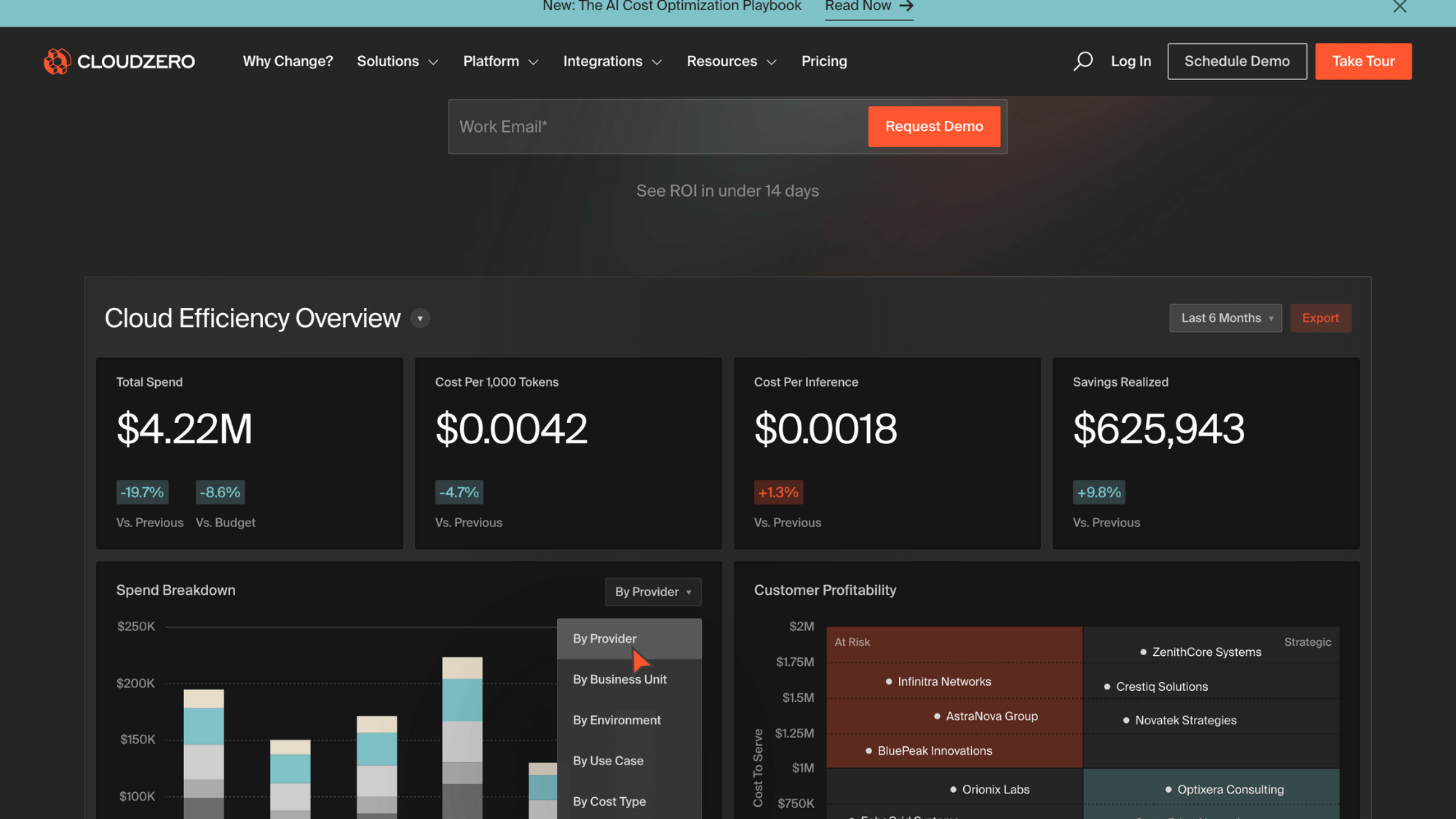
CloudZero helps you understand what’s actually driving your cloud bill. Instead of just showing a giant number at the end of the month, it breaks costs down by feature, team, product, or customer.
You’ll spot weird spikes before they become budget disasters, and you can finally answer questions like “how much does each user actually cost us?” It’s built for teams that need to tie spending directly to business outcomes.
Key Features
| Feature | What It Does |
|---|---|
| Cost per customer/feature | See exactly how much each part of your product costs to run |
| Real-time anomaly alerts | Get notified when spending jumps unexpectedly |
| Kubernetes cost visibility | Break down container costs that usually hide in the noise |
| Multi-cloud support | Works across AWS, Azure, Google Cloud, and Snowflake |
2. Lacework (Fortinet)
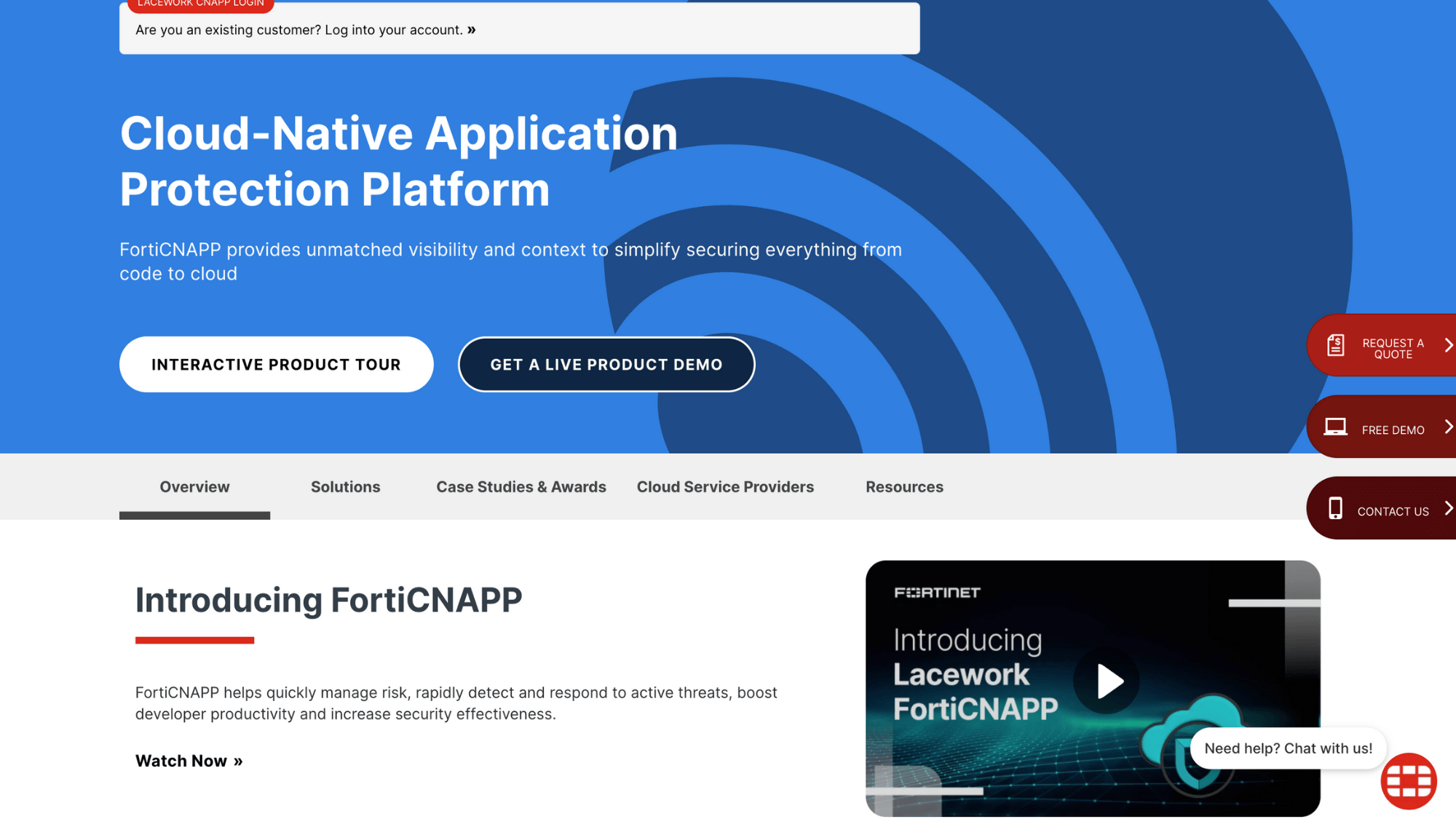
Lacework watches your cloud security around the clock. It automatically finds misconfigurations, suspicious behavior, and threats across all your cloud accounts without you having to write detection rules.
The platform learns what’s normal for your environment, so it can flag the stuff that’s actually dangerous instead of drowning you in false alarms. Security teams love it because it cuts through the noise.
Key Features
| Feature | What It Does |
|---|---|
| Automated threat detection | Catches attacks and suspicious activity without manual rules |
| Compliance monitoring | Tracks whether you meet standards like PCI-DSS, HIPAA, and SOC 2 |
| Vulnerability scanning | Finds security holes in containers and workloads |
| Behavioral baselining | Learns your normal patterns to spot real problems faster |
3. Terraform
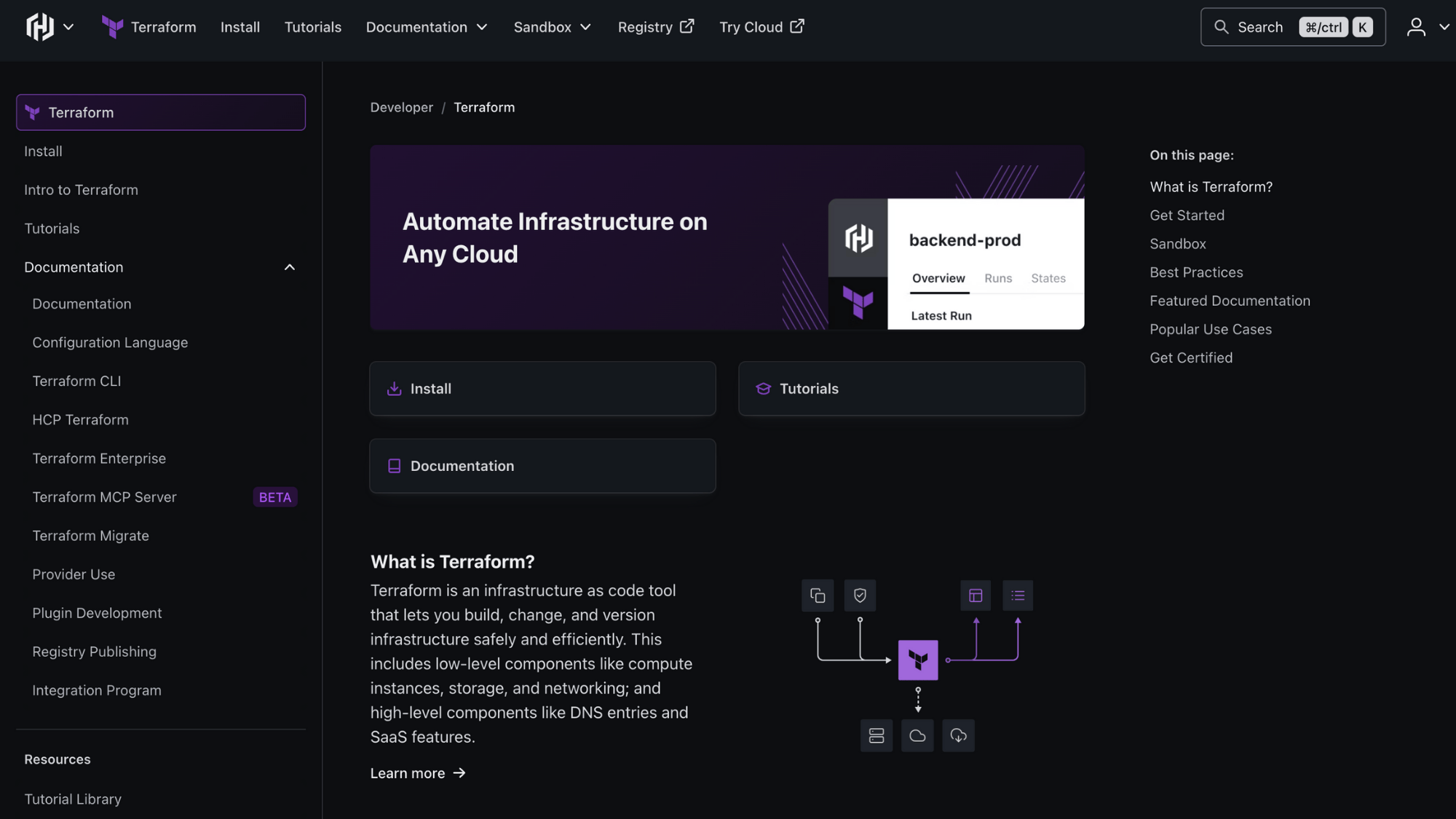
Terraform lets you write cloud infrastructure as code instead of clicking through consoles. You describe what you want, servers, databases, networks, and Terraform builds it across any cloud.
Changes are tracked, repeatable, and reviewable like software code. Teams use it to spin up identical environments, avoid configuration drift, and make infrastructure changes without fear of breaking things.
Key Features
| Feature | What It Does |
|---|---|
| Declarative configuration | Describe what you want; Terraform figures out how to build it |
| State management | Tracks what’s actually running vs. what should be running |
| Thousands of providers | Connects to AWS, Azure, GCP, and hundreds of other services |
| Plan before apply | Preview changes before they happen to catch mistakes |
4. Red Hat Ansible
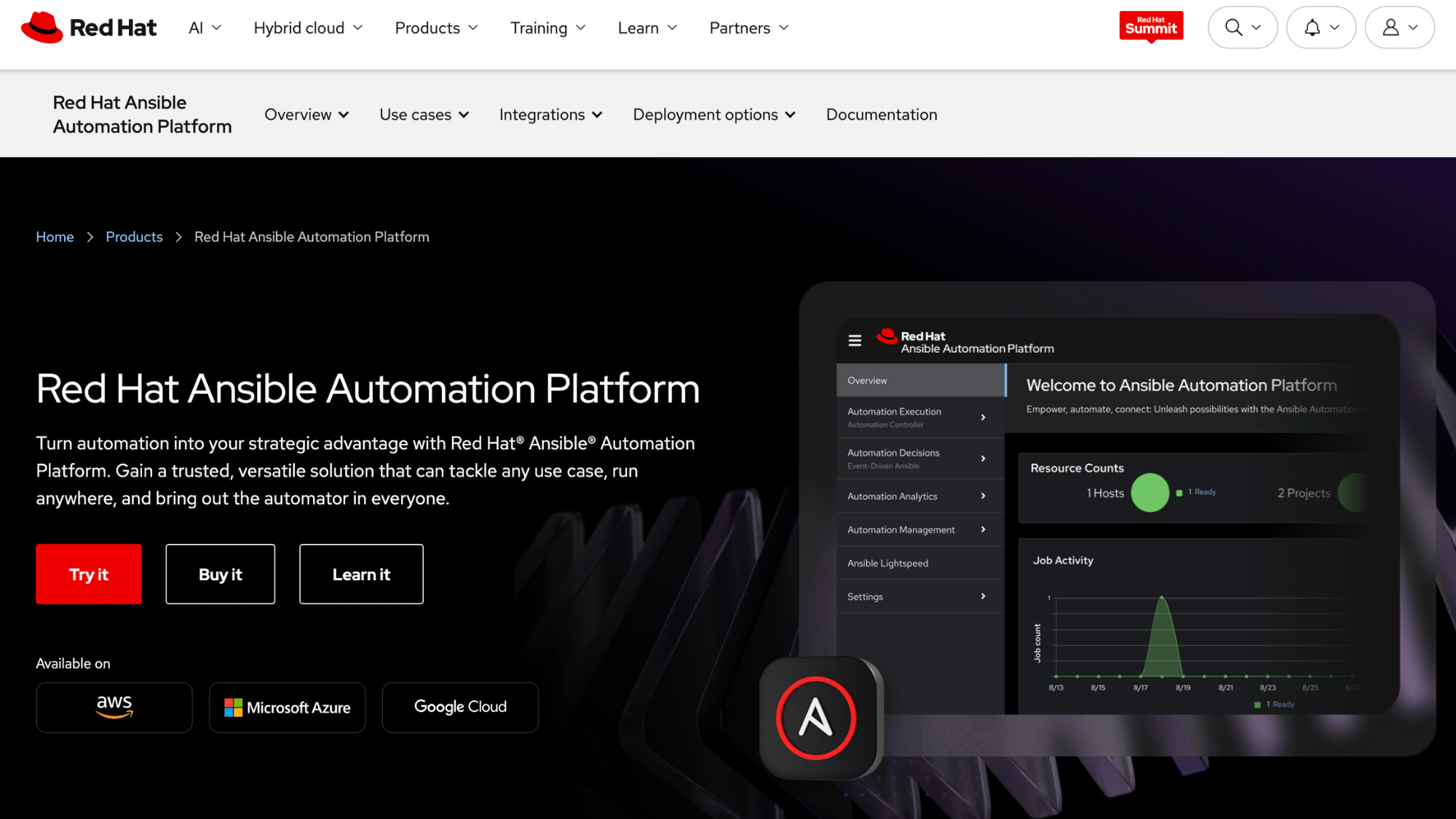
Ansible automates repetitive cloud tasks without requiring you to learn a programming language.
You write simple playbooks in plain YAML that describe what should happen, install software, configure settings, deploy apps, and Ansible handles the rest. It’s agentless, so there’s nothing extra to install on your servers.
DevOps teams use it to maintain consistent configurations and eliminate manual setup work.
Key Features
| Feature | What It Does |
|---|---|
| Agentless architecture | No software to install on target machines, just uses SSH |
| Playbook automation | Write once, run everywhere to standardize configurations |
| Role-based organization | Package reusable automation pieces your whole team can share |
| Tower/AWX dashboard | Web interface for scheduling jobs and tracking what ran |
5. Morpheus Data
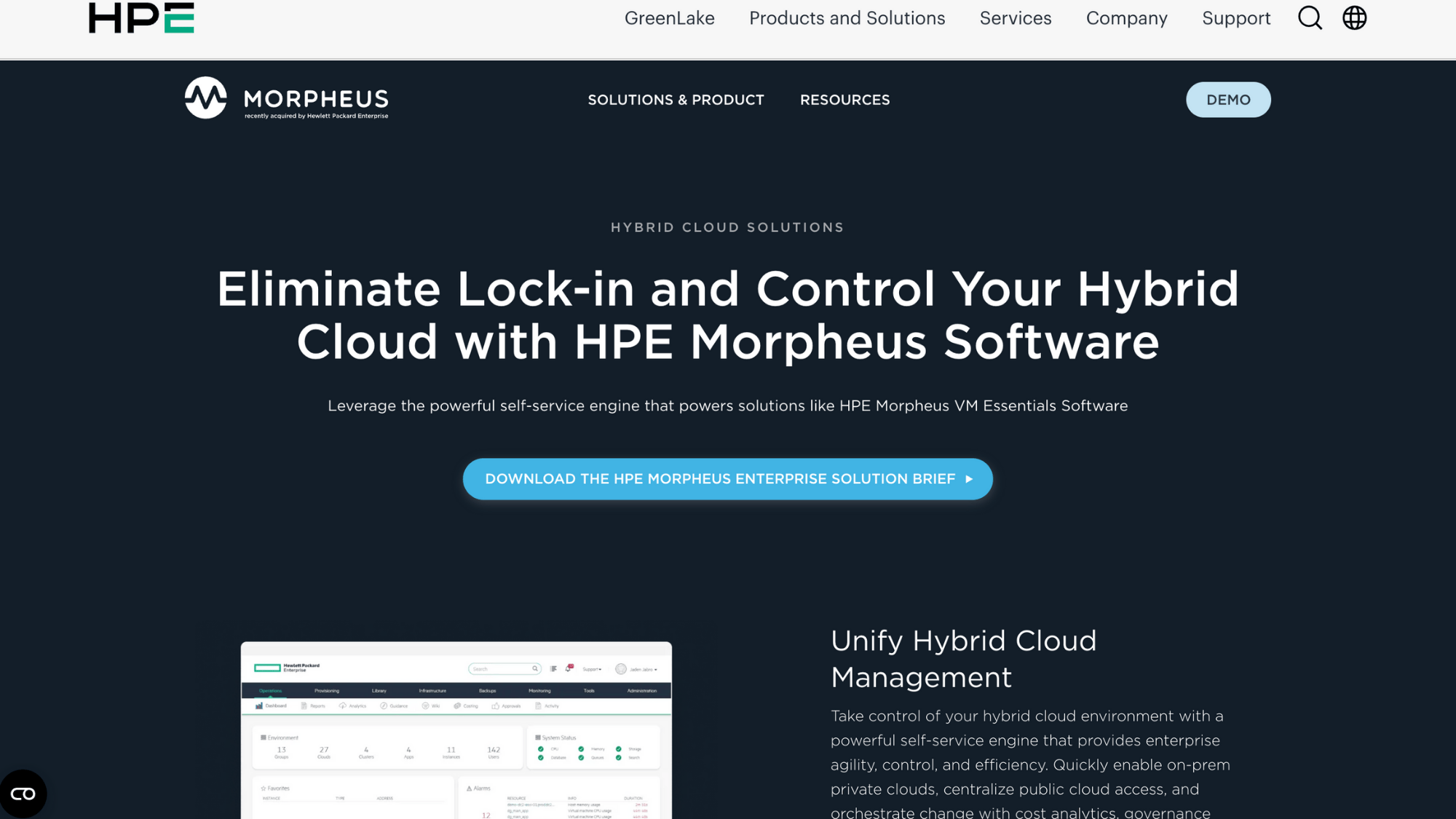
Morpheus Data gives non-technical teams a self-service catalog to request cloud resources without bothering DevOps.
It enforces budget limits, approval workflows, and security policies automatically, so people get what they need without breaking rules.
The platform handles provisioning, monitoring, and cost tracking across all your clouds from one place. It’s perfect for organizations that want governance without slowing everyone down.
Key Features
| Feature | What It Does |
|---|---|
| Self-service catalog | Let teams order pre-approved resources through a simple portal |
| Policy engine | Enforce budgets, naming standards, and security rules automatically |
| App blueprints | Define full application stacks that deploy consistently every time |
| Cost analytics dashboard | Track spending by team, project, or department in real time |
6. Flexera One
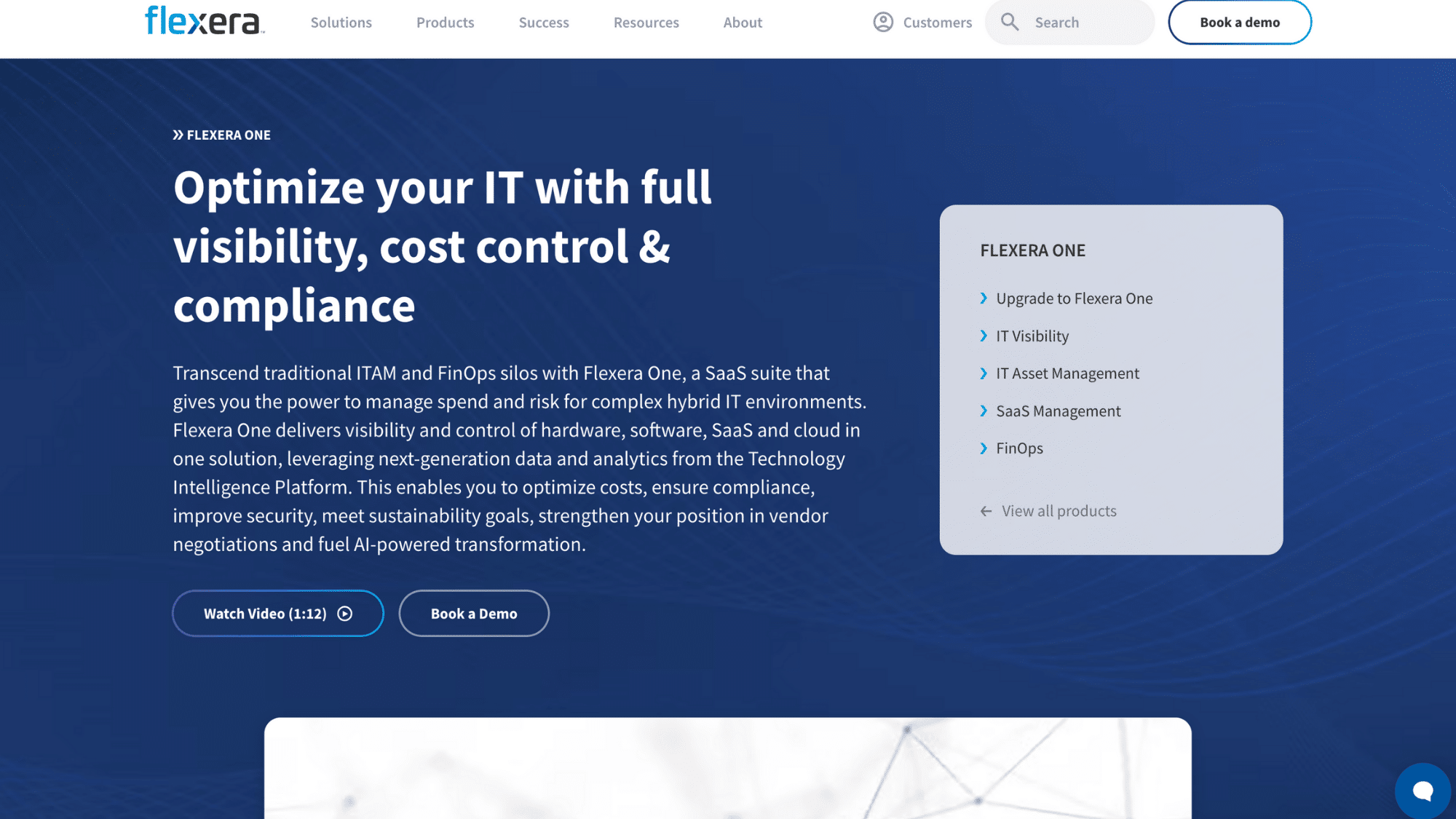
Flexera One tracks every piece of software and cloud service your company pays for. It finds unused licenses, spots redundant SaaS subscriptions, and makes sure you’re not overpaying for anything.
The platform covers cloud costs, on-premise software, and all those SaaS tools teams sign up for without telling anyone. Finance and IT teams use it to reclaim wasted budget and stay compliant with licensing agreements.
Key Features
| Feature | What It Does |
|---|---|
| Software asset management | Inventory every license and find what’s not being used |
| SaaS spend tracking | Catch duplicate subscriptions and shadow IT purchases |
| Optimization recommendations | Get specific suggestions to cut costs without losing capability |
| Contract management | Track renewal dates and negotiate better with actual usage data |
7. Cloudify
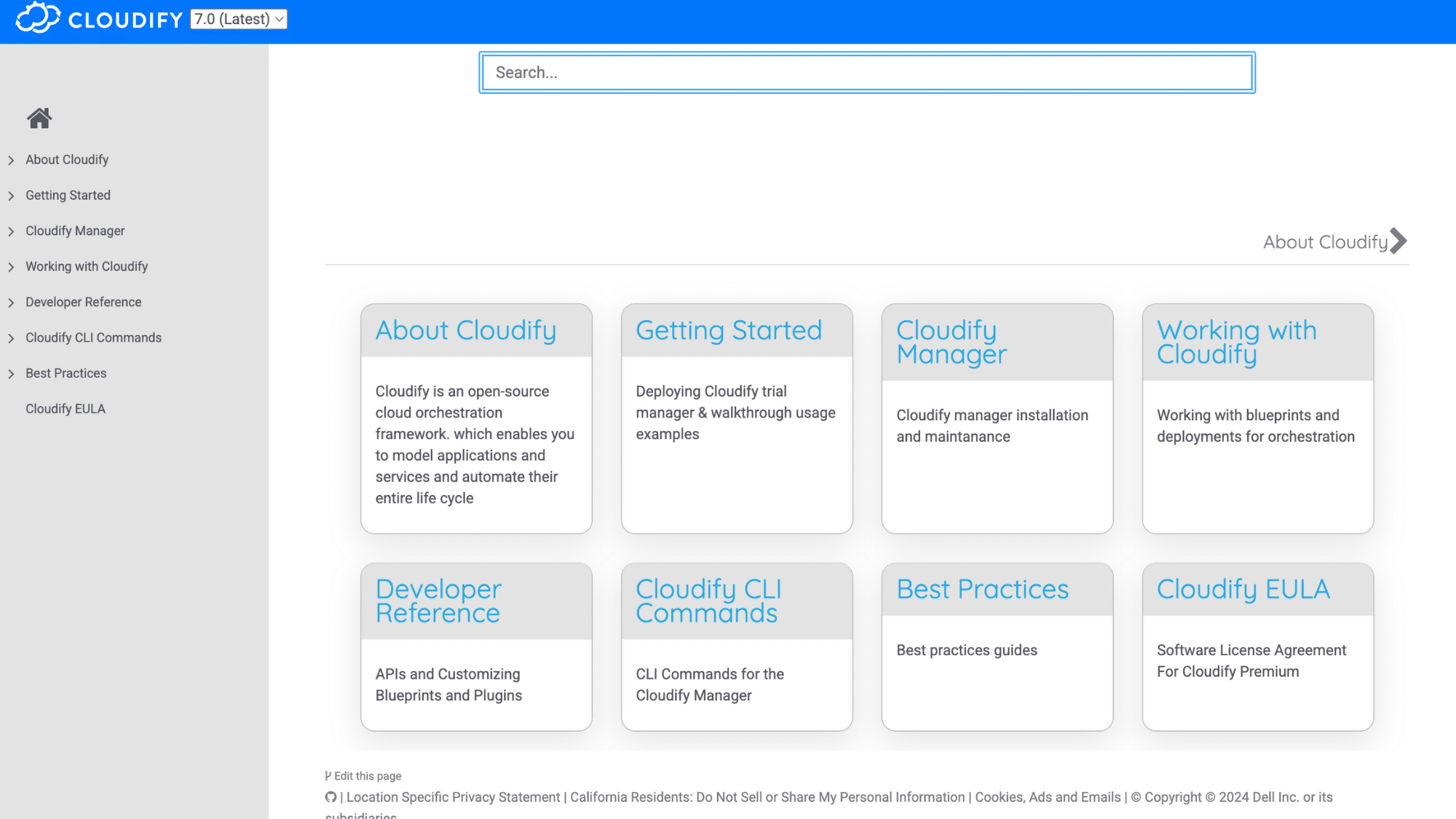
Cloudify orchestrates complex applications across multiple clouds and environments.
You define how your entire application stack should look, including dependencies, configurations, and connections, and Cloudify handles deployment, updates, and day-two operations.
It treats infrastructure and applications as one package. Platform teams use it when they need repeatable, environment-as-a-service delivery without vendor lock-in.
Key Features
| Feature | What It Does |
|---|---|
| Application blueprints | Model entire app stacks with all their infrastructure dependencies |
| Day-2 operations | Handle scaling, healing, and updates after initial deployment |
| Plugin ecosystem | Extend functionality to work with any tool or cloud platform |
| Workflow automation | Chain together complex deployment and management tasks |
8. Platform9 Managed Kubernetes
Platform9 runs your Kubernetes control plane so you don’t have to. It manages clusters across AWS, Azure, Google Cloud, bare metal, or edge locations from one interface.
The platform handles upgrades, patches, monitoring, and troubleshooting while you focus on running applications. It’s built for teams that want Kubernetes benefits without becoming Kubernetes experts.
Key Features
| Feature | What It Does |
|---|---|
| Managed control plane | Platform9 operates the complex parts of Kubernetes for you |
| Multi-cluster management | Control all your clusters regardless of where they’re running |
| Built-in monitoring | Track cluster health and performance without extra tools |
| Bare metal support | Run Kubernetes on your own hardware, not just cloud VMs |
9. IBM Multicloud Manager
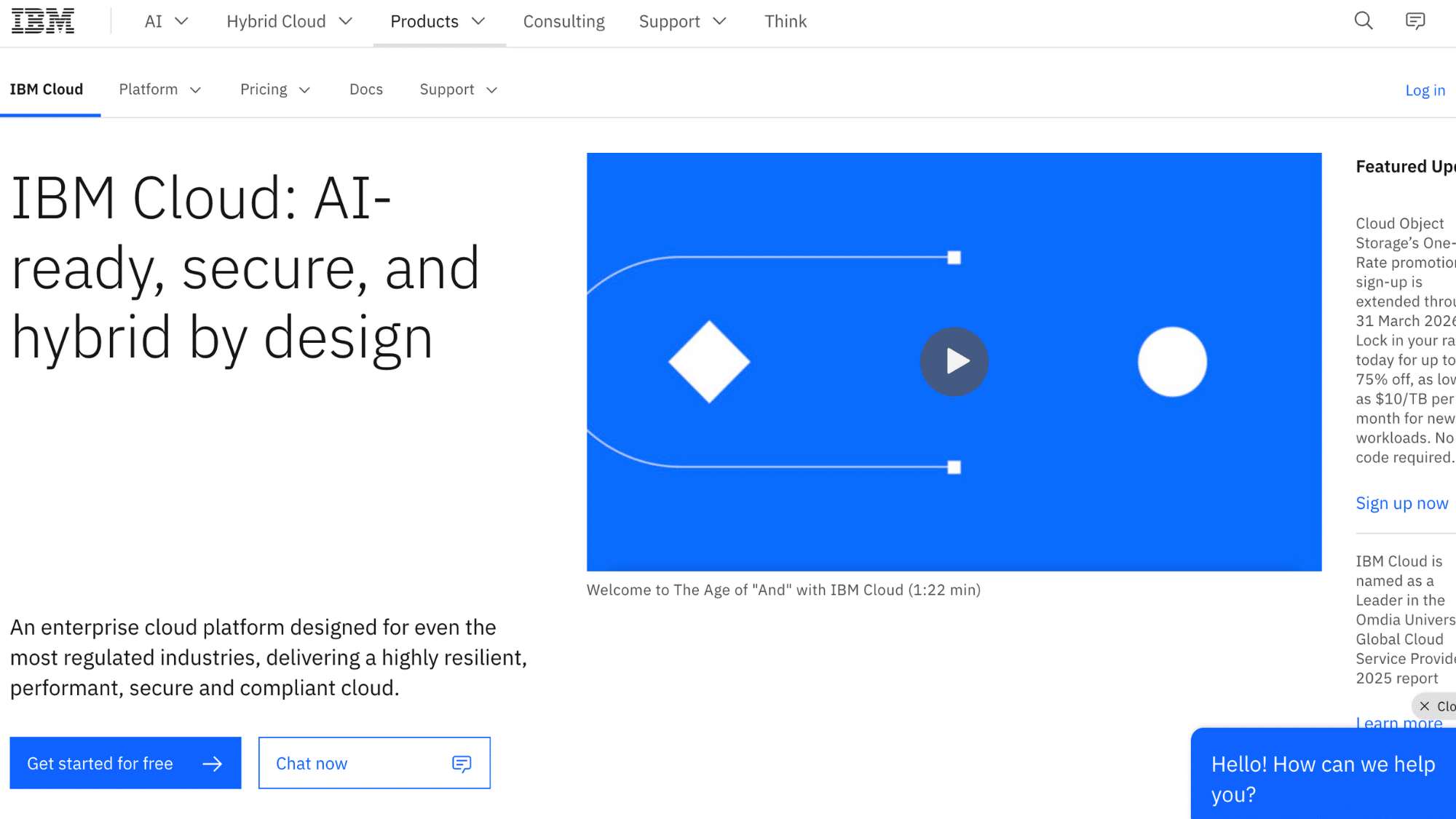
IBM Multicloud Manager focuses on enterprise governance and compliance across cloud environments. It enforces policies, manages application lifecycles, and provides visibility into what’s running where.
The platform integrates with IBM’s broader cloud and AI toolset, making it a natural fit for organizations already invested in IBM infrastructure. Large enterprises use it when they need strict controls and audit trails.
Key Features
| Feature | What It Does |
|---|---|
| Policy-based governance | Set rules once and enforce them across all cloud accounts |
| Application topology view | See how apps connect and depend on each other visually |
| Compliance reporting | Generate audit reports showing adherence to corporate policies |
| Hybrid integration | Connect public clouds with on-premise IBM systems smoothly |
10. Dynatrace
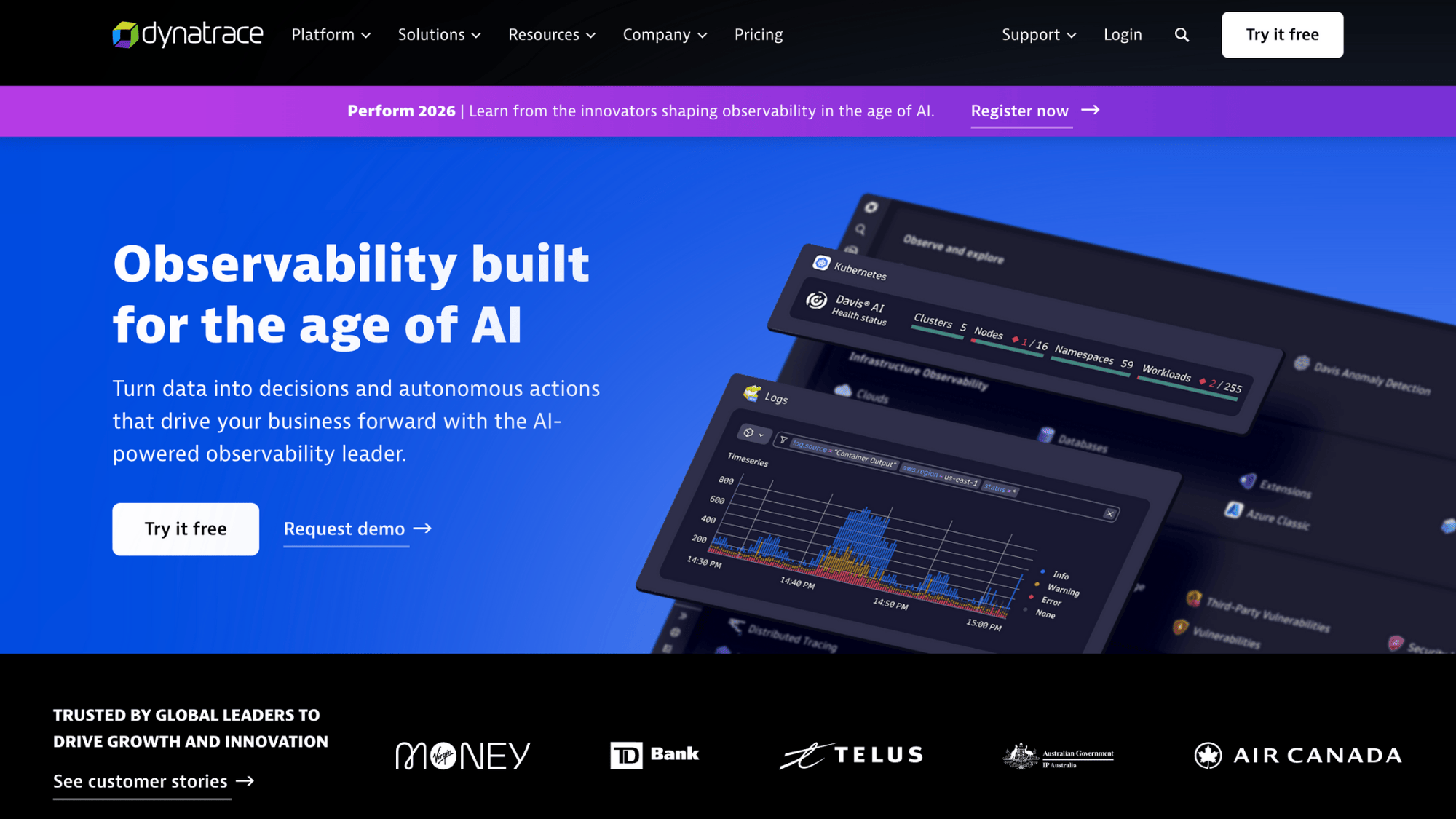
Dynatrace monitors everything: applications, infrastructure, networks, and user experience, and connects the dots automatically.
It uses AI to spot problems, predict issues before they hit users, and show you exactly what’s causing slowdowns. You don’t need to configure dashboards manually; it maps your entire environment and its dependencies automatically.
DevOps and SRE teams rely on it when performance problems need fast answers.
Key Features
| Feature | What It Does |
|---|---|
| Auto-discovery and mapping | Automatically finds and connects all your services and infrastructure |
| Root cause analysis | Pinpoints exactly what’s broken instead of just showing symptoms |
| User session replay | See what actual users experienced during problems |
| Predictive analytics | Warns you about capacity issues before they cause outages |
11. Datadog
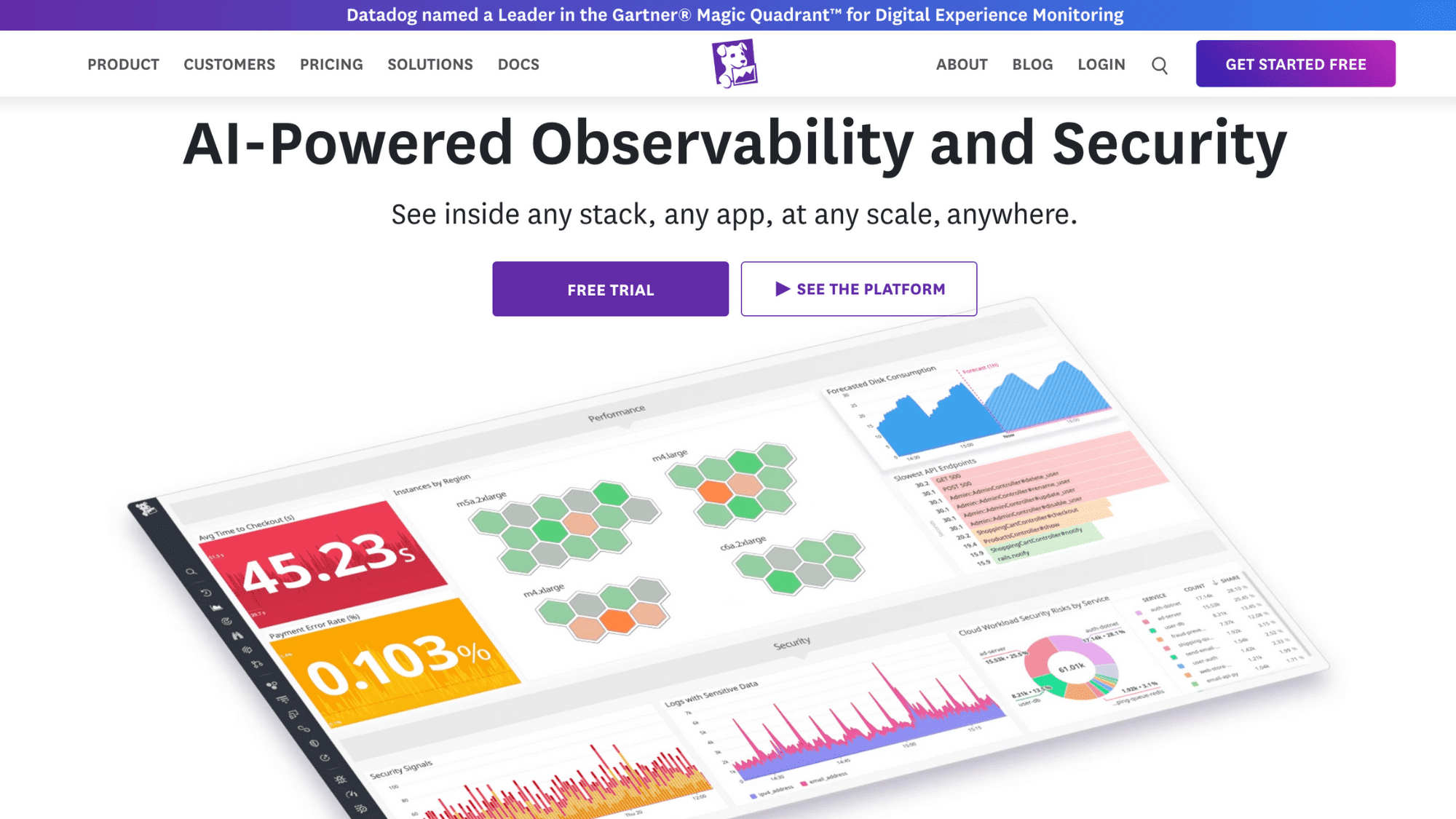
Datadog collects logs, metrics, and traces from all your clouds into unified dashboards. You can see what’s happening across AWS, Azure, Google Cloud, and hundreds of integrations without jumping between tools.
The platform makes it easy to set up alerts, track application performance, and troubleshoot issues fast. Engineering teams use it when they need observability that doesn’t require a PhD to set up.
Key Features
| Feature | What It Does |
|---|---|
| Unified dashboards | Build custom views combining data from any source in one place |
| APM and distributed tracing | Follow requests through microservices to find bottlenecks |
| Log management | Search and analyze logs without shipping them to separate tools |
| Synthetic monitoring | Test APIs and user flows automatically to catch issues early |
12. VMware Aria
VMware Aria brings together cloud operations, automation, and cost management for hybrid and multi-cloud environments.
It gives you standardized workflows whether you’re working with VMware infrastructure, AWS, Azure, or Google Cloud. The platform handles everything from provisioning to performance optimization to compliance checks.
IT operations teams use it when they need enterprise-grade governance without losing flexibility.
Key Features
| Feature | What It Does |
|---|---|
| Intelligent automation | Automate routine tasks based on policies and conditions |
| Performance optimization | Right-size resources automatically based on actual usage patterns |
| Cost visibility and control | Track spending and enforce budgets across all cloud accounts |
| Compliance dashboards | Monitor adherence to security and regulatory requirements |
13. CloudHealth by VMware
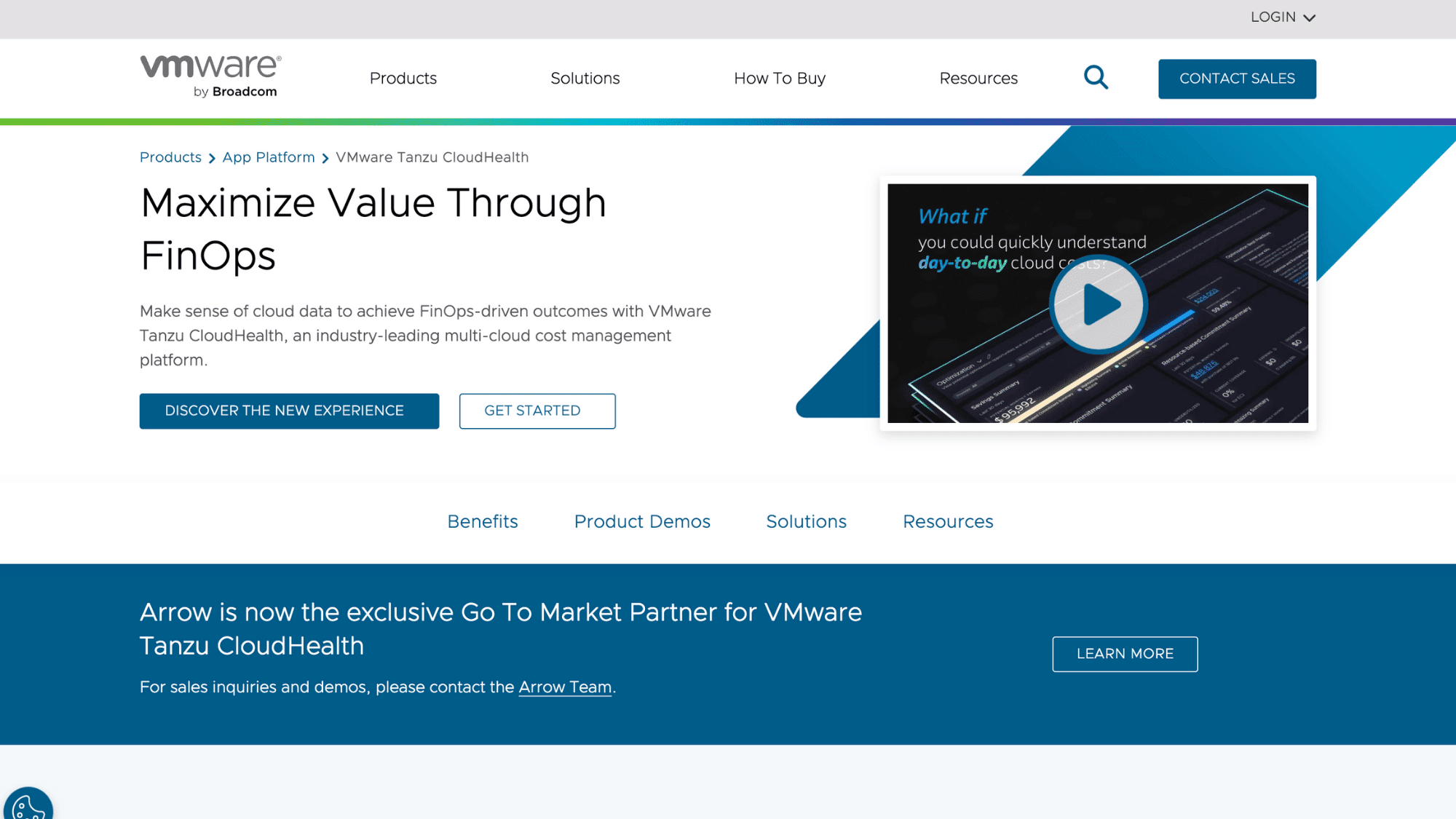
CloudHealth by VMware specializes in multi-cloud cost management and governance. It shows where money’s going, recommends ways to save, and enforces policies to prevent overspending.
The platform generates reports that finance teams actually understand and gives technical teams the details they need to optimize.
Organizations use it when cloud bills are confusing, and they need accountability across departments.
Key Features
| Feature | What It Does |
|---|---|
| Cost allocation and tagging | Assign spending to teams, projects, or cost centers automatically |
| Reserved instance planning | Calculate which reservations will actually save you money |
| Policy enforcement | Block resources that violate budget or security rules before they spin up |
| Executive reporting | Create clean summaries for leadership without technical jargon |
14. Apptio Cloudability
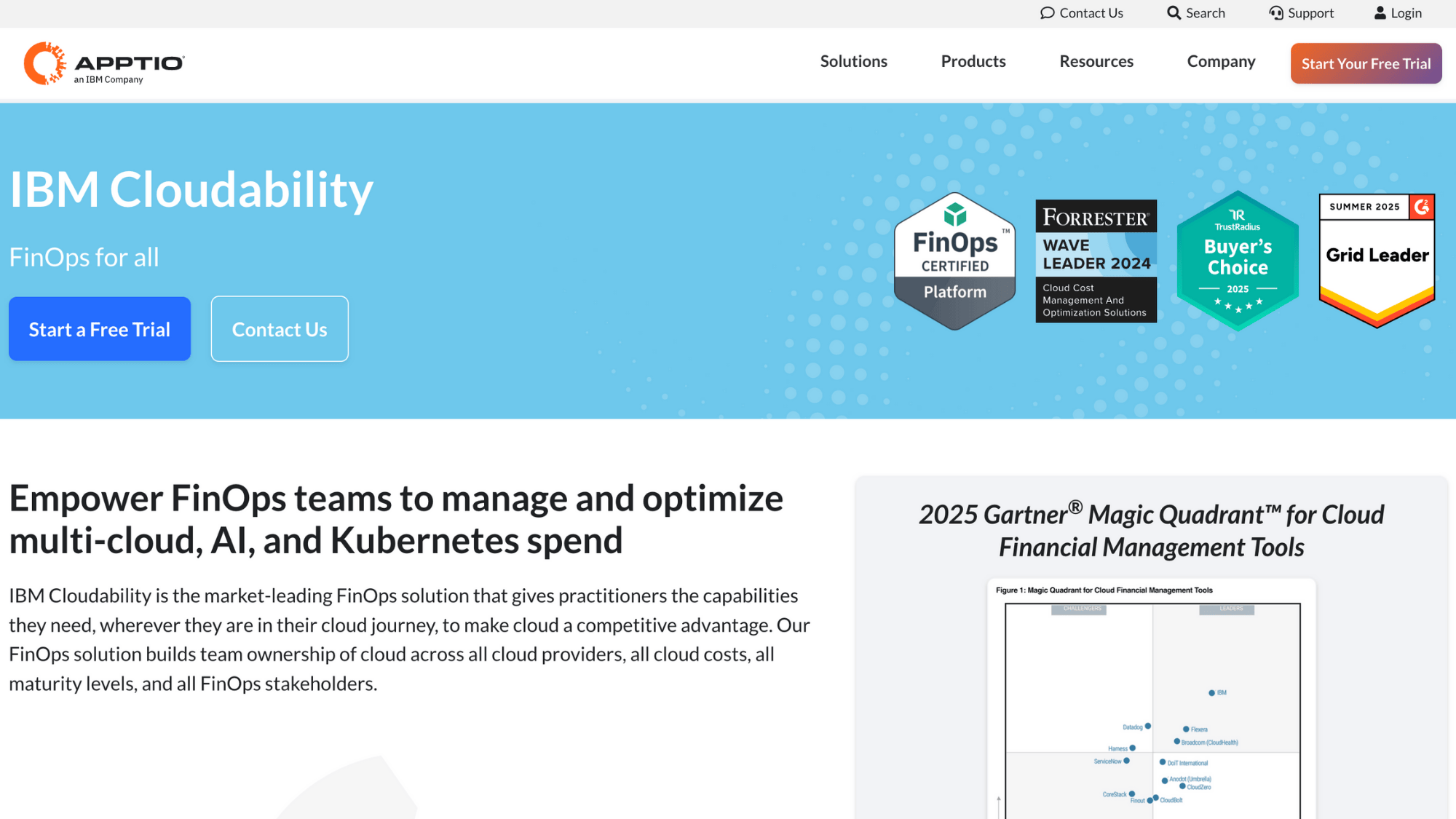
Apptio Cloudability turns cloud spending into business intelligence. It maps costs to business units, products, and initiatives so you can see what’s actually delivering value.
The platform forecasts future spending based on trends and helps you plan capacity. FinOps teams use it to align technology spending with business goals and make data-driven decisions about cloud investments.
Key Features
| Feature | What It Does |
|---|---|
| Business mapping | Connect cloud costs to revenue-generating products and features |
| Forecasting engine | Predict future spending based on usage trends and growth plans |
| Rightsizing recommendations | Find overprovisioned resources and calculate potential savings |
| Chargeback and showback | Bill internal teams accurately or show them their consumption |
15. Nutanix Cloud Manager
Nutanix Cloud Manager handles hybrid and multi-cloud operations from a single platform. It works with Nutanix infrastructure, public clouds, and traditional data centers.
The platform automates provisioning, optimizes costs, and enforces governance policies consistently everywhere.
Organizations running Nutanix use it to extend their on-premise investments into public clouds without managing multiple tools.
Key Features
| Feature | What It Does |
|---|---|
| Hybrid cloud orchestration | Provision workloads across Nutanix clusters and public clouds |
| Application mobility | Move apps between environments without reconfiguration |
| Cost governance | Set spending limits and get alerted when teams approach budgets |
| Self-service provisioning | Let users request resources through a catalog with built-in approvals |
16. CloudBolt
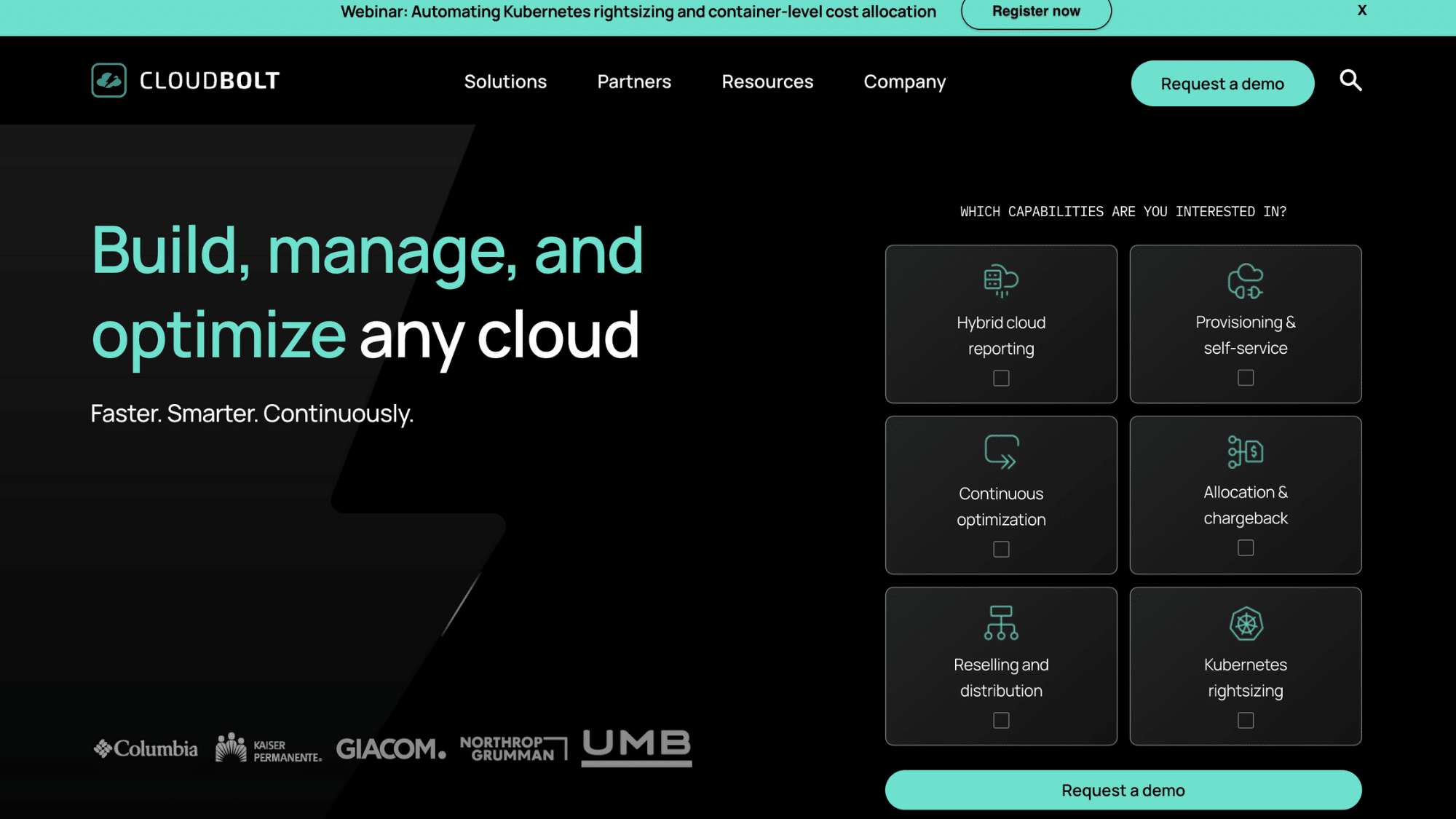
CloudBolt provides a self-service catalog for multi-cloud provisioning with built-in governance.
Teams request what they need through a simple interface, and CloudBolt provisions it according to your standards, right-sizing, tagging, security settings, everything. It connects to existing tools instead of replacing them.
IT teams use it to speed up delivery while keeping control over costs and compliance.
Key Features
| Feature | What It Does |
|---|---|
| Service catalog | Create a marketplace of pre-approved infrastructure and applications |
| Approval workflows | Route requests through managers or architects before provisioning |
| Hybrid orchestration | Deploy across VMware, AWS, Azure, and Google Cloud from one interface |
| Cost estimates | Show requesters what resources will cost before they order |
17. Scalr
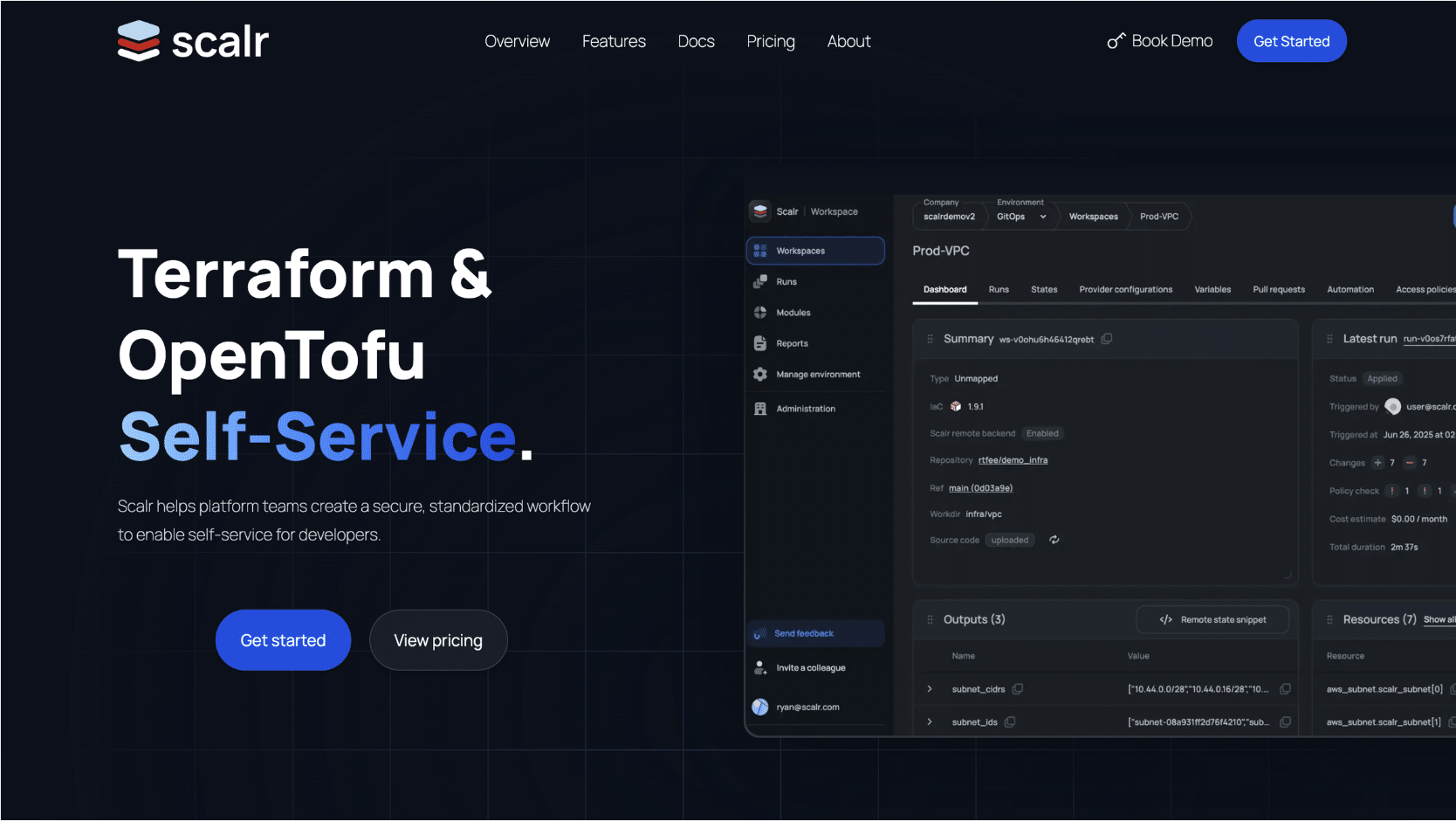
Scalr adds governance and collaboration to Terraform and OpenTofu workflows. It manages remote state, runs infrastructure code securely, and enforces policies before changes go live.
Teams can share modules, track who changed what, and prevent dangerous deployments. Platform engineering teams use it when Terraform workflows need enterprise controls without killing developer speed.
Key Features
| Feature | What It Does |
|---|---|
| Policy as code | Write rules that block non-compliant infrastructure before it deploys |
| Remote state management | Secure and share Terraform state across teams safely |
| Private module registry | Host and version internal Terraform modules for reuse |
| Cost estimation | Calculate what infrastructure changes will cost before applying them |
18. Pulumi
Pulumi lets you write infrastructure as code using real programming languages like Python, TypeScript, or Go instead of learning custom syntax.
You get all the power of actual code, loops, functions, testing, and IDE support while managing cloud resources. Developers love it because infrastructure feels like writing software.
Teams use it when they want infrastructure-as-code without the learning curve of domain-specific languages.
Key Features
| Feature | What It Does |
|---|---|
| Real programming languages | Use Python, TypeScript, Go, C#, or Java instead of YAML or HCL |
| Testing and validation | Write unit tests for infrastructure code like regular software |
| Secrets management | Handle sensitive data securely with built-in encryption |
| Cloud supergraph | Visualize all your infrastructure and how components connect |
19. nOps
nOps focuses on AWS cost optimization with some multi-cloud capabilities. It automatically finds savings opportunities, manages commitment purchases, and stops waste in real time.
The platform uses machine learning to optimize continuously without manual tweaking. FinOps teams with heavy AWS usage turn to it when they want aggressive cost reduction that doesn’t require constant attention.
Key Features
| Feature | What It Does |
|---|---|
| Automated commitment management | Buy and sell reserved instances and savings plans automatically |
| Idle resource detection | Find and shut down resources that aren’t actually being used |
| Scheduler automation | Turn off non-production environments during nights and weekends |
| Cost anomaly detection | Alert on unusual spending patterns before bills close |
20. HPE Zerto
Zerto specializes in disaster recovery and cloud migration with continuous data replication. It keeps copies of your workloads ready to fail over in seconds if something breaks.
The platform handles migrations between clouds or data centers without long downtime windows. IT resilience teams use it when downtime isn’t an option and recovery time objectives are measured in minutes, not hours.
Key Features
| Feature | What It Does |
|---|---|
| Continuous data protection | Replicate changes in near real-time, not just scheduled snapshots |
| Orchestrated failover | Test and execute disaster recovery plans with a few clicks |
| Cloud mobility | Move workloads between on-premise and cloud or between clouds |
| Ransomware recovery | Roll back to clean recovery points before the attacks encrypted data |
21. BMC Multi-Cloud Management
BMC Multi-Cloud Management provides governance and migration planning for enterprise cloud strategies. It tracks cloud usage, enforces policies, and helps plan complex migrations with dependency mapping.
The platform integrates with BMC’s broader IT service management tools. Large enterprises use it when they need structured governance and detailed planning for cloud transformations.
Key Features
| Feature | What It Does |
|---|---|
| Migration planning | Map application dependencies to plan cloud moves safely |
| Cost governance | Set and enforce budgets with alerts when teams overspend |
| Compliance tracking | Monitor adherence to internal policies and external regulations |
| Integration with ITSM | Connect cloud operations to existing service management workflows |
Core Capabilities of Multi-Cloud Management Platforms
Good multi-cloud platforms share common DNA; they all tackle the same core problems, just with different approaches.
If you’re chasing cost control, security gaps, or deployment speed, these capabilities show up across the board. Here’s what separates actual platforms from glorified dashboards that just display pretty charts.
- Centralized Control: One console to see and manage everything across all clouds
- Cost Management: Track spending, forecast budgets, and stop waste before bills explode
- Security & Compliance: Enforce policies, catch misconfigurations, and prove you meet standards automatically
- Automation: Replace manual work with code, runbooks, orchestration, and self-service portals
The best platforms don’t just check these boxes; they make each capability actually useful for your specific chaos, not generic enterprise theater.
Why Organizations Use Multi-Cloud Management Platforms
Nobody wakes up wanting to manage three different clouds. But there are good reasons companies end up here, and why they need tools to handle it.
- Avoiding vendor lock-in means you’re not trapped if one cloud provider raises prices or changes terms. You can move workloads around.
- Best-of-breed services let you use what each cloud does best. Maybe AWS for databases, Google Cloud for machine learning, and Azure because your company runs on Microsoft.
- Resilience and disaster recovery get easier when workloads can fail over to another cloud if one goes down.
- Cost optimization happens when you can actually see what’s running where and hold teams accountable for their spending.
- Faster delivery with governance means developers get what they need quickly, but guardrails prevent expensive mistakes or security disasters.
The right platform makes all this manageable instead of chaotic.
Challenges of Multi-Cloud Management
| Challenge | What Goes Wrong | How the Right Tool Helps |
|---|---|---|
| Tool Sprawl and Inconsistent APIs | Different clouds have various commands and dashboards, causing teams to waste time learning multiple systems. | One interface for all clouds. Standardized workflows everywhere. |
| Security Gaps Across Clouds | Different security settings per cloud. Misconfigurations slip through unnoticed. | Scans continuously. Enforces consistent policies. Alerts before breaches happen. |
| Cost Visibility Issues | Bills show totals but hide what’s driving spending across clouds. | Breaks down costs by team or project. Shows trends and anomalies. |
| Skills & Operational Overhead | Managing multiple clouds requires rare expertise. Training takes forever. | Reduces learning curve. Automates routine tasks. Smaller teams manage more. |
| Governance and Compliance Complexity | Different compliance checks per cloud. Policies aren’t consistent. Audit trails scattered. | Automatically enforces policies and generates compliance reports. |
Open-Source vs Enterprise Platforms
Both types have their place. It depends on what your team values more and what problems keep you up at night.
Open-Source Platforms
It wins on Flexibility. Tools like Terraform and Ansible give you total control. You can customize everything, integrate with anything, and you’re not locked into a vendor’s roadmap.
They’re perfect building blocks for automation. The trade-off? You’re responsible for everything: setup, maintenance, upgrades, and figuring out what broke at 2 AM. There’s no support number to call.
Enterprise Platforms
Enterprise platforms win on governance and scale. They come with built-in reporting that finance teams understand, policy enforcement that keeps auditors happy, and professional support when things go sideways.
Compliance features are baked in, not something you build yourself. They handle massive scale without falling apart. The downside? They cost real money, and you’re working within their guardrails.
Most organizations end up using both open-source tools for automation and flexibility, and enterprise platforms for visibility and control.
Final Thoughts
Multi-cloud doesn’t have to mean multi-chaos. The right platform depends on what’s causing the biggest pain right now. Drowning in costs? Start with something like CloudZero or Apptio. Security gaps keeping you nervous?
Lacework makes sense. Need deployment speed without breaking things? Terraform or Pulumi should be on the list.
Don’t try to solve everything at once. Start with visibility, just seeing what’s actually running and costing what. Then add governance to prevent future messes.
Automation comes next to speed things up. Optimization happens last, once you’ve got control. The platforms exist. The question is which one matches where your team is struggling most.
Ready to stop juggling clouds and start managing them? Pick the tool that fixes your biggest headache first, then build from there.

