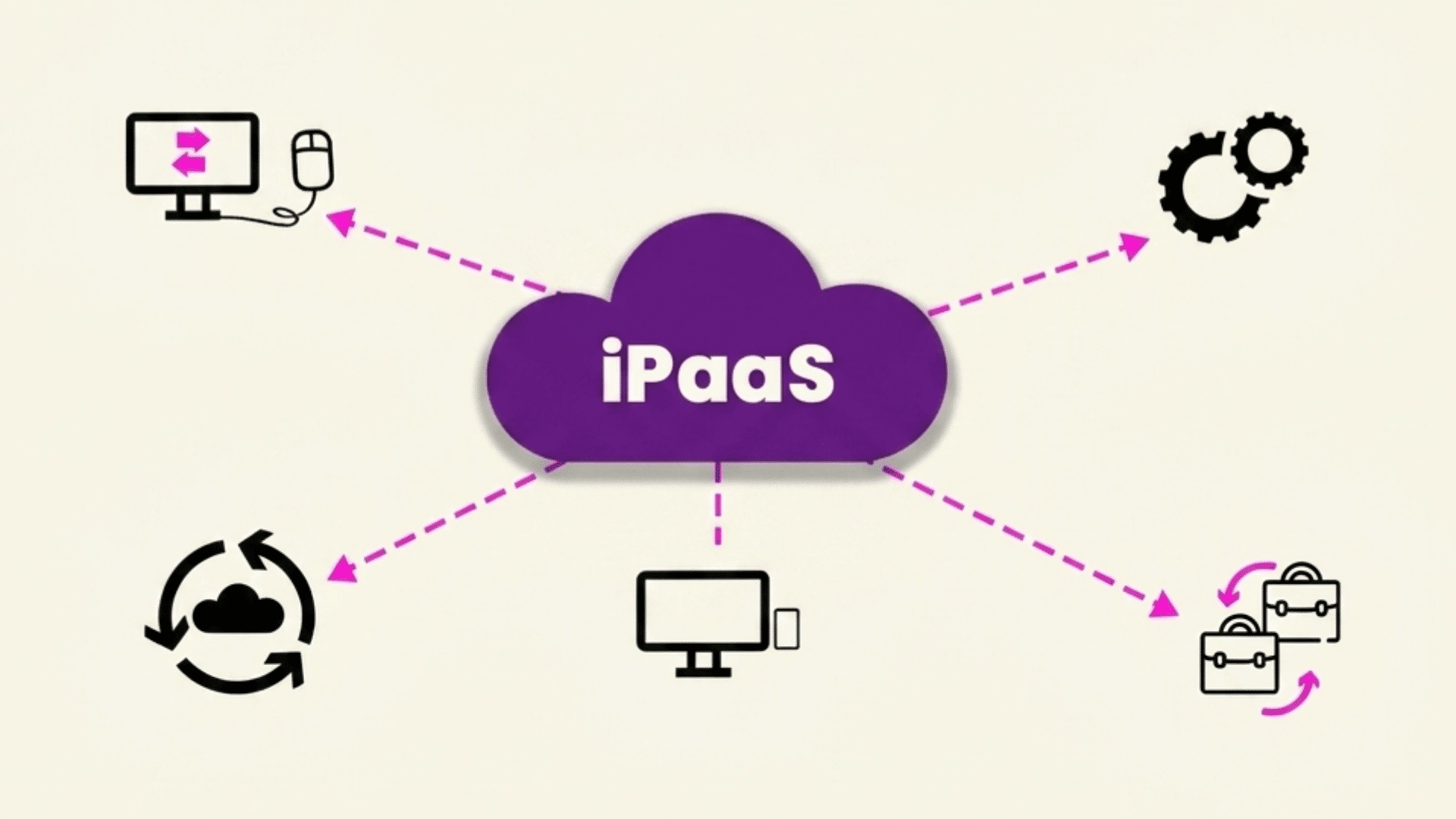




Modern businesses rely on dozens of apps, but keeping them connected can quickly become a challenge. iPaaS solutions help bring your applications, data, and workflows together without the complexity of building every integration from scratch.
I’ve found that choosing the right platform becomes much easier once you understand how integration platform as a service works and which capabilities actually matter for your business.
By the end, you’ll have a clearer idea of which solution best fits your integration needs. Keep reading to make a more confident decision.
Key Takeaways
|
What Are iPaaS Solutions?
iPaaS solutions are cloud-based platforms that connect different applications, systems, and data sources, allowing them to share information and automate workflows without complex custom coding.
An Integration Platform as a Service (iPaaS) acts as a central hub, linking cloud applications like Salesforce, Microsoft 365, and HubSpot with on-premises systems such as legacy ERP or database software.
Businesses commonly use iPaaS for CRM, ERP, HR, marketing, finance, and e-commerce integrations to keep data accurate across teams.
As organizations adopt more software and hybrid environments, managing integrations becomes increasingly difficult.
That is why many businesses are turning to iPaaS solutions to simplify connectivity, reduce manual work, improve efficiency, and support future growth.
How Does an iPaaS Platform Work?
An iPaaS platform streamlines data exchange and workflow automation by connecting multiple business applications through a centralized integration layer.
- Connects Applications: Uses pre-built connectors and APIs to link cloud and on-premises systems without extensive development.
- Moves and Transforms Data: Extracts, maps, transforms, and transfers data between applications in the correct format.
- Automates Workflows: Triggers actions automatically based on specific events, reducing manual tasks and improving efficiency.
- Supports Flexible Integrations: Runs integrations in real time or on scheduled intervals based on business requirements.
- Monitors Performance: Tracks integration activity, logs errors, and provides alerts for faster issue resolution.
- Protects Data: Applies authentication, encryption, access controls, and governance policies to keep integrations secure.
- Scales With Growth: Handles increasing applications and data volumes without requiring extensive custom coding.
Best iPaaS Solutions You Can Try
No single iPaaS platform is the best fit for every organization. The right choice depends on your company size, existing software ecosystem, budget, integration complexity, and technical expertise.
1. MuleSoft Anypoint Platform
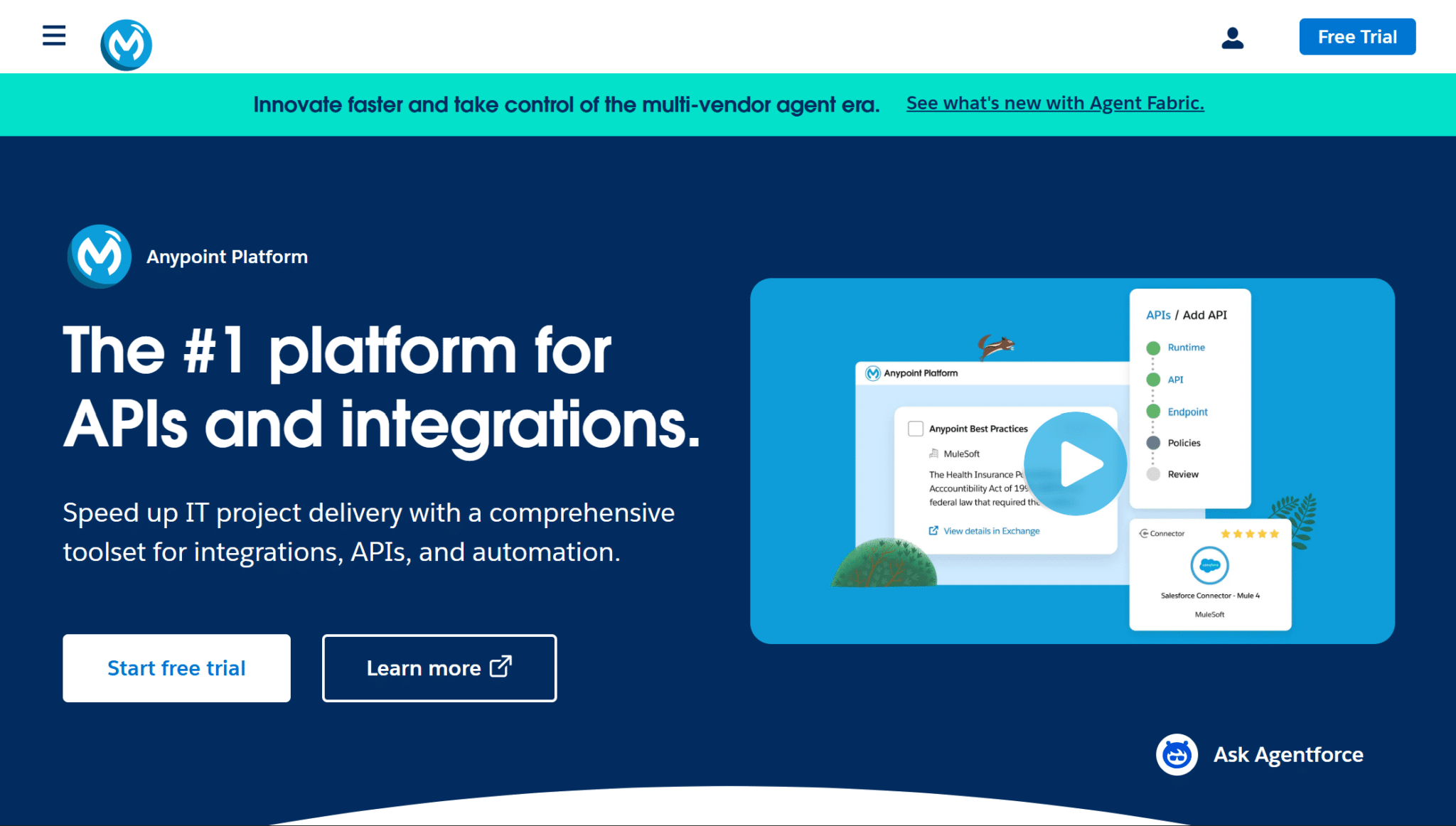
MuleSoft Anypoint Platform is designed for large organizations that need API-led connectivity across cloud, on-premises, and legacy systems.
Its unified platform supports secure API creation, integration, and management.
Although implementation can be complex and pricing is higher than many alternatives, it delivers exceptional scalability and flexibility.
Best suited for: Large enterprises with complex integration requirements and dedicated IT teams.
2. Boomi
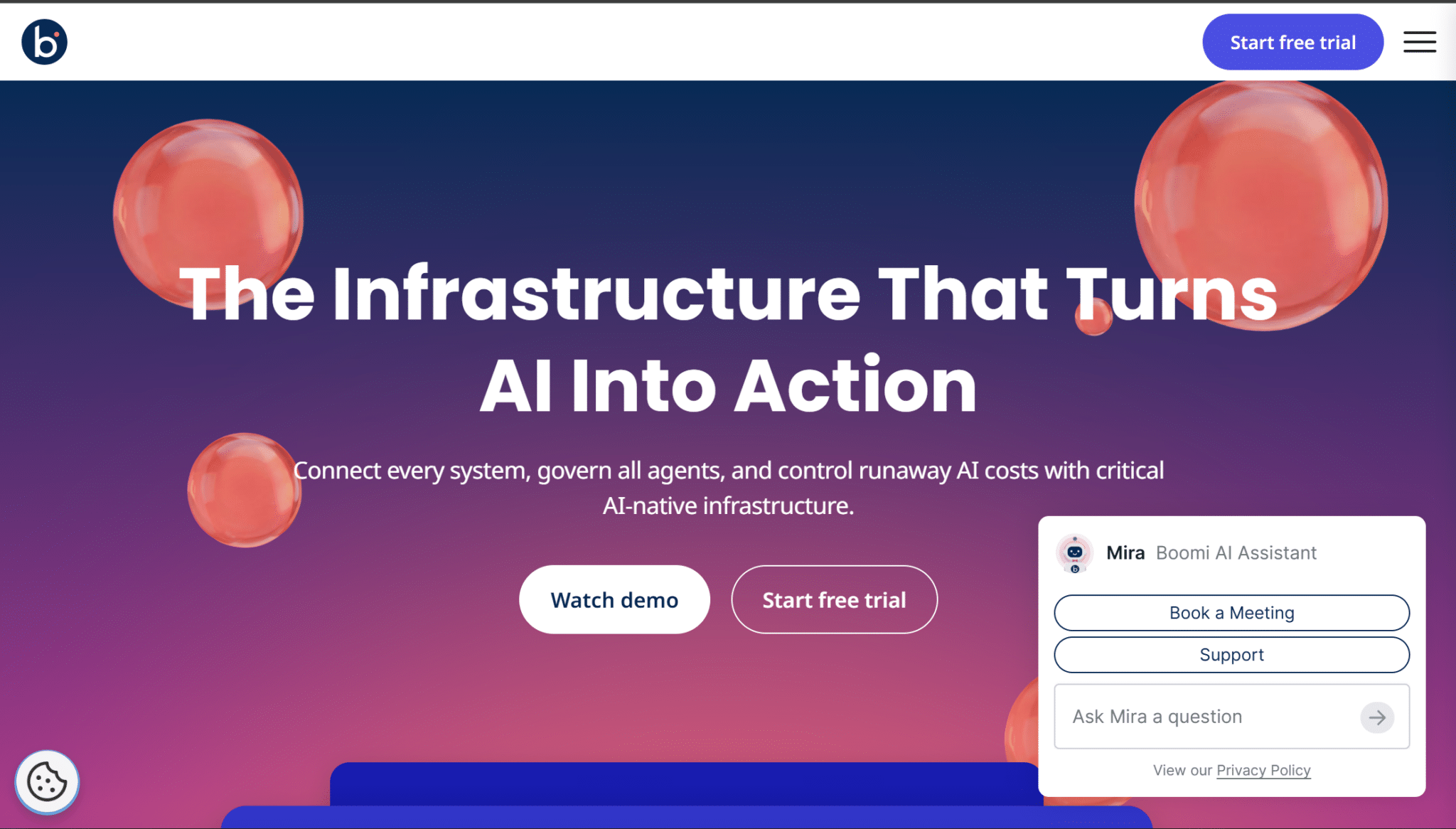
Boomi is a well-established iPaaS platform known for its strong hybrid cloud capabilities and intuitive low-code integration builder.
It offers hundreds of pre-built connectors, centralized governance, and tools for data synchronization across cloud and on-premises environments.
The platform balances ease of use with enterprise-level functionality, though advanced workflows may require technical expertise.
Best suited for: Mid-sized and enterprise businesses managing hybrid IT environments.
3. Workato
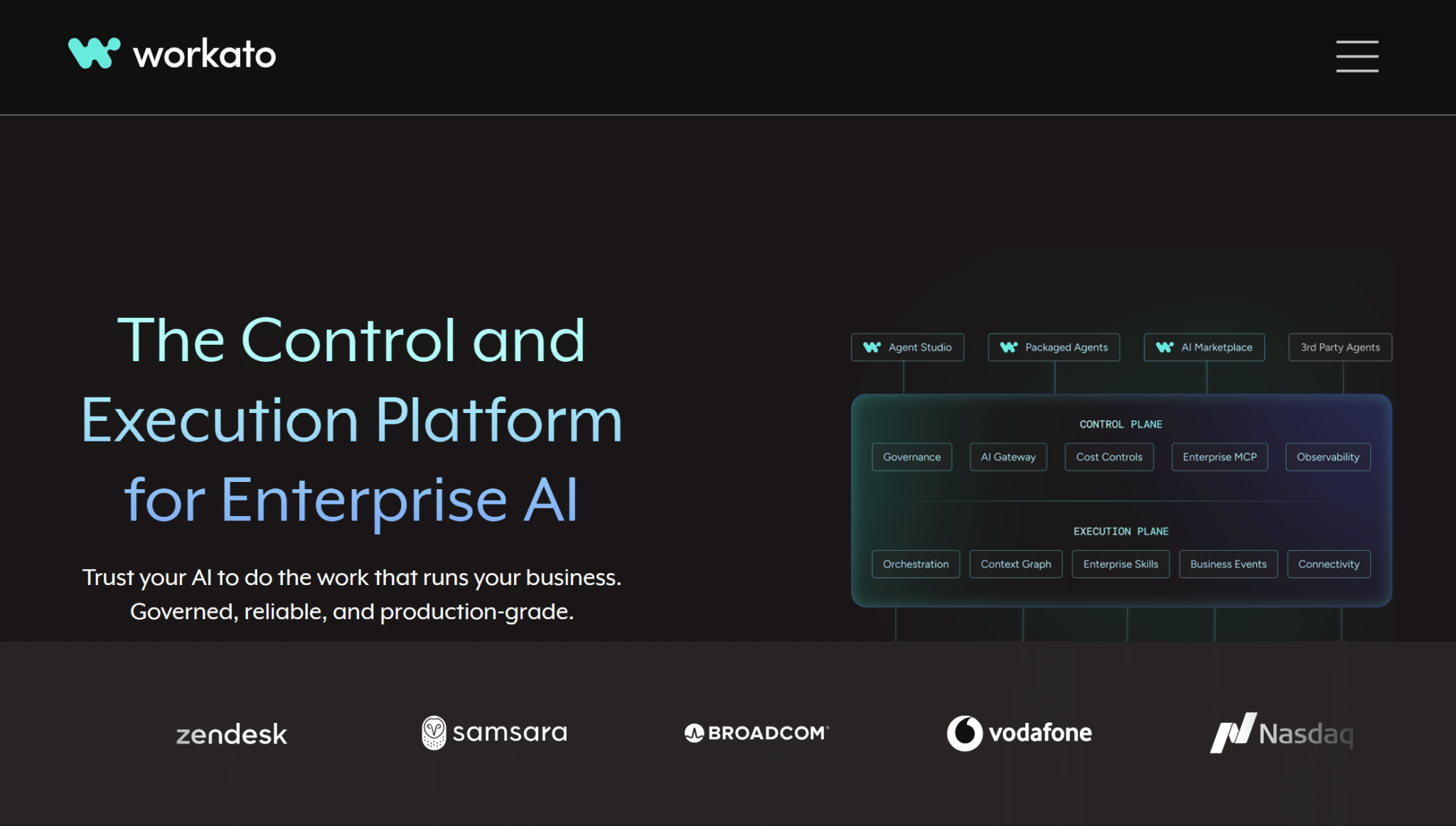
Workato combines AI-powered automation with low-code development to simplify business process automation across multiple applications.
It provides intelligent workflow recommendations, strong SaaS connectivity, and an easy-to-use interface that appeals to both IT teams and business users.
While premium features can increase costs, its productivity benefits are significant.
Best suited for: Mid-sized and enterprise organizations seeking governed integration and automation across multiple departments.
4. Informatica Intelligent Data Management Cloud
Informatica Intelligent Data Management Cloud is a comprehensive cloud data-management platform that includes enterprise iPaaS capabilities for application, data, API, and process integration.
It helps organizations unify data across cloud, hybrid, and on-premises environments while supporting advanced analytics and compliance initiatives.
The platform offers powerful capabilities but may require specialized expertise to maximize its value.
Best suited for: Large enterprises with complex data management, governance, and regulatory requirements.
5. Celigo Intelligent Automation Platform
Celigo Intelligent specializes in connecting SaaS applications with ERP, CRM, and eCommerce platforms using ready-made integration templates.
Its intuitive interface reduces deployment time while supporting custom workflows when needed.
Businesses using platforms like NetSuite, Shopify, and Salesforce benefit from its industry-focused connectors.
Highly specialized or uncommon integration requirements may require custom connectors or additional development.
Best suited for: Retail, eCommerce, and SaaS-driven businesses.
6. SnapLogic
SnapLogic uses AI-assisted integration development to simplify the creation of data pipelines, APIs, and application integrations.
Its visual designer and intelligent recommendations help accelerate deployment while supporting large-scale analytics and real-time data movement.
The platform is highly scalable, though pricing may be better suited to larger organizations.
SnapLogic can support broader digital transformation solutions by connecting operational applications, analytics platforms, APIs, data pipelines, and AI services.
Best suited for: Enterprises focused on data engineering, analytics, and digital transformation.
7. Microsoft Azure Logic Apps
Microsoft Azure Logic Apps enables organizations to build automated workflows across Microsoft services and third-party applications within the Azure ecosystem.
It integrates seamlessly with Azure, Microsoft 365, Dynamics 365, and Power Platform while supporting event-driven automation.
Organizations outside the Microsoft ecosystem may find fewer advantages.
Azure Logic Apps functions as a Microsoft-focused cloud integration platform for building workflows across Azure services and external business applications.
Best suited for: Businesses already invested in Microsoft Azure and related cloud services.
8. Zapier
Zapier is one of the most popular no-code automation platforms, allowing users to connect thousands of cloud applications through simple workflow automation.
Its user-friendly interface makes it easy to automate repetitive tasks without programming knowledge.
Although it may offer less control over highly customized integration architectures than developer-focused enterprise platforms, it excels in accessibility, connector coverage, and rapid workflow deployment.
Best suited for: Small businesses, startups, and individual professionals automating everyday workflows.
9. Jitterbit Harmony and Jitterbit iPaaS
Jitterbit Harmony combines application integration, API management, and workflow automation within a single platform.
It supports cloud, hybrid, and on-premises integrations while offering visual development tools and enterprise security features.
The platform provides strong scalability for growing organizations, although advanced customization may require experienced developers.
Best suited for: Mid-sized and enterprise organizations needing both API management and application integration.
10. SAP Integration Suite
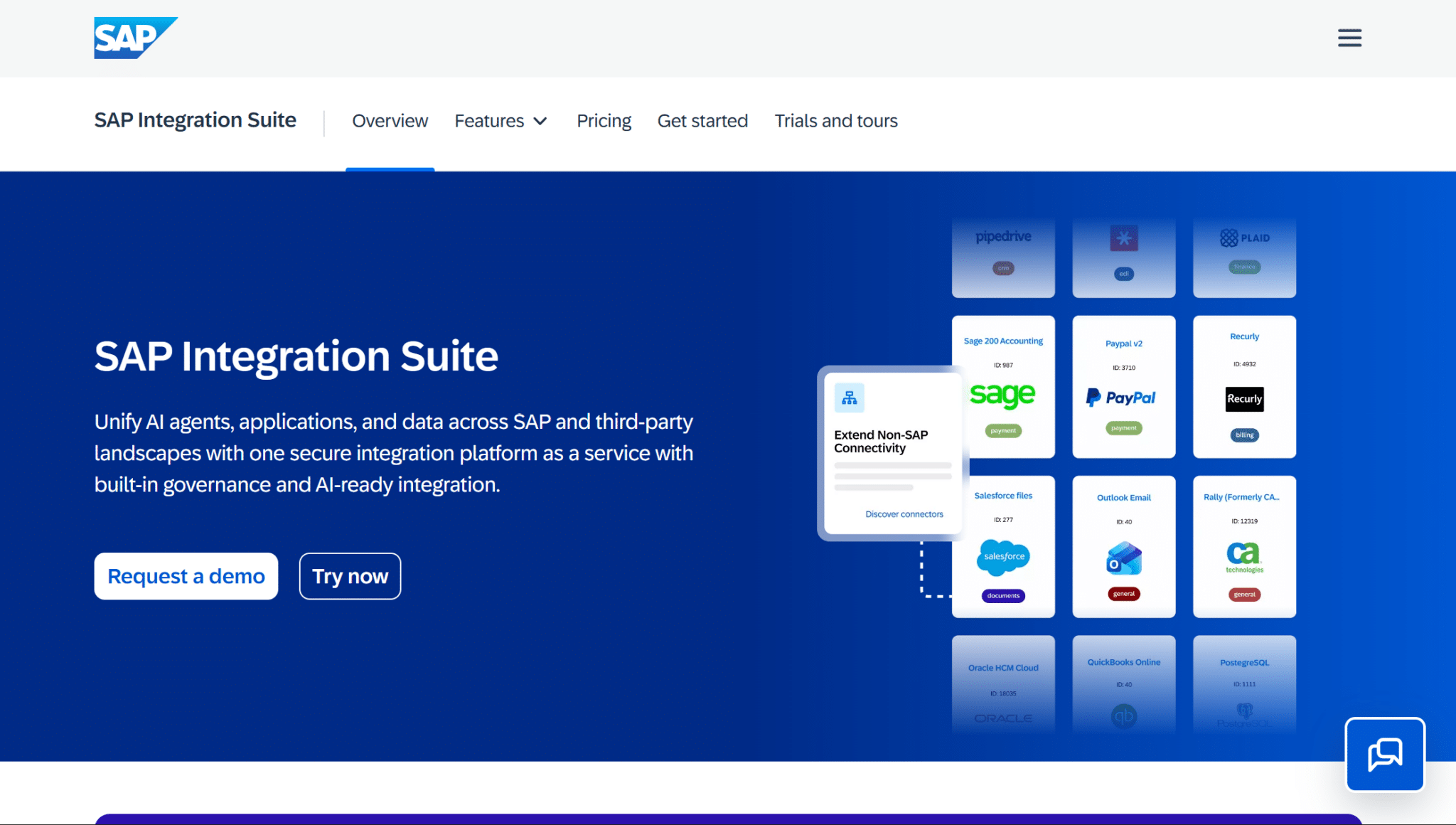
SAP Integration Suite is built for organizations running SAP applications while also supporting integration with third-party systems.
It provides API management, event-driven integration, and hybrid connectivity across cloud and on-premises environments.
Businesses using SAP ERP gain the greatest value through native connectivity and optimized workflows.
Best suited for: Enterprises relying heavily on SAP products and business applications.
11. Oracle Integration Cloud
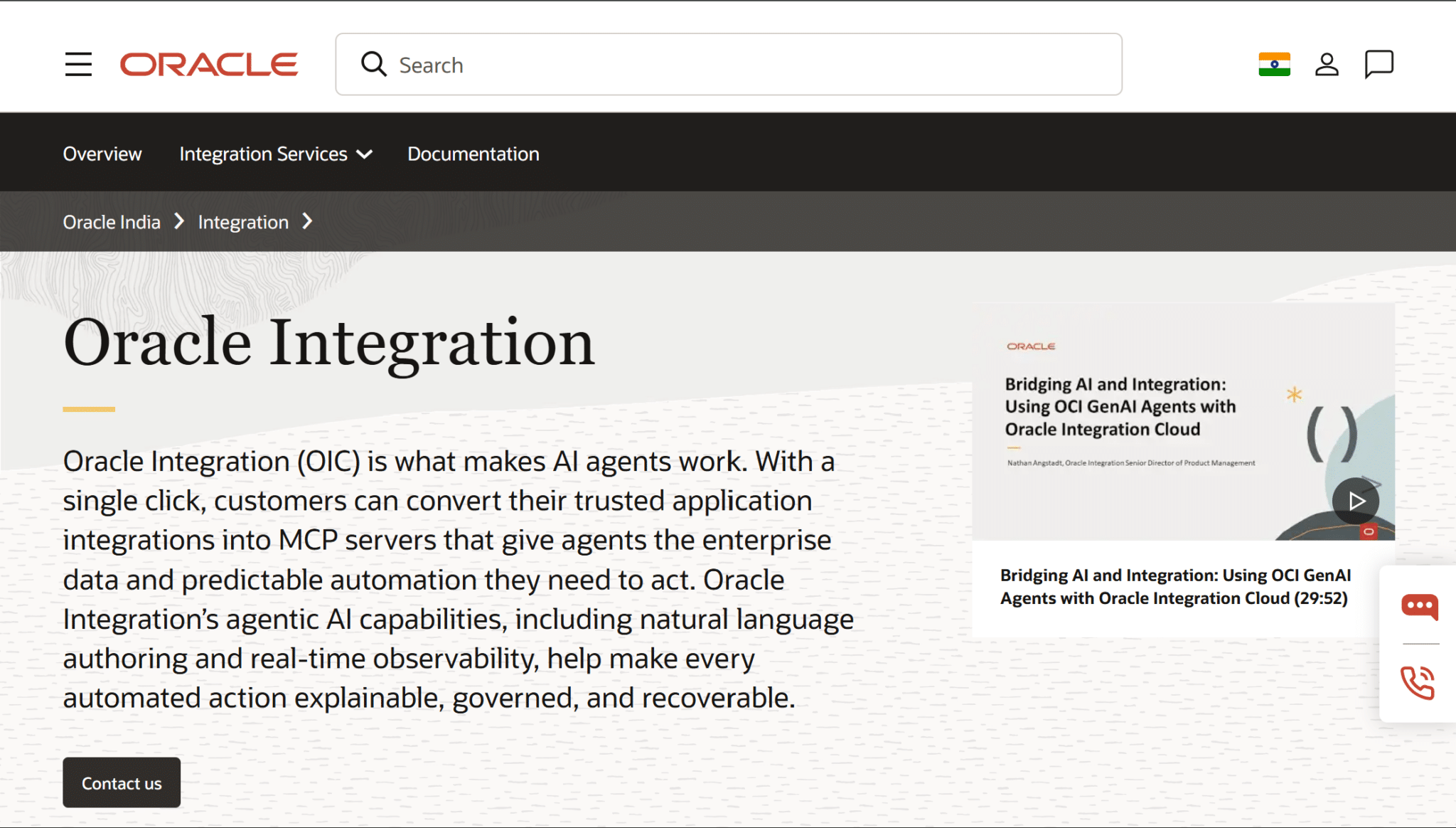
Oracle Integration Cloud simplifies connectivity across Oracle applications and external SaaS platforms using AI-assisted integration capabilities.
It includes pre-built adapters, process automation, API management, and visual workflow development to accelerate deployment.
Organizations using non-Oracle environments may require additional configuration for some integrations.
Best suited for: Businesses operating within the Oracle application ecosystem and cloud infrastructure.
12. Tray.ai
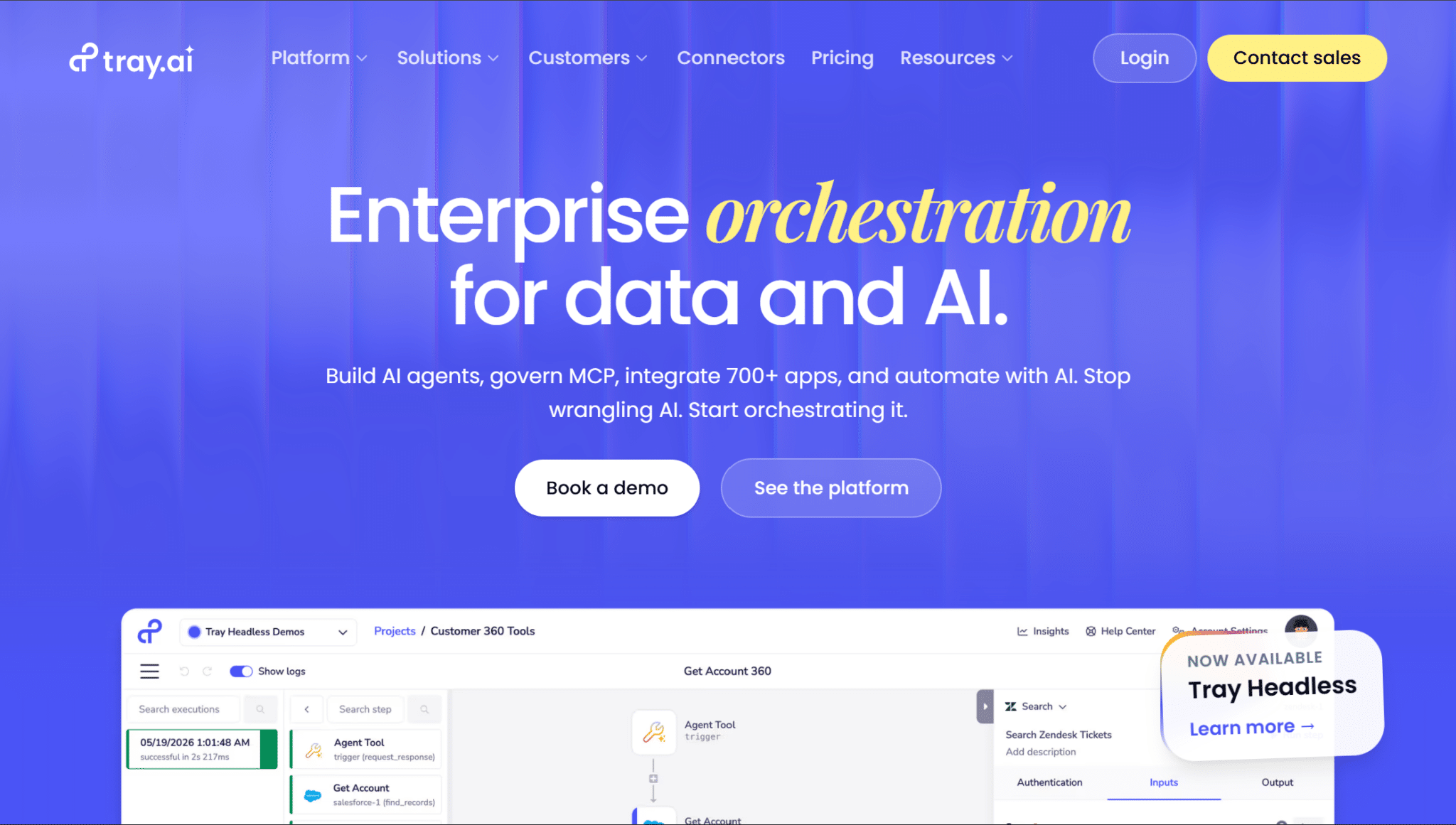
Tray.ai is a low-code automation platform that enables organizations to build sophisticated workflows connecting enterprise SaaS applications.
It offers flexible API connectivity, advanced workflow logic, and AI-driven automation for complex business processes. While it has a steeper learning curve than basic automation tools, it provides excellent customization and scalability.
Best suited for: Mid-sized and enterprise companies requiring advanced SaaS workflow automation.
iPaaS Solutions at a Glance
Compare the leading iPaaS solutions side by side to quickly identify which platform best matches your business requirements.
| iPaaS Solution | Deployment Model | Pricing Level | AI Features |
|---|---|---|---|
| MuleSoft | Cloud and on-premises | High | Limited |
| Boomi | Cloud and hybrid | Medium–high | Basic |
| Workato | Cloud | High | Advanced |
| Informatica | Cloud and hybrid | High | Advanced |
| Celigo | Cloud | Medium | Basic |
| SnapLogic | Cloud and hybrid | High | Advanced |
| Azure Logic Apps | Cloud | Pay-as-you-go | Azure AI support |
| Zapier | Cloud | Low–medium | AI actions |
| Jitterbit Harmony | Cloud and hybrid | Medium–high | Basic |
| SAP Integration Suite | Cloud and hybrid | High | SAP AI integration |
| Oracle Integration Cloud | Cloud | High | Oracle AI services |
| Tray.ai | Cloud | High | Advanced |
How to Choose the Right iPaaS Solution for a Business?
The best iPaaS solution is the one that matches your business goals, existing technology stack, budget, and long-term growth plans rather than simply offering the most features.
Start by considering your company size, expected growth, and the software you already use.
Evaluate how complex your integrations are, how many connectors you need, and whether your team has the technical expertise to manage the platform.
Compare pricing models, performance, scalability, compliance requirements, and the quality of vendor support and documentation.
Look for free trials or proof-of-concept options to test real-world performance before committing.
Finally, consider AI capabilities and use a checklist to confirm the platform meets both your current and future integration needs.
Common Integrations Supported by iPaaS Solutions
iPaaS solutions connect cloud and on-premises applications, allowing data to move automatically between essential business systems without manual intervention.
- CRM Platforms: Sync customer data across sales and support tools.
- ERP Systems: Connect finance, inventory, procurement, and operations.
- Marketing Automation Tools: Automate lead capture and campaign data flow.
- HR and Payroll Software: Keep employee records and payroll information synchronized.
- Accounting and Finance Applications: Streamline invoicing, payments, and financial reporting.
- E-Commerce Platforms: Integrate online stores with inventory, shipping, and payment systems.
- Databases, APIs, and Legacy Systems: Bridge modern applications with existing business infrastructure.
What Challenges Can iPaaS Solve?
iPaaS solves common integration challenges by connecting disconnected systems, automating data exchange, and creating consistent workflows across cloud and on-premises applications.
It eliminates data silos by letting information flow between departments, cutting manual entry and duplicate records.
- Speeds up processes that would otherwise require repetitive manual tasks or file transfers.
- Simplifies connectivity for organizations juggling multiple APIs without extensive custom development.
- Bridges modern cloud applications with legacy software, extending the value of existing systems.
- Provides scalability so growing companies can add applications without a proportional jump in complexity.
Conclusion
Choosing the right integration platform starts with understanding how iPaaS solutions work, which features matter most, and how leading vendors compare.
The best option should fit your current software environment, technical resources, security needs, budget, and future growth plans.
Reviewing connectors, automation capabilities, monitoring tools, pricing, and support can help narrow the choices and prevent costly implementation issues.
A well-matched iPaaS platform can simplify workflows, improve data accuracy, and reduce manual work across teams.
Compare the available options carefully and choose the solution that best supports your business goals.
Frequently Asked Questions
Can iPaaS Replace Custom Integrations Completely?
Not always. Complex or highly specialized integrations may still require custom development alongside iPaaS.
What Is the Difference Between iPaaS and SaaS?
SaaS provides a cloud-based application, while iPaaS connects multiple applications and automates the movement of data and processes between them.
Is iPaaS Suitable for Small Businesses?
Yes. Small businesses can use no-code platforms for simple workflows, although enterprise iPaaS products may be unnecessarily complex or expensive.