



Contracts shouldn’t take weeks to move from draft to signature. Yet many teams still do. I’ve seen how slow approvals, email back-and-forth, and version confusion can delay deals and create stress.
If you’re managing contracts manually, you probably feel that pressure too.
That’s where contract automation changes the game. Instead of chasing updates and fixing small errors, you use software to handle drafting, routing, tracking, and storage in one place.
It brings structure to a process that often feels scattered.
In this article, I’ll explain what contract automation really means, how contract management automation works step by step, and who should use it.
You’ll also see the key benefits, common challenges, and simple steps to get started. By the end, you’ll know whether automating contract management is the right move for your business.
What Is Contract Automation?
When I talk about contract automation , I mean using software to create and manage contracts without doing everything by hand.
Instead of drafting, editing, emailing, and tracking documents yourself, the system handles much of the work for you.
You can use templates, clause libraries, and auto-fill fields to quickly build accurate contracts. Approval workflows automatically send the document to the right people.
For example, you can generate a sales agreement in minutes by filling in a few details. Simple document automation just creates the contract.
Full contract lifecycle automation manages everything from drafting and approvals to signing, storage, and renewals.
Contract Automation vs. Contract Management Software
These terms are often used interchangeably, but they describe different scopes. Contract management software typically refers to a system for storing, searching, and tracking contracts after execution.
Contract automation refers to the upstream process of generating and routing contracts before they’re signed.
Most modern platforms, such as Ironclad, Juro, and PandaDoc, combine both into a unified contract lifecycle management (CLM) system.
How Contract Management Automation Works?
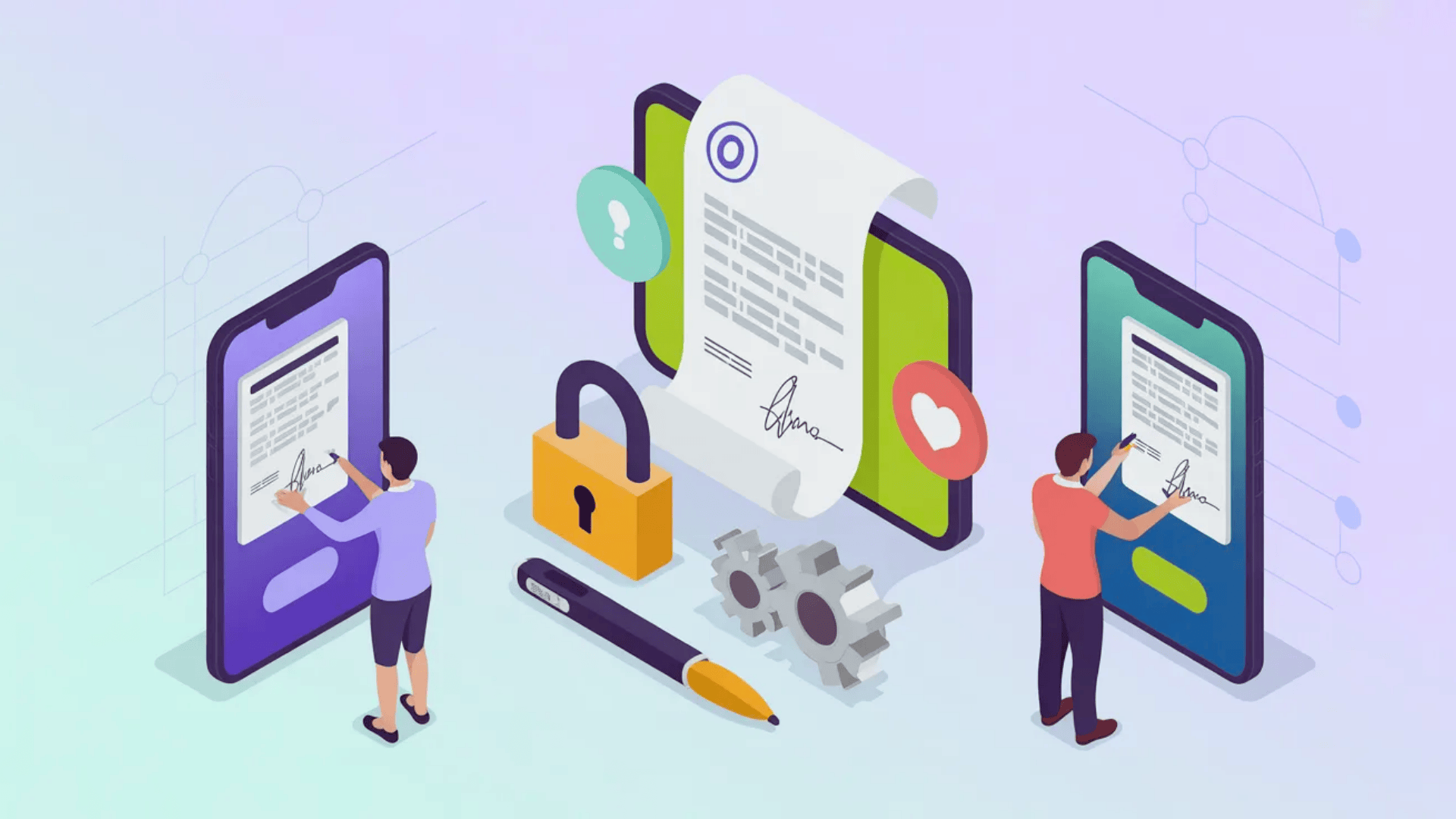
Contract management automation follows a clear, connected process from request to renewal. I’ll go through each step so you can see how everything fits together in one system.
- Request and Intake: You start by submitting a contract request through a simple form. The system collects key details so nothing important is missed.
- Drafting and Template Selection: The software creates a draft using approved templates and clause libraries. You don’t have to write contracts from scratch.
- Internal Review and Approval: The contract is automatically routed to the right people. You can track who has reviewed and approved it in real time.
- Negotiation and Redlining: Both sides can edit, comment, and suggest changes in one shared space. Version control keeps everything clear and organized.
- E-Signature and Execution: Once finalized, the contract is signed electronically. This removes printing, scanning, and mailing delays. Electronic signatures are legally binding in the US under the ESIGN Act (2000) and in the EU under eIDAS, removing any legal ambiguity about going paperless.
- Storage and Tracking: The signed contract is stored in a central system. You receive alerts for renewals, deadlines, and key milestones.
From My Experience
The most underestimated step is intake. During automation documentation for engineering teams, the main source of errors wasn’t the templates; it was poorly structured intake forms allowing users to skip required fields.
Locking intake fields and adding conditional logic (e.g., “if contract value exceeds $50,000, route to CFO”) eliminates a surprising amount of rework later.
Who Should Use Contract Management Automation?
Different teams manage contracts in different ways, but many face the same delays and tracking problems. The automation helps both large companies and growing businesses stay organized and in control.
| Team / Role | How Contract Management Automation Helps You |
|---|---|
| Legal Teams | You get stronger version control, approved clauses, and clear change tracking. This helps you reduce risk and keep contracts compliant. |
| Sales Departments | You can create and send contracts quickly using templates and e-signatures. This helps you close deals faster and avoid long approval delays. |
| HR Teams | HR teams manage employee contracts and offer letters. Automation keeps documents consistent, secure, and easy to find when you need them. |
| Procurement Teams | You can track vendor agreements and renewal dates in one place. Automated reminders help you avoid missed deadlines and manage suppliers better. |
| Small Business Owners | You gain structure without hiring extra staff. The system grows with your business as your contract needs increase. |
The Benefits of Contract Automation for Businesses
These are the practical gains I see when teams stop relying on manual processes. Each benefit connects to common delays, errors, and tracking issues you likely deal with today.
- Faster Contract Turnaround: I’ve seen approvals that once took weeks move in just days. Automated routing sends contracts to the right people instantly, so you close deals faster and reduce waiting time.
- Reduced Human Error: Manual drafting often leads to small but costly mistakes. Using templates and auto-fill tools helps you avoid wrong details, reducing rework and keeping contracts accurate from the start.
- Better Compliance: You use approved clauses and workflows to ensure contracts follow rules, reduce risk, and prevent unauthorized changes. For GDPR, HIPAA, or SOC 2 teams, automated audit trails provide documented proof of review and approval, unlike manual email threads.
- Improved Collaboration: Instead of emailing multiple versions, everyone works in one system. You can review and comment in one place, reducing confusion and keeping teams aligned.
- Stronger Visibility And Reporting: Dashboards show contract status in real time. You don’t have to chase updates, and you can quickly spot delays or upcoming deadlines.
- Lower Administrative Costs: Automation reduces time spent on follow-ups and filing. Over time, this cuts operational costs and allows your team to focus on higher-value tasks.
Challenges When Automating Contract Management
Switching to automation isn’t always instant. I’ve seen a few common hurdles, but with steady planning, you can manage them without slowing your business down.
- Resistance to Change: Some people feel comfortable with manual processes. Offering simple training and showing how automation saves time. When you highlight small improvements, teams usually become more open to change.
- Migrating Old Contracts: Moving past agreements to a new system can seem daunting. Start with active contracts, then upload older ones gradually. Tag legacy contracts by category (NDAs, MSAs, vendor agreements) beforehand to keep your new system organized.
- Setting Up Templates Correctly: If templates are not carefully reviewed, errors can recur. Involving legal or senior team members early to confirm everything is accurate before rollout.
- Integrating With Existing Systems: Connecting with tools like CRM or HR platforms may require coordination. Working with your IT team and choosing compatible software makes integration smoother and less stressful.
- Data Security and Access Control: When contracts move into a digital system, ensure sensitive information remains protected. Setting clear user permissions and working with IT to apply proper security settings so only the right people can view or edit contracts.
Contract Automation vs. Traditional Contract Management
The difference between manual and automated contract processes becomes clear in daily tasks. When you compare them side by side, you can see how automation improves speed, accuracy, and control.
| Area | Traditional Contract Management | Contract Automation |
|---|---|---|
| Speed | Contracts move through emails and manual follow-ups. Approvals often take days or weeks. | Contracts are routed automatically to the right people. Approvals and signatures happen much faster. |
| Accuracy | Manual editing and copying increase the chance of errors. Small mistakes can cause delays. | Templates and auto-fill tools reduce common errors and maintain consistent contract details. |
| Transparency | It’s difficult to know the current status. Teams often ask for updates. | Real-time tracking shows exactly where the contract stands. No need for constant follow-ups. |
| Risk Management | Multiple versions and unapproved changes can increase compliance risk. | Version control and approved clauses help maintain clear standards and reduce risk. |
| Administrative Workload | Teams spend time chasing approvals and managing files. | Automated routing and reminders reduce routine work and save time. |
How to Get Started With Contract Automation?
You can begin contract automation by first understanding your current process. Look at how contracts are created, reviewed, approved, and stored.
Then identify where things slow down, such as waiting for approvals or searching for documents.
Once you see the gaps, build simple, approved templates for common agreements. Choose software that is easy to use and fits your team’s needs. Make sure everyone receives basic training so they feel confident.
After launch, track simple results like turnaround time and missed deadlines to measure progress and improve the process over time.
What to Look for When Choosing a Contract Automation Platform
Not every platform fits every team. These are the capabilities worth evaluating before you commit:
- Template and Clause Library: Can non-legal staff self-serve on standard agreements without attorney involvement?
- Approval Workflow Configurability: Can you set conditional routing rules (by contract value, region, or type)?
- Redlining and Version Control: Are changes tracked per user with timestamps?
- E-Signature Compliance: Is the platform ESIGN Act and eIDAS compliant?
- Integration Depth: Does it connect natively with your CRM, HRIS, or ERP?
- Security Certifications: SOC 2 Type II and ISO 27001 are the minimum bar for enterprise use.
- Reporting and Analytics: Can you export cycle time data and identify bottlenecks?
I’ve found that teams who evaluate these criteria upfront spend significantly less time re-implementing after their initial rollout. The first deployment is always the one that reveals what you didn’t ask about.
At the End
Contracts are part of almost every business decision you make. When the process is slow or unclear, it affects more than paperwork, and it affects deals, partnerships, and growth.
By now, you’ve seen how contract automation can bring structure, speed, and better visibility to your workflow. It’s not about replacing people. It’s about removing the small delays and errors that hold you back.
If you’re still managing contracts manually, this might be a good time to review what’s working and what’s not. Even small improvements can make a big difference over time.
I’d love to hear from you. Are you using contract automation, or are you still relying on manual processes? Share your experience, challenges, or questions in the comments below.