


When a security threat hits, speed determines the outcome. Every minute between detection and containment is time an attacker can use to move laterally, escalate privileges, or exfiltrate data.
The pattern I see most often is not a shortage of tools; it is a gap between detection and action. Automated incident response closes that gap.
Manual processes slow everything down, and in today’s threat landscape, that is a risk most teams cannot afford.
In this guide, you will learn what automated incident response is, which tools handle it, how those tools perform, and what to look for when selecting a platform for your team.
By the end, you will know exactly what steps to take to build a faster, smarter response system.
What Is Automated Incident Response?
Automated incident response is a system that detects and handles security issues without waiting for manual action.
It uses predefined rules, scripts, and tools to respond to threats as soon as they appear. This helps teams act faster and reduce damage.
For example, it can block a suspicious login, isolate an infected device, or send alerts to the team.
The main goal is to save time and improve response speed. Instead of checking every alert by hand, the system handles routine tasks on its own.
This allows IT and security teams to focus on more serious problems.
It also lowers the risk of human error because actions follow set rules. Overall, automated incident response makes systems safer, faster, and easier to manage in busy or high-risk environments.
Why Automated Incident Response Matters Today?
The volume of security alerts hitting the average SOC keeps growing, and the time available to respond keeps shrinking.
In assessments I have reviewed, teams regularly report alert fatigue as a bigger operational problem than tool gaps.
Automation directly addresses this by triaging and acting on the high-confidence, repeatable incidents so human analysts are not buried in noise.
According to IBM’s Cost of a Data Breach Report, the average cost of a data breach reached $4.88 million.
And organizations that used AI and automation in their security operations identified and contained breaches 98 days faster than those that did not.
Automated systems also reduce human error, since even skilled teams can miss steps under pressure.
Automation follows the same process every time, so nothing gets skipped.
The longer an attacker stays inside a system, the more access they gain. Automated incident response cuts that window short by acting the moment a threat is detected, any time of day, without delays.
How Automation Maps to the Incident Response Lifecycle
The NIST incident response lifecycle breaks the process into four phases: preparation, detection and analysis, containment and eradication, and recovery.
1. Detection and Analysis
SIEM tools like Microsoft Sentinel and Splunk track logs in real time and spot unusual activity fast.
They connect data across systems, which helps catch issues early. Automation handles alert sorting, removes duplicates, and sets priority levels.
This means teams see fewer, more useful alerts. It saves time and reduces noise.
With automation, the time to detect threats improves a lot, making this stage quicker and more reliable.
2. Containment and Eradication
Once a threat is confirmed, automated systems act right away using set playbooks. They can isolate devices, block IPs, or lock accounts without delay.
Tools like CrowdStrike and SentinelOne stop threats at the endpoint level.
This prevents the issue from spreading further. Fast action here reduces damage. It also helps control the situation before it affects critical systems.
3. Recovery and Post-Incident Review
Automation keeps a full record of every step taken during a response. This helps with audits and future planning. Teams can review what worked and improve their process.
Recovery steps can also run automatically, like restoring clean systems or reactivating accounts.
Notifications can be sent to teams quickly. This makes recovery smoother and helps teams get back to normal operations faster.
How to Get Started with Automated Incident Response?
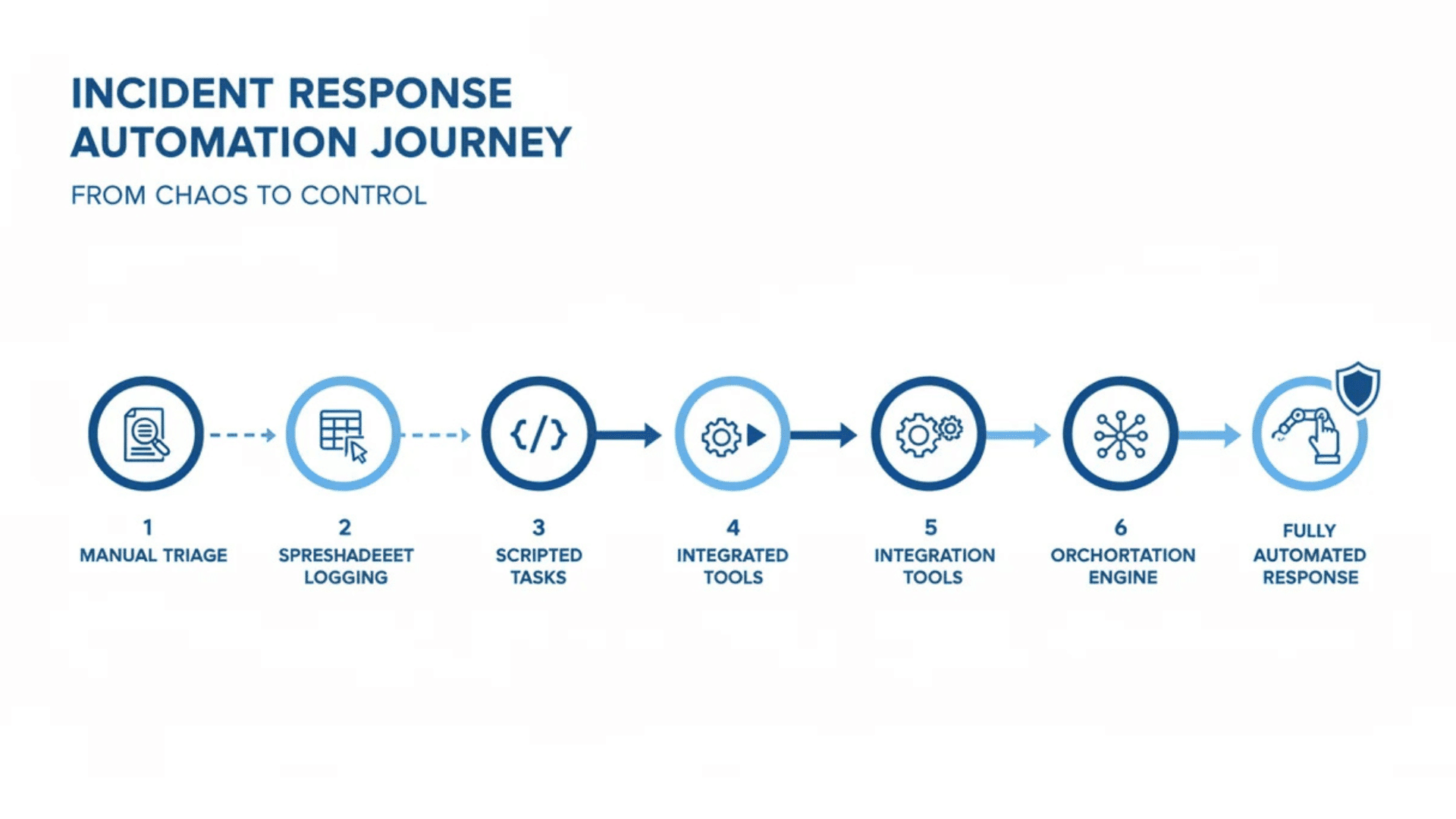
Getting started does not have to be complicated. The key is to take it one step at a time rather than trying to automate everything at once.
- Identify common incidents first: Start with the threats your team deals with most often. These are the easiest to automate because they are already well understood.
- Build simple playbooks: Map out the steps needed for each incident type before moving on to more complex scenarios.
- Choose the right tool: Pick a platform that fits your current setup and integrates well with the security tools you already use.
- Test and fine-tune: Run simulated incidents to see how the system responds and adjust playbooks based on the results.
- Start small and build from there: Automated incident response gets stronger over time as the system learns and your team grows more confident working alongside it.
Top Tools for Automated Incident Response
Having the right tools in place makes a big difference in how fast and effectively a team can respond to threats.
1. SOAR Platforms: Orchestrating the Full Response
SOAR platforms connect different security tools and run actions through one workflow. They manage cases, follow playbooks, and coordinate steps across systems.
Tools like Splunk SOAR and Cortex XSOAR are widely used in large teams. They reduce manual work and keep responses consistent.
Teams can respond faster without repeating the same steps each time.
SOAR also helps track every action taken. This makes it easier to review incidents later and improve the response process over time.
2. SIEM Tools: Detection and Alert Correlation
SIEM tools collect and analyze log data from many systems in real time. They help detect unusual activity and raise alerts quickly.
Tools like Microsoft Sentinel and Splunk group related alerts to reduce noise.
This helps teams focus on real threats instead of checking every alert. SIEM systems are strong at early detection.
They bring data from different sources into one place. This makes it easier to spot patterns and act before the issue becomes serious.
3. EDR Tools: Endpoint-Level Containment
EDR tools monitor devices like laptops, servers, and desktops for harmful behavior. When a threat is found, they can act quickly to isolate the affected device.
Tools like CrowdStrike and SentinelOne are widely used for this purpose.
This stops the threat from spreading across the network. EDR works closely with other tools to enforce actions. It gives teams direct control at the device level.
Fast containment helps limit damage and keeps critical systems safe.
How Do These Tools Work Together in Practice?
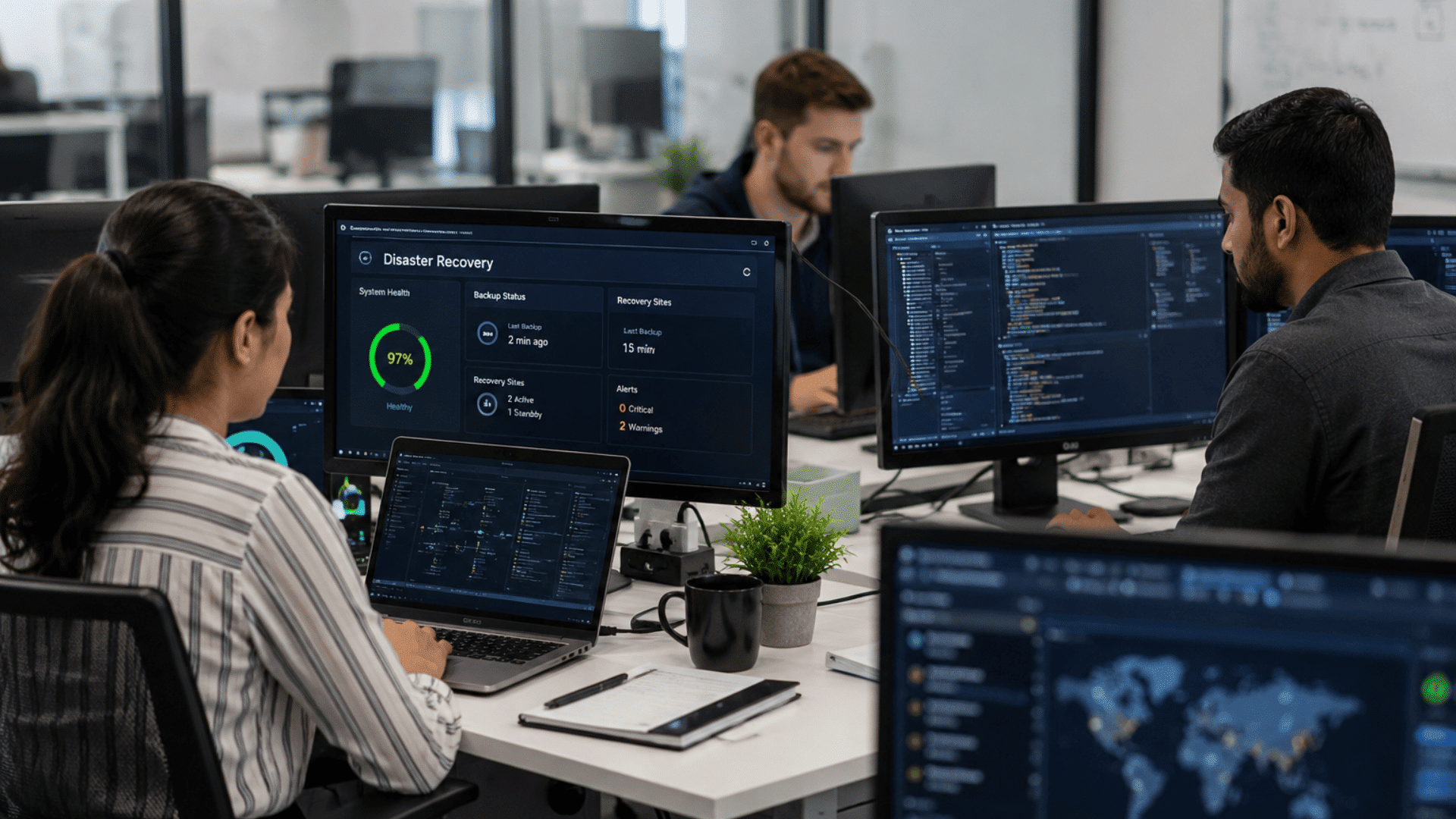
These tools work together to handle threats quickly and in a clear order. SIEM detects the issue and sends an alert. SOAR then runs a response plan using set rules.
EDR isolates the affected device to stop the spread. At the same time, other tools may block IPs or create incident tickets.
All steps happen within seconds. This reduces delay and lowers risk.
Working together, these tools turn a slow process into a fast and controlled response system.
Tool Comparison: Key Automated IR Platforms at a Glance
Use this quick comparison to understand how different tools fit various environments, team sizes, and security needs, helping you make a more informed and practical decision.
| Platform | Category | Best Fit | Key Strength | Consideration |
|---|---|---|---|---|
| Splunk SOAR | SOAR | Enterprise SOC | Extensive playbook library; broad integrations | Higher cost; steep learning curve |
| Palo Alto Cortex XSOAR | SOAR | Mid to large enterprise | Threat intel integration; unified case management | Best with the existing Palo Alto stack |
| IBM QRadar SOAR | SOAR | Regulated industries | Compliance workflow automation; privacy incident support | Can be complex to configure |
| Microsoft Sentinel | SIEM + SOAR | Microsoft-heavy environments | Native cloud integration; built-in automation rules | Cost scales with data ingestion |
| CrowdStrike Falcon | EDR | Endpoint-focused response | Fast isolation; behavioral detection | Limited orchestration beyond the endpoint |
| SentinelOne Singularity | EDR + XDR | Teams wanting broad coverage | Autonomous response; rollback capability | XDR capabilities require a full suite |
How to Choose the Right Automated IR Tool?
Picking the right tool depends on your team size, setup, and security needs. Focus on tools that fit well with your current systems and daily workflow.
- Integration with Existing Tools: Make sure the tool connects easily with your current systems, like SIEM, EDR, and firewalls. Strong integration avoids extra work and keeps everything in sync.
- Ease of Use and Setup: Choose a tool with a simple interface and a clear setup process. This helps your team start quickly without long training or confusion.
- Automation Capabilities: Look for tools that support custom playbooks and automated actions. This allows you to handle common threats without manual steps.
- Scalability: Pick a solution that can grow with your business. It should handle more data, users, and threats as your needs increase.
- Response Speed: Fast response time is key to stopping threats early. Check how quickly the tool can detect and act on incidents.
- Reporting and Visibility: The tool should provide clear reports and logs. This helps in tracking incidents and improving your response over time.
- Cost and Value: Compare pricing with features offered. Choose a tool that fits your budget while still meeting your security needs.
- Vendor Support and Updates: Good support and regular updates keep the tool reliable. This ensures it stays effective against new threats.
Best Practices for Automated Incident Response
Setting up automated incident response is just the first step. Getting the most out of it takes a bit of planning and ongoing attention.
1. Building Effective Response Playbooks
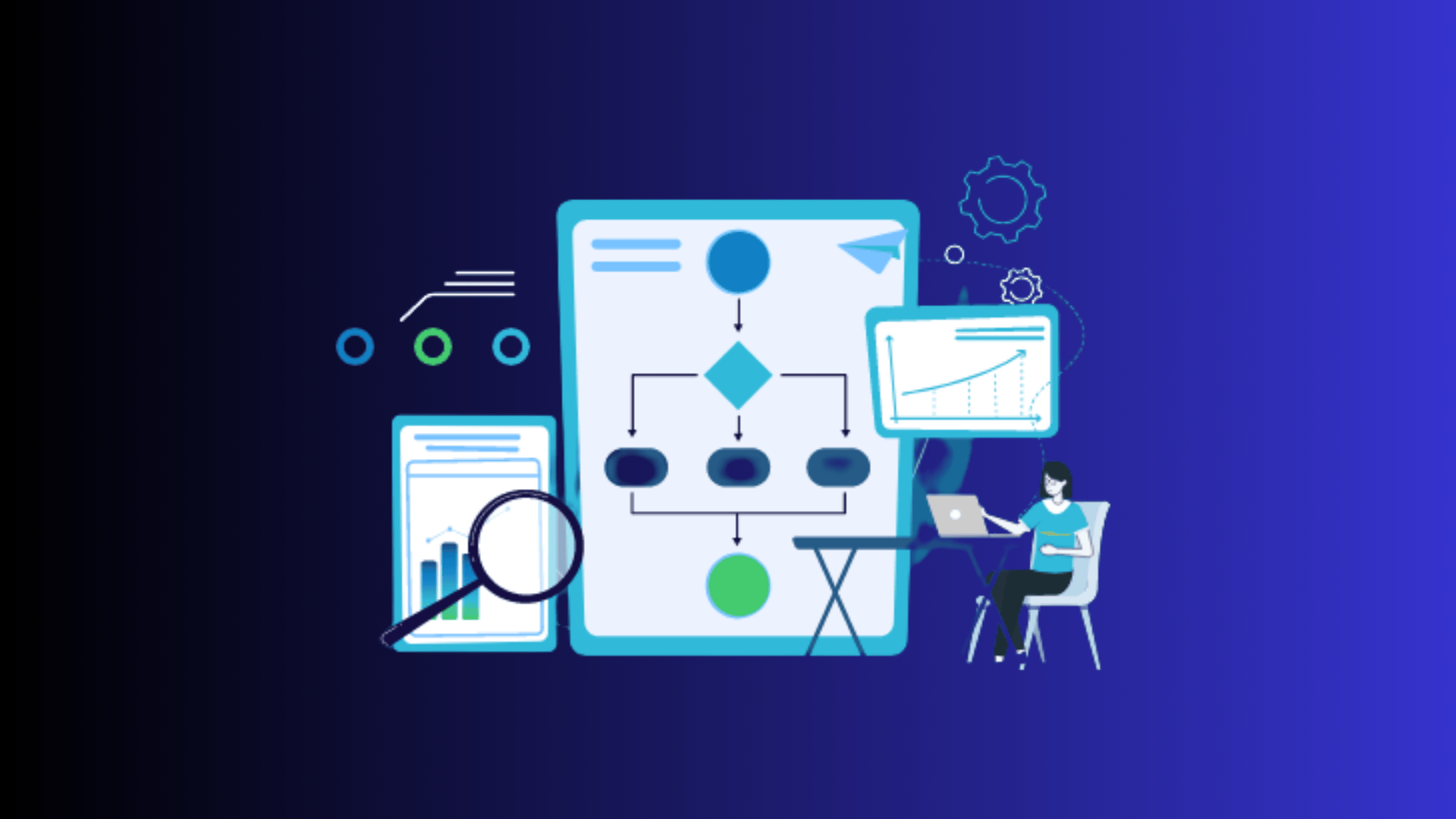
A playbook is a predefined set of steps the system follows when a specific type of incident is detected.
The more clearly a playbook is written, the more consistently the system responds. Start by mapping out the most common incident types your team deals with.
For each one, outline the exact steps needed, from detection to containment to resolution.
Keep playbooks simple and update them regularly as new threats emerge and your environment changes.
2. Balancing Automation with Human Oversight
Automation handles speed and consistency, but human judgment is still needed for complex or unusual incidents. Not every alert fits neatly into a predefined playbook.
Set clear boundaries for what the system handles automatically and what gets escalated to the team.
Regular reviews of automated actions help catch gaps early and keep the system aligned with how threats are actually evolving.
The best setups treat automation and human oversight as a team, not a replacement for each other.
Conclusion
Automated incident response is no longer a luxury; it is quickly becoming a necessity for any team that wants to stay ahead of today’s threats.
These tools are easier now, with faster detection, fewer breaches, and more time for analysts to focus on key tasks.
Start with a tool that fits your setup, works well with your current systems, and gives you a strong base to build on.
Every playbook you define, and every repetitive task you automate, puts your team in a better position to handle the threats that actually need human judgment.
If you’re using or starting with automated incident response tools, I’d love to hear about it.
Drop your experience in the comments below; your insight might be exactly what someone else needs to take that first step.