




When I look at a new laptop, I always start with the basics. First, the processor, RAM, storage, battery life, and then ports. If you are thinking about buying one, you should do the same.
The right details can save you money and prevent future problems.
In this guide, I shared some Chromebook specs, what each spec means, what numbers you should look for, and how they affect daily use.
You will learn what works best for school, work, browsing, and streaming.
As a technical documentation specialist with over 10 years of experience, I’ve with engineers, which has helped me see how hardware decisions directly affect performance.
By the end, you will be able to read a spec sheet with confidence and choose a Chromebook that truly fits your needs.
What Are Chromebook Specs?
Chromebook specs are the technical details that explain what a Chromebook has inside and how it performs.
They include the processor, RAM, storage, screen size, battery life, and ports. These parts decide how fast the device runs, how many tabs you can open, and how smoothly apps work.
The processor and RAM affect speed and multitasking. Storage controls how many files and apps you can keep on the device.
Screen resolution impacts how clear text and videos look.
Battery capacity tells you how long it can run without charging. Knowing the specs helps you choose the right Chromebook for school, work, or home use.
When you understand these details, you avoid buying a model that feels slow or lacks space.
Simple specs work for basic tasks, while heavier work needs stronger hardware.
Key Chromebook Hardware Components
Understanding the main hardware parts helps you know how a Chromebook will perform in daily use. Each component plays a clear role in speed, storage, and overall experience.
1. Processor (CPU)
The processor is the brain of a Chromebook. It controls how fast the system runs and how smoothly apps open.
Entry-level models often use Intel Celeron or MediaTek chips, which work well for browsing, streaming, and school tasks.
Mid-range options may use Intel Core or AMD Ryzen processors for better speed.
A stronger CPU handles multitasking more easily. If you plan to run many tabs or Android apps, choosing a faster processor makes a noticeable difference in daily performance.
2. RAM (Memory)
RAM helps your Chromebook manage multiple tasks at once. Most basic models come with 4GB of RAM, which is fine for light browsing and document work.
If you open many tabs or use web apps often, 8GB offers smoother performance.
Some premium models even offer 16GB for heavy use. More RAM reduces lag when switching between apps.
It does not store files, but it keeps active tasks running efficiently. I noticed a big difference when I moved from 4GB to 8GB, especially while working with many tabs open.
For most users, 8GB provides a good balance between price and performance.
3. Storage
Storage determines how many files, apps, and downloads your Chromebook can hold.
Many models use eMMC storage, which is affordable and works well for cloud-based tasks. Higher-end devices may include SSD storage for faster data access.
Common sizes include 32GB, 64GB, and 128GB. Since Chromebooks rely heavily on cloud storage, large internal storage is not always required.
However, if you save offline files or install many apps, choosing more storage gives you better flexibility.
4. Display
The display affects how clear and comfortable your viewing experience feels. Chromebook screens usually range from 11 to 15 inches.
Resolution options include HD and Full HD, with higher resolution offering sharper text and images. Some models also include touchscreens for easier navigation.
A better display improves video streaming and document work.
If you spend long hours on your device, screen quality matters. Brightness and panel type also impact how well the screen performs in different lighting conditions.
5. Battery Life
Battery life tells you how long a Chromebook can run on a single charge. Many models offer between 8 and 12 hours of use, depending on workload and screen brightness.
Longer battery life is helpful for school, travel, and remote work.
Streaming videos or running many apps may reduce battery time.
Most Chromebooks are designed to last through a full day of basic tasks. Checking battery ratings helps you avoid carrying a charger everywhere you go.
6. Ports and Connectivity
Ports and connectivity options decide how you connect accessories and networks. Most Chromebooks include USB-C and USB-A ports for charging and data transfer.
Some models also provide HDMI or microSD slots. Wi-Fi and Bluetooth allow wireless connections for the internet and devices like headphones or keyboards.
Newer Wi-Fi versions offer faster and more stable internet speeds.
If you use external monitors or storage drives, checking available ports ensures the Chromebook supports your needs without extra adapters.
Chromebook Specs for Students vs Work
Different users need different performance levels. The best Chromebook setup depends on your daily tasks, workload, and how much speed and multitasking power you require.
| Feature | For Students | For Work Use |
| Processor (CPU) | Intel Celeron or MediaTek for browsing, assignments, and video classes | Intel Core i3/i5 or AMD Ryzen for multitasking and office tools |
| RAM | 4GB for basic school tasks, 8GB for smoother performance | 8GB minimum, 16GB for heavy multitasking |
| Storage | 32GB or 64GB eMMC, with cloud storage support | 128GB or higher, preferably SSD for faster access |
| Display | 11–14 inch screen, HD or Full HD | 13–15 inch Full HD for better clarity and comfort |
| Battery Life | 8–10 hours for school day use | 10–12 hours for long work sessions |
| Ports & Connectivity | USB-C, USB-A, Wi-Fi, Bluetooth | Multiple USB ports, HDMI support, latest Wi-Fi standard |
| Best For | Online classes, research, streaming, light apps | Office work, meetings, multitasking, cloud tools |
Chromebook Specs by Popular Models
Different brands offer different hardware combinations and performance levels. Looking at real models helps you see how specs vary in the market.
1. Acer Chromebook Series
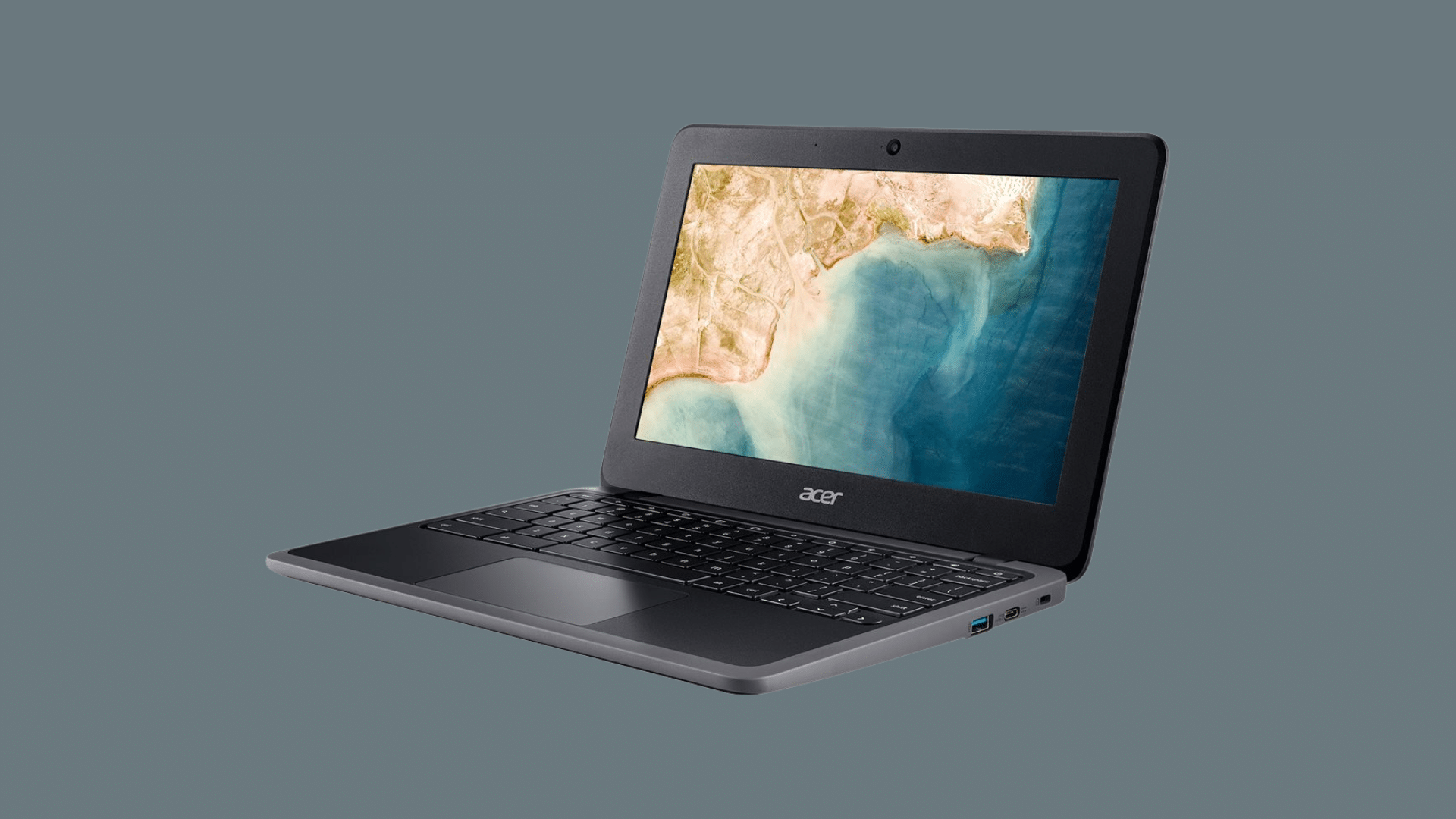
Acer Chromebooks are widely used in schools and homes because they offer dependable hardware in a compact build.
Many models are designed for daily web tasks, online classes, document editing, and video streaming. They focus on steady performance that handles common apps without slowdowns during regular use.
Acer also provides both standard laptops and convertible designs, giving users flexible options.
Most models are lightweight, which makes them easy to carry in a backpack for school or travel.
- Processor Options: Intel Celeron, Pentium, and selected Intel Core models
- RAM Capacity: 4GB for basic use and 8GB for smoother multitasking
- Storage Type: 32GB or 64GB eMMC with cloud storage support
- Display Choices: 11 to 15-inch screens with HD or Full HD resolution
- Battery Range: Typically lasts between 8 and 12 hours per charge
2. HP Chromebook Series
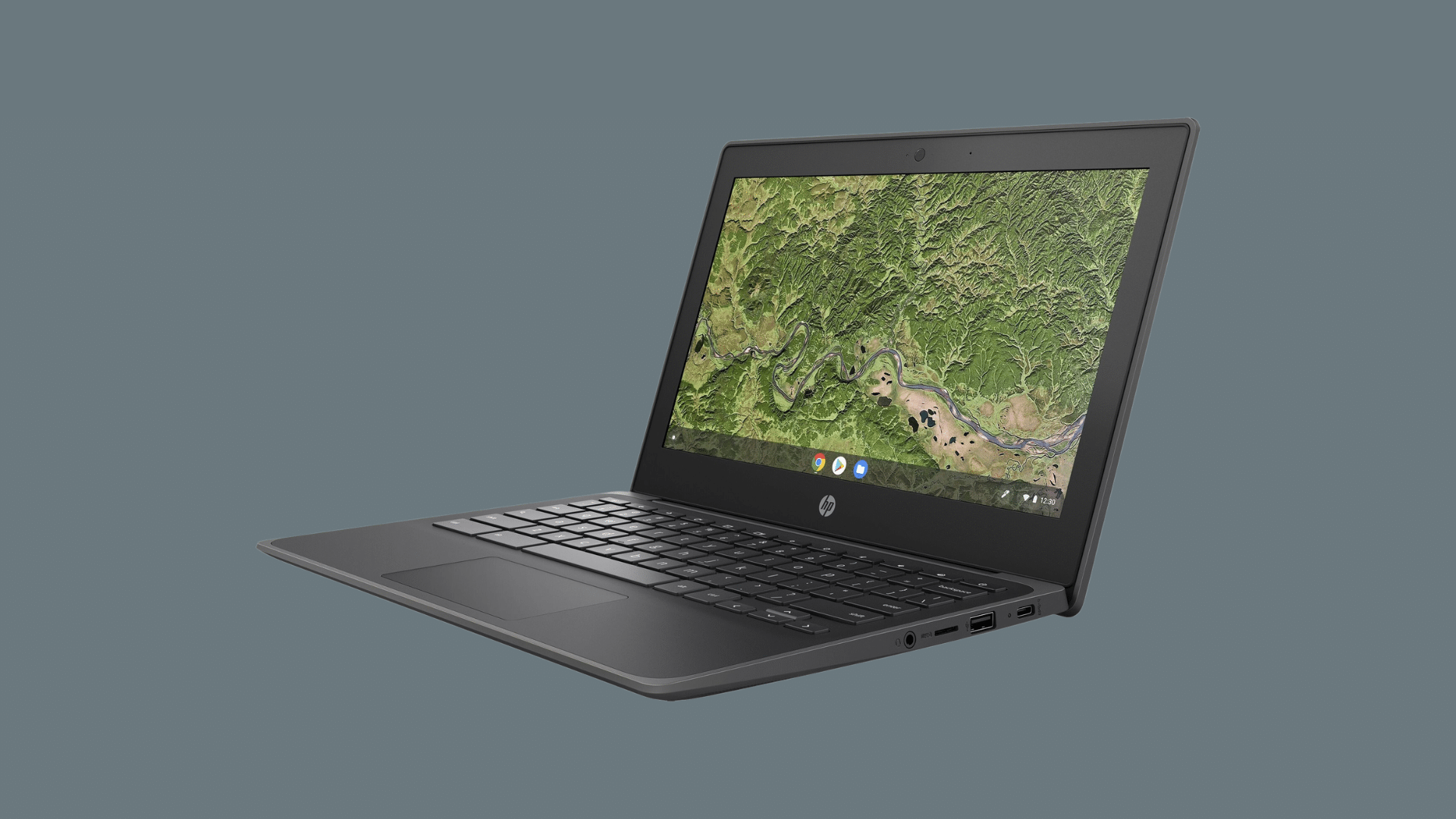
HP Chromebooks are known for their clean design and steady performance for both school and office use. Many models feel solid and well-built, which adds to daily reliability.
They are suitable for users who attend video meetings, work on cloud documents, or stream content regularly.
HP also offers touchscreen and convertible models for added flexibility.
Most devices balance performance and comfort, making them a practical choice for people who need consistent speed throughout the day.
- Processor Options: Intel Celeron, Intel Core i3, and AMD Ryzen models
- RAM Capacity: 4GB for light tasks and 8GB or more for heavier use
- Storage Type: 64GB or 128GB eMMC, with some SSD configurations
- Display Choices: 13 to 15-inch screens, mostly Full HD panels
- Battery Range: Around 9 to 12 hours, depending on usage
3. Lenovo Chromebook Series
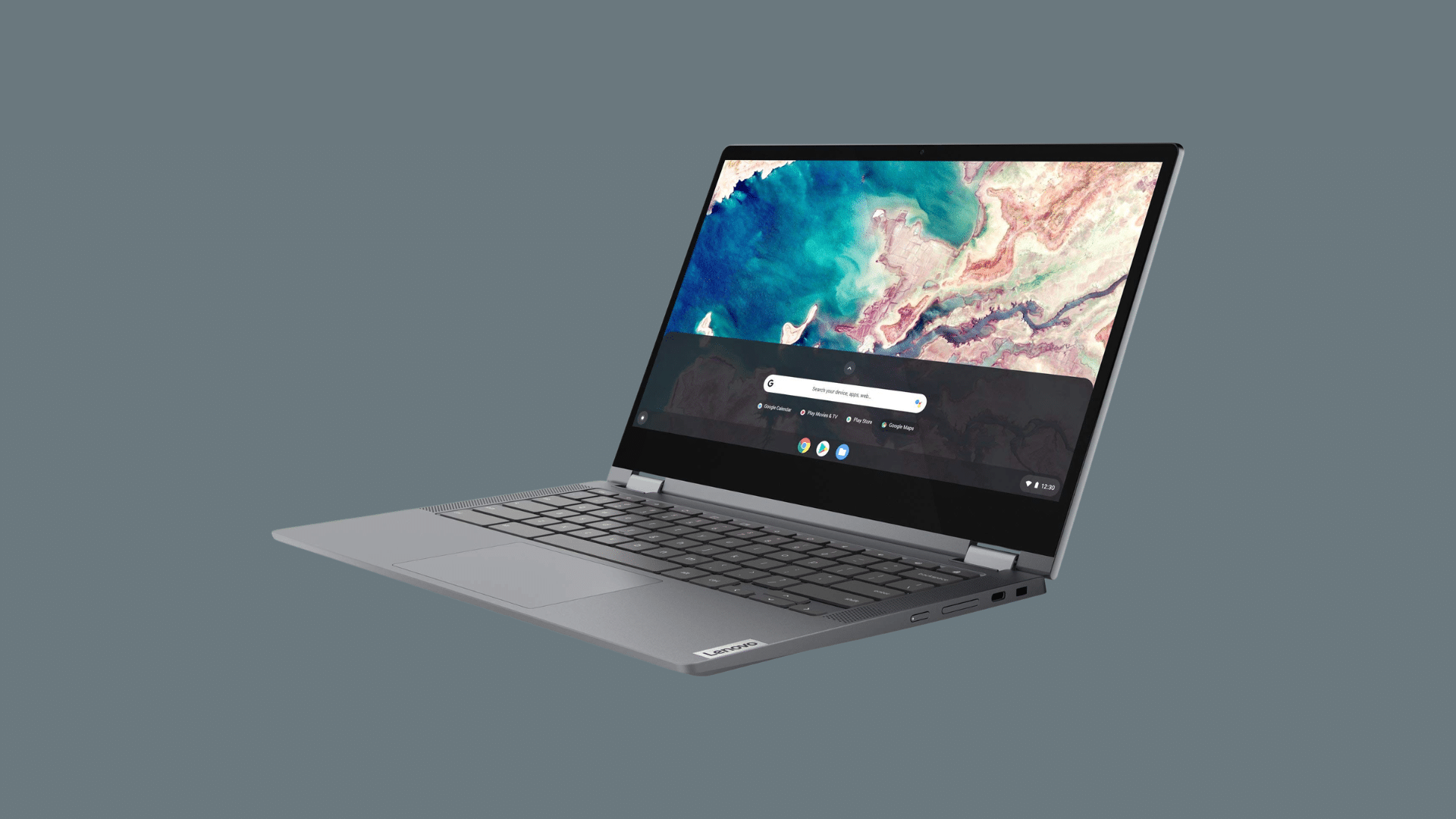
Lenovo Chromebooks offer a mix of budget-friendly and mid-range options for different users.
Many models are built with durable materials, which makes them suitable for students and frequent travel. They support everyday tasks like browsing, writing, and online classes without difficulty.
Lenovo also provides touchscreen and 2-in-1 designs that add flexibility for note-taking or tablet use.
The brand focuses on practical features that support daily productivity without adding unnecessary complexity.
- Processor Options: MediaTek, Intel Celeron, and Intel Core variants
- RAM Capacity: 4GB standard, with 8GB available on higher models
- Storage Type: 32GB, 64GB, or 128GB eMMC, with select SSD options
- Display Choices: 11 to 14-inch screens with HD or Full HD resolution
- Battery Range: Typically delivers 8 to 12 hours of battery life
4. Samsung Chromebook Series
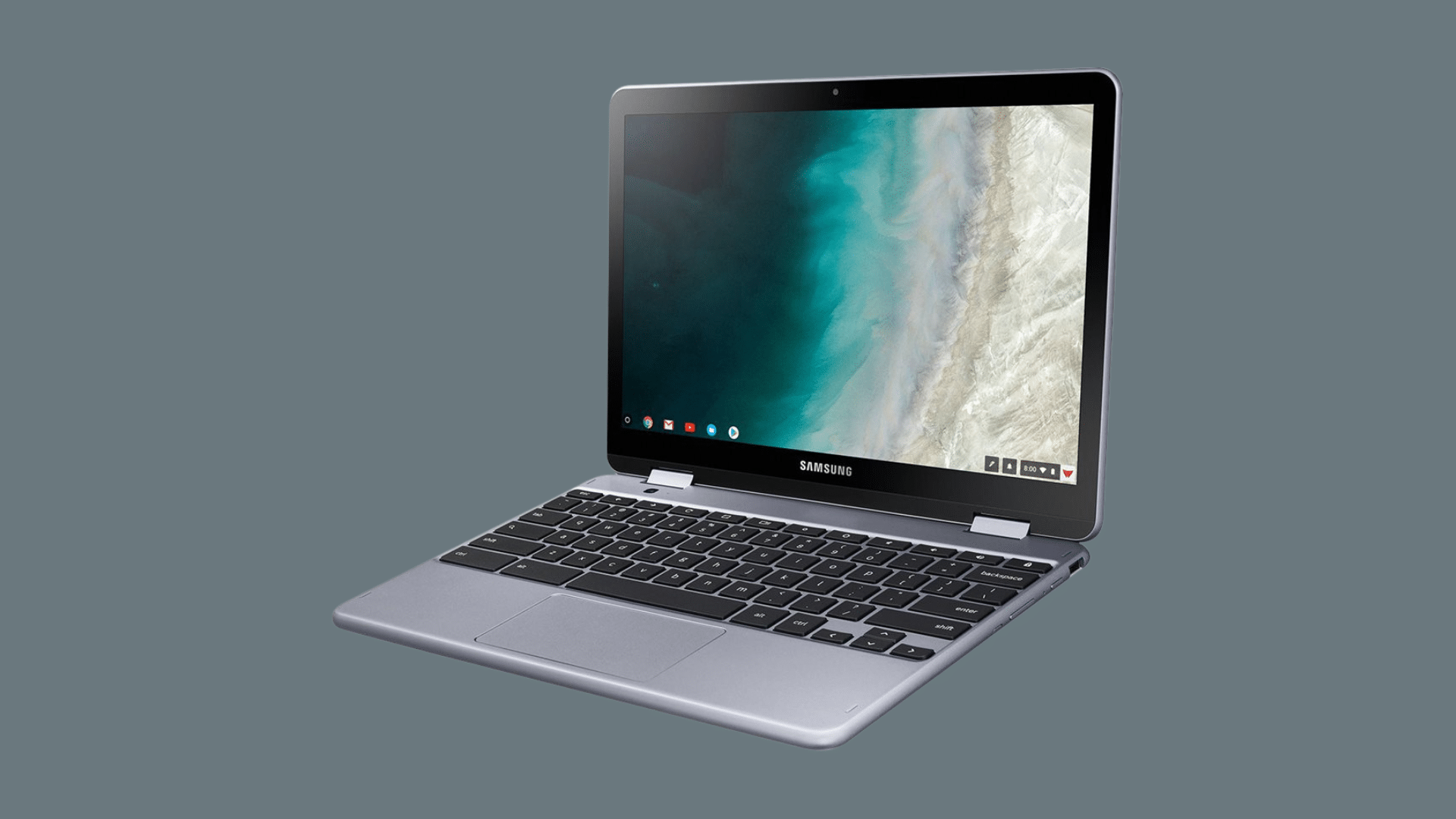
Samsung Chromebooks often focus on slimmer builds and higher-end features. Many models are designed for users who want a sharper display and smoother overall performance.
They are suitable for multitasking, streaming in high quality, and handling larger web apps.
Samsung also includes premium design elements in some models, such as lightweight metal bodies and bright screens.
These devices are often chosen by users who want a Chromebook that feels more refined while still staying simple to use.
- Processor Options: Intel Core i3 and i5 in higher models, with some entry-level chips
- RAM Capacity: 8GB standard on many models, with higher options available
- Storage Type: 64GB or 128GB eMMC, and SSD in select premium versions
- Display Choices: Full HD or higher resolution with bright AMOLED options
- Battery Range: Around 10 to 13 hours based on usage
5. ASUS Chromebook Series
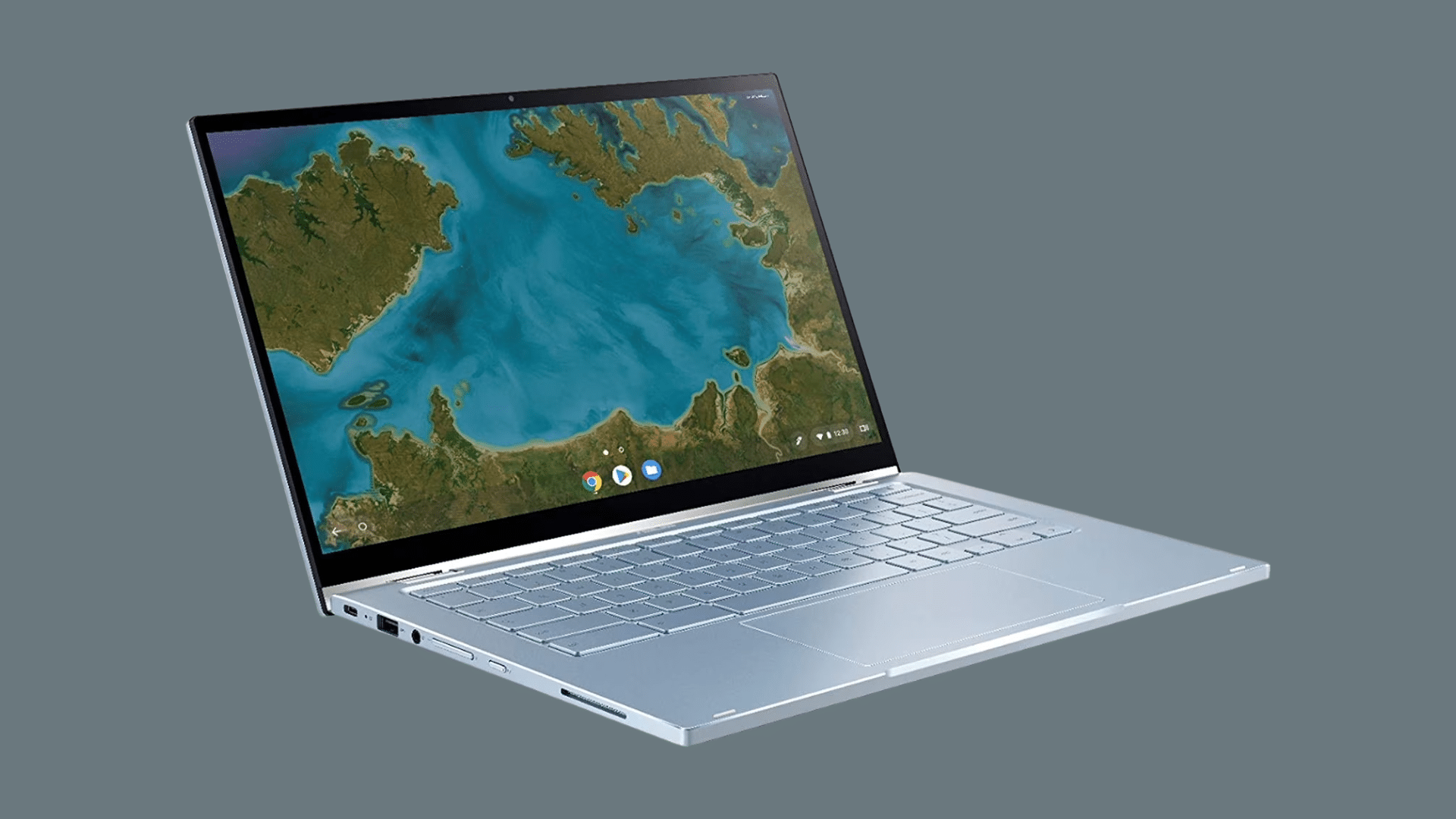
ASUS Chromebooks are known for offering both budget and performance-focused models.
Many devices are built for students, casual users, and even light professional work. ASUS also provides rugged models for classroom use and more powerful versions for multitasking.
Some models include 2-in-1 flexibility, allowing the device to switch between laptop and tablet modes.
The brand often balances strong performance with reasonable pricing, making it a practical option for different types of users.
- Processor Options: Intel Celeron, Intel Core, and AMD Ryzen choices
- RAM Capacity: 4GB for entry models, 8GB or 16GB on advanced versions
- Storage Type: 32GB to 128GB eMMC, with SSD on select devices
- Display Choices: 11 to 15-inch panels, including touchscreen models
- Battery Range: Commonly lasts between 8 and 12 hours per charge
6. Dell Chromebook Series
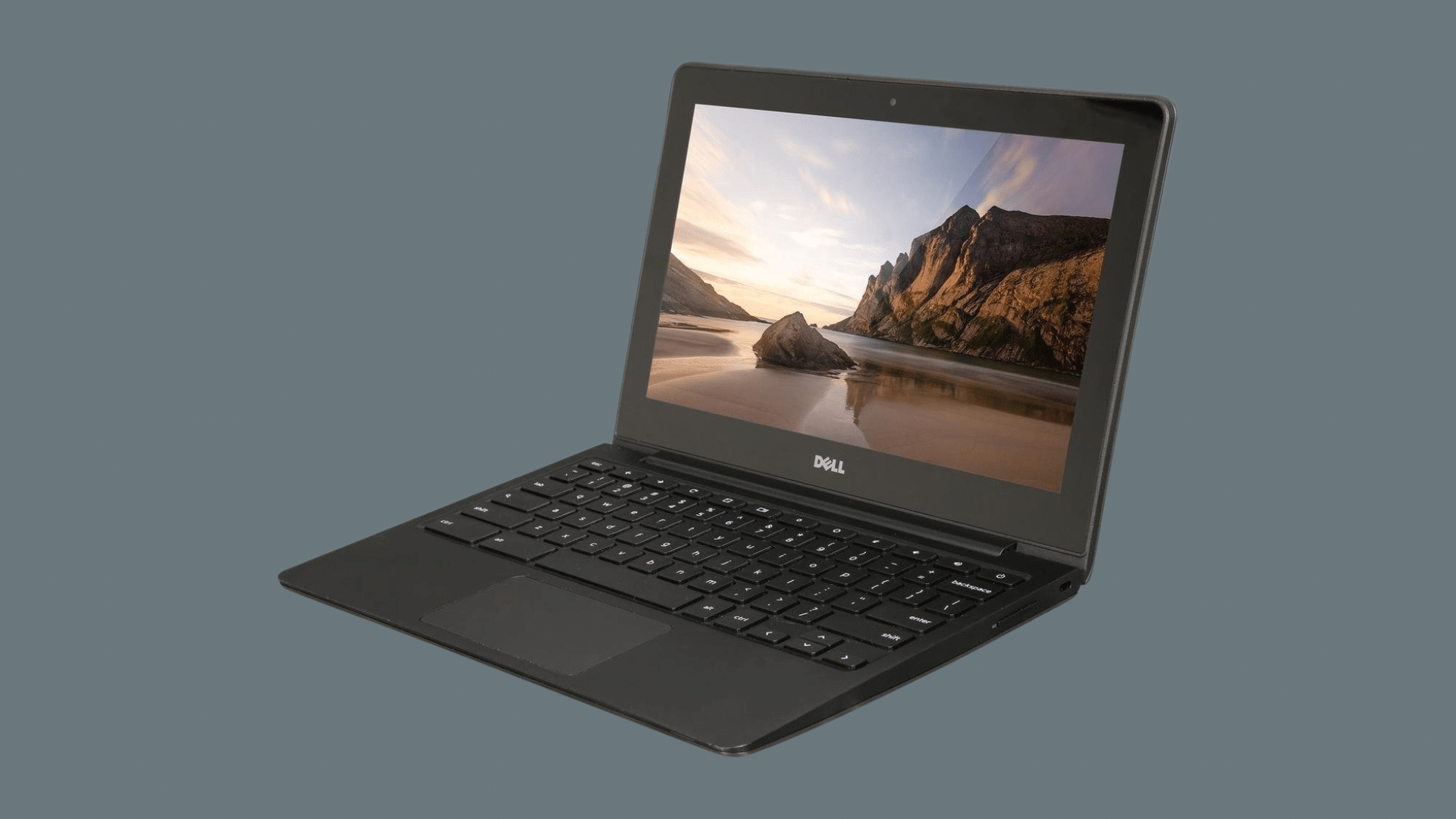
Dell Chromebooks are often built with durability and long-term use in mind. Many models are designed for schools and business environments where reliability matters.
They usually feature sturdy builds that can handle daily handling and travel.
Dell focuses on stable performance for web-based tools, cloud platforms, and office tasks.
Some models are also tested for extra durability, making them suitable for classroom settings and shared workspaces.
- Processor Options: Intel Celeron for entry models and Intel Core for higher tiers
- RAM Capacity: 4GB standard, with 8GB available for smoother multitasking
- Storage Type: 32GB, 64GB, or 128GB eMMC, depending on the model
- Display Choices: 11 to 14-inch screens, with HD and Full HD options
- Battery Range: Typically offers 8 to 12 hours of usage per charge
How to Choose the Right Chromebook Specs?
Having a clear plan prevents confusion. I once ignored RAM specs and faced slow performance. Now I match Chromebook specs to my daily tasks before buying.
- Usage Needs: Decide if you mainly browse, attend online classes, stream videos, or handle office tasks, since heavier work needs stronger hardware.
- Processor Type: Choose entry-level chips for basic tasks and Intel Core or Ryzen processors for faster performance and multitasking.
- RAM Size: Pick 4GB for light use, but go with 8GB or more if you open many tabs or apps at once.
- Storage Capacity: Select 32GB or 64GB for cloud-based work, and 128GB or higher if you save many offline files.
- Display Quality: Choose HD for simple use, but Full HD offers clearer text and better viewing comfort.
- Battery Life: Look for at least 8 hours so the device lasts through school or work without frequent charging.
- Ports and Connectivity: Check for USB-C, USB-A, and updated Wi-Fi support if you connect external devices often.
Conclusion
Choosing the right Chromebook becomes much easier when you understand the key specs that matter.
The processor affects speed, RAM supports multitasking, and storage decides how much you can keep offline. Display quality and battery life also shape your daily experience.
When you know what each spec does, you avoid wasting money on features you do not need or buying a device that feels slow too soon.
Take a few minutes to compare models side by side and match the hardware to your real tasks, not just the price tag.
A little research now can save frustration later. If you already use a Chromebook, share your experience and the specs you chose in the comments below.
Your insights could help someone else make a smarter decision.