

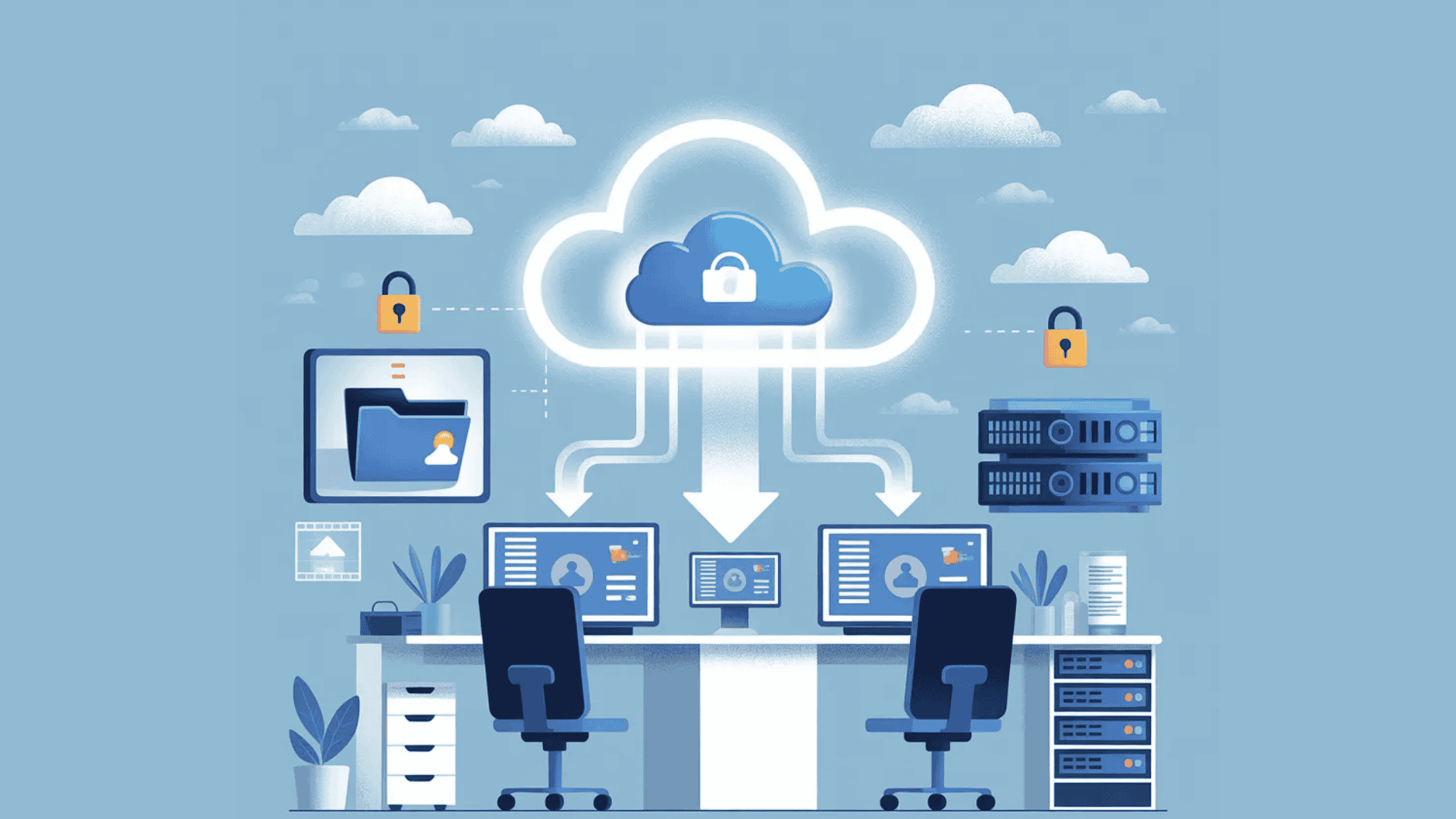





Running a small business keeps you busy every single day. I know how easy it is to focus on customers, sales, and daily tasks while data safety sits in the background.
But one system crash, cyberattack, or simple human error can erase important files in minutes.
That risk is real for every business, no matter the size. In this guide, I will explain the top reliable small business backup solutions that help protect your data without adding stress.
You will see cloud-based options, scalable tools, and secure systems built for growing teams.
I will also share the key features that matter most, like automatic backups, encryption, storage limits, and recovery speed.
By the end, you will know what to look for and how to choose a backup solution that fits your budget and keeps your business running smoothly.
Why Small Business Backup Solutions Matter?
Data is one of the most valuable assets your business has. I have seen how quickly files can disappear due to hardware failure, cyberattacks, or even a simple mistake.
When that happens, you don’t just lose documents. You can lose customer trust, sales records, and important financial data.
Small business backup solutions keep you prepared by saving copies of your data, often in the cloud. If something goes wrong, you can restore files quickly and avoid downtime and losses.
Many business owners think tools like Google Workspace or Microsoft 365 act as full backups, but they don’t.
They only offer a limited history and short retention. If files get deleted or hit by ransomware, recovery may fail. A separate backup system is needed.
A reliable backup system gives you peace of mind and protects the work you build every day. It is not just an IT task. It is a basic part of running a smart and secure business.
The 3-2-1 Backup Rule: The Right Starting Point
Before choosing a backup tool, it helps to understand the principle that guides most reliable backup strategies. The 3-2-1 rule is a well-established framework used by IT teams across industries.
Keep three copies of your data: two stored on different media types and one stored offsite, typically in the cloud.
This structure means a single failure, whether a crashed hard drive, a ransomware attack, or a flooded office, cannot wipe out your only copy.
I have seen teams skip this step and regret it. Starting with this rule as your baseline makes every other backup decision easier to evaluate.
Top Secure Small Business Backup Solutions
Top secure small-business backup solutions help protect critical data from cyber threats, hardware failures, and accidental loss. These solutions focus on strong encryption, automatic backups, and reliable recovery.
1. HYCU
HYCU offers cloud-based backup built for modern business systems. It supports SaaS apps, virtual machines, and hybrid cloud setups, which makes it flexible for growing teams.
HYCU covers Google Workspace, AWS, and on-prem systems in one console without manual setup.
It keeps the setup simple, so you do not need a large IT staff to manage it. It also provides automated backups and fast recovery options.
HYCU focuses on protecting business data across multiple platforms while keeping control and visibility clear for small business owners.
2. Veeam
Veeam provides advanced backup and recovery solutions for businesses of all sizes. It supports virtual machines, physical servers, cloud workloads, and Microsoft 365 data.
The platform offers automated backups, fast recovery options, and strong encryption to protect sensitive information.
One capability that stands out in practice is Veeam’s granular recovery feature, which lets you restore a single email, SharePoint item, or OneDrive file rather than rolling back an entire server.
For teams that have had accidental deletions slip through Microsoft’s retention windows, this feature has real operational value.
Veeam also includes monitoring tools that help manage backup performance and storage. Its flexible deployment options make it suitable for hybrid and multi-cloud environments.
3. Backblaze
Backblaze is known for its simple and affordable cloud backup service. It runs automatic backups in the background, so you do not have to remember to save files manually.
Many small businesses choose it for unlimited storage plans and easy setup.
It is a strong starting point for solopreneurs or small teams with five or fewer computers who want solid coverage without spending more than $100 per machine per year.
The dashboard is clean and easy to understand.
Backblaze works well for companies that want hands-off protection for computers and important files without dealing with complex technical settings.
4. iDrive
iDrive offers both cloud and local backup in a single plan. It allows you to protect multiple devices, including computers, servers, and mobile phones.
The local-and-cloud hybrid approach is particularly useful for teams that need fast local restores for large datasets but also want the off-site redundancy the 3-2-1 rule requires.
It is very helpful that iDrive offers file versioning, so you can restore older copies if needed.
It also supports fast data recovery and strong encryption.
Small businesses often choose iDrive because it balances cost, storage space, and security features to fit teams of all sizes.
5. Carbonite
Carbonite focuses on automatic cloud backups for small and mid-sized businesses. It protects files, folders, and server data without needing constant monitoring.
The system runs quietly in the background, which saves time.
Carbonite also provides recovery tools to reduce downtime after data loss.
It is a steady option for businesses seeking a reliable backup system that operates consistently without adding daily management tasks.
6. CrashPlan
CrashPlan provides continuous cloud backup designed for small and mid-sized businesses.
It offers automatic backups with no file size limits, making it suitable for organizations that manage large amounts of data.
The platform includes strong encryption and centralized management tools for better control. CrashPlan also keeps multiple file versions, allowing businesses to restore previous data when needed.
Its focus on security and consistent performance makes it a dependable option for data protection.
7. Acronis

Acronis delivers a comprehensive suite of backup, cybersecurity, and disaster recovery features in a single platform. It supports cloud, local, and hybrid backup environments, giving businesses flexibility in how they store data.
Acronis detects ransomware behavior, stops attacks, and restores affected files automatically without manual action.
For businesses that cannot afford a dedicated security team, this is a meaningful layer of protection built directly into the backup workflow.
Acronis also offers fast recovery tools to reduce downtime after system failures. Its integrated approach makes it suitable for businesses seeking both data protection and added security measures.
8. Azure Backup
Azure Backup is a cloud-based data protection service from Microsoft. It integrates closely with Microsoft 365, Azure workloads, and on-premise systems.
The platform provides automated backup scheduling, secure cloud storage, and long-term data retention options.
Azure Backup uses encryption to protect data both in transit and at rest.
If your business already pays for a Microsoft 365 Business Premium subscription, Azure Backup slots into your existing ecosystem without adding a separate vendor relationship, which simplifies billing and support.
It is a practical solution for organizations that already use Microsoft services and are looking for scalable cloud backup.
9. Amazon S3
Amazon S3 is a scalable cloud storage service offered by Amazon Web Services. It is widely used for data backup due to its high durability and flexible storage tiers.
Businesses only pay for the storage they use, which helps manage costs. Amazon S3 supports strong security controls and data encryption.
S3 needs technical setup, IAM policies, and lifecycle rules to work well.
It suits businesses with in-house developers or managed cloud support. While it may require technical setup, it provides reliable cloud storage for organizations that need a scalable backup infrastructure.
10. Google Workspace
Google Workspace provides built-in cloud storage and data protection for tools like Gmail, Google Drive, Docs, and Calendar.
It allows businesses to store files securely in the cloud and access them from any location.
The platform includes administrative controls, data encryption, and activity monitoring for added security. Automated syncing helps keep files up to date across devices.
Google Workspace works well for small businesses that rely on cloud-based collaboration and want integrated backup within their daily tools.
11. Dropbox Backup
Dropbox Backup offers cloud-based file protection for computers and business data. It automatically saves file copies and allows users to restore previous versions when needed.
The platform is easy to manage through a simple dashboard, making it suitable for small teams.
For businesses already paying for Dropbox Business, adding the Backup feature is a low-friction way to extend coverage to endpoints without evaluating a second vendor.
Dropbox also includes file-syncing and sharing features that support collaboration.
It is a practical choice for businesses already using Dropbox and seeking straightforward backup protection.
Ransomware and Small Business Backup: Key Facts to Know
Ransomware is one of the most significant threats to small businesses’ data today. According to the Verizon Data Breach Investigations Report, ransomware was present in 32% of all breaches in the past year.
The core reason backups matter against ransomware is that if attackers encrypt your live data but cannot reach your backup copies, you can restore without paying a ransom.
The critical requirement is that your backup must be isolated from your primary systems.
A backup stored on the same network share that ransomware can reach is not a backup in any meaningful sense.
Look for solutions that support air-gapped or immutable storage, where backed-up data cannot be overwritten or deleted by an outside process.
How to Choose the Right Backup Solution?
Picking the right backup system helps keep your data safe and easy to recover. Focus on simple features that match your business size and daily needs.
- Storage Type: Choose between cloud, local, or hybrid backup based on how you work and access files.
- Automatic Backups: Look for solutions that run on schedule so you don’t have to remember manual backups.
- Data Recovery Speed: Pick a system that restores files quickly to reduce downtime during issues.
- Security Features: Make sure the backup includes encryption and protection against ransomware.
- Scalability: Choose a solution that can grow as your business data increases over time.
- Ease of Use: Go for a simple dashboard that your team can manage without technical skills.
- Cost and Plans: Compare pricing to find a balance between features and your budget.
- Support and Reliability: Check if the provider offers strong customer support and proven uptime.
Compliance Rules Small Businesses Should Know
Depending on your industry, your backup solution may need to meet specific regulatory requirements.
Healthcare businesses handling patient records must comply with HIPAA, which requires data encryption, access controls, and audit trails.
Businesses that handle European customer data must consider GDPR’s data residency and deletion requirements.
Payment processors need to align with PCI-DSS standards, which include secure storage and controlled access to cardholder data.
When you evaluate backup solutions, verify whether the vendor offers a Business Associate Agreement (BAA) for HIPAA, documented data residency options, and role-based access controls.
Acronis, Veeam, and Azure Backup explicitly document their compliance capabilities, which simplifies this verification step.
RPO and RTO: Key Numbers Every Business Should Know
When comparing backup solutions, two terms come up repeatedly: Recovery Point Objective (RPO) and Recovery Time Objective (RTO).
RPO refers to the maximum amount of data loss your business can tolerate, measured in time.
If your RPO is four hours, your backup system must save a copy of your data at least every four hours.
RTO refers to how quickly you need to be back up and running after a failure. A retail business might need a two-hour RTO.
A professional services firm handling active client contracts might need 30 minutes.
Knowing your RPO and RTO before you evaluate any tool helps you filter out options that cannot actually meet your operational requirements.
Common Backup Mistakes Small Businesses Should Avoid
Small gaps in backup planning can lead to serious data loss and downtime. Avoiding common errors helps keep your systems reliable and easy to recover.
- No Regular Backups: Skipping frequent backups increases the risk of losing recent data during failures or attacks.
- Relying on One Backup Only: Using a single backup source can fail if that system gets damaged or hacked.
- Not Testing Backups: Backups that are never tested may not work properly when you need them most.
- Ignoring Security: Weak protection can expose backup data to ransomware or unauthorized access.
- No Offsite Storage: Keeping all backups in one place makes them vulnerable to physical damage or theft.
- Manual Backup Process: Relying only on manual backups leads to missed schedules and incomplete data copies.
- Overlooking Recovery Time: Slow restore speeds can delay operations and increase downtime.
- Not Updating Backup Plan: Failing to adjust backups as your data grows can leave important files unprotected.
Conclusion
Backing up your business data is not just a technical task. It is part of protecting everything you work hard to build. I understand how easy it is to delay setting up a proper system when daily operations demand attention.
But one unexpected issue can cause serious damage if your data is not protected.
You now have a clearer view of reliable small business backup solutions and the features that truly matter. Take time to review your current setup and identify any gaps.
A secure, scalable backup plan can help you avoid downtime and keep your business moving forward.
I would like to hear from you as well. Have you tried any of these backup solutions? What has your experience been like? Share your thoughts or lessons learned in the comments below.
Your feedback could guide other business owners toward a smarter backup decision.

