



AWS holds the largest share of the cloud market, making AWS migration the top choice for enterprises.
However, market position doesn’t guarantee a simple migration.
The breadth of AWS services, the range of strategy options available for each workload, and the operational model changes that follow a move all require deliberate preparation to get right.
Organizations that view AWS migration as a technical lift often face governance gaps, cost overruns, and costly security issues post-cutover.
This guide covers migration strategy, tools, cost management, and post-migration operations.
A successful AWS move rarely happens in isolation; it usually fits inside a larger cloud transformation roadmap that covers governance, modernization, and long-term operations.
Why Organizations Choose AWS for Migration?
The decision to use AWS rarely comes down to a single feature; it reflects a combination of ecosystem breadth, global infrastructure, and partner availability that few providers match at scale.
- Breadth of services: AWS offers over 200 services spanning compute, storage, databases, networking, security, and AI/M giving architecture teams more configuration options than any other single provider currently offers.
- Global infrastructure depth: More than 30 geographic regions and 96 availability zones provide regulated industries and latency-sensitive workloads with meaningful placement options for compliance and performance.
- Partner and tooling ecosystem: The AWS Partner Network includes thousands of certified migration partners globally, giving organizations access to specialized expertise that reduces delivery risk on complex migrations.
- Migration support programs: AWS offers financial support via the Migration Acceleration Program (MAP), providing credits, co-funding, and a structured approach through certified partners.
Comparing the 7Rs of AWS Cloud Migration Strategy
Choosing the right strategy for each workload is where planning earns its cost; the right call reduces both migration complexity and long-term operating expenses; the wrong call compounds both.
| Strategy | What It Means | Cost Impact | Best For |
|---|---|---|---|
| Rehost (Lift and Shift) | Move the application as-is with no code changes | Lowest migration cost; higher post-migration compute cost without optimization | Fast migrations, time-constrained programs, and large-scale volume |
| Replatform | Minor adjustments to use managed services without architecture changes | Moderate migration cost; meaningful operational savings post-move | Apps that benefit from managed databases or container hosting without full refactoring |
| Refactor / Re-architect | Redesign for cloud-native patterns: microservices, containers, serverless | Highest migration cost, lowest long-term operating cost, and highest agility | Applications where performance, scale, or delivery speed justify the investment |
| Repurchase | Replace with a SaaS alternative; abandon existing code | Subscription cost replaces license and infrastructure; transition cost varies | Legacy CRM, ERP, HR systems with modern SaaS equivalents |
| Retire | Decommission the application entirely | Eliminates all future costs of licensing, computing, maintenance, and security | Redundant, unused, or obsolete systems typically make up 15–30% of most portfolios. |
| Retain | Keep on-premise for now, with scheduled future review | No immediate migration cost; on-premise costs continue | Recently upgraded systems, hard compliance constraints, or high latency requirements |
| Relocate | Move at the hypervisor level without OS or application changes | Very low migration cost; requires VMware Cloud on AWS | VMware environments where vSphere continuity is required |
The “Retire” option is consistently underused. Most organizations can decommission 15–30% of their portfolio during migration, reducing costs, maintenance overhead, and security exposure without any additional cloud work.
The AWS Cloud Migration Process
AWS structures migration into three formal phases, and the order is intentional. Skipping the preparation phases creates remediation work that is consistently more expensive than the phases themselves.
1. Assess
Build a complete, data-driven picture of the current environment before any strategy decisions are finalized or any tools are selected.
AWS Migration Evaluator generates a business case grounded in actual infrastructure utilization data rather than assumptions.
AWS Application Discovery Service maps on-premise servers, databases, and network connections automatically, surfacing dependencies that manual inventory processes consistently miss.
This phase should produce a complete application portfolio with each workload classified using the 7R framework.
The output directly drives wave sequencing, tooling selection, and cost modeling for the entire migration.
Useful Detail:
- AWS Migration Evaluator is available at no cost and can be deployed agentlessly for initial discovery on most on-premise environments.
- Dependency mapping during assessment frequently surfaces applications that were assumed independent but share databases, message queues, or network dependencies that affect migration sequencing.
2. Mobilize
Prepare the AWS environment to be governed, secure, and compliant before the first workload arrives — not configured reactively as workloads accumulate.
AWS Control Tower automates landing zone setup, including multi-account structure, identity federation via AWS IAM Identity Center, security guardrails enforced by AWS Config rules, and centralized logging to AWS CloudTrail.
Network topology, VPC design, and connectivity to on-premise environments are established here.
Migrating to ungoverned AWS accounts leads to more time spent fixing compliance and security gaps than completing proper mobilization.
3. Migrate and Modernize
Execute migrations in structured waves, fully validate each workload after cutover, and layer modernization work where the portfolio assessment identified the highest return.
Wave planning sequences applications by dependency and risk.
Simpler, low-dependency workloads move first to refine the process before higher-complexity systems are touched. Each wave includes a cutover window, a validation checklist, and a defined rollback procedure.
Modernization runs alongside migration for prioritized refactored applications, ensuring the program progresses without delays.
Key AWS Tools for Migration
Each tool below addresses a specific migration task using purpose-built AWS services instead of generic approaches, which reduces risk and accelerates delivery at every stage.
| AWS Service | Primary Use | Key Advantage |
|---|---|---|
| AWS Application Migration Service (MGN) | Server and application rehosting | Continuous block-level replication minimizes cutover downtime; it replaces the older AWS SMS tool. |
| AWS Database Migration Service (DMS) | Database migration with minimal downtime | Supports homogeneous and heterogeneous migrations; continuous data replication during cutover |
| AWS DataSync | Large-scale data transfer to AWS storage | Automated, scheduled transfers with built-in integrity verification; handles petabyte-scale volumes. |
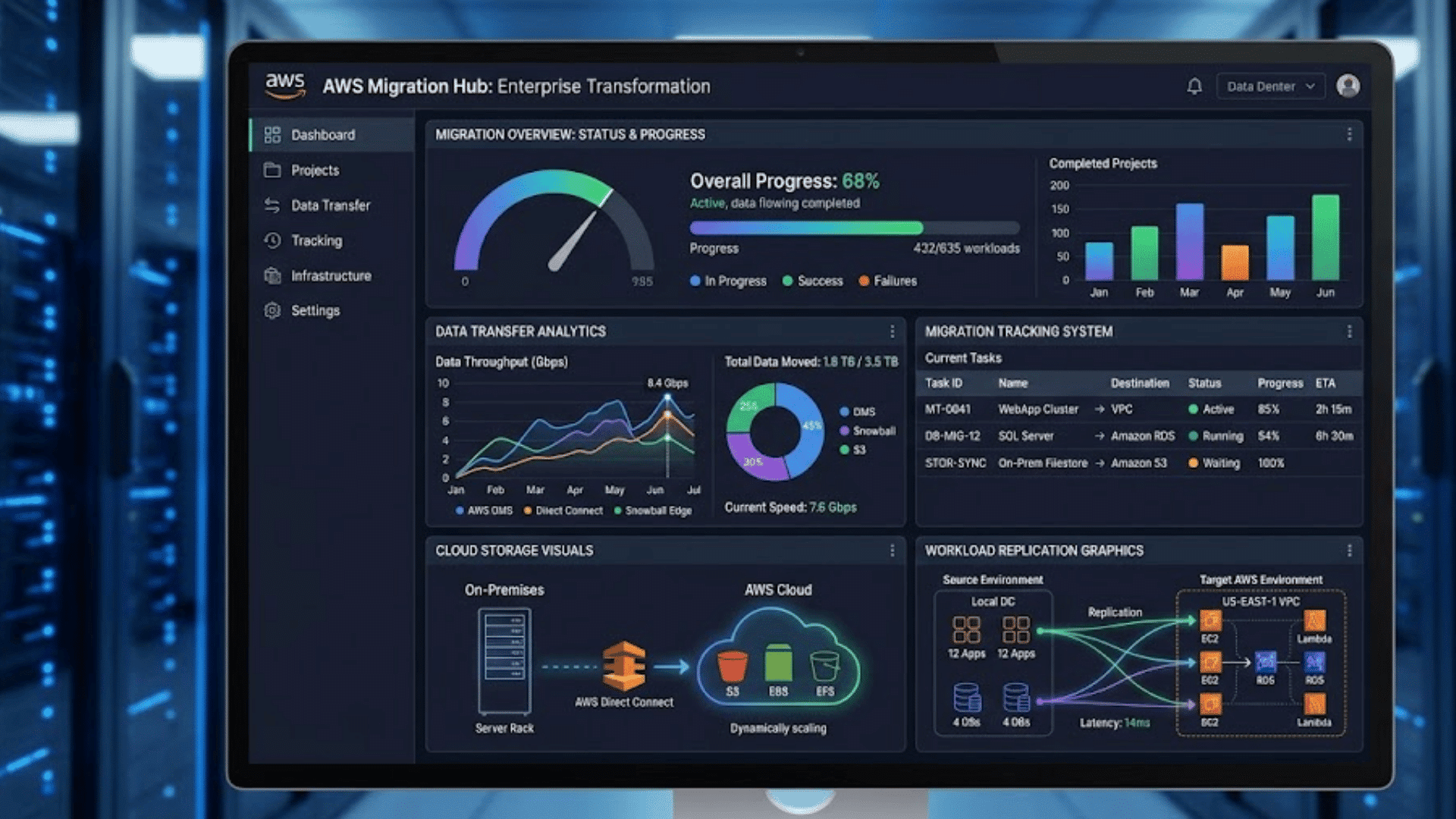
| AWS Migration Hub | Centralized migration tracking | Single dashboard aggregating status from all migration tools across all accounts |
| AWS Control Tower | Automated landing zone setup | Account factory, guardrails, and governance baselines are deployed in hours rather than weeks. |
| AWS Migration Evaluator | Business case and TCO analysis | Uses actual utilization data rather than assumptions; quantifies Reserved Instance savings opportunity |
Common AWS Migration Mistakes and How to Avoid Them
These mistakes occur in AWS migration programs regardless of organization size; most are well-documented and entirely avoidable with early attention to the right areas.
- Migrating without a landing zone: Workloads arriving in ungoverned AWS accounts accumulate compliance debt that is expensive to retroactively remediate and creates audit findings at exactly the wrong time.
- No tagging strategy before migration: Consistent tagging from day one is key for cost, security, and governance. Retrofitting tags post-migration takes weeks and remains incomplete.
- Skipping pilot wave validation: Skipping validation and moving to full-scale migration compounds errors in later waves, with time spent on remediation.
- IAM over-permissioning during migration: Broad permissions granted for migration are often not removed, becoming key security risks in post-migration reviews.
- Misunderstanding the shared responsibility model: AWS secures the underlying infrastructure. Every organization is responsible for securing its own data, access configuration, and application layer.
The shared responsibility model is the single most documented source of cloud security incidents on AWS.
Misconfigurations in S3 bucket policies, IAM roles, and security group rules, all in the customer’s responsibility zone, account for the majority of reported AWS-related breaches.
After the Migration: What Comes Next
Migration completion marks the start of the operational phase, and the decisions made in the first 90 days post-cutover have a disproportionate impact on long-term cost and reliability.
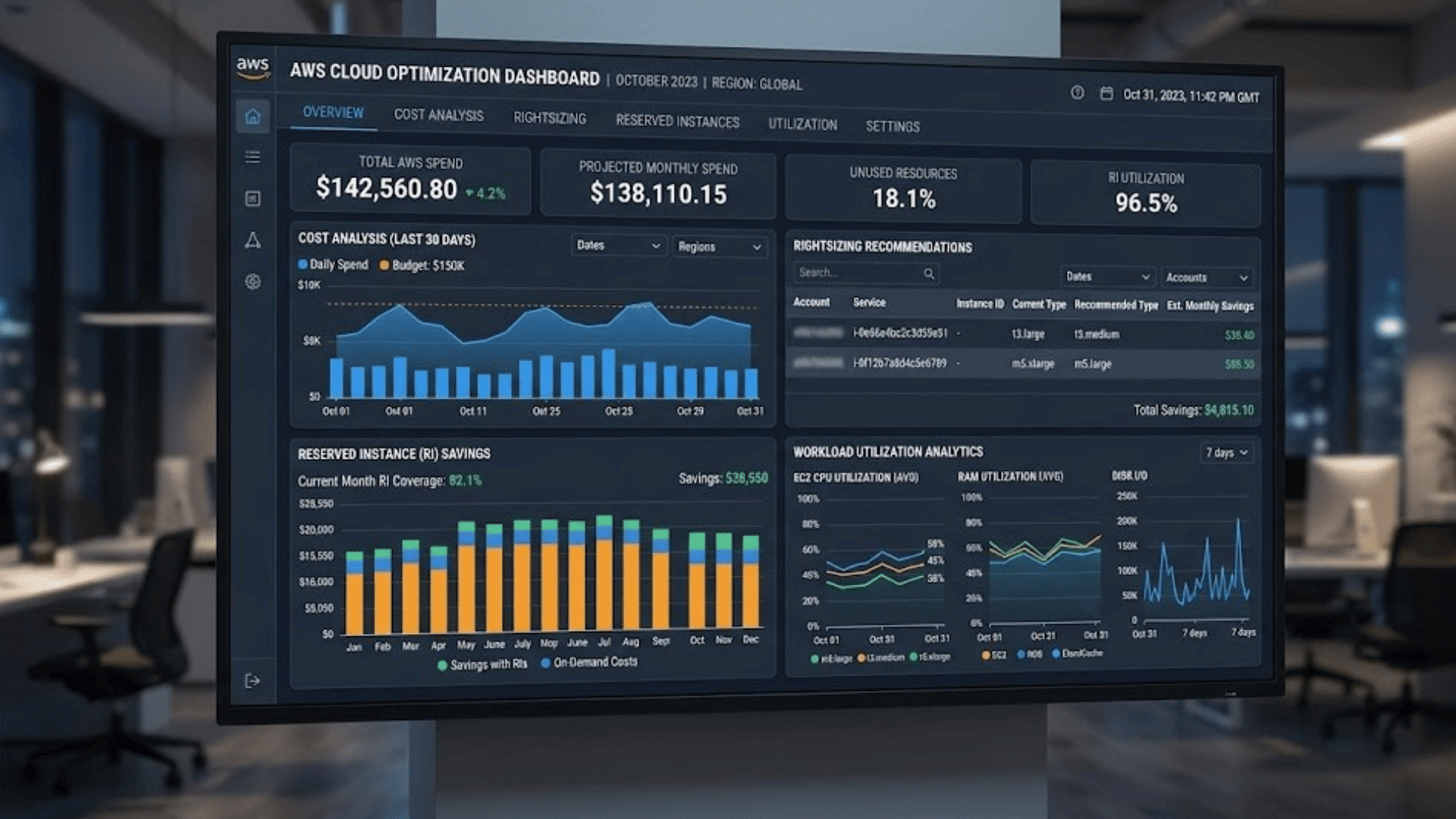
The first 90 days should focus on rightsizing, matching instance types and sizes to actual workload requirements based on observed utilization data.
AWS Compute Optimizer provides rightsizing recommendations based on 2 weeks of utilization history.
AWS Cost Explorer identifies the highest spend services and surfaces savings opportunities through Reserved Instance and Savings Plan analysis.
Running steady-state workloads on on-demand pricing after 90 days is a major source of avoidable cloud cost overruns.
Once workloads are stable, the next challenge most teams face is knowing which cloud performance metrics actually signal a healthy migration, and which ones are just noise.
Conclusion
A successful AWS migration is measured by reliable operation, secure governance, and predictable costs post-cutover, not speed.
The teams that achieve this consistently are the ones that invest in discovery before committing to scope and set up their landing zone before the first workload arrives.
They validate with a pilot and spend the first 90 days on rightsizing and reservation planning, not firefighting.
AWS provides the tooling, the programs, and the partner ecosystem to support each of these steps.
What determines outcomes is that the organization uses them in sequence, with proper governance in place, rather than treating migration as a single event with a defined end date.
What has been the biggest challenge in your AWS migration journey? Share your experience or questions in the comments below.
Frequently Asked Questions
How Long Does AWS Cloud Migration Take?
Smaller migrations may take a few months, while enterprise migrations often span 12–24 months, including optimization.
Do Businesses Need an AWS Migration Partner?
Companies with limited AWS expertise often benefit from faster delivery and fewer issues by working with certified AWS partners.
What Is AWS MGN?
AWS Application Migration Service (MGN) helps move servers and applications to AWS with minimal downtime.
What Is the Lowest-Cost AWS Migration Approach?
Rehosting usually has the lowest upfront cost, though optimization after migration is important for long-term savings.
How Is AWS Different From Azure and Google Cloud?
AWS offers the broadest cloud service portfolio, while Azure and Google Cloud are stronger in specific areas like Microsoft integration and analytics.