


Have you ever tried to send a high-resolution video or a large project folder to a client, only to see that frustrating “file too large to send” warning pop up on your screen?
I know exactly how annoying that is when you are on a tight deadline.
While everyday cloud storage is popular for sharing small items, growing organizations often need a more centralized and controlled approach to handling large data transfers.
If you are wondering what is an FTP server?, it is the specific tool designed to solve this exact problem. In this article, I will explain what an FTP server is and how its connection channels actually operate.
I will also discuss the different types available, the main benefits they offer for daily file management, and the best secure alternatives to keep your sensitive information completely safe.
What is an FTP Server?
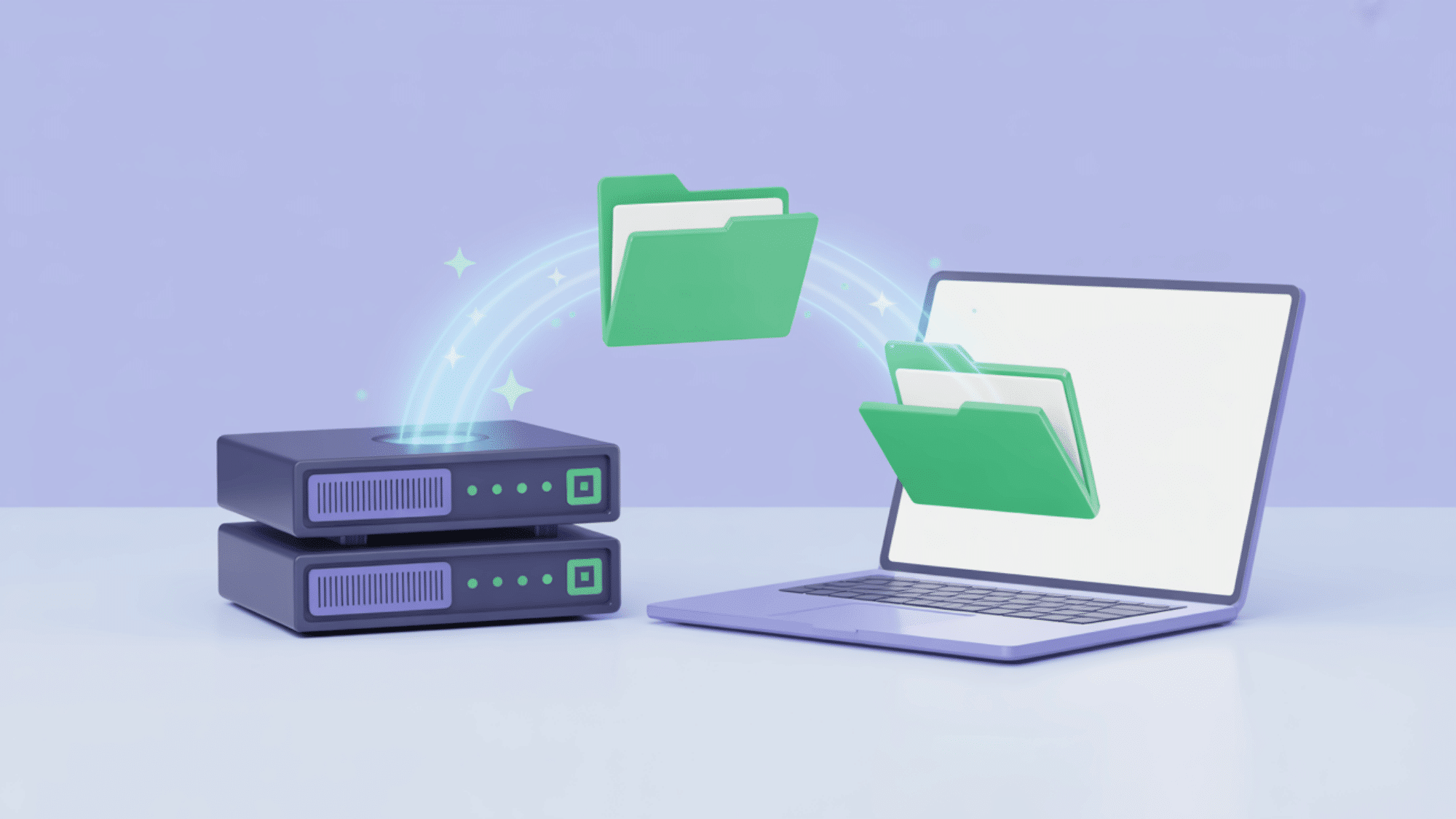
An FTP server is a dedicated computer or software application that stores files and manages their transfer between networked machines over the Internet.
It uses the File Transfer Protocol to help you easily upload and download large amounts of data.
To really understand what an FTP server is, picture it as a digital post office for your daily work. It is built entirely on a client-server setup, where your computer requests a file, and the server securely delivers it to your screen.
Let us look at a few specific details to clear up how it functions.
FTP vs. an FTP Server
People often get confused between these two terms, but the difference is actually very simple.
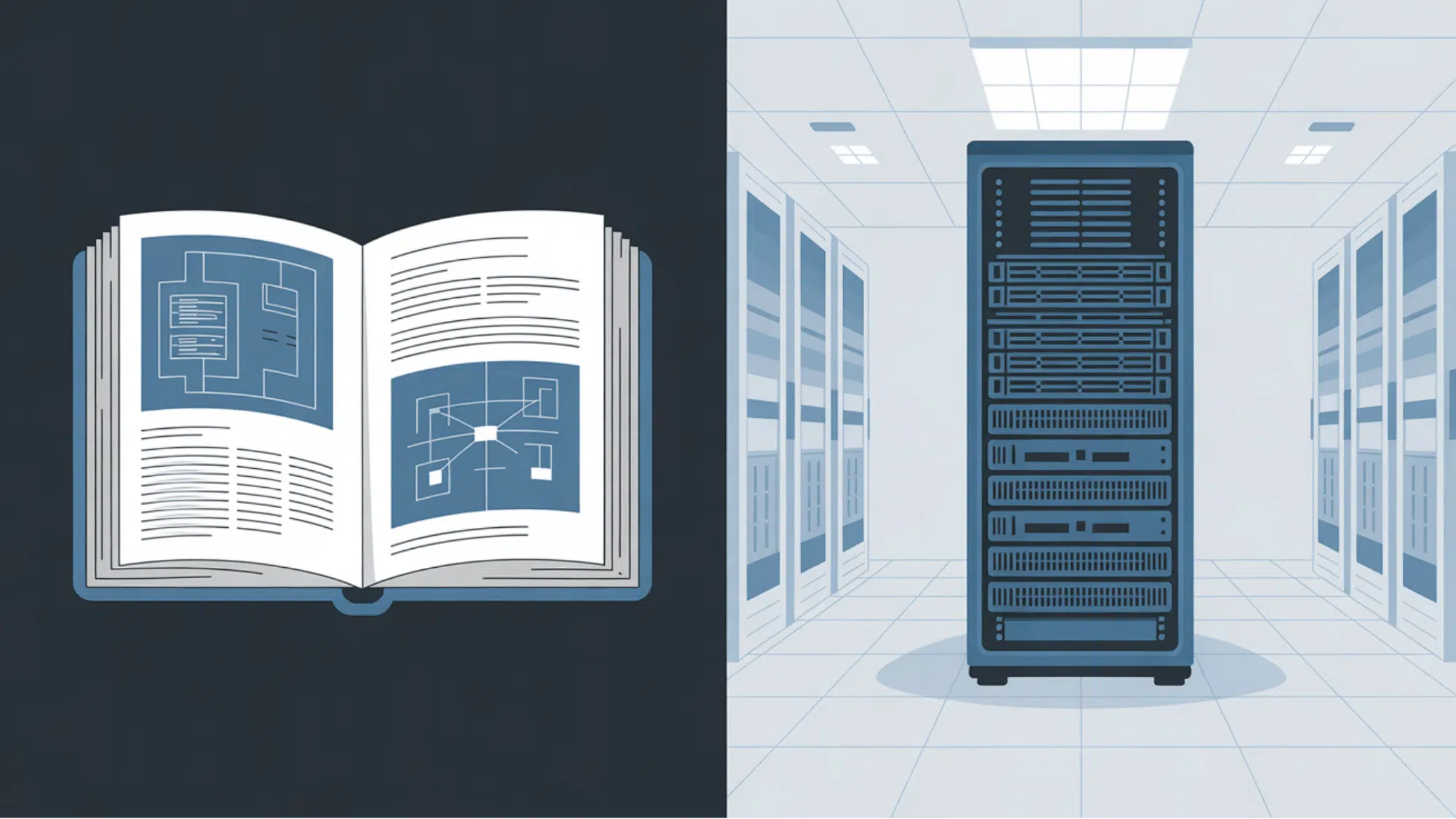
FTP, which stands for File Transfer Protocol, is simply the set of rules that computers use to communicate with each other over the Internet.
On the other hand, the FTP server is the actual physical machine or software program that uses those rules to store and move your files. Think of FTP as the specific language being spoken, while the server is the machine speaking it.
| Feature | FTP (File Transfer Protocol) | FTP Server |
| What it is | A specific set of rules for sending files over the internet. | The actual software or computer that stores and manages your files. |
| Main Role | It serves as the language computers use to communicate with each other. | It acts as the central hub that safely holds and delivers the data. |
| Simple Analogy | The traffic laws that govern how cars move on the road. | The secure parking garage where all the cars are kept. |
| Physical Form | A digital concept or protocol. | A physical machine or a working software program. |
Key FTP Terms to Know
Before you set up your own file-sharing system, I want to clarify a few basic terms you will definitely hear.
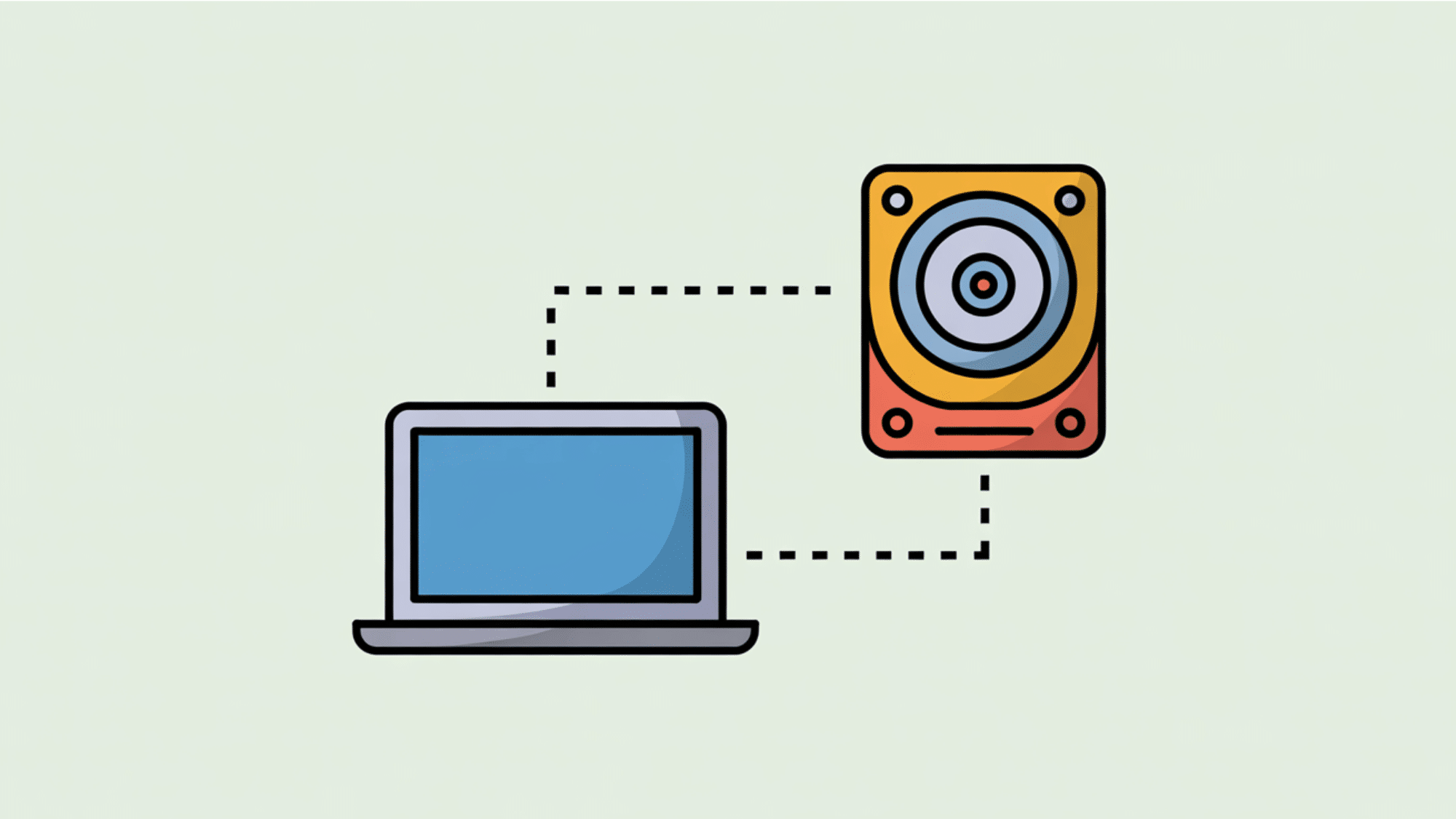
- Client: This is simply the device you are using to request or send files, like your personal laptop or office computer.
- Server: The central computer system that securely stores all shared data for your team.
- FTP Address: This is the specific web location or IP address you enter to connect your client to the server.
How does an FTP Server Work?
To understand internet file transfers, observe how an FTP server processes client requests. Once securely or anonymously connected, you can quickly upload or download files.
This straightforward cycle relies on specific connection channels behind the scenes:
Control and Data Connections
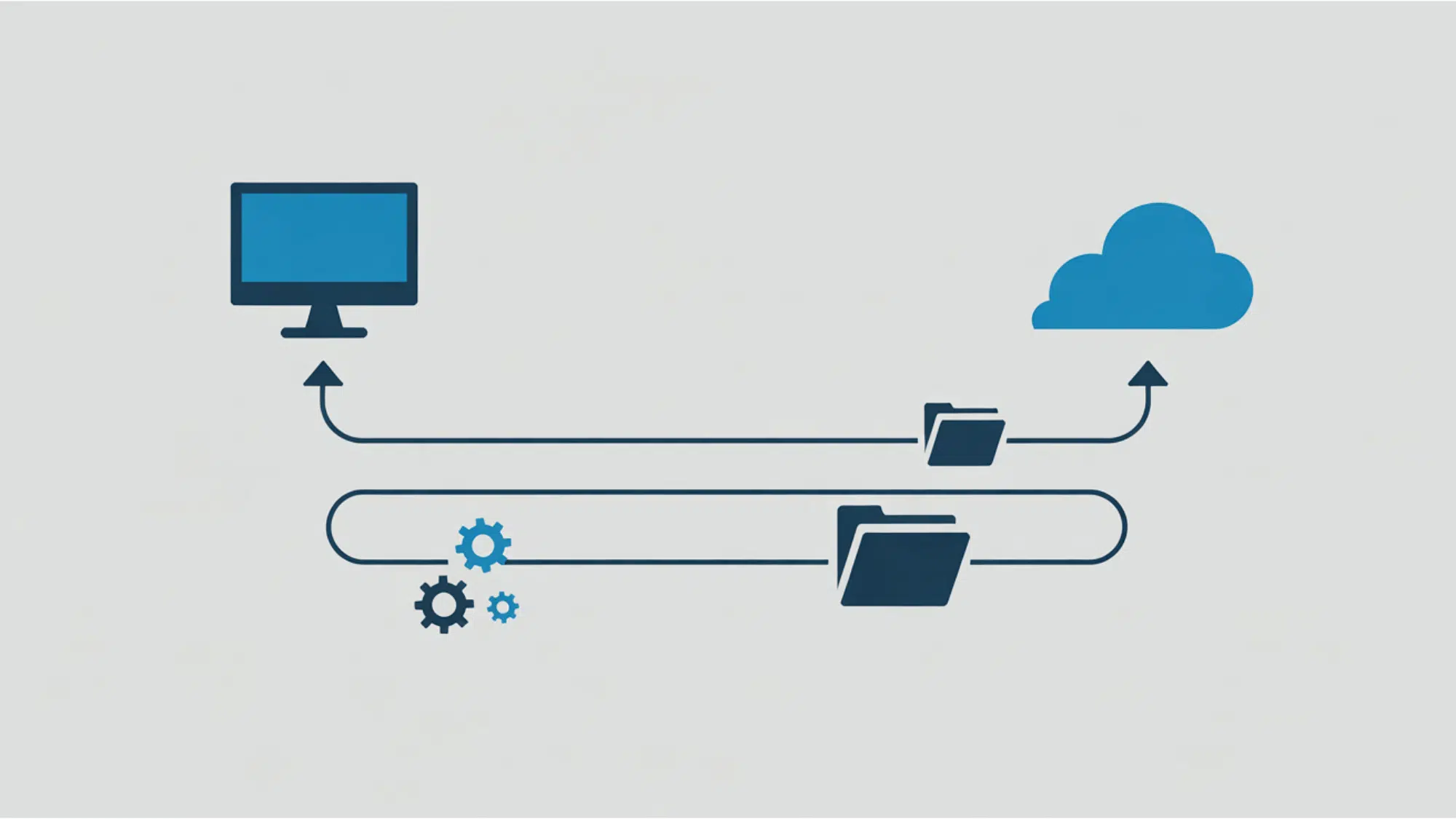
When you use an FTP server , it does not just open a single path for everything. Instead, it creates two separate channels to keep things organized.
The first is the control connection, which typically uses Port 21. This channel is strictly for sending your commands and receiving replies from the system.
The second path is the data connection, which normally uses Port 20.
This channel is fully dedicated to transferring the actual files back and forth. By keeping commands and files separate, the transfer stays fast and stable.
Active vs. Passive Mode
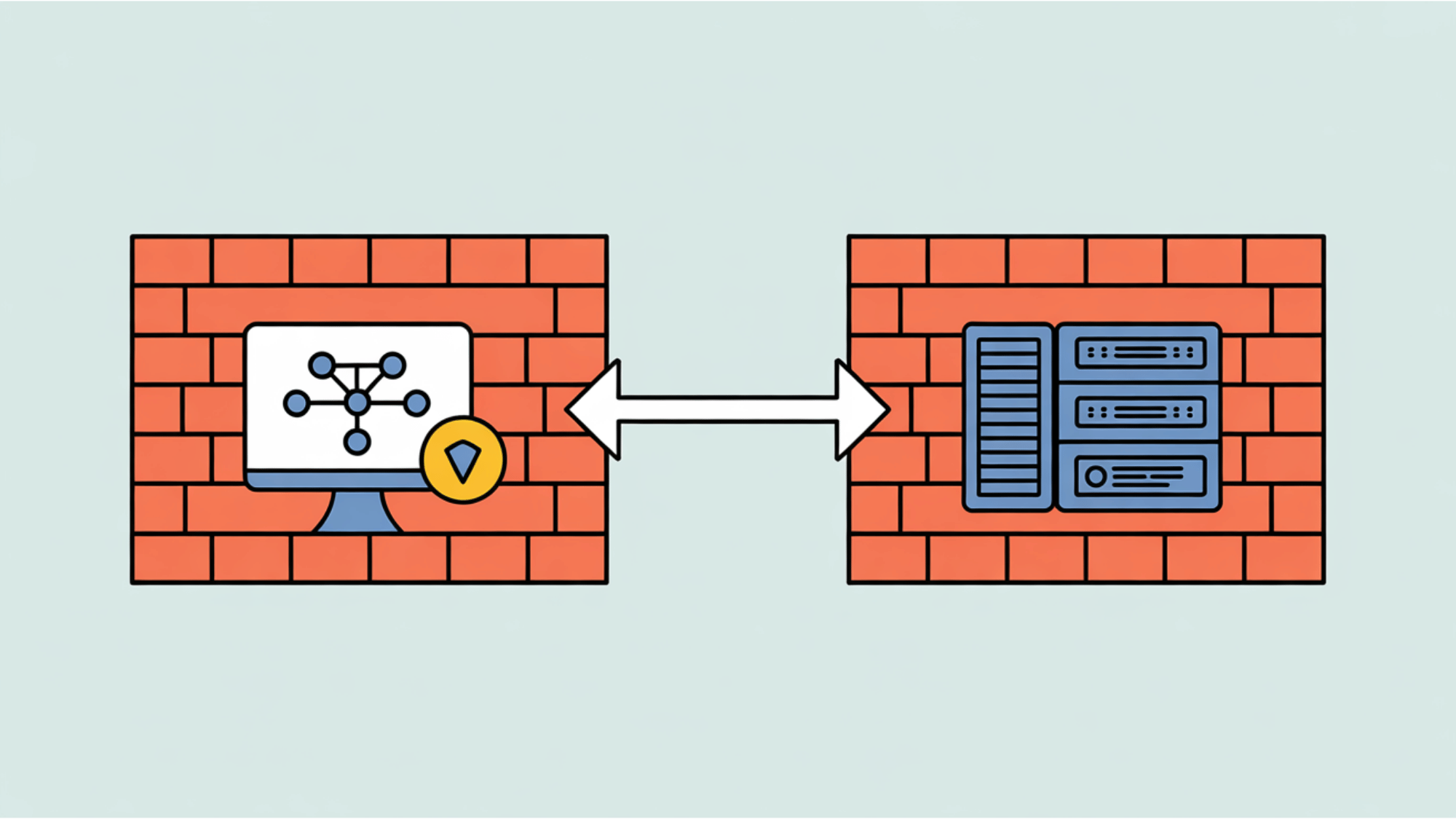
An FTP server can transfer files to or from your computer in two different ways: active or passive mode.
In active mode, your computer requests a file, and the server opens a new connection to send it to you. However, computer firewalls often block this unexpected incoming connection.
That is why passive mode is usually the safer default choice. In passive mode, the server simply tells your computer where to go, and your computer starts the data transfer itself.
This easily bypasses strict firewalls.
| Feature | Active Mode | Passive Mode |
| Who Starts the Data Transfer? | The central FTP server connects back to your computer. | Your computer (the client) connects directly to the server. |
| Data Port Used | Usually uses the standard Port 20. | Uses a random port chosen by the server. |
| Firewall Issues | Often blocked because firewalls do not like unexpected incoming connections. | Easily bypasses firewalls because your computer starts the request. |
| Best Used For | Older, internal systems without strict security blocks. | Modern business setups and secure external file sharing. |
Common FTP Commands
Even though modern software hides the confusing technical text, your computer still sends specific instructions to the FTP server in the background. I think it is helpful to know what these simple codes mean:
USER: Sends your login username to the system.PASS: Provides your secret password for access.LIST: Asks the server to show all the files in a specific folder.STOR: Tells the server to store or upload a file from your computer.PWD: Checks exactly which folder you are currently looking at.QUIT: Safely closes your connection to the server when you are done.
What are the Key Benefits of Using an FTP Server?
Beyond basic file transfer, setting up an FTP server offers distinct advantages for team collaboration and data security. Some of these are:
- Ability to Handle Large Files: Avoid strict email size limits by using an FTP server to send gigabytes of high-resolution media at once. This ensures smooth transfers of heavy folders without frustrating connection drops.
- Automated Backups and Recovery: Schedule an FTP server to automatically back up files to a secure location. If your hardware fails unexpectedly, you can quickly recover your data and keep your business running.
- Improved Control and Access: FTP servers give administrators full power to set specific access permissions. You decide who can upload, download, or edit files, maintaining a highly secure digital space for remote workers.
Is Plain FTP Secure Enough for Business?
While standard FTP is fast, it transfers data in plain text, raising valid security concerns.
If you run a business, you handle private client details, financial records, and confidential projects every single day. Sending this sensitive information without any protective lock makes it very easy for hackers to intercept and read your data.
Because plain FTP does not hide your passwords or files during the transfer process, it leaves your company open to serious cyber threats. For modern organizations, relying on this older, unprotected method is simply not safe enough anymore.
You need a stronger shield to keep your digital assets secure. Let us look at the better options available today.
Understanding FTPS and SFTP Alternatives
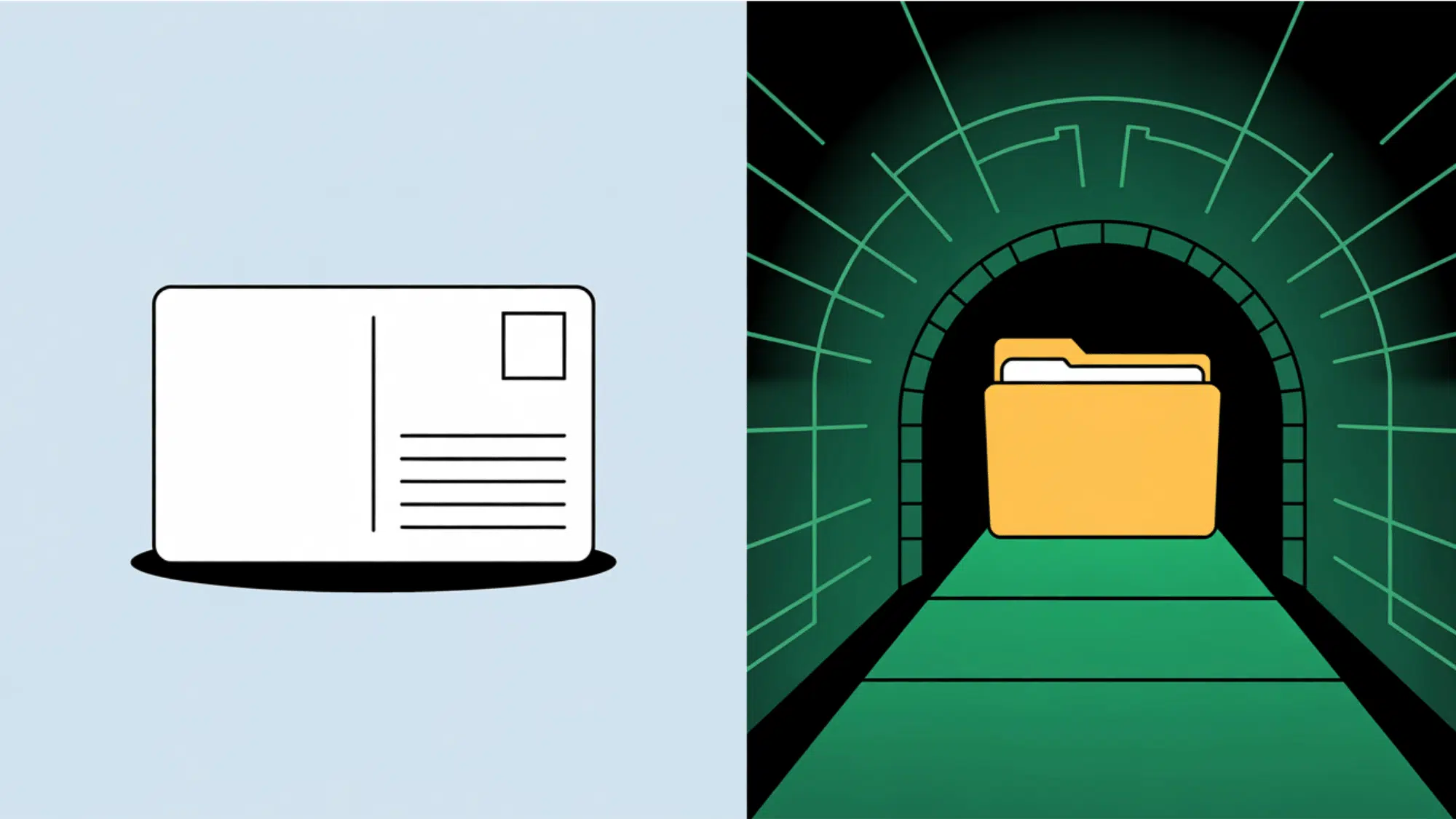
Think of plain FTP like sending a simple postcard through the mail. Anyone who handles it along the way can easily read your private message.
To keep your business data safe, you need better security. This is exactly where FTPS and SFTP step in to protect your work.
| Protocol | Full Name | Security Concept | How It Protects Data |
| FTPS | File Transfer Protocol Secure | A locked envelope | Uses SSL/TLS encryption to scramble files during transit. Intercepted data cannot be read without the digital key. |
| SFTP | SSH File Transfer Protocol | An armored tunnel | Uses a Secure Shell (SSH) connection to protect the entire transfer path from start to finish. |
Final Thoughts
Understanding exactly what is an FTP server gives you a huge advantage when managing heavy data transfers.
It allows your business to maintain total control over file access and ensures your daily operations run smoothly without annoying size limits.
Remember that standard setups are not enough for private data. Always prioritize secure versions like SFTP to keep your sensitive company information completely safe from hackers.
Take a few minutes to evaluate how your team currently shares large files. If your current method feels slow or unsafe, try setting up a secure FTP server for your team today!
Frequently Asked Questions
What is the Difference Between Http and FTP?
HTTP shows you web pages on your internet browser, while FTP is built specifically to transfer large data files between computers safely.
Do I Need Special Software to Use FTP?
Yes, you usually need a simple client program like FileZilla or Cyberduck. These free tools help you connect and move files easily.
Can an FTP Server Host a Website?
No, it only stores and moves files. To actually display a live website to visitors, you must use a standard web server instead.
How Much does an FTP Server Cost?
Basic software is often free for personal use. However, businesses usually pay a monthly fee for secure, managed systems with better technical support.

One Response