





I’ve spent over nine years reviewing web hosting platforms, from basic shared hosting to advanced cloud setups.
I’ve also managed live websites and handled server migrations, so I know how these tools work in real use, not just on paper.
If you’re trying to pick the best blog platform, it can feel confusing at first. You might want a simple place to write.
Or you may plan to sell products, run a newsletter, or build a full site. Each platform handles these needs differently.
In this guide, I’ll break down the top blogging platforms in clear terms. You’ll see what each one does well, where it falls short, and who it suits best.
By the end, you’ll have a clear idea of what fits your goals and how to move forward without second-guessing your choice.
Quick Answer: Best Blog Hosting Sites
WordPress.org is the best blogging platform for most users because it offers strong SEO tools, full customization, and better long-term growth options.
The best blog hosting sites and platforms depend on your goals, budget, and technical experience.
Squarespace works well for beginners who want an easy setup with built-in tools. Ghost is useful for memberships and paid content, while Substack and Beehiiv are better for newsletter creators and audience growth.
Medium is ideal for writers who want fast publishing and access to an existing audience.
Some platforms focus on customization and business growth, while others keep blogging simple with fewer setup steps.
Before choosing a platform, compare SEO features, pricing, monetization tools, customization options, and migration support carefully.
Best Blog Hosting Sites and Platforms
Finding the best blog hosting sites and platforms depends on your goals, budget, and experience level. Some work better for beginners, while others offer stronger SEO, customization, and long-term business growth options.
1. WordPress.org (Self-Hosted)
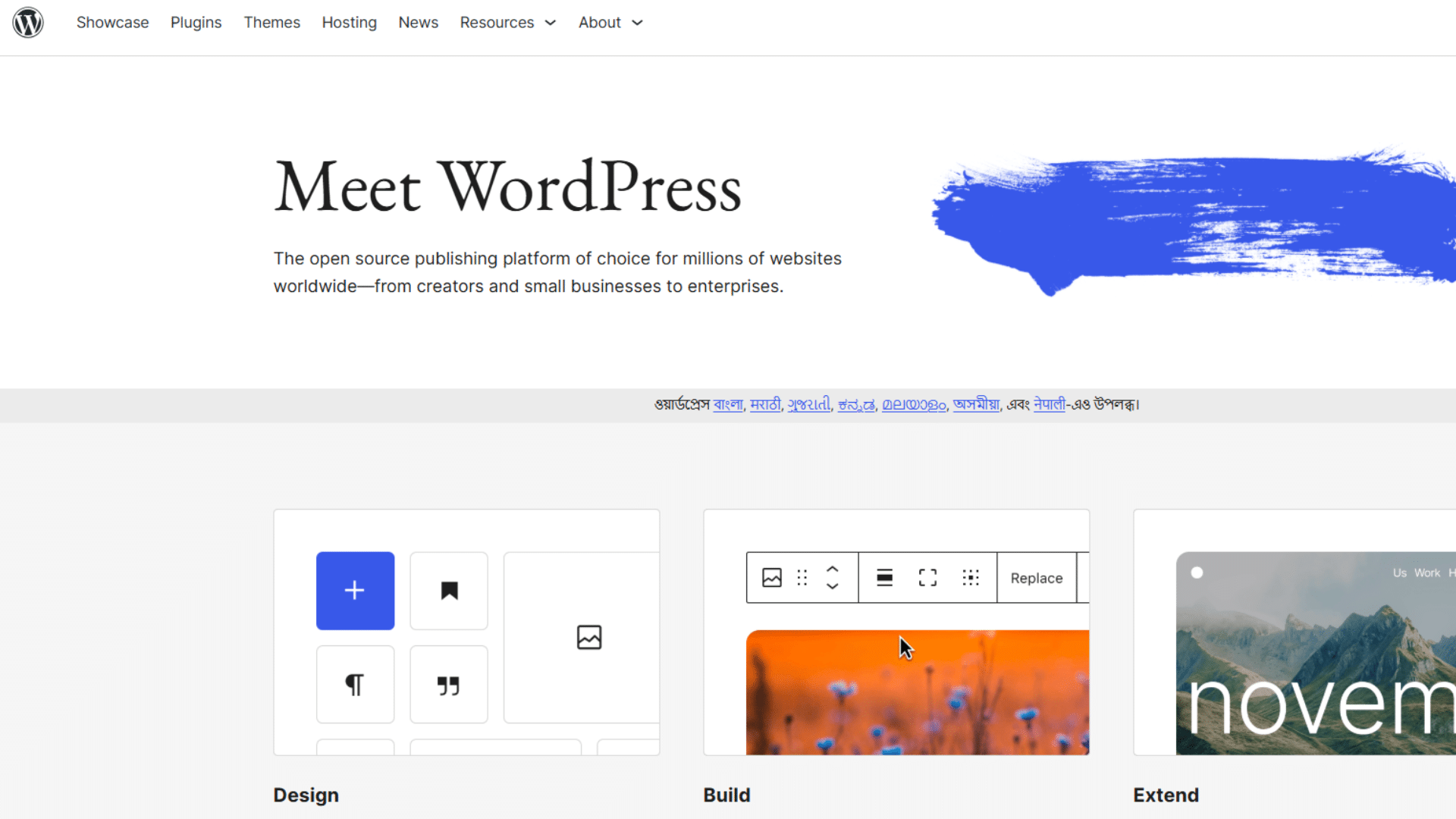
WordPress.org is a self-hosted content management system that allows users to build and manage websites from scratch.
It is different from hosted platforms because users choose their own hosting provider and install WordPress on it.
This setup gives full ownership of the site and its data. It supports blogs, online stores, and membership sites.
Many developers and businesses use WordPress.org because it offers deep control over design, performance, and features, making it one of the most trusted choices today.
Why It Works for Full Control?
WordPress.org works well for users who need full flexibility in how their site runs. It allows changes in design, layout, and features without strict limits.
Users can install plugins for payments, SEO, and email tools based on their needs. It also supports custom code for advanced changes.
This level of control makes it one of the best blog hosting sites for growing projects. While it takes time to learn, it gives long-term freedom that simpler platforms often lack.
Pros and Cons
| Pros | Cons |
| Full control over design and features | Setup can be complex for beginners |
| Scales easily as the site grows | Requires separate hosting and a domain |
| Strong SEO capabilities | Ongoing maintenance is needed |
| Wide range of plugins and tools | Some plugins and themes are paid |
| Full ownership of content and data | Performance depends on setup quality |
Salient Features
- Plugin Support: Add features such as SEO tools, payment gateways, and forms by easily extending site functionality with plugins.
- Theme Customization: Choose from thousands of themes and adjust layout, colors, and structure to match the site’s needs.
- Full Data Ownership: Users have complete control over their content, files, and backups without platform restrictions.
- SEO Control: Built-in and plugin-based SEO settings help improve search visibility and ranking performance.
- Third-Party Integration: Connect with tools like email services, analytics platforms, and payment systems without limits.
2. Squarespace

Squarespace is a website builder that helps users create blogs, online stores, portfolios, and business websites without coding.
It comes with hosting, templates, and design tools included in the same platform. Users can manage content, products, and email campaigns from one dashboard.
The editor is simple to use, which makes setup easier for beginners. Squarespace also handles updates and security in the background.
This makes it a good option for users who want a clean setup without managing technical tasks themselves.
Why It Works for Simplicity?
Squarespace works well for users who want fewer setup steps and built-in tools.
The most important features are already included, so users do not need to install plugins for basic functionality.
It supports blogging, memberships, online stores, and email campaigns from one place. The drag-and-drop editor helps users create pages quickly without coding knowledge.
This setup saves time and keeps site management simple. For beginners and small business owners, Squarespace remains one of the more practical choices among the best blog platforms available today.
Pros and Cons
| Pros | Cons |
| Simple setup for beginners | Less flexibility than WordPress.org |
| Hosting and security included | Fewer third-party integrations |
| Clean and easy-to-use editor | Advanced customization is limited |
| Built-in business tools available | Monthly plans can feel expensive |
| Good template quality and mobile support | Switching templates is not always easy |
Salient Features
- Built-In Hosting: Squarespace includes hosting with every plan, so users do not need a separate hosting provider.
- Drag-And-Drop Editor: The visual editor makes it easy to create and edit pages without coding experience.
- Email Marketing Tools: Users can run email campaigns directly from the platform without using extra software.
- Online Store Support: Squarespace includes eCommerce features for selling products, services, and memberships.
- Mobile-Friendly Templates: Templates automatically adjust to different screen sizes for better mobile performance.
3. Ghost
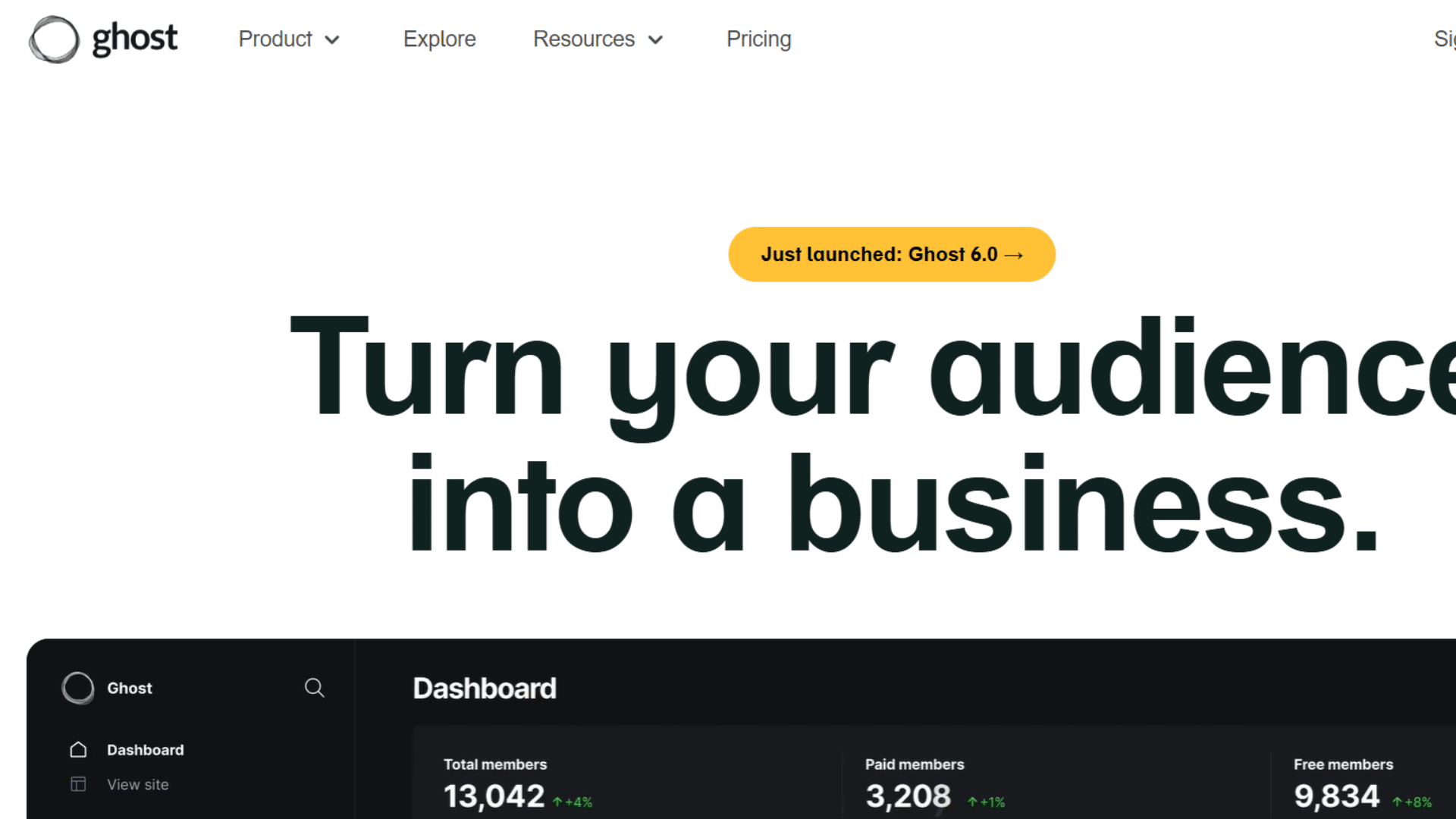
Ghost is a publishing platform made for bloggers, writers, and newsletter creators. It focuses on content publishing rather than offering a large number of additional features.
Users can create blogs, send newsletters, and manage paid memberships from one dashboard. The editor is clean, which helps writers focus on content without distractions.
Ghost also includes built-in SEO settings and email delivery tools.
Compared to many of the best blog hosting sites, Ghost keeps things lighter and more focused on writing and reader subscriptions.
Why It Works for Membership Content?
Ghost works well for creators who plan to earn through memberships or paid newsletters.
It includes subscription tools and email features without requiring extra plugins. Users can publish free and premium content in the same system.
The platform is also fast, which helps improve user experience and search performance. While it does not support as many add-ons as WordPress.org, it keeps the workflow simple.
For writers who want a content-first setup, Ghost remains one of the more practical options available today.
Pros and Cons
| Pros | Cons |
| Built for memberships and newsletters | Fewer plugins compared to WordPress |
| Fast and lightweight platform | Smaller theme and extension library |
| Simple and clean writing editor | Advanced changes may require coding |
| Built-in email and subscription tools | Hosting costs can be higher |
| Good SEO and performance setup | Limited third-party integrations |
Salient Features
- Built-In Membership System: Ghost supports free and paid memberships without needing separate subscription plugins.
- Integrated Email Tools: Users can send newsletters and updates directly from the platform using built-in email features.
- Fast Performance: The platform is lightweight, helping pages load quickly and improving the reading experience.
- Clean Writing Editor: Ghost offers a simple editor focused on writing and content publishing, free of distractions.
- SEO-Friendly Setup: Built-in SEO settings help users improve search engine visibility with minimal manual setup.
4. Substack
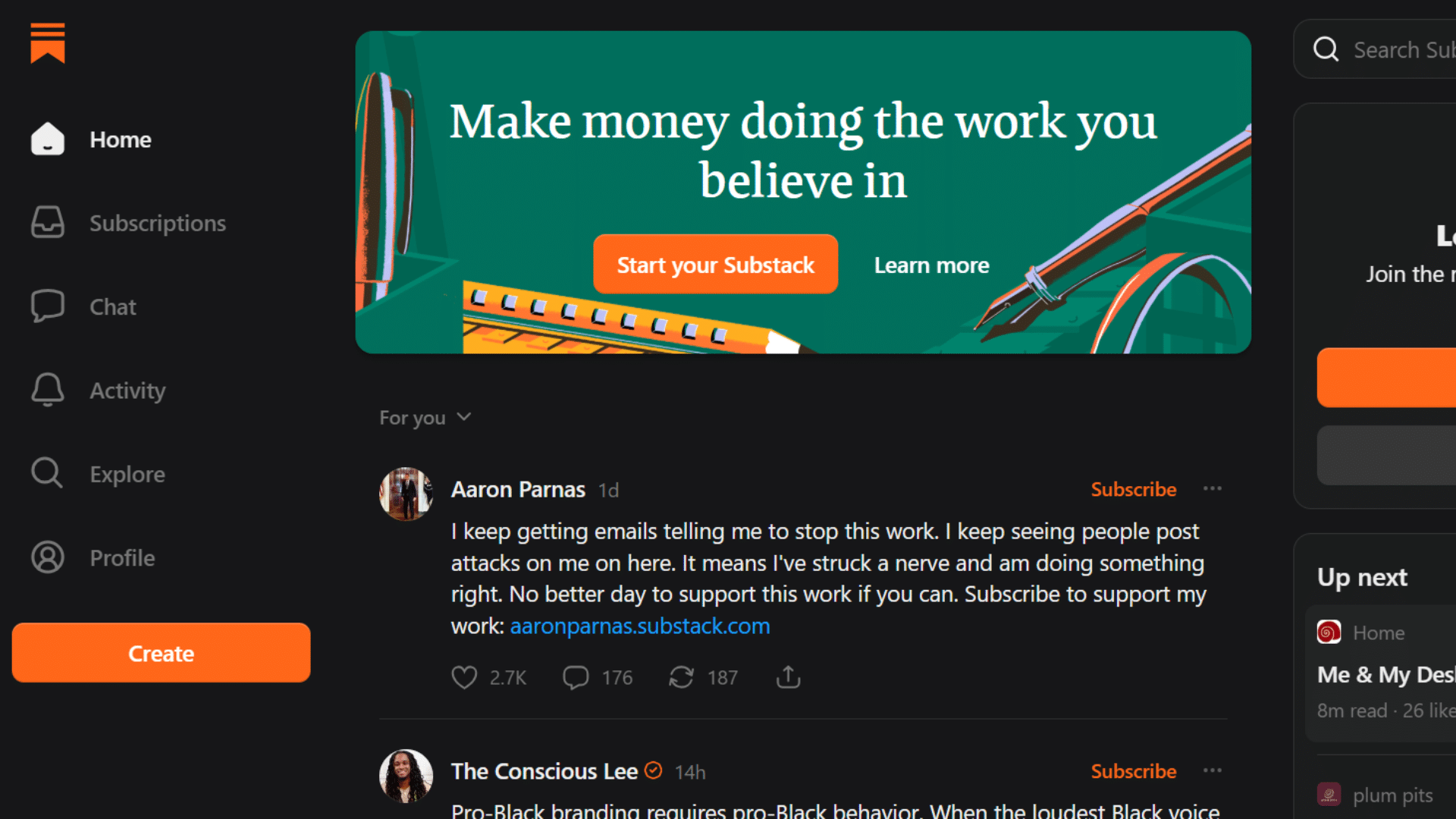
Substack is a publishing platform built for newsletter writers and independent creators. Users can publish articles, send emails, and manage paid subscriptions from the same dashboard.
The setup process is simple, so beginners can start writing quickly without technical knowledge. Hosting, email delivery, and payment handling are included in the platform. This makes
Substack a practical option for users who want a writing-focused setup.
Among many of the best blog hosting sites, Substack stands out for its simple workflow and fast publishing process for newsletter-based content.
Why It Works for Simple Publishing?
Substack works well for creators who want a basic publishing system without having to manage additional tools.
Users can write posts, email subscribers, and manage paid content in one place. The platform removes much of the technical setup, allowing users to focus on writing.
It also supports free and paid newsletters without requiring plugins or coding.
However, automation and audience control remain limited compared to larger platforms.
For simple newsletter blogging, Substack remains one of the easier options among today’s best blog platforms for content creators.
Pros and Cons
| Pros | Cons |
|---|---|
| Very easy setup for beginners | Limited customization options |
| Built-in newsletter and payment tools | Fewer automation features |
| No hosting management required | Less control over audience data |
| Good for paid newsletters | Limited design flexibility |
| Clean and simple writing editor | Not ideal for large business websites |
Salient Features
- Built-In Newsletter System: Users can publish blog posts and send emails from the same dashboard without extra software.
- Paid Subscription Support: Substack allows creators to charge readers for premium newsletter content directly on the platform.
- Simple Setup Process: The platform handles hosting, payments, and technical setup for faster publishing.
- Clean Writing Interface: The editor stays simple and focused, helping writers create content without distractions.
- Audience Management: Users can manage subscribers, free readers, and paid members from one account dashboard.
5. Beehiiv
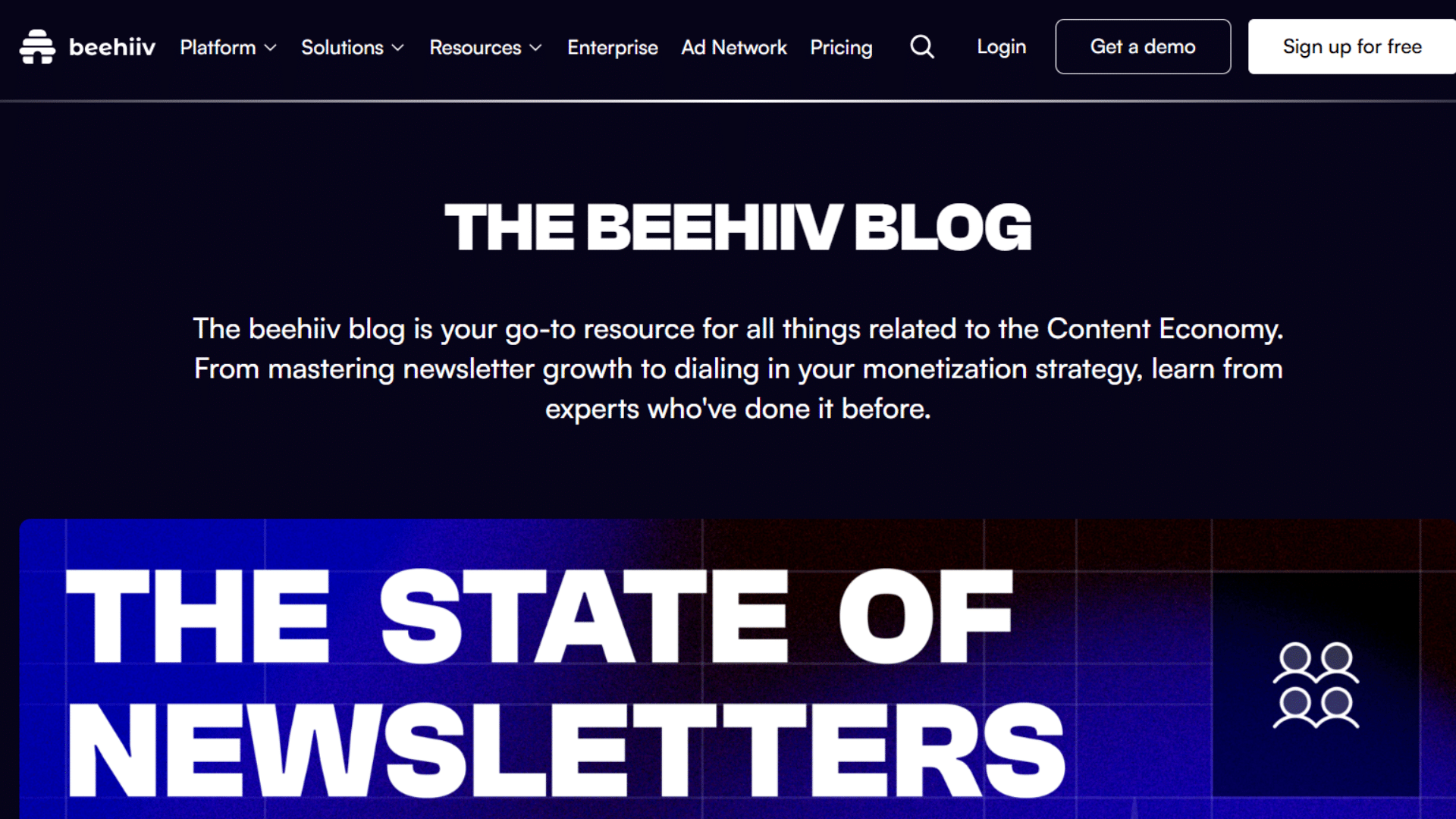
Beehiiv is a newsletter publishing platform made for creators, bloggers, and media brands.
It helps users build email lists, publish content, and manage subscribers from one dashboard. The platform also includes tools for referrals, audience segmentation, and ad placements.
Unlike many simple newsletter platforms, Beehiiv focuses heavily on audience growth and monetization. It handles hosting, email delivery, and analytics without requiring technical setup.
Among modernbest blog hosting sites, Beehiiv stands out for creators who want more control over newsletter growth and audience engagement.
Why It Works for Newsletter Growth?
Beehiiv works well for creators looking to grow and monetize their email audience. It includes referral systems that help readers share newsletters with others.
The platform also supports audience segmentation, which allows users to send targeted emails to different subscriber groups. Built-in ad tools create additional earning opportunities without requiring external networks.
Compared to simpler newsletter platforms, Beehiiv offers more business-focused features while keeping the setup clean.
This balance makes it one of the most useful blog platforms for newsletter-first creators and publishers.
Pros and Cons
| Pros | Cons |
| Strong tools for newsletter growth | Limited website customization |
| Built-in referral and ad features | Fewer design options than WordPress |
| Easy setup for beginners | Advanced features may cost more |
| Good audience segmentation tools | Less suitable for large websites |
| Clean dashboard and analytics | Smaller plugin ecosystem |
Salient Features
- Referral Program Tools: Beehiiv includes built-in referral systems that help newsletters grow through subscriber sharing.
- Audience Segmentation: Users can group subscribers by interests, activity, or signup source to improve targeting.
- Built-In Ad Network: The platform offers ad opportunities that help creators earn from newsletters more easily.
- Email Analytics: Beehiiv provides open rates, click metrics, and subscriber growth data directly in the dashboard.
- No-Code Setup: Users can create newsletters and landing pages without coding or separate hosting services.
6. Medium
Medium is an online publishing platform built for writers, bloggers, and independent creators. It allows users to publish articles without managing hosting, themes, or technical setup.
The platform already has a built-in reader base, which helps new writers reach people faster.
Medium also offers a partner program where writers can earn based on reader engagement. Its editor is simple and easy to use, making content publishing straightforward.
Among many of the best blog hosting sites, Medium stands out for users who care more about writing than website management.
Why It Works for Audience Reach?
Medium works well for writers who want to publish content quickly and reach readers without building a full website first.
The platform recommends articles to readers based on interests and reading habits, which can increase visibility. Users do not need to manage design, updates, or hosting tasks.
However, content control and monetization options remain limited compared to self-hosted platforms.
Medium works best as a secondary publishing channel rather than a full business setup, especially for creators focused mainly on audience exposure.
Pros and Cons
| Pros | Cons |
| Easy setup with no technical work | Limited control over design and branding |
| Access to Medium’s built-in audience | Earnings depend on platform policies |
| Clean and simple writing experience | Limited SEO and customization options |
| No hosting or maintenance needed | Audience data control is restricted |
| Good for audience exposure | Not ideal as a full business platform |
Salient Features
- Built-In Audience: Medium already has active readers, which helps writers gain visibility more quickly.
- Simple Writing Editor: The editor stays clean and distraction-free, making article publishing easier for beginners.
- No Hosting Required: Users can start publishing immediately without buying hosting or setting up a website.
- Medium Partner Program: Writers can earn money through reader engagement and member reading time.
- Easy Content Distribution: Articles can appear in recommendations, publications, and reader feeds across the platform.
7. WordPress.com
WordPress.com is a hosted blogging platform managed by Automattic. It allows users to create blogs and websites without handling hosting, updates, or technical setup.
The platform includes ready-made themes and basic website tools in a single dashboard.
Users can start with a free plan and upgrade later if needed. Unlike WordPress.org, users do not fully control the server or platform settings.
Among beginner-focused best blog hosting sites, WordPress.com works well for simple blogging but has limits for advanced website needs.
Why It Works for Easy Setup?
WordPress.com works best for users who want to start a blog quickly without managing hosting or technical tasks. The platform handles updates, security, and backups automatically.
This reduces setup time and keeps site management simple for beginners. However, many advanced features require paid plans.
Plugin access, monetization tools, and design changes are limited to lower plans.
For casual bloggers, it can work well. For long-term business growth, many users later move to self-hosted WordPress.org for better flexibility and control.
Pros and Cons
| Pros | Cons |
| Easy setup for beginners | Limited customization on lower plans |
| Hosting and maintenance included | Plugin support requires upgrades |
| Free plan available | Less control than WordPress.org |
| Automatic updates and backups | Monetization options are restricted |
| Beginner-friendly dashboard | Advanced users may outgrow it |
Salient Features
- Managed Hosting Included: WordPress.com handles hosting, updates, and security, with no user involvement.
- Free Starter Plan: Users can begin blogging without paying upfront for hosting or setup services.
- Built-In Themes: The platform includes ready-made themes for quick website setup and design changes.
- Automatic Backups: Site backups and maintenance tasks are managed directly by the platform.
- Simple Dashboard: The admin panel stays beginner-friendly and easy to manage for first-time users.
Key Features to Compare Before Choosing a Platform
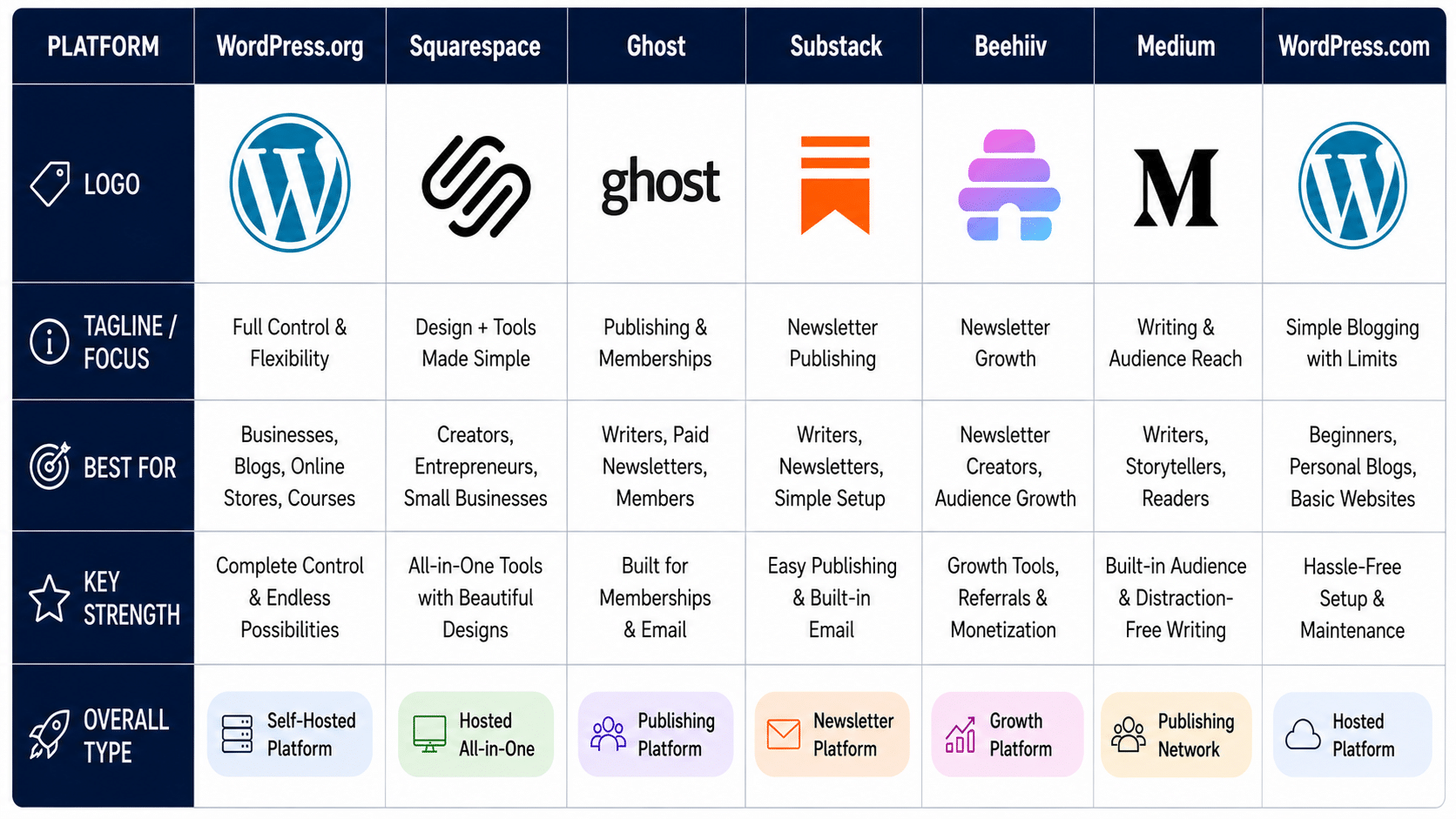
The blogging sites may look similar at first, but their features can differ a lot over time. Comparing the right areas helps users choose a platform that matches both current and future needs.
- Ease of Use: Some platforms focus on quick setup and simple dashboards, while others need more technical work. Beginners often prefer platforms with built-in hosting and visual editors.
- Customization Options: Design flexibility matters for branding and website growth. Platforms like WordPress.org offer more control, while simpler platforms may limit layout and feature changes.
- SEO Features: Strong SEO tools help content rank higher in search results. Features like custom URLs, metadata settings, and SEO plugins improve search visibility over time.
- Monetization Tools: Not all the best blog hosting sites support the same earning options. Some platforms make it easier to offer memberships, ads, products, and subscriptions than others do.
- Pricing and Long-Term Costs: Free plans may look useful at first, but upgrade costs can increase later. Hosting fees, premium tools, and transaction charges should also be considered.
- Email Marketing Support: Some platforms include built-in newsletter tools, while others require separate email services. This affects how users manage subscribers and campaigns.
- Ownership and Data Control: Full ownership gives better control over content, backups, and audience data. Hosted platforms may place limits on exports, monetization, or account access.
Which Blogging Platform is Best for Seo?
SEO tools play a major role in how well content ranks on Google and other search engines. The blog platforms offer stronger control over URLs, metadata, speed, and indexing settings.
| SEO Feature | WordPress.org | Ghost | Squarespace | Medium |
| SEO Plugins | Supports advanced plugins like Yoast and Rank Math | Built-in SEO tools included | Basic built-in SEO settings | No plugin support |
| URL Control | Full permalink and URL control | Clean and customizable URLs | Partial URL editing | Limited URL control |
| Website Speed | Fast with good hosting and optimization | Lightweight and fast by default | Good managed performance | Fast because of its simple structure |
| Metadata Settings | Full control over titles, meta descriptions, and schema | Easy metadata editing is built in | Basic metadata editing | Very limited metadata control |
| Indexing Flexibility | Advanced indexing and sitemap control | Good indexing support | Moderate indexing options | Controlled mostly by the platform |
| Best For | Long-term SEO and business growth | Writers focused on speed and publishing | Beginners wanting simple SEO tools | Audience reach and visibility |
How to Choose the Right Blogging Website?
The right platform should match your content goals, technical comfort level, and future growth plans. Looking at the key features side by side makes the decision process much easier.
- Ease of Use: Beginners usually benefit from platforms with simple dashboards, built-in hosting, and easy editing tools that reduce setup time.
- Customization Options: Some platforms allow deeper design changes, plugin support, and custom features for users who want more flexibility.
- SEO Features: Strong SEO settings help improve rankings by supporting clean URLs, metadata editing, fast loading, and better indexing control.
- Monetization Support: Check if the platform supports ads, memberships, affiliate marketing, online stores, or paid subscriptions for future income options.
- Pricing and Long-Term Costs: Compare hosting fees, premium plans, plugin costs, and transaction charges to avoid unexpected expenses later.
- Email Marketing Tools: Built-in newsletter and subscriber management features can simplify audience growth without needing extra software.
- Ownership and Data Control: Platforms with stronger ownership settings give better control over content, backups, audience data, and migration options.
Can You Switch Blogging Platforms Later?
Many users start with one platform and later move to another as their site grows. The process is possible, but some platforms make migration easier than others.
1. Migration Difficulty
Moving between the best blog platforms can range from simple to time-consuming, depending on the setup.
Basic blogs with only articles and images are usually easier to transfer. Sites with memberships, custom layouts, or large plugin setups often need extra work during migration.
Platforms like WordPress.org and Ghost offer better export and import support compared to more closed systems.
Before switching, it helps to check how content, media files, redirects, and subscriber lists will transfer to the new platform.
2. SEO Risks During Migration
Website migration can affect rankings if SEO settings are not handled carefully. URL changes, broken links, and missing metadata may reduce search visibility after the move.
Redirects are important because they help search engines connect old pages with new ones. Platforms with stronger SEO controls make this process easier.
WordPress.org offers the most flexibility for redirects and indexing settings.
Testing the new site before launch also helps reduce traffic drops and keeps content accessible to readers and search engines.
3. Export and Import Support
Most of the best blog hosting sites allow users to export posts, pages, and media files, but the level of support varies.
WordPress.org, Ghost, and Squarespace offer structured export tools that simplify content transfers. Medium and Substack allow exports, too, though formatting and subscriber data may not always transfer perfectly.
Import tools also differ between platforms, especially for memberships and newsletters.
Before moving, it is important to confirm which data can be exported, which requires manual setup, and which features may not transfer fully.
4. Easiest Platforms to Move From
Some platforms are easier to leave because they offer stronger content ownership and export tools. WordPress.org remains one of the most flexible options because users control hosting, files, and database access directly.
Ghost also supports cleaner exports for posts and memberships.
Platforms like Medium and Substack are simpler to start with, but moving audience data and formatting can take more effort later.
Choosing a platform with better portability from the beginning can save time if the site needs to change in the future.
Common Mistakes to Avoid when Choosing a Blogging Platform
Many users focus only on getting started quickly and miss important details that matter later.
Avoiding these common mistakes can save time, reduce extra costs, and prevent platform changes too soon.
- Choosing Only Based On Price: Free or low-cost plans may seem useful at first, but they often come with limits on features, monetization, or customization. Compare long-term costs and feature access before choosing a platform.
- Ignoring Ownership Limits: Some platforms control important parts of the website, including audience data and content access. Choosing platforms with stronger ownership settings helps avoid restrictions later.
- Not Checking Migration Options: Moving a site later can become difficult if export tools are limited. Before starting, check how easily posts, media, and subscriber data can transfer to another platform.
- Using A Platform Without SEO Tools: Basic platforms may not offer enough SEO control for long-term traffic growth. It helps to choose platforms that support metadata editing, clean URLs, and indexing settings.
- Picking Advanced Tools Too Early: Large platforms with many settings can feel confusing for first-time users. Starting with tools that meet current needs makes setup and management easier at the outset.
- Ignoring Email Marketing Features: Some of the best blog platforms require separate email services for newsletters and subscriber management. Checking email support early helps avoid extra setup work later.
- Choosing Based Only On Design Templates: Good templates matter, but long-term flexibility matters more. It is better to check features, SEO support, and monetization tools before focusing only on design.
Conclusion
The best blog platform depends on your current needs and future goals. Some focus on simple publishing, while others offer better SEO, control, and business growth tools.
Medium and Substack are good for quick publishing and newsletters. Beehiiv helps with audience growth and email tools.
WordPress.org and Ghost offer better control and customization for long-term growth.
Before choosing a platform, compare pricing, SEO features, control over ownership, and how easy it is to scale or migrate later. A platform that feels simple at first may become limiting over time.
I hope this guide made the comparison process clearer and helped narrow down the right option.
Share your experience in the comments and let others know which blogging platform worked best for you.
Frequently Asked Questions
Which Blogging Platform is Best for Small Business Websites?
WordPress.org and Squarespace work well for business websites with blogging, product sales, and marketing features.
Do Blogging Platforms Include Hosting Services?
Some platforms include hosting, while self-hosted platforms require separate hosting providers and setup.
How Important Is Website Speed for Blogging?
Fast websites improve reader experience, mobile performance, and search engine visibility over time.
Can Blogging Platforms Support Online Stores?
Many platforms support product sales, memberships, and digital downloads through built-in or extra tools.
What Should Be Checked Before Choosing a Paid Plan?
Check pricing, storage limits, SEO tools, subscriber caps, and transaction fees before upgrading plans.