







When I first looked into how large companies manage data and apps, I realized it is very different from what small teams use.
Big businesses need stronger systems, better security, and tools that can handle heavy workloads. That is where enterprise cloud computing comes in, and you might be hearing this term more often now.
According to Gartner, worldwide public cloud spending is projected to surpass $675 billion in 2024, with enterprises accounting for the majority of that growth.
That number reflects a fundamental shift; cloud infrastructure is no longer optional for large organizations; it’s the backbone of modern business operations.
In this article, you will learn what enterprise cloud computing is and how it supports large businesses. I will explain its definition, main characteristics, and core features in simple terms.
You will also understand the common deployment and service models used by enterprises today.
By the end, you will have a solid overview of how enterprise cloud systems work and why they play an important role in modern business operations.
What Is Enterprise Cloud Computing?
Enterprise cloud computing is a cloud model designed for large organizations that require high performance, strong security, and reliable systems.
It allows companies to store data, run applications, and manage operations through cloud platforms rather than relying solely on on-site servers.
Unlike basic cloud services for individuals or small teams, enterprise solutions are designed to handle complex workloads and large amounts of data.
This type of cloud computing often includes private, public, or hybrid cloud setups, depending on business needs. It supports advanced security controls, compliance standards, and cross-departmental system integration.
Enterprises use it to improve flexibility, reduce hardware costs, and scale resources when demand changes.
In simple terms, enterprise cloud computing helps large businesses operate efficiently while keeping their systems secure and easy to manage.
Key Characteristics of Enterprise Cloud Computing
Enterprise cloud computing is designed to meet the complex demands of large organizations. Its characteristics focus on performance, control, and long-term business stability.
- Scalability: Enterprises need systems that grow with them. Cloud resources can scale up or down based on workload demand, helping companies manage traffic spikes and expansion without major hardware investments.
- High Security Standards: Security is a core characteristic. Enterprise cloud environments include data encryption, identity management, access controls, and compliance support to protect sensitive business information.
- Reliability and High Availability: Large businesses require constant system uptime. Enterprise cloud platforms offer backup systems, failover support, and disaster recovery plans to reduce the risk of downtime.
- Centralized Management: IT teams can monitor, control, and manage cloud resources from a single dashboard. This improves visibility and makes system administration more efficient across departments.
How Enterprise Cloud Architecture Works?

From experience: One of the most common architecture mistakes I see enterprises make is treating cloud infrastructure like a direct lift-and-shift of their on-premises setup.
Migrating a legacy three-tier application to cloud VMs and calling it “cloud migration” misses the point entirely.
Real enterprise cloud architecture is designed around cloud-native principles, managed services, decoupled components, and infrastructure-as-code, not just a different place to run the same old stack.
Enterprise cloud architecture integrates infrastructure, platform services, and applications into a unified, secure, and scalable framework to support complex enterprise operations.
Enterprise cloud architecture is the structure that supports how cloud systems are built, managed, and delivered to large organizations.
It integrates computing resources, storage, networking, and security into a single, organized framework that supports business operations.
At the base layer, infrastructure includes servers, storage systems, and networking components.
These resources may run in public, private, or hybrid cloud environments. Above this layer, virtualization technology allows multiple applications and systems to share resources efficiently.
The platform layer provides tools for application development, databases, and system management. On top of everything, applications run for end users, such as business software or internal tools.
Security controls are built into every layer to protect data and manage access.
Types of Enterprise Cloud Deployment Models
Enterprise cloud deployment models define how cloud environments are structured and delivered to organizations. The choice depends on security needs, control requirements, and business strategy.
| Deployment Model | Description |
|---|---|
| Public Cloud | Cloud resources are hosted by a third-party provider and shared across multiple organizations. It offers scalability and cost efficiency but less direct control over infrastructure. |
| Private Cloud | Cloud infrastructure is dedicated to a single organization. It provides greater control, customization, and enhanced security for sensitive workloads. |
| Hybrid Cloud | A combination of public and private cloud environments. It allows businesses to move workloads between environments for flexibility and better resource optimization. |
| Multi-Cloud | The use of multiple cloud providers within one enterprise strategy. This approach reduces dependency on a single vendor and improves resilience and performance options. |
In my experience, most large enterprises adopt a hybrid or multi-cloud model within 2-3 years of initial cloud use, often driven by vendor choices and acquisitions.
Having a clear governance strategy before this proliferation happens makes the difference between a manageable multi-cloud architecture and a costly tangle of siloed environments.
Understanding Enterprise Cloud Service Models
Enterprise cloud service models define the level of control and responsibility shared between the cloud provider and the organization. Each model delivers a different level of service, allowing enterprises to choose the setup that best suits their needs.
1. Infrastructure as a Service (IaaS)
Infrastructure as a Service provides virtualized computing resources over the internet, including servers, storage, and networking.
The cloud provider manages the physical hardware and data centers, while the enterprise controls operating systems, applications, and configurations.
IaaS gives organizations the flexibility to scale resources up or down based on demand.
It is commonly used for hosting large applications, disaster recovery, and handling dynamic workloads without investing in on-site infrastructure.
This model offers the highest level of control among cloud service options.
2. Platform as a Service (PaaS)
Platform-as-a-Service provides a managed environment for developing, testing, and deploying applications. It includes tools, databases, middleware, and runtime environments.
The cloud provider handles infrastructure, updates, and maintenance, allowing development teams to focus on coding and innovation.
PaaS reduces the complexity of managing servers and speeds up application development cycles. Enterprises often use it to streamline software development and improve team collaboration.
This approach balances control and convenience for development teams.
3. Software as a Service (SaaS)
Software as a Service provides fully managed applications that users access through a web browser.
The cloud provider is responsible for infrastructure, security updates, maintenance, and performance. Enterprises simply subscribe to the software and use it without managing backend systems.
SaaS is widely used for business tools such as email platforms, customer relationship management systems, and collaboration software.
It offers convenience, predictable costs, and quick deployment across large organizations. This model requires the least technical management from the enterprise.
Benefits of Enterprise Cloud Computing
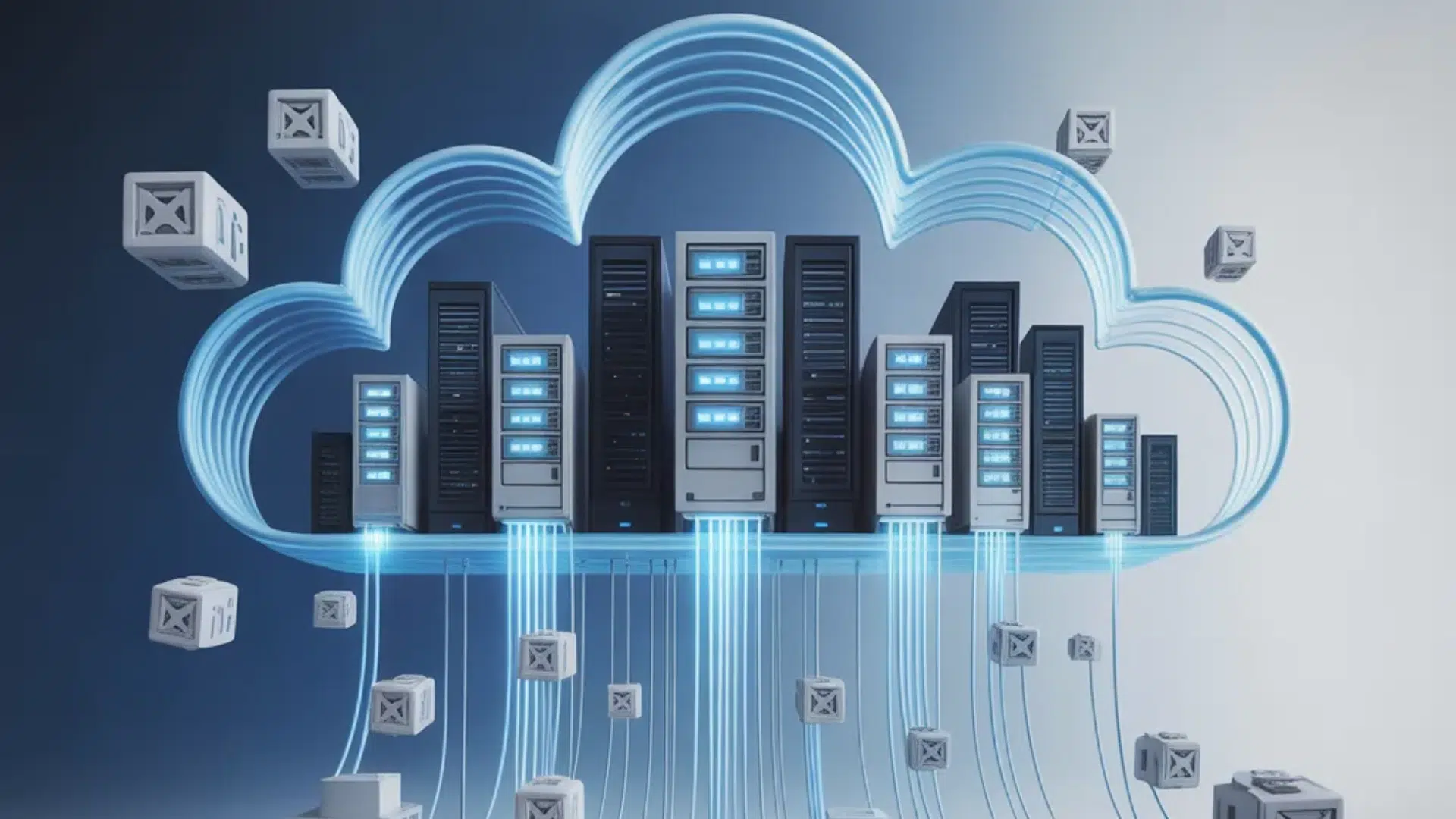
Enterprise cloud computing offers several strategic and operational advantages for large organizations. It enables businesses to improve efficiency while maintaining flexibility and control over their systems.
- Cost Optimization: Enterprises reduce capital expenses by minimizing investments in physical hardware and data centers. Cloud services use usage-based pricing models, enabling budget control and predictable operational costs.
- Scalability and Flexibility: Cloud resources can scale up or down based on workload demand. Organizations can quickly adjust computing power, storage, and services without complex infrastructure upgrades.
- Enhanced Security and Compliance: Enterprise cloud platforms provide advanced security, encryption, identity management, and support for regulatory compliance. This helps protect sensitive data and meet industry standards.
- Improved Collaboration and Accessibility: Teams can access applications and data from multiple locations. This supports remote work, cross-department collaboration, and faster decision-making across the organization.
- Faster Deployment and Innovation: Cloud environments allow enterprises to launch applications and services quickly. This shortens development cycles and supports faster innovation.
- Centralized Management and Control: IT teams can monitor performance, manage access, and control resources from unified dashboards, improving operational visibility.
How to Choose an Enterprise Cloud Provider
The three dominant providers, AWS, Microsoft Azure, and Google Cloud, each have distinct strengths that are worth understanding before making a commitment.
AWS has the broadest service portfolio and the most mature ecosystem of third-party tools and integrations. It tends to be the strongest choice for organizations prioritizing flexibility and the widest range of managed services.
Azure has the deepest integration with Microsoft’s enterprise software stack, making it a natural fit for organizations heavily invested in Windows Server, Active Directory, and Microsoft 365.
Google Cloud leads in data analytics, machine learning infrastructure, and Kubernetes-native workloads.
Beyond technical skills, enterprises should assess providers based on SLA terms, support quality, data center locations, and compliance documentation for regulations.
In most large enterprises, the practical answer is not one provider, it’s a primary provider with a secondary for specific workloads.
Designing for portability from the start, using open standards and avoiding deep dependency on proprietary services where possible, gives organizations more flexibility over time.
At the End
Enterprise cloud computing plays a major role in how large organizations operate today. It supports scalability, strengthens security, and improves system performance across departments.
By understanding its definition, core characteristics, deployment models, and service layers, you now have a clearer picture of how enterprise cloud environments function.
This knowledge helps you see why enterprises choose cloud strategies to manage complex workloads and maintain business continuity.
Technology decisions at the enterprise level carry long-term impact. Whether your organization is already using cloud platforms or considering adoption, understanding the fundamentals is essential.
If you have experience with enterprise cloud computing, faced challenges during migration, or noticed key benefits, share your thoughts in the comments below.

