


Building software no longer means creating everything from scratch or installing programs on every device.
Today, businesses of all sizes rely on cloud-based software because it is easier to access, maintain, update, and expand as their needs change.
Even so, understanding how to build a custom SaaS application can seem confusing if you’re unfamiliar with the process.
Learning the fundamentals first helps you make informed decisions and avoid common mistakes.
In this guide, you’ll understand what SaaS application development is, its core concepts, and the essential steps required to build a scalable custom SaaS application with confidence.
What Is SaaS Application Development?
SaaS app development is the process of creating cloud-based software that users access through a web browser instead of installing it on their devices.
A SaaS application runs online while the provider manages updates, maintenance, and security for remote access.
The development process begins with planning features, designing the user interface, developing the frontend and backend, connecting databases and cloud infrastructure, testing performance and security, and launching the application.
After release, developers monitor performance, resolve issues, add improvements, and introduce new features to keep the application secure, reliable, scalable, and ready to support a growing user base.
What Are the Core Concepts Behind SaaS App Development?

Understanding the core concepts of SaaS app development makes it easier to see how cloud-based applications remain secure, scalable, and reliable.
1. Cloud-Based Delivery
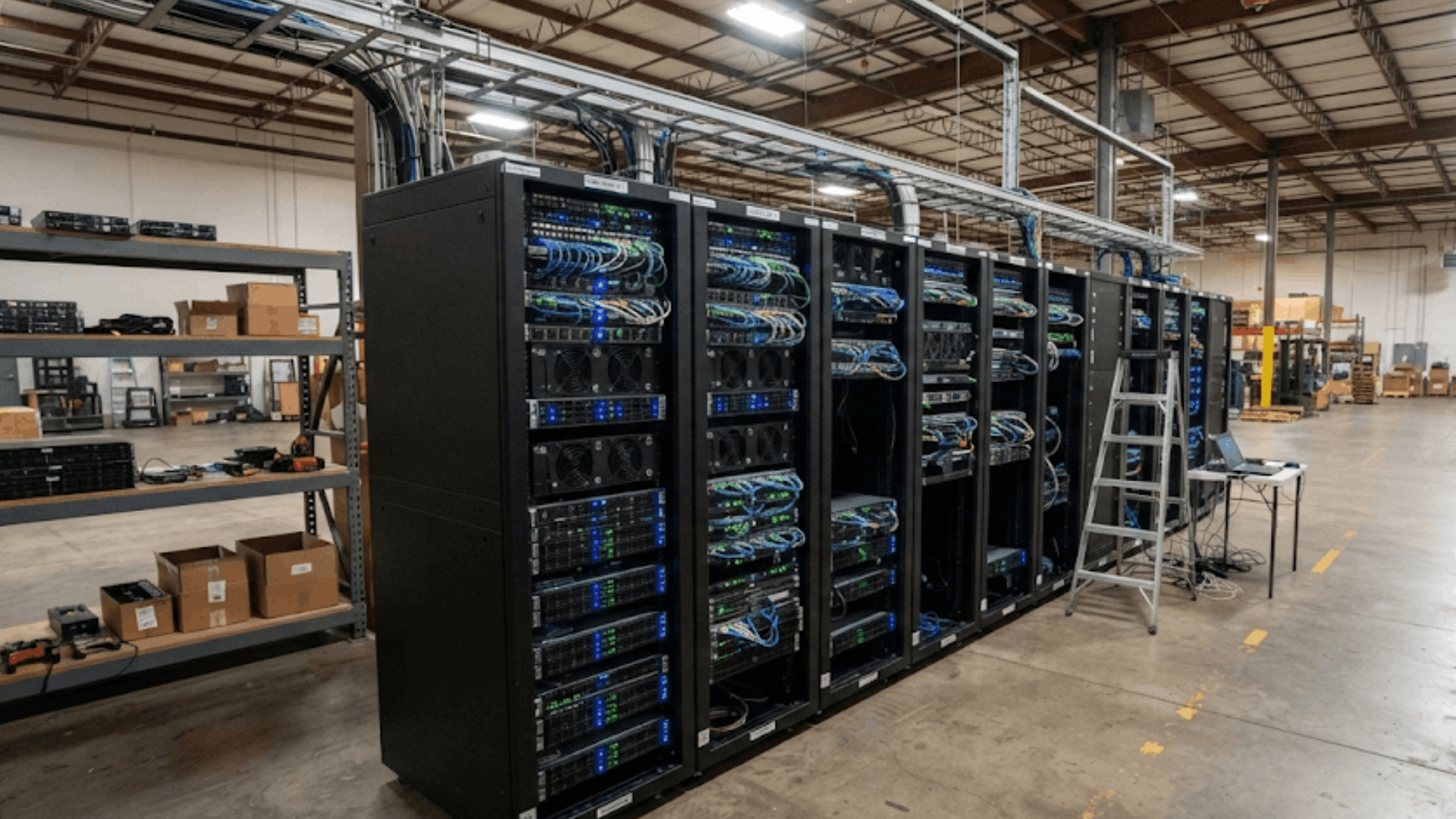
Cloud-based delivery allows users to access a SaaS application through a web browser instead of installing software on individual devices.
The application runs on remote servers managed by the provider, making it available from almost anywhere with an internet connection.
This approach simplifies updates, reduces hardware requirements, and ensures every user always accesses the latest version.
Centralized management also makes maintenance easier, improves reliability, and allows developers to release new features without interrupting the user experience.
2. Multi-Tenant Model
A multi-tenant model enables multiple customers to share the same software application while keeping their data isolated and secure.
Instead of maintaining separate software instances, one platform efficiently serves many organizations.
This approach lowers infrastructure costs, simplifies maintenance, and makes updates easier to manage. Strong access controls and data isolation ensure each customer can only view their own information.
Multi-tenancy also improves resource utilization while supporting consistent performance and reliable service across all users.
3. Scalability and Elasticity
Scalability and elasticity help SaaS applications support changing workloads without affecting performance.
Scalability adds resources to accommodate long-term growth, while elasticity automatically adjusts computing capacity during sudden traffic changes.
Together, these capabilities keep applications responsive as user numbers increase or decrease.
Planning for both concepts early helps prevent performance bottlenecks, reduces infrastructure limitations, and supports future expansion.
This flexibility allows businesses to deliver a stable experience while managing cloud resources more efficiently.
4. Frontend and Backend Components
Frontend and backend components work together to deliver a complete SaaS application. The frontend includes everything users interact with, such as pages, dashboards, and forms.
The backend processes requests, manages business logic, stores information, and communicates with databases and cloud services.
Separating these components improves organization, simplifies maintenance, and supports future feature development.
A balanced system design also strengthens application performance, reliability, and security while creating a smoother experience for both users and developers.
5. APIs and Integrations
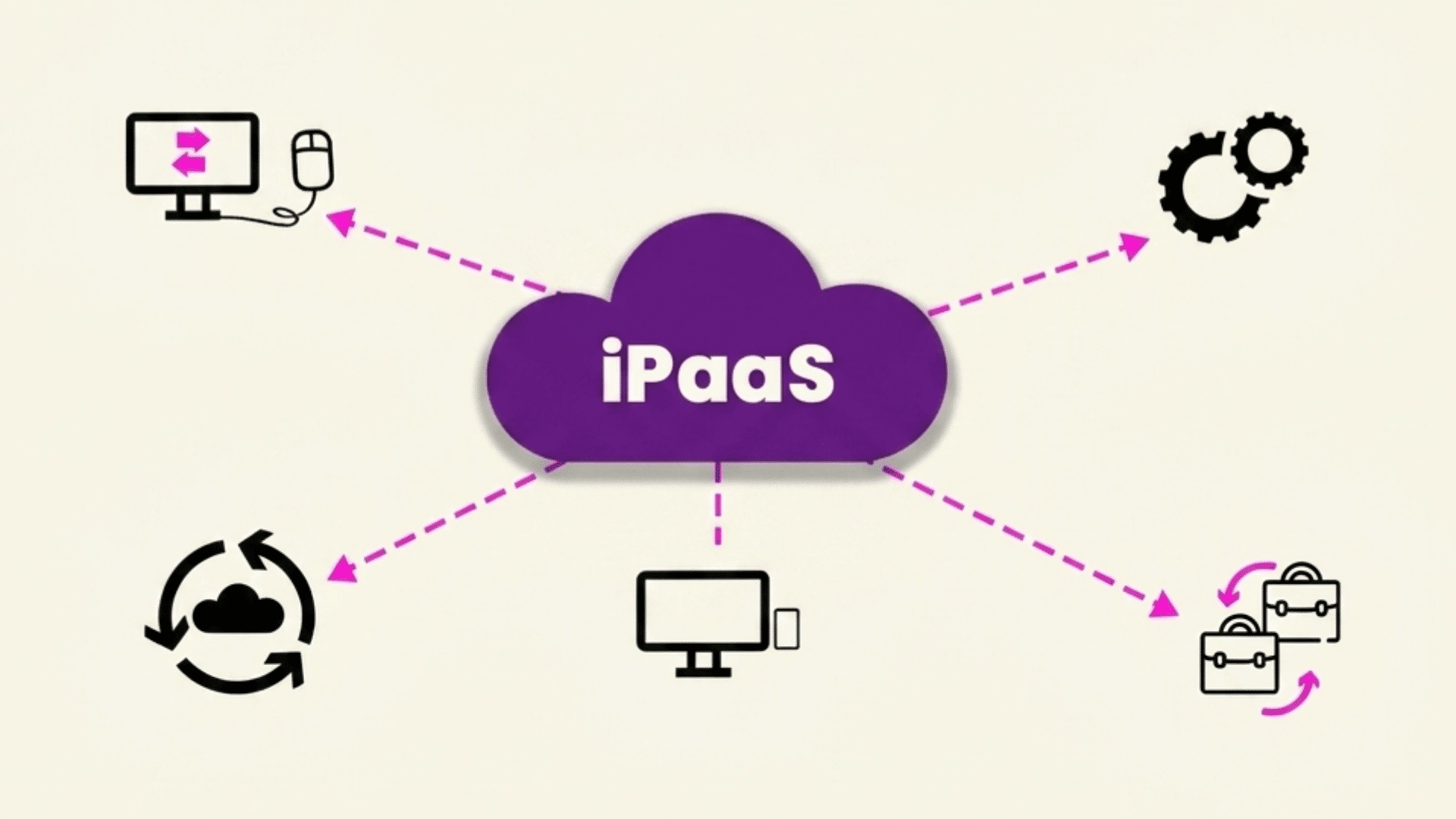
APIs allow SaaS applications to exchange data with external software, cloud services, and business systems without manual effort.
They support integrations with payment gateways, customer relationship management platforms, email services, analytics tools, and many other applications.
Well-designed APIs improve automation, reduce repetitive tasks, and simplify data sharing across connected platforms.
They also make the application more adaptable by allowing businesses to expand functionality through integrations instead of developing every capability from the beginning.
6. Database and Data Management
Database and data management ensure application information is stored, organized, and retrieved efficiently.
SaaS applications rely on databases to manage customer accounts, transactions, settings, and operational records while maintaining data accuracy.
Proper indexing, backups, and replication improve performance and reduce the risk of data loss. Well-managed databases also support faster searches, accurate reporting, and reliable application performance.
As usage grows, efficient data management helps maintain speed, stability, and consistent system operation.
7. Identity and Access Management
Identity and access management controls who can access a SaaS application and what actions they are allowed to perform.
Authentication verifies user identities through methods such as passwords, multi-factor authentication, or single sign-on. Authorization then assigns permissions based on user roles and responsibilities.
Managing access effectively reduces security risks, protects sensitive information, and prevents unauthorized activity.
A structured identity management system also simplifies account administration while supporting secure and efficient daily operations.
8. Security and Data Protection
Security and data protection safeguard SaaS applications from cyber threats, unauthorized access, and data breaches.
Common measures include encryption, secure coding practices, firewalls, vulnerability testing, and continuous monitoring.
Regular security updates help reduce potential risks while maintaining application integrity.
Strong protection strategies also support regulatory compliance and increase customer confidence by keeping sensitive business and user information secure.
Effective security remains essential throughout the entire application lifecycle, not just during development.
9. Continuous Deployment and Updates
Continuous deployment allows developers to release new features, bug fixes, and security improvements without requiring users to install updates manually.
Because SaaS applications are centrally hosted, every customer automatically receives the latest version after deployment.
This process shortens release cycles, improves software quality, and resolves issues more quickly.
Frequent updates also help applications adapt to changing business requirements while maintaining compatibility, stability, and a consistent experience across all supported devices and browsers.
10. High Availability and Reliability
High availability and reliability ensure SaaS applications remain accessible even during hardware failures, maintenance, or unexpected traffic increases.
Cloud infrastructure uses redundancy, load balancing, failover systems, and automated backups to reduce downtime and maintain service continuity.
Reliable applications improve customer confidence because users can depend on consistent access whenever needed.
Building for high availability also minimizes operational disruptions, supports business continuity, and strengthens overall application performance under varying workloads and conditions.
11. Monitoring and Performance Analytics
Monitoring and performance analytics provide continuous visibility into how a SaaS application performs after deployment.
Developers track response times, server health, resource usage, error rates, and user activity to identify potential issues early.
These insights support faster troubleshooting, better capacity planning, and ongoing optimization.
Regular monitoring also improves reliability by helping teams detect unusual behavior before it affects users. Continuous analysis keeps the application efficient as workloads and customer expectations evolve.
12. Subscription and Usage Management
Subscription and usage management handle recurring billing, customer plans, renewals, and account administration within a SaaS application.
Many platforms also track feature usage, storage consumption, or active users to support flexible pricing models.
Efficient subscription management reduces billing errors, simplifies customer administration, and improves the overall user experience.
Usage insights also help businesses understand customer behavior, improve retention strategies, and make informed decisions about future product development and pricing.
How SaaS Applications Are Built?
Building a SaaS application involves combining cloud infrastructure, application architecture, user-facing components, and secure data management.
- Cloud Infrastructure: Hosts the application, enabling remote access, scalability, and high availability.
- Multi-Tenant vs Single-Tenant Architecture: Multi-tenant shares resources across customers, while single-tenant provides dedicated environments.
- Frontend and Backend Components: The frontend handles user interactions, while the backend processes data and business logic.
- APIs and Third-Party Integrations: Connect the application with payment gateways, CRMs, email services, and other tools.
- Databases and Data Storage: Store user information, application data, and transaction records securely and efficiently.
- Authentication and User Management: Verify user identities, manage permissions, and protect accounts with secure access controls.
What Are the Steps to Build a Custom SaaS Application?

Building a custom SaaS application requires careful planning, focused development, and regular improvements. Follow these steps to move from an initial product idea to a reliable and scalable application.
Step 1: Validate Your Product Idea
Before development begins, confirm that your SaaS idea solves a genuine problem for a specific audience.
Research competitors, speak with potential users, and review common frustrations in the market.
You can also test demand through surveys, landing pages, or early sign-up forms. This step helps you understand what users actually need, how your product can stand out, and whether people are willing to pay.
Strong validation reduces risk and gives the project a clearer direction from the start.
Step 2: Define the Core Features
Once the idea is validated, list the features users need to complete the product’s main purpose.
Separate essential functions from optional additions so development stays focused. Consider user roles, account settings, billing, dashboards, notifications, and any required integrations.
Prioritizing core features prevents the project from becoming overly complex and helps control costs.
It also creates a practical roadmap for designers and developers, making it easier to build an initial version that delivers clear value without unnecessary extras during every stage.
Step 3: Choose the Right Technology Stack
Select the technologies that will support your application’s performance, security, scalability, and maintenance needs.
Choose suitable frontend and backend frameworks, databases, cloud services, and development tools based on the project scope and your team’s experience.
Consider community support, integration options, deployment flexibility, and future growth before making decisions.
A well-matched technology stack helps developers work efficiently, reduces technical issues, and makes it easier to improve the application as user demand and business requirements change over time with fewer complications later.
Step 4: Design the User Experience
Plan how users will move through the application and complete important tasks. Create user flows, wireframes, and interface layouts that keep menus simple and consistent.
Focus on responsive design, accessibility, clear labels, and easy-to-understand actions across every screen.
Testing early prototypes with real users can reveal confusion before development begins. A thoughtful user experience reduces friction, improves satisfaction, and encourages users to return.
It also lowers the chance of expensive design changes after the application has already been built.
Step 5: Develop a Minimum Viable Product
Build a minimum viable product that includes only the features required to solve the main user problem.
Avoid adding advanced functions until the basic version has been tested with real users. The MVP should be stable, usable, and focused enough to show the product’s value.
Launching this version early helps gather practical feedback on usability, performance, and missing features.
It also reduces initial development costs, shortens time to market, and provides evidence for deciding what to improve or add next.
Step 6: Test, Launch, and Improve
Test the application carefully before making it available to users. Check functionality, security, performance, compatibility, and usability across different devices and browsers.
Fix critical issues, confirm that important workflows operate correctly, and prepare support resources for launch.
After release, collect user feedback, review usage data, and track recurring problems. Use these findings to improve features, simplify difficult steps, and strengthen reliability.
Continuous updates help the application meet changing user expectations and remain useful as the market develops over time after the initial release.
Step 7: Monitor Performance and Scale
After launch, monitor how the application performs under real user activity. Track uptime, response time, error rates, database usage, and customer behavior to identify issues early.
As the number of users grows, increase cloud resources, optimize code, and improve database capacity to maintain reliable performance.
Regular monitoring also supports stronger security and faster problem resolution.
Scaling gradually based on actual demand helps control costs while ensuring the application remains stable, responsive, and ready to support future business growth without disruption.
Types of SaaS Applications
SaaS applications are available across many industries and business functions. The right type depends on the problems you want to solve and the users you want to serve.
| SaaS Application Type | Purpose | Examples |
|---|---|---|
| Customer Relationship Management (CRM) | Manage customer interactions, sales, and leads | Salesforce, HubSpot |
| Enterprise Resource Planning (ERP) | Handle finance, inventory, procurement, and operations | NetSuite, SAP Business ByDesign |
| Project Management | Plan projects, assign tasks, and track progress | Asana, Trello, Monday.com |
| Collaboration and Communication | Support messaging, video meetings, and team collaboration | Slack, Microsoft Teams, Zoom |
| Accounting and Finance | Manage bookkeeping, invoicing, payroll, and reporting | QuickBooks Online, Xero |
| Marketing Automation | Automate email campaigns, lead nurturing, and customer engagement | Mailchimp, ActiveCampaign |
| Human Resource Management (HRM) | Manage recruitment, employee records, and performance | BambooHR, Workday |
| E-commerce Platforms | Build and manage online stores and digital sales | Shopify, BigCommerce |
Benefits of Custom SaaS Development
Custom SaaS development allows businesses to build software that aligns with their goals instead of adapting to the limitations of off-the-shelf solutions. Some of the biggest advantages include:
- Business Flexibility: Every feature, workflow, and integration can be customized to match your business processes, making the software more efficient and easier for teams to use.
- Scalability for Growth: The application can expand as your business grows by supporting more users, data, and features without requiring a complete rebuild.
- Security and Compliance: Custom security controls, access management, and compliance measures can be implemented to meet industry standards and protect sensitive business data.
- Better User Experience: Interfaces and workflows can be designed around user needs, creating a smoother experience that improves productivity, satisfaction, and customer retention.
- Long-Term Cost Efficiency: Although initial development costs may be higher, custom SaaS applications can reduce recurring licensing fees and eliminate spending on unnecessary features.
- Seamless System Integration: Custom applications can connect with existing business tools, databases, and third-party services, reducing manual work and improving data consistency.
How Custom SaaS Differs from Traditional Software?
Choosing between custom SaaS development and traditional software development depends on how the software will be delivered, maintained, and scaled.
| Feature | Custom SaaS Development | Traditional Software Development |
|---|---|---|
| Deployment | Hosted in the cloud | Installed on individual devices or servers |
| Access | Available through a web browser | Requires local installation |
| Updates | Centralized automatic updates | Manual updates on each device |
| Scalability | Easily scales with cloud resources | Scaling often requires additional hardware |
| Maintenance | Managed by the provider | Managed by users or in-house IT teams |
| Pricing | Commonly subscription-based | Usually one-time license purchase |
| Internet Requirement | Typically requires internet access | Can often work offline after installation |
| Multi-Tenant Support | Can serve multiple customers on one platform | Usually designed for a single organization or installation |
| Development Focus | Cloud infrastructure, security, and scalability | Device compatibility and local performance |
| Best For | Businesses needing flexible, cloud-based software | Organizations requiring on-premise software or offline access |
Different Models of SaaS Business
Different SaaS business models determine how customers access, pay for, and upgrade a software product.
- Subscription Model: Customers pay a recurring monthly or annual fee for continuous access to the software and regular updates.
- Freemium Model: A basic version is available for free, while advanced features and premium tools require a paid subscription.
- Tiered Pricing Model: Multiple pricing plans offer different features, user limits, or support levels to meet varying customer needs.
- Pay-As-You-Go Model: Customers are charged based on actual usage, such as API requests, storage, transactions, or active users.
- Per-User Pricing Model: Pricing is determined by the number of users or team members who need access to the application.
- Enterprise Custom Pricing: Large organizations receivecustomized pricing based on their specific requirements, integrations, security needs, and expected usage.
How to Choose the Right Development Approach?
Choosing the right development approach depends on your budget, timeline, technical expertise, and long-term business goals.
Building an in-house team offers greater control over development, communication, and future updates, making it suitable for businesses with ongoing product needs.
Hiring a SaaS development company provides expert skills and faster delivery without expanding your internal team.
Low-code and no-code platforms enable quick launches but offer less flexibility for advanced features and customization.
Before making a decision, evaluate your expected user growth, security requirements, integration needs, maintenance plans, and available resources.
Selecting an approach that aligns with these factors creates a stronger foundation for long-term success.
Common SaaS Development Challenges
Businesses must also address technical, operational, and compliance challenges to deliver a secure and reliable product.
- Data Security and Privacy: Protecting customer data through encryption, secure authentication, regular security updates, and access controls is essential to reduce risks and maintain user trust.
- Performance and Scalability: As the user base grows, the application must maintain fast response times and reliable performance without affecting the overall user experience.
- Subscription Billing: Managing recurring payments, subscription plans, renewals, upgrades, downgrades, and payment failures requires accurate and dependable billing systems.
- Ongoing Maintenance: Regular bug fixes, security patches, feature updates, and infrastructure monitoring are necessary to keep the application stable and up to date.
- Regulatory Compliance: Meeting requirements such as GDPR, HIPAA, SOC 2, or other industry regulations helps protect user data and ensures the application operates within legal standards.
Conclusion
Building a successful SaaS application requires careful planning, suitable technology, cloud infrastructure, user-focused design, scalability, security, and ongoing maintenance.
Every decision made during development influences how well the product performs, adapts, and grows over time.
Custom SaaS development offers the flexibility to create a solution that matches specific business goals instead of relying on one-size-fits-all software.
Understanding these principles helps you assess business needs, prioritize essential features, and choose a development approach that supports long-term success.
A well-planned SaaS development strategy creates a stronger foundation for launching a reliable, scalable, and future-ready application.
Frequently Asked Questions
How Long Does It Take to Build a Custom SaaS Application?
Development timelines typically range from3 to 12 months, depending on feature complexity, team size, integrations, testing requirements, and project scope.
Can a Custom SaaS Application Support Mobile Devices?
Yes. Most custom SaaS applications are responsive or include dedicated mobile apps, allowing users to access the application from smartphones and tablets.
How Is Custom SaaS Pricing Usually Structured?
Pricing commonly depends on development complexity, required features, integrations, cloud infrastructure, design needs, and ongoing maintenance rather than a fixed rate.
Can an Existing Software Product Be Converted Into a SaaS Application?
Yes. Many desktop or on-premises applications can be modernized into SaaS solutions through cloud migration,infrastructure updates, and feature enhancements while preserving core functionality.