
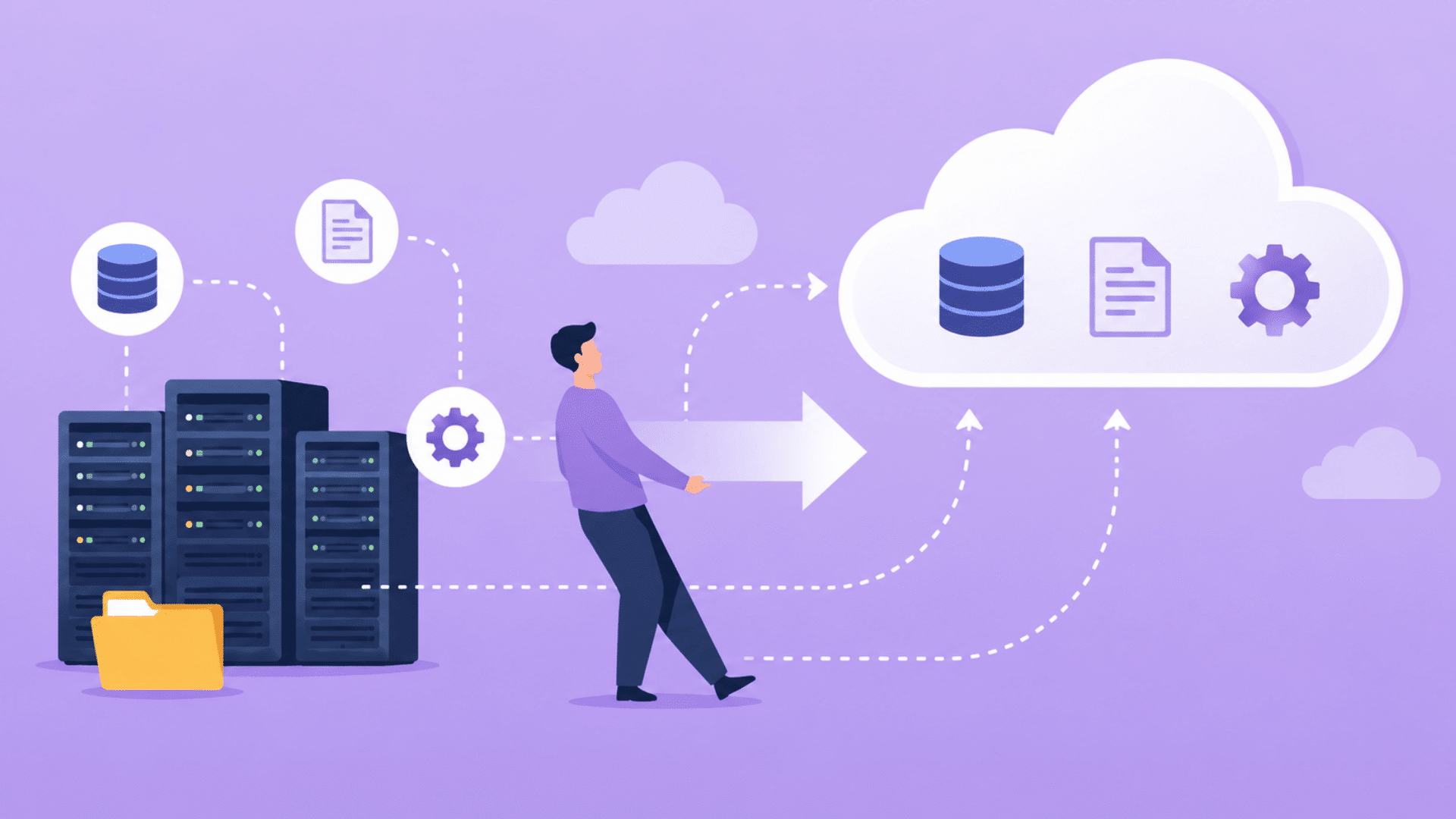
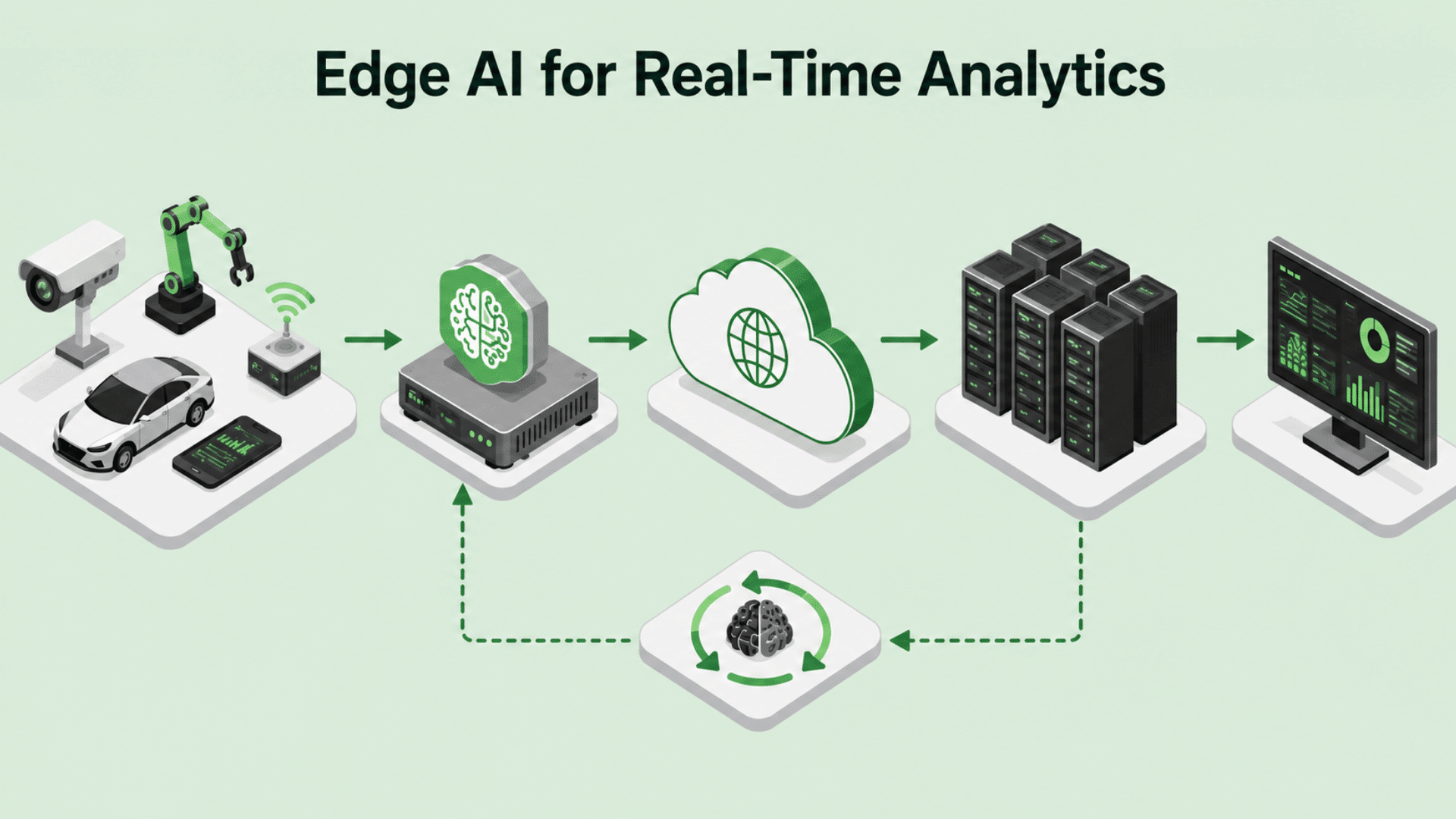
Businesses today rely on multiple software applications to manage sales, marketing, customer service, accounting, human resources, and other daily operations.
When applications do not communicate, managing data across separate systems quickly becomes challenging.
A SaaS integration platform helps solve this problem by connecting cloud-based applications and enabling data to move between them automatically.
Integration helps organizations streamline workflows and improve data accuracy without manual data transfers.
In this guide, I’ll explain what a SaaS integration platform is, how it works, its key features, and the benefits it can provide for modern organizations.
What Is a SaaS Integration Platform and Why Is It Important?
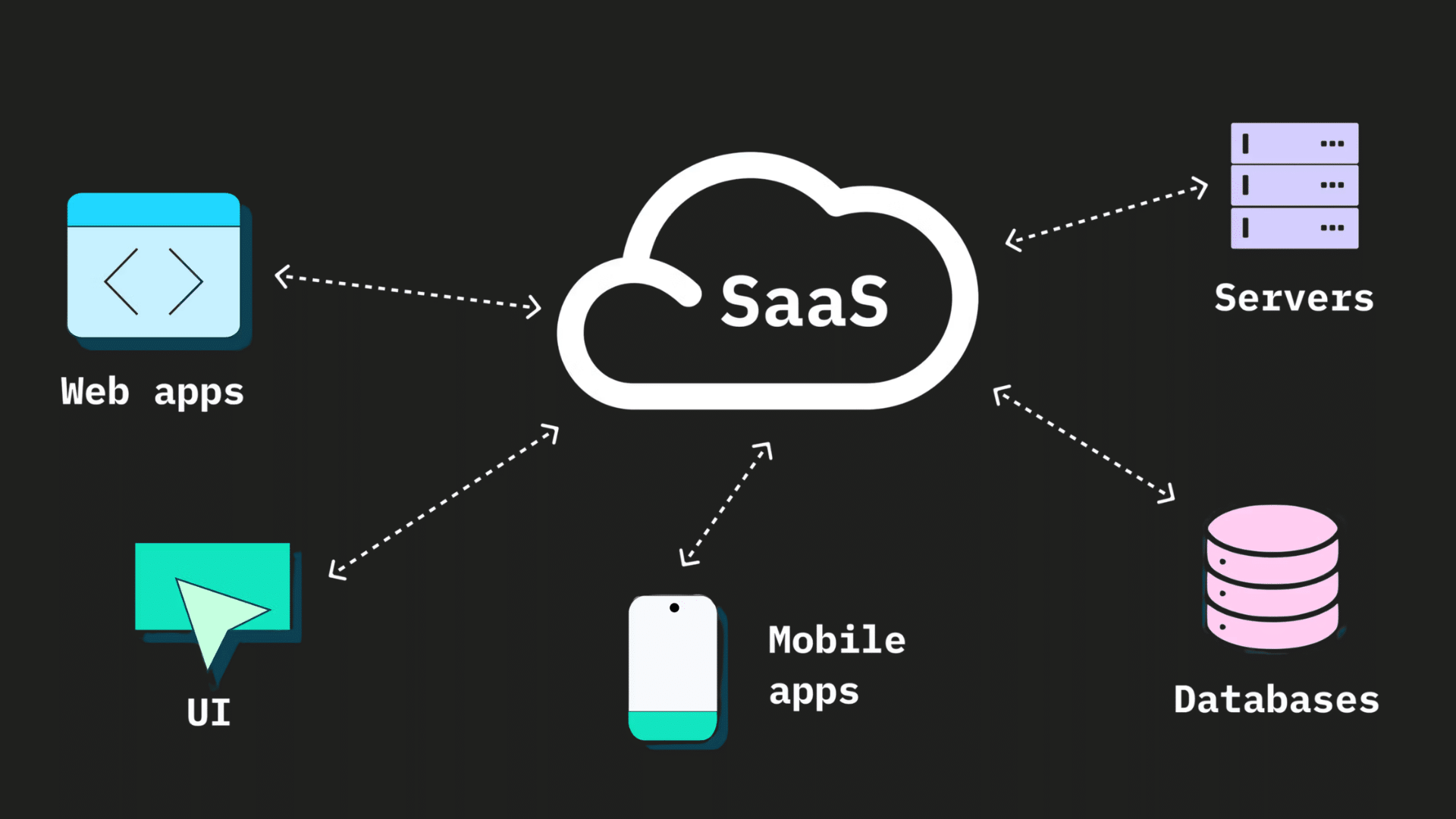
A SaaS integration platform is a solution that connects cloud-based applications and allows them to share data automatically.
Many businesses use separate software tools for customer relationship management, marketing, accounting, project management, and other functions.
Without integration, employees may spend time moving data manually, increasing the risk of errors.
A SaaS integration platform serves as a bridge between these applications, enabling them to communicate and exchange information in real time or according to predefined workflows.
Connecting business systems improves efficiency, reduces manual work, and gives employees accurate information.
How Does a SaaS Integration Platform Work?
A SaaS integration platform connects various cloud-based applications and enables them to exchange data automatically.
- Application Connectivity: Connects multiple cloud-based applications through a centralized platform, allowing systems to communicate with each other.
- API Communication: Uses APIs (Application Programming Interfaces) to establish secure communication between different software applications.
- Automated Data Transfer: Moves data automatically between applications based on predefined rules and workflows.
- Reduced Manual Entry: Eliminates the need to enter the same information into multiple systems, saving time and effort.
- Data Synchronization: Keeps information consistent across connected platforms by automatically updating records.
- Prebuilt Connectors: Provide ready-made integrations for popular business applications, reducing setup complexity and development requirements.
- Workflow Automation: Triggers specific actions when predefined events occur within connected systems.
- Improved Efficiency: Reduces repetitive tasks and helps teams complete processes more quickly and accurately.
- Real-Time Updates: Ensure that important information remains up to date across multiple applications and departments.
Best SaaS Integration Platforms for Businesses
Businesses have many options when selecting a SaaS integration platform. The right choice depends on factors such as company size, integration requirements, automation needs, and budget.
1. MuleSoft
MuleSoft is one of the most widely used SaaS integration platforms for connecting applications, data, and systems through APIs.
It offers a large collection of prebuilt connectors that help businesses integrate cloud and on-premises applications more efficiently.
Many large organizations choose MuleSoft because it can support complex integration projects and growing business needs.
The platform also provides tools for API management, automation, and data sharing, making it a popular choice for enterprise environments.
2. Boomi
Boomi is a cloud-based SaaS integration platform that helps businesses connect applications and automate workflows.
Its user-friendly interface allows organizations to build integrations without extensive development work.
Boomi supports a wide range of cloud and on-premises systems, making it suitable for businesses with diverse technology environments.
The platform also includes tools for data synchronization, workflow automation, and integration monitoring, helping organizations improve efficiency while maintaining consistent information across applications.
3. Workato
Workato combines integration and automation capabilities in a single platform. It provides low-code tools that allow businesses to create workflows between applications with minimal technical expertise.
Organizations often use Workato to automate repetitive tasks, reduce manual data entry, and improve collaboration between departments.
The platform supports many popular business applications and offers prebuilt automation templates that can speed up deployment.
Its focus on both integration and workflow automation makes it a popular option for growing businesses.
4. Celigo
Celigo is a SaaS integration platform that helps businesses automate processes and connect applications via prebuilt integrations.
It is commonly used by organizations that rely on e-commerce, ERP, and CRM systems.
The platform helps reduce manual work by automating data transfers between applications and keeping information synchronized.
Celigo also provides monitoring and workflow management tools that help businesses maintain reliable integrations while improving operational efficiency.
5. Zapier
Zapier is one of the most popular SaaS integration platforms for small and medium-sized businesses.
It allows users to create automated workflows, known as Zaps, between thousands of applications without requiring coding knowledge.
Businesses often use Zapier to automate repetitive tasks such as lead management, email notifications, and data entry.
Its simple setup process and extensive application library make it a practical choice for organizations looking to improve productivity through automation.
6. Jitterbit
Jitterbit provides integration, API management, and workflow automation capabilities within a single platform. It helps businesses connect cloud and on-premises applications while simplifying data sharing across systems.
The platform includes low-code development tools that make it easier for users to build and manage integrations.
Organizations often choose Jitterbit for its flexibility, scalability, and ability to support a wide range of business processes across diverse technology environments.
7. Informatica
Informatica is an enterprise-focused SaaS integration platform known for its data integration and management capabilities.
It helps organizations connect applications, synchronize data, and maintain data quality across multiple systems.
Large businesses often use Informatica to manage complex data environments and support analytics initiatives.
The platform also offers automation, cloud integration, and monitoring features that help improve operational efficiency while ensuring information remains accurate and accessible across departments.
8. Tray.ai
Tray.ai is a low-code SaaS integration platform that enables businesses to automate workflows and connect applications through a visual interface.
It supports a wide range of integrations and provides flexibility for creating custom automation processes.
Organizations often use Tray.ai to streamline repetitive tasks, improve data flow, and increase productivity.
Its scalable architecture makes it suitable for both growing businesses and larger enterprises looking to automate complex operations.
9. IBM App Connect
IBM App Connect helps businesses integrate applications, automate workflows, and manage data across cloud and on-premises environments.
The platform provides prebuilt connectors that simplify integration projects and reduce deployment time.
Organizations use IBM App Connect to improve collaboration between systems and maintain consistent information across business applications.
Its automation and integration capabilities make it a valuable solution for companies seeking to improve efficiency and reduce manual processes.
10. SnapLogic
SnapLogic is a SaaS integration platform that helps businesses connect applications, automate workflows, and manage data through a visual interface.
The platform uses AI-assisted tools and prebuilt connectors to simplify integration projects and reduce development time.
Organizations often choose SnapLogic because it supports both cloud and hybrid environments and can handle large volumes of data.
Its user-friendly design and automation capabilities make it a practical solution for businesses seeking scalable integration options.
11. Make
Make is a visual automation platform that lets users build integrations via a drag-and-drop interface. It supports thousands of applications and enables businesses to automate workflows without extensive coding knowledge.
Many organizations use Make to streamline repetitive tasks, improve data movement between systems, and increase productivity.
Its flexible workflow builder allows users to create both simple and advanced automation processes, making it suitable for businesses of different sizes.
12. TIBCO Cloud Integration
TIBCO Cloud Integration helps organizations connect applications, automate business processes, and manage APIs from a centralized platform.
It supports cloud, on-premises, and hybrid environments, giving businesses flexibility when integrating different systems.
The platform includes tools for workflow automation, data sharing, and application connectivity.
Many organizations use TIBCO Cloud Integration to improve operational efficiency, reduce manual processes, and maintain consistent information across multiple business applications.
13. Oracle Integration Cloud
Oracle Integration Cloud is a SaaS integration platform designed to connect Oracle applications and third-party software.
It provides tools for application integration, workflow automation, and process management within a unified environment.
Businesses often use the platform to streamline operations and improve data sharing across departments.
Its prebuilt adapters and automation capabilities help reduce integration complexity while supporting both small- and large-scale business requirements.
14. Microsoft Power Automate
Microsoft Power Automate enables organizations to automate workflows across Microsoft products and hundreds of third-party applications.
It offers a user-friendly interface that allows users to create automated processes with minimal coding experience.
Businesses commonly use Power Automate to automate approvals, notifications, document management, and data synchronization tasks.
Its close integration with Microsoft 365, Dynamics 365, and other Microsoft services makes it a popular choice for organizations already using the Microsoft ecosystem.
15. SAP Integration Suite
SAP Integration Suite helps businesses connect applications, systems, and business processes across cloud and on-premises environments.
The platform provides tools for integration, API management, event-driven architecture, and data sharing.
Organizations that use SAP products often rely on the SAP Integration Suite to maintain consistent information across multiple systems and improve operational efficiency.
Its enterprise-focused capabilities make it well-suited for businesses managing complex technology environments and large-scale integration projects.
Benefits of Using a SaaS Integration Platform
A SaaS integration platform improves efficiency by connecting separate applications, automating data sharing, and streamlining workflows.
- Improved Productivity: Information moves automatically between connected applications, reducing repetitive tasks and allowing employees to focus on more important responsibilities.
- Workflow Automation: Routine processes can be automated through predefined rules, helping teams complete tasks faster and with fewer manual steps.
- Better Data Accuracy: Synchronized systems reduce the risk of duplicate records, missing information, and errors caused by manual data entry.
- Reduced Administrative Work: Automated data transfers eliminate the need to enter the same information into multiple applications, saving time and effort.
- Greater Scalability: New software applications can be connected more easily as business needs change, without requiring major process redesigns.
- Consistent Information: Data remains aligned across multiple platforms, enabling teams to access accurate, up-to-date information.
- Operational Efficiency: Connected systems work together more effectively, improving overall business performance and reducing process delays.
- Increased Flexibility: Businesses can adapt to new technologies and software tools while maintaining smooth communication between existing applications.
By connecting applications and automating data exchange, a SaaS integration platform can help businesses operate more efficiently while supporting long-term growth.
Key Features of a SaaS Integration Platform
A SaaS integration platform helps businesses connect applications, automate workflows, and manage data more efficiently. While features vary, most platforms offer several core capabilities.
1. Prebuilt Connectors
Prebuilt connectors allow businesses to integrate popular applications without extensive coding or custom development.
Many SaaS integration platforms offer connectors for CRM systems, marketing tools, accounting software, e-commerce platforms, and other business applications.
These ready-made integrations can simplify deployment and help organizations connect systems more quickly.
By reducing setup complexity, prebuilt connectors make integration accessible to both technical and non-technical users.
2. Workflow Automation
Workflow automation enables businesses to create rules that automatically trigger actions across multiple applications.
For example, when a new customer record is created in a CRM system, the integration platform can automatically update marketing, customer support, billing, and sales applications.
This reduces repetitive manual tasks and helps ensure information remains consistent throughout the organization.
Automated workflows can also improve efficiency by allowing employees to focus on higher-value activities rather than routine data entry.
3. Data Synchronization
Data synchronization helps maintain consistent information across connected applications. When data changes in one system, the integration platform can automatically update other connected systems.
This reduces duplicate records, minimizes errors, and helps teams work with accurate information.
Consistent data is especially important for organizations that rely on multiple software applications to manage daily operations and customer interactions.
4. API Management
Many SaaS integration platforms include API management capabilities that help control how applications communicate with each other.
APIs serve as the connection point between systems, allowing data to be exchanged securely and efficiently.
They enable different applications to share information without requiring manual intervention.
API management tools can help monitor usage, manage access permissions, track performance, and support reliable communication between applications.
These tools may also help identify potential issues before they affect business operations.
Effective API management can improve system reliability, enhance security, and support consistent data exchange across connected applications.
5. Real-Time Integration
Real-time integration allows information to move between applications as events occur. Instead of waiting for scheduled updates, systems can exchange data immediately when changes are made.
This can help businesses respond more quickly to customer requests, sales activities, and operational events.
Teams can access updated information without manually checking multiple systems.
Access to current information can also support faster decision-making and improve collaboration between departments.
By reducing delays in data sharing, organizations can maintain smoother workflows and improve overall efficiency.
6. Monitoring and Analytics
Monitoring and analytics tools provide visibility into integration performance and data flows. Businesses can track workflow activity, identify integration errors, and monitor system health from a centralized dashboard.
Access to detailed reports can help teams better understand how integrations are performing across different applications.
These insights can support more reliable integrations and better operational management.
By continuously monitoring data flows and system activity, businesses can quickly address issues, reduce downtime, and maintain consistent performance across connected systems.
Common SaaS Integration Platform Use Cases
Businesses use SaaS integration platforms in many ways to improve efficiency and connect important systems. Some of the most common use cases include:
- CRM and Marketing Integration: Connect CRM platforms to marketing automation tools to keep customer information up to date across systems.
- Customer Data Synchronization: Share and synchronize customer records between multiple applications to maintain consistent information.
- E-commerce and Inventory Management: Integrate online stores with inventory systems to track stock levels and automate updates.
- Accounting and Sales Integration: Connect accounting software with sales and billing platforms to simplify financial processes.
- HR Process Automation: Automate employee onboarding, record management, and other human resources workflows.
- Customer Support Integration: Share data between customer support tools and CRM systems to improve service efficiency.
- Order Processing Automation: Create workflows that automatically handle order processing, tracking, and fulfillment tasks.
- Reporting and Analytics: Combine data from multiple applications to generate more accurate reports and business insights.
These integrations help reduce manual work, improve data accuracy, and support smoother business operations.
SaaS Integration Platform vs Traditional Integration
Both SaaS integration platforms and traditional integration methods connect applications and share data. However, they differ in deployment, scalability, and management requirements.
| Feature | SaaS Integration Platform | Traditional Integration |
| Deployment | Cloud-based | Often on-premises |
| Setup Time | Faster with prebuilt connectors | Usually requires custom development |
| Scalability | Easy to expand as needs grow | Can require significant modifications |
| Maintenance | Managed through the platform | Often requires ongoing IT support |
| Cost | Subscription-based pricing | Higher development and maintenance costs |
| Flexibility | Supports multiple cloud applications | May be limited by existing infrastructure |
| Updates | Automatically updated by providers | Updates often require manual effort |
While both approaches connect applications, SaaS integration platforms generally provide greater flexibility, faster deployment, and easier management for modern cloud environments.
How to Choose the Right SaaS Integration Platform?
Choosing the right SaaS integration platform starts with understanding your business requirements and the applications you need to connect.
- Integration Compatibility: Look for a platform that supports the applications and software systems already used within the organization.
- Ease of Use: A user-friendly interface can simplify setup, reduce training requirements, and streamline ongoing management.
- Automation Features: Evaluate the platform’s ability to automate workflows, data transfers, and repetitive business processes.
- Scalability: Choose a solution that can support additional applications, users, and workflows as business needs grow.
- Security Controls: Review security features such as encryption, access controls, and compliance support to help protect business data.
- Monitoring and Reporting: Built-in monitoring tools can provide visibility into integrations, workflows, and potential issues.
- Pricing Structure: Compare subscription costs, usage limits, and additional fees to ensure the platform fits the available budget.
- Future Flexibility: Select a platform that can adapt to changing business requirements and support long-term operational goals.
Conclusion
A SaaS integration platform helps businesses connect cloud applications, automate workflows, and maintain consistent data across multiple systems.
As software use grows, integration helps reduce manual tasks, improve efficiency, and support smoother workflows.
They can also improve collaboration, support business growth, and reduce the challenges associated with managing disconnected applications.
Understanding how a SaaS integration platform works and the benefits it offers can help businesses make informed technology decisions. Read more technology guides to learn about other cloud and software solutions.
Frequently Asked Questions
What Industries Use SaaS Integration Platforms?
SaaS integration platforms are used in healthcare, finance, retail, education, and technology to connect applications and automate business processes.
Do SaaS Integration Platforms Require Coding?
Many modern platforms offer low-code or no-code tools that allow users to create integrations without extensive programming knowledge.
Can a SaaS Integration Platform Connect Legacy Systems?
Some platforms support legacy systems through APIs, middleware, or custom connectors, helping businesses connect older software with newer applications.
What Is the Difference Between iPaaS and SaaS Integration?
iPaaS provides a broader integration framework, while SaaS integration focuses specifically on connecting cloud-based software applications and services.
How Long Does SaaS Integration Implementation Take?
Implementation timelines vary based on complexity. Simple integrations may take a few hours, while larger projects can require several weeks.