

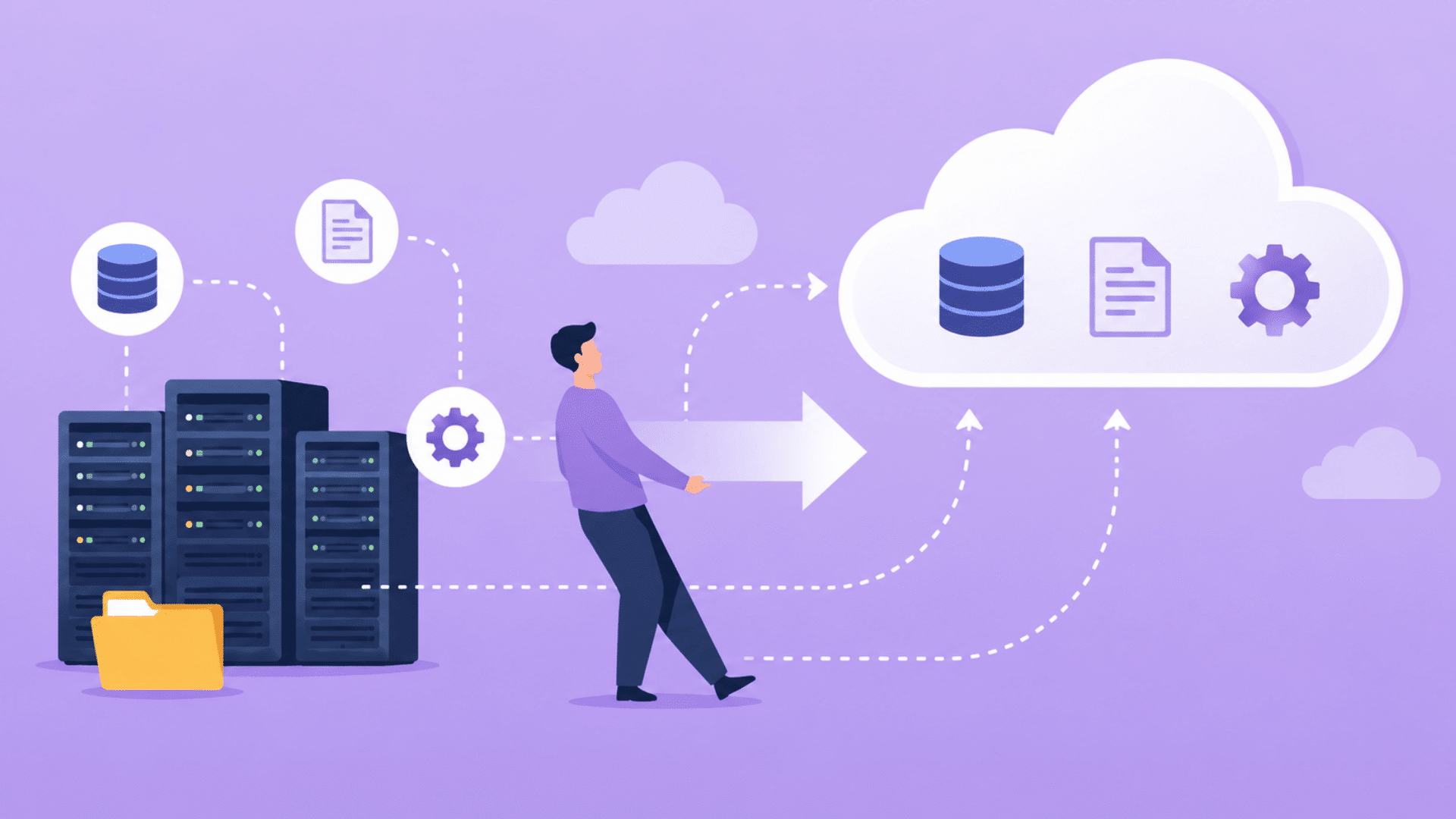





Moving applications, data, and workloads to the cloud can bring many benefits. However, the process is not always as simple as it seems.
Many businesses face unexpected issues that can slow down projects, increase costs, or create security concerns.
That is why understanding common cloud migration challenges before you begin is so important.
In this article, you’ll learn the most common obstacles organizations encounter during cloud migration and what causes them, along with practical solutions to reduce risks and keep your migration on track.
If you plan to move a single server or an entire IT environment, these insights can help you make better decisions.
By the end, you will have a clearer understanding of how to approach cloud migration with confidence and avoid costly mistakes.
What Is Cloud Migration?
Cloud migration is the process of moving data, apps, servers, and other IT resources from on-site systems to a cloud environment.
It can also mean moving from one cloud platform to another.
In simple terms, it helps businesses run their digital tools through cloud providers rather than relying solely on physical servers.
This may include storage, databases, software, networking, and security systems.
Companies often migrate to the cloud to improve flexibility, reduce hardware needs, scale faster, and support remote access.
However, the process needs careful planning, testing, and monitoring. Without the right strategy, migration can lead to downtime, data issues, or higher costs.
Key Features of Cloud Migration
Cloud migration includes several capabilities that help organizations modernize infrastructure and manage workloads more efficiently.
- Scalability: Cloud resources can scale up or down based on demand, helping businesses handle workload changes without infrastructure limitations.
- Flexibility: Organizations can choose cloud services, deployment models, and configurations that best support their operational and business goals.
- Cost Optimization: Pay-as-you-go pricing reduces upfront investments and helps businesses control spending by paying for actual usage.
- Improved Security: Cloud platforms provide encryption, access controls, monitoring tools, and compliance features to strengthen data protection.
- Disaster Recovery Support: Built-in backup and recovery capabilities help organizations restore systems quickly and minimize downtime during disruptions.
Top Cloud Migration Challenges and Their Solutions
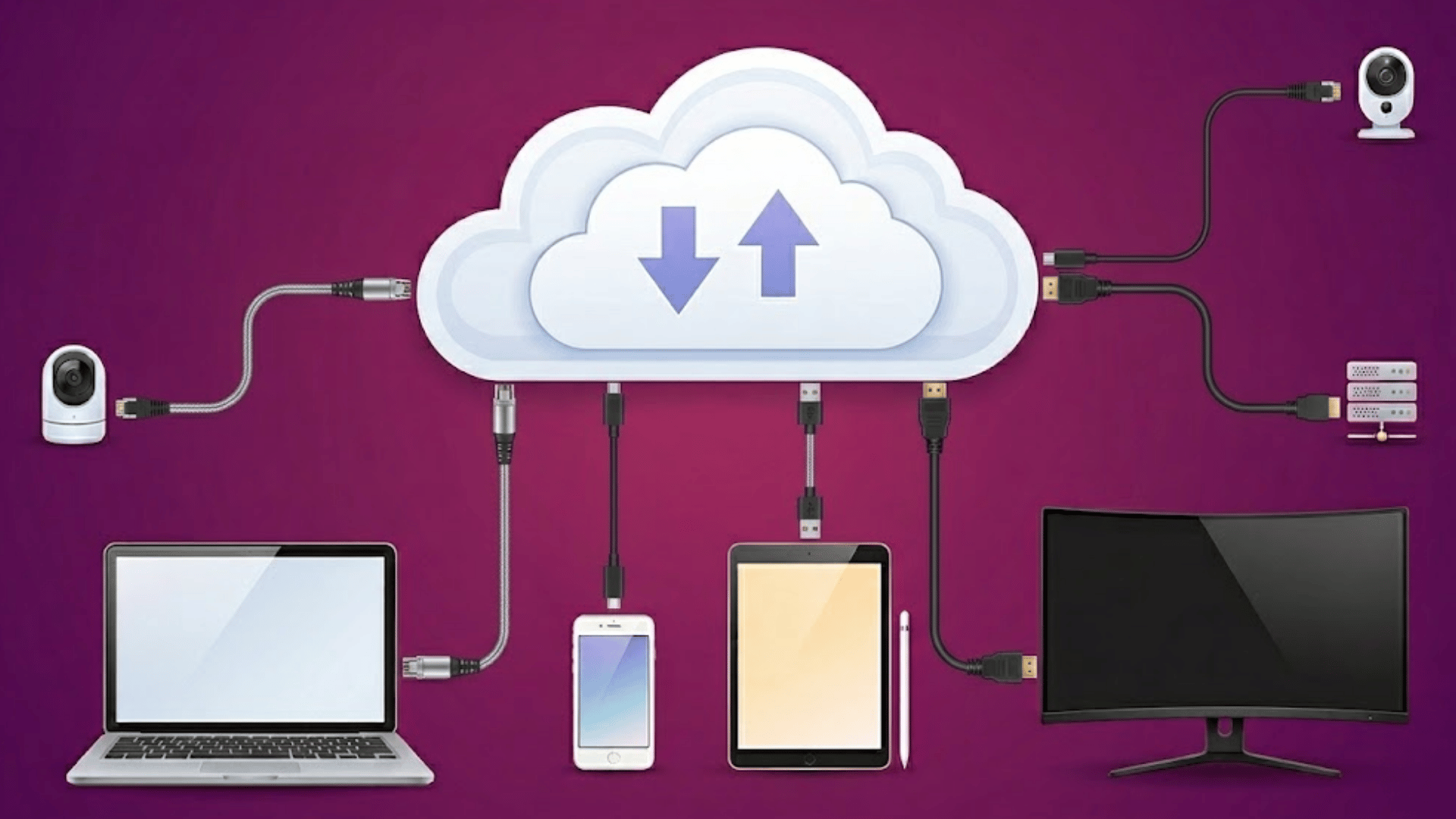
Cloud migration projects often face technical and operational challenges. Identifying them early helps reduce risks, prevent delays, and ensure smoother transitions.
1. Lack of a Clear Migration Strategy
One of the most common cloud migration challenges is starting without a well-defined plan.
Many organizations move workloads to the cloud without assessing application dependencies, business goals, or infrastructure requirements.
This often leads to unexpected costs, delays, and performance issues. The solution is to create a detailed migration roadmap, conduct cloud readiness assessments, and prioritize workloads based on business impact.
A structured strategy helps teams stay aligned throughout the migration process.
2. Data Security and Privacy Concerns
Moving sensitive data between environments can expose organizations to security risks if proper safeguards are not in place.
Threats such as unauthorized access, data leaks, and misconfigured cloud settings can compromise critical information.
To address these concerns, businesses should implement encryption in transit and at rest, enforce strict identity and access management policies, and conduct regular security audits.
These measures help maintain data confidentiality and support regulatory compliance requirements.
3. Legacy System Compatibility Issues
Many older applications were not designed for cloud environments, making migration more complicated.
Legacy systems may rely on outdated architectures, unsupported software, or tightly coupled dependencies that are difficult to move.
As a result, businesses often face integration and performance challenges.
Organizations can overcome this issue by modernizing applications, refactoring code when necessary, or adopting hybrid cloud models.
Careful assessment of legacy workloads helps determine the most effective migration approach.
4. Unexpected Costs and Budget Overruns
Cloud migration costs can quickly increase when organizations underestimate resource requirements, data transfer fees, or ongoing operational expenses.
Poor visibility into cloud spending often leads to budget overruns after migration.
Businesses can reduce financial risks by conducting detailed cost analyses before migration and implementing cloud cost-monitoring tools.
Establishing resource governance policies and regularly reviewing usage patterns also helps maintain better control over cloud expenditures.
5. Downtime and Business Disruption
Application outages during migration can negatively affect productivity, customer experience, and revenue.
Downtime often occurs due to inadequate testing, network issues, or poorly planned migration schedules.
To minimize disruptions, organizations should use phased migration strategies, conduct thorough testing before deployment, and maintain backup systems throughout the process.
Scheduling migrations during low-traffic periods further reduces operational impact and helps ensure business continuity.
6. Data Loss and Integrity Risks
Data corruption or loss is a significant concern during cloud migration, especially when transferring large volumes of information.
Incomplete transfers, synchronization errors, and hardware failures can compromise data accuracy.
Organizations can mitigate these risks by creating reliable backups, validating data before and after migration, and using automated migration tools with integrity checks.
Regular testing ensures that migrated data remains complete, accurate, and accessible.
7. Performance and Latency Issues
Applications may experience slower response times after migration if cloud resources are not properly configured.
Factors such as network latency, insufficient bandwidth, and poor workload distribution can affect performance.
To address these challenges, businesses should perform performance testing before migration and continuously monitor workloads afterward.
Optimizing resource allocation, implementing load balancing, and selecting appropriate cloud regions can significantly improve application responsiveness and user experience.
8. Skills Gap and Lack of Cloud Expertise
Many organizations struggle with cloud migration because their teams lack experience with cloud platforms, architectures, and management practices.
This knowledge gap can lead to configuration errors, security weaknesses, and inefficient resource usage.
Investing in cloud training programs, obtaining relevant certifications, and partnering with experienced cloud consultants can help bridge this gap.
Skilled teams are better equipped to manage migration projects and maximize cloud performance.
9. Vendor Lock-In Concerns
Relying heavily on a single cloud provider can make it difficult and costly to switch platforms in the future.
Proprietary services and platform-specific tools often increase dependence on a single vendor.
To reduce vendor lock-in risks, organizations should adopt open standards, use portable application architectures, and consider multi-cloud strategies where appropriate.
This approach provides greater flexibility and helps businesses maintain control over their cloud environments.
10. Compliance and Regulatory Challenges
Organizations operating in regulated industries must ensure that migrated data complies with applicable laws and industry standards, such as GDPR, HIPAA, and PCI DSS.
Failure to meet compliance requirements can result in legal penalties and reputational damage.
Businesses should evaluate cloud providers’ compliance capabilities, establish governance frameworks, and maintain detailed audit records.
Continuous monitoring and regular compliance reviews help ensure that regulatory obligations are consistently met.
Common Types of Cloud Migration
Organizations can choose different migration approaches based on their infrastructure, security needs, and business goals.
| Type of Cloud Migration | Description |
| Public Cloud Migration | Moves applications and data to a shared cloud environment managed by a third-party provider. |
| Private Cloud Migration | Transfers workloads to a dedicated cloud infrastructure designed for a single organization. |
| Hybrid Cloud Migration | Combines on-premises systems with cloud services, allowing workloads to run across both environments. |
| Multi-Cloud Migration | Uses services from multiple cloud providers to improve flexibility and reduce dependency on one vendor. |
| Cloud-to-Cloud Migration | Moves applications, data, or workloads from one cloud platform to another cloud provider. |
How to Move a Server to the Cloud Successfully?
A successful server migration requires careful planning, testing, and ongoing monitoring to minimize risks and maintain business continuity.
- Assess Current Infrastructure: Evaluate existing servers, applications, dependencies, and workloads to identify migration requirements and potential technical challenges beforehand.
- Choose the Right Cloud Platform: Select a cloud provider that effectively meets your performance, security, compliance, scalability, and budget requirements.
- Create a Migration Strategy: Define migration goals, timelines, resource allocation, and workload priorities to ensure an organized transition process.
- Back Up All Critical Data: Create complete backups before migration to protect important information and enable recovery if issues occur.
- Test Applications Before Migration: Verify application compatibility, performance, and functionality to identify and resolve potential problems before deployment.
- Implement Strong Security Controls: Use encryption, access management, and monitoring tools to protect systems and data throughout migration.
- Monitor Performance After Migration: Track resource usage, application performance, and user experience to identify optimization opportunities and address issues.
Best Practices for Overcoming Cloud Migration Challenges
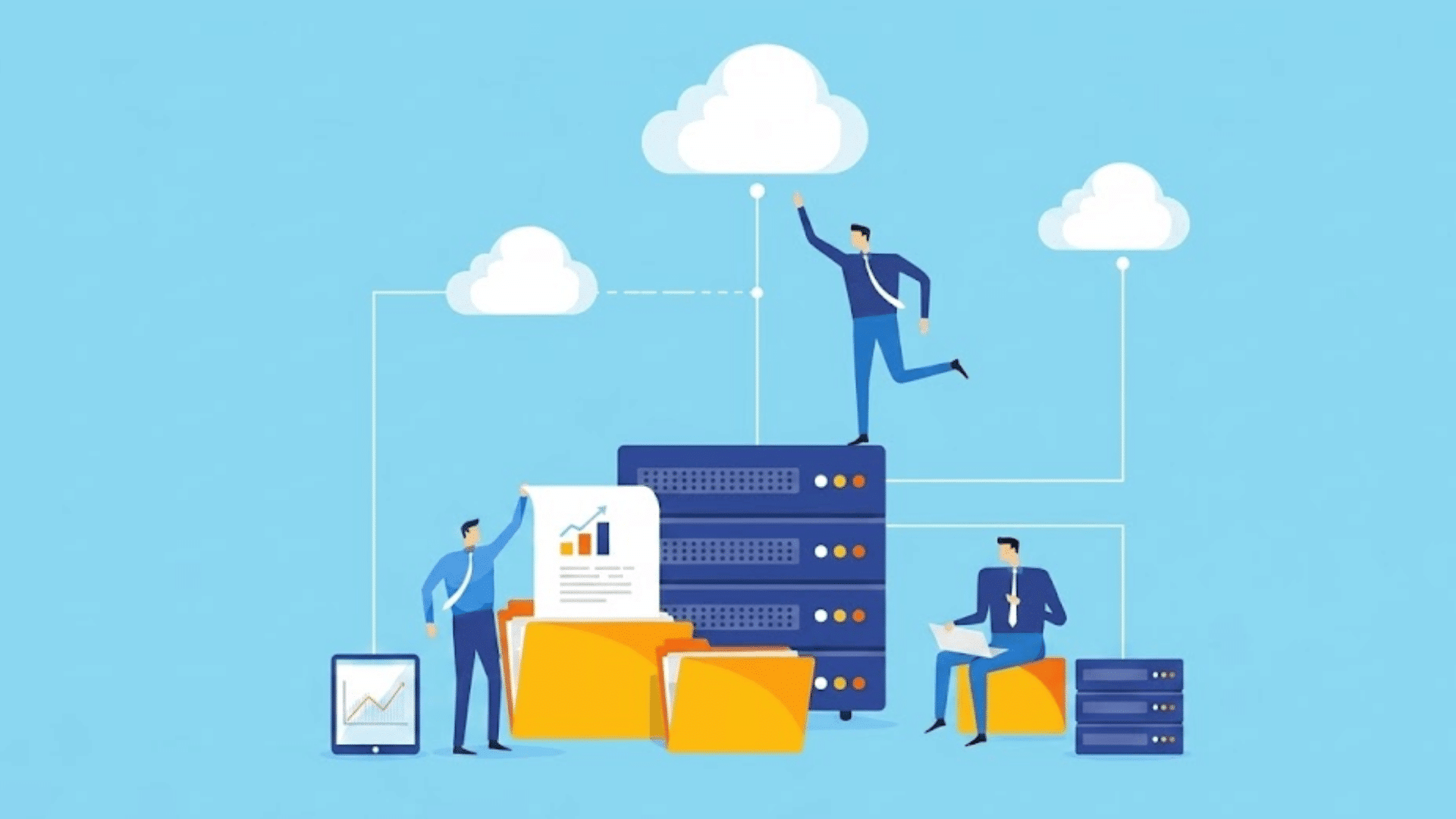
Successful cloud migration depends on careful planning, strong security measures, and continuous optimization throughout the migration lifecycle.
1. Start with a Clear Migration Strategy
A well-defined migration strategy helps organizations align cloud adoption with business objectives.
It includes workload prioritization, resource planning, timelines, risk assessment, and success metrics.
Without a structured roadmap, migrations can become costly and difficult to manage.
Establishing a strategy early provides direction for teams and helps ensure that every migration decision supports long-term business goals while minimizing disruptions.
2. Conduct a Thorough Infrastructure Assessment
Before migration begins, organizations should evaluate existing applications, servers, databases, and network dependencies.
This assessment helps identify workloads suitable for migration and reveals potential compatibility or performance issues.
Understanding the current environment allows teams to select the most appropriate migration approach and avoid unexpected technical challenges.
A detailed assessment also improves planning accuracy and reduces the likelihood of delays during the migration process.
3. Prioritize Security and Compliance
Security and compliance should be integrated into migration planning from the start.
Organizations need to implement encryption, access controls, identity management, and continuous monitoring to protect sensitive data.
At the same time, they must ensure compliance with industry regulations such as GDPR, HIPAA, or PCI DSS.
Addressing security and compliance requirements early reduces risks, strengthens data protection, and helps avoid regulatory penalties after migration.
4. Use a Phased Migration Approach
Migrating workloads in phases is generally safer than moving everything at once.
A phased approach allows teams to start with less critical applications, test performance, and resolve issues before migrating essential systems.
This method minimizes downtime, reduces operational risks, and provides opportunities to refine migration processes.
Organizations can also apply lessons learned from early phases to improve the success of later migration stages.
5. Test Extensively Before Deployment
Comprehensive testing helps ensure that applications perform as expected in the cloud environment.
Organizations should evaluate functionality, security, performance, and integration capabilities before full deployment.
Testing can uncover compatibility issues, configuration errors, and performance bottlenecks that might otherwise disrupt business operations.
Identifying and resolving these problems early reduces costly downtime and improves the overall reliability of migrated workloads.
6. Monitor Performance and Costs Continuously
Cloud migration does not end when workloads are moved. Continuous monitoring helps organizations track system performance, resource utilization, security events, and cloud spending.
Monitoring tools provide visibility into potential issues and allow teams to optimize resources as business needs evolve.
Regular reviews also help prevent unnecessary expenses, ensuring that cloud environments remain efficient, secure, and aligned with operational goals.
7. Invest in Cloud Skills and Training
A lack of cloud expertise is a common reason migration projects face delays or technical problems.
Providing training and certification opportunities helps teams develop the knowledge needed to manage cloud environments effectively.
Skilled employees can make better architectural decisions, implement stronger security controls, and optimize cloud resources more efficiently.
Investing in cloud education strengthens migration outcomes and supports long-term cloud success.
Cloud Migration Challenges by Business Size
Cloud migration challenges often vary based on the size, resources, and complexity of an organization.
| Challenge Area | Small Businesses | Mid-Sized Businesses | Large Enterprises |
| Budget Constraints | Limited budgets make migration costs and cloud investments difficult to manage. | Need to balance migration costs with growth objectives and operational needs. | Large-scale migrations require significant investment and careful cost governance. |
| Technical Expertise | Often lack in-house cloud specialists and dedicated IT teams. | May have some expertise but still require external support for complex migrations. | Need specialized teams to manage large and complex cloud environments. |
| Infrastructure Complexity | Usually have simpler systems, making migration easier to manage. | More applications and integrations increase migration complexity. | Legacy systems, multiple data centers, and interconnected workloads create significant challenges. |
| Security and Compliance | Limited resources can make security implementation and compliance management difficult. | Must address growing compliance requirements while maintaining security controls. | Face strict regulatory obligations and advanced security requirements across multiple regions. |
Future Trends Shaping Cloud Migration
Cloud migration continues to evolve as organizations adopt new technologies to improve efficiency, security, and scalability.
- Artificial Intelligence and Automation: AI-driven tools automate migration tasks, optimize resources, reduce manual effort, and improve decision-making throughout cloud projects.
- Multi-Cloud Adoption: Organizations use multiple cloud providers to increase flexibility, improve resilience, and reduce dependence on a single vendor.
- Enhanced Cloud Security Technologies: Advanced security solutions strengthen threat detection, data protection, compliance management, and overall cloud environment security.
- Containerization and Kubernetes Growth: Containers and Kubernetes simplify application portability, deployment, scalability, and management across diverse cloud infrastructure environments.
- Serverless Computing Expansion: Serverless platforms reduce infrastructure management overhead, enabling faster development, greater scalability, and improved resource utilization.
When to Hire a Cloud Migration Consultant?
Many organizations try to manage cloud migration internally, but unexpected challenges often appear once the project begins.
Issues such as poor planning, application compatibility problems, security gaps, and unexpected costs can quickly slow progress and increase risk.
A cloud migration consultant provides the greatest value at three key stages. Before migration, they assess your current environment, identify risks, and create a clear migration roadmap.
During migration, they handle complex workloads, old apps, and technical issues internal teams may not know.
After migration, they check settings, improve security, boost performance, and right-size resources to control costs.
If your team has never completed a migration of similar size or complexity, bringing in expert guidance early is often far more cost-effective than correcting mistakes later.
Conclusion
Cloud migration can deliver significant benefits, but success depends on how well you prepare for the journey.
As we have seen, challenges such as security risks, legacy system limitations, unexpected costs, and compliance requirements can create obstacles along the way.
However, with careful planning, proper testing, and ongoing monitoring, these issues can be managed effectively.
I believe the most successful migrations happen when organizations focus on both technology and strategy rather than treating migration as a simple infrastructure move.
Taking the time to understand potential risks can help you avoid costly mistakes and achieve better long-term results.
Have you faced any cloud migration challenges or learned valuable lessons during the process? Share your experience in the comments below.
Frequently Asked Questions
What Are the 5 R’s of Cloud Migration?
The 5 R’s are Rehost, Refactor, Revise, Rebuild, and Replace. They represent common strategies organizations use to migrate applications to the cloud.
What Is the 7 Step Model of Cloud Migration?
The 7 steps are Assessment, Planning, Migration Strategy, Data Migration, Application Migration, Testing, and Optimization after deployment.
What Is a Migration Diagram?
A migration diagram is a visual representation of systems, applications, data flows, and migration stages during a cloud migration project.
What Is the ShareGate Migration Tool Architecture?
ShareGate Migration Tool architecture uses a desktop application that connects directly to the source and destination Microsoft 365 environments for content migration.

