



I used to think saving energy was only about turning off lights. Then I learned how much our computers and devices are used every day.
That’s where green computing comes in. It’s all about using technology in a smarter and cleaner way.
In this article, I’ll explain what green computing means, why it matters, and how you can start using it in your daily life.
It is one of the most practical areas within the broader field of computing innovations that is shaping how technology is used responsibly today.
You’ll also see simple tips to cut energy use, lower costs, and reduce waste without changing everything at once. If you rely on devices in your daily routine, you should know this. Small steps can make a real difference over time.
By the end, you’ll have clear ideas you can start using right away to make your tech habits more efficient.
What Is Green Computing?
Green computing means using computers and technology in ways that reduce energy use and limit harm to the environment.
It focuses on efficient use of resources, lower power consumption, and proper disposal of electronic devices.
This approach includes energy-saving hardware, eco-friendly software practices, and recycling old equipment to reduce waste.
Organizations apply green computing by using energy-efficient data centers and reducing emissions.
At an individual level, it includes simple steps such as enabling power-saving modes and minimizing unnecessary use.
Green computing supports both cost savings and environmental protection. Reducing energy demand and electronic waste helps create a more sustainable, responsible use of technology in everyday life.
Where the Term Comes From?
The concept gained formal recognition in 1992 when the U.S. Environmental Protection Agency launched the Energy Star program, which established energy efficiency standards for computers and monitors.
This was among the first structured government efforts to address the environmental footprint of consumer electronics.
Since then, the field has expanded to cover data center design, supply chain sustainability, and software engineering practices that reduce computational overhead.
Key Benefits of Green Computing for Users
Green computing offers simple ways to save energy and reduce waste in daily tech use. It also helps lower costs while supporting a cleaner environment.
- Energy Savings: Uses less electricity through efficient devices. Reduces power consumption with smart settings.
- Lower Costs: Cuts down on electricity bills. Extends device life, reducing replacement costs.
- Reduced E-Waste: Encourages recycling and reuse of devices. Limits harmful electronic waste.
- Better Performance: Optimized systems run more efficiently. Reduces overheating and improves lifespan.
- Eco-Friendly Impact: Lowers carbon footprint. Supports a more sustainable approach to technology use.
- Longer Device Life: Reduces hardware wear and tear. Helps devices last longer with proper usage.
- Less Heat Generation: Systems produce less heat when used efficiently. Helps maintain better performance over time.
- Supports Sustainability Goals: Aligns with eco-friendly practices. Helps individuals contribute to environmental protection.
Simple Green Computing Practices at Home
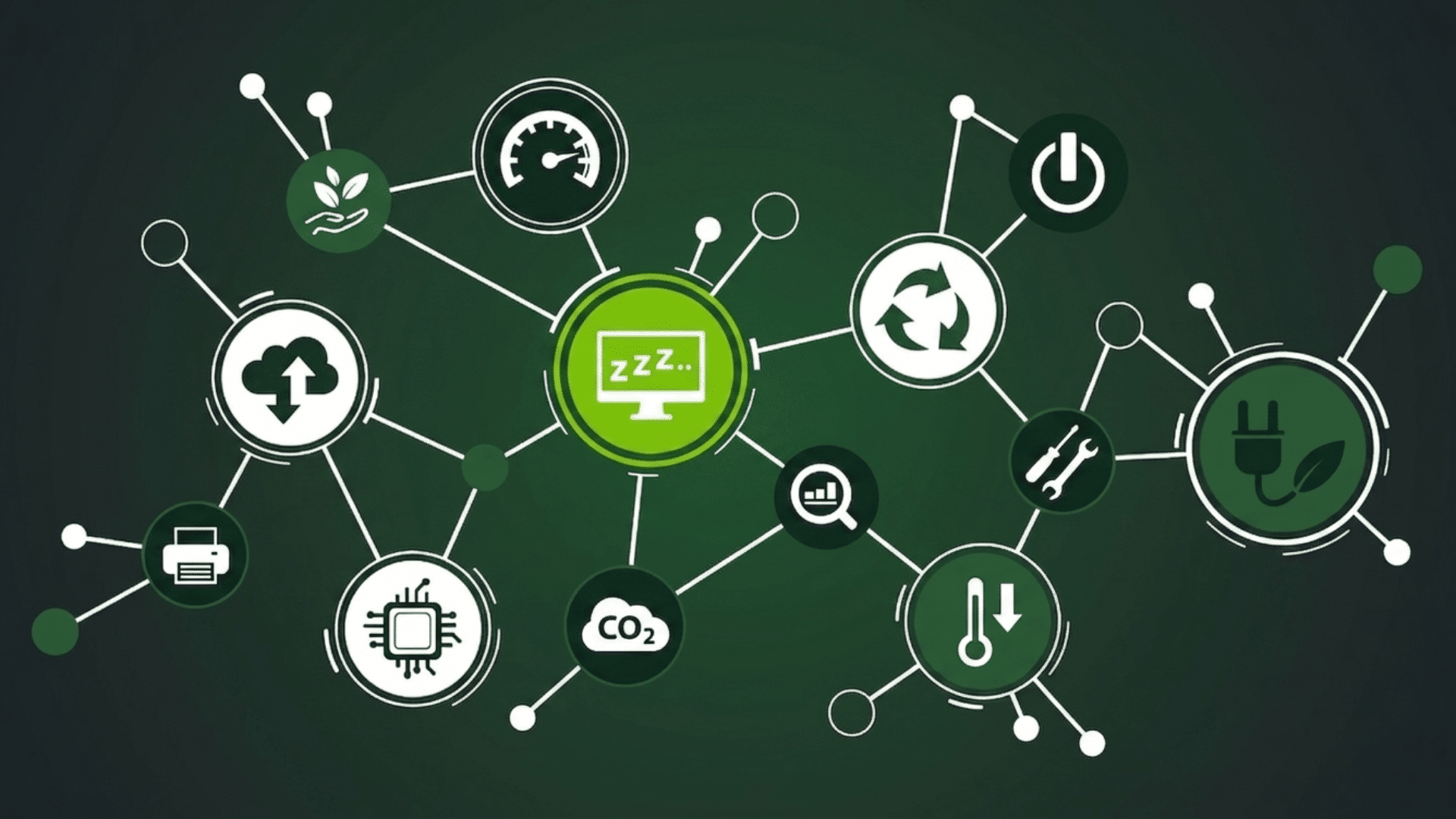
Simple green computing practices at home are easy to follow and do not require major changes. Small actions can help reduce energy use and improve efficiency in daily tech habits.
1. Turn Off Devices when Not in Use
Turning off devices when they are not in use is one of the easiest ways to save energy. Many people leave computers, monitors, and chargers running even when they are idle.
This still uses electricity over time. Shutting down systems or unplugging them helps avoid this waste. It also reduces wear on hardware.
Making this a daily habit can lower power use without affecting productivity. Even small steps like turning off screens can make a noticeable difference over time.
2. Use Power-Saving Settings
Most devices come with built-in power-saving options that are often ignored. Features such as sleep mode, auto-shutdown, and brightness control help reduce energy use.
Lowering screen brightness and setting shorter idle times can quickly cut power consumption.
These settings do not affect normal usage but make devices more efficient.
Using them regularly helps reduce electricity use without extra effort. It is a simple way to improve home energy efficiency.
3. Choose Energy-Efficient Devices
Energy-efficient devices are designed to use less power while delivering good performance. Choosing laptops, monitors, and appliances with energy ratings can reduce overall electricity use.
These devices may cost more at first, but they help save money over time.
They also produce less heat, which supports better system health.
Using such devices is a practical step toward reducing environmental impact. It supports long-term efficiency without changing daily routines.
4. Limit Background Applications
Running too many applications at once increases energy use and slows down systems. Many programs continue running in the background even when not needed.
Closing unused apps helps reduce system load and improve performance.
This allows devices to use less power while running smoothly.
It also helps extend battery life for laptops and mobile devices. Keeping only necessary programs active is a simple but effective way to manage energy use.
5. Recycle Old Electronics
Old and unused electronics should not be thrown away with regular waste. They contain materials that can harm the environment if not handled properly.
Recycling helps recover useful parts and reduces electronic waste.
Many centers accept old devices for safe disposal. Donating working devices is also a good option.
Proper recycling supports cleaner surroundings and reduces the need for new raw materials. It is an important part of responsible technology use.
6. Use Virtualization Where Possible
Running multiple virtual machines on a single physical host reduces the number of devices that need to stay powered on around the clock.
This is common in enterprise IT, but home users and freelancers can do it too.
Tools like VirtualBox let you run multiple workloads on one machine and reduce power use.
I’ve used this approach in documentation lab setups where running three separate physical machines was replaced by one host running VMs.
7. Opt for Cloud Storage Over Local Servers
Keeping a personal NAS or local file server running 24/7 consumes a steady stream of electricity. For most home and small-office users, a cloud storage service is a better option.
It shifts the energy use to shared systems that large providers run more efficiently than a single home storage device.
The trade-off is ongoing subscription cost versus upfront hardware savings, so it is worth calculating the break-even point for your specific usage pattern.
How Green Computing Reduces Energy Use?
Green computing reduces energy use by improving how devices and systems are designed and used. Energy-efficient hardware consumes less power while still performing well.
Built-in features such as sleep mode, auto-shutdown, and brightness control help reduce energy use during idle time.
Reducing unnecessary tasks also plays a role. When fewer applications run in the background, devices require less power to operate.
Shared systems like cloud computing reduce energy use by cutting the need for multiple machines.
Technologies such as in-memory database systems further support this by processing data quickly while consuming less power.
Better cooling systems also support lower energy use by reducing heat buildup.
Overall, green computing focuses on smarter use and more efficient technology to reduce electricity consumption while maintaining good performance.
Future Trends in Green Computing
Green computing continues to grow as technology advances and energy needs increase. New trends are focused on making systems more efficient and reducing environmental impact.
- Energy-Efficient Hardware: New devices are designed to use less power while delivering strong performance.
- Cloud Optimization: Improved cloud systems help reduce the need for multiple physical machines.
- AI for Energy Management: Smart systems use AI to control power use and improve efficiency.
- Green Data Centers: Data centers are using renewable energy and better cooling systems.
- Sustainable Manufacturing: Companies are focusing on eco-friendly materials and production methods.
- Recycling Innovations: Better methods are being developed to reuse and recycle electronic components.
- Edge Computing Growth: Processing data closer to devices reduces the need for large data transfers and lowers energy use.
- Low-Power Chip Design: New processors are being built to deliver high performance while using less electricity.
- Smart Energy Monitoring: Advanced tools track energy use in real time to improve efficiency.
- Circular Economy Models: More focus on reusing, refurbishing, and extending the life of electronic devices.
Best Green Computing Tools and Software
Green computing tools and software help reduce energy use and improve system efficiency. They make it easier to manage power, monitor usage, and cut unnecessary waste.
| Tool/Software | Purpose | Key Feature |
|---|---|---|
| PowerTOP | Monitors power usage | Suggests energy-saving improvements |
| Windows Power Options | Manages system power settings | Easy built-in energy controls |
| Joulemeter | Tracks device energy use | Measures app-level consumption |
| Cisco EnergyWise | Controls network energy use | Centralized energy management |
| Sleep Timer Apps | Automates shutdown | Saves power during inactivity |
| SolarWinds | Monitors performance | Tracks system efficiency |
| Ubuntu Power Manager | Controls Linux power settings | Customizable energy options |
| Greenspector | Analyzes software impact | Evaluates app energy efficiency |
Role of AI in Sustainability and Green Computing
Artificial intelligence plays an important role in improving sustainability and supporting green computing. It helps systems run more efficiently by analyzing data and reducing unnecessary energy use.
For example, AI can manage power consumption in data centers by adjusting cooling and workload distribution in response to real-time needs.
AI is also used in smart grids to balance energy supply and demand, which reduces waste.
It can predict system performance and fix issues before they lead to higher energy use. In daily applications, AI helps optimize devices and applications so they consume less power.
Overall, AI supports better decision-making and efficient resource use.
This makes technology smarter while also helping reduce environmental impact in a practical and effective way.
Google’s DeepMind Data Center Cooling
One of the most documented real-world applications is Google’s use of DeepMind AI to manage cooling in its data centers.
By analyzing thousands of sensor readings and applying reinforcement learning, the system reduced cooling energy consumption by approximately 40% compared to manual management.
This example is worth noting not because it is replicable at the consumer level.
But because it illustrates the ceiling of what AI-assisted energy management can achieve when applied systematically at scale.
Common Mistakes to Avoid in Green Computing
Many people try to follow green computing, but still make small mistakes that reduce its impact. Avoiding these can help improve energy efficiency and reduce waste more effectively.
- Leaving Devices On: Keeping computers and monitors running when not in use wastes electricity and increases energy costs.
- Ignoring Power Settings: Not using sleep mode or brightness controls results in higher power consumption.
- Using Outdated Devices: Older systems often use more energy and run less efficiently than newer models.
- Running Too Many Apps: Keeping unnecessary programs open increases system load and energy use.
- Improper E-Waste Disposal: Throwing electronics in regular trash harms the environment and wastes reusable materials.
- Overcharging Devices: Leaving devices plugged in after a full charge can waste energy over time.
Conclusion
Green computing is not about doing everything at once. It is about making small, smart changes that add up over time.
I’ve reviewed audits where teams cut energy use without changing hardware, simply by enforcing power settings and removing unused background apps. These habits become easy once they are part of a daily routine.
What matters most is consistency. Choosing better devices, reducing waste, and using technology wisely can create long-term benefits for both cost and the environment.
Small actions add up over time. Even basic changes can improve efficiency and support smarter technology use.
Now it’s your turn. What changes have been tried so far? Have any simple steps worked well? Share your experience in the comments below and help others learn from it.
Frequently Asked Questions
What Are the 3 R’s of Green Computing?
Reduce, Reuse, and Recycle are the core principles that help minimize waste and improve efficient use of technology.
What Careers Are Related to Green Computing?
Careers include sustainability analyst, IT energy manager, green data center engineer, and environmental technology specialist.
What Is Another Name for Green Computing?
It is also known as sustainable computing or eco-friendly computing.
What Are the 5 Types of Green Technology and Examples?
Examples include solar panels, energy-efficient servers, LED lighting, smart grids, and electric vehicles.
How is AI used in Green Tech?
AI helps optimize energy use, manage smart grids, and improve the efficiency of systems such as data centers.