



Have you ever wondered how businesses manage hundreds of employees, visitors, and contractors without constantly replacing lost keys or worrying about who can enter restricted spaces?
Traditional locks often become harder to manage as businesses grow, especially when multiple doors, departments, and access levels are involved.
It is often observed that many businesses start thinking about better security only after dealing with missing keys, employee turnover, or access problems that slow down daily operations.
In my experience, controlling entry points becomes much easier when businesses move from physical keys to systems that provide visibility and control.
Commercial door access control systems help businesses manage entry, track movement, and secure important areas more effectively.
In this guide, I’ll explain how these systems work, the different types available, the installation requirements, and the security factors to consider before making a decision.
What are Commercial Door Access Control Systems
Before comparing system types or planning an installation, it is important to understand the basics.
I have found that once businesses understand how access control works in practice, choosing the right setup becomes much easier.
The sections below explain what these systems do, how they function, and why many businesses are moving away from traditional key-based security.
What Commercial Door Access Control Systems Do
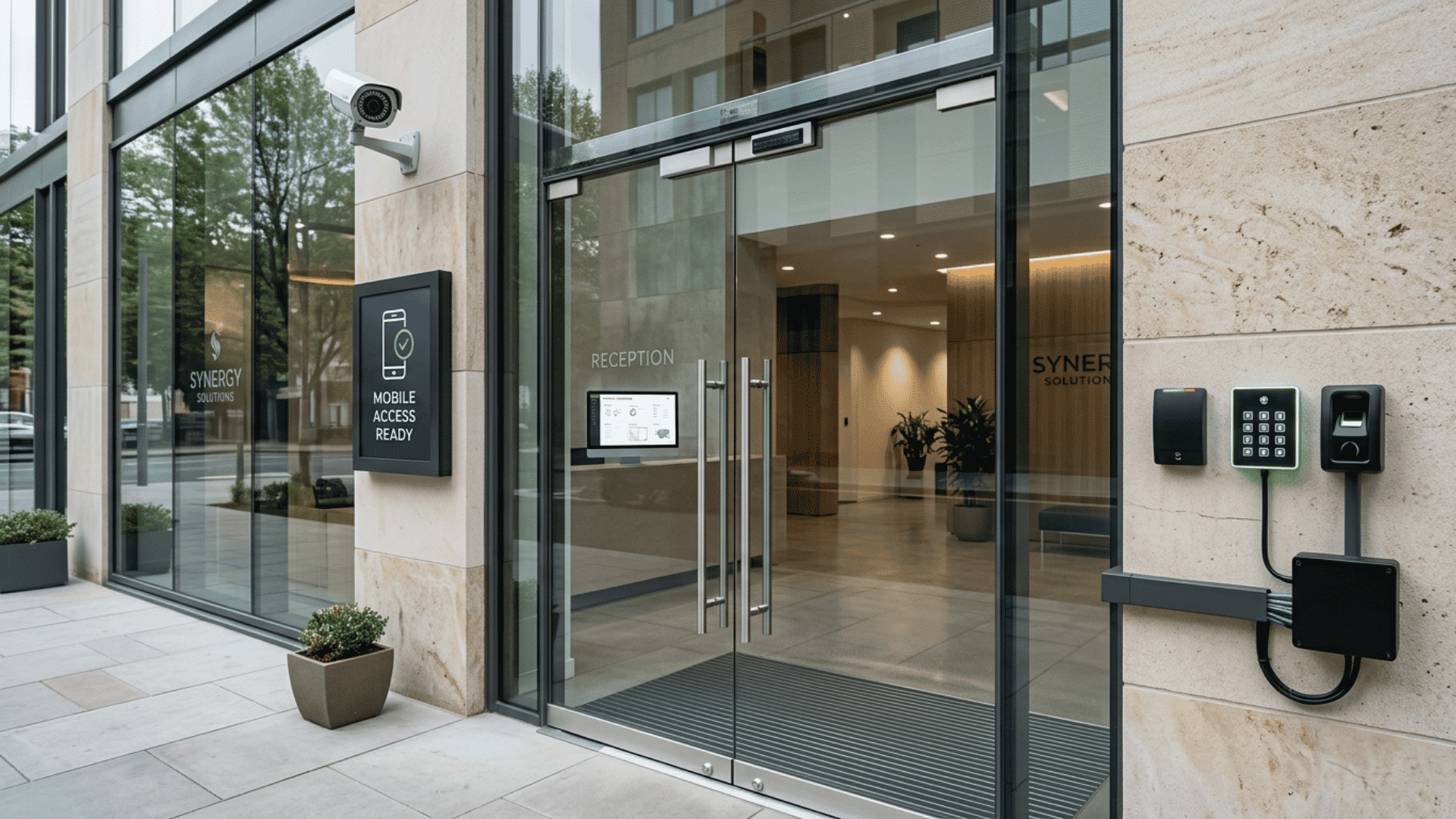
Commercial door access control systems are security solutions that manage who can enter a building, room, or restricted area and when access is allowed.
Instead of relying solely on physical keys, these systems use digital credentials and access controls to manage entry.
Businesses use them for more than locking doors. These systems help monitor movement, simplify permission management, and reduce security risks.
Before choosing a system, first list your access needs. It often prevents paying for features that may never be used.
Main Components Inside an Access Control System
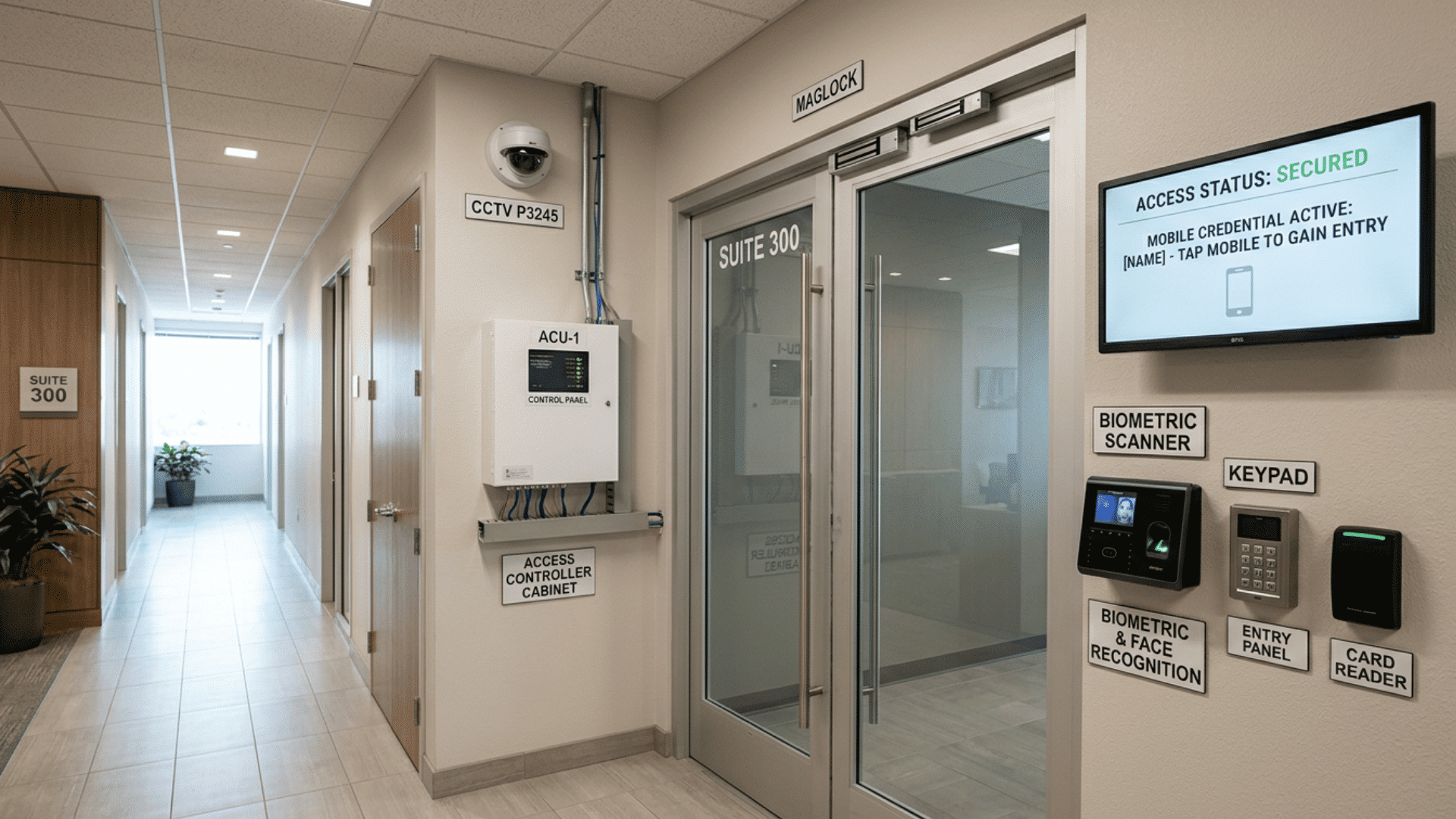
A commercial access control system relies on several connected components. Each part performs a specific task, and together they create a structured access process.
| Component | Primary Function |
| Credentials | Verify identity using cards, apps, PINs, or biometric data |
| Readers | Capture information from credentials |
| Controllers | Process permissions and access requests |
| Electronic Locks | Secure or release doors |
| Software Platforms | Manage users, schedules, and reports |
| Exit Devices | Support safe exits and emergency access |
I usually think of access control systems as connected layers rather than one product. Each component contributes to both convenience and security.
Step-By-Step Process of How Access is Granted
When someone requests access, the system completes several actions within seconds. Although the process feels simple from the user’s side, multiple checks happen before the door responds.
Typical access flow:
- A user presents a card, mobile credential, PIN, or biometric scan
- The reader receives and sends the information for verification
- The controller checks permissions and access rules
- The system approves or rejects the request
- The electronic lock reacts accordingly
- The activity gets stored in access records
Many commercial systems process all these actions faster than manually unlocking a door with a traditional key.
Commercial Vs Residential Access Systems
Commercial and residential systems both control entry, but their requirements differ significantly.
Businesses generally require more control, more users, and stronger reporting capabilities.
From what I have seen, companies often underestimate how quickly access management becomes more complex as teams grow.
| Feature | Commercial Access Systems | Residential Access Systems |
| User Capacity | Supports larger teams and visitors | Smaller user groups |
| Security Controls | Multiple permission levels | Basic access settings |
| Door Coverage | Multiple doors and locations | Fewer entry points |
| Monitoring | Detailed activity records | Limited monitoring |
| Permission Management | Role-based access | Simpler settings |
| Integrations | Cameras, alarms, software connections | Limited integrations |
| Expansion | Easier growth support | Lower expansion needs |
If business growth is expected, selecting a system with extra capacity now can reduce replacement costs later.
Why Businesses Replace Traditional Keys
Traditional keys are familiar and inexpensive, but they become harder to manage as operations expand.
Businesses with larger teams or multiple locations often struggle with manual key tracking and changing permissions.
Some of the most common reasons businesses move away from keys include lost copies, employee turnover, limited activity tracking, and delayed permission updates.
I have noticed that the shift usually occurs when managing access starts to create operational problems rather than security concerns alone.
Types of Commercial Door Access Control Systems
Choosing the right access control system depends on factors like building size, number of users, security priorities, and future expansion plans.
Looking at setup methods and intended use cases together can help narrow down options faster and reduce the risk of selecting a system that later proves limiting.
1. Wired Access Control Systems
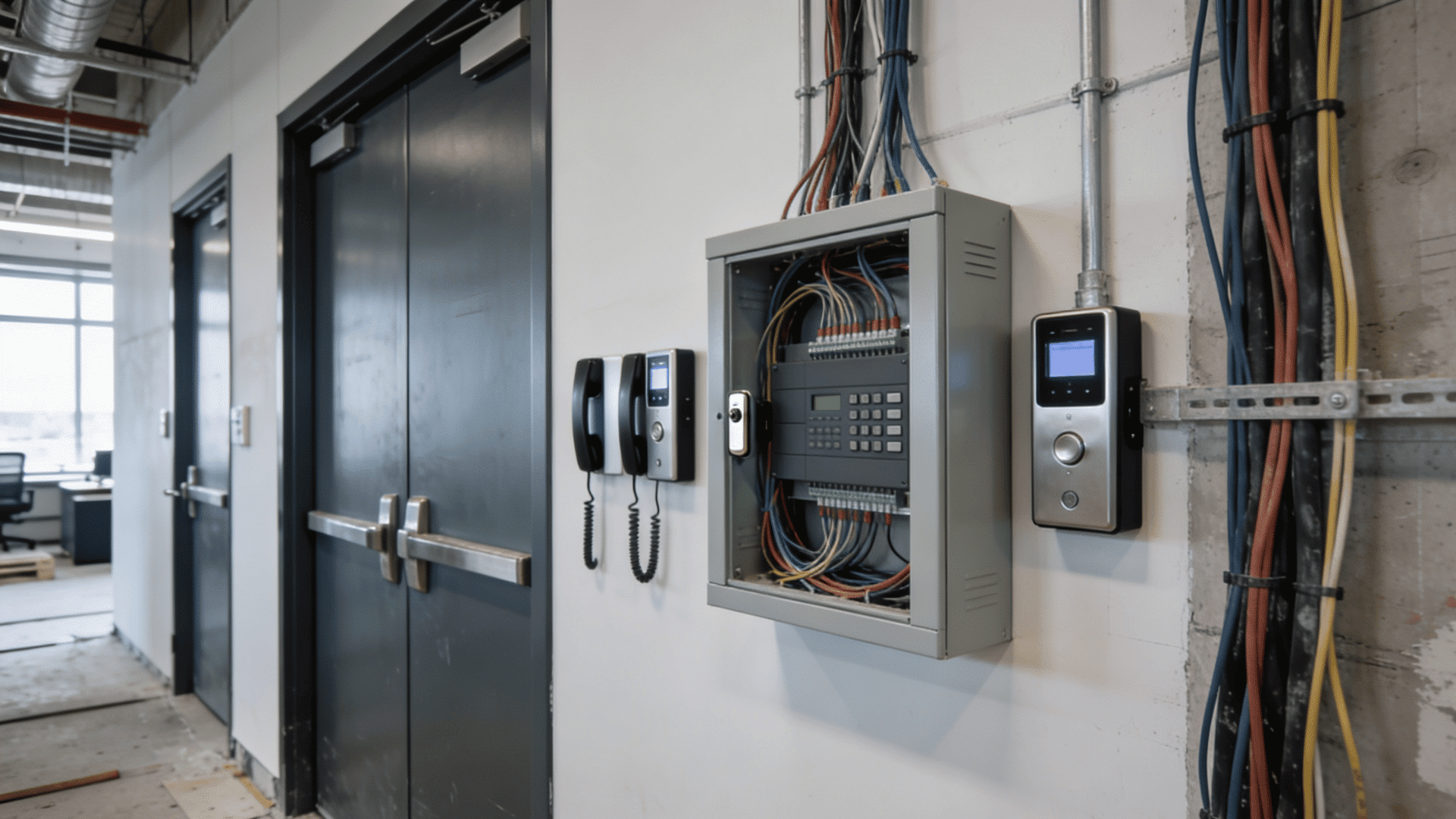
Wired access control systems use physical cabling to connect readers, controllers, locks, and management systems.
These setups are commonly installed during new construction projects or large renovations because cabling work is easier at that stage.
One advantage of wired systems is stability. Since devices communicate through dedicated connections, they are often considered reliable for environments where consistent performance matters.
However, installation can take longer, and expansion may require additional wiring.
These Systems are Commonly Used In:
- Office buildings
- Schools and campuses
- Manufacturing facilities
- Large commercial properties
It is suggested that wired systems are considered when long-term infrastructure changes are unlikely, since future expansions may require additional cabling and installation work.
2. IP-Based Access Control Systems
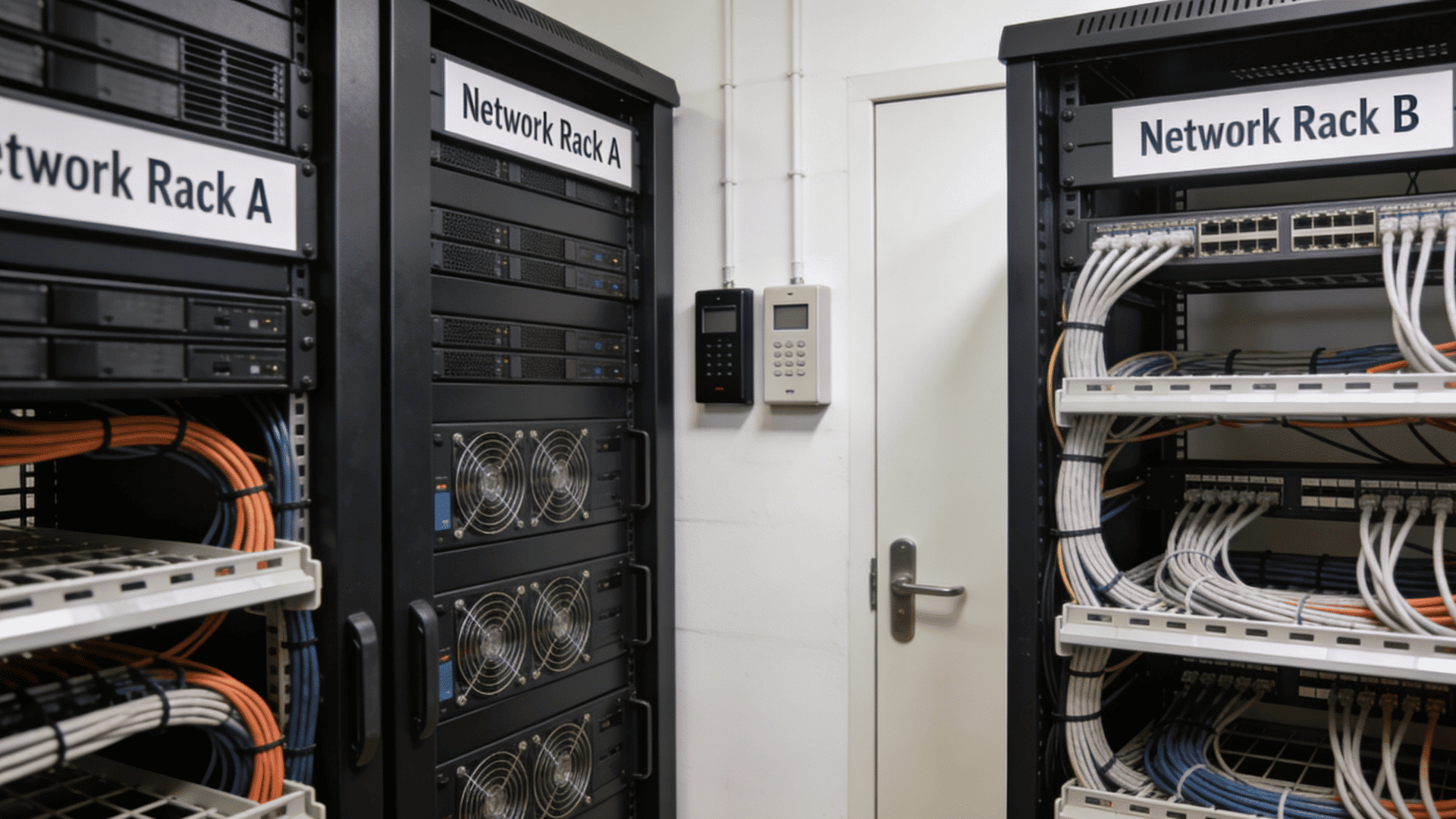
IP-based systems use network connections such as Ethernet or Wi-Fi to enable communication between system components.
Instead of relying entirely on dedicated wiring, these systems often use existing network infrastructure.
Businesses often prefer IP-based systems because expansion tends to be easier. New doors, users, or locations can usually be added without major rewiring projects.
Benefits and Considerations Include:
| Area | Details |
| Communication | Uses network infrastructure |
| Expansion | Easier to scale across locations |
| Security Concerns | Requires cybersecurity controls |
| Suitable For | Growing businesses and multi-door setups |
These systems work well for organizations expecting future growth or multiple access points.
3. Cloud-Based Access Control Systems
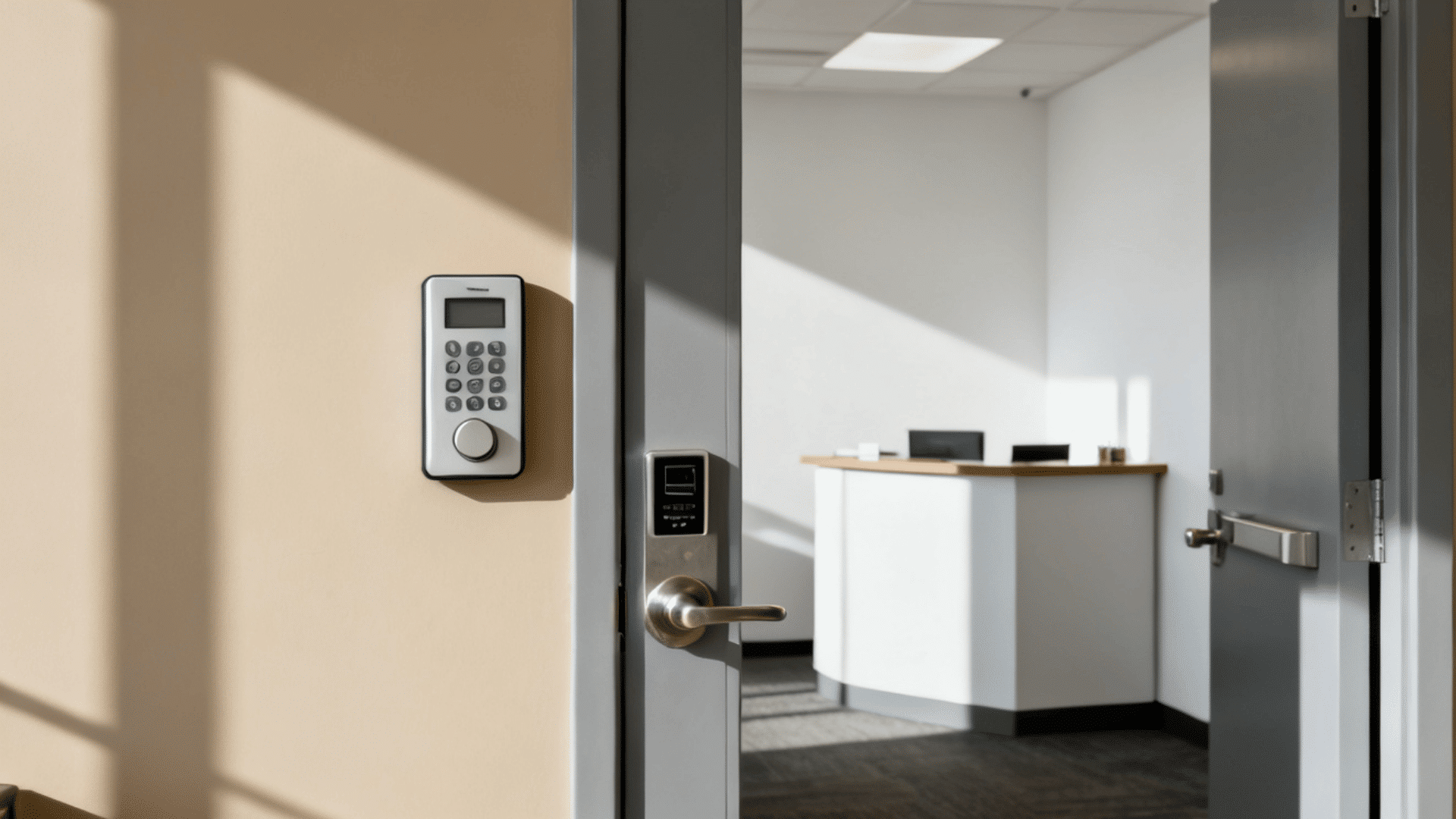
Cloud-based systems store management tools and system controls online instead of keeping everything locally. Administrators can manage users, permissions, and access records from almost anywhere with internet access.
Businesses operating multiple sites often prefer cloud systems because centralized management reduces manual work.
At the same time, subscription fees and internet dependency should be considered during planning.
Key Characteristics Include:
- Remote access management
- Easier multi-location oversight
- Lower hardware requirements
- Ongoing subscription costs
- Dependence on internet connectivity
Pro Tip: Always review offline functionality before choosing a cloud-based system. Some systems maintain basic functions during network interruptions while others may have limitations.
4. On-Premise Access Control Systems
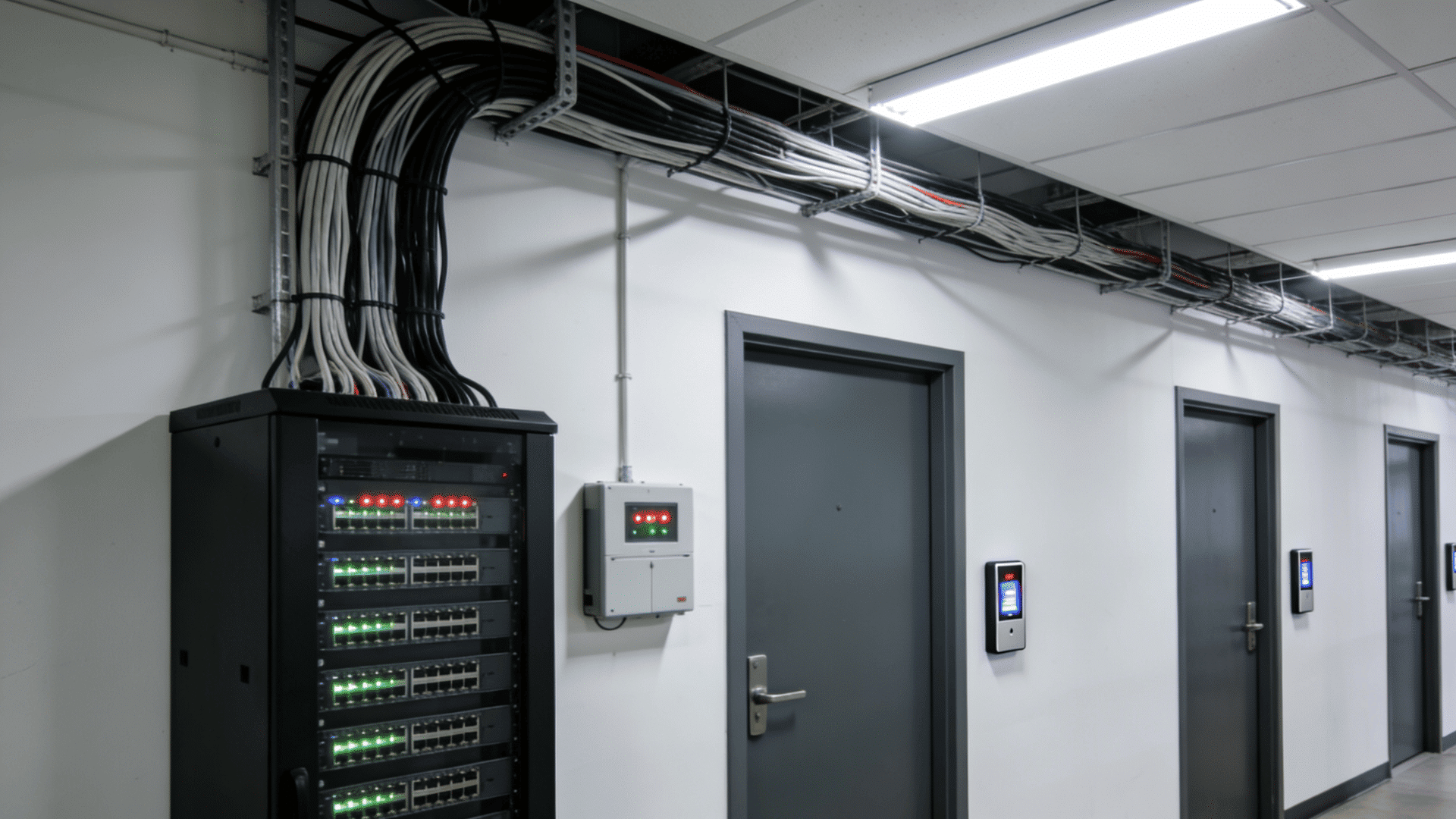
On-premise systems store software, databases, and management tools on servers located within the business environment.
These systems provide organizations with greater control over their infrastructure and data management practices.
This approach often appeals to businesses with stricter compliance requirements or internal IT resources. However, maintenance responsibilities usually remain with the organization.
| Factor | On-Premise Systems |
| Infrastructure | Managed locally |
| Data Storage | Stored internally |
| Maintenance | Managed by in-house teams |
| Upfront Costs | Often higher initially |
| Internet Dependence | Lower reliance |
I often see businesses with dedicated IT teams usually manage on-premise systems more comfortably than smaller organizations.
5. Standalone Access Control Systems
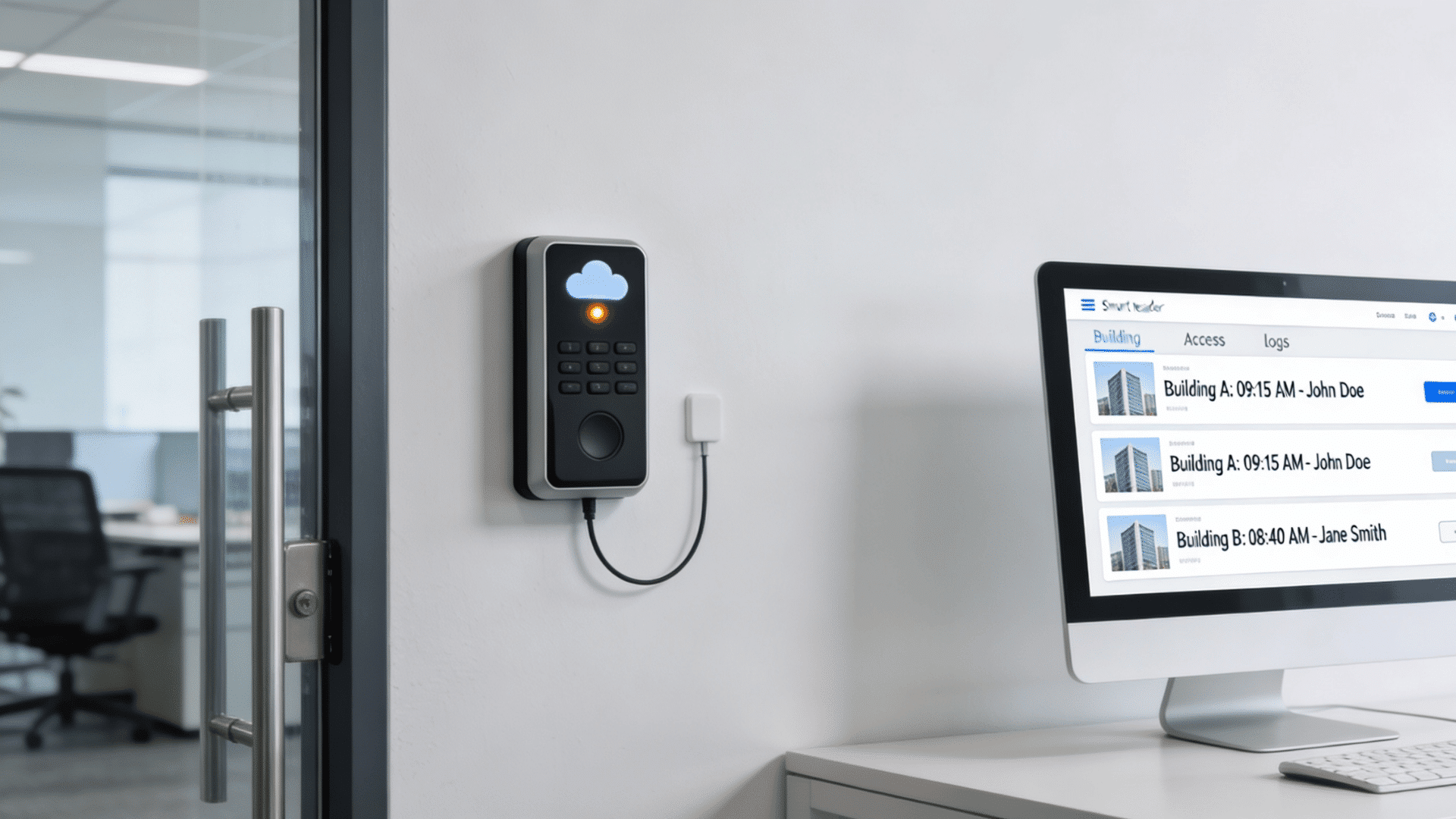
Standalone systems control individual doors without depending on a central management platform. These setups are usually simpler and work well for businesses that only need security for a few entry points.
Because each door operates independently, management can become harder as the number of users or doors increases.
These Systems are Commonly Suitable For:
- Small offices
- Retail stores
- Storage rooms
- Single-entry facilities
It is suggested that standalone systems are considered only when expansion requirements are limited.
6. Mobile-Based Access Control Systems
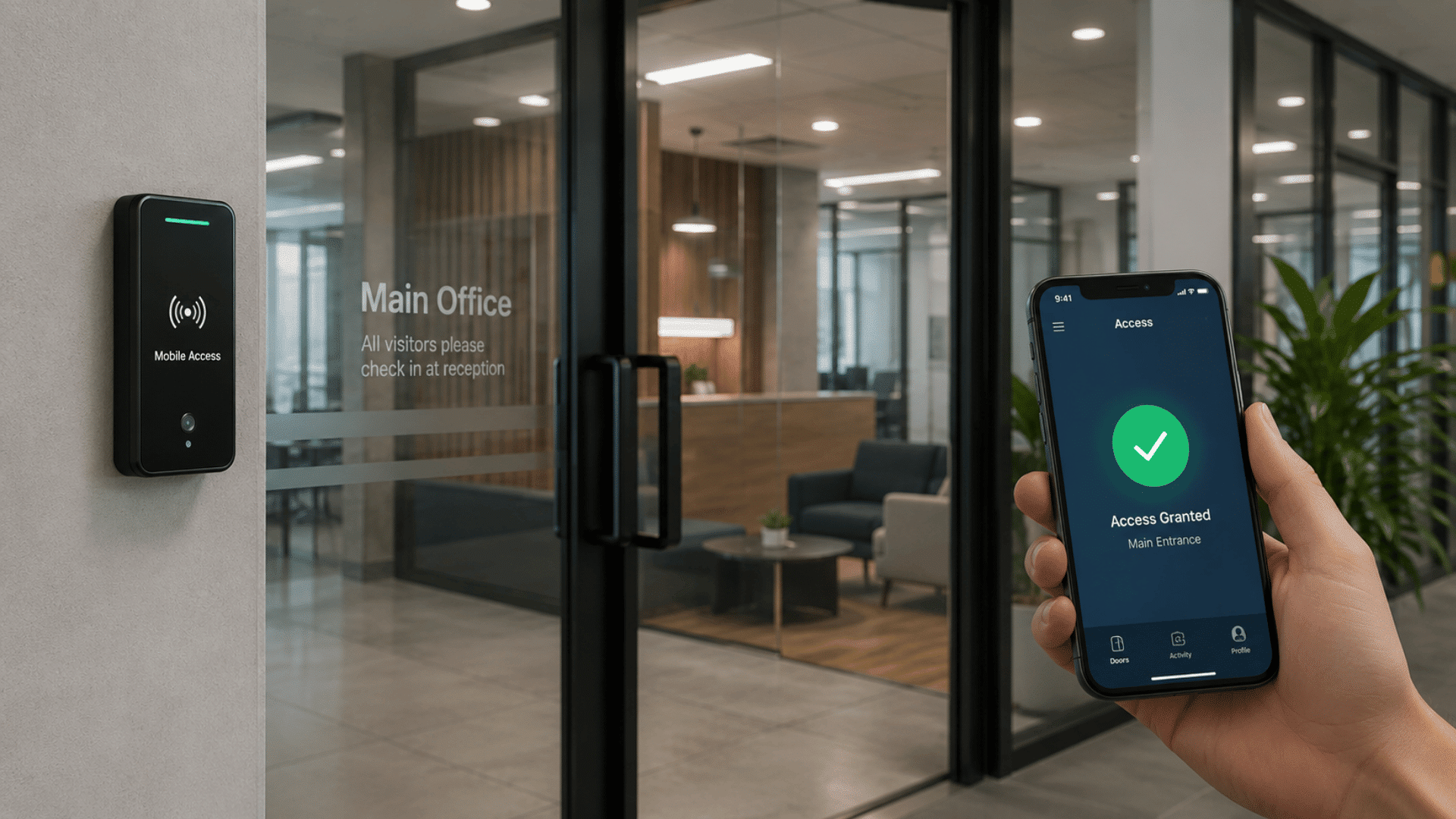
Mobile-based systems allow users to access buildings through smartphones instead of physical credentials.Access permissions are usually managed through apps or cloud platforms.
Businesses often choose this option to reduce dependency on physical cards and simplify credential distribution.
Common Advantages Include:
| Area | Details |
| Credential Management | Digital distribution |
| User Convenience | High |
| Lost Credential Risk | Lower |
| Suitable For | Modern offices and shared spaces |
One consideration is ensuring employees have compatible devices and proper security settings.
7. Biometric Access Control Systems
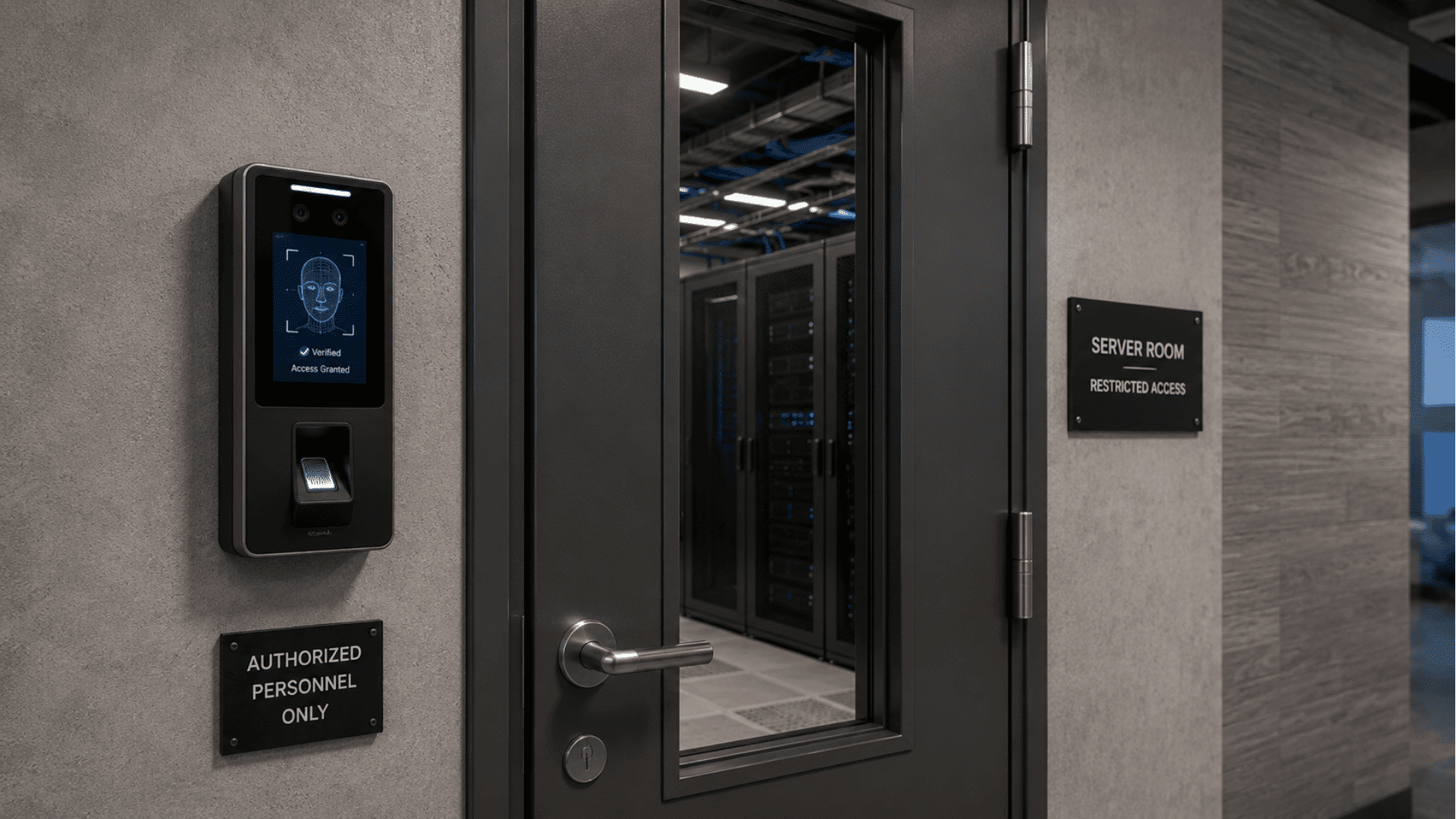
Biometric systems verify identity using physical characteristics such as fingerprints, facial recognition, or iris scans. These systems are commonly used where stronger verification is required.
They are Often Selected For:
- Data centers
- Laboratories
- Healthcare facilities
- High-security rooms
Although security levels are generally higher, businesses should also review privacy requirements and data storage policies.
8. Role-Based Access Control Systems
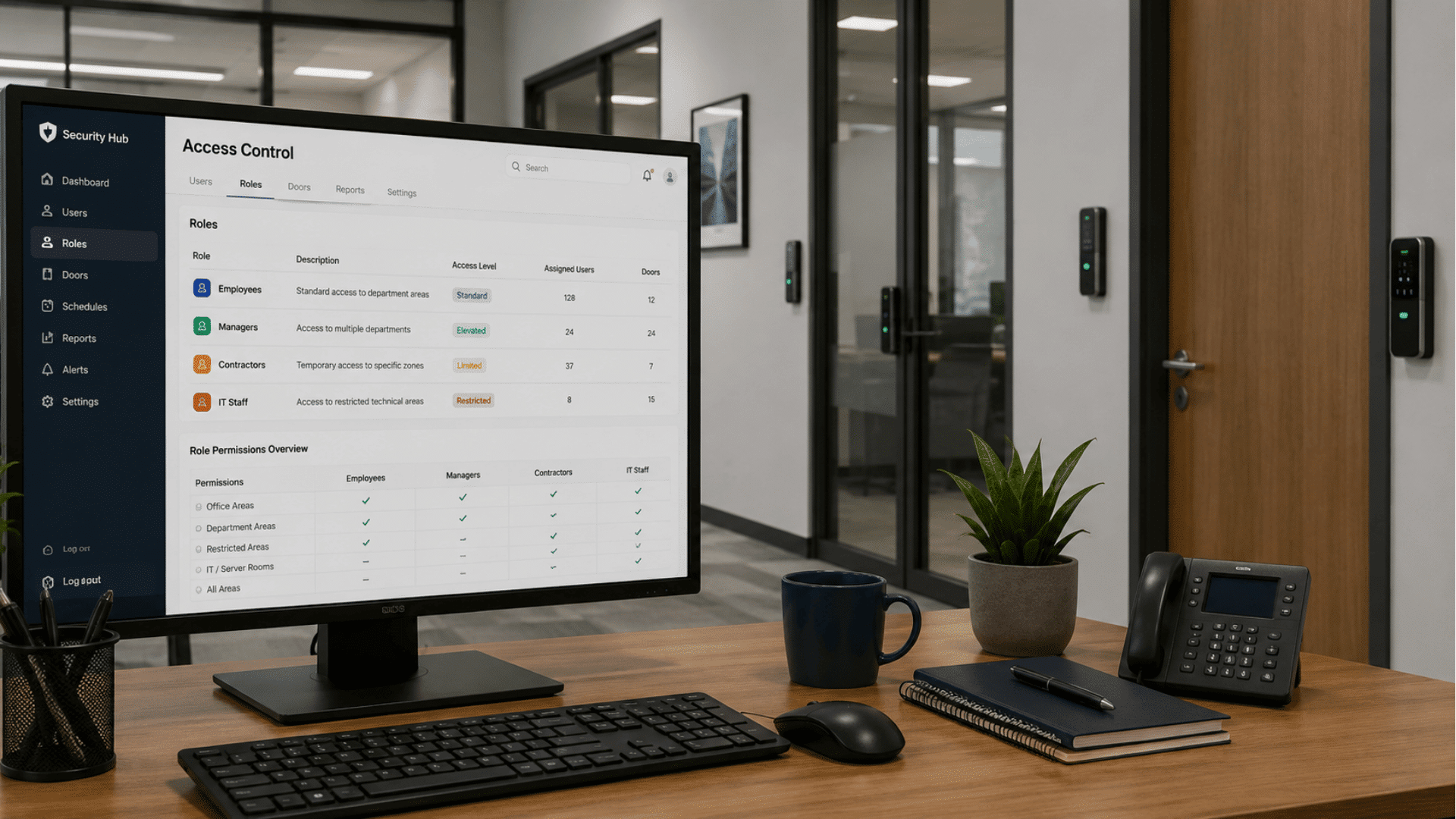
Role-based systems assign permissions based on job responsibilities rather than individual user settings. Instead of configuring access for one user at a time, administrators create permission groups.
For Example:
| User Role | Typical Access Level |
| Employees | Department areas |
| Managers | Multiple departments |
| Contractors | Temporary zones |
| IT Teams | Restricted technical areas |
I often see businesses with larger teams prefer role-based structures because permission management becomes easier over time.
9. Multi-Site Access Control Systems
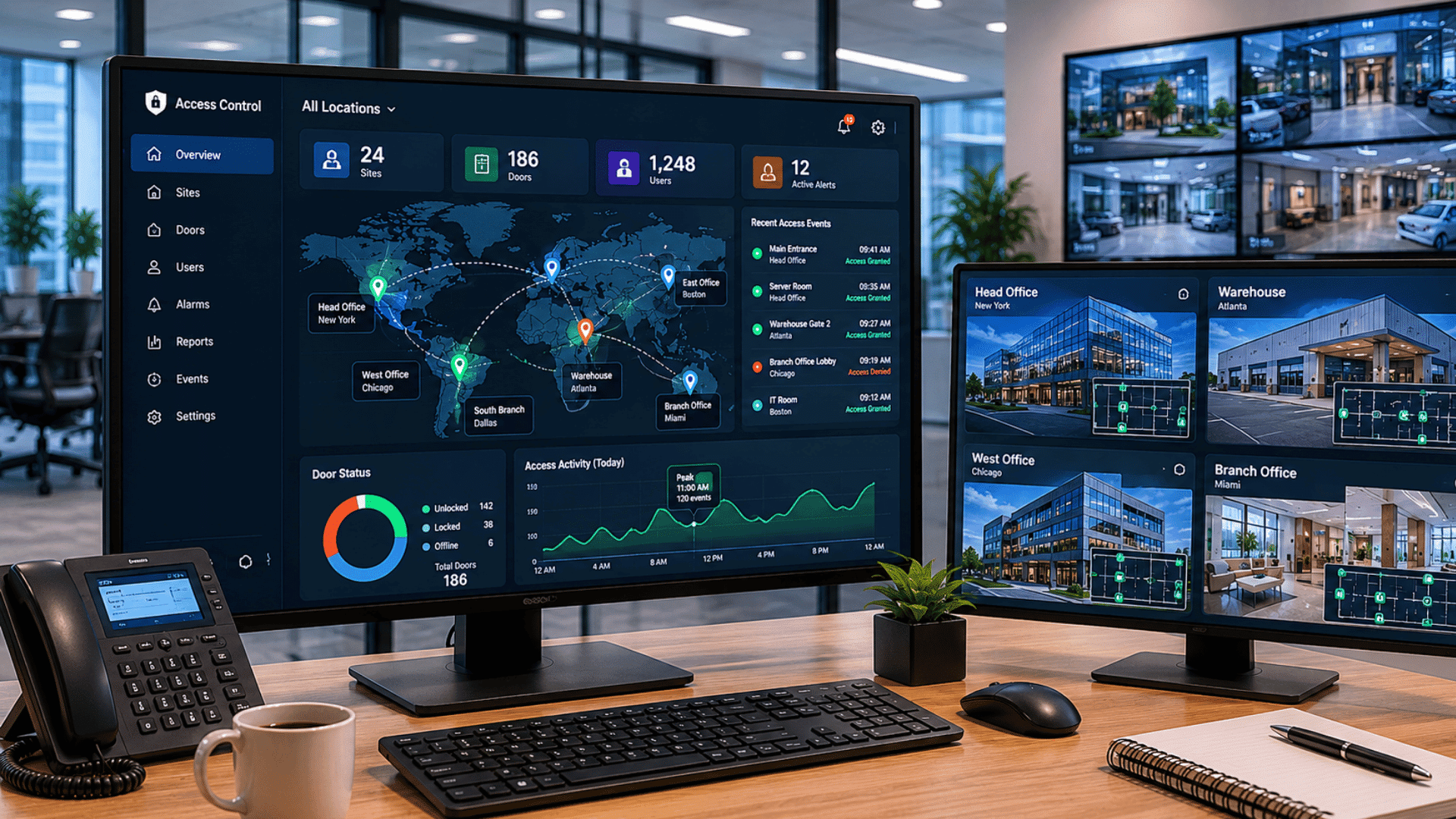
Multi-site systems are designed for organizations operating across multiple buildings or locations. Instead of managing each site separately, administrators can monitor everything through centralized controls.
These Systems are Useful For:
- Multi-branch offices
- Warehouses
- Educational institutions
- Franchise businesses
It is suggested that businesses expecting expansion evaluate centralized management capabilities early because migrating systems later can increase costs.
Commercial Door Access Control Systems Comparison Table
Different commercial door access control systems are designed for different building layouts, user volumes, and security needs.
Reviewing them together makes it easier to identify which setup aligns with current requirements while leaving room for future changes.
| System Type | Setup Method | Suitable For |
| Wired Access Control Systems | Physical cabling infrastructure | Offices, schools, manufacturing facilities |
| IP-Based Access Control Systems | Ethernet or network connections | Growing businesses and multi-door facilities |
| Cloud-Based Access Control Systems | Internet-connected infrastructure | Multi-site businesses and distributed teams |
| On-Premise Access Control Systems | Local servers and infrastructure | Businesses with dedicated IT teams |
| Standalone Access Control Systems | Individual door installations | Small offices and retail spaces |
| Mobile-Based Access Control Systems | Smartphone-enabled credentials | Modern workplaces and shared spaces |
| Biometric Access Control Systems | Fingerprint, facial, or biometric hardware | High-security areas |
| Role-Based Access Control Systems | Permission-based software configuration | Medium and large organizations |
| Multi-Site Access Control Systems | Connected infrastructure across locations | Businesses operating across several locations |
Types Of Credentials Businesses Use
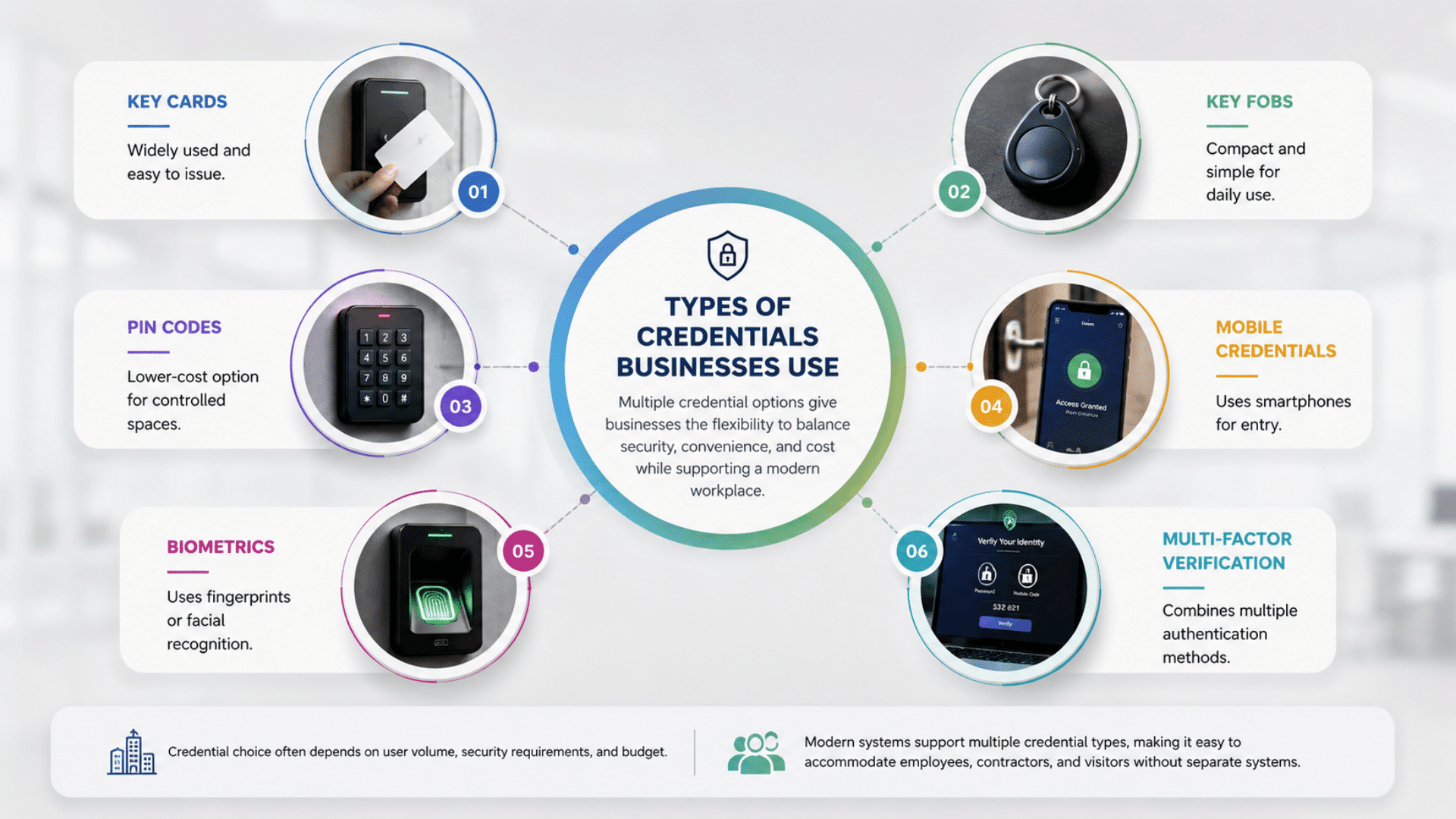
The credential type determines how users identify themselves before entering a secured area. Different options balance convenience, security, and cost in different ways.
Common credential options include:
- Key Cards: Widely used and easy to issue
- Key Fobs: Compact and simple for daily use
- PIN Codes: Lower-cost option for controlled spaces
- Mobile Credentials: Uses smartphones for entry
- Biometrics: Uses fingerprints or facial recognition
- Multi-Factor Verification: Combines multiple authentication methods
Credential choice often depends on user volume, security requirements, and budget.
Many modern access systems now allow businesses to support multiple credential types at the same time, making it easier to accommodate employees, contractors, and visitors without separate systems.
Common Installation Mistakes to Avoid
Installation mistakes can increase costs, create access issues, and reduce system reliability over time.
Paying attention to these common mistakes can help businesses avoid unnecessary upgrades and operational disruptions.
- Ignoring Future Growth: Installing only for current needs can make expansion expensive when more doors or users are added later.
- Poor Cable Planning: Improper cable routing can create maintenance challenges and necessitate later installation adjustments.
- Skipping Backup Power: Without battery backups, doors and controllers may stop functioning properly during outages.
- Weak Permission Structures: Giving users broader access than necessary increases security risks and reduces control.
- Choosing Incompatible Hardware: Some locks, readers, or doors may require additional modifications before installation.
- Underestimating Network Requirements: A weak network infrastructure can lead to delays, connectivity issues, or system downtime.
- Poor User Group Planning: Unorganized access groups make permission management harder as teams grow.
- Ignoring Maintenance Requirements: Delaying software updates and hardware checks can affect reliability and security over time.
- Suggestion: Businesses should create a detailed installation checklist before deployment, as small planning mistakes often become expensive corrections later.
Buying Factors Businesses Should Consider
Selecting a system becomes easier when businesses focus on operational needs instead of features alone. Reviewing these factors early can help avoid unnecessary upgrades or overspending later.
| Buying Factor | Why It Matters |
| Number of Users | Determines user capacity and permission requirements |
| Number of Doors | Affects hardware quantity and system size |
| Building Size | Influences infrastructure and installation scope |
| Budget | Impacts hardware, software, and support options |
| Growth Plans | Helps prevent early replacement costs |
| Management Style | Decides between centralized or local control |
| Credential Preference | Changes hardware and security requirements |
| Existing Infrastructure | Affects compatibility with current systems |
It is suggested that businesses prioritize future requirements alongside current needs because access requirements often expand over time.
At the End
Commercial door access control systems have become less about simply controlling doors and more about improving visibility, accountability, and day-to-day management.
A well-planned system can help businesses manage employee access, reduce manual administration, and respond faster when security concerns arise.
I often see businesses get better long-term results when they think beyond immediate needs and consider how their operations may change over time.
Planning for expansion, user growth, and future integrations usually makes system decisions easier later.
Take time to audit your existing access setup before selecting new hardware or software.
Identifying weak points in permissions, entry management, and scalability now can help you choose a commercial door access control system that supports daily operations and future growth.
Frequently Asked Questions
Can Existing Doors Support Access Control Systems?
Many doors can support upgrades if existing hardware is compatible.
Are Cloud-Based Access Systems Secure?
They can be secure when updates, encryption, and access policies are maintained.
How Often do Access Control Systems Need Maintenance?
Regular software updates and hardware checks help maintain performance.