



A single physical network can support multiple separate networks with the help of VLAN technology.
If you are asking what a VLAN is, it is a virtual local area network that divides one physical network into smaller logical networks to improve organization, security, and traffic management.
VLANs allow devices to communicate within assigned groups while reducing unnecessary network traffic.
This article explains how virtual LANs work, their purpose, key concepts like VLAN tagging and switching, and common networking uses.
From business networks to data centers, VLANs help create efficient and manageable connections without requiring separate physical hardware for every network segment.
Understanding VLAN basics makes it easier to manage modern network environments.
What Is a VLAN in Networking?
A Virtual Local Area Network (VLAN) is a logical network that separates devices within the same physical LAN into different virtual groups.
Unlike traditional LANs, where all devices share one network segment, VLANs create multiple isolated networks using the same physical infrastructure.
They operate at Layer 2 of the OSI model and organize traffic based on functions, security needs, or management requirements.
Organizations use VLANs to reduce hardware costs, improve network security, simplify administration, and allow different departments or device groups to communicate efficiently within a structured network environment.
Are VLANs Enough for Network Security?
VLANs play an important role in improving network security by separating traffic, isolating sensitive resources, and controlling communication between different network segments.
However, they are not enough to provide complete protection on their own.
VLANs should be combined with additional security measures such as firewalls, access control lists (ACLs), encryption, and secure authentication methods.
Regular monitoring, configuration reviews, and proper VLAN management are also necessary to prevent security gaps.
A well-designed security strategy uses VLANs as one layer of protection along with other network controls to create a safer and more reliable environment.
How Do VLANs Work?
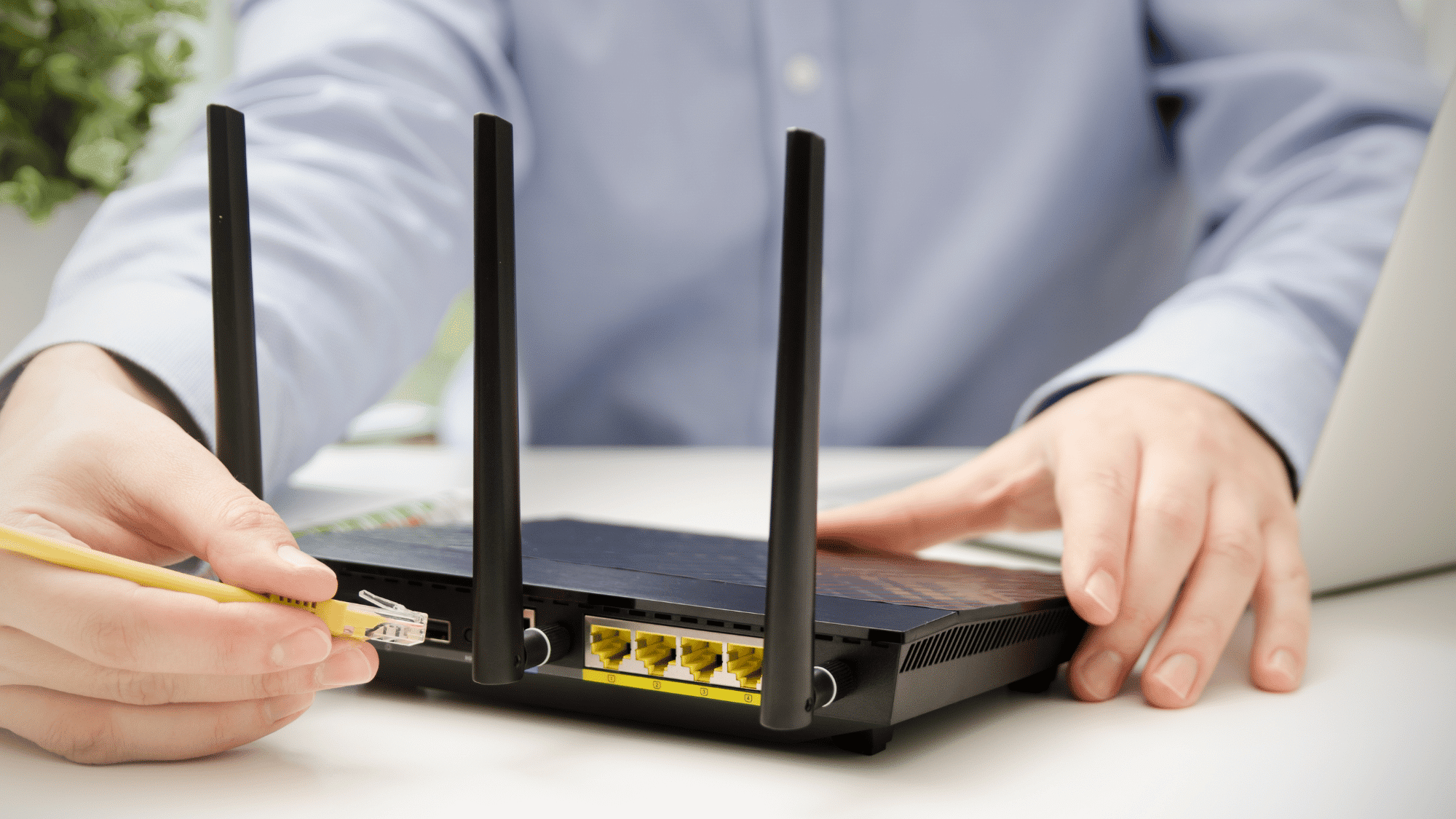
VLANs work by using network switches to create separate logical networks within the same physical infrastructure.
1. VLAN Tagging and IEEE 802.1Q
VLAN tagging is the process of adding VLAN identification information to Ethernet frames so switches know which virtual network the traffic belongs to.
The IEEE 802.1Q standard defines how VLAN tags are added and managed across networks.
When traffic moves between switches through trunk links, a VLAN tag helps maintain separation between different networks.
Tagged traffic allows multiple VLANs to share the same physical connection without mixing data between network segments.
2. Access Ports and Trunk Ports
Switch ports can operate as access ports or trunk ports depending on their role in a VLAN network.
Access ports connect individual devices, such as computers, printers, or phones, to a single VLAN and typically send untagged traffic.
Trunk ports connect switches or network devices and carry traffic from multiple VLANs using VLAN tags.
For example, a trunk link between two switches allows different department networks to communicate across the same physical cable while keeping their traffic separated and organized.
3. VLAN Communication and Inter-VLAN Routing
Devices within the same VLAN can communicate directly because they belong to the same logical network segment.
However, communication between different VLANs requires routing since each VLAN operates as a separate Layer 2 broadcast domain.
Inter-VLAN routing uses Layer 3 devices, such as routers or Layer 3 switches, to connect different VLAN networks.
Understanding a router IP address helps administrators configure routing between different VLANs and network segments.
4. VLAN Assignment and Port Configuration
VLAN assignment defines which devices belong to specific virtual networks and determines how switches manage their traffic.
Administrators configure switch ports based on factors such as department, device type, or security needs.
For example, finance computers and guest devices can be placed on separate VLANs.
Proper port configuration directs traffic accurately, limits unauthorized access, and helps managed switches simplify VLAN management, monitoring, security, and overall network efficiency.
Why Are VLANs Used in Networks?
VLANs are used in networks to create logical separation between devices while sharing the same physical infrastructure.
By dividing a network into different VLANs, organizations can improve security by isolating sensitive traffic and controlling access between groups, such as finance, HR, and IT departments.
According to the National Institute of Standards and Technology (NIST) Cybersecurity Framework, organizations can strengthen their security approach by identifying, protecting, detecting, responding to, and recovering from cybersecurity risks.
VLANs simplify network management by grouping devices based on function and support scalable growth by allowing easy addition of users, departments, and devices without major changes.
Key VLAN Concepts You Should Know
VLANs rely on several important concepts that help network administrators organize traffic, improve security, and manage communication between different network segments.
| VLAN Concept | Description |
|---|---|
| VLAN ID | A unique number assigned to each VLAN that helps switches identify and separate network traffic. VLAN IDs range from 1 to 4094 under the IEEE 802.1Q standard. |
| Default VLAN | The initial VLAN assigned to switch ports, commonly VLAN 1. Administrators often modify default settings to improve network security. |
| Native VLAN | A VLAN used on trunk links to handle untagged traffic and maintain communication between network devices. Proper configuration prevents security issues. |
| Inter-VLAN Routing | Enables communication between different VLANs using Layer 3 devices like routers or Layer 3 switches while maintaining network segmentation. |
How to Set up a Basic VLAN?
Setting up a VLAN involves configuring a network switch to create separate logical networks within the same physical infrastructure.
- Understand VLAN Basics: A VLAN divides a physical network into multiple logical segments for better organization and control. Each VLAN creates a separate broadcast domain.
- Plan Your VLAN Configuration: Define the purpose of each VLAN and decide how devices will be grouped across the network. Assign unique VLAN IDs from 1 to 4094 and create clear names.
- Access the Network Switch: Connect to the switch management interface through a web dashboard or command-line interface. Administrative access allows you to configure VLAN settings and traffic rules.
- Create VLANs on the Switch: Add new VLANs by assigning specific VLAN IDs and names through the switch configuration settings. Repeat the process for each VLAN required in the network environment.
- Assign Ports to VLANs: Configure switch ports and connect devices to their appropriate VLAN segments. Proper port assignment keeps traffic organized and improves network isolation.
- Configure Trunk Ports: Set up trunk ports when multiple VLANs need to communicate between switches or devices. Trunk connections use protocols like IEEE 802.1Q to carry VLAN information.
- Verify VLAN Configuration: Review VLAN settings using switch commands such as show vlan brief for accuracy. Verification helps detect configuration issues and ensures ports are assigned correctly.
- Test VLAN Connectivity: Check communication between devices within the same VLAN to confirm proper operation.
Types of Virtual LANS
Each type serves a specific purpose, such as managing user data, prioritizing voice communication, securing management traffic, or organizing devices based on ports and protocols.
1. Default VLAN
The default VLAN is automatically assigned to switch ports when a switch is first configured.
Most switches use VLAN 1 as the default VLAN, allowing connected devices to communicate within the same broadcast domain.
It provides basic network connectivity before custom VLAN settings are applied.
However, using the default VLAN for regular traffic can create security risks, so administrators often change configurations and assign dedicated VLANs for better network protection.
2. Data VLAN
A Data VLAN, also known as a User VLAN, is used to carry regular user-generated traffic across a network.
It separates data communication from other traffic types, such as voice and management data, helping improve organization and performance.
Businesses often assign different Data VLANs to departments like HR, Finance, and IT to control access and reduce unnecessary traffic between user groups while maintaining efficient network operations.
3. Voice VLAN
A Voice VLAN is designed to handle voice traffic from IP phones and VoIP systems. It gives voice communication higher priority than regular data traffic to reduce delays, packet loss, and interruptions during calls.
By separating voice traffic from other network activities, Voice VLANs help maintain call quality and ensure reliable communication.
Organizations use Voice VLANs to provide better performance for business phone systems running over the same network infrastructure.
4. Management VLAN
A Management VLAN is used to access and manage network devices through services such as monitoring, configuration, and system logging.
It separates administrative traffic from regular user communication, improving security and ensuring management access remains available during high network usage.
Administrators typically assign a dedicated VLAN for management purposes instead of using the default VLAN to reduce security risks and protect critical network operations.
5. Native VLAN
A Native VLAN is used on 802.1Q trunk links to handle untagged network traffic between switches. When a switch receives frames without VLAN tags, it assigns them to the Native VLAN.
Proper configuration of Native VLANs helps maintain communication between devices and prevents traffic issues.
Network administrators often use an unused VLAN as the Native VLAN to improve security and reduce the risk of unauthorized access or VLAN-related attacks.
6. Port-Based VLAN
A Port-Based VLAN assigns specific switch ports to particular VLANs, meaning all devices connected to those ports automatically become part of the assigned network segment.
This method is simple to configure and commonly used in business networks to separate users, departments, or devices.
Port-Based VLANs help control traffic flow, improve security, and organize networks based on physical switch connections rather than device type or location.
7. Tagged VLAN
A Tagged VLAN allows multiple VLANs to operate through a single physical port by adding VLAN identification tags to network frames.
These tags help switches determine which VLAN each packet belongs to when traffic moves across trunk links.
Tagged VLANs are commonly used between switches, servers, and network devices that need to carry traffic from multiple VLANs simultaneously while maintaining proper separation and efficient communication.
8. Protocol-Based VLAN
A Protocol-Based VLAN assigns network traffic to VLANs based on the type of network protocol being used. Instead of relying only on switch ports, it examines Layer 3 protocol information to determine VLAN membership.
This method can help separate different types of traffic based on application requirements.
However, Protocol-Based VLANs are less commonly used compared to Port-Based and Tagged VLAN configurations because they require more complex management.
Common Use Cases of VLANs
VLANs are used across different industries to improve network organization, security, and performance. By creating separate logical networks, organizations can manage traffic more efficiently.
- Separating Employee and Guest Networks: VLANs isolate guest access from internal employee networks to protect sensitive resources.
- Creating Department-Based Networks: They separate departments like HR, Finance, and IT to improve security and access control.
- Managing VoIP Phone Traffic: They prioritize voice traffic to improve call quality and reduce network congestion.
- Organizing Data Centers and Cloud Infrastructure: VLANs separate servers, applications, and services based on security and operational needs.
- Supporting Schools and Universities: Student, staff, administrative, and guest networks are separated by VLANs for better control and security.
- Scaling Large Enterprise Networks: VLANs simplify network expansion by efficiently managing devices across multiple locations.
Key Differences Between VLAN and LAN
LAN and VLAN both help connect devices within a network, but they differ in how devices are organized and how traffic is managed.
| Comparison Factor | LAN (Local Area Network) | VLAN (Virtual Local Area Network) |
|---|---|---|
| Network Type | A physical network that connects computers and devices within a limited area, such as a home, office, or school. | A logical network created within a physical LAN using switches to divide devices into separate network segments. |
| Physical vs Logical Separation | Uses physical connections and places devices in the same broadcast domain. | Uses logical separation through VLAN configuration and tagging to create multiple broadcast domains on the same network. |
| Security Control | Provides basic connectivity but offers limited traffic separation between devices on the same network. | Improves security by isolating traffic between groups, such as departments, guest users, or sensitive systems. |
| Scalability | Scaling often requires additional physical infrastructure, such as switches and cables. | Allows easier expansion by creating new VLANs without major physical network changes. |
Benefits of VLANs
VLANs offer several benefits, including improved security, better performance, and easier network management. They help organizations create efficient and scalable networks while reducing infrastructure costs.
- Improved Security: VLANs isolate network segments to control access and protect sensitive data.
- Better Performance: VLANs reduce unnecessary broadcast traffic and improve network efficiency.
- Simplified Management: VLANs organize devices by function, making network administration easier.
- Flexible Changes: VLANs allow device movement and network updates without rewiring.
- Cost Efficiency: VLANs enable multiple logical networks to share the same physical infrastructure.
What Are the Limitations of VLANs?
Although VLANs offer many benefits, they also require careful planning and management. Incorrect VLAN configuration can create security risks, traffic issues, or prevent devices from communicating properly.
Setting up VLANs requires knowledge of concepts such as tagging, trunking, and inter-VLAN routing, which can make implementation more complex.
VLANs also depend on compatible managed switches and networking equipment that support VLAN features.
Since multiple VLANs share the same physical infrastructure, heavy traffic in one VLAN can affect overall network performance if bandwidth is not managed properly.
Devices on separate VLANs need a router or Layer 3 switch to communicate, adding network complexity.
Conclusion
VLAN technology helps organizations build more structured and manageable networks by creating separate logical groups within the same physical infrastructure.
Switches, tagging, and routing help administrators manage traffic, strengthen security, and reduce network congestion.
Understanding important concepts such as network segmentation, port types, and communication between different segments makes configuration and troubleshooting easier.
Compared with a traditional LAN setup, it provides greater control over modern networks.
With a well-designed configuration, organizations can maintain reliable connectivity while adapting to future growth.
Frequently Asked Questions
Can VLANs Be Used in Wireless Networks?
Yes, VLANs can separate wireless traffic by creating different network groups for guests, employees, or specific devices.
What Happens If VLANs Are Configured Incorrectly?
Incorrect VLAN settings can cause connectivity problems, security issues, traffic leaks, or prevent devices from communicating properly.
Can Devices in Different VLANs Communicate with Each Other?
Yes, devices in different VLANs can communicate when a router or Layer 3 switch enables inter-VLAN routing.
Are VLANs Only Used in Large Businesses?
No, VLANs are also used in schools, small offices, and advanced home networks to organize and secure connected devices.
What Is the Difference Between VLAN and Subnet?
A VLAN separates devices at the network switching level, while a subnet divides IP addresses to organize network communication.