
Taking a screenshot on Instagram feels simple, but users still worry that the other person will receive an alert.
The direct answer depends on the type of content being captured. Instagram does not normally notify people when someone screenshots posts, Stories, Story Highlights, Reels, profiles, comments, Notes, or regular direct messages.
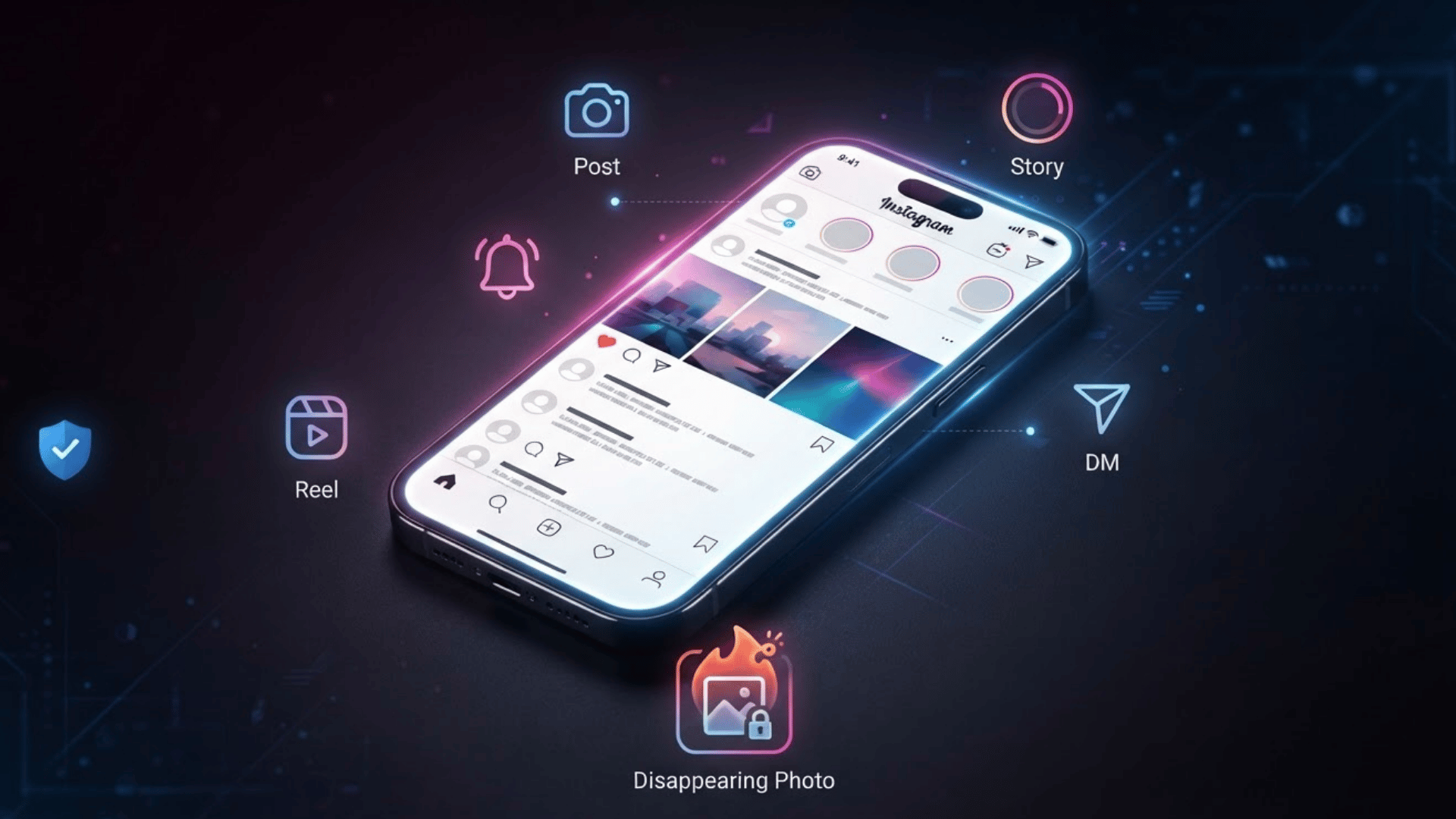
However, disappearing photos and videos sent through View Once or Allow Replay receive stronger privacy protection, and screenshot or screen-recording attempts may be blocked.
In my work reviewing social media privacy controls, I have found that most confusion begins when users apply the rules for disappearing messages to every other Instagram feature.
Does Instagram Send Screenshot Notifications?
No. Instagram does not usually notify someone when you screenshot a regular post, Story, Reel, profile, comment, or standard direct message.
However, Instagram may show a screenshot indicator when you capture disappearing photos or videos sent through direct messages, such as View Once or Allow Replay content.
It may also restrict screenshots for certain temporary media features. Since Instagram can change its privacy tools through app updates, check the latest settings before relying on older advice.
For private content, always respect the sender’s permission and avoid sharing screenshots without consent, even when the app does not send them an alert.
Which Instagram Content Triggers Screenshot Alerts?
Instagram only applies screenshot alerts or blocks to certain disappearing photos and videos sent through direct messages.
This includes media marked View Once or Allow Replay. In some app versions, Instagram may show a screenshot indicator, while in others it may prevent the screenshot or screen recording completely.
Regular content does not usually trigger alerts. You can normally screenshot posts, Stories, Story Highlights, Reels, profiles, Notes, comments, Live videos, standard messages, and normally uploaded chat photos without notifying the other person.
Since Instagram changes features through updates, the exact behavior may differ by device, account, region, or app version.
Does Instagram Notify When You Screenshot a Post?
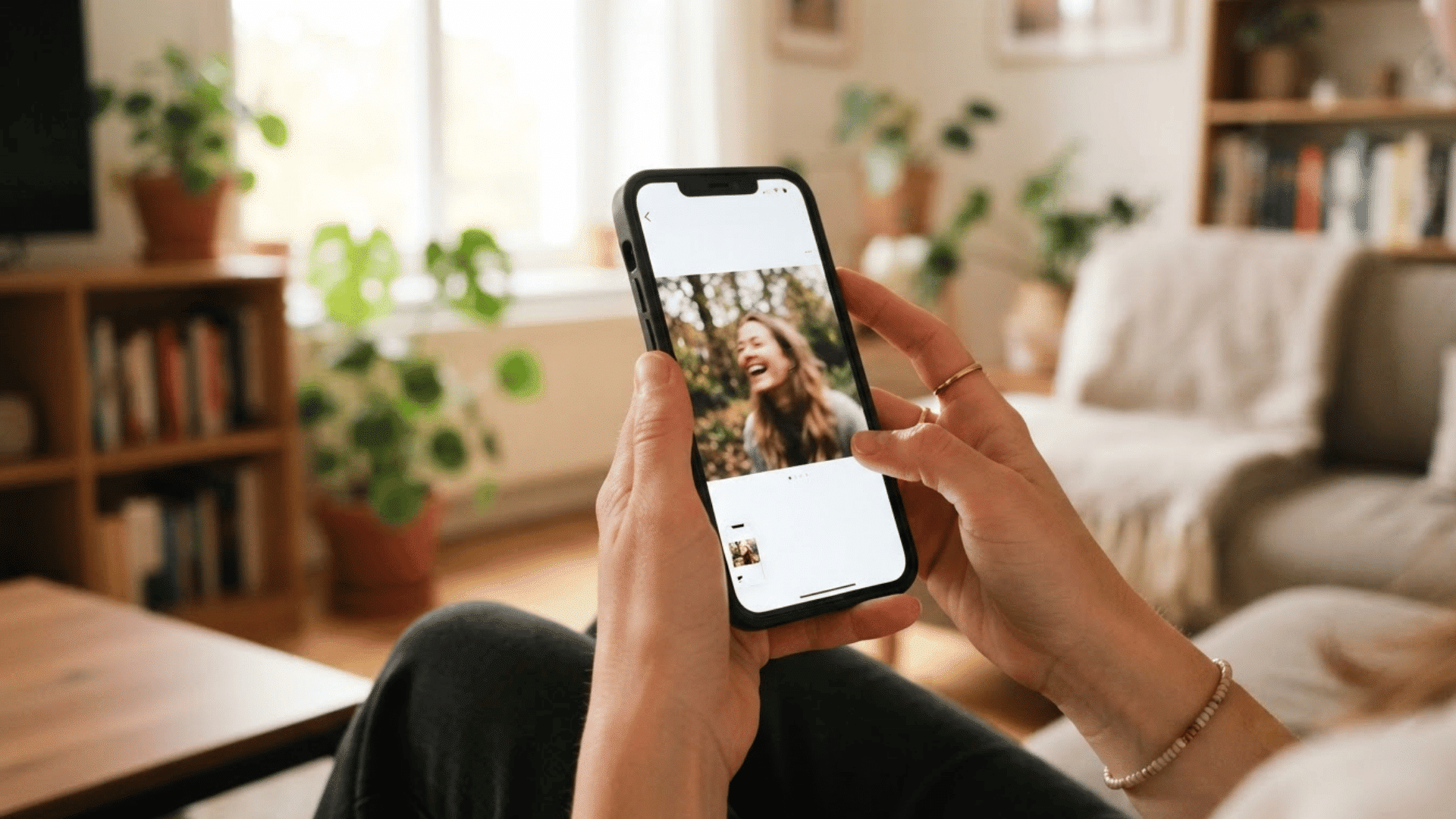
Does Instagram notify when you screenshot a post? No, Instagram does not alert the account owner when you capture a single-photo feed post or any slide in a carousel.
Creators may see likes, comments, shares, saves in professional insights, reach, and engagement, but these figures never identify screenshots.
They receive no username, screenshot total, push notification, or activity-feed message.
The same rule applies to public posts shared inside direct messages and standard uploaded images that remain in the chat.
Only disappearing photos or videos sent through Instagram’s camera, such as View Once or Allow Replay media, receive added screenshot protection.
What Happens When You Screenshot an Instagram Story?
Instagram Stories can be saved without sending a notification to the account owner.
- Regular Stories: Instagram shows who viewed a Story, but the viewer list does not mark screenshots or screen recordings.
- Close Friends Stories: Limiting viewers to Close Friends does not add screenshot alerts. Approved viewers may still use screenshots, screen recording, another camera, or outside recording tools.
- Story Highlights: Highlights follow the same rule. Owners may see limited recent viewer data, but not who captured a Highlight.
- Replies and reactions: Screenshotting a Story reply in chat normally creates no alert.
Disappearing camera media in DMs follows different rules.
How to Know If Someone Screenshots Your Instagram Story
Instagram does not offer a reliable tool for identifying people who capture your Story, so indirect signs and outside apps should not be treated as proof.
1. Can Instagram Show the Person’s Name?
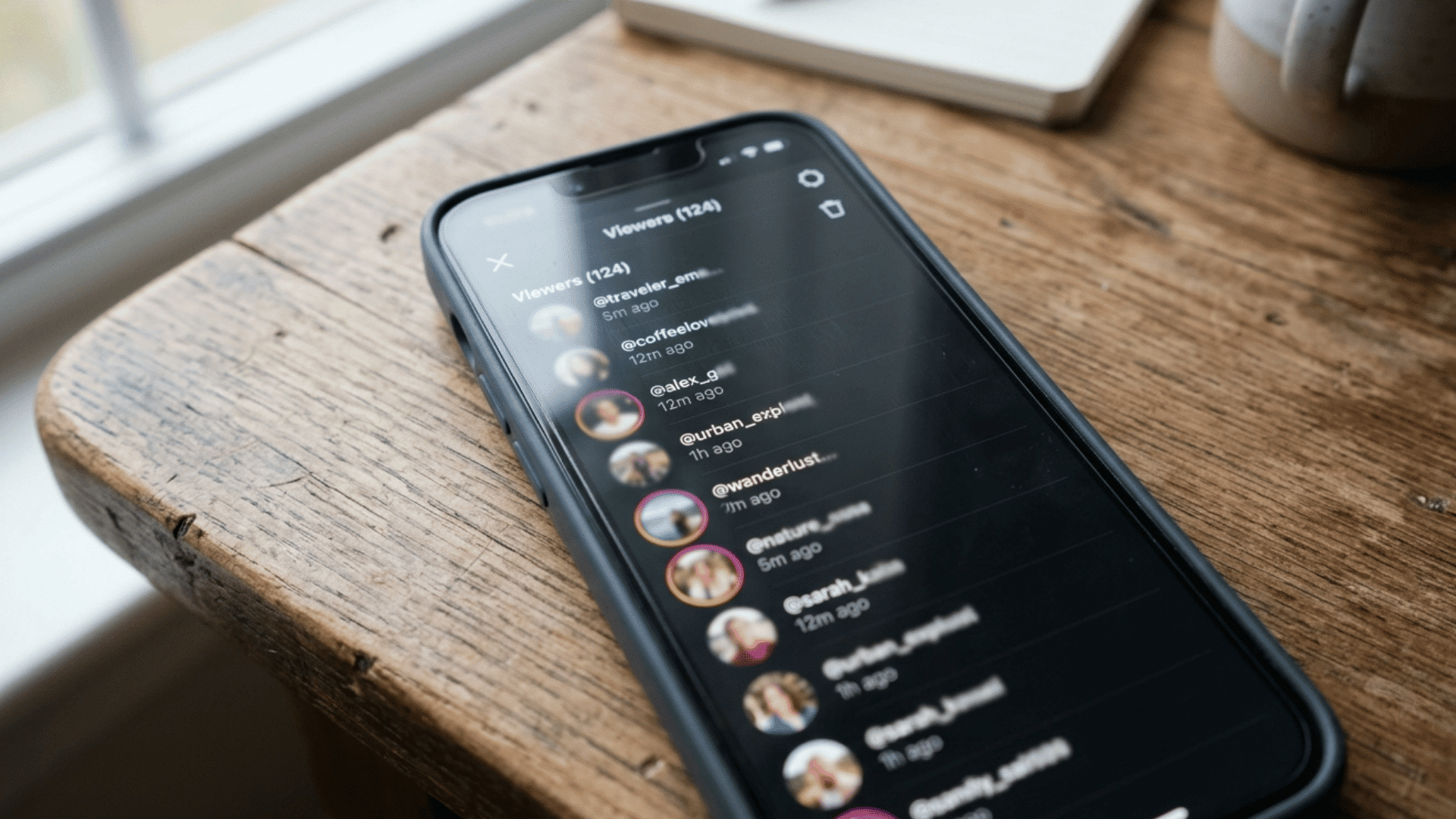
Instagram does not provide a standard list showing who screenshots your Story.
The Story viewer list only shows viewers, while notifications, account activity, the professional dashboard, and Story insights do not reveal screenshot names.
You cannot open any Instagram setting to identify the person, receive a screenshot count, or check which Story frame someone captured from your account there either.
2. What Story Insights Actually Show
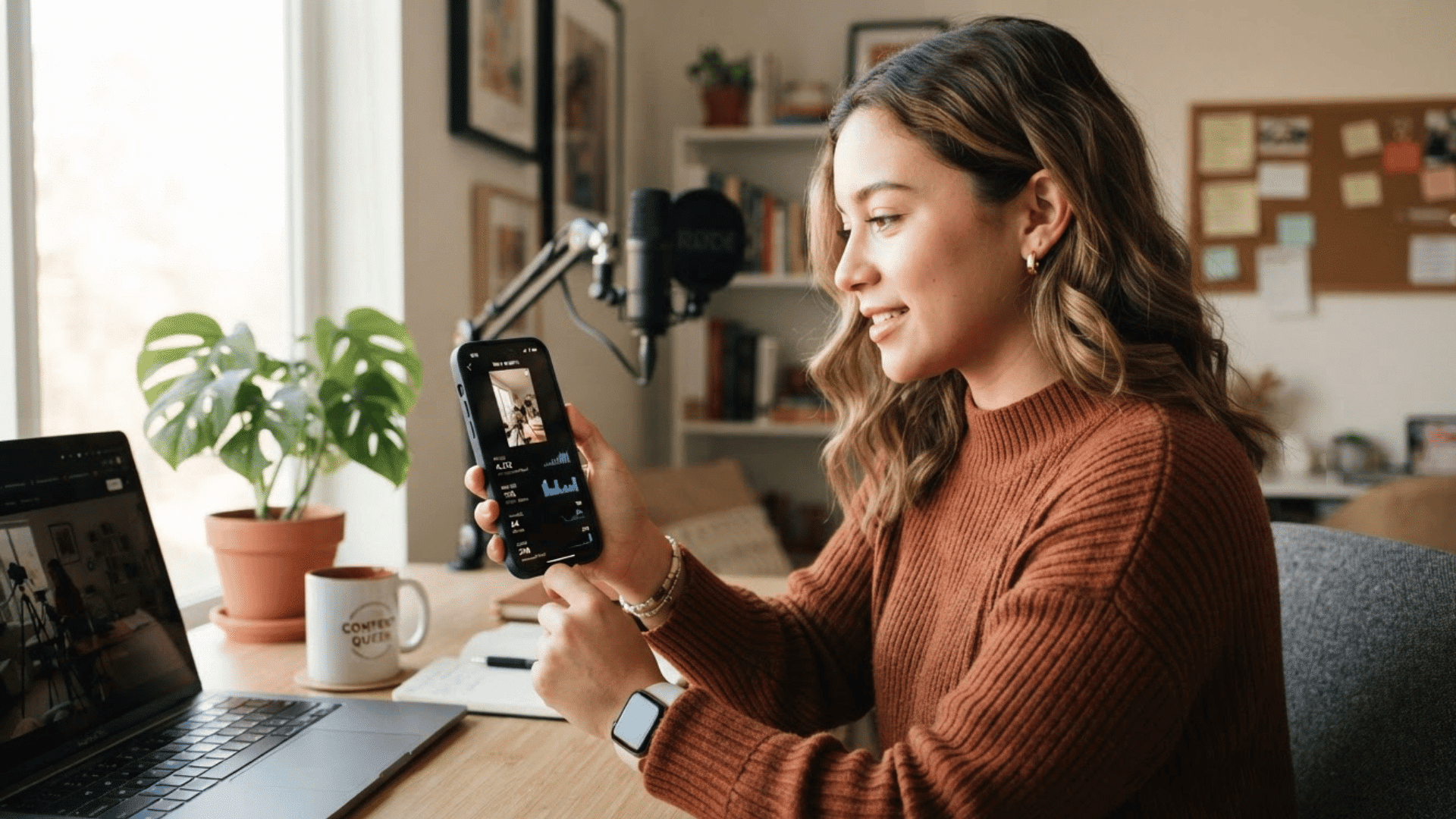
Professional accounts can review Story performance through metrics such as views, accounts reached, replies, shares, link taps, forward taps, back taps, and exits.
These figures help creators understand how people interacted with a Story, but they do not record screenshots. A rise in views, shares, or exits should never be interpreted as proof that someone saved the content on Instagram.
3. Signs are Not Proof
Someone mentioning your Story later, reposting similar information, or saving a related post does not prove they captured your content.
They may remember it, receive it from another person, or find the same details elsewhere. Avoid accusing followers based on guesses or indirect signs.
Without an Instagram alert or clear admission, there is no reliable evidence that a screenshot occurred.
When Does Instagram Notify You About DM Screenshots?
Instagram treats screenshots of normal conversations differently from temporary photos and videos sent through its private camera features.
| Direct Message Content | Screenshot Rule | Important Detail |
|---|---|---|
| Regular text conversations | No alert | Texts, emoji reactions, voice-message screens, shared profiles, shared posts, and normally uploaded photos can be captured. |
| View Once photos and videos | Screenshot may be blocked | View Once media disappears after it is opened. |
| Allow Replay media | Screenshot may be blocked | The recipient can open the temporary media again, but it remains protected and is not treated like a permanent chat attachment. |
| Instagram Web | Cannot open protected media | View Once and Allow Replay files are unavailable on Instagram Web, reducing attempts to avoid the app’s protection controls. |
| Screen recording | Depends on the content | Recording normal chats does not alert the other person. Instagram may block recording protected disappearing media instead of only notifying the sender. |
Regular DMs generally create no screenshot alert, while View Once and Allow Replay media receive stronger privacy controls.
Why Instagram Screenshot Rumors Keep Appearing
Instagram screenshot rumors often begin with disappearing DM media, where View Once and Allow Replay photos or videos receive stronger screenshot and recording controls.
People then assume the same rule applies to Stories, posts, Reels, or profiles. Old articles, temporary tests, recycled videos, and dated screenshots spread claims that no longer match current behavior.
Snapchat adds to the confusion because users strongly associate it with screenshot alerts.
Instagram features may also roll out gradually based on app version, device, account type, age, region, or testing group.
Can a Third-Party App Detect Instagram Screenshots?
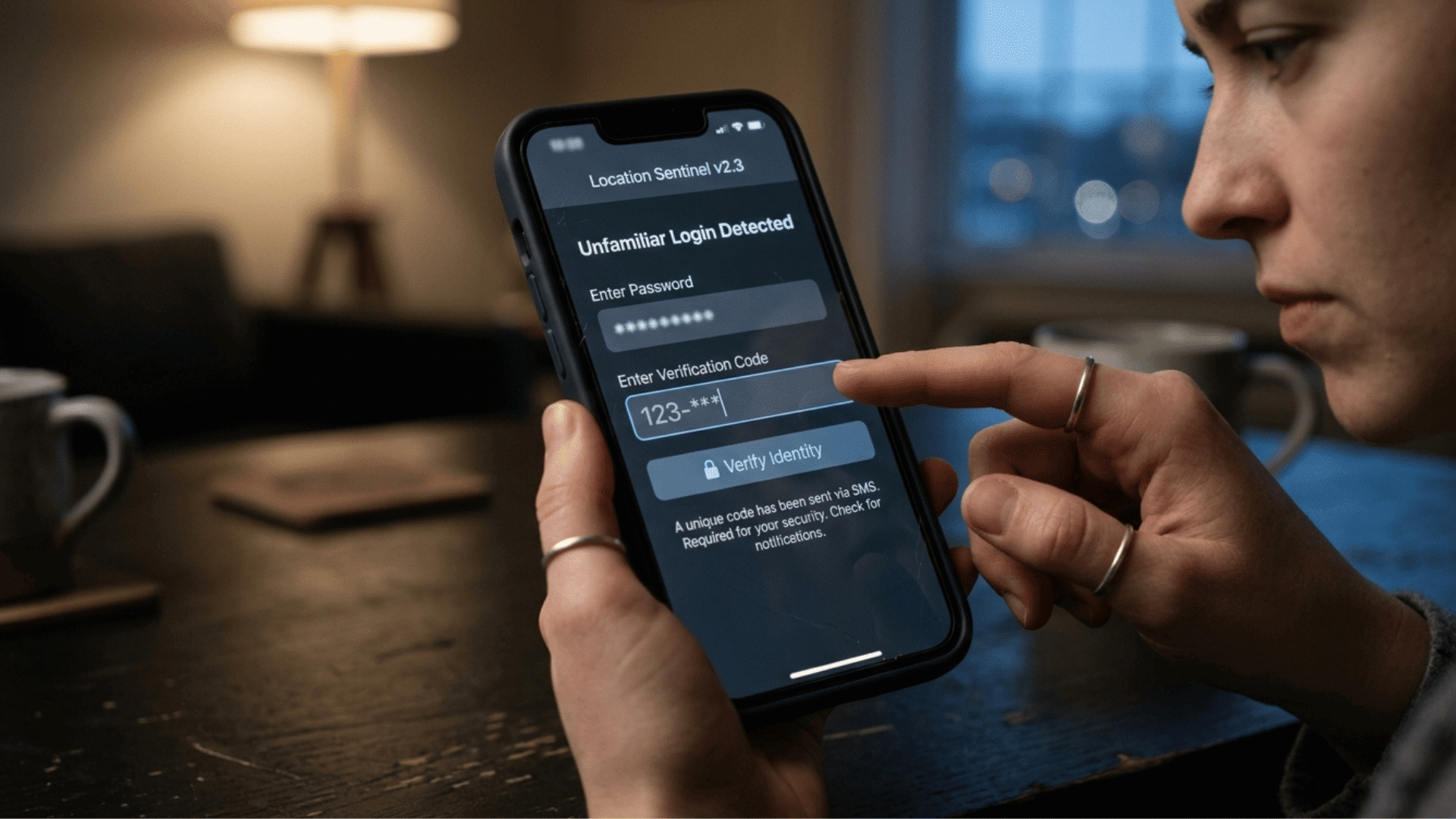
During security assessments, I look closely at what information an app claims to access and whether Instagram officially provides that information.
Screenshot-tracking services usually fail this basic check because Instagram does not offer a standard dashboard showing who captured posts, Stories, Reels, profiles, or normal messages.
Others may collect account credentials, device information, contact details, or payment data.
A supposed screenshot tracker may ask for an Instagram password, login code, email access, or payment details even though Instagram does not provide third-party developers with an official list of Story screenshots.
These requests should be treated as a warning sign. Never enter your login information into an unknown tracking service.
How to Limit Who Can Save Your Instagram Content
Instagram privacy controls can reduce access, but they cannot fully prevent screenshots or outside recording.
- Use a private account: Only approved followers can view posts, though they may still save them.
- Review followers: Remove unknown or untrusted accounts. Instagram does not normally notify removed followers.
- Limit Story viewers: Use Hide Story From, Close Friends, blocking, restrictions, and reply or mention controls.
- Avoid sensitive details: Never post addresses, travel plans, financial data, private documents, identification, or intimate content.
- Treat content as savable: Someone can use another device to capture it.
Share only content you can accept being saved or forwarded.
How to Check Instagram Screenshot Rules After an Update
Use these steps to test Instagram’s behavior accurately after privacy features or app settings change.
1. Update the Instagram App
An outdated Instagram version may not include the newest privacy tools or may behave differently from screenshots shown online.
Update Instagram through the App Store or Google Play, restart the app, and check again. Also update your phone’s operating system when possible.
Remember that some features roll out, so two updated accounts may still show different behavior during testing periods.
2. Review Instagram’s Help Center
Use Instagram’s Help Center and Meta’s official newsroom to confirm privacy and messaging changes.
These sources are more reliable than short videos, reposted screenshots, or articles without publication dates.
Look for details about the exact content type, such as Stories, standard messages, View Once media, or Allow Replay files, because Instagram does not apply one screenshot rule to every feature.
3. Test With a Trusted Account
Testing with a trusted second account is one of the most practical ways to check Instagram’s current behavior.
In privacy testing, I avoid relying on a single screenshot because features can differ by device, app version, account, or rollout group.
Capture a standard Story, feed post, and regular direct message. Next, try capturing View Once or Allow Replay media.
Check both accounts for notifications, warning symbols, blocked actions, or other changes.
Use harmless test images rather than personal content. Record the device, operating system, Instagram version, content type, and test date so the result can be repeated accurately.
4. Record the Device and App Version
Write down the device and software details for every test. Record whether you used an iPhone or Android phone, the operating-system version, Instagram app version, content type, and test date.
These details make the result easier to repeat and compare. They also prevent an older test from being presented later as proof of Instagram’s current screenshot behavior for all users.
At the End
Instagram does not usually notify users when someone screenshots posts, Stories, Story Highlights, Reels, profiles, Notes, Live videos, or regular direct messages.
Based on my experience reviewing privacy tools, users should be especially cautious of third-party services claiming to reveal screenshot names.
Instagram provides no official list for standard content, so these tools may display unreliable information while creating unnecessary account-security risks.
Because Instagram can change features through app updates and gradual rollouts, check official Meta information and perform a controlled test with a trusted account when necessary.
Have you noticed different screenshot behavior on your device? Share your experience in the comments below.
Frequently Asked Questions
Can Close Friends Members Save Stories Secretly?
Close Friends limits who can view a Story, but it does not reveal screenshots. Approved viewers may still capture the content using screenshots, recordings, or another camera without notification directly.
Do Professional Insights Reveal Captured Content?
Professional insights show views, reach, replies, shares, link taps, and other engagement actions. They do not display screenshot totals, usernames, or proof that someone saved your Story inside the dashboard.
Will Someone Know I Removed Them?
Removing a follower from a private account does not normally send that person a notification. However, they may notice later if they can no longer view your private posts again.
Are Uploaded DM Photos Treated as Temporary?
A normal photo uploaded to a conversation stays visible and can usually be captured without an alert. View Once and Allow Replay media receive stronger screenshot and recording controls there.
Can App Updates Change Screenshot Behavior?
Updating Instagram helps ensure you have current privacy features and security fixes. However, gradual rollouts may cause screenshot behavior to differ by device, account, region, or testing group over time.