




I deal with files every day, and I know how easy it is to lose track of an important document. You might send a file and wonder if it was opened, shared, or ignored.
That is where Document Tracking Services come in. They help you see what happens after you send a document and keep everything organized in one place.
In this article, I will walk you through how these tools work and why businesses rely on them.
You will learn key features, top services, and simple steps to track documents.
I will also share some common issues, security basics, and tips to improve your workflow so you can stay in control of every file you send. By the end, you will know what best fits your needs.
What Are Document Tracking Services?

Document tracking services are tools that help you monitor what happens to a document after you send or share it.
They show you if someone opened the file, how much time they spent on it, and if they shared or downloaded it.
These services work by adding tracking to digital files like PDFs, contracts, or reports. Once the document is sent, the tool collects data in real time and shows it in a dashboard.
Businesses use document tracking to stay organized, follow up at the right time, and avoid losing important files.
It also helps teams know who viewed a document and when, which is useful for sales, legal work, and client communication.
In simple terms, document tracking services give you clear visibility and control over your documents after they leave your hands.
How Document Tracking Actually Works Under the Hood?
Document tracking works by adding a unique ID to each file and logging every action taken on it.
Most systems place a tracking code inside the document. When someone opens, edits, or shares it, the system records that action.
It stores details like time, user, and location in a log. Some tools use cloud servers to update this data in real time. Others rely on embedded pixels or links to track views.
Access controls also play a key role. They decide who can open, download, or change the file.
Many services include alert systems that notify you when activity happens.
All this data is shown in a dashboard, so you can see where your document goes and how people use it without needing manual checks.
Features to Look for in Document Tracking Tools
Document tracking tools can vary a lot in how they work. Choosing the right features makes a big difference in how well documents are managed and monitored.
- Real-time tracking: Shows exactly when a document is opened or viewed
- Viewer insights: Provides details on who accessed the file and the time spent on each page
- Notifications: Sends alerts when there is activity on the document
- Access control: Allows setting permissions for viewing, downloading, or sharing
- Version control: Tracks changes and keeps the latest version updated
- Analytics dashboard: Displays clear data on document engagement
- Integration support: Connects with email, CRM, and cloud platforms
- Security features: Protects files with encryption, permissions, and multi-factor authentication
Best Document Tracking Services to Consider
Choosing the right tool can make document tracking simple and reliable. These tools are often built as SaaS-based document tools, making them easy to use for small teams and growing businesses.
1. DocSend (By Dropbox)
DocSend is a secure document sharing and tracking tool used by startups, investors, and sales teams.
It lets users send documents through links instead of attachments and track who opens them, when they open them, and how long they spend on each page.
Features include page-level analytics, link expiration, password protection, and viewer permissions.
It helps protect sensitive files while giving clear engagement data.
Best for: startups and sales teams sharing pitch decks and proposals.
2. PandaDoc
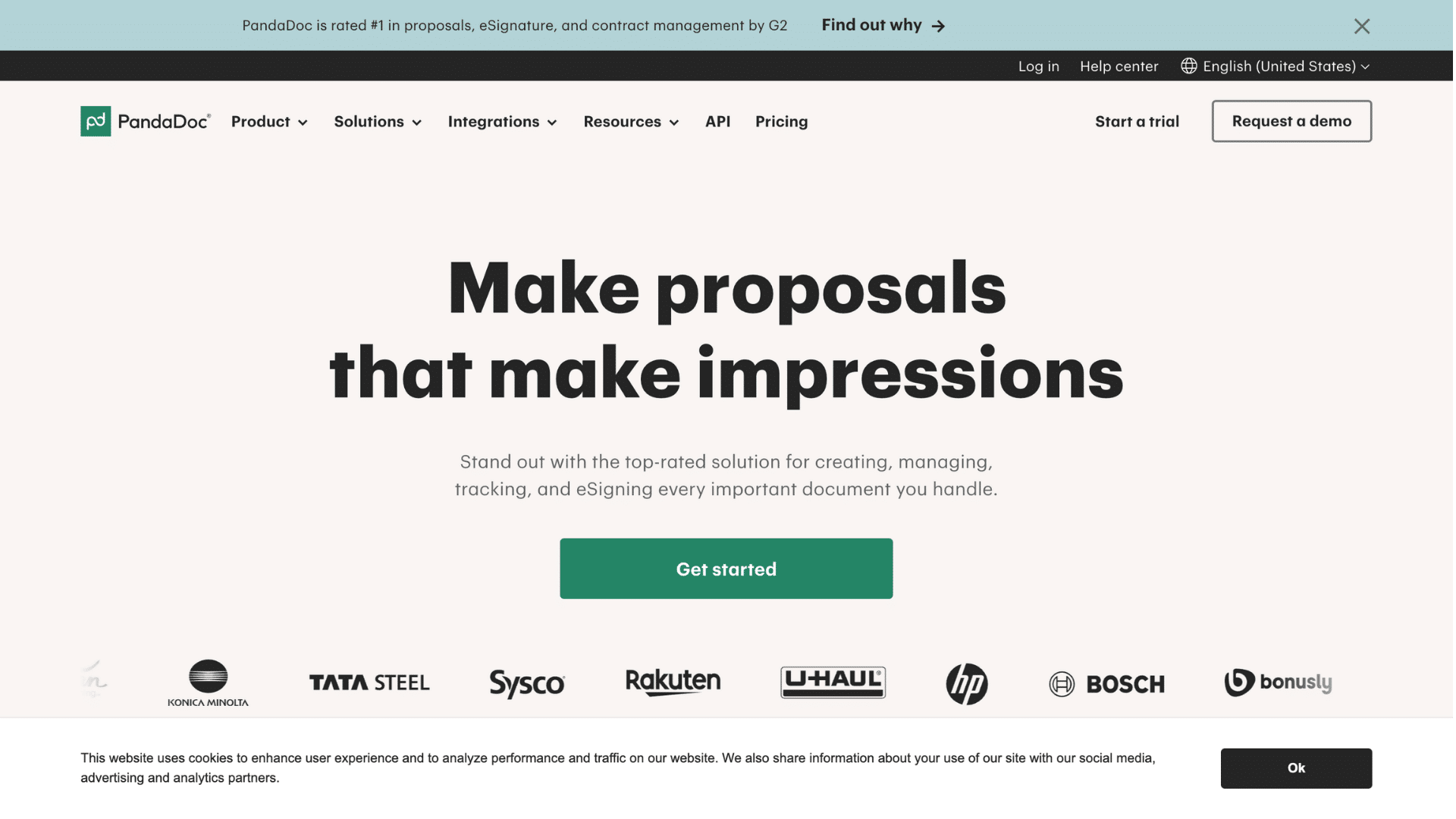
PandaDoc is a complete document management platform that includes tracking, e-signatures, and workflow automation.
It allows users to create documents using templates, send them, and track real-time activity. Features include notifications, CRM integration, approval workflows, and payment collection.
It reduces manual work and speeds up document processes. It also helps teams manage contracts and proposals in one place.
Best for: businesses that need an all-in-one document creation, tracking, and signing solution.
3. GetAccept
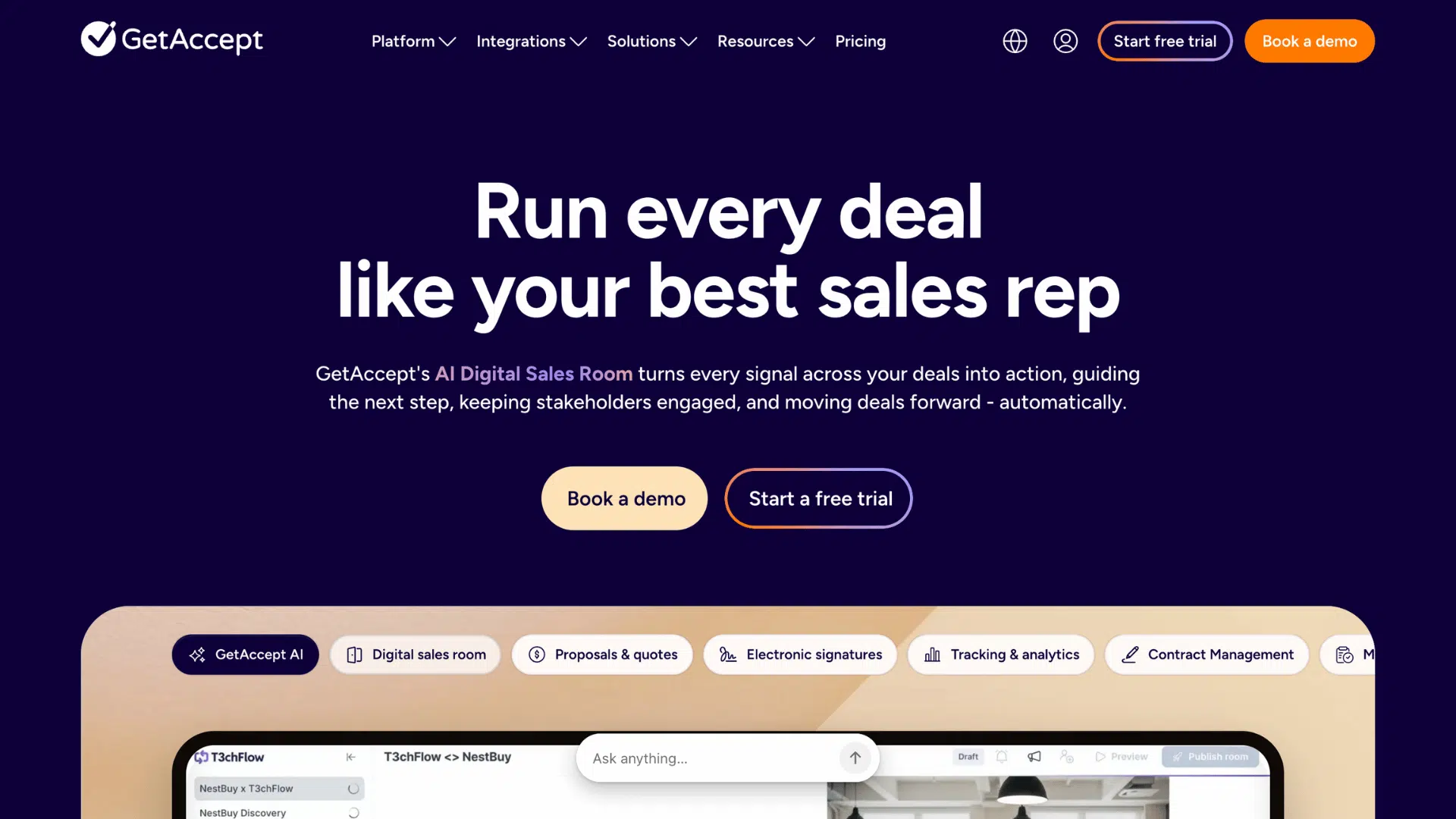
GetAccept is designed to improve sales communication through document tracking and engagement tools.
It shows when a document is opened, how long it is viewed, and which sections get attention. Features include video introductions, live chat inside documents, reminders, and CRM integration.
It helps sales teams build stronger connections with clients and respond at the right time. The insights help improve closing rates.
Best for: sales teams focused on tracking engagement and improving deal conversions.
4. Attach.io
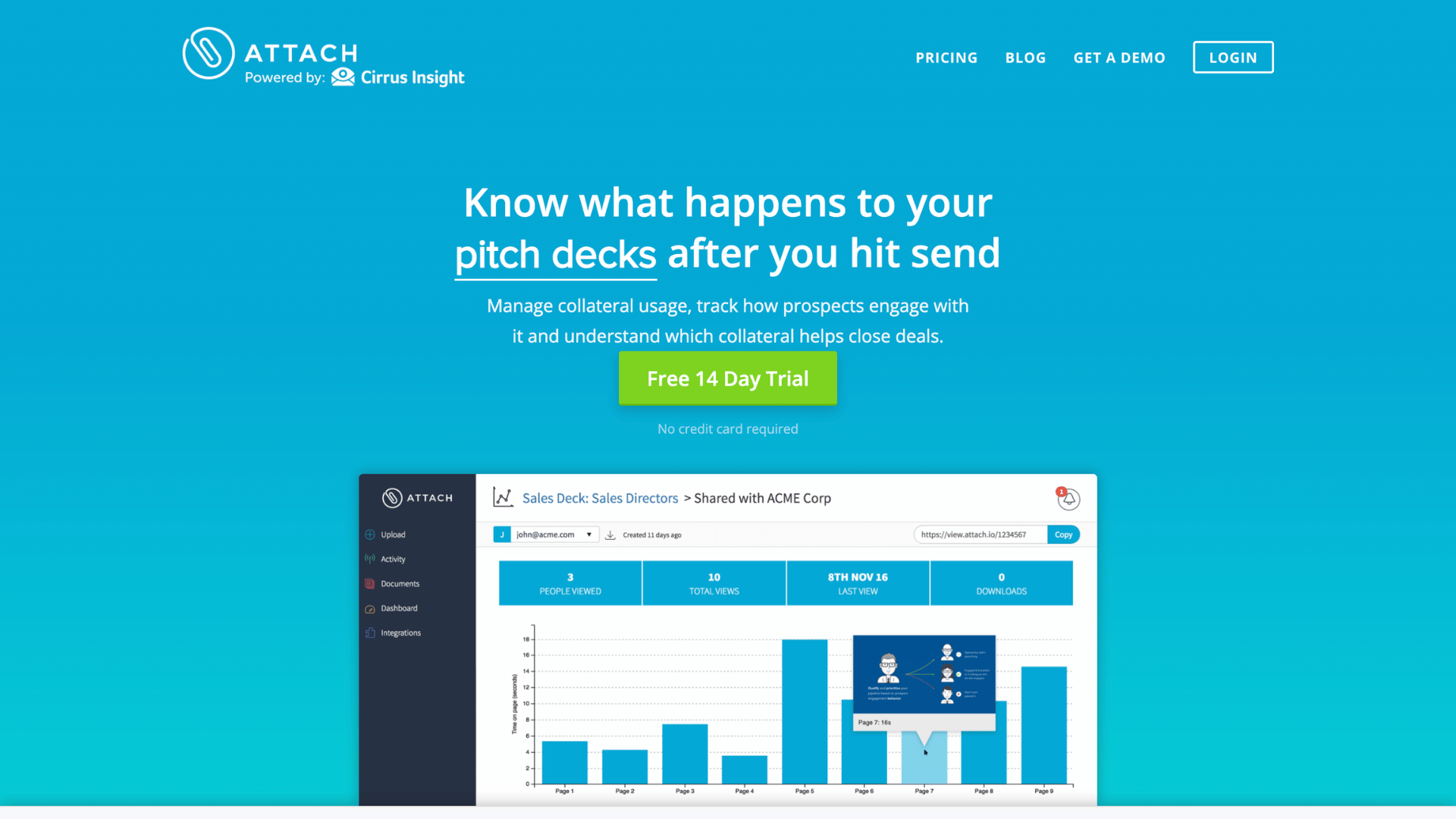
Attach.io is a simple, easy-to-use document tracking tool that focuses on basic insights without unnecessary complexity.
It allows users to share files through links and track who opens them and how often. Features include real-time notifications, engagement tracking, and simple reporting.
It is useful for understanding client interest without using advanced systems. It keeps the process quick and clear.
Best for: small teams or individuals who want simple document tracking without advanced features.
5. DocuSign
DocuSign is a widely used platform for electronic signatures with built-in document tracking features. It allows users to track the full document lifecycle, from sending to signing.
Features include audit trails, status tracking, reminders, and secure workflows.
It ensures documents are legally compliant and easy to manage. Businesses rely on it for contracts and agreements that require signatures.
Best for: companies that need secure document signing, tracking, and legal compliance.
6. Proposify
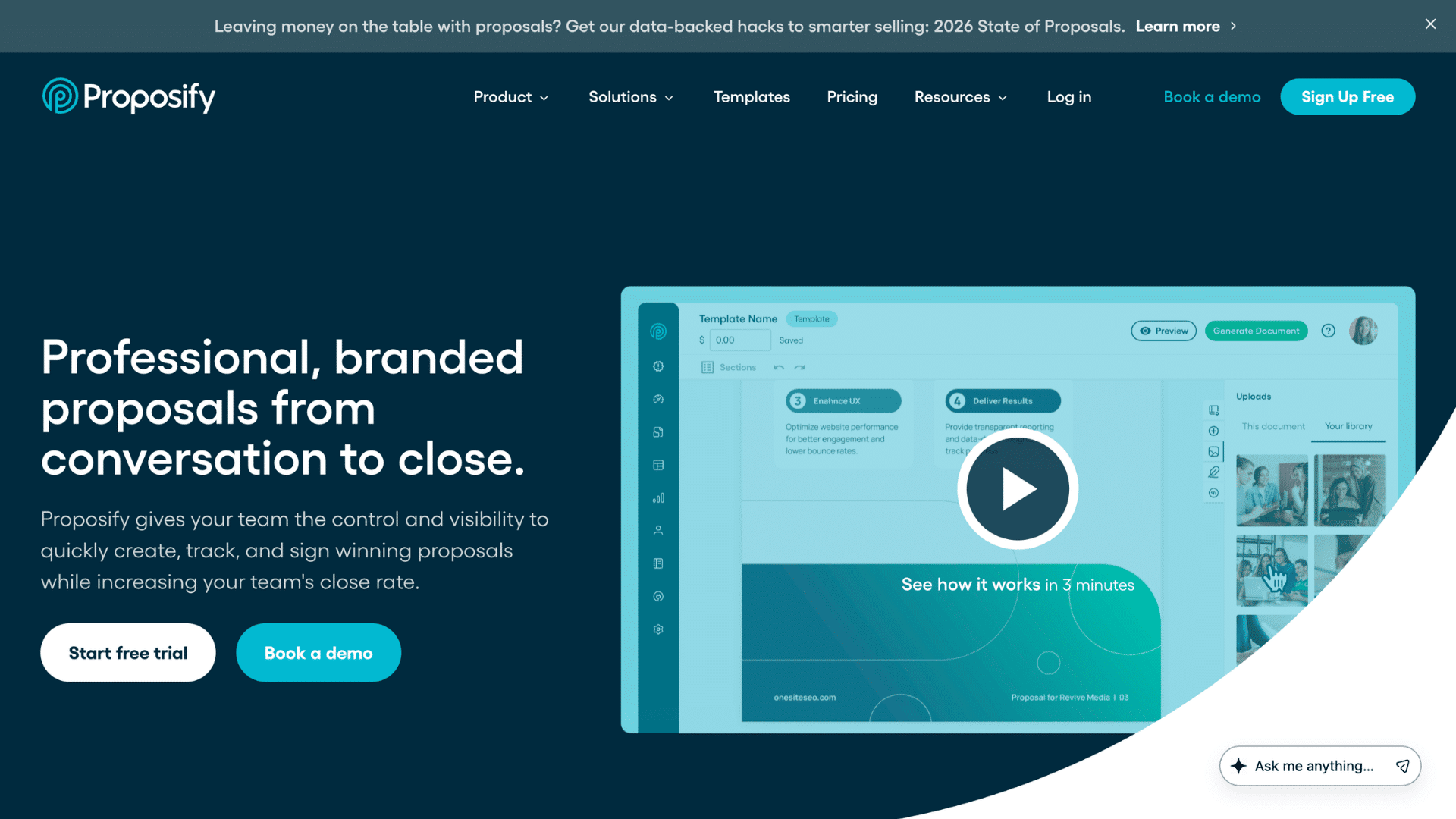
Proposify is a proposal-focused tool with robust document tracking features. It helps users create professional proposals and track how clients interact with them.
Features include branded templates, approval workflows, content libraries, and detailed analytics.
It shows which sections clients spend the most time on, helping improve future proposals. It also supports team collaboration.
Best for: agencies, freelancers, and businesses that send proposals regularly and want better tracking insights.
7. Box
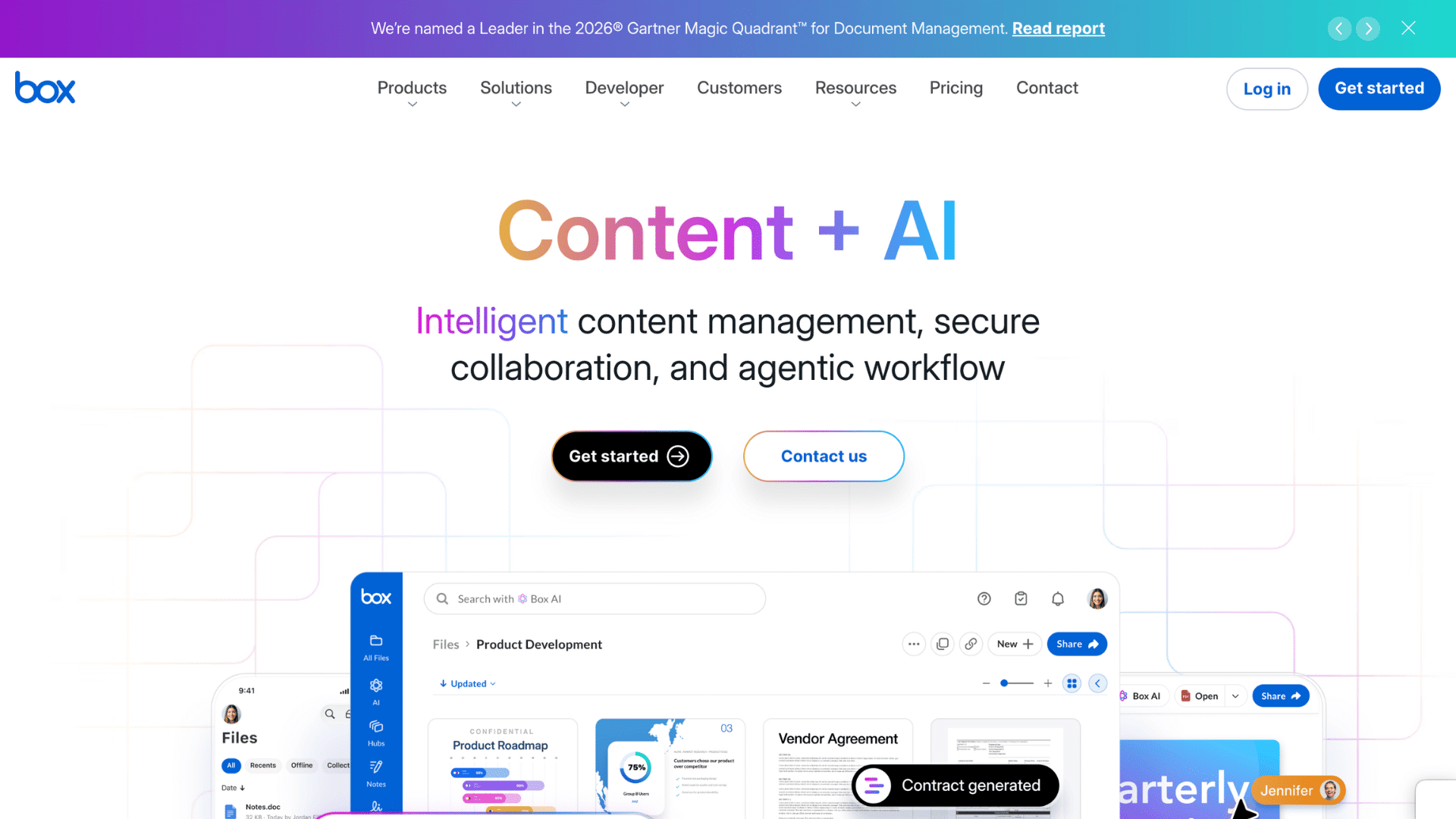
Box is a cloud content management platform that provides secure file storage and document tracking. It allows users to track file access, sharing activity, and version changes.
Features include permission controls, audit logs, and integration with business tools.
It is built with strong security and compliance standards. Businesses use it to safely manage large volumes of documents.
Best for: large organizations that need secure document storage, sharing, and tracking in one platform.
8. Adobe Acrobat Sign
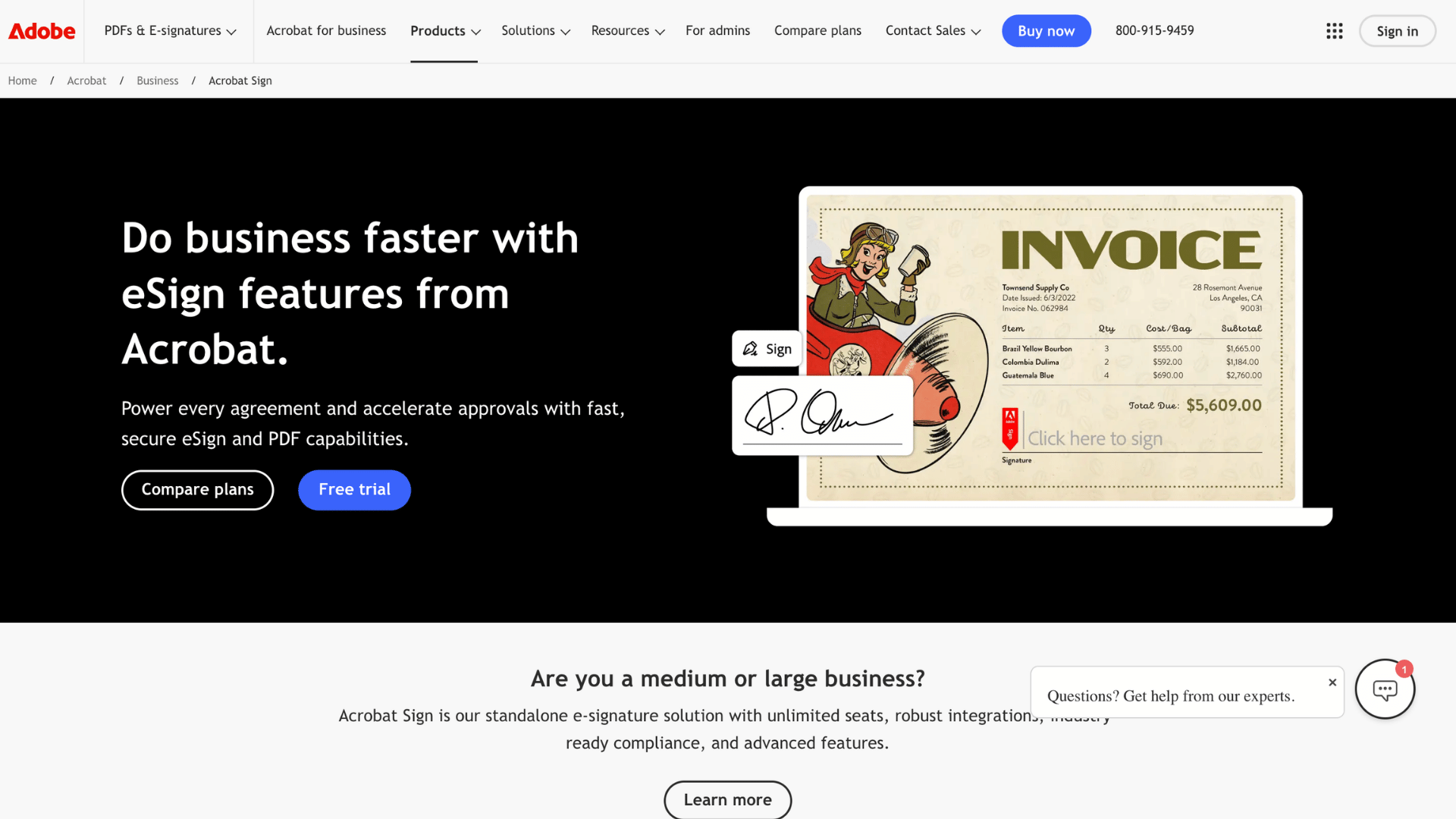
Adobe Acrobat Sign is part of Adobe’s document ecosystem and provides both tracking and e-signature capabilities.
It allows users to send documents for signing and track their progress in real time. Features include status updates, reminders, audit trails, and integration with other Adobe tools.
It ensures documents are handled securely and efficiently. It also supports mobile access.
Best for: businesses already using Adobe tools that want reliable document tracking and signing.
9. ShareFile (by Citrix)
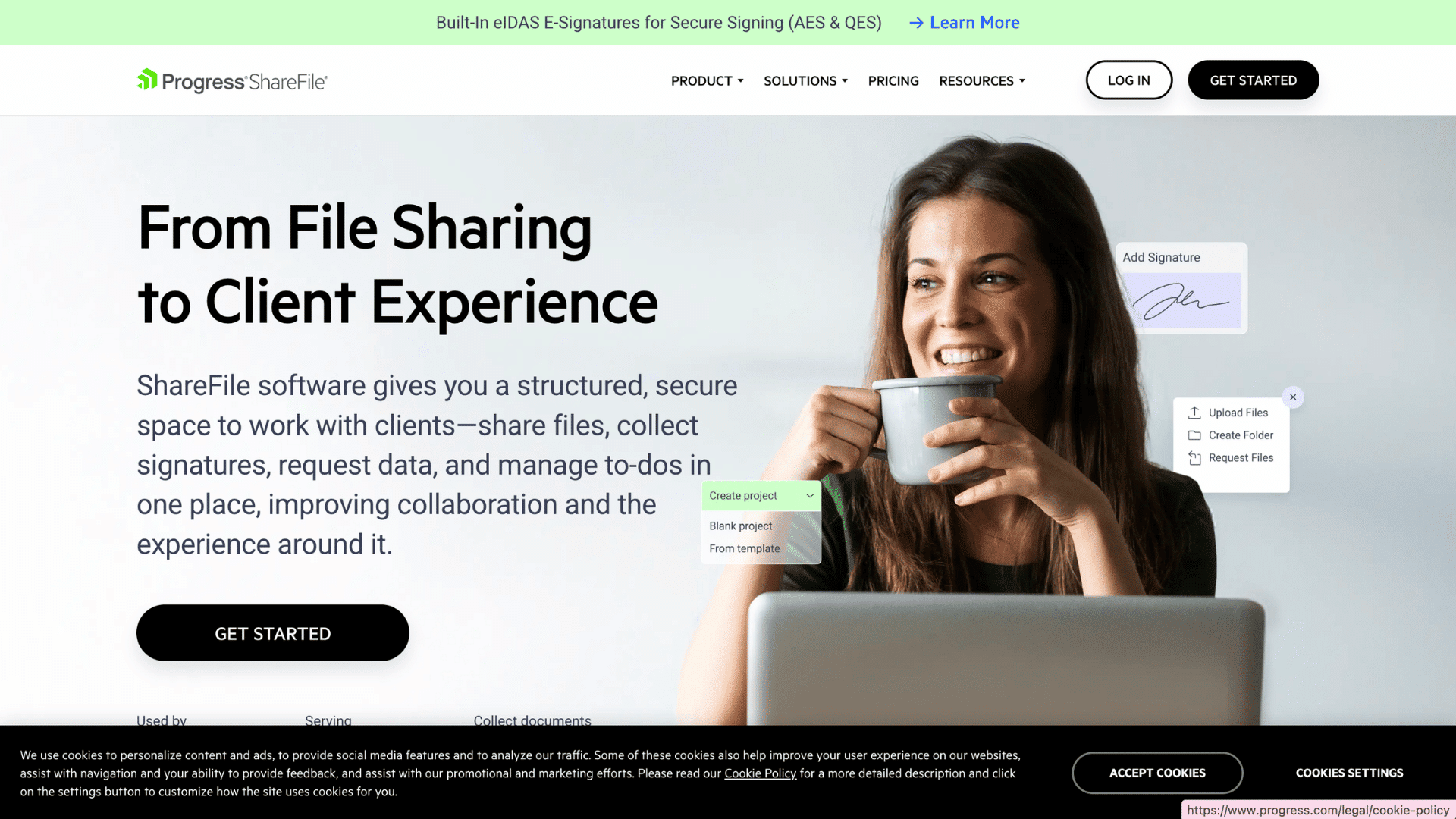
ShareFile is a secure file sharing and tracking solution designed for businesses that handle sensitive information.
It provides insights into file access, downloads, and user activity. Features include encryption, compliance support, client portals, and reporting tools.
It helps businesses maintain security while tracking document usage. It is commonly used in regulated industries.
Best for: finance, legal, and healthcare businesses that require secure document sharing and tracking.
10. Google Drive (with add-ons)
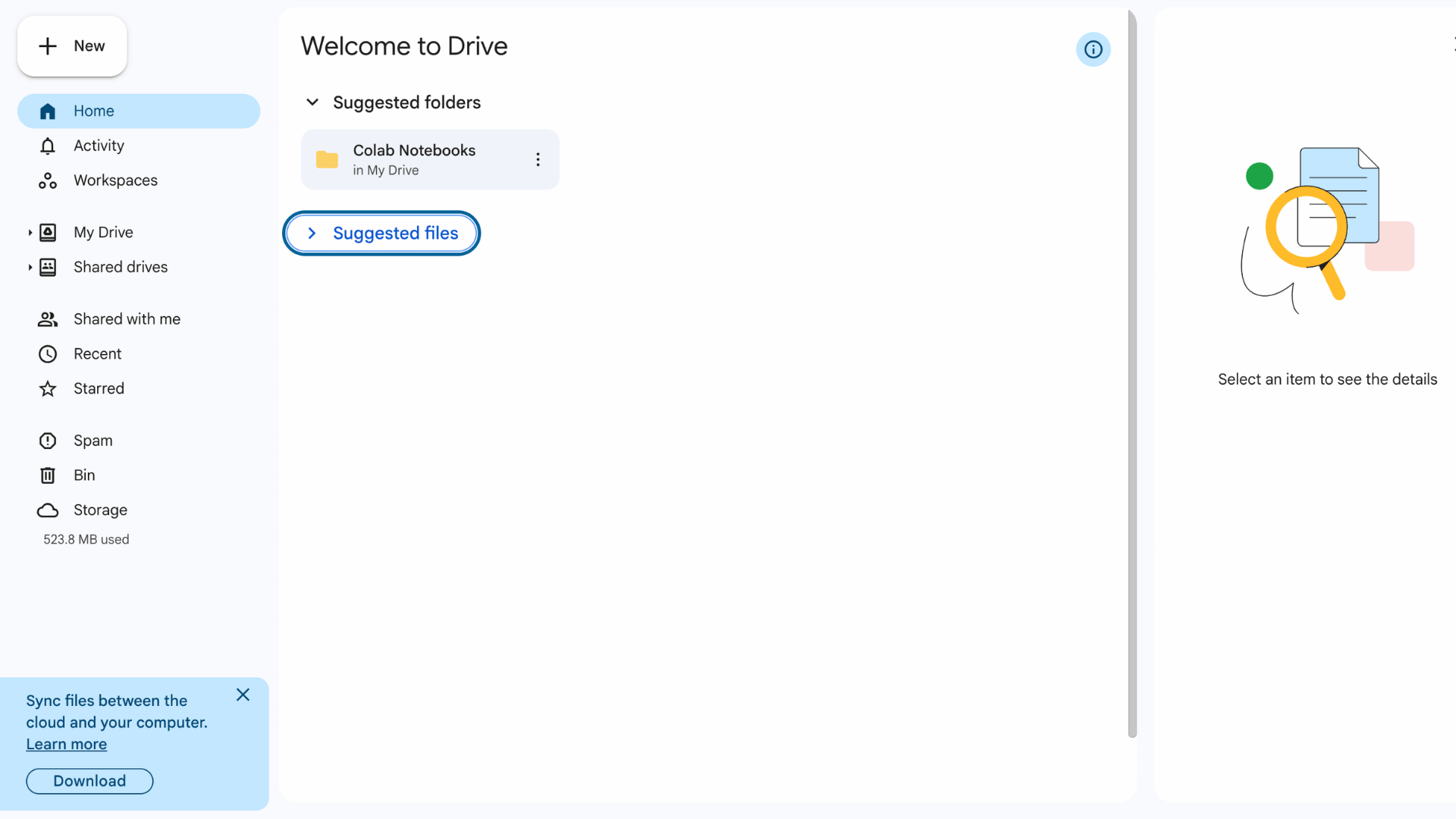
Google Drive is a popular cloud storage platform that includes basic document tracking through activity logs and sharing controls.
Users can see who accessed a file, when it was opened, and what changes were made. With add-ons, tracking can be improved further.
Features include real-time collaboration, file history, and easy sharing. It is simple to use and widely accessible.
Best for: small teams and individuals looking for an easy, low-cost document-tracking option.
Benefits of Using Document Tracking Systems
Using a proper system helps keep documents organized and easy to manage. It also gives clear updates so teams can act faster and avoid delays.
- Better visibility: Shows who opened documents and when
- Faster follow-ups: Helps reach out at the right time
- Improved organization: Keeps all files in one place
- Stronger security: Protects documents with access controls
- Clear audit trails: Records every action for future reference
- Higher productivity: Reduces manual tracking work
- Better decision making: Uses real data to guide actions
- Reduced errors: Avoids confusion with versions and access
- Time saving: Speeds up document handling and sharing
- Professional workflow: Creates a more structured process
Using document tracking is part of wider business process automation, helping teams reduce manual work.
Why Businesses Use Document Tracking Services?
Businesses use document tracking services to stay in control of files after sending them. These tools show when a document is opened, who viewed it, and how long they spent on each part.
This helps teams follow up at the right time instead of guessing. It improves communication, keeps records clear, and lowers the risk of missing key actions.
In one case, a firm sent PDF contracts by email with no tracking. They had no idea if files were opened, and anyone could forward them. After switching to a tracking tool with secure access, they fixed both visibility and sharing issues.
I also faced delays after sending a proposal with no response.
Once I used tracking, I saw the client had checked the pricing page twice. I followed up, got a reply the same day, and closed the deal.
These insights help businesses act faster and make better decisions.
How to Track Documents Step by Step?
Tracking documents becomes easier when you follow a clear process. It helps you know where each file is, who opened it, and what action is still needed.
- Step 1: Choose a reliable document tracking tool that fits your needs
- Step 2: Upload the document you want to track into the platform
- Step 3: Set permissions like view-only, download limits, or access control
- Step 4: Generate a secure tracking link for the document
- Step 5: Share the link with the intended recipient or team
- Step 6: Enable notifications for opens, views, or downloads
- Step 7: Monitor the dashboard to see real-time activity
- Step 8: Check details like who viewed the file and the time spent
- Step 9: Follow up based on user activity and engagement
- Step 10: Save tracking data or reports for records and future use
Common Problems without Document Tracking
Without proper tracking, it becomes hard to manage documents once they are shared. This often leads to confusion, delays, and missed opportunities in daily work.
| Problems | How to Resolve |
| No visibility on document views | Use a tracking tool to see when and who opens files |
| Missed follow-ups | Set alerts to know the right time to follow up |
| Version confusion | Use version control to keep files updated |
| Unauthorized access | Set permissions and restrict access |
| Lost documents | Store files in a centralized system |
| Poor team coordination | Use shared dashboards for clear updates |
| Delayed approvals | Track document status and send reminders |
| No proof of delivery | Use tracking logs to confirm document activity |
Tips to Improve Document Tracking Workflow
A smooth workflow helps save time and avoids confusion when handling multiple documents. Small changes in how documents are managed can make tracking clearer and more effective.
- Use one platform: Keep all documents in a single tracking tool to avoid scattered data
- Set clear naming rules: Use simple and consistent file names for easy search
- Control access: Give permissions based on roles to keep files secure
- Enable notifications: Turn on alerts to track activity in real time
- Update versions properly: Always keep the latest version available to avoid confusion
- Organize folders: Group documents by project, client, or type
- Review tracking data: Check insights regularly to improve follow-ups
- Automate tasks: Use automation for reminders and document sharing
- Train team members: Make sure everyone understands how to use the system
- Back-up files: Keep copies to prevent data loss
How to Choose the Right Document Tracking Service?
Choosing the right document tracking service depends on your needs, team size, and how often you handle documents.
A good tool should be easy to use, secure, and able to provide clear insights, such as who opened your file and when.
It should also fit your budget and work well with the tools you already use, such as email or a CRM. Looking at features, support, and ease of setup can help make the right choice.
I usually start by checking which documents I send most often, like proposals or reports.
Then I test a few tools with free trials to see how simple they feel to use. Always focus on features like real-time tracking, alerts, and access control.
Also, check how clear the dashboard is, because that saves time later. After that, pick the one that fits your workflow without adding extra steps.
| Your Situation | Recommended Tool | Reason |
| Solo freelancer or small team, low budget | Google Drive + Attach.io | Free or near-free with enough basic tracking |
| Sales team sending proposals and pitch decks | DocSend or GetAccept | Page-level analytics and deal engagement features |
| Businesses need end-to-end contract workflows | PandaDoc or DocuSign | Combines tracking, signing, and approval in one platform |
| Regulated industry (finance, legal, healthcare) | ShareFile or Box | Built-in compliance, HIPAA support, and audit trails |
| Agency sending recurring proposals | Proposify | Proposal-specific analytics and branded templates |
| Enterprise with large document volumes | Box or Adobe Acrobat Sign | Scalable, integrates with enterprise tech stacks |
Security and Compliance in Document Tracking
Security and compliance in document tracking focus on protecting files and meeting legal requirements.
These systems use encryption, access control systems, and regular security audits to maintain enterprise-level security. They also track user activity, which helps create clear audit trails for accountability.
Compliance support ensures that documents comply with rules such as GDPR, HIPAA, and other industry standards.
This is important for businesses that handle sensitive data, such as contracts, financial records, or client information.
A secure document tracking system reduces risks, protects data, and helps maintain trust while meeting legal requirements.
Conclusion
Document tracking is no longer just a helpful option. It is something that makes daily work easier, faster, and clearer. If you handle files often, using a tracking tool can save time and reduce mistakes.
It also helps teams stay organized and avoid missed chances. The key is to choose a tool that fits your workflow and keeps things simple.
One note worth adding: whichever tool you choose, take ten minutes to review its data handling practices before sending your first confidential document through it.
Tracking gives you visibility, but it also means a third party handles user data.
Have you used any document tracking service before? What worked well for you, and what did not? Share your experience in the comments below so others can learn from it too.
Frequently Asked Questions
Can Document Tracking Work Offline?
Document tracking requires an internet connection because it relies on real-time data and cloud-based systems to monitor activity.
Is Training Required to Use Document Tracking Tools?
Most modern tools are easy to use and require little to no training, but basic guidance can help teams use their features more effectively.
Can Multiple Users Track the Same Document?
Yes, many tools allow shared access so teams can track and manage the same document together.
Is Document Tracking Expensive for Small Businesses?
Many tools offer free or low-cost plans, making document tracking accessible to small teams and startups.