







Cloud bills can grow fast when you use multiple services and tools every day.
I have worked with different platforms over the years, and I know how hard it can be to manage cloud spending without the right cloud cost management tools.
In this article, I will share tools that help manage cloud spending, monitor usage, improve speed, and keep systems running better.
Some tools are simple for small teams, while others work well for large businesses with complex cloud setups.
You will also learn what features matter most before picking a tool for your needs.
By the end, you will be able to compare options quickly and make a better choice without getting lost in technical terms or confusing details.
What Are Cloud Optimization Tools?
Cloud optimization tools help businesses manage their cloud systems in a smarter and more cost-effective way.
These tools track cloud usage, cut waste, improve performance, and lower cloud costs. Many businesses use AWS, Microsoft Azure, and Google Cloud, but managing spending can be hard without the right tools.
Cloud optimization tools give teams better control over their cloud environment and daily operations.
These tools can find unused resources, monitor workloads, and suggest ways to improve efficiency. Some also provide automation, alerts, and detailed reports to make cloud management easier.
They help businesses avoid paying for services they no longer use. Many tools also improve speed, reliability, and overall system health.
By using the right cloud optimization tool, businesses can save money, improve performance, and keep their cloud systems running smoothly without adding extra work for their teams.
The Real Problem: Cloud Waste Is Silent but Expensive
Cloud waste happens when teams pay for resources they don’t use, idle servers, oversized instances, and forgotten storage that keep running and billing every month.
Most of the time, no one notices until the invoice arrives. That’s what makes it expensive. There’s no alert. No warning. Just a bill that keeps climbing.
According to the FinOps Foundation, cloud waste is one of the most consistent budget challenges organizations face as they scale. The root cause is rarely reckless spending; it is almost always a visibility gap.
The three biggest culprits are consistent across most teams:
- Servers left running after a project ends
- Overprovisioned virtual machines that use a fraction of their capacity
- Storage volumes no one cleaned up
Cloud waste isn’t a usage problem; it’s a visibility problem. Without the right tools in place, it stays hidden until it’s already costly.
Top Cloud Optimization Tools Engineers Actually Recommend
These are the tools that keep coming up in FinOps Slack channels, Reddit threads, and real engineering conversations, not because of marketing, but because teams have actually used them.
1. AWS Cost Explorer
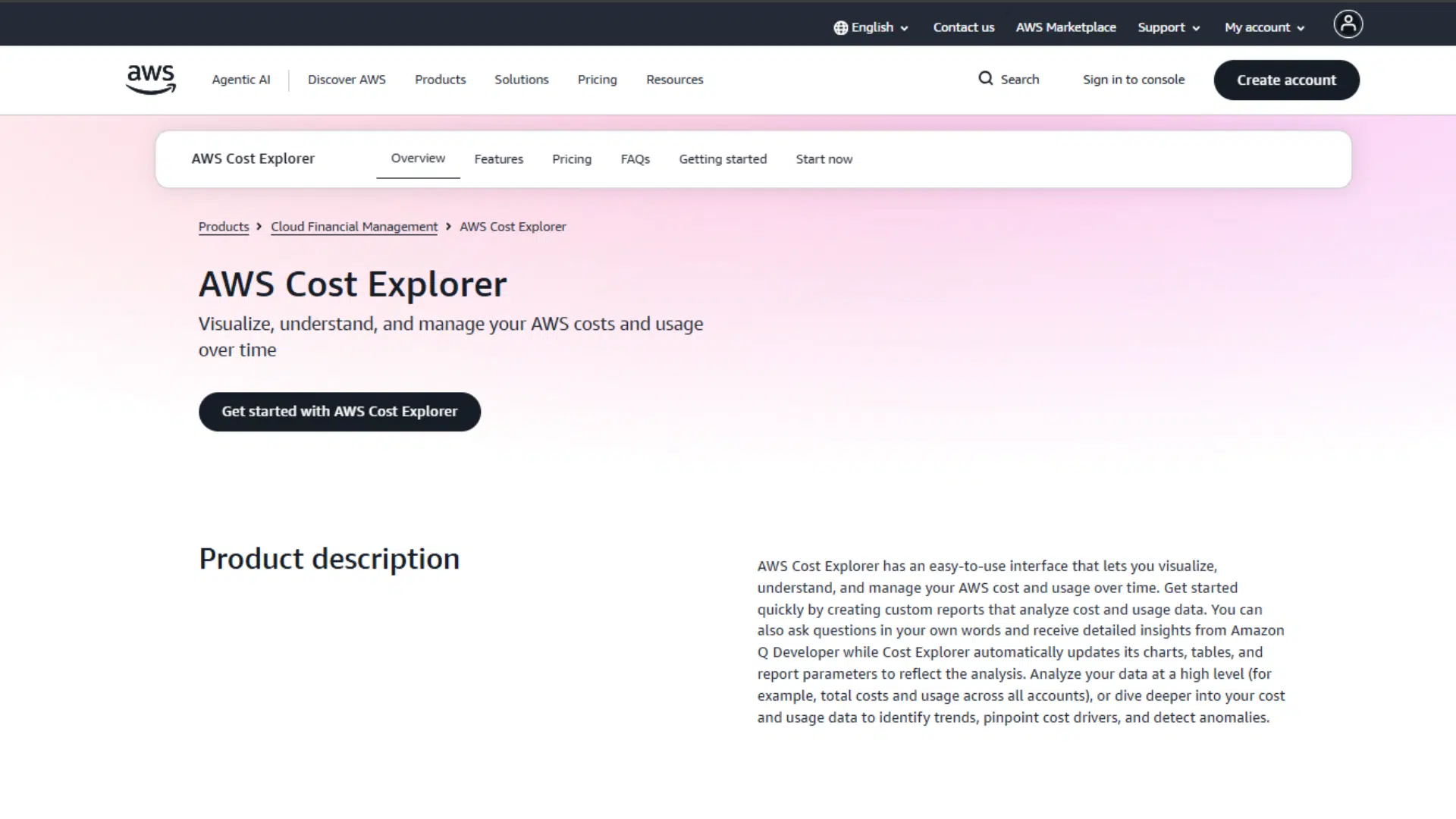
AWS Cost Explorer provides teams with a clear view of spending trends, budget alerts, and basic rightsizing recommendations across AWS environments.
It connects directly to billing data and works well for teams running purely on AWS.
It is free to start, easy to set up, and requires no third-party integration to get basic visibility.
The honest limitation? It stops at the AWS boundary, no automation, no multi-cloud view, and no real action on the problems it surfaces, just data.
2. CloudZero
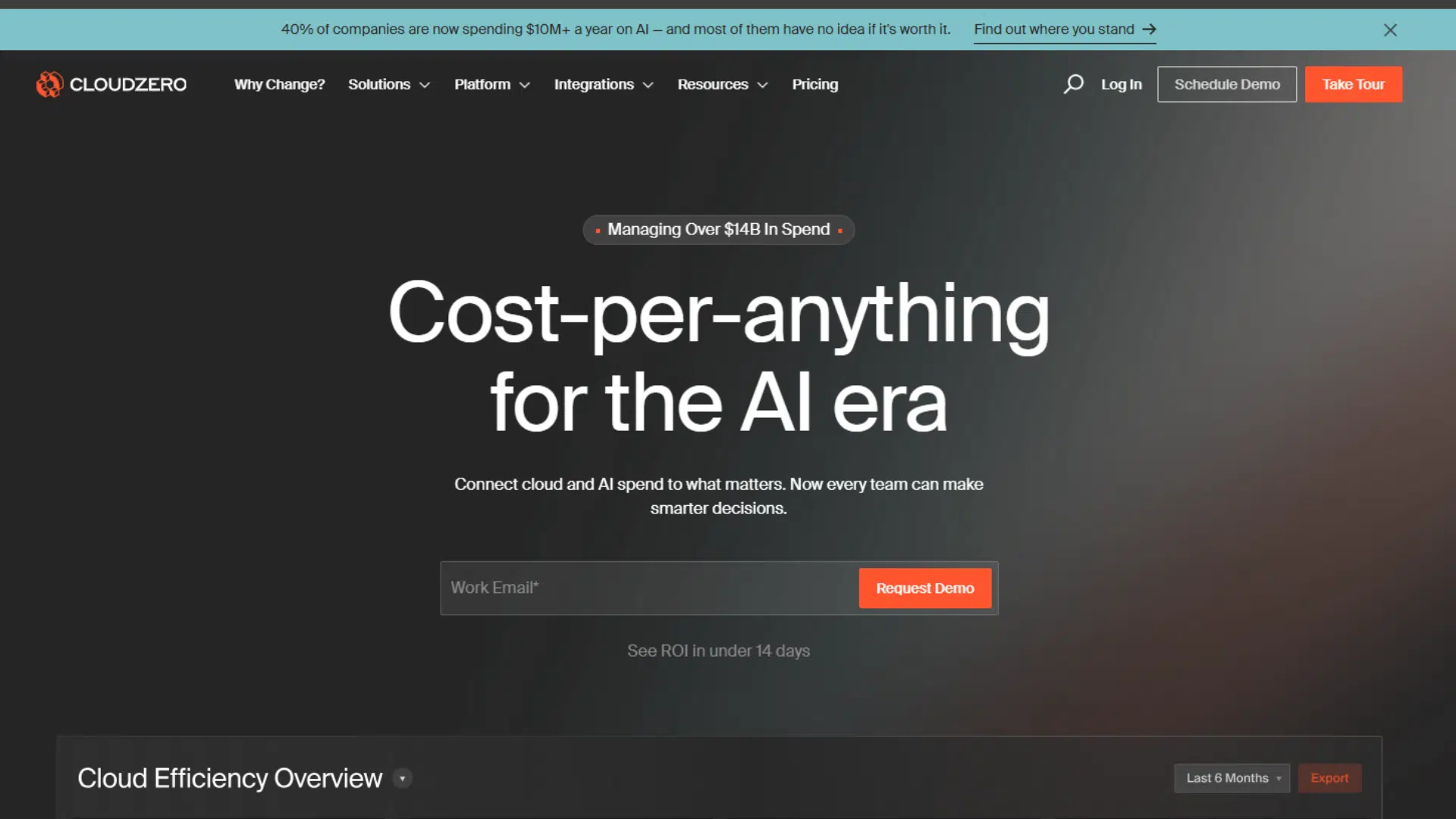
CloudZero maps cloud costs to specific features, customers, or teams instead of showing raw billing numbers.
That shift from “here’s what you spent” to “here’s why you spent it” changes how engineering and finance teams communicate. It supports AWS, Azure, GCP, and Kubernetes environments in a single view.
Engineers in FinOps Slack channels consistently bring it up when the conversation turns to unit economics and business-level cost visibility.
The limitation worth noting is that pricing scales with cloud spend, which can feel steep for smaller teams.
3. CAST AI
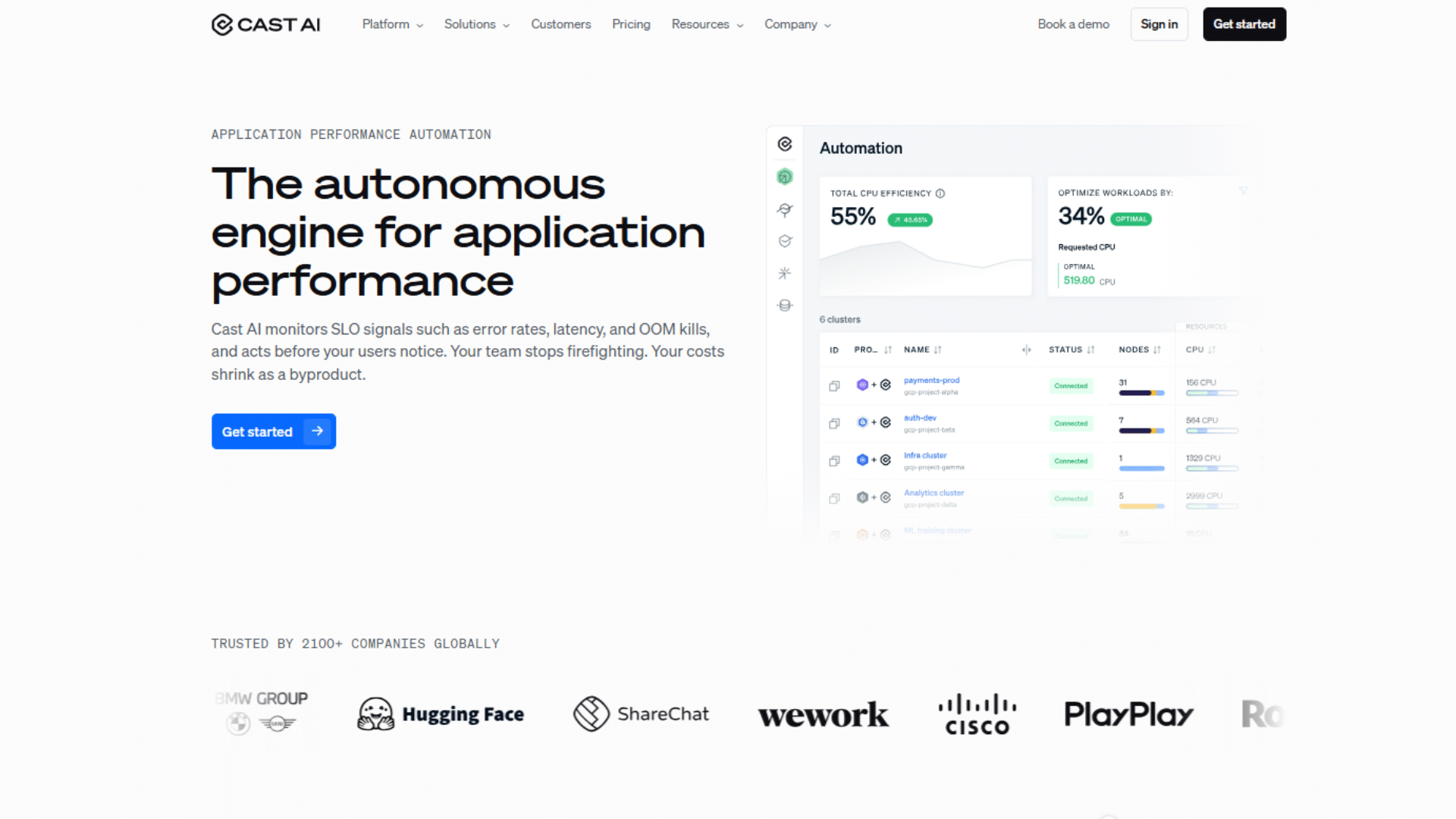
CAST AI dominates almost every Kubernetes cost thread on Reddit, and for good reason. It does not just recommend changes, it acts on them.
The platform continuously adjusts node size, instance type, and count based on actual pod usage, which makes it useful for teams focused on devops automation.
For teams where containers make up the majority of workloads, the shift from manual rightsizing to automated optimization is immediately noticeable.
The limitation is straightforward; it is built exclusively for Kubernetes and covers nothing outside of it.
4. CloudHealth by Broadcom
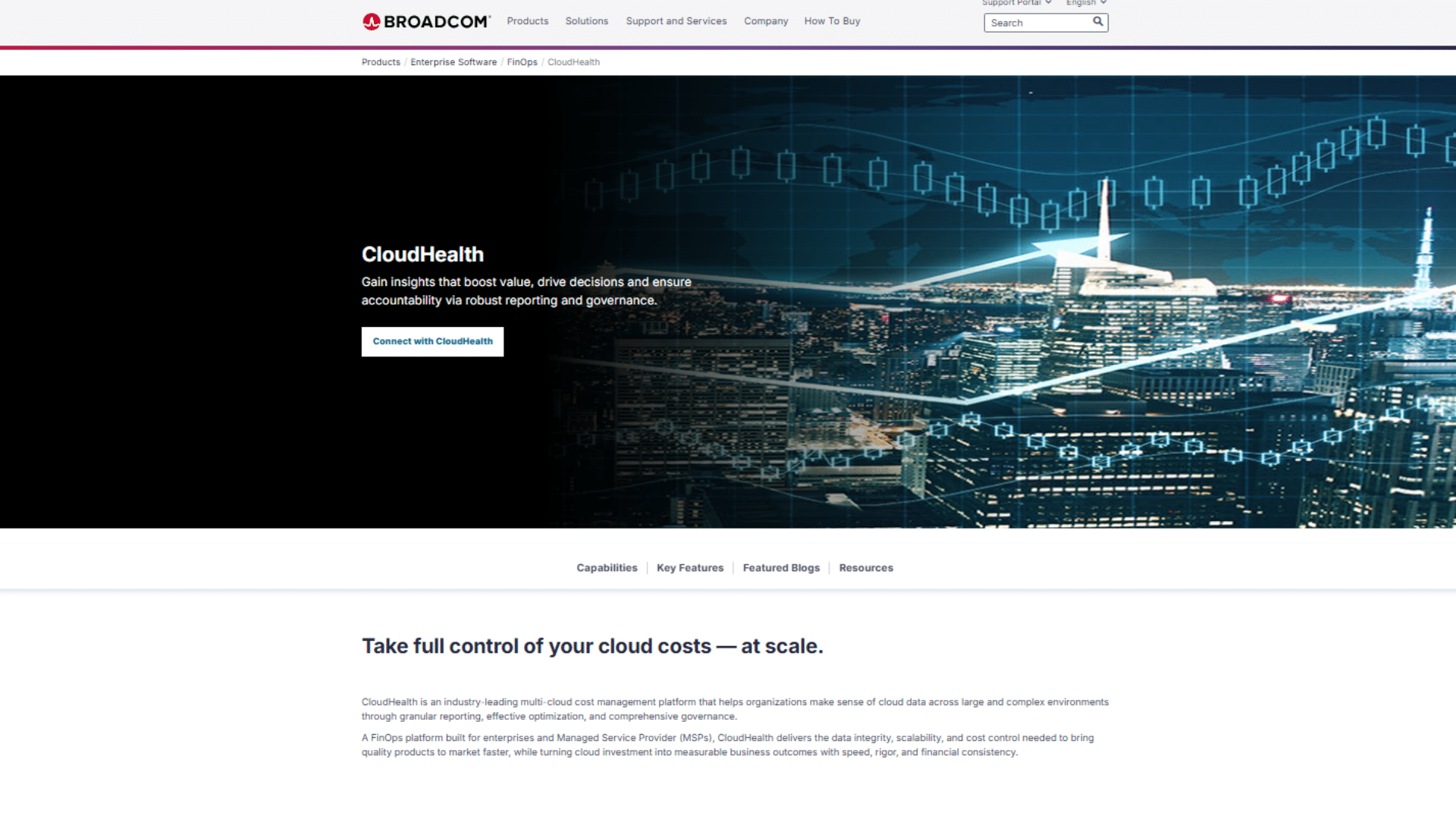
CloudHealth was built for large enterprises managing multiple teams across several cloud providers with no shared tagging policy or central visibility.
It brings cost data, governance rules, and policy enforcement into one place. Engineering forums consistently describe it as powerful but heavy; the setup takes time, and the interface has a real learning curve.
For the lean team,s it is likely more tools than needed. For enterprises managing complex, multi-team cloud environments, it consistently earns its place.
5. nOps
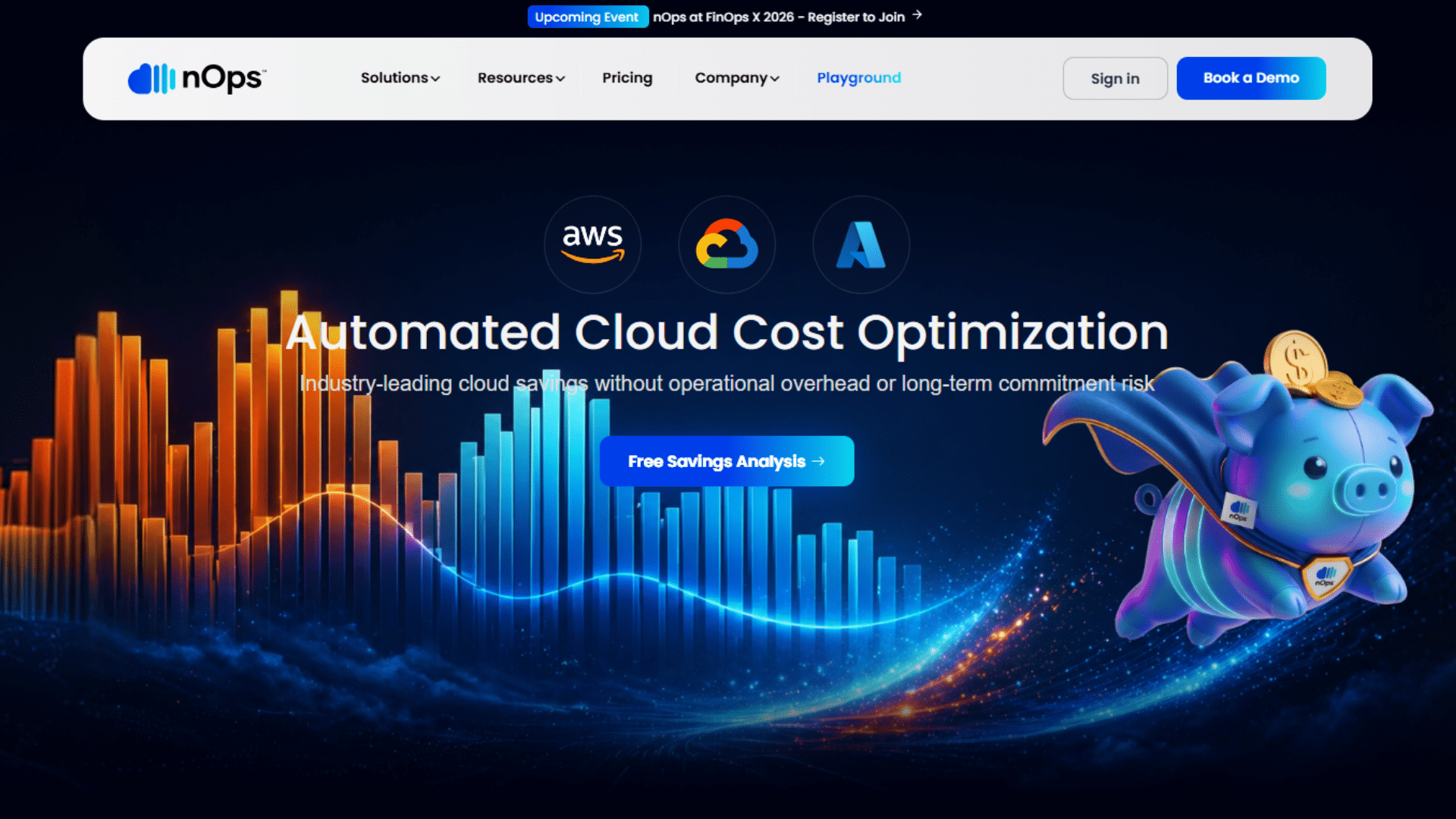
nOps uses machine learning to act on cloud waste rather than flag it. It turns off unused instances, shifts workloads to spot capacity, and reconfigures overprovisioned resources without waiting for manual approval.
The FinOps community describes it as one of the more proactive AWS-native tools available today.
Teams that are tired of dashboards that identify problems but leave the fixing to engineers tend to find it a better fit. The limitation is that it is AWS-only, so that multi-cloud teams will need an additional tool alongside it.
6. Kubecost
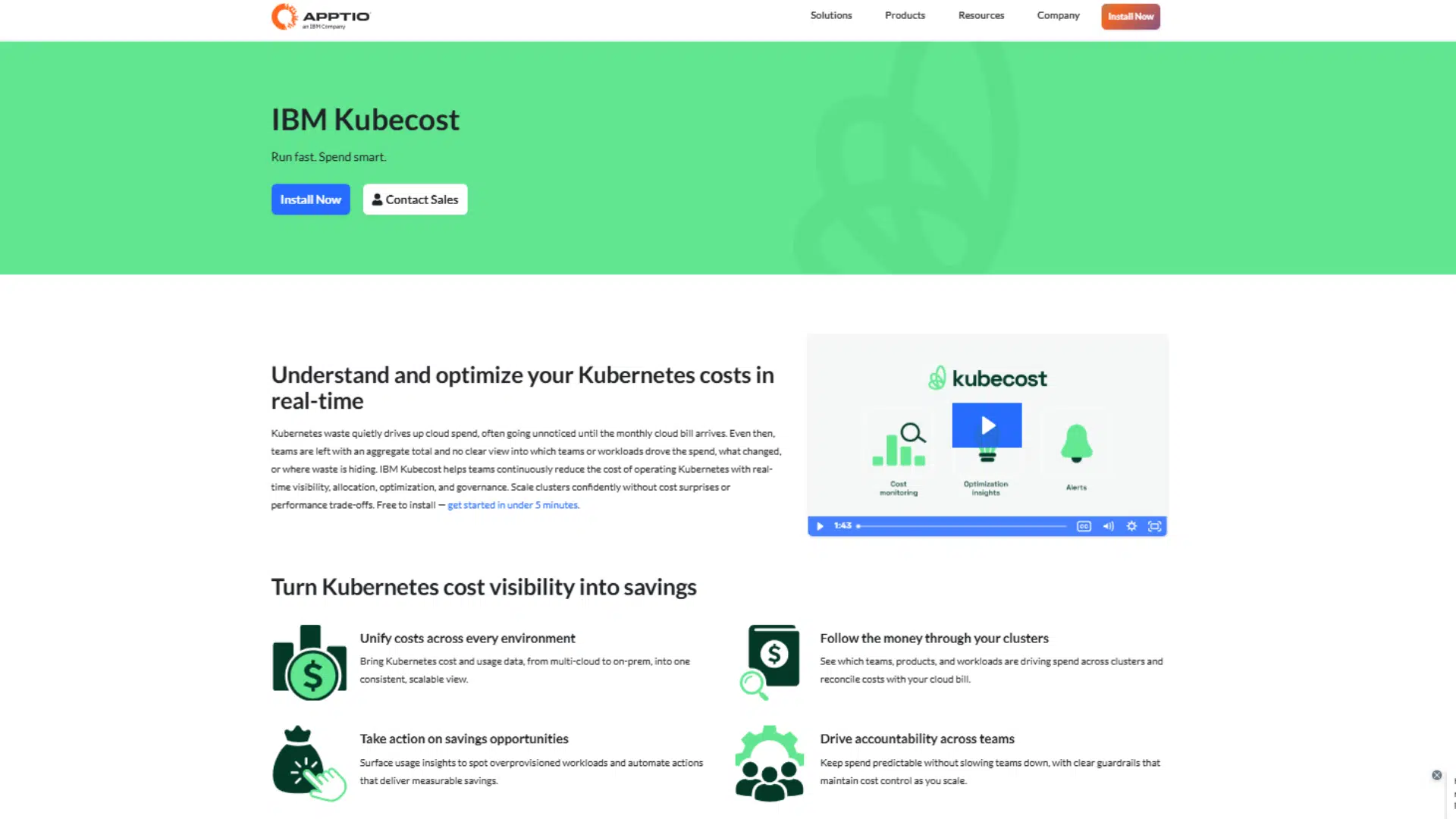
Kubecost focuses on knowing exactly what is happening inside a Kubernetes cluster. It breaks down spend by namespace, and team, giving engineers a level of cost granularity that most enterprise tools charge a premium for.
The free tier covers a solid amount of ground, making it a practical option for lean platform teams that need cost transparency without a large tool budget.
The honest limitation is that Kubecost is primarily a monitoring and allocation tool. It surfaces the data clearly but does not automate the fixes.
7. ProsperOps
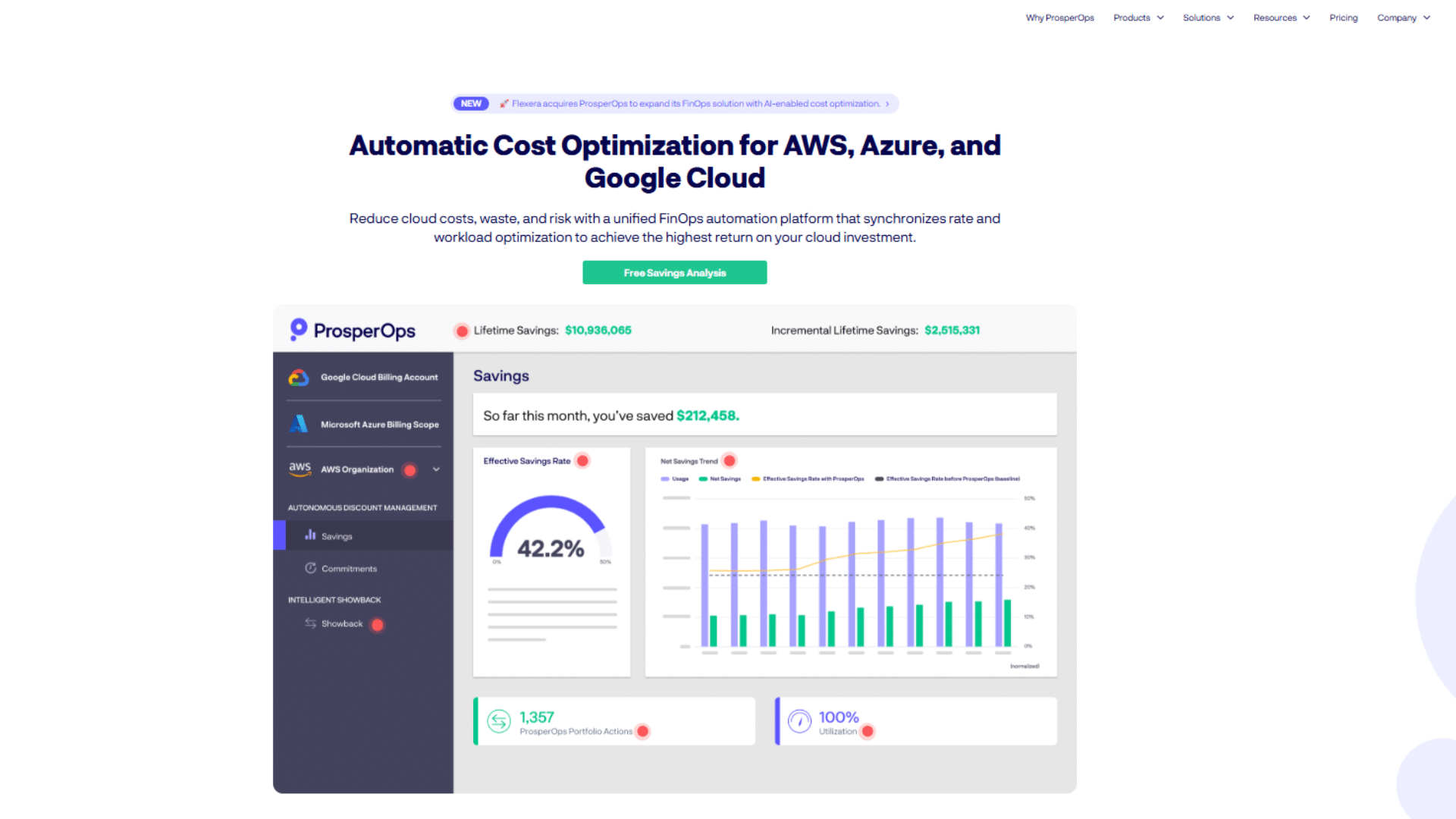
ProsperOps focuses exclusively on automating AWS commitment management, Reserved Instances, and Savings Plans.
It continuously buys, sells, and adjusts commitments in the background to maximize discount coverage without manual forecasting.
Teams that find commitment management tedious consistently recommend it across FinOps communities.
It operates on a performance-based pricing model, meaning it only charges when it delivers actual savings.
The limitation is a narrow scope; it handles commitment optimization well, but does not provide broader cost visibility or support multi-cloud environments.
8. Harness Cloud Cost Management
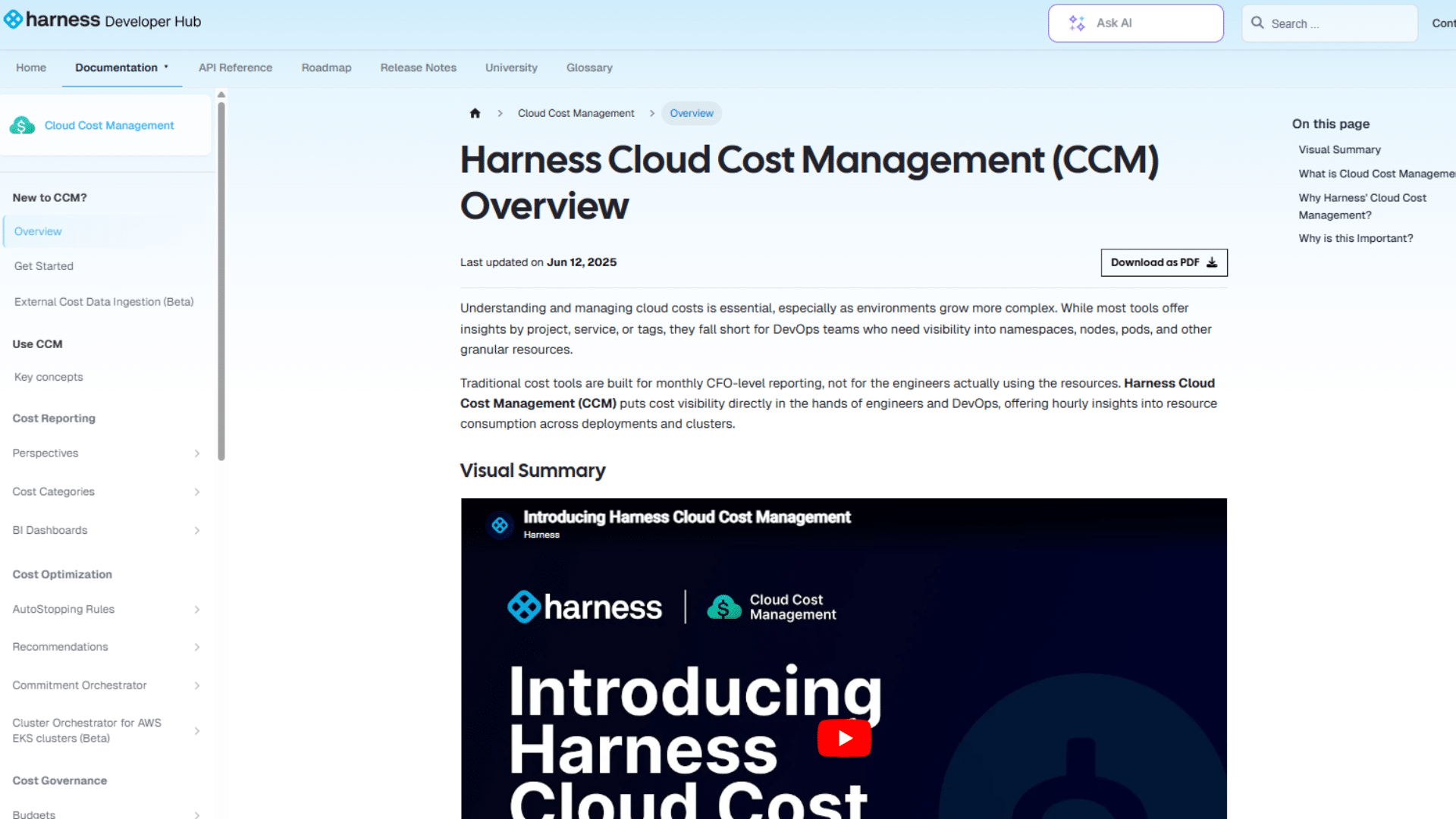
Harness connects cost data directly to the CI/CD pipeline, making it one of the few tools where engineers see the cost impact of a deployment before it goes live.
It includes AutoStopping, which automatically shuts down idle non-production environments without manual intervention.
The FinOps community rates it highly for developer-first cost visibility.
The limitation is clear; its full value is only realized by teams already using Harness for software delivery, making it a poor standalone choice.
9. Zesty
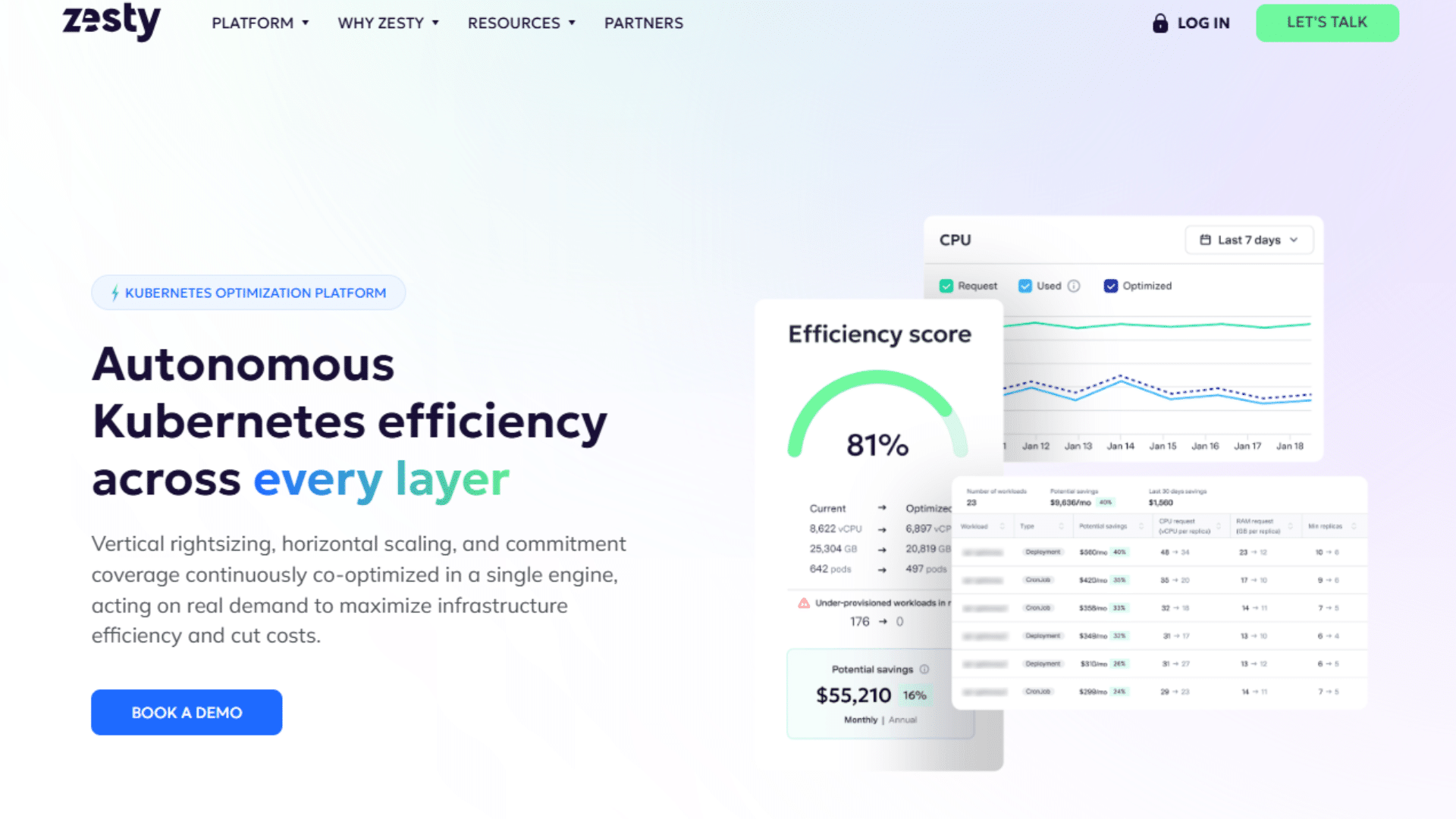
Zesty uses AI to dynamically manage AWS Reserved Instances and Savings Plans in real time, automatically adjusting commitments as workloads shift, rather than locking teams into fixed purchases.
It removes the guesswork from commitment buying entirely and works without requiring engineering involvement once set up.
Teams with high, variable compute spend get the most out of it.
The limitation is that it is AWS-focused and less effective for stable, predictable workloads with minimal fluctuation.
10. Vantage
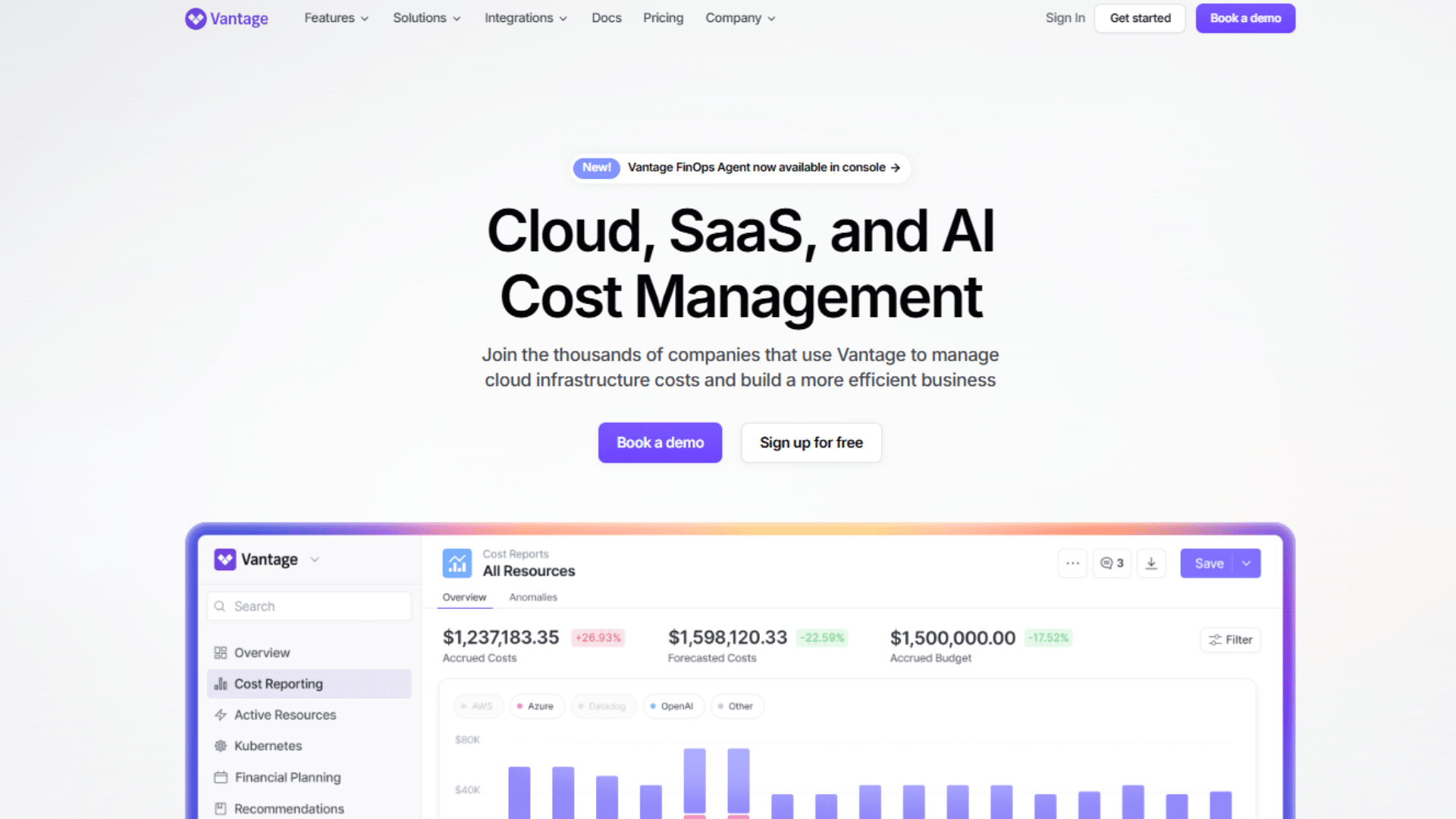
Vantage provides clean, unified cost visibility across AWS, Azure, GCP, and Kubernetes without the complexity of enterprise platforms.
It is frequently recommended in FinOps communities as one of the most user-friendly multi-cloud cost tools available.
Teams that find CloudHealth too heavy or CloudZero too expensive tend to land here.
The limitation is that automation capabilities are noticeably lighter than those of tools like nOps or CAST AI, making it better suited to visibility than to hands-off cost reduction.
11. Cloudability by Apptio
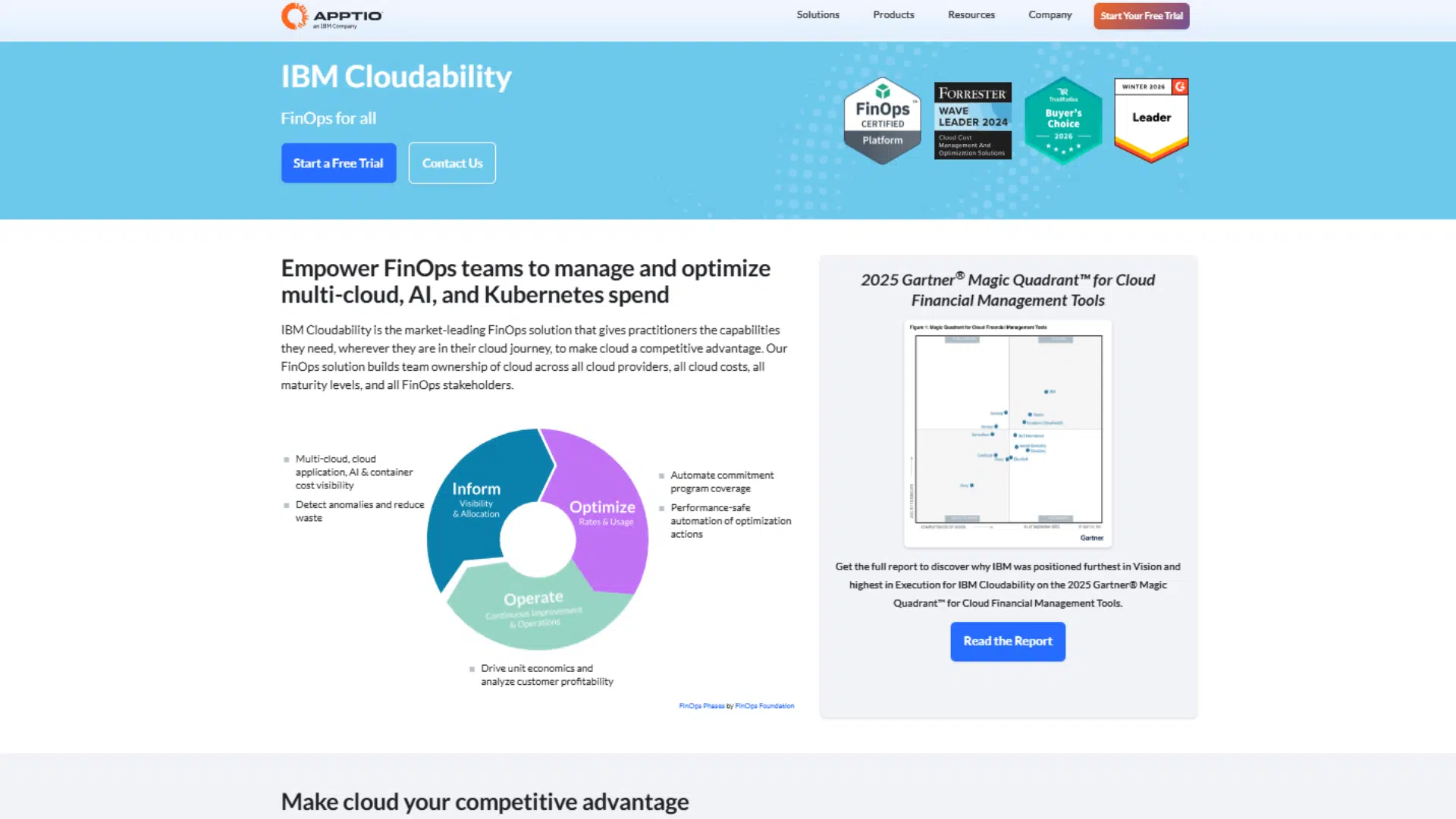
Cloudability is one of the more mature FinOps platforms available, offering strong forecasting, cost allocation, and reporting across multi-cloud environments.
It is built for finance and engineering teams that need detailed chargeback reporting and long-term budget planning.
The FinOps Foundation community considers it a reliable enterprise-grade option.
The limitation engineers mention most is the handoff gap, recommendations surface clearly in the platform, but implementation still falls entirely to the engineering team to execute manually.
Automation vs. Recommendations: What’s the Real Difference?
Most cloud tools fall into one of two camps, and picking the wrong one for your team’s workflow is one of the most common reasons optimization efforts stall.
| Factor | Recommendation-Based Tools | Automation-Based Tools |
|---|---|---|
| How It Works | Surfaces insights and suggests actions for the team to review and act on | Detects issues and executes fixes automatically without waiting for manual input |
| Speed to Savings | Slower, depending on how quickly engineers act on suggestions | Faster changes happen in real time or on a set schedule |
| Team Effort Required | High-level engineers need to review, approve, and implement each change | Low, most actions run in the background without manual involvement |
| Control Level | High, the team decides what gets changed and when | Moderate, rules and guardrails are set upfront, and the tool acts within them. |
| Best For | Teams that prefer visibility and oversight before making infrastructure changes | Teams that want continuous optimization without daily manual reviews |
| Risk Level | Low, no changes happen without human approval | Moderate, requires careful configuration to avoid unintended changes in production |
| Ideal Team Size | Works for any team size, especially those with dedicated FinOps or engineering oversight | Best for growing teams where manual optimization is becoming a bottleneck |
| Limitation | Savings only happen if someone acts on the recommendations consistently | Needs proper guardrails, full automation in production environments carries real risk |
Key Features that Separate Good Tools from Great Ones
Not every tool that tracks cloud spend is worth paying for. These are the features that consistently show up in tools that deliver real, measurable results.
- Real-Time Rightsizing Recommendations: Flags overprovisioned resources based on live workload data, not weekly averages.
- Automated Rightsizing Execution: Resizes instances automatically according to team-defined rules without waiting for manual approval.
- Anomaly Detection Refresh Rate: Catches unusual spend spikes in hours, not days, because a 72-hour lag costs real money.
- Unified Cost View Across Providers: Shows AWS, Azure, and GCP spend in one place without juggling three separate billing consoles.
- Provider-Specific Optimization Logic: Understands the difference between AWS Reserved Instances, Azure Savings Plans, and GCP Committed Use Discounts and optimizes for all of them.
Pricing Models: What to Expect Before the First Invoice
Cloud optimization tools use one of three pricing structures, and understanding this before signing a contract prevents surprises.
Flat-fee SaaS subscriptions (common with Vantage and Kubecost) are predictable regardless of how much you spend on cloud.
Percentage-of-savings models (ProsperOps, Zesty) mean you only pay when the tool delivers, which aligns incentives but can become expensive at scale.
Percentage-of-spend models (CloudZero, CloudHealth) charge based on your total cloud bill, which works well at smaller spend levels but scales significantly as cloud costs grow.
Ask for all three scenarios modeled against your current monthly cloud spend before committing.
What Forum Communities Say About These Tools?
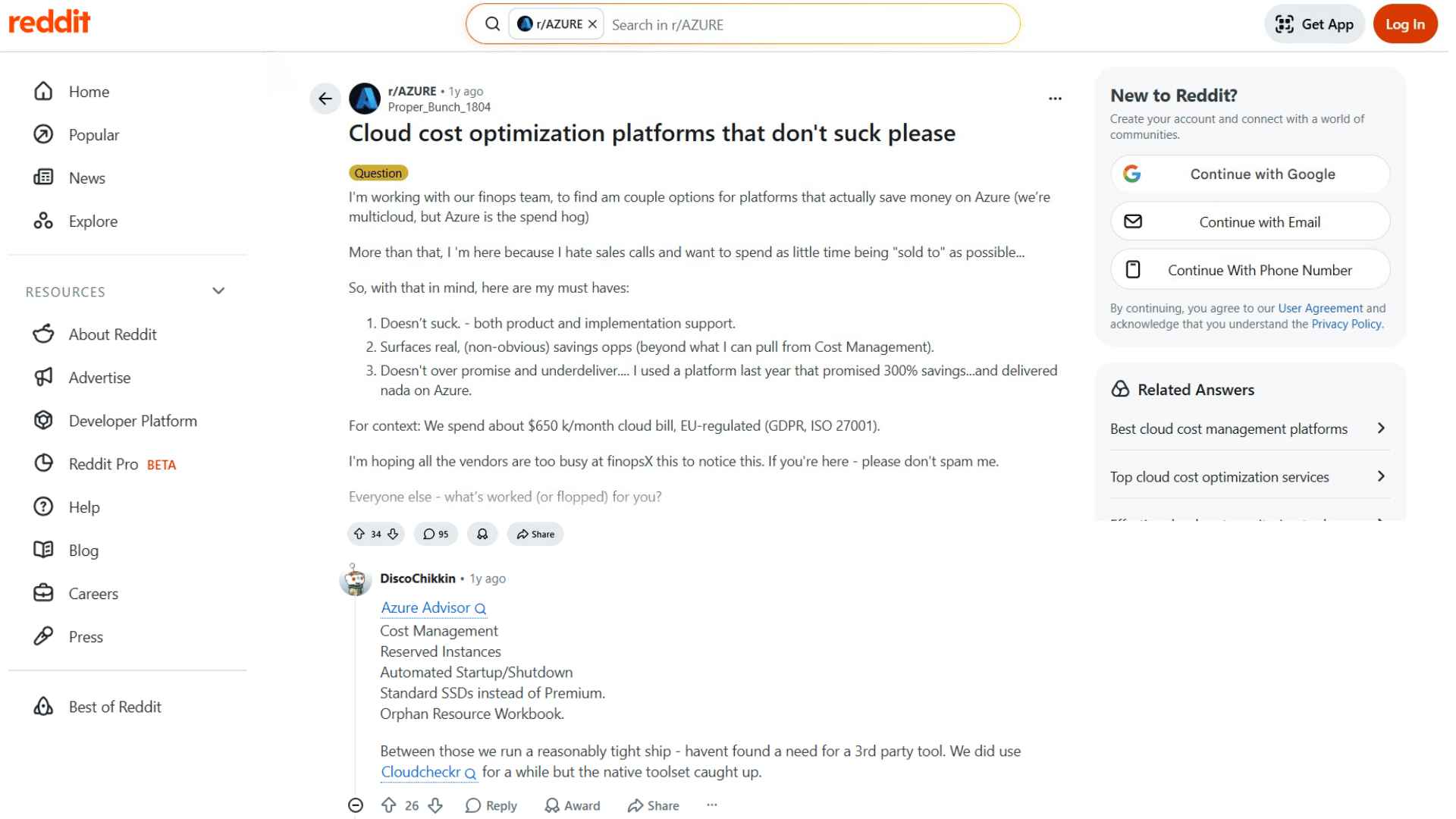
Opinions from engineers and FinOps teams carry more weight than any product page.
Engineers with strong cloud practices often get good results from native tools. Tools like Azure Advisor, Cost Management, Reserved Instances, and Orphan Resource Workbooks can do more than many teams expect.
These tools work well when teams use them properly and review them regularly.
Third-party tools become more useful when companies manage multi-cloud systems, handle large environments, or do not have enough time to manage every recommendation manually.
The community sentiment is clear: overpromised savings percentages and overly complex sales processes are the fastest way to lose engineer trust.
The top response skipped third-party tools and focused on Azure Advisor, Cost Management, Reserved Instances, and Orphan Resource Workbook. The engineer said Azure’s native tools later matched Cloudcheckr’s features.
The pattern is consistent across Reddit and FinOps Slack native tools; used properly, they go further than most teams expect.
The honest takeaway: tools don’t save money. Teams that actually use them do.
Mistakes to Avoid Before You Commit to a Tool
Choosing the wrong tool doesn’t just waste budget; it wastes the time it takes to set it up, onboard the team, and eventually switch. These are the mistakes worth avoiding before signing anything.
- Picking Based on Features, Not Savings Velocity: A tool with fifty features but slow manual workflows will always underdeliver compared to a simpler, well-automated one.
- Trusting the Demo Over the Real Environment: Tools look great in controlled demos, always test against actual infrastructure before committing.
- Ignoring Multi-Cloud Limitations Early: A tool that only supports AWS today becomes a real problem the moment Azure or GCP gets added.
- Underestimating the Effort Behind Recommendations: Recommendation-based tools only deliver value if someone on the team consistently acts on them.
- Skipping the Pricing Model Conversation: Flat fee versus percentage of spend makes a significant difference; understand it before the first invoice arrives.
Conclusion
There is no single best cloud optimization tool. The right pick depends on the cloud environment, team size, and long-term cloud transformation solutions the business plans to adopt
AWS-native teams do well with nOps. Multi-cloud teams that need business-level cost context get more from CloudZero.
Kubernetes-heavy workloads are better served by CAST AI or Kubecost.
Enterprises that need governance at scale usually land on CloudHealth. The one thing every high-performing team has in common is not the tool they picked, it is that they actually used it consistently.
Cloud costs don’t fix themselves. But with the right tool and a team that stays on top of it, the savings are real.
Tried one of these tools or hit a wall with one that underdelivered? Drop your experience in the comments below.
Frequently Asked Questions
What Is a Cloud Cost Management Tool?
A cloud cost management tool helps teams track, allocate, and reduce cloud spending by identifying waste and optimizing resource use across environments.
How Do Cloud Optimization Tools Work?
They connect to cloud billing systems, analyze usage patterns, and surface recommendations or automatically address inefficiencies such as idle resources and oversized instances.
What are the 4 Types of Cloud Services?
Infrastructure as a Service, Platform as a Service, Software as a Service, and Function as a Service.
Which Tools Work Best for Small Businesses?
AWS Cost Explorer, Kubecost’s free tier, and Azure Cost Management cover most small business needs without heavy setup or percentage-based pricing.
When Is a Third-Party Tool Actually Needed?
When native dashboards lack depth, multi-cloud complexity grows, or manual optimization becomes a consistent bottleneck for the engineering team.

