



I know how messy things can get when you’re trying to track equipment, tools, or digital files. I’ve been there, and it quickly turns into wasted time and stress.
That’s where asset management solutions come in. They help you stay organized and keep everything in one place, much like the best tracking apps do for location and device tracking.
In this article, I’ll explain things in a simple way. You’ll learn what these tools do, why they matter, and how to choose the right one for your needs. I’ll also share useful tips to help you get better results.
I’ll point out common mistakes so you can avoid them early. By the end, you’ll feel more in control and ready to manage your assets with ease.
If you want to save time, reduce errors, and keep things running smoothly, this guide will help you take the next step with confidence.
What Are Asset Management Solutions?
Asset management solutions are tools or systems that help track, manage, and maintain assets in a single central location.
These assets can include both physical items, such as equipment and tools, and digital assets, such as software and data.
With everything stored in one system, it becomes easier to know where assets are, who is using them, and their current condition.
Most asset management solutions offer features like tracking, reporting, and maintenance alerts. These features help reduce errors, prevent loss, and improve planning.
Businesses can stay organized and make better decisions based on real-time data.
Whether for small teams or large companies, asset management solutions help save time, lower costs, and keep operations running smoothly.
Why Businesses Need Asset Management Solutions?
Businesses need asset management solutions to stay organized, reduce losses, and improve efficiency. They help track assets in real time and make better use of resources.
- Keeps all asset data in one place: All information is stored in a single system, making it easy to find details quickly without confusion.
- Reduces the risk of lost items: Better tracking helps prevent assets from being misplaced just as parental control apps help parents track and manage their child’s device activity.
- Improves real-time tracking: Live updates show where assets are and how they are being used at any moment.
- Helps plan maintenance: Scheduled alerts ensure equipment is serviced on time and lasts longer.
- Saves time on manual work: Automation reduces the need for spreadsheets and manual entry.
- Supports better decisions: Clear reports and data help businesses make smarter choices.
- Lowers overall costs: Efficient use of assets reduces waste and unnecessary spending.
- Boosts productivity: Teams work faster when assets are easy to manage and access.
Benefits of Using Asset Management Solutions
Asset management solutions help businesses stay organized, save time, and reduce costs. They also improve tracking, control, and overall efficiency.
| Benefit | Description | Business Impact |
|---|---|---|
| Better Organization | Keeps all asset details in one place | Easier access and less confusion |
| Time Savings | Reduces manual tracking tasks | Faster daily operations |
| Cost Control | Prevents loss and overbuying | Saves money over time |
| Real-Time Tracking | Monitors asset location and use | Improves accountability |
| Improved Maintenance | Schedules regular servicing | Extends asset lifespan |
| Data-Driven Decisions | Provides clear reports and insights | Smarter planning and growth |
| Increased Productivity | Streamlines workflows | Teams work more efficiently |
| Reduced Errors | Cuts down manual mistakes | More accurate records |
Top Asset Management Solutions You Should Know
Choosing the right asset management solution can make daily operations smoother and more organized. These tools help track assets, reduce losses, and improve overall efficiency.
1. Asset Infinity
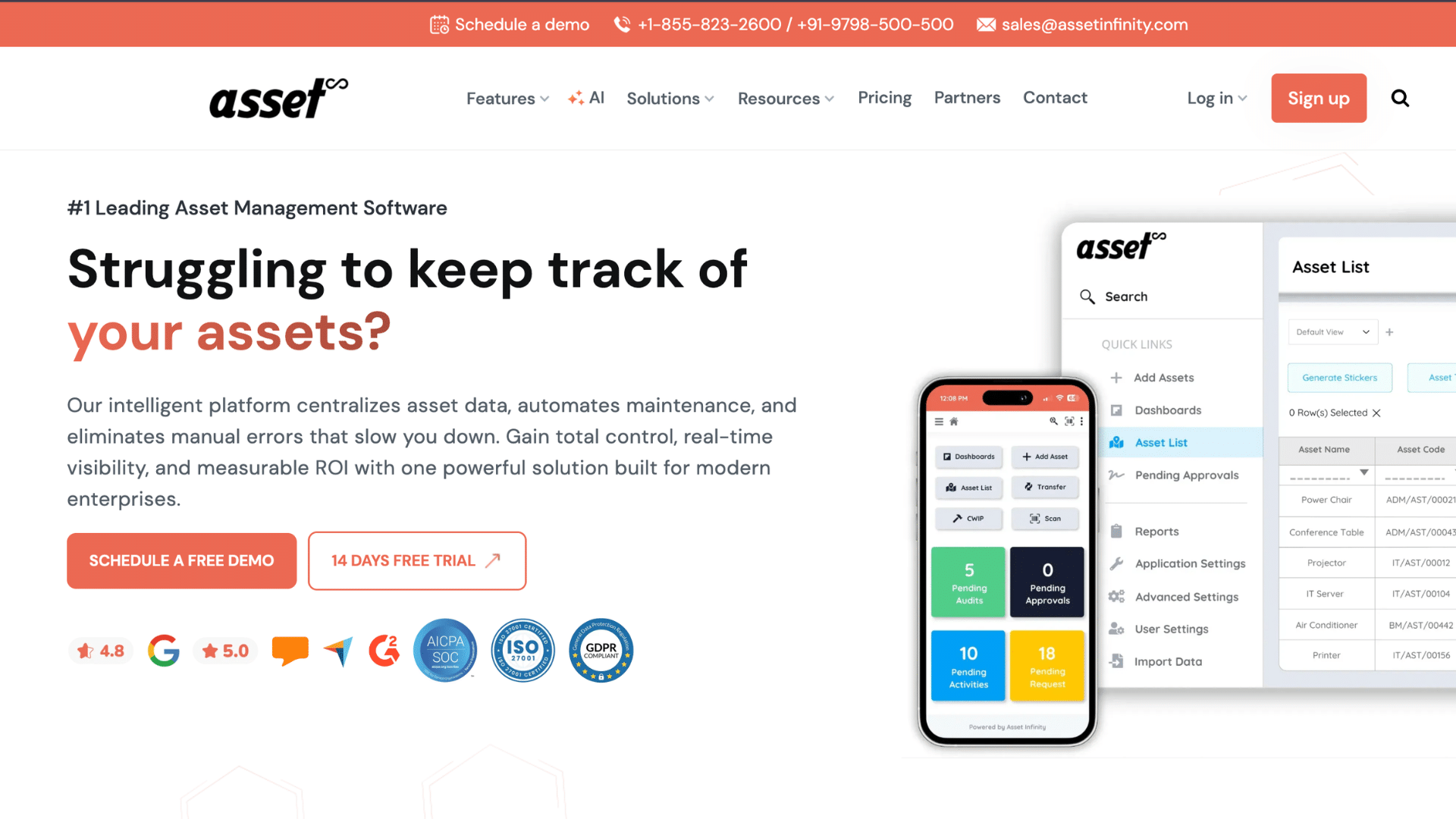
Asset Infinity is a cloud-based platform built for full asset lifecycle tracking. It uses QR codes and RFID scanning to enable fast, accurate asset tracking.
Businesses can monitor assets in real time and gain insights through predictive analytics. This helps reduce downtime and improve planning.
It also supports maintenance scheduling, audits, and reporting. The system is easy to use and well-suited for teams that want greater control over assets from purchase to disposal.
| Pros | Cons |
|---|---|
| Easy QR/RFID tracking | May need setup time |
| Real-time visibility | Advanced features need learning |
| Predictive insights | Not ideal for very small teams |
2. Asset Panda
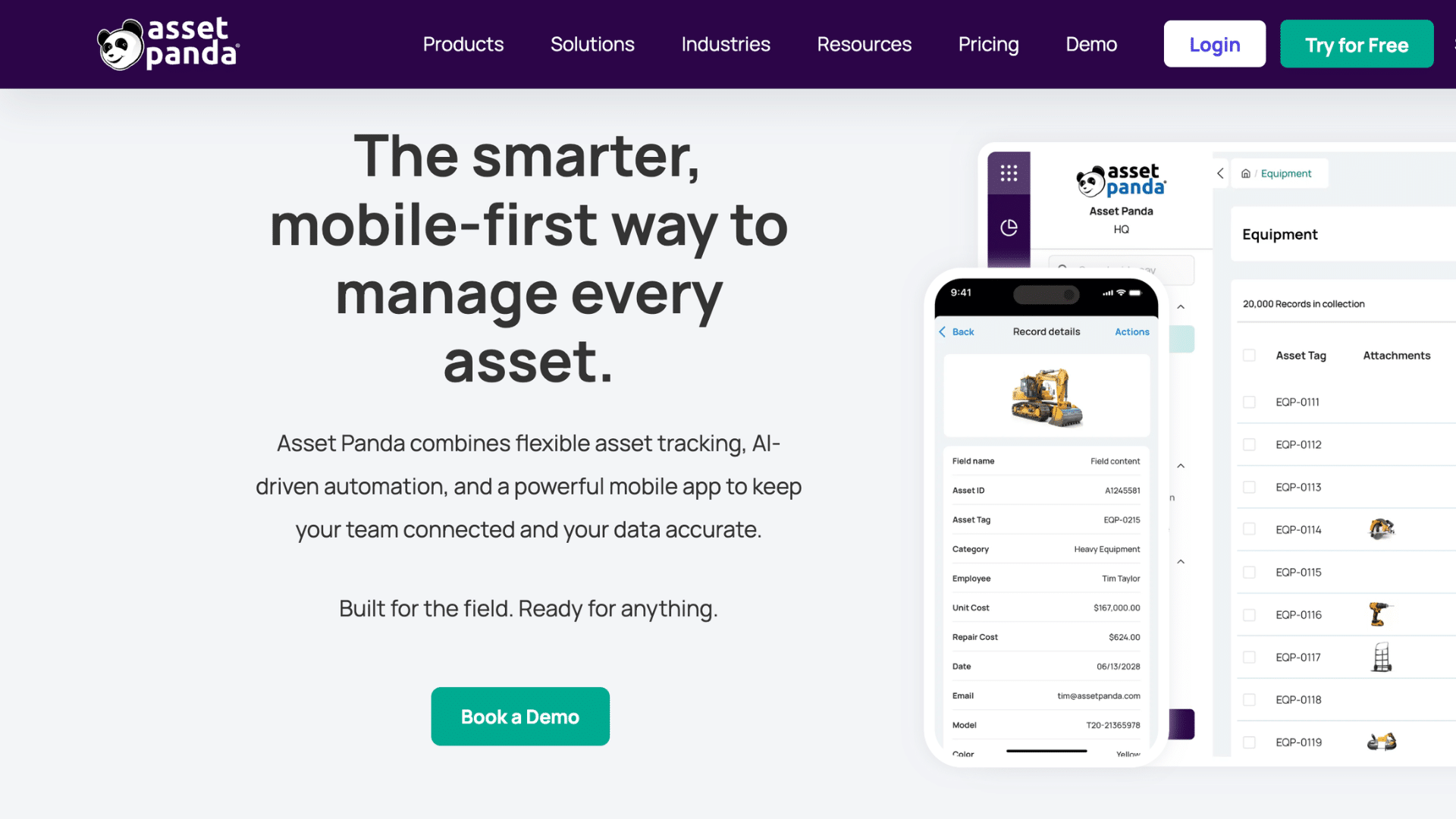
Asset Panda is a mobile-first asset management tool built for flexibility. It offers customizable workflows, so businesses can adjust it to match their processes.
With unlimited users, teams can collaborate without added costs. It supports both IT and fixed asset tracking with ease.
The mobile app allows updates from anywhere, improving efficiency. Asset Panda is a strong choice for growing companies that need a scalable solution without complex setup or high costs.
| Pros | Cons |
|---|---|
| Highly customizable | Setup can feel complex |
| Unlimited users | Interface may feel busy |
| Strong mobile access | Learning curve for beginners |
3. IBM Maximo
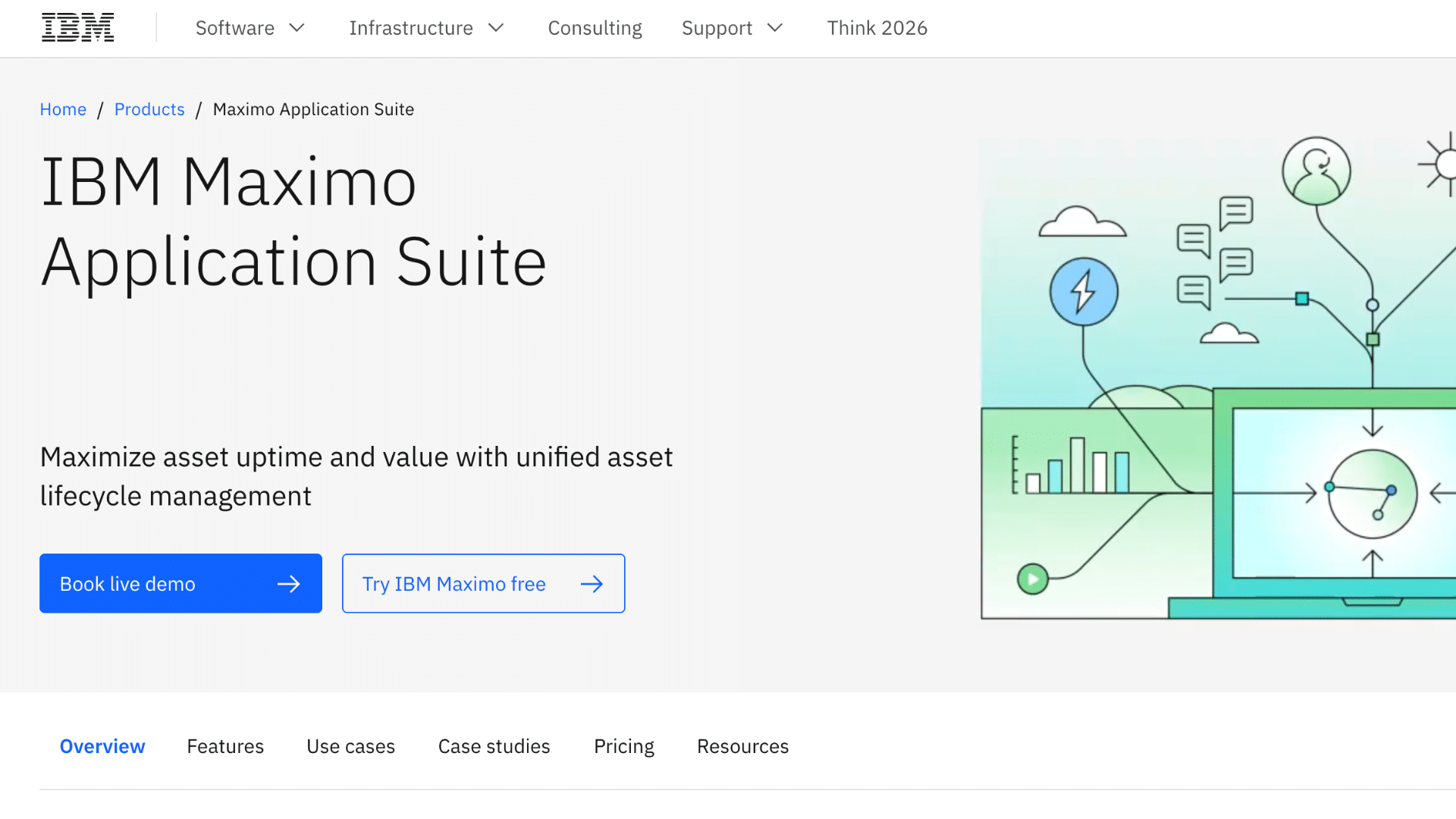
IBM Maximo is an enterprise-level solution designed for large organizations. It uses AI to support predictive maintenance and reduce unexpected failures.
This helps extend asset life and lower repair costs. It is ideal for industries that manage complex infrastructure, such as energy and manufacturing.
The platform also improves planning and resource use with advanced analytics. Businesses can manage assets at scale while improving performance and reducing downtime.
| Pros | Cons |
|---|---|
| AI-driven maintenance | High cost |
| Strong analytics | Needs expert setup |
| Scales for large systems | Not for small businesses |
4. UpKeep
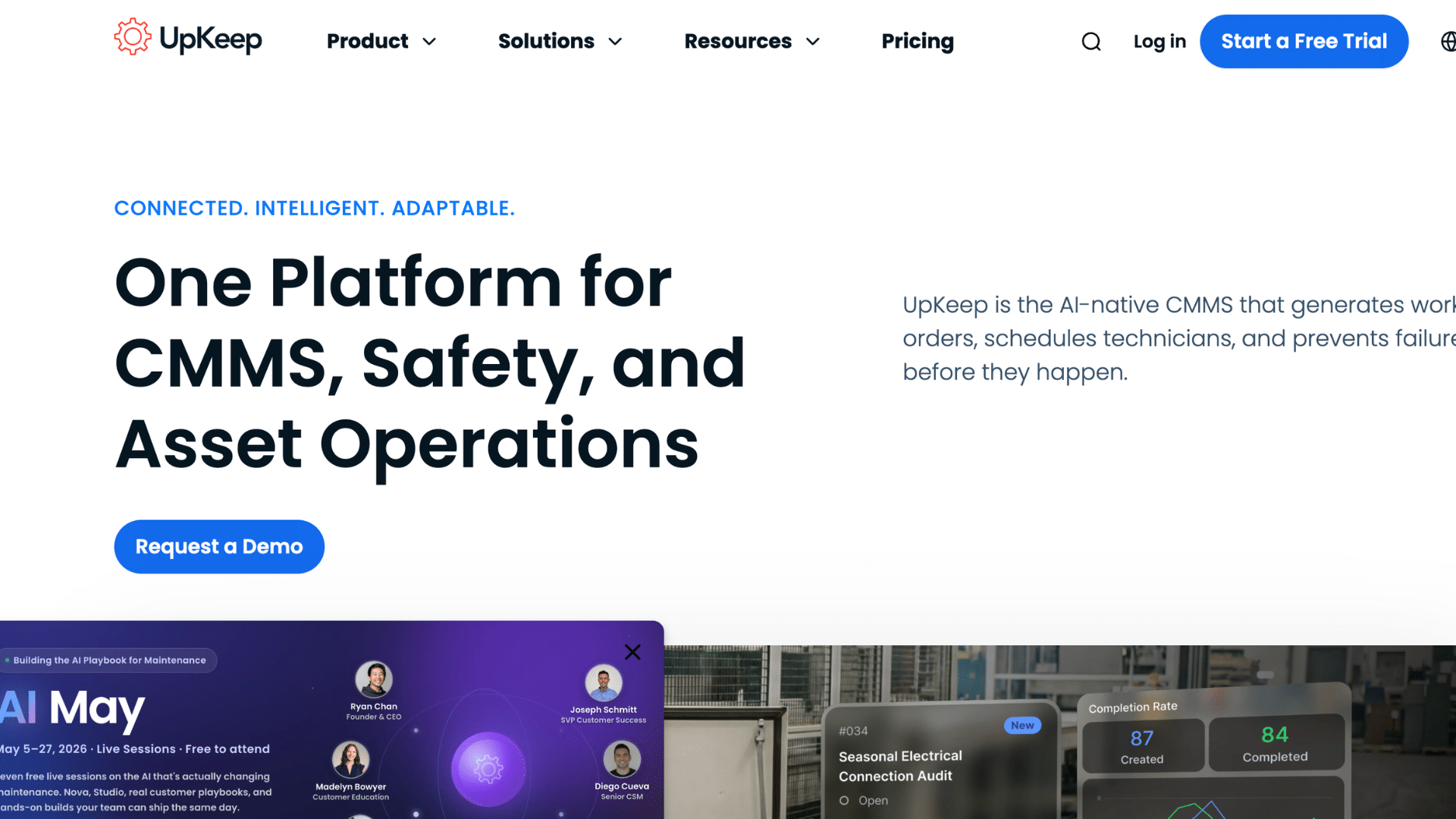
UpKeep is a real-time mobile maintenance app focused on work orders and field service tasks. It allows teams to create, assign, and complete jobs directly from their phones.
This speeds up communication and reduces delays. UpKeep also tracks asset history and performance, helping teams make better decisions.
It is simple to use and works well for maintenance teams that need quick updates and smooth workflows in daily operations.
| Pros | Cons |
|---|---|
| Easy mobile use | Limited advanced features |
| Real-time updates | Not a full asset lifecycle tool |
| Simple interface | May lack deep reporting |
5. Kynection
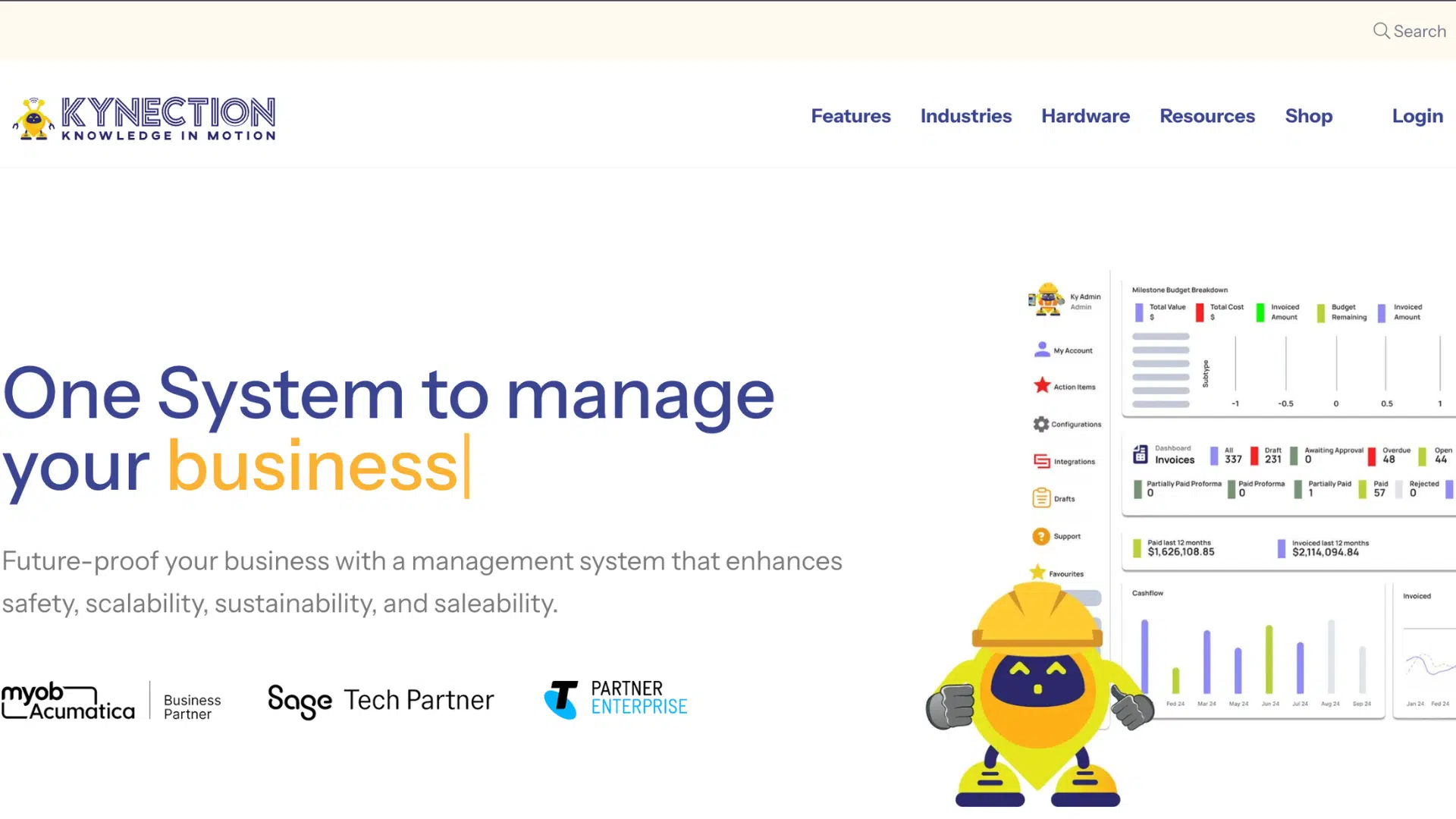
Kynection is a configurable asset-tracking system designed for field operations and construction teams. It offers real-time tracking and strong mobile access, making it easy to manage assets on-site.
Businesses can customize workflows to fit their needs. The system also helps improve safety and compliance. With quick data access, teams can respond faster and stay organized.
Kynection is a good fit for industries that rely on field-based asset management.
| Pros | Cons |
|---|---|
| Strong field tracking | Niche industry focus |
| Custom workflows | Setup takes time |
| Mobile-friendly | Limited office use features |
6. ServiceNow ITAM
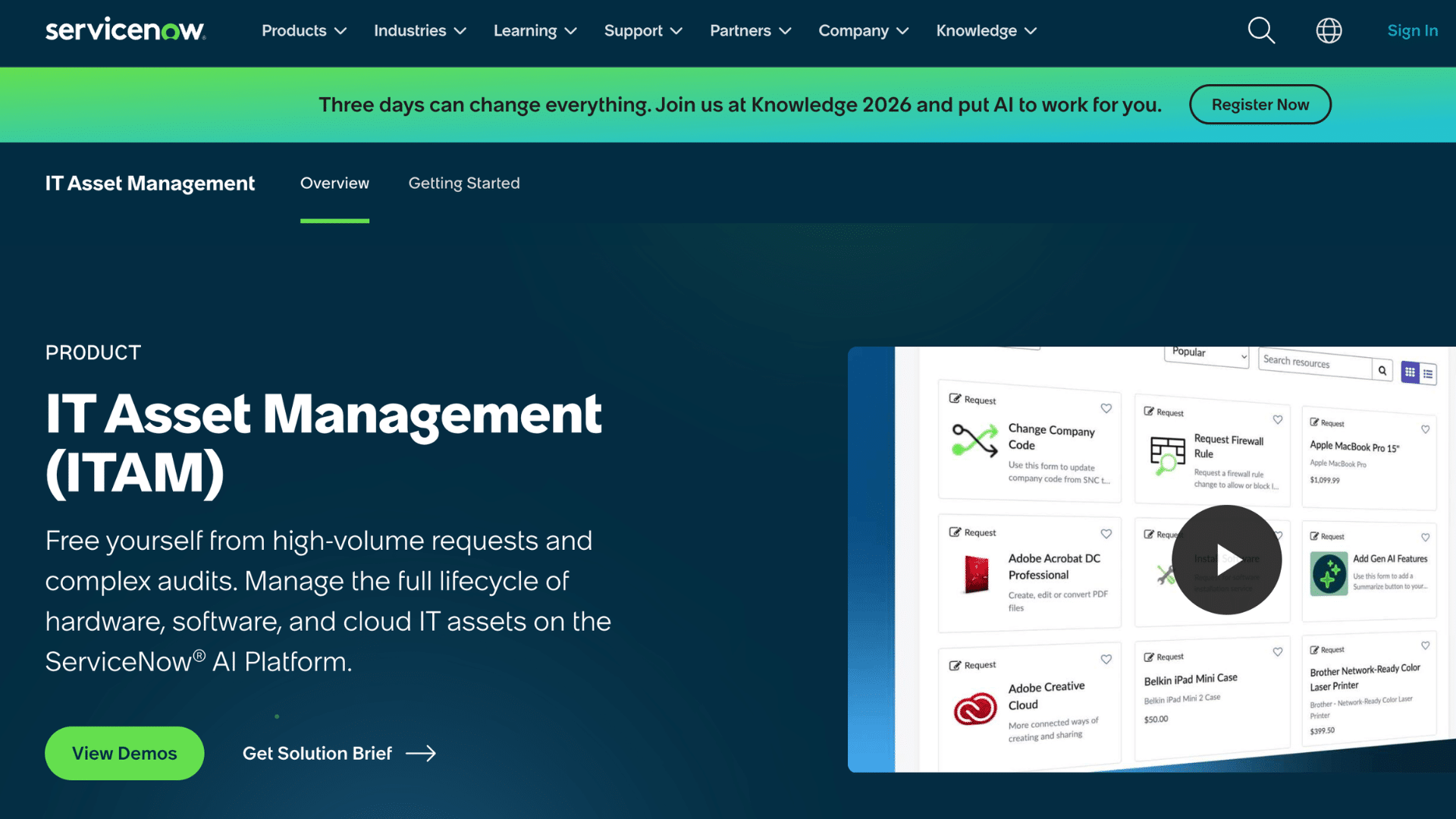
ServiceNow ITAM is an advanced platform for managing IT assets in one place. It connects asset data with IT service management tools for better control.
Automated discovery helps track assets across systems without manual work. It also supports compliance and risk management. Businesses can gain full visibility into their IT environment.
This makes it easier to manage assets, reduce risks, and improve overall system performance.
| Pros | Cons |
|---|---|
| Centralized IT tracking | Expensive |
| Automated discovery | Complex setup |
| Strong compliance tools | Needs training |
7. EZOfficeInventory
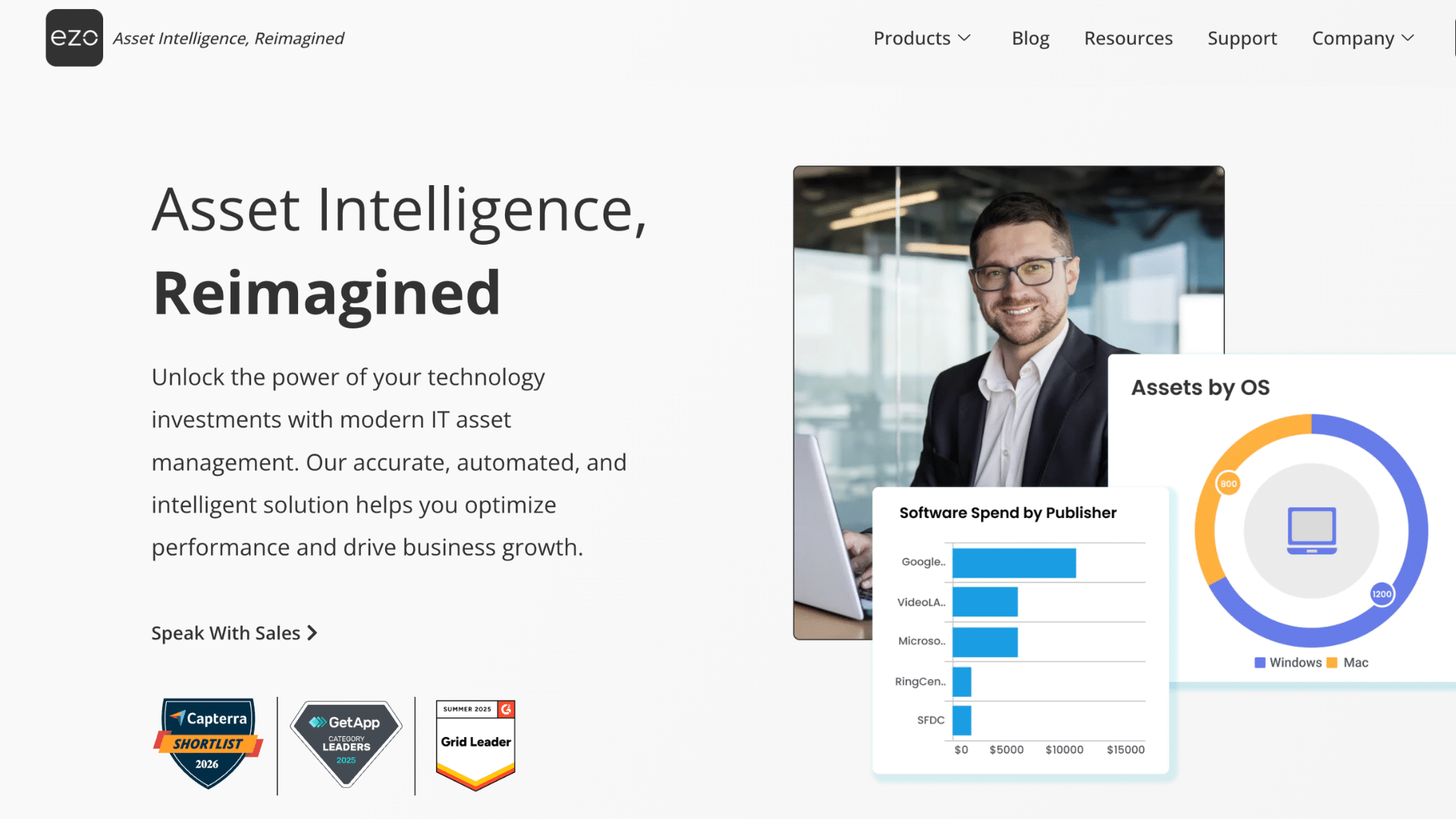
EZOfficeInventory is a simple tool for managing assets across multiple locations. It is great for tracking office equipment, handling audits, and managing check-ins.
The system supports barcode scanning for easy tracking. Businesses can monitor asset movement and usage with clear records. It helps reduce confusion and keeps everything organized.
EZOfficeInventory works well for teams that need a clean, reliable way to manage assets across different locations.
| Pros | Cons |
|---|---|
| Easy to use | Limited advanced features |
| Barcode support | Not for large enterprises |
| Good for audits | Basic reporting tools |
8. Snipe-IT
Snipe-IT is an open-source IT asset management tool focused on cost savings. It helps track hardware, software licenses, and accessories in one place.
Since it is open-source, businesses can customize it to fit their needs. It supports asset check-in and check-out, making tracking simple.
The system is a great choice for teams that want flexibility without high costs. It is especially useful for IT departments managing multiple devices.
| Pros | Cons |
|---|---|
| Free and open-source | Needs technical setup |
| Customizable | Limited support |
| Cost-effective | Basic interface |
9. ManageEngine AssetExplorer
ManageEngine AssetExplorer is a budget-friendly tool for mid-sized IT teams. It offers automated asset discovery, making it easy to track hardware and software.
The platform supports full lifecycle management from purchase to disposal. It also helps with compliance and reporting. Businesses can manage assets without complex systems.
AssetExplorer is a practical choice for teams that want reliable asset tracking at an affordable cost.
| Pros | Cons |
|---|---|
| Affordable pricing | UI feels outdated |
| Automated discovery | Limited customization |
| Easy lifecycle tracking | Not very scalable |
10. Freshservice
Freshservice is a cloud-based IT service management tool with built-in asset tracking. It connects asset data to incidents and service requests, improving workflow control.
This helps teams fix issues faster and improve service quality. The platform supports full asset lifecycle management and automation.
It is easy to use and works well for growing businesses. Freshservice is ideal for teams that want both ITSM and asset management in one system.
| Pros | Cons |
|---|---|
| User-friendly | Can get costly |
| Good integration | Limited deep asset features |
| Strong automation | Not ideal for large enterprises |
11. AVEVA EAM (IFS Ultimo)
AVEVA EAM (IFS Ultimo) is designed for industrial asset management. It focuses on equipment maintenance and reducing downtime. The platform helps track asset performance and plan maintenance tasks.
It is widely used across industries, including manufacturing and energy. Strong analytics improve reliability and safety.
This solution is ideal for businesses that manage complex equipment and need greater operational control.
| Pros | Cons |
|---|---|
| Strong maintenance tools | Complex setup |
| Good for industrial use | Expensive |
| Improves reliability | Needs training |
How to Choose the Right Asset Management Solution?
Choosing the right asset management solution starts with understanding your business needs. Consider the type of assets you manage, your team size, and your budget.
A good tool should be easy to use and offer key features such as real-time tracking, reporting, and mobile access, so you can manage assets from anywhere.
It’s also important to check if the solution can integrate with your existing systems and keep your data secure. Look for reliable support and a simple setup.
Compare a few options, try free demos if available, and choose a tool that saves time, reduces errors, and keeps operations running smoothly.
Also, think about how the tool will scale as your business grows over time. Choosing a flexible solution now can help avoid costly system switches later.
Cloud-Based vs On-Premise Asset Management Solutions
Cloud-based and on-premise asset management solutions both help track and manage assets, but they work in different ways. The right choice depends on your budget, control needs, and how your team works.
| Feature | Cloud-Based Solutions | On-Premise Solutions |
|---|---|---|
| Setup | Quick and easy to start | Takes time to install |
| Access | Available from anywhere | Limited to local systems |
| Cost | Subscription-based | Higher upfront cost |
| Maintenance | Managed by the provider | Managed by an in-house team |
| Updates | Automatic updates | Manual updates needed |
| Security | Provider-managed security | Full control over security |
| Scalability | Easy to scale up or down | Harder to scale |
| Best For | Remote teams, growing businesses | Large firms need full control |
Future Trends in Asset Management Solutions
Asset management solutions are evolving quickly with new technology and smarter systems. These changes help businesses manage assets more efficiently and make better decisions.
- AI and Predictive Analytics: AI tools analyze historical data to predict asset issues before they occur. This helps reduce downtime and lowers repair costs.
- IoT Integration: Smart devices connect assets and send real-time updates. This improves tracking and helps teams respond faster.
- Mobile-First Solutions: Modern tools are designed for mobile use, enabling easy access anywhere. Teams can update and manage assets directly from their phones.
- Cloud Adoption Growth: Cloud systems are growing due to their ease of setup and access. They allow teams to manage assets without complex infrastructure.
- Automation and Smart Workflows: Automation reduces manual work and speeds up tasks. It helps improve accuracy and keeps processes smooth.
- Stronger Data Security: New tools focus more on protecting asset data. Better security helps prevent data loss and keeps systems safe.
How Asset Management Improves ROI?
Asset management improves ROI by helping businesses use their resources more effectively. When assets are properly tracked, there is a lower risk of loss, damage, or unnecessary purchases.
This means money is not wasted on replacing items that are already available. Better tracking also helps plan maintenance on time, which extends the life of equipment and avoids costly repairs.
With clear data and reports, businesses can make better decisions about buying, using, or retiring assets. This improves overall efficiency and reduces downtime.
Over time, these small savings add up and increase returns. By improving control, reducing costs, and boosting productivity, asset management solutions play a key role in maximizing ROI.
Common Mistakes to Avoid in Asset Management
Mistakes in asset management can lead to lost items, wasted money, and poor planning. Avoiding these common errors helps keep operations smooth and efficient.
- Lack of Proper Tracking: Regularly tracking assets can prevent loss and confusion. A clear system ensures every asset is accounted for.
- Using Manual Methods: Relying on spreadsheets increases errors and takes more time. Automated tools improve accuracy and save effort.
- Ignoring Maintenance Schedules: Skipping maintenance can cause breakdowns and higher repair costs. Regular checks help extend asset life.
- Poor Data Management: Outdated or incorrect data leads to wrong decisions. Keeping records updated improves reliability.
- No User Training: Teams may misuse systems without proper training. Basic guidance helps them use tools correctly.
- Not Planning for Growth: Choosing tools that cannot scale causes future issues. Flexible solutions support long-term needs.
Conclusion
Managing assets does not have to feel confusing or time-consuming. With the right approach and tools, it becomes much easier to stay organized and in control.
From what I have seen, even small changes like better tracking or simple systems can make a big difference over time. I have noticed that businesses that focus on asset management often save money and avoid daily stress.
As you move forward, choose a solution that fits your needs and keep things simple. The goal is to make your work smoother, not harder.
Now I would love to hear from you. Have you used any asset management solutions before? What worked well and what did not? Share your experience in the comments below.
Frequently Asked Questions
How Long Does It Take to Implement an Asset Management Solution?
Most solutions can be set up in a few days to a few weeks, depending on size and complexity.
Can Asset Management Solutions Be Used Across Multiple Locations?
Yes, many tools support multi-location tracking with centralized control.
Do Asset Management Tools Support Barcode or QR Scanning?
Most modern solutions include barcode or QR code scanning for faster tracking.
Is Training Required to Use Asset Management Software?
Basic training is usually needed, but many tools are designed to be user-friendly.
Can Asset Management Solutions Help with Audits?
Yes, they simplify audits by maintaining accurate, up-to-date asset records.