


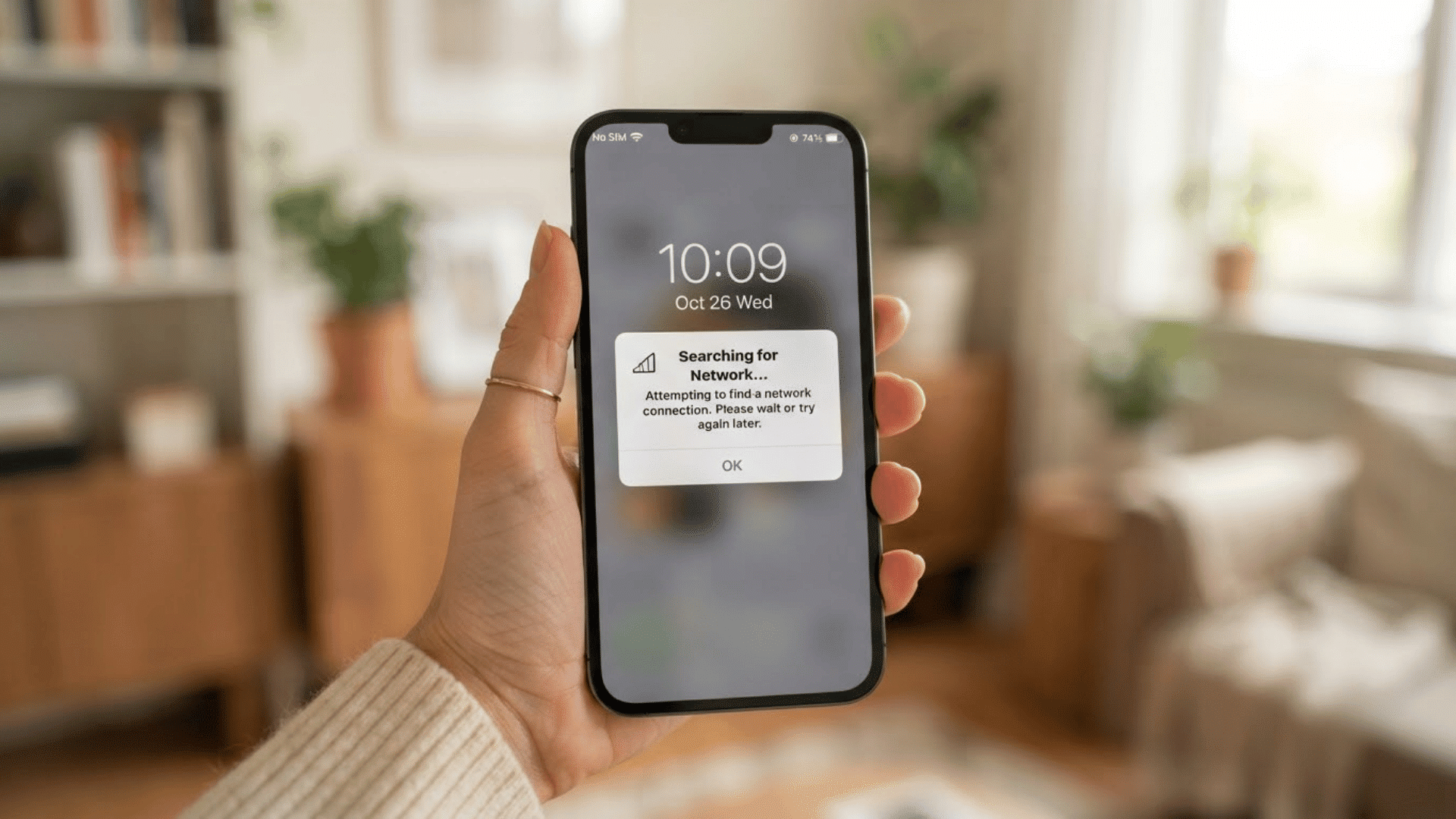
I used to think WiFi and the internet were the same thing. If my phone connected to WiFi, I assumed the internet was working too.
Later, I found out they actually do different jobs, and knowing the difference can help you fix common connection problems much faster.
In this guide, I’ll explain WiFi vs internet in simple words that are easy to follow. You’ll learn what WiFi really does, how the internet works, and why you can sometimes have one without the other.
I’ll also cover how routers, modems, and internet providers fit into the setup at home or at work.
If you have ever wondered why your device says “connected” but nothing loads, this article will help clear things up. By the end, you’ll have a much better understanding of how your connection works every day.
What Is WiFi?
WiFi is a wireless technology that lets your devices connect to a network without cables. I use it every day on my phone, laptop, and TV, and you probably do too without thinking much about it.
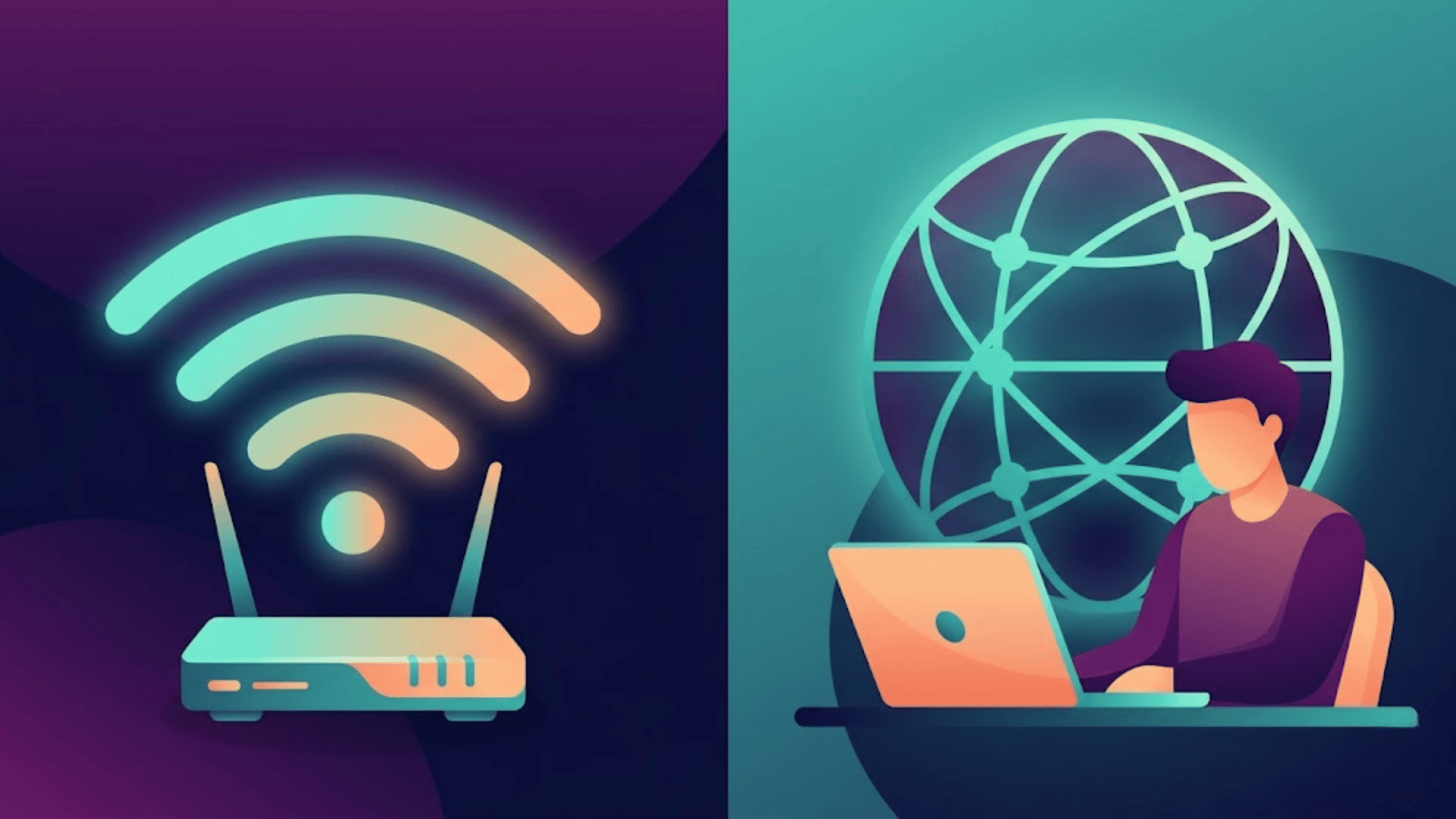
When you connect to Wi-Fi, your device communicates with a router via radio signals rather than wires. The router then helps your device communicate with other devices or connect to the internet.
One important thing to remember is that WiFi and the internet are not the same. WiFi is simply the wireless connection method. You can still have WiFi even if your internet stops working.
For example, I can connect my phone to my home WiFi network, but if my internet provider has an outage, websites and apps will not load. The WiFi connection still exists, but there is no internet access behind it.
Most homes, schools, offices, and cafes use WiFi so multiple devices can connect easily at the same time.
What Is the Internet?
The internet is a huge network that connects computers and devices across the world.
I use it every day to search on Google, watch videos, send emails, and read news online. When you open a website or use an app, your device connects to servers through the internet.
Your internet service provider (ISP) gives your home access to this network. Companies like Jio, Airtel, Spectrum, or Xfinity are common examples of internet providers.
The internet is what gives you access to online content and services. Without it, websites, streaming apps, and online games would not work.
I think many people confuse the internet with WiFi because they often work together. But the internet itself is the global network, while WiFi is just one way your devices connect to it wirelessly.
Differences Between WiFi and Internet
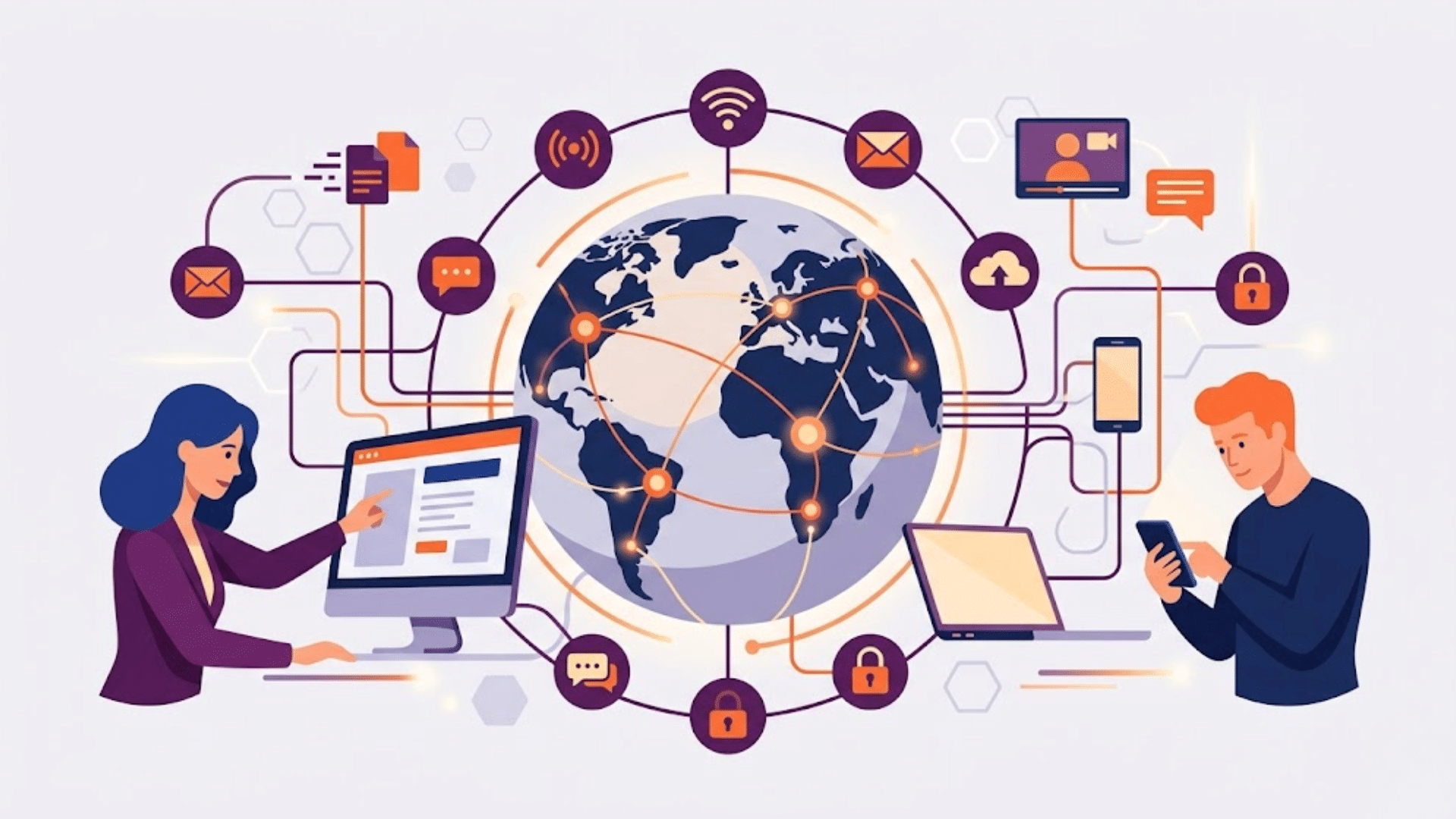
WiFi and the internet often work together, but each handles different tasks behind the scenes. Understanding these smaller differences can make network setup and troubleshooting much easier.
1. Speed Factors
WiFi speed depends heavily on signal strength, router placement, nearby interference, and the number of connected devices.
Thick walls and long distances from the router can quickly degrade performance. Internet speed mainly depends on the provider plan, bandwidth limits, and network traffic in the area.
A fast internet package may still feel slow if the WiFi signal inside the home is weak. Improving router placement often helps devices load websites and apps more smoothly without changing the internet plan itself.
2. Security Risks
WiFi security primarily focuses on protecting the local wireless network from unauthorized users nearby. Weak passwords or outdated router settings can allow strangers to connect to the network.
Internet security deals with online risks such as phishing scams, malware, unsafe downloads, and hacked websites. Protecting internet activity usually requires secure browsing habits, software updates, and antivirus protection.
WiFi protection mostly starts with strong passwords and encrypted router settings that block unwanted local access from nearby devices.
3. Signal Type
WiFi uses radio signals to transmit data between routers and nearby devices. These signals allow phones, laptops, printers, and TVs to connect without physical cables.
The internet uses several technologies together, including fiber-optic lines, mobile towers, satellites, and wired networking systems.
WiFi handles short-range wireless communication within a building, while the Internet carries information across vast worldwide networks. Both transfer data, but the methods used in the connection process are completely different.
4. Device Connectivity
WiFi mainly connects devices inside homes, schools, offices, and cafes through a local wireless network. Multiple devices can join the same network at the same time using a single router.
Internet access can reach devices through mobile data, Ethernet cables, fiber connections, or public networks. Some smart devices can still communicate locally over WiFi without internet access.
Online tasks such as video streaming, gaming, cloud storage, and web browsing still require an active internet connection to function correctly.
5. Installation and Setup
WiFi setup usually involves connecting and positioning a router, selecting a network name, and creating a password for wireless access.
Internet installation is often more complex because it requires service activation, provider equipment, outside cables, and modem configuration.
Router placement affects WiFi coverage inside the building, while internet quality depends more on the provider’s infrastructure and service reliability.
Many homes now use modem-router combo devices, but both systems still perform separate tasks within the overall network connection.
WiFi vs Internet: Main Differences
WiFi and the internet may seem similar, but they do different jobs. This simple table makes it easier to understand how both work and where they differ.
| Feature | WiFi | Internet |
|---|---|---|
| Meaning | Wireless connection technology | Global network system |
| Main Purpose | Connects devices locally | Connects users to online services |
| Works Through | Router | Internet Service Provider (ISP) |
| Connection Type | Wireless | Wired and wireless networks |
| Coverage Area | Short range | Worldwide access |
| Can Work Alone? | Yes, without internet | Yes, without WiFi |
| Uses | Connecting phones, TVs, and laptops | Browsing, streaming, gaming, and emails |
| Signal Type | Radio waves | Data transmission networks |
| Hardware Needed | Router | Modem and ISP connection |
| Speed Depends On | Router quality and signal strength | Internet plan and network quality |
| Common Problem | Weak signal or interference | ISP outages or slow service |
| Example | Connecting to home WiFi | Opening Google or YouTube |
How WiFi and Internet Work Together
WiFi and the internet usually work together in homes, schools, and offices. I think this is why many people believe they are the same thing. In reality, each one has a different job.
The internet comes into your home through your internet provider. A modem receives that connection first. Then, the router takes that internet signal and creates a WiFi network for your devices.
When you connect your phone or laptop to a Wi-Fi network, your device uses the router to access the internet. This lets you open websites, stream videos, use apps, and play online games.
WiFi acts like the wireless bridge, while the internet delivers the online content.
If one part stops working, the whole setup can fail. For example, I sometimes see my device connected to WiFi, but websites still will not load because the internet service is down.
Devices That Use WiFi and Internet
Most modern devices rely on WiFi and internet connections every day. I think people often use these devices without realizing how both technologies work together in the background.
- Smartphones: Phones use Wi-Fi or mobile data to browse websites, stream videos, and run apps.
- Laptops and Computers: These devices connect via Wi-Fi or Ethernet to access online tools, email, and websites.
- Smart TVs: use Wi-Fi and internet connections to stream apps like YouTube, Netflix, and Disney+.
- Gaming Consoles: Devices like PlayStation and Xbox use internet access for online gaming and downloads.
- Tablets: Tablets connect wirelessly for browsing, video calls, streaming, and online learning.
- Smart Speakers: Devices like Alexa and Google Home need internet access to answer questions and play music.
- Wireless Printers: Printers use WiFi to connect with devices and sometimes use internet services for cloud printing.
- Security Cameras: Smart cameras use WiFi and internet access for live viewing and alerts on your phone.
- Smart Home Devices: Smart lights, thermostats, and doorbells use WiFi to connect and internet services for remote control.
Role of Routers and Modems
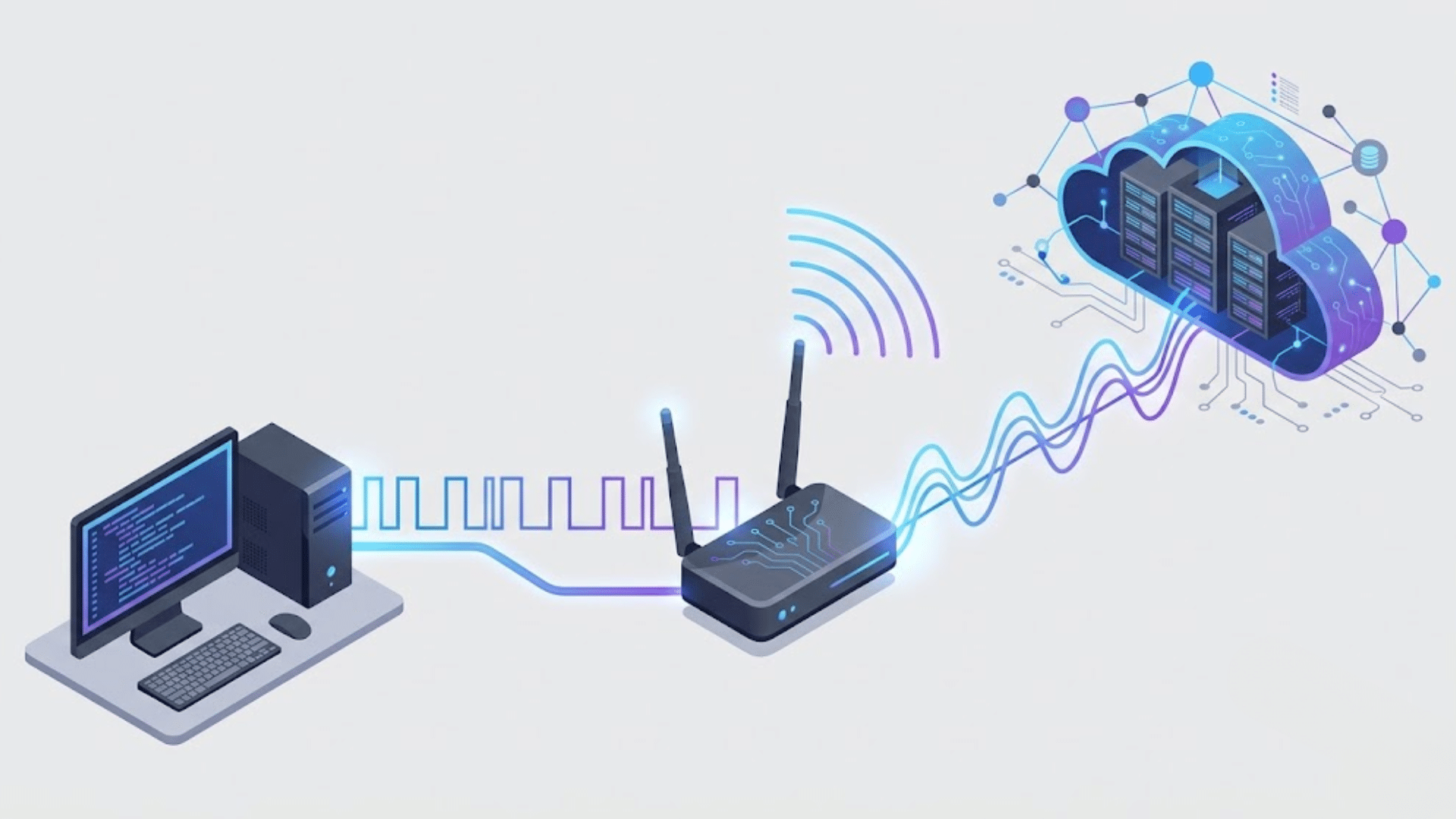
Routers and modems are two important parts of your home network. I used to confuse them all the time because many internet companies now give both in one device. Still, each one does a different job.
A modem connects your home to your internet provider. It receives the internet signal from outside and brings it into your house. Without a modem, you would not have internet access.
A router takes that internet connection and shares it with your devices. It creates the WiFi network that lets your phone, laptop, smart TV, and other devices connect wirelessly.
The modem brings the internet in, and the router spreads it to your devices.
Some homes use separate routers and modems, while others use a single combo device. Either way, both work together to keep your connection running properly.
Simple Examples of WiFi and Internet
I think real-life examples make this topic much easier to understand. Once you see how WiFi and the internet work in daily life, the difference becomes very clear.
Let’s say you connect your phone to your home WiFi. The WiFi symbol appears on your screen, but YouTube and Google still do not open. In this case, your WiFi is working, but your internet connection is down.
Now think about mobile data on your phone. You can browse websites and watch videos even when WiFi is turned off. That means you are using the internet without WiFi.
Another example is a smart TV connected to WiFi. The TV connects to your home network via the router. Then the internet lets apps like Netflix and Disney+ stream videos.
WiFi connects your device locally, while the internet connects you to online services and websites.
Tips to Improve WiFi and Internet Performance
Small changes can make your home connection faster and more stable. I use a few of these tips myself when my internet starts slowing down or disconnecting often.
- Place the Router in an Open Area: Keep the router away from walls, metal objects, and closed cabinets for a stronger signal.
- Restart Your Router Regularly: Turning the router off and on can fix many small connection problems quickly.
- Keep Devices Close to the Router: WiFi signals weaken as devices move farther from the router.
- Limit the number of connected devices: A large number of devices can slow down your internet speed.
- Update Router Firmware: Router updates can improve speed, security, and connection stability.
- Use Strong Password Protection: A secure WiFi password prevents unauthorized users from accessing your internet connection.
- Switch to a Faster Internet Plan: Sometimes slow performance is due to the internet plan, not the WiFi itself.
- Use Ethernet for Heavy Tasks: Wired connections often work better for gaming, video calls, and large downloads.
- Reduce Signal Interference: Devices such as microwaves and cordless phones can affect Wi-Fi signals in some homes.
Conclusion
I think understanding the difference between WiFi and the internet makes everyday tech problems much less confusing.
Once you know that WiFi is the wireless connection and the internet is the online service behind it, it becomes easier to figure out why your devices sometimes stop working properly.
You do not need to be a tech expert to understand how these systems work together.
A basic idea of routers, modems, and internet connections can help you fix small issues at home and make better choices when setting up your network.
I hope this guide made things simple and clear for you. The next time your device says “connected,” you will know exactly what is happening in the background.
If you have ever dealt with slow WiFi or internet problems, share your experience in the comments below. I’d love to hear what worked for you.
Frequently Asked Questions
Do Both Internet And Wi-Fi Need To Work Together?
No, internet access can work through mobile data or Ethernet without Wi-Fi.
Can Wi-Fi Work Without Internet?
Yes, a router can create a Wi-Fi network even without an internet connection.
How Many Devices Can Connect To Wi-Fi?
Most modern routers support many connected devices, though heavy usage may reduce speed.
What Are Common Signs Of Wi-Fi Hacking?
Slow speeds, unknown connected devices, and changed router settings may signal unauthorized access.
Why Does a Full Wi-Fi Signal Show Without Internet?
This often means the Wi-Fi network is working, but the internet service is unavailable.