




If you’ve ever spent hours comparing software, testing new tools, or adjusting settings to get the perfect setup, choosing a website platform can feel very familiar.
As a tech user, you want a platform that offers the right mix of control, performance, and ease of use.
Squarespace and WordPress both let you build blogs, business websites, online stores, and portfolios, but they work differently.
Squarespace provides an all-in-one solution that includes hosting, security, and design tools.
WordPress offers greater flexibility and customization, but requires more setup and management.
This blog compares Squarespace vs WordPress based on ease of use, pricing, customization, ecommerce features, and more to help you choose the best option for your needs.
Quick Answer: Squarespace vs WordPress
Choose Squarespace if you want a simple website with less setup. Choose WordPress if you want full control and more advanced features.
Squarespace is better for beginners who want an easy website builder with hosting, templates, security, and support included.
WordPress is better for users who want more control, more customization, better plugin options, and long-term growth.
What Is WordPress?
WordPress is a website-building platform that lets you create blogs, business websites, online stores, portfolios, and more.
It is available in two versions: WordPress.com, which is a hosted service, and WordPress.org, which is self-hosted and offers greater control.
WordPress is known for its flexibility because you can customize your website using thousands of themes and plugins.
It also supports search engine optimization, eCommerce, membership sites, and many other features. While beginners can learn the basics quickly, advanced customization may require some technical knowledge.
WordPress is a good choice for users who want full control over their website and expect it to grow over time.
It works well for both small personal sites and large business websites.
What Is Squarespace?
Squarespace is a website builder that helps people create professional websites without needing coding skills.
It offers ready-made templates, a simple drag-and-drop editor, and built-in tools for blogs, online stores, portfolios, and business websites.
You can also manage domains, email marketing, scheduling, and basic SEO from one place.
Many small business owners, freelancers, artists, and online sellers use Squarespace because it is easy to set up and maintain.
The platform includes web hosting and security, so you do not need to manage these separately. If you want a simple way to build and run a website, Squarespace is a popular all-in-one option.
How to Choose the Best Platform for Your Goals?
The best choice depends on what you want from your website. If you need full control, advanced customization, and room for long-term growth, WordPress is often the better option.
- Choose WordPress for Flexibility: WordPress is a good choice if you want full control, advanced customization, and room to grow your website over time.
- Choose Squarespace for Simplicity: Squarespace is a good fit if you prefer an easy-to-use platform with built-in tools and minimal maintenance.
- Think About Your Needs: Compare your budget, technical skills, website goals, and future plans before deciding on a platform.
- Plan for Long-Term Growth: Pick a website builder that fits your current needs and can continue supporting your website as it grows.
Key Factors to Compare Before Choosing

Choosing between WordPress and Squarespace depends on your goals, budget, and technical skills.
1. Customization and Flexibility
When comparing WordPress vs Squarespace, customization is often one of the biggest differences.
WordPress gives users more control and flexibility, while Squarespace focuses on simplicity and ease of use for those who want a faster setup.
- Design Freedom: WordPress allows deeper design changes, while Squarespace offers easier editing with more structured customization options.
- Plugin and Extension Support: WordPress supports thousands of plugins. Squarespace offers fewer built-in integrations and extension choices.
- Scalability: WordPress handles complex websites and future growth better, while Squarespace works best for small to medium websites.
2. Design and Templates
Both platforms provide attractive website designs, but they take different approaches. Squarespace is known for polished templates, while WordPress offers a much larger selection through themes and third-party marketplaces.
- Template Quality: Squarespace templates are professionally designed. WordPress themes vary in quality depending on the provider.
- Template Variety: WordPress offers thousands of themes, while Squarespace provides a smaller but carefully selected collection.
- Custom Design Options: WordPress allows extensive design customization, while Squarespace keeps customization more controlled and beginner-friendly.
3. Ecommerce Features
WordPress and Squarespace both support online stores, but their ecommerce capabilities differ. WordPress offers greater flexibility through plugins, while Squarespace provides built-in tools that are easier for beginners to manage.
- Online Store Tools: WordPress with WooCommerce offers advanced store management. Squarespace includes essential ecommerce features out of the box.
- Payment and Checkout Options: Both support major payment gateways, but WordPress provides more payment integration choices.
- Store Growth Potential: WordPress supports larger and more complex stores, while Squarespace suits smaller growing businesses.
4. SEO Features
SEO plays an important role in website visibility. Both platforms offer SEO tools, but WordPress gives users more control over technical optimization and advanced search engine strategies.
- Built-in SEO Tools: Squarespace includes basic SEO settings. WordPress offers similar features through themes and plugins.
- Advanced SEO Control: WordPress provides deeper control over technical SEO, structured data, and optimization settings.
- Content Optimization Features: WordPress supports powerful SEO plugins, while Squarespace offers more limited optimization tools.
5. Pricing
Cost is an important factor when choosing between WordPress and Squarespace. Squarespace uses fixed subscription plans, while WordPress costs vary depending on hosting, themes, and plugins.
- Upfront Costs: Squarespace has predictable starting costs. WordPress setup expenses depend on hosting and website requirements.
- Ongoing Costs: WordPress may require hosting and premium plugin fees. Squarespace combines most costs into one plan.
- Value for Money: WordPress offers greater flexibility for growing websites, while Squarespace provides convenience and simplicity.
6. Security and Maintenance
Security and maintenance requirements differ significantly between WordPress and Squarespace. Squarespace handles most technical tasks, while WordPress users have greater responsibility for website management.
- Security Features: Squarespace includes built-in security tools. WordPress security depends on hosting, plugins, and configurations.
- Updates and Backups: Squarespace manages updates automatically, while WordPress users often handle updates and backups themselves.
- Maintenance Requirements: WordPress requires more ongoing management. Squarespace reduces maintenance work for website owners.
7. Support and Resources
Support options can affect the overall website-building experience. Both platforms provide assistance, but WordPress relies more heavily on its large community and third-party resources.
- Customer Support: Squarespace offers direct support channels. WordPress support often comes through hosting companies and plugin developers.
- Community Resources: WordPress has a massive global community with forums, guides, and expert discussions.
- Learning Materials: Both platforms offer tutorials, though WordPress provides a larger library of educational resources.
Pros and Cons of Squarespace Vs WordPress
Squarespace and WordPress are both excellent website platforms, but they serve different needs. Squarespace is best for users who want a simple, all-in-one solution, while WordPress offers more flexibility and customization.
| Feature | Squarespace | WordPress |
|---|---|---|
| Ease of Use | Very beginner-friendly | Moderate learning curve |
| Customization | Limited | Nearly unlimited |
| Design | Beautiful built-in templates | Thousands of themes available |
| SEO | Good built-in SEO tools | Excellent with SEO plugins |
| Cost | Fixed monthly subscription | Varies depending on hosting and plugins |
| Maintenance | Managed by Squarespace | User is responsible for updates and backups |
| Ecommerce | Built-in and easy to use | Powerful with WooCommerce |
| Scalability | Best for small to medium websites | Suitable for websites of any size |
WordPress Works Best for These Users
WordPress is a great choice for users who want flexibility, control, and room to grow. It works well for a wide range of website types and can support both simple and complex projects.
- Bloggers: WordPress started as a blogging platform and still offers some of the best content publishing and management tools available.
- Content-Heavy Websites: News sites, online magazines, and large blogs benefit from WordPress’s ability to organize and manage large amounts of content.
- Online Stores: With WooCommerce and other ecommerce plugins, WordPress can support everything from small shops to large online stores.
- Membership Sites: WordPress allows users to create subscription-based websites, online communities, and member-only content areas.
- Businesses Needing Advanced Customization: Companies that require custom features, unique designs, or specialized functionality often choose WordPress for its flexibility.
- Growing Websites: Businesses and creators expecting future growth can easily add new features and expand their websites over time.
- Users Who Want Full Control: WordPress is ideal for those who want complete ownership of their website, hosting, data, and customization options.
Squarespace vs WordPress: Which Is Easier to Use?
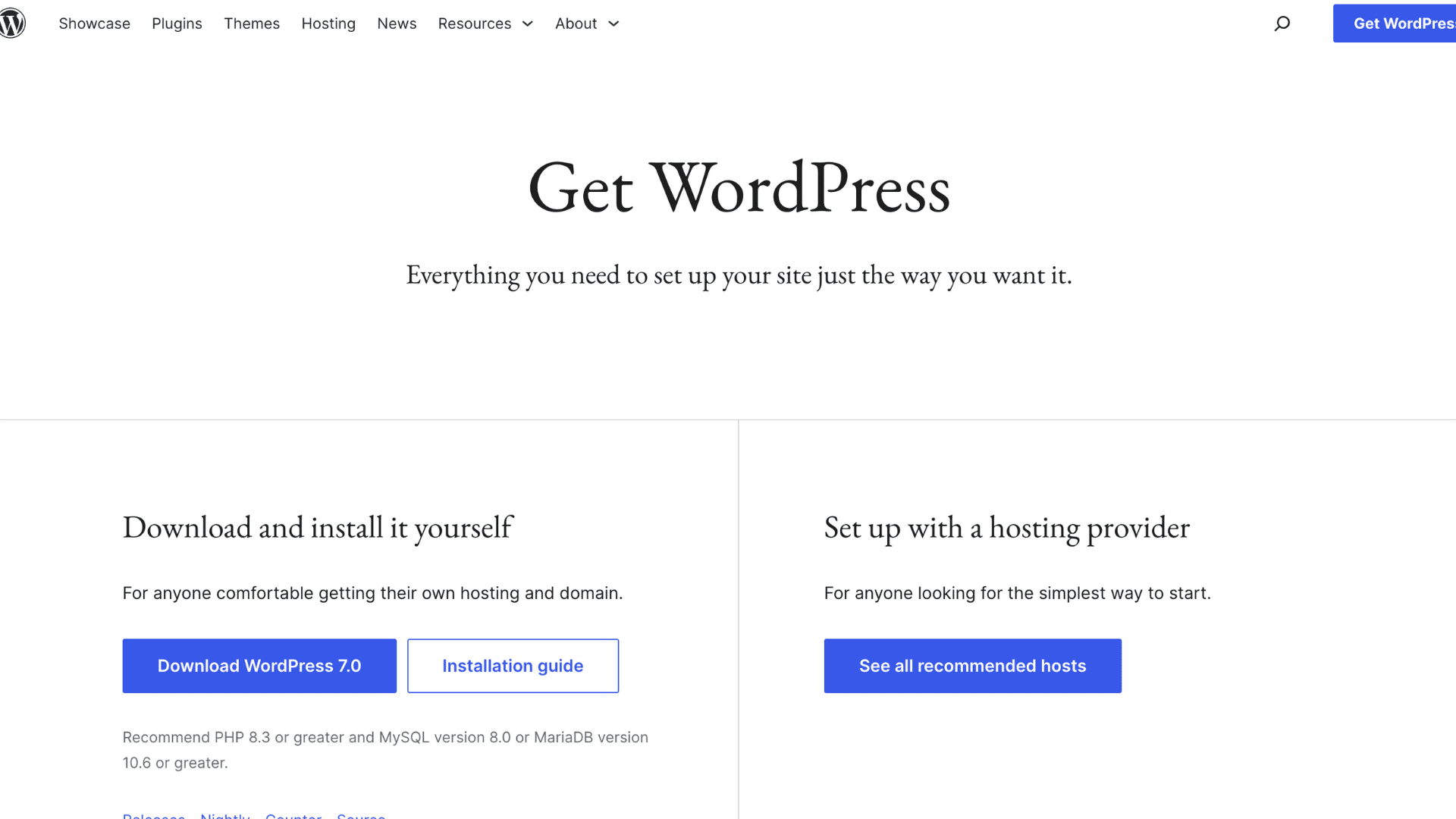
Squarespace offers a beginner-friendly dashboard with built-in tools and simple drag-and-drop editing. WordPress takes more time to learn because users manage hosting, themes, and plugins. However, it provides greater control for experienced users.
- Learning Curve: Squarespace is easier for beginners, while WordPress requires time to learn website management, plugins, themes, and hosting basics.
- Website Editing: Squarespace uses a visual drag-and-drop editor, while WordPress editing depends on themes, page builders, or block editors.
- Dashboard Management: Squarespace keeps all tools in one place, while WordPress often requires managing multiple plugins and settings.
- User Control: Squarespace limits advanced changes to simplify the platform, whereas WordPress offers greater control over website functionality and customization.
How Much Will You Actually Spend?
Choosing between Squarespace and WordPress? Here’s a clear breakdown of actual monthly costs and what’s included versus hidden expenses you’ll face.
| Expense | Squarespace | WordPress |
|---|---|---|
| Domain | Included first year (free on annual plans) | Separate ($10–$15/year) |
| Hosting | Included (all-in-one platform) | Separate ($5–$20/month for shared hosting) |
| Security | Included (SSL, backups built-in) | Separate (SSL + security plugins $100–$150/year) |
| SEO Tools | Included (built-in + AI SEO tools) | Often plugin cost ($50–$100/year for premium plugins) |
| Monthly Cost | $16–$52 (Personal, Business, Commerce plans) | $15–$100+ (hosting + plugins + domain) |
Squarespace vs WordPress: Which is the Right Choice?
The right choice depends on your goals and experience level. Squarespace is a good option if you want a simple website builder that takes care of hosting, security, updates, and maintenance.
It helps you get a website online quickly without dealing with technical tasks. WordPress is a better fit if you want more control over your website.
It offers greater design freedom, thousands of plugins, and stronger options for customization and growth.
It also gives you more flexibility for SEO and advanced features. For most beginners, Squarespace is the easier place to start.
For long-term growth and full website control, WordPress is often the better investment.
Conclusion
The Squarespace vs WordPress debate comes down to simplicity versus flexibility. Squarespace makes website creation quick and easy by handling hosting, security, updates, and maintenance in one place.
It is a great option for beginners, small businesses, and anyone who wants a professional website without technical work.
WordPress, on the other hand, offers more freedom, customization, and scalability. It is better suited for users who need advanced features, stronger SEO control, and room for long-term growth.
Both platforms are excellent, but the right choice depends on your goals, budget, and experience level.
Still unsure which platform fits your needs? Compare your website goals carefully and choose the solution that will support your growth for years to come.
Frequently Asked Questions
Is It Better to Use Wix or Squarespace?
Wix offers more design flexibility and customization options, while Squarespace focuses on ease of use and professionally designed templates.
What are the Five Golden Rules of a Website?
A good website should be easy to navigate, mobile-friendly, fast-loading, visually consistent, and provide clear, valuable content.
Is Word Press Actually Free?
WordPress software is free to download and use. However, hosting, domain registration, premium themes, and plugins may involve additional costs.