


Desktop applications remain an essential part of the modern technology ecosystem, supporting productivity, design, finance, healthcare, engineering, and enterprise operations.
Organizations invest in desktop software for speed, advanced features, better system control, and reliable offline access.
Compared with browser-based solutions, desktop programs often offer improved responsiveness, deeper hardware integration, and greater data protection.
Desktop applications remain essential for businesses needing speed, reliability, advanced features, and greater software control.
This guide helps you to understand desktop app development, its architecture, development process, technologies, advantages, challenges, and practical considerations for building efficient software solutions.
Quick Answer: What Is Desktop App Development?
Desktop app development is the process of creating software that runs directly on computers or laptops using operating systems such as Windows, macOS, or Linux.
These applications provide strong performance, local resource access, enhanced security, and reliable functionality without depending entirely on internet connectivity.
Desktop software is widely used for business operations, creative projects, data management, engineering tasks, and professional productivity workflows.
Desktop App vs Web App vs Mobile App: Key Differences
Before you commit to a desktop build, it helps to see where each platform actually wins. Most of the top guides on this topic lead with a comparison like this because the choice shapes every later decision, from language to budget.
| Factor | Desktop App | Web App | Mobile App |
|---|---|---|---|
| Where it runs | Installed on the OS (Windows, macOS, Linux) | Inside a browser | On phones and tablets |
| Offline use | Full offline capability | Limited, needs connection | Partial offline support |
| Performance | High uses full hardware | Limited by the network and the browser | Good, constrained by the device |
| Hardware access | Deep (GPU, peripherals, file system) | Restricted by the browser | Sensors and camera, sandboxed |
| Updates | Manual or auto-updater | Instant for all users | Through app stores |
| Best for | Editing, CAD, finance, data-heavy work | Collaboration, quick access, and distributed teams | Personal, location-based, on-the-move tasks |
Types of Desktop Applications
Desktop apps are not all built the same way, and the type you pick affects cost, reach, and performance.
- Native Applications: Built for a single operating system and offer the best performance and system integration.
- Cross-Platform Applications: Use a shared codebase to run on multiple operating systems, reducing development time and cost.
- Web-Wrapped & Progressive Web Apps (PWAs): Use web technologies to deliver desktop-like experiences with easy deployment and updates.
- Hybrid Desktop Applications: Combine native capabilities with web technologies using frameworks like Electron or Tauri, enabling faster development while still accessing desktop features.
- Enterprise Desktop Applications: Designed for business environments, these applications focus on security, scalability, integration with enterprise systems, and centralized management.
How to Develop Desktop Applications?
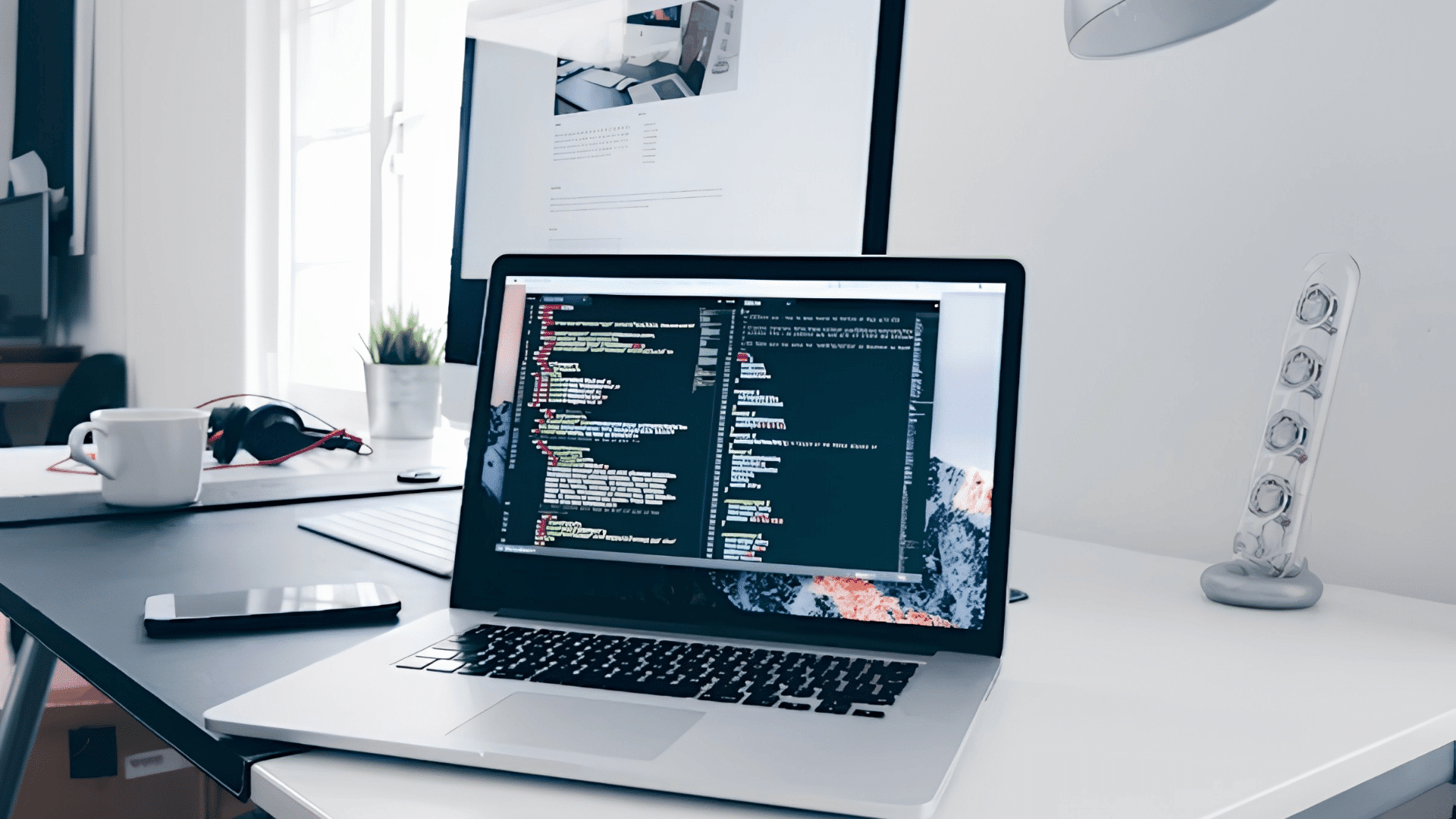
Developing desktop applications involves a structured process where planning, design, coding, testing, and deployment work together to create a fully functional software product.
1. Requirement Analysis and Planning
Requirement analysis is the first and most important step in desktop application development.
In this stage, developers and stakeholders understand the application’s purpose, target users, business requirements, and expected functionality.
Proper planning helps identify project scope, technical requirements, limitations, and future improvements.
Developers decide the required features, supported platforms, and suitable technologies before starting development.
A clear requirement analysis reduces development risks, avoids unnecessary changes, and creates a strong foundation for successful application development.
2. Choosing a Programming Language
Choosing the right programming language is an important part of desktop application development because it directly affects performance, scalability, and development efficiency.
Programming languages are selected based on application requirements and complexity.
C# is commonly used for Windows-based applications; Python is useful for automation and lightweight tools; Java supports cross-platform applications; and C++ is preferred for high-performance software.
The final decision depends on project goals, system requirements, maintenance needs, and long-term application performance.
3. Selecting Development Framework
Selecting a suitable development framework helps developers create applications faster by providing ready-made tools, libraries, and reusable components.
Frameworks improve productivity, user interface development, and system integration capabilities.
.NET is widely used for Windows desktop applications; Qt supports cross-platform development; Electron allows desktop applications using web technologies; and JavaFX helps build modern Java-based interfaces.
The correct framework selection depends on project requirements, application complexity, performance expectations, and future scalability needs.
4. User Interface Design
User interface design focuses on creating an attractive, simple, and easy-to-use application environment.
A well-designed interface improves user interaction and provides a better overall experience.
Developers plan screen layouts, navigation structure, menus, buttons, forms, and other visual elements. The design should maintain consistency in colors, fonts, and functionality.
A good user interface helps users understand the application easily, improves productivity, and increases satisfaction while using the desktop software.
5. Application Development: Coding Phase
The coding phase is the main stage where developers convert requirements and designs into a functional desktop application.
During this process, developers create application logic, connect user interfaces, integrate databases, and implement required features.
Proper coding practices, modular programming, and clean code structure help improve application quality.
Developers also focus on performance optimization, error handling, and maintainability to ensure the software remains reliable, scalable, and easier to update in the future.
6. Database Integration and Data Management
Database integration allows desktop applications to store, manage, and retrieve information efficiently. Developers select databases based on application requirements, data size, and performance needs.
SQLite is commonly used for simple local applications, while MySQL and PostgreSQL support larger and more complex systems.
Proper database design improves data organization, security, and accessibility.
Effective data management ensures faster processing, reliable storage, and smooth communication between the application and database system.
7. Testing and Quality Assurance
Testing and quality assurance are essential steps to ensure that the desktop application works correctly and provides a reliable experience.
Developers test different aspects of the software to identify bugs, errors, performance issues, and security risks.
Functional testing verifies features, performance testing checks speed, security testing protects user data, and compatibility testing ensures proper operation on different systems.
Regular testing improves application stability, quality, and overall user satisfaction before final release.
8. Deployment and Distribution
Deployment is the process of preparing and delivering the completed desktop application to end users.
This stage includes creating installation files, configuring system requirements, and ensuring the software can be installed properly.
Developers check compatibility with target operating systems and prepare the application for release.
Proper deployment makes software distribution easier through websites, application stores, or company systems. A successful deployment process ensures users can access and use the application smoothly.
9. Maintenance and Updates
Maintenance is a continuous process that helps improve the performance, security, and stability of a desktop application after release.
Developers regularly monitor the software, fix reported issues, improve existing features, and add new updates.
Maintenance also ensures compatibility with changing operating systems and technologies. Regular improvements and security updates.
User support helps extend the application’s lifespan, maintain reliability, and provide a better user experience over time.
Desktop App Development Cost, Timeline, and Team
Desktop application projects vary in cost, development time, and team size based on features, platform support, integrations, and compliance requirements.
- Simple Utility (Single Platform): Typically takes3–8 weeks and is handled by 1 developer with part-time QA. Common examples include file converters, note-taking tools, and internal business utilities.
- Standard Cross-Platform App: Usually requires3–6 months with a team of 2–4 developers, a UI/UX designer, and QA engineers.
- Complex or Regulated Software: Often takes 9–18+ months and involves a full development team, QA specialists, security experts, and compliance professionals.
- Development Costs: Budgets increase with application complexity, supported operating systems, third-party integrations, security requirements, and ongoing maintenance needs.
- Planning Note: These timelines and team structures are general planning estimates and can vary significantly depending on project scope, technical requirements, geographic location, and development approach.
Choosing Between Native and Cross-Platform
Choose native development if your desktop application requires maximum performance, advanced hardware access, or deep operating system integration.
Cross-platform development is the better choice for most business applications because it reduces development time, cost, and maintenance while supporting multiple operating systems.
Native applications are built for specific platforms making them ideal for high-performance and security-focused software.
Cross-platform frameworks use a shared codebase to create apps for Windows, macOS, and Linux, helping businesses launch faster and maintain a single codebase.
Electron offers broad compatibility but uses more memory because it includes Chromium.
Tauri provides a lighter alternative by using the operating system’s native WebView, resulting in smaller applications and improved resource efficiency.
Methodologies Used in Desktop App Development
Desktop application development uses structured methodologies to manage planning, execution, and delivery in a controlled and efficient way.
- Waterfall Methodology: A linear approach where each development phase is completed step by step in a fixed sequence.
- Agile Methodology: A flexible approach that focuses on continuous development, feedback, and quick adaptation to changes.
- Spiral Model: An iterative methodology that combines development with risk analysis for complex applications.
- Rapid Application Development (RAD): A fast development approach that uses prototyping and user feedback for quick delivery.
- DevOps Approach: A modern methodology that combines development and operations for faster, reliable, and automated software delivery.
Tools and Frameworks for Desktop App Development
Desktop application development relies on powerful tools and frameworks that simplify coding, improve performance, and support cross-platform compatibility.
| Tool / Framework | Primary Use | Key Benefit |
|---|---|---|
| .NET | Windows desktop application development | Strong performance and enterprise-level support |
| Qt | Cross-platform desktop applications | High performance with native UI experience |
| Electron | Desktop apps using web technologies (HTML, CSS, JS) | Fast development with reusable web skills |
| JavaFX | Java-based desktop UI applications | Rich interface design and cross-platform support |
| Tauri | Lightweight cross-platform apps with a web frontend | Much smaller binaries and lower memory use than Electron |
| Flutter (Desktop) | Single-codebase apps for desktop, web, and mobile | Pixel-consistent UI from one Dart codebase |
| PyCharm | Python desktop application development | Smart coding assistance and automation support |
| IntelliJ IDEA | Java desktop application development | Advanced code analysis and productivity features |
| SQLite | Local data storage for desktop apps | Lightweight and easy integration |
| MySQL | Structured data management | Reliable performance for medium-scale apps |
| PostgreSQL | Advanced database operations | High scalability and complex query handling |
Browser-Based Development Tools
Browser-based development tools allow developers to write, test, and manage applications directly through a web browser.
- CodeSandbox: A browser-based development environment for building, testing, and sharing web applications without local setup.
- StackBlitz: An online IDE that runs full-stack JavaScript and TypeScript projects directly in the browser with fast startup times.
- Replit: A cloud-based coding platform that supports multiple programming languages and enables collaborative development.
- GitHub Codespaces: A browser-accessible development environment integrated with GitHub repositories for seamless coding and collaboration.
- CodePen: A front-end development playground for creating, testing, and showcasing HTML, CSS, and JavaScript projects in real time.
Tools Used in Companies: Industry Examples
Large technology companies use advanced tools and frameworks to build high-performance desktop applications.
| Company Example | Tool / Technology | Usage in Desktop Development | Why It Is Used |
|---|---|---|---|
| Microsoft | Visual Studio, .NET Framework | Building Windows desktop applications and enterprise software | Strong ecosystem for scalable, secure, and high-performance apps |
| Electron, C++, Python tools | Internal desktop utilities and cross-platform tools | Supports fast development and cross-platform compatibility | |
| Adobe | C++, Qt Framework | Creative software like Photoshop and editing tools | High-performance rendering and advanced UI control |
| Slack Technologies | Electron, JavaScript | Desktop communication application | Enables a cross-platform desktop app using web technologies |
| Autodesk | C++, .NET | Engineering and CAD desktop applications | Required for heavy computation and system-level performance |
Best Practices in Desktop Application Development
Successful desktop application development depends on following proven practices that enhance performance, security, and long-term maintainability.
- Optimize Performance: Minimize resource consumption and improve application responsiveness to ensure a smooth user experience.
- Prioritize Security: Implement strong security measures to protect user data and defend applications against potential threats.
- Build for Scalability: Design applications with future growth in mind, making it easier to add features and support more users.
- Follow Coding Standards: Use clean code principles and modular architecture to simplify maintenance, debugging, and updates.
- Maintain UI Consistency: Create a user-friendly and consistent interface that delivers a seamless experience across operating systems.
- Conduct Regular Testing: Perform ongoing testing to identify bugs, improve reliability, and maintain software quality.
- Document Thoroughly: Keep comprehensive documentation to support development, troubleshooting, and future enhancements.
- Manage Dependencies Effectively: Regularly update libraries and dependencies to improve security, compatibility, and stability while avoiding version conflicts.
Real-World Projects
Real-world desktop applications help businesses and organizations manage operations, improve productivity, and handle industry-specific tasks efficiently.
| Application Type | Purpose |
|---|---|
| Banking Software | Manages secure transactions, customer accounts, and fraud detection. |
| Inventory Management Systems | Tracks stock levels, sales, and product information. |
| Hospital Management Systems | Handles patient records, appointments, billing, and medical reports. |
| Accounting Software | Supports billing, bookkeeping, and financial reporting tasks. |
| Design and Editing Tools | Used for graphic design, video editing, and 3D modeling projects. |
Common Mistakes in Desktop Application Development
During desktop application development, developers often make mistakes that affect performance, usability, and long-term stability.
- Poor Requirement Analysis: Not properly understanding user needs can result in missing features, incorrect functionality, and an application that does not meet expectations.
- Weak Architecture Planning: Lack of proper system design can create scalability, performance, and maintenance problems in the future.
- Ignoring UI/UX Design: Poor interface design reduces usability, making the application difficult for users to navigate and operate.
- Inadequate Testing: Skipping proper testing can cause bugs, crashes, errors, and unstable application performance after release.
- Poor Security Implementation: Weak authentication and improper data handling increase the risk of security vulnerabilities and data loss.
- Lack of Maintenance: Failing to provide regular updates and improvements can lead to compatibility issues, performance problems, and security risks over time.
Conclusion
Desktop app development remains a key part of software engineering, supporting high performance, secure data handling, and complex business operations across industries such as finance, healthcare, and design.
Each stage, from planning and design to testing and deployment, helps build stable and efficient applications.
Advancements in AI integration, cloud connectivity, and cross-platform frameworks are improving capabilities and flexibility in desktop software.
Understanding processes tools and best practices helps create reliable scalable long-term solutions.
If you are planning a desktop application, focus on choosing the right tools and architecture to build a strong, future-ready product.
Frequently Asked Questions
What Is an Example of a Desktop App?
Examples of desktop apps include Microsoft Word, Adobe Photoshop, VLC Media Player, and Visual Studio.
What Are the 4 Types of Apps to Develop?
The four main types are native applications, cross-platform applications, hybrid desktop apps, and web-based desktop solutions.
Which IT job Is most in Demand?
Software developers, full-stack developers, cloud engineers, and cybersecurity specialists are currently the most in-demand IT roles.