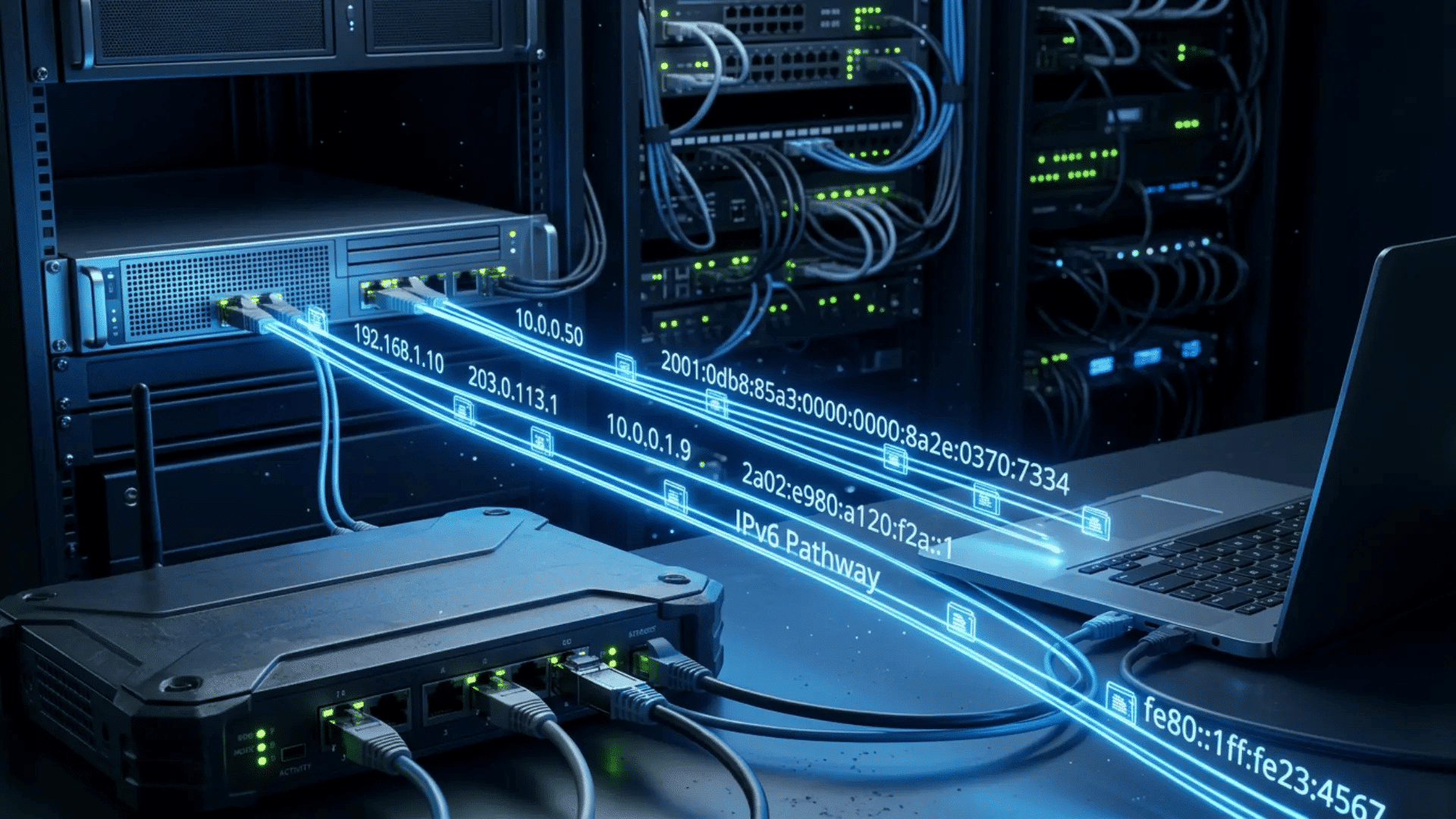




Every device that connects to the internet needs an address, just like every house needs one for mail to arrive. That address is called an IP address, and there are two main types in use today.
In my years of creating technical guides, one question has appeared often: what is the difference between IPv4 and IPv6? The simple answer is that IPv4 is the older system, while IPv6 is the newer version designed to support far more connected devices.
Each version works differently, and the internet is gradually moving towards IPv6. This change affects networks at home and in the workplace. The two versions also organize data packets differently, which is why the IPv6 header matters later in this guide.
By the end, you will understand both systems without needing a technical background.
What Are IPv4 and IPv6?
IPv4 and IPv6 are two versions of the Internet Protocol, the set of rules that lets devices find and talk to each other online. Both assign a unique address to every connected device, but they do it in different ways.
IPv4 came first in 1983. It uses a 32-bit system, which creates about 4.3 billion addresses. A typical IPv4 address is written as four numbers, like 172.16.254.1.
The internet grew faster than expected, and that pool of addresses is nearly empty.
IPv6 is the upgrade built to fix this shortage. Engineers specified it in the mid-1990s and finalized it as a full internet standard in 2017. Its 128-bit system creates an almost unlimited supply of addresses, enough for trillions of devices.
IPv6 addresses use letters and numbers, such as 2001:db8::ff00:42:8329.
What the IPv6 Header Looks Like?
The IPv6 header contains the information routers need to deliver a packet to its destination.
An IPv4 header is usually 20 bytes but can grow to 60 bytes when optional information is included. It also contains a checksum that must be recalculated as some header values change along the route.
The IPv6 base header is always 40 bytes and contains eight main fields:
- Version
- Traffic Class
- Flow Label
- Payload Length
- Next Header
- Hop Limit
- Source Address
- Destination Address
Optional information is moved into separate extension headers. These extensions can handle features such as fragmentation, routing instructions, authentication, and destination options.
The IPv6 header does not contain a header checksum, and routers do not perform IPv6 fragmentation. These changes were designed to reduce common packet-processing work. They do not guarantee that every IPv6 connection will be faster.
IPv4 vs IPv6 At a Glance
The comparison below puts both versions side by side. It covers the areas that matter most when networks choose between the two protocols.
| Feature | IPv4 | IPv6 |
|---|---|---|
| Address length | 32-bit | 128-bit |
| Total addresses | About 4.3 billion | 340 undecillion |
| Address format | Numeric, dotted (192.168.1.1) | Alphanumeric, colon-based (2001:db8::1) |
| Security | IPsec optional | IPsec built-in |
| Configuration | Manual or DHCP | Automatic self-setup |
| NAT | Required for address sharing | Not needed |
| Routing speed | Slower due to larger routing tables | Faster, more efficient |
| Broadcast support | Yes | Replaced by multicast and anycast |
| Packet header | Complex, 12 fields | Simplified, 8 fields, fixed 40 bytes |
| Extension headers | Not available | Used for fragmentation, routing, and options |
| DNS record | A record | AAAA record |
| Best use today | Legacy networks | Modern, growing networks |
Main Differences Between IPv4 and IPv6

Address capacity is the largest difference, but the protocols also handle configuration, NAT, traffic delivery, headers, fragmentation, and security differently.
1. Address Size, Format, and Configuration
IPv4 and IPv6 differ in address capacity, appearance, and setup. IPv4 uses 32-bit addresses, providing about 4.3 billion combinations. Its addresses contain four decimal number groups separated by periods, such as 172.16.254.1 .
IPv6 uses 128-bit addresses and offers about 340 undecillion combinations. Its addresses use hexadecimal characters separated by colons, such as 2001:db8::1 .
IPv4 devices commonly receive addresses through DHCP or manual setup. IPv6 supports DHCPv6, manual configuration, and SLAAC, which lets devices create addresses using information shared by a router.
This reduces the need for separate device-by-device configuration work.
2. Use of NAT
Network Address Translation allows multiple private devices to share one public IPv4 address.
Most home routers use NAT because there are not enough public IPv4 addresses to give a unique one to every connected device. NAT helps extend the useful life of IPv4, but it can add complexity to gaming, hosting, peer-to-peer connections, and remote access.
IPv6 provides enough globally unique addresses for individual devices, so NAT is usually unnecessary for conserving addresses.
A firewall is still required. Giving a device a unique IPv6 address does not mean that unwanted incoming connections should be allowed.
3. Broadcast and Multicast Traffic
IPv4 supports broadcast traffic, which sends a packet to every device within a local network segment.
Broadcasting is useful for some network tasks, but it can create unnecessary traffic because every connected device must receive and inspect the message.
IPv6 does not use traditional broadcasts. It uses multicast to send information to selected groups of devices and anycast to reach one suitable device from a group.
This approach reduces the need to send every local message to every connected device.
4. Packet Fragmentation
Network links have limits on the size of packets they can carry. Packets that are too large may need to be divided into smaller fragments.
In IPv4, the sending device or a router along the delivery path may fragment a packet, unless fragmentation has been blocked through the packet settings.
IPv6 routers do not fragment packets. The sending device must determine an appropriate packet size and perform fragmentation when required.
Moving this task away from intermediate routers reduces the amount of packet processing they need to perform.
5. Security Support
IPv6 is sometimes described as more secure because its specifications include support for authentication, integrity checks, and optional encryption through IPsec.
However, IPv6 traffic is not automatically encrypted.
IPv4 can also use IPsec, and both protocols still require properly configured firewalls, secure applications, software updates, strong passwords, and safe network settings.
The correct conclusion is that IPv6 supports modern security tools, but it does not protect a poorly configured network by itself.
6. Connection Speed
IPv6 is not automatically faster than IPv4.
Its fixed base header and reduced reliance on NAT can make some network operations more direct. However, actual performance depends on the internet provider, router, server, network route, congestion, and quality of the IPv6 deployment.
The 2026 paper ‘The Impact of IP Version on Household Internet Speed‘ analyzed about 80,000 Ookla and NDT7 speed tests from homes in Chicago using the FLOTO measurement platform. IPv4 and IPv6 speeds differed by 2.5 percent or less in about 80 percent of the tests.
Larger differences were generally associated with specific providers, speed tiers, testing software, servers, or network paths. For most users, the IP version alone does not cause a noticeable speed change.
How Widely Is IPv6 Used in 2026?
The shift to IPv6 reached a milestone this year. On 28 March 2026, Google’s measurements recorded IPv6 carrying 50.1 percent of the traffic reaching its services.
It was the first day the figure passed half. The Internet Society called it a majority milestone, 18 years after Google began tracking.
When I started covering this beat, that same chart hovered near 30 percent, and analysts were still debating if IPv6 would ever reach parity.
The growth since then has come mostly from mobile carriers and large cloud providers, which adopted IPv6 because buying scarce IPv4 addresses became too expensive at their scale.
Note: Measurement methods vary, so treat any single figure as a range rather than a fixed number.
The takeaway: the internet now runs on both protocols in roughly equal measure, and your own devices almost certainly use both without telling you.
Pros and Cons of IPv4
IPv4 remains widely used because it works with older devices, websites, and network equipment.
| Pros | Cons |
|---|---|
| Works with almost all websites and devices | Provides only about 4.3 billion addresses |
| Uses a familiar and shorter address format | Often depends on NAT for address sharing |
| Supported by mature networking tools | Uses broadcast traffic |
| Requires fewer changes to older systems | Routers may fragment packets |
| Easier to manage on established networks | Variable header sizes can add processing work |
Pros and Cons of IPv6
IPv6 supports larger and growing networks, but some older systems may still require IPv4.
| Pros | Cons |
|---|---|
| Provides approximately 340 undecillion addresses | Uses longer and less familiar addresses |
| Supports automatic configuration through SLAAC | May not work with some older equipment |
| Reduces the need for address-sharing NAT | Migration may require software or hardware changes |
| Uses a fixed 40-byte base header | Staff may need training to manage it |
| Replaces broadcast traffic with multicast | Dual-stack networks require both protocols to be maintained |
IPv4 offers stronger compatibility, while IPv6 provides the address capacity and features needed for future network growth.
IPv4 vs IPv6: Which One is Better?
Both protocols still have a place, so the verdict depends on context.
IPv6 is the better protocol on technical merit. It offers a larger address pool, built-in security, faster routing, and automatic setup. By design, it wins in almost every category.
Better on paper does not always mean better in practice, though. IPv4 still carries most internet traffic because the global infrastructure was built around it. Compatibility remains its biggest strength.
The practical answer: new networks should be built on IPv6, while existing IPv4 setups can keep running until an upgrade makes financial sense. Neither choice is wrong today.
Over time, the balance will continue to shift toward IPv6 as older equipment retires and adoption grows.
How to Switch From IPv4 to IPv6?
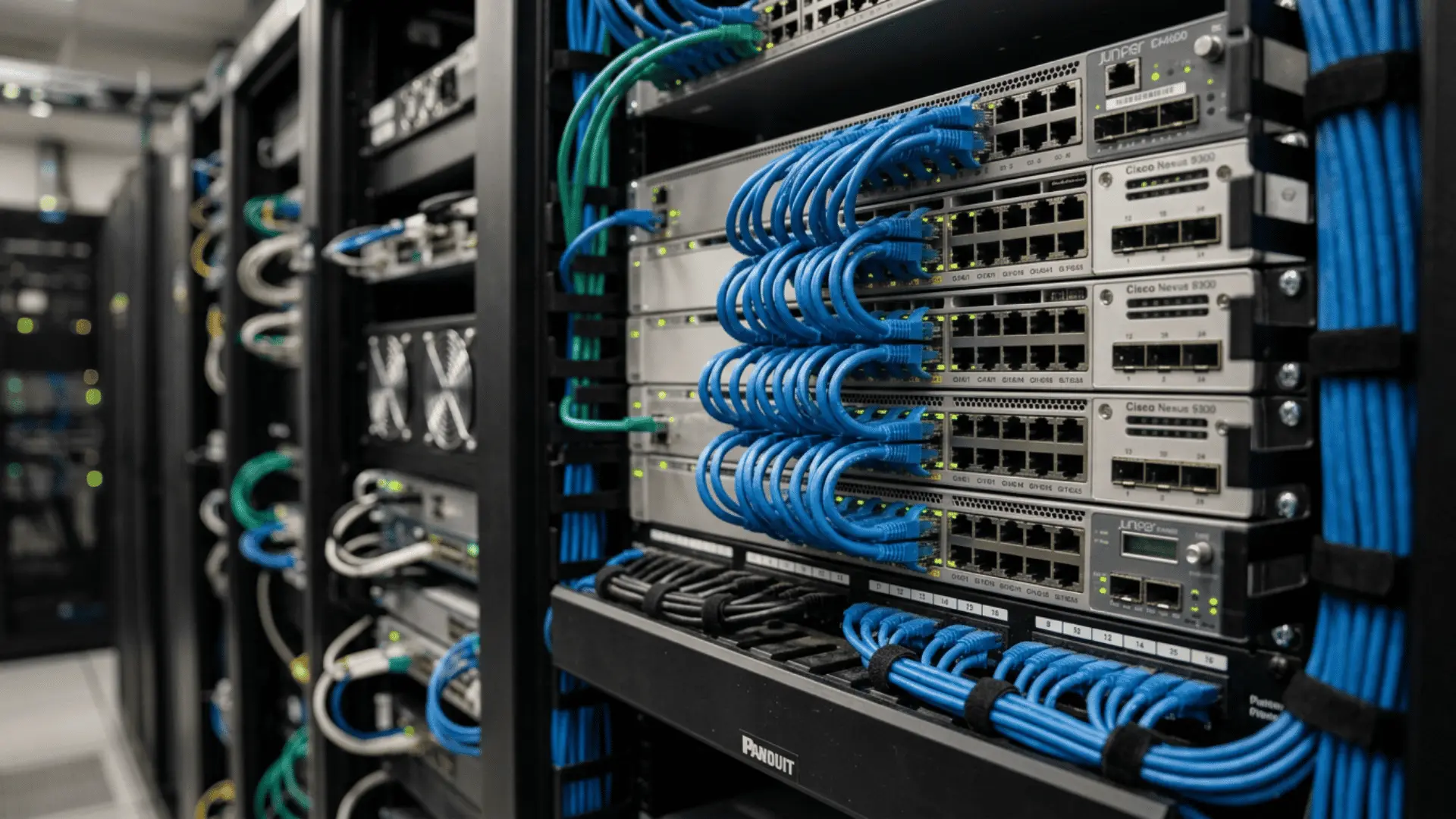
Moving between protocols does not happen overnight. Networks use three main methods to make the change without breaking existing connections.
1. Dual Stacking
Dual stacking lets a device run IPv4 and IPv6 at the same time. The device holds two addresses, one for each protocol, and picks whichever the other side supports.
Most modern routers, phones, and operating systems already work this way. I checked my own laptop’s network settings last month and found both address types active, which means the dual stack was running without any setup on my part.
This method is the most common starting point because nothing old stops working during the change.
2. Tunneling
Sometimes IPv6 traffic has to cross a network that only speaks IPv4, and tunneling handles that. The method wraps IPv6 packets inside IPv4 packets, sends them through the older network, and unwraps them on the other side.
Think of it like shipping a letter inside a second envelope that the local post office can read. The data inside stays untouched.
Tunneling works well as a bridge during the early stages, though it adds a small processing cost at each end of the tunnel.
3. Protocol Translation
Protocol translation allows an IPv6-only device to reach an IPv4-only service, or the reverse, by converting packet and address information at a gateway. Common approaches include NAT64 with DNS64 and 464XLAT.
End devices may not require changes when the surrounding network supplies the translation service. Translation adds operational dependencies, so teams must test DNS behavior, application protocols, logging, and failure handling.
Should You Disable IPv6?
IPv6 should remain enabled on most devices. Turning it off does not normally improve speed, and it can break software or system components that expect IPv6.
Microsoft states that IPv6 is a required part of current Windows networking and advises administrators not to disable it without a justified need.
Other operating systems and applications may also depend on local or internet-facing IPv6 functions.
When troubleshooting, test the router, DNS, firewall, provider connection, and application path before blaming the protocol.
Disable IPv6 only when a specific conflict has been confirmed and there is a documented rollback plan. On managed networks, a network administrator should make that decision after testing.
Final Thoughts
The difference between IPv4 and IPv6 comes down to one story: the internet outgrew its original address book.
IPv4 served the world well for four decades, but its 4.3 billion addresses could not keep up with billions of phones, sensors, and smart devices coming online.
IPv6 fixes that limit for good and adds better security, faster routing, and simpler setup along the way. The shift is already happening quietly in the background. Most devices handle both protocols without anyone noticing.
The reassuring part is that nothing needs to change at home, and businesses have clear paths, such as dual stacking, to move at their own pace.
Has a network ever switched to IPv6 at your home or workplace? Share the experience in the comments below.
Frequently Asked Questions
Which IP Version do Most Websites Use?
Most major websites now support both versions via dual-stack, and traffic is split roughly down the middle.
Which Devices Already Use IPv6?
Most modern phones, laptops, routers, and smart home devices support IPv6, and many mobile carriers already route traffic through it by default.
Does IPv6 Replace the Need for a VPN?
No, IPv6 secures data at the protocol level with IPsec, but a VPN still hides location and encrypts traffic end-to-end.
Why does My Device Show Multiple IPv6 Addresses?
A device may use separate IPv6 addresses for local communication, internet access, and privacy. Temporary addresses can also change regularly to reduce online tracking.
How Can I Check If I Am Using IPv6?
Visit an IPv6 testing website or check your device’s network settings. An IPv6 address contains hexadecimal characters separated by colons rather than periods.