

I’ve gotten a link verification code text more times than I can count. Sometimes it pops up when I try to log into an app. Other times, it shows up after I reset a password or sign in on a new device.
In this guide, I’ll explain why you are getting a link verification code, what it means, and when you should pay attention to it.
I’ll also cover the most common reasons these texts appear, how they help protect your accounts, and what to do if you did not request one yourself.
Many people ignore these messages or think they are spam. In some cases, they are harmless.
In others, they can point to a login attempt you should not ignore. By the end of this article, you’ll know how to tell the difference and keep your accounts safe.
Why Did I Get a Verification Code Text I Didn’t Request?
A link verification code shows up when a service needs to confirm the right person is accessing an account.
1. Someone Entered Your Number by Mistake
One of the most common reasons is a simple typing error. Someone may have entered your phone number while trying to log into their own account or create a new one.
This happens often with numbers that look similar. The verification system then sends the code to you instead of the real user.
If it only happens once, it is usually nothing serious. You can safely ignore the message and avoid clicking any links inside it.
2. Someone Tried to Access Your Account
A verification code text can also mean someone tried to log into one of your accounts. Many websites send a code before allowing access, especially when a password is entered correctly.
If you did not request the code, another person may know your password or be trying to guess it.
This is a good time to change your password right away. You should also turn on two-factor authentication for extra protection on important accounts like email and banking apps.
3. An Old Account Is Still Linked to Your Number
Sometimes your phone number stays connected to an old account you forgot about. Apps, shopping sites, or social platforms may still use your number for login verification.
If someone tries to access that account, you may receive the code text even years later.
I’ve seen this happen with old social media profiles and inactive email accounts. It helps to review accounts tied to your phone number and remove your number from services you no longer use.
4. A Scam Message May Be Involved
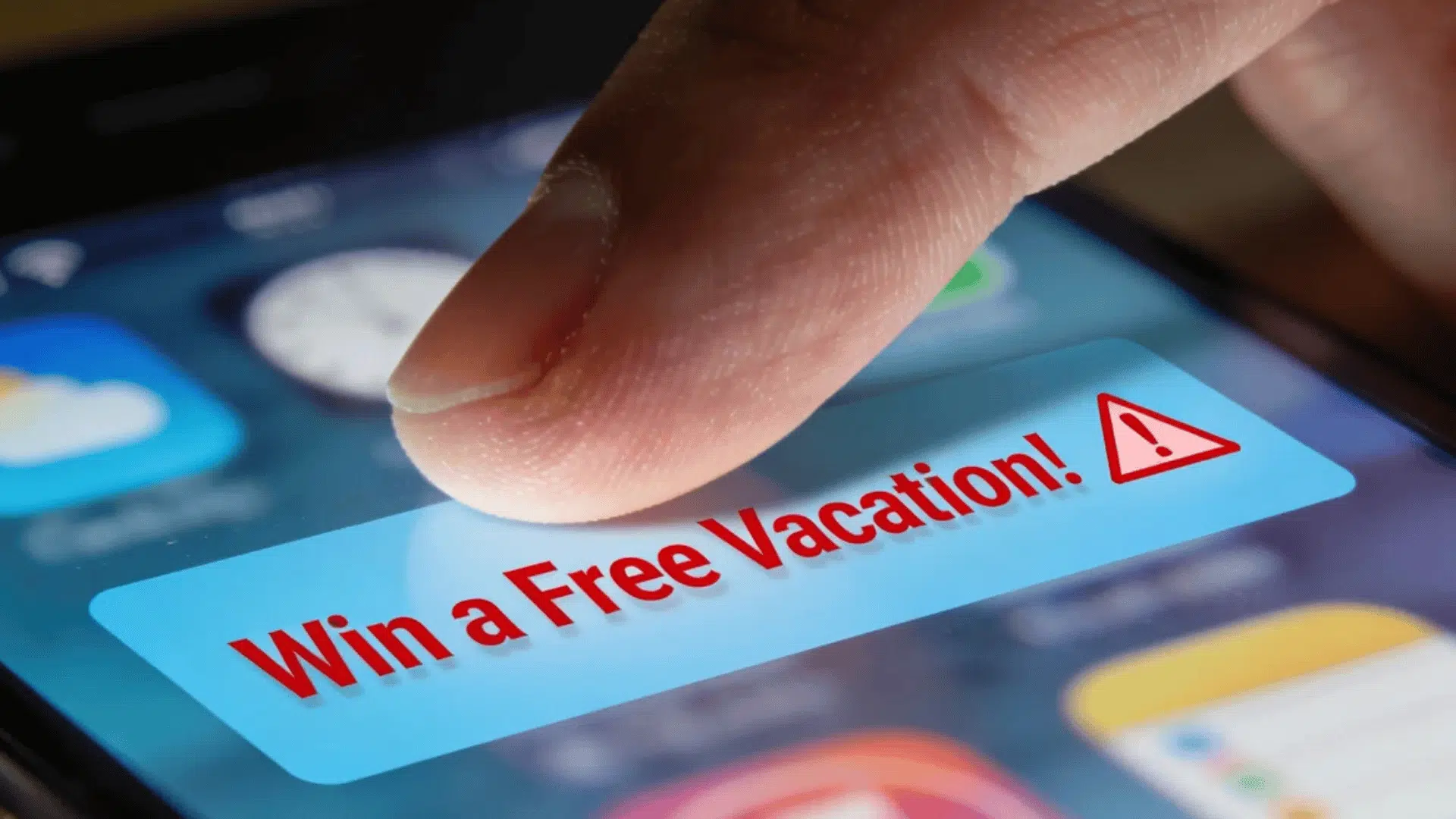
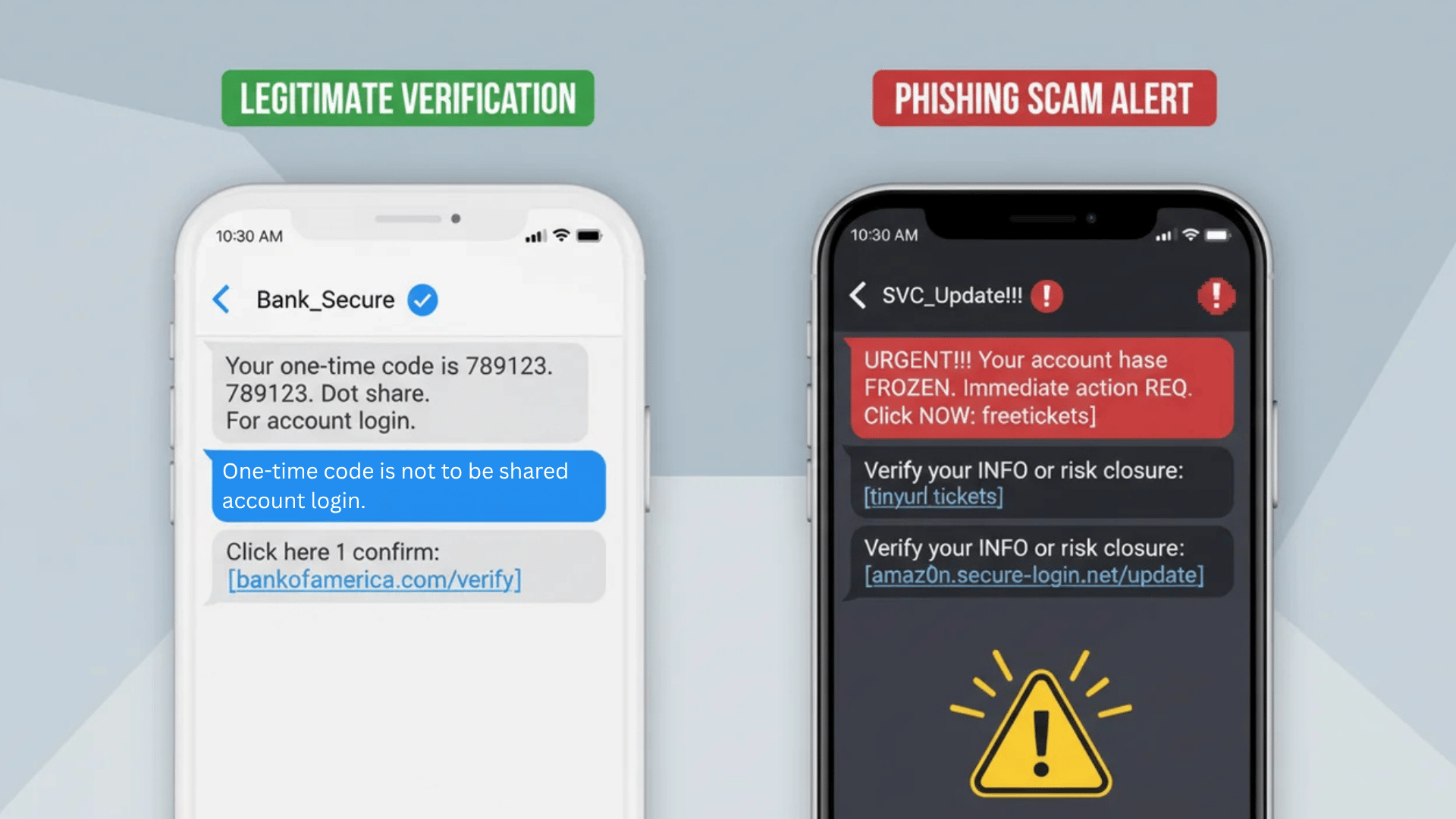
Not every verification code text is real. Some scammers send fake messages that look official to trick people into sharing personal details.
They may ask you to reply with the code or click a suspicious link.
Real companies rarely ask you to send the code back through text. If the message looks strange, has spelling mistakes, or comes from an unknown number, do not interact with it.
Delete the message and check your account directly through the official app or website instead.
5. Your Device May Have Logged in Automatically
Some apps and devices log in automatically after updates, app reinstalls, or system changes. When this happens, a verification text may arrive even though you did not manually request it.
This can happen if you recently changed phones, restored a backup, or updated your operating system.
The code is usually part of the app’s normal security process. If the timing matches a recent device change, the message is likely safe and connected to your own activity.
6. A Hacker Could Be Testing Your Information
In rare cases, repeated verification texts may point to a larger problem. Hackers sometimes test stolen passwords or phone numbers across different websites to see what works.
If you keep getting codes from several apps or services, take it seriously.
Change your passwords, use strong login details, and check for unusual account activity.
It is also smart to avoid using the same password on multiple sites. Quick action can help stop bigger security problems before they happen.
Is This Verification Code Text a Scam or Legitimate
The difference between a legitimate code and a fraudulent one often comes down to a few specific details. Knowing what to check prevents a serious security mistake.
| Signs It Is Legitimate | Red Flags That Signal a Scam |
|---|---|
| Arrives from a recognizable sender or short code | Comes from an oddly formatted or unfamiliar number |
| Contains only the code — no link attached | Contains a suspicious or shortened link |
| Matches a service that has actually been used before | References a service that has never been signed up for |
| Carries no urgency or pressure to act fast | Pushes urgency — “Act now or your account will be locked.” |
| The message is clearly written with no errors | Includes poor grammar or spelling throughout |
This type of scam is called smishing, SMS phishing, where attackers send fake texts designed to look like they’re from trusted services.
The goal is either to steal the code directly or to trick you into clicking a malicious link. Legitimate companies never ask you to share a verification code over text, phone, or chat.
What are the Risks of Ignoring or Responding to It?
Both reacting the wrong way and doing nothing at all carry real risks. What happens next depends on the type of account and how the situation is handled.
The Risks of Engaging with a Suspicious Code
Clicking a malicious link can install malware on a device without any visible warning. Sharing the code hands a scammer direct account access.
Even replying to the message confirms the number is active, which often triggers more targeted attacks.
These aren’t edge cases; account takeover through shared verification codes is one of the most common methods attackers use once they have stolen credentials.
The Risks of Ignoring It
Ignoring a code isn’t automatically safe. If someone already has login credentials, ignoring the code won’t stop the attempt; it just means they’ll try again.
Repeated codes from the same service usually indicate ongoing unauthorized login attempts.
The account type matters significantly here. Streaming or entertainment accounts carry lower stakes. Banking, email, social media, and payment platforms are different; unauthorized access to these causes lasting damage.
Warning: A verification code for a bank or email account that was never requested needs immediate attention.
These accounts give attackers access to financial records, personal identity data, and a path to reset passwords on every other account you own.
What Should Be Done Immediately when Receiving One?
Getting an unexpected verification code can feel alarming, but most situations are manageable with the right steps. Here’s a clear action plan to follow.
- Don’t Click Any Link in the Message: Links in unsolicited verification texts are a common entry point for malware and phishing. Leave them alone entirely.
- Don’t Share the Code With Anyone: This includes anyone claiming to be from customer support. Legitimate companies never ask for a verification code over the phone, chat, or text.
- Identify Which Account the Code Is From: Check the sender name and the service mentioned in the message. Knowing the source helps decide how urgently to act.
- Change the Password Immediately for Sensitive Accounts: Banking, email, and social media accounts need a new strong password right away if something feels off.
- Report the Activity Through Official Channels: Contact the company directly using the number or email listed on their official website, not any numbers or email addresses listed in the suspicious message.
- Check if Personal Data Has Been Exposed: Trusted data breach-checking sites allow anyone to search for their email or phone number to see if their information appeared in a known breach.
- Call the Bank Directly for Any Financial Codes: If the code is linked to a bank or payment account, call the number on the back of the card. Don’t wait.
Check if Your Data Has Been Exposed: Have I Been Pwned is a free, reputable tool that lets you search your email address or phone number to see if it appeared in a known data breach.
I recommend checking it whenever you receive codes from multiple services in a short period. It’s one of the quickest ways to confirm whether your credentials are already circulating.
How to Stop Getting Unsolicited Verification Codes?
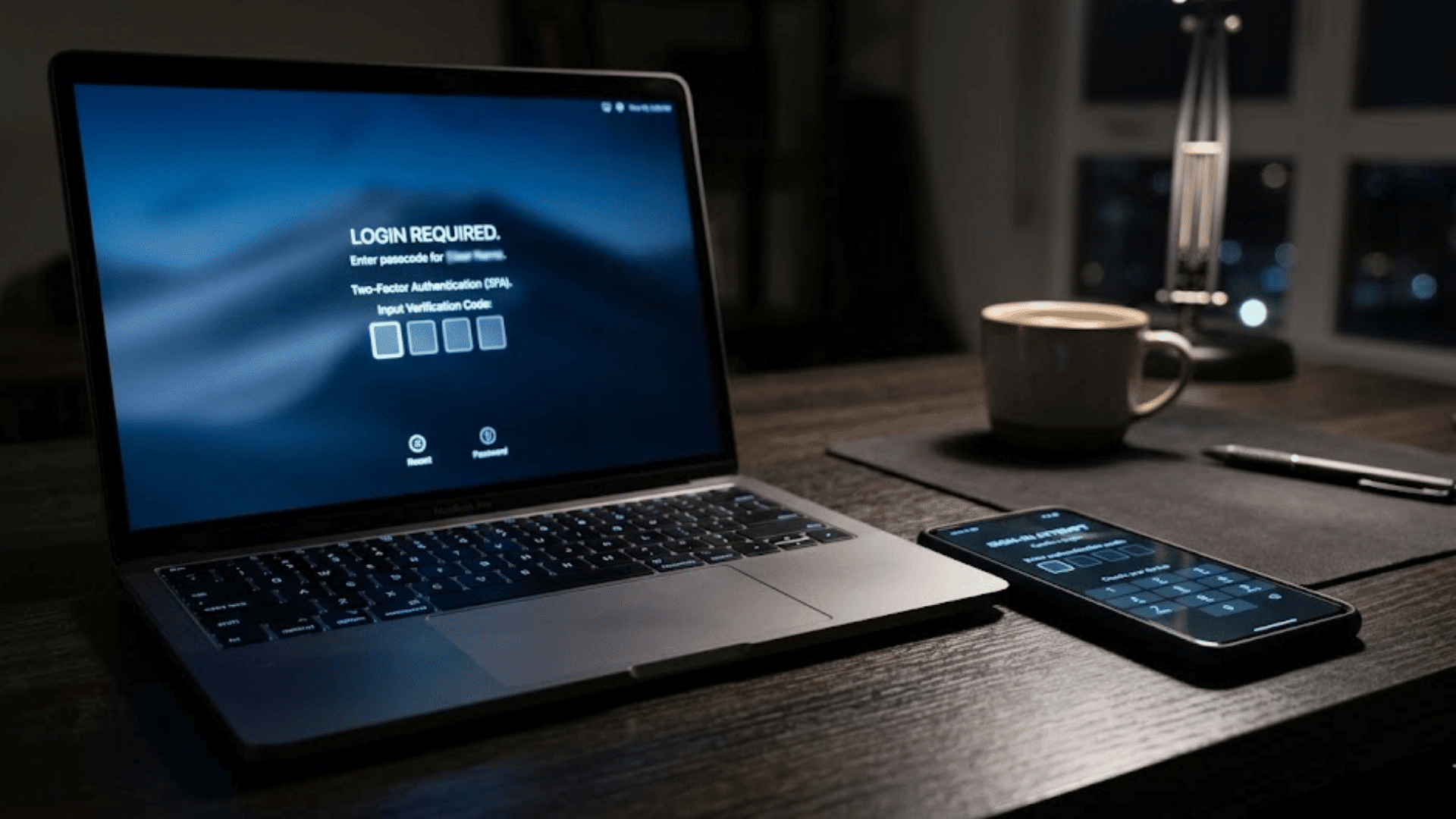
Repeated verification codes that were never requested are frustrating, and in some cases, a sign that account security needs attention. A few practical steps can significantly reduce how often they show up.
Start by changing the passwords on any account with a registered phone number.
If a new number was recently assigned, update it across all active accounts. Old numbers tied to previous owners can keep triggering codes long after the switch.
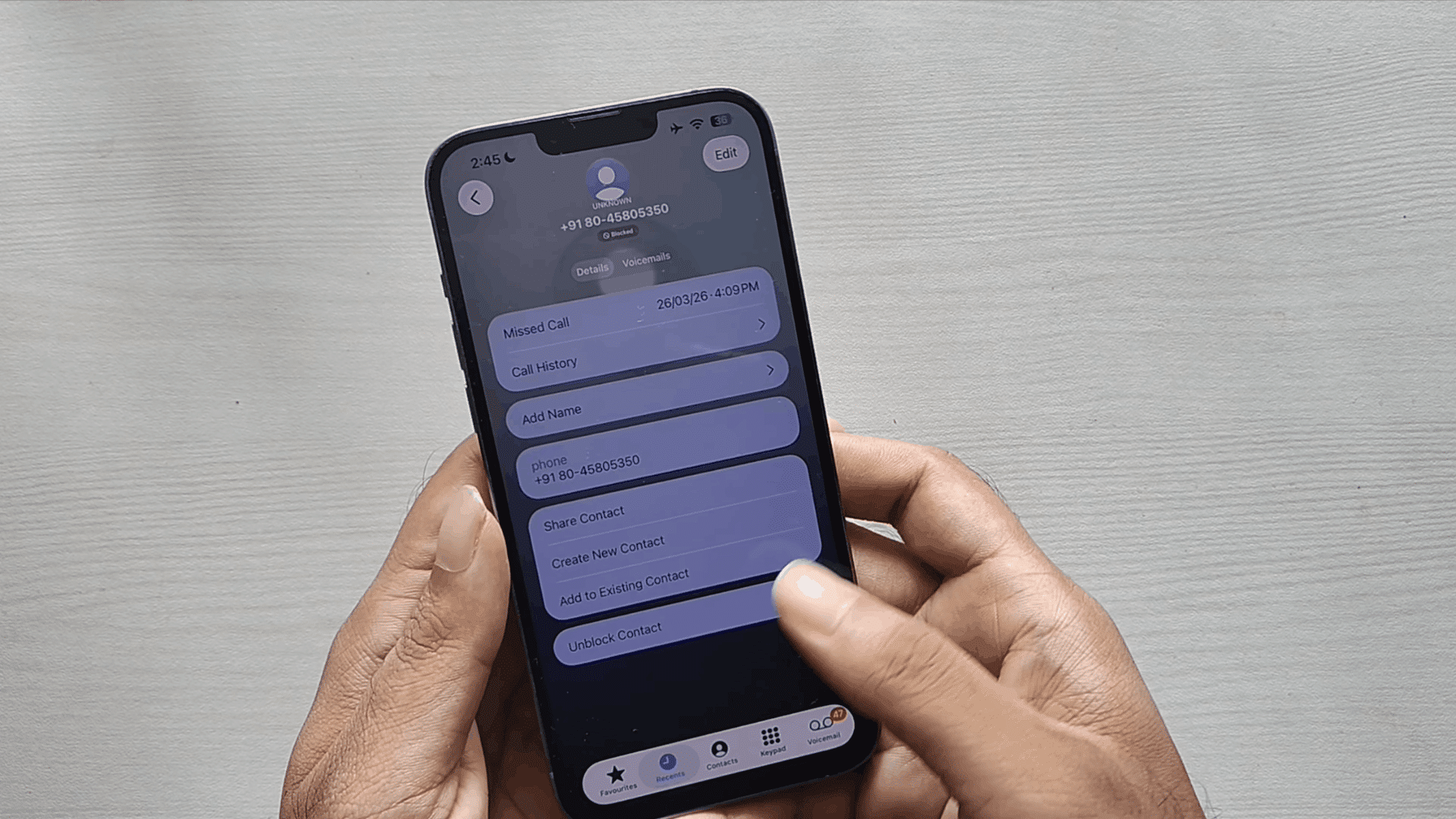
Report the sender as spam directly from the messaging app.
For codes from a specific service, such as Google or Stripe, contact that company through official channels and flag the issue.
If the same number keeps receiving codes from multiple services, contact the mobile carrier and ask about any recent SIM swap activity on the account.
Repeated multi-platform attempts are a known pattern associated with SIM swapping, where attackers try to gain control of a phone number to intercept codes going forward.
How to Protect Accounts from Verification Code Scams?
Protecting accounts from verification code scams doesn’t require technical expertise. A few consistent habits go a long way in keeping personal information secure.
Start with authentication. Switching from SMS-based verification to an authenticator app like Google Authenticator or Authy is one of the most effective upgrades available.
Unlike text messages, authenticator apps generate codes locally on the device, making them far harder for scammers to intercept through SIM swapping or network attacks.
Strong, unique passwords matter too. Reusing the same password across platforms means that a single breach can expose multiple accounts at once. Enable login alerts wherever the option exists.
These notifications flag any unrecognized access attempt in real time, making it easier to catch suspicious activity early.
Regularly checking trusted data breach tools helps identify if personal information has already been exposed. Knowing is better than guessing.
Conclusion
An unexpected verification code can feel worrying, but most cases are easy to handle once you know the cause.
The accounts that matter most, banking, email, and primary social media, deserve the strongest protections: unique passwords, authenticator apps, and login alerts turned on.
Getting those in place takes less than an hour and reduces your exposure significantly.
Small, consistent security habits are what separate accounts that stay protected from those that get compromised.
None of the steps in this guide requires technical expertise. They require attention, are done once, and are applied consistently.
Have you ever received a verification code you didn’t request?
Share what happened in the comments below. Your experience might help someone else handle it better.
Frequently Asked Questions
How to Know If a Link Is Suspicious?
Suspicious links often come with urgency, unfamiliar sender numbers, shortened URLs, or poor spelling in the message.
Is It Possible to Get a Virus from a Link?
Clicking a malicious link can silently install malware on a device, giving attackers access to personal data and login credentials.
Why does a Link Code Get Sent?
A link code is triggered when someone attempts to log in, reset a password, or register a phone number on an account tied to that number.
What Happens if a Verification Code Gets Shared with Someone?
Sharing a verification code hands over direct account access to whoever receives it, making it one of the most common ways accounts get compromised.
Can an Unsolicited Verification Code Mean a Data Breach?
Repeated unsolicited codes across multiple platforms can indicate that personal information was exposed in a breach and is being used in unauthorized login attempts.