


Every day, more devices connect to the internet, from smart home products and fitness trackers to industrial machines and healthcare equipment.
I’ve seen how useful connected devices can be, but even small issues can cause poor performance, security risks, or failures.
That is why IoT testing has become such an important part of developing reliable products.
If you are building, managing, or using connected devices, understanding how testing works can help you avoid common problems and improve results.
In this guide, you will learn about IoT testing, its importance, challenges, and best practices for building secure, reliable IoT solutions.
By the end, you will have a clear understanding of how the testing process supports the development of successful IoT systems.
What Is IoT Testing?
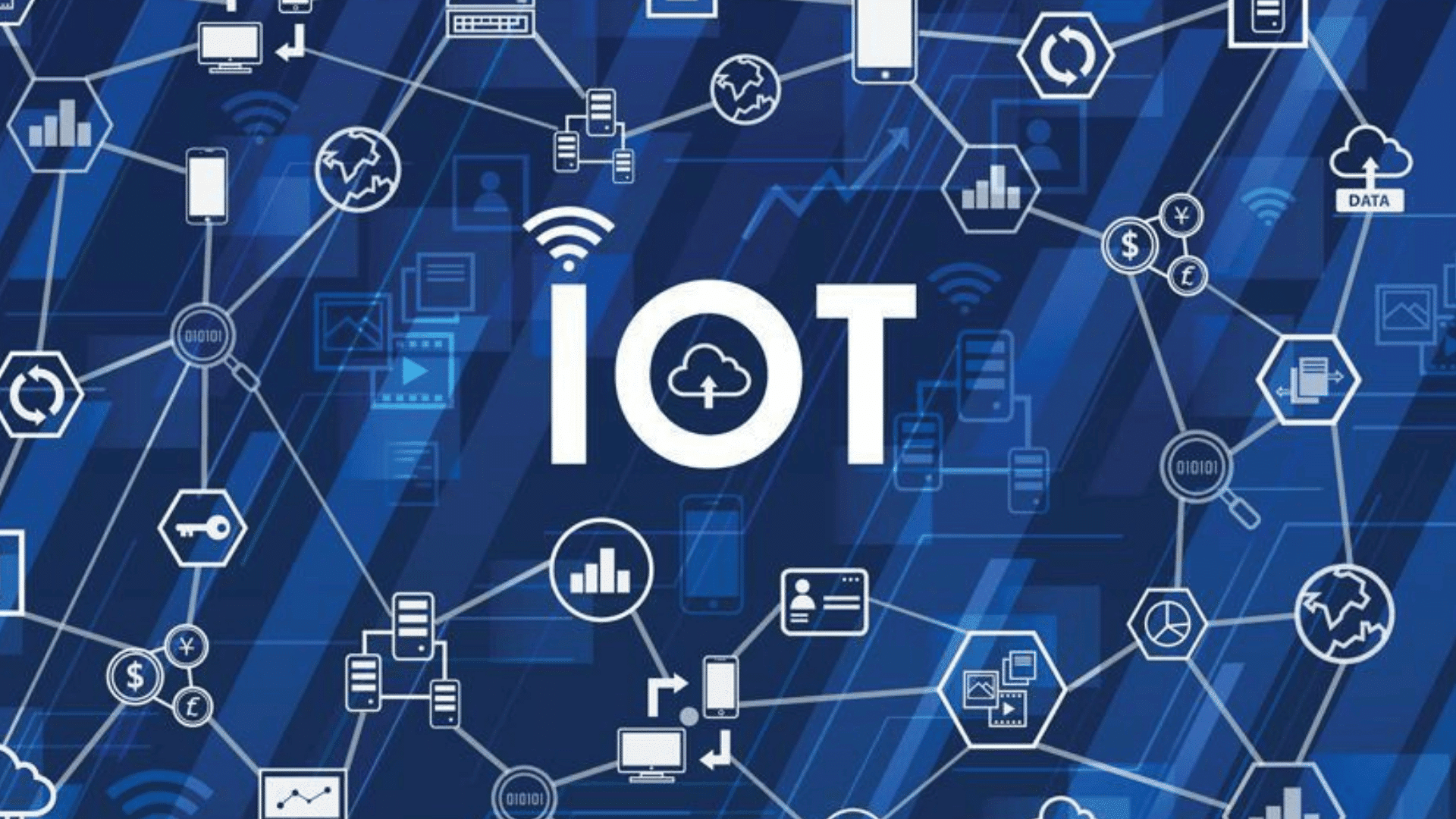
IoT testing is the process of evaluating connected devices and their systems to ensure they work correctly, reliably, and securely.
These devices, from smart home gadgets to industrial sensors, depend on seamless communication through networks and software.
IoT testing checks various aspects, including device performance, connectivity, data accuracy, and security.
It can include functional testing to verify features, compatibility testing to ensure devices work with different platforms, performance testing to measure speed and stability, and security testing to prevent breaches.
The goal is to detect and fix issues before the devices reach users.
IoT testing helps companies reduce failures, improve user experience, and build product trust.
Types of IoT Testing Services

Types of IoT testing services help verify the performance, security, connectivity, and reliability of connected devices, applications, networks, and cloud platforms before deployment.
1. Functional Testing
Functional testing checks if an IoT device performs each task correctly. It tests sensors, buttons, alerts, app controls, data sharing, and device responses.
For example, a smart thermostat should read temperature, update the app, and adjust settings without errors.
This testing helps identify broken features, incorrect readings, delayed actions, and software bugs before users encounter them. It ensures the device works as intended in real-world use.
2. Performance Testing
Performance testing checks how well an IoT system works under normal and heavy use. It measures speed, response time, battery use, memory use, and system stability.
This testing is important because many IoT devices handle live data.
If the system slows down or crashes, users may lose trust. Performance testing helps teams find weak areas early and improve the product before it goes live.
3. Security Testing
Security testing checks how safe an IoT device is from cyber risks. It reviews login systems, data encryption, APIs, firmware, network access, and user permissions.
Many IoT devices collect private or business data, so weak security can cause serious problems.
This testing helps find gaps that hackers could use. It also helps protect user data, device control, and system access from unwanted use.
4. Connectivity Testing
Connectivity testing assesses how well IoT devices remain connected to networks, apps, cloud systems, and gateways.
It tests Wi-Fi, Bluetooth, Zigbee, cellular, and other connection types.
It also checks how the device performs under weak signal conditions, during network drops, or upon reconnection.
This testing helps make sure data moves without delay or loss. Strong connectivity testing keeps IoT devices stable and helps users experience smooth performance under real-world conditions.
5. Compatibility Testing
Compatibility testing checks if IoT devices work well with different phones, operating systems, apps, browsers, routers, and hardware.
An IoT device may work fine on one platform but fail on another. This testing helps find those issues early. It also checks software versions, screen sizes, and network settings.
Compatibility testing helps users enjoy the same smooth experience across different setups, which reduces complaints and improves product quality.
What Are the Key Features of IoT Testing?
To ensure IoT devices perform reliably, testing must cover multiple critical areas of the system, including hardware, software, connectivity, and user interaction.
- Device Hardware and Sensors: Tests sensors, buttons, chips, and batteries to ensure devices function accurately in real-world scenarios.
- Embedded Software and Firmware: Checks built-in software stability, updates, bug fixes, and proper control for smooth and reliable device operation.
- Mobile and Web Applications: Evaluate apps or dashboards for usability, responsiveness, and accurate communication with IoT devices.
- Network and Communication Layer: Verifies reliable data transfer between devices, gateways, apps, and networks, including recovery from weak signals or drops.
- Cloud Platform and Backend Systems: Test servers, databases, APIs, and cloud services to ensure IoT data is managed correctly.
- Data Collection and Accuracy: Ensures devices collect, transmit, and display accurate, complete, and timely data for monitoring and reporting.
- User Access and Permissions: Checks login, roles, and permissions to ensure only authorized users can access or control devices.
- Real-World Environment Behavior: Tests devices under varying distances, interference, power changes, and environmental conditions to ensure reliable operation.
Benefits of IoT Testing Services
IoT testing services offer numerous business and technical benefits, helping companies launch safer, faster, and more reliable connected devices.
| Benefit | How It Helps |
| Better Device Reliability | Helps IoT devices work properly in real-world conditions without frequent errors or failures. |
| Stronger Security | Finds vulnerabilities in devices, networks, apps, and data flows before cyber risks cause damage. |
| Improved Performance | Checks speed, response time, battery use, and stability under normal and heavy use. |
| Smooth Connectivity | Ensures devices stay connected with networks, apps, cloud systems, and gateways. |
| Better User Experience | Finds app, setup, and device issues that may confuse users or make the product hard to use. |
| Lower Maintenance Costs | Fixes issues early, which reduces repair work, support requests, and product update problems. |
| Fewer Product Failures | Helps prevent device crashes, data loss, and poor system behavior after launch. |
| Better Market Trust | Gives users and businesses more confidence that the IoT product is safe and ready to use. |
How to Choose IoT Testing Services?
Choosing the right IoT testing services helps you find a team that can properly test your devices, apps, networks, and cloud systems.
- Check their IoT experience: Choose a team with experience in testing connected devices, sensors, apps, gateways, and cloud-based IoT systems.
- Review their testing methods: ensure they include key tests for security, performance, compatibility, connectivity, usability, and scalability.
- Ask about real-device testing: Pick a provider that tests on real devices, networks, and platforms, not only on basic simulators.
- Check their security testing skills: IoT security is important, so the team should test data security, access controls, APIs, firmware, and network security.
- Look at tools and test labs: A strong provider should use reliable tools, test environments, automation, and device labs for accurate results.
- Review reporting quality: Choose a team that provides clear reports that include bugs, risks, test results, and practical steps to fix issues.
- Check scalability support: The provider should test how your system works as more devices, users, and data are added.
- Compare pricing and support: Pick a service that fits your budget while still offering clear communication, support, and long-term testing help.
What are the 5 Cs of IoT?
The 5 Cs of IoT explain how connected devices communicate, collect data, use cloud systems, enable control, and meet key standards.
| 5 Cs of IoT | Meaning |
| Connection | Links IoT devices with apps, gateways, networks, and cloud systems through Wi-Fi, Bluetooth, Zigbee, cellular, or other protocols. |
| Content | Refers to the data created, collected, shared, and stored by IoT devices, such as sensor readings, logs, and alerts. |
| Cloud | Stores, processes, and manages IoT data, allowing remote access, real-time monitoring, analytics, and system growth. |
| Control | Allows users or systems to manage IoT devices through commands, automation rules, alerts, and device settings. |
| Compliance | Ensures IoT devices comply with safety, privacy, and security standards, as well as industry standards, before reaching users or businesses. |
IoT Testing Methodologies
IoT testing methodologies provide structured methods for evaluating the performance, security, functionality, and reliability of connected devices and systems.
- End-to-end testing tests the complete IoT ecosystem to ensure devices, applications, networks, and cloud platforms work together correctly.
- Functional Testing: Verifies that sensors, controls, alerts, and device features operate as expected under normal conditions.
- Integration Testing: Checks communication and data flow between devices, gateways, applications, cloud platforms, and third-party services.
- Performance Testing: Measures response times, stability, resource usage, and system behavior under different workloads and conditions.
- Security Testing: Identifies vulnerabilities in devices, networks, APIs, and data transmission to protect against cyber threats.
- Compatibility Testing: Ensures IoT devices function properly across different operating systems, browsers, hardware, and network environments.
Different Tools for IoT Testing
To effectively test IoT devices, choosing the right tools is essential, as they help validate performance, connectivity, security, and functionality across all systems.
1. Postman
Postman is an API testing tool widely used for IoT devices. It validates communication between devices and cloud platforms, checking requests, responses, and data transfer accuracy.
Teams can automate API tests to identify integration issues early and verify that devices function as expected.
Postman ensures smooth device-to-application interaction, helping developers catch errors in real-time data exchange and maintain consistent performance across multiple platforms and connected systems.
Best for: Teams that need to test and automate APIs connecting IoT devices, applications, and cloud platforms.
2. JMeter
JMeter is an open-source performance and load testing tool for IoT devices and servers. It simulates multiple device connections to measure response time, throughput, and resource usage.
The tool helps identify bottlenecks, slowdowns, or failures under heavy workloads.
By testing device and network performance in real-world scenarios, JMeter ensures that IoT systems remain stable, responsive, and capable of handling large-scale deployments without compromising speed or reliability.
Best for: Organizations that want to evaluate IoT system performance, scalability, and load-handling capabilities.
3. Wireshark
Wireshark is a network protocol analyzer that monitors communication between IoT devices, gateways, and cloud systems.
It captures and inspects network traffic, helping troubleshoot connectivity issues, detect packet loss, and verify data integrity.
By analyzing how devices send and receive data, Wireshark enables teams to resolve network issues, ensure secure, stable communication, and maintain consistent performance.
This is especially critical for real-time IoT applications where data accuracy and speed are essential.
Best for: Network engineers and developers troubleshooting IoT device communication and connectivity issues.
4. IoTIFY
IoTIFY is a cloud-based IoT simulator that generates virtual devices, data streams, and network traffic. It allows testing of connectivity, scalability, and interoperability without requiring physical hardware.
Teams can simulate thousands of devices to evaluate system behavior under load, check data flow, and identify potential performance issues.
IoTIFY helps developers prepare systems for real-world deployments, reducing risk and ensuring reliable operation for large-scale IoT networks and connected environments.
Best for: Teams that want to simulate large-scale IoT environments without investing in physical hardware.
5. Robot Framework
Robot Framework is an open-source automation tool used for functional and acceptance testing of IoT devices. It supports IoT-specific libraries for network, API, and hardware testing.
Teams can automate repetitive test cases, improve consistency, and detect errors early in development.
By providing structured testing for both software and hardware components, Robot Framework ensures that IoT systems operate reliably, maintain data accuracy, and meet functional requirements across multiple platforms.
Best for: Organizations seeking automated functional and acceptance testing for IoT software and hardware.
6. LoadRunner
LoadRunner is a performance testing tool designed to evaluate IoT systems under heavy workloads. It simulates real-world scenarios with multiple devices, monitors system responses, and identifies bottlenecks.
The tool helps ensure stability, responsiveness, and consistent operation of IoT applications, even during peak usage.
LoadRunner enables developers to anticipate performance issues, optimize resource use, and maintain device reliability, which is critical in both consumer and industrial IoT environments.
Best for: Enterprises that need to test IoT applications under heavy workloads and real-world traffic conditions.
7. Selenium
Selenium is an automation tool primarily used to test web applications, including IoT dashboards and management portals.
It automates repetitive functional tests, checks app behavior, validates workflows, and ensures web-based interfaces operate correctly across browsers and platforms.
Using Selenium, developers can verify that users interact reliably with IoT systems, reducing UI-related issues and improving the overall device management experience through the web interface.
Best for: Teams testing IoT dashboards, web portals, and browser-based device management applications.
IoT Testing Best Practices
IoT testing best practices help improve product quality, reduce risks, and ensure reliable performance across connected devices and systems.
| Best Practice | Description |
| Define Clear Testing Requirements | Set clear goals for performance, security, functionality, and connectivity before testing begins. |
| Test with Real Devices and Networks | Use actual devices and network conditions to identify issues that may not appear in simulations. |
| Prioritize Security from the Start | Regularly test authentication, encryption, APIs, firmware, and access controls to reduce security risks. |
| Automate Repetitive Test Cases | Automate routine tests to improve efficiency, consistency, and overall test coverage. |
| Monitor Data Accuracy and Performance | Verify that devices collect, transmit, and display accurate data while maintaining stable performance. |
| Maintain Detailed Test Reports | Document test results, defects, fixes, and recommendations to support faster troubleshooting and improvements. |
IoT Testing Strategies
IoT testing strategies help teams plan and execute testing activities to ensure connected devices perform reliably, securely, and efficiently.
- Test in Real-World Conditions: Evaluate device performance across different environments, network strengths, temperatures, and usage scenarios.
- Use a risk-based approach: Focus testing efforts on critical areas such as security, connectivity, data accuracy, and device functionality.
- Combine Manual and Automated Testing: Use automation for repetitive tests while relying on manual testing for usability and user experience.
- Validate End-to-End Workflows: Test the complete journey from data collection and transmission to processing and user interaction.
- Test Across Multiple Platforms: Verify compatibility with different devices, operating systems, browsers, networks, and cloud environments.
- Perform Continuous Testing: Conduct testing throughout development to identify issues early and maintain product quality before deployment.
Conclusion
IoT testing ensures connected devices work reliably, stay secure, and offer a smooth user experience.
As more businesses and homes rely on IoT technology, proper testing helps identify performance issues, connectivity problems, and security risks before they affect users.
It also ensures that devices can communicate effectively across different networks and environments.
A well-planned testing process can reduce downtime, improve product quality, and increase user trust.
Whether you are developing IoT solutions or simply want to understand how they work, knowing the value of IoT testing can help you make better decisions.
Have you worked with IoT devices or faced challenges during testing? Share your experience, tips, or questions in the comments below.
Frequently Answered Questions
Can IoT Testing Be Automated?
Yes, many IoT tests can be automated, including API checks, performance tests, regression tests, and repeated checks of device behavior.
Who Needs IoT Testing Services?
Businesses building smart devices, healthcare tools, industrial sensors, home automation systems, or connected apps can benefit from IoT testing services.
What Is the Difference Between IoT Testing and Software Testing?
Software testing checks apps or programs, while IoT testing checks devices, sensors, networks, apps, cloud systems, and real-time data flow.