



An IT security assessment helps you identify and fix risks before they become real problems. With cyber threats growing every day, businesses can no longer rely on guesswork.
They need a clear way to assess their systems, data, and networks for weaknesses.
That’s where an IT security assessment comes in. It assesses the security of your setup and identifies what needs improvement.
Whether you run a small business or a large company, regular checks can help protect sensitive data, prevent costly breaches, and ensure regulatory compliance.
In this guide, you’ll learn what an IT security assessment is, why it matters, and how to carry one out step by step in a simple and practical way.
What Is an IT Security Assessment?
An IT security assessment is a process used to assess the security of your systems, networks, and data against cyber threats.
It finds weak points like outdated software, weak passwords, or poor settings that attackers can use. This assessment reviews your entire IT environment and measures how well your current security controls are working.
It also highlights risks and suggests ways to fix them.
Businesses use IT security assessments to protect sensitive information, improve their security posture, and stay compliant with industry standards.
In simple terms, think of it as a health check for your digital systems.
I’ve reviewed environments where a single unpatched server sat exposed for months because no one mapped it as a critical asset. A structured assessment would have caught it in the first hour.
Key Types of IT Security Assessments
Different types of IT security assessments focus on finding risks in specific areas of your systems. Each one helps you understand and improve your overall security in a clear way.
- Vulnerability Assessment: Scans systems to identify known weaknesses, such as outdated software or missing patches.
- Penetration Testing: Simulates real cyberattacks to assess how easily hackers can breach systems.
- Risk Assessment: Identifies potential threats and evaluates their impact on your business.
- Security Audit: Reviews policies, controls, and processes to ensure proper security measures are in place.
- Compliance Assessment: Checks whether your systems meet standards such as ISO, NIST, or GDPR.
- Physical Security Assessment: Checks server room access, badge systems, CCTV, and visitor logs. Needed for ISO 27001 and SOC 2, yet often missed.
- Social Engineering Assessment: Tests whether employees can be manipulated through phishing, vishing, or impersonation.
According to the Verizon 2025 Data Breach Investigations Report, over 74% of breaches involve a human element. This type of assessment is no longer optional.
Why IT Security Assessments Are Important?
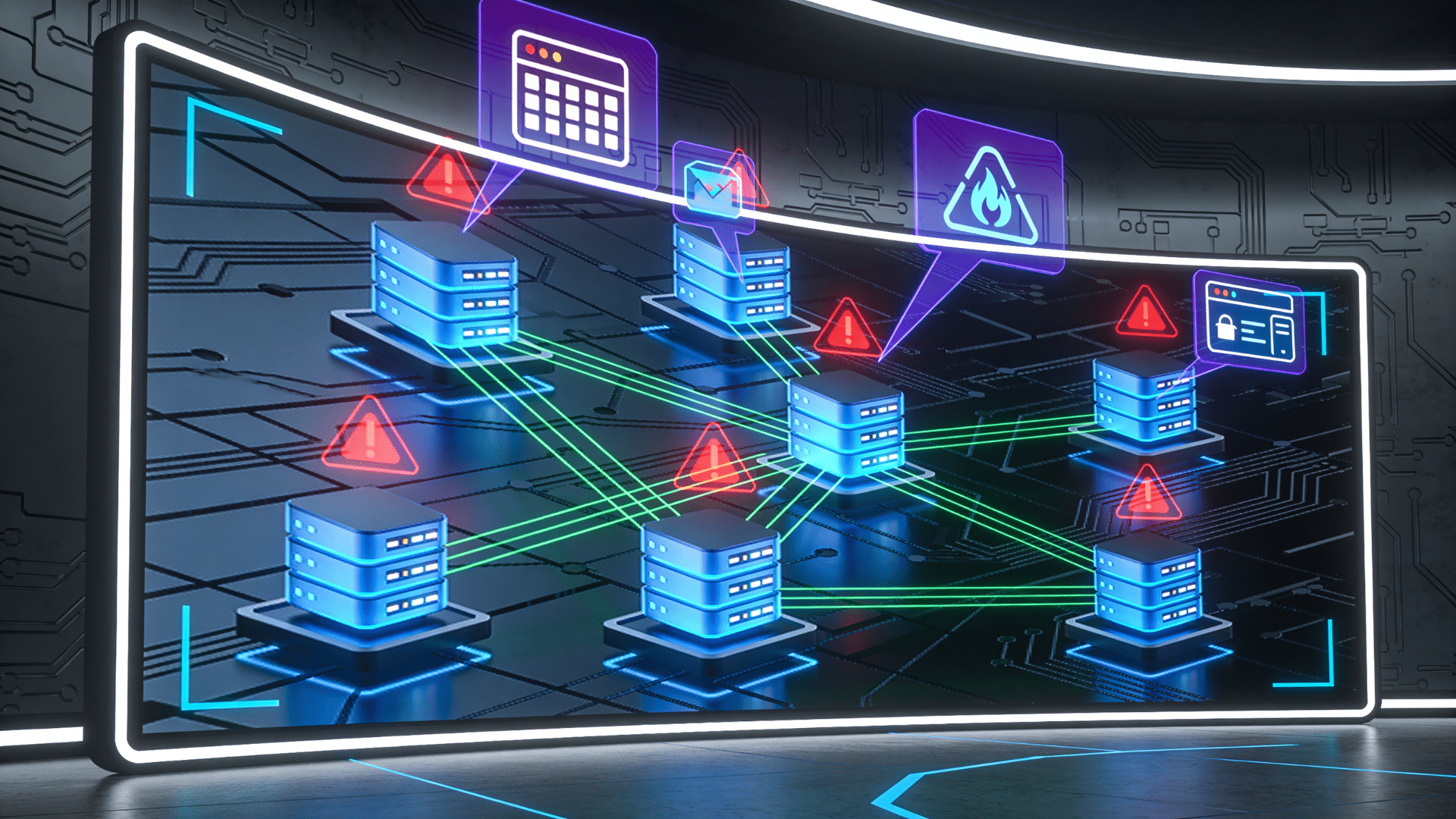
IT security assessments are important because they replace guesswork with evidence. Most organizations assume their controls are working. Assessments confirm whether that assumption is actually true.
According to the IBM Cost of a Data Breach Report 2024, the global average cost of a data breach reached $4.88 million, the highest figure ever recorded.
Most of those breaches exploited gaps that a routine assessment could have flagged months earlier.
These assessments also help protect sensitive information, such as customer data and business records.
In addition, many industries require companies to follow security standards, and assessments help ensure compliance. They also trigger needed discussions.
In one case I saw, an incident response plan hadn’t been updated for three years.
No one had noticed because no formal review process existed. Regular assessments make those gaps visible before attackers find them first.
Step-By-Step IT Security Assessment Process
A structured approach makes an IT security assessment more effective and easier to manage. Following clear steps helps ensure no critical risks are missed.
1. Define Scope and Assets
The first step is to clearly define what you are assessing. This includes identifying all systems, networks, devices, and data that need protection.
A common mistake here is scoping too narrowly. Teams often focus on servers and workstations while leaving cloud workloads, contractor accounts, and shadow IT outside the boundary entirely.
Every asset that touches your data belongs in scope. Without this step, important areas may be overlooked.
By setting clear boundaries and identifying assets early, you create a strong foundation for the entire security assessment process.
2. Identify Threats
Once you know your assets, the next step is to identify possible threats. These can include malware, phishing attacks, ransomware, insider threats, and unauthorized access.
Understanding who or what could harm your system helps you prepare better defenses.
You should consider both external attackers and internal risks, such as employees with too much access. This step involves researching common cyber threats and analyzing how they might target your systems.
By clearly identifying threats, you gain insight into potential dangers and can focus your efforts on protecting your most vulnerable areas.
3. Find Vulnerabilities
After identifying threats, the next step is to find weaknesses in your systems. Vulnerabilities can include outdated software, weak passwords, misconfigured settings, or missing security updates.
These gaps make it easier for attackers to gain access. You can use automated tools or manual reviews to scan your systems and detect these issues.
Regular checks are important because new vulnerabilities appear often.
This step helps you understand where your defenses are weak and what needs improvement. Fixing vulnerabilities early reduces the chances of a successful attack and strengthens your overall security.
4. Analyze Risk
In this step, you evaluate the severity of each vulnerability by considering its likelihood and impact. Not all risks are equal, so it’s important to understand which ones could cause the most damage.
For example, a vulnerability in a critical system is more dangerous than one in a less important area. Risk analysis helps you prioritize your efforts and allocate resources wisely.
This process often involves assigning risk levels such as high, medium, or low.
By carefully analyzing risk, you can make informed decisions and focus on the issues that matter most to your business.
5. Prioritize Risks
Once risks are analyzed, they need to be prioritized based on their severity and potential impact. High-risk issues should be addressed first, especially those that could lead to data breaches or major disruptions.
Medium- and low-risk issues can be addressed later in a planned manner.
Prioritization helps avoid wasting time on minor issues while serious threats remain unresolved. It also helps teams stay organized and focused.
By creating a clear order of action, businesses can respond quickly and efficiently to the most critical security concerns and improve their protection step by step.
6. Apply Security Controls
After prioritizing risks, the next step is to implement solutions to fix them. This includes applying security controls such as firewalls, encryption, strong passwords, and access controls.
You may also update software, patch vulnerabilities, or limit user permissions. The goal is to reduce or eliminate risks as much as possible.
It’s important to choose the right controls based on the type of threat and system involved.
Proper implementation strengthens your defenses and makes it harder for attackers to succeed. This step turns your findings into real actions that improve your security.
7. Document and Report Findings
The final step is to document everything you found and the actions taken. This includes listing vulnerabilities, risks, and the solutions applied.
A clear report helps stakeholders understand the current security status and what improvements were made.
It also provides a record for future assessments and audits. Good documentation ensures transparency and accountability within the organization. It can also help with compliance requirements.
By keeping detailed records, businesses can track progress over time and make better decisions to strengthen their security in the future.
IT Security Assessment Checklist
A checklist helps ensure you cover all important areas during an IT security assessment. It keeps the process organized and reduces the chance of missing critical risks.
| Area | What to Check |
|---|---|
| Asset Inventory | List all hardware, software, and data assets in your system |
| Access Control | Review user roles, permissions, and authentication methods |
| Patch Management | Ensure all systems and software are up to date |
| Network Security | Check firewalls, routers, and network configurations |
| Data Protection | Verify encryption, backups, and data storage practices |
| Endpoint Security | Assess antivirus, device security, and endpoint protection tools |
| Application Security | Review apps for vulnerabilities and secure coding practices |
| Incident Response Plan | Confirm a plan is in place for handling security breaches |
| Monitoring & Logging | Ensure systems track activity and detect unusual behavior |
| Compliance | Check alignment with standards like ISO, NIST, or GDPR |
Best Tools for IT Security Assessment
Using the right tools makes IT security assessments faster, more accurate, and easier to manage. These tools help detect vulnerabilities, test defenses, and continuously monitor systems.
- Nessus: A widely used vulnerability scanner that detects misconfigurations, malware, and missing patches. It offers strong reporting and covers a large number of known vulnerabilities.
- Qualys: A cloud-based platform that provides continuous monitoring, asset discovery, and risk prioritization. It works well for large organizations with complex environments.
- OpenVAS: An open-source tool with a large database of vulnerability tests. It is highly customizable and suitable for organizations looking for a cost-effective solution.
- Nmap: A powerful network scanning tool used to discover devices, open ports, and services. It helps identify potential entry points in a network.
- Metasploit: A penetration testing framework that helps simulate attacks and test system defenses. It is widely used by security professionals for exploit testing.
- Splunk / SIEM Platforms: SIEM tools collect logs across systems and alert on threats in real time, helping with ongoing monitoring beyond one-time assessments.
- CISA CSET: CISA’s free Cyber Security Evaluation Tool helps assess IT and OT systems, ideal for smaller teams without a GRC platform.
IT Security Assessment Best Practices
Following best practices is the difference between an assessment that drives real improvement and one that produces a report no one reads.
Start by conducting assessments regularly instead of treating them as a one-time task.
Use trusted frameworks like NIST CSF or ISO 27001 to guide your process and ensure consistency. Always keep systems up to date and fix vulnerabilities as soon as they are discovered.
Involve your team by providing basic security training to reduce human errors. Use reliable tools and automate scans where possible.
Assign ownership to every finding. An unassigned risk item is a risk item that will not get fixed.
Finally, monitor your systems continuously and review reports carefully to make informed decisions and strengthen your defenses over time.
IT Security Assessment vs Penetration Testing
Both IT security assessments and penetration testing help improve cybersecurity, but they serve different purposes. Understanding the difference helps businesses choose the right approach for their needs.
| Aspect | IT Security Assessment | Penetration Testing |
|---|---|---|
| Purpose | Identify risks and overall security gaps | Simulate real-world attacks |
| Approach | Broad and preventive review | Targeted and aggressive testing |
| Focus | Policies, systems, and vulnerabilities | Exploiting specific weaknesses |
| Frequency | Regular (monthly/quarterly) | Periodic or after major changes |
| Outcome | Risk report with recommendations | Proof of exploit and attack scenarios |
A common misconception I see is that penetration testing replaces a full assessment. It doesn’t.
A pen test tells you how far an attacker can get through one vector. An assessment tells you the full landscape of risk. Both serve a role, and they work best together.
Who Should Perform IT Security Assessments?
IT security assessments can be performed by both internal teams and external experts, depending on the needs of the business.
An internal IT team understands the system setup and can carry out regular checks to maintain basic security.
However, external cybersecurity professionals bring a fresh perspective and deeper expertise, helping identify hidden risks that internal teams may miss.
External assessors spot more issues because they aren’t biased by assumptions, while internal teams may overlook risks they’ve grown used to. An external eye doesn’t carry that bias.
Many businesses also use managed security service providers (MSSPs) for ongoing monitoring and assessments.
For best results, a combination of internal and external assessments works well.
This approach ensures continuous protection while providing an unbiased, thorough review of your overall security posture.
Common Mistakes to Avoid
Avoiding common mistakes can make your IT security assessment more effective and reliable. Small oversights can lead to major risks if not addressed properly.
- Skipping Regular Assessments: Treating assessments as a one-time task leaves systems exposed over time. Regular checks are needed to keep up with new threats.
- Ignoring Software Updates: Outdated systems often have known vulnerabilities. Failing to apply updates and patches increases the risk of attacks.
- Weak Access Controls: Granting too many permissions or using weak passwords can open the door to unauthorized access. Strong authentication is essential.
- Lack of Employee Awareness: Human error is a major risk factor. Without proper training, employees may fall for phishing or unsafe practices.
- Poor Documentation: Not recording findings and fixes makes it harder to track progress. Clear reports help improve future assessments and security planning.
- Ignoring Third-Party Risk: Vendors and contractors with access to your systems are part of your attack surface. Assessments that stop at the internal network boundary miss a growing category of real-world breaches.
- Treating the Report as the Finish Line: The assessment alone doesn’t improve security; action does. Many reports end up unused and never get implemented.
Conclusion
Staying secure today is not about one big fix. It is about small, steady steps that keep your systems strong over time.
When you check your setup often, fix weak spots early, and use the right tools, you reduce risk before it turns into a real problem.
You also build trust with your users and keep your business running without sudden issues. Think of an IT security assessment as a habit, not a one-time task.
The more consistent you are, the better prepared you stay for new threats. Now I’d like to hear from you.
Have you done a security assessment before, or faced any challenges along the way? Share your experience in the comments below.
Frequently Asked Questions
Can You Make $500,000 a Year in Cybersecurity?
Yes, but it’s rare. High-level roles like CISO, security consultants, or top freelancers can earn $500,000+, usually with years of experience, leadership skills, and a strong industry reputation.
What Are the 5 C’s of Cybersecurity?
The 5 C’s of cybersecurity are Change, Compliance, Cost, Continuity, and Coverage. They help guide security planning, risk management, and protection of systems and data.
Will AI Replace Cybersecurity?
AI helps detect threats faster and handle routine tasks, but human experts are still needed for decision-making, strategy, and handling complex attacks.
What Is an Example of an IT Security Assessment?
A company reviews its systems and finds weak passwords, outdated software, and open ports. It fixes them by updating systems, enabling MFA, closing ports, and training employees.