







Cloud bills are getting higher, and most businesses have no idea why. You add a few services, your team grows, and before you know it, you are paying way more than you planned.
A lot of that money is going toward things you are not even using. This is a very common problem. And it has a simple solution.
The right cloud cost management tools help you see exactly where your money is going. They help you find waste, set budgets, and keep your spending under control every month.
I made this list to help you find the best one for your needs. You will learn about tools, each described simply.
I share what each tool does, what is good about it, what is not, and its top features. And by the end, choosing the right tool will be easy.
What Is Cloud Cost Management?
Cloud cost management is the process of tracking, controlling, and reducing the costs your business incurs for cloud services.
When you use platforms like AWS, Azure, or Google Cloud, costs can add up quickly if you are not paying attention.
Cloud cost management helps you understand exactly where your money is going.
It involves setting budgets, monitoring usage, and finding ways to cut waste. The main objective is to ensure you pay only for what you actually need and use.
Cloud cost management sits at the center of what the industry now calls FinOps, a practice that brings finance, engineering, and operations teams together to make data-driven spending decisions.
Without dedicated tooling, most teams are flying blind.
They see a monthly bill but cannot trace it back to a specific team, workload, or product feature.
Top Cloud Cost Management Tools and Softwares
Cloud costs can grow fast if you do not keep track of them. These tools help businesses monitor, control, and reduce their cloud spending in a simple, smart way.
1. AWS Cost Explorer
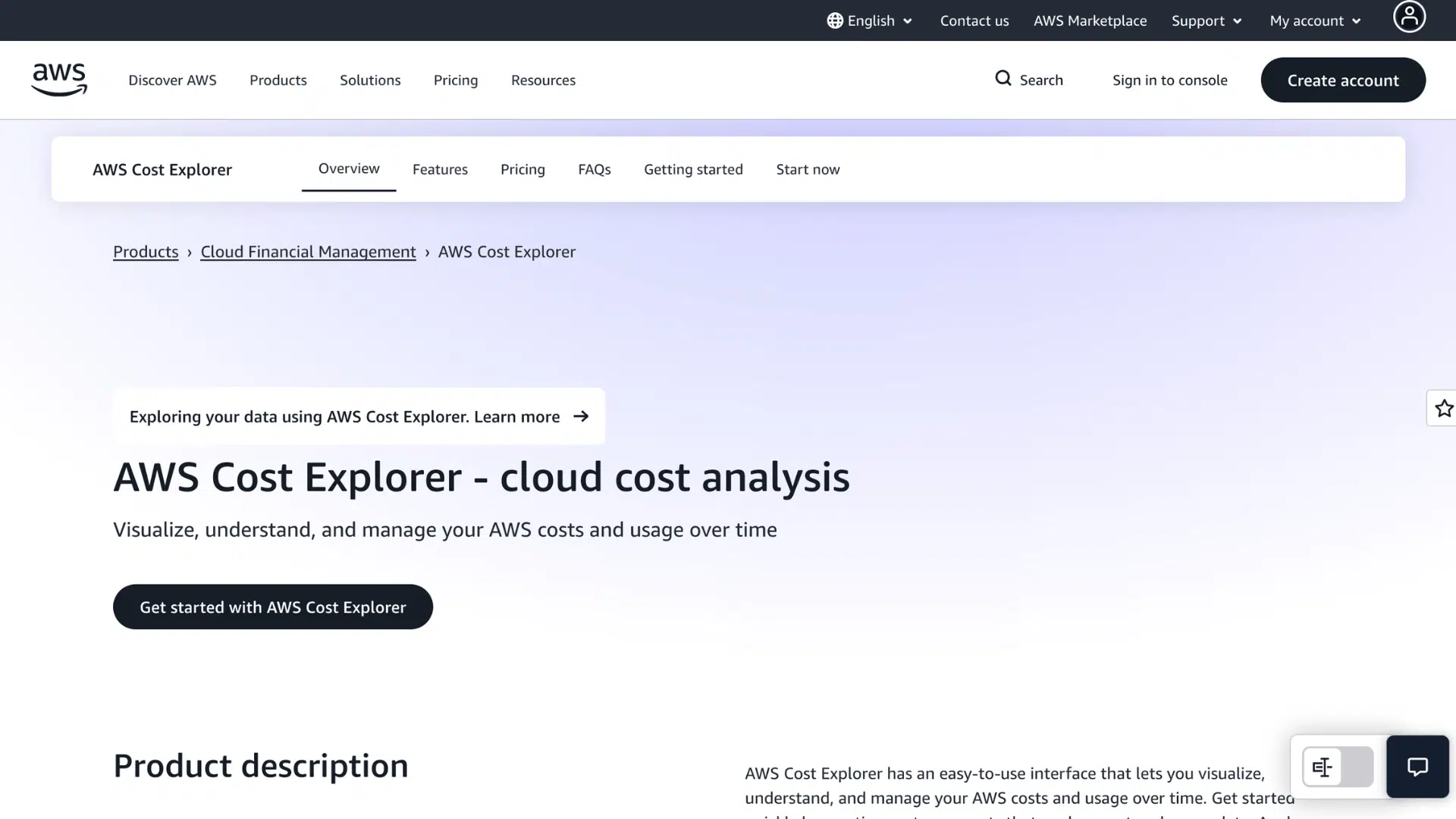
I recommend AWS Cost Explorer if you are already using Amazon Web Services. It lets you see your spending broken down by service, region, or date.
You can spot which areas cost the most and fix them. The forecasting feature shows you what your bill might look like next month.
It is free to use, so there is no reason not to try it if you run workloads on AWS.
| Pros | Cons |
|---|---|
| It is free for all AWS users and gives you quick access to spending data without needing any extra tools or paid subscriptions. | It only works with AWS, so if you use other cloud platforms like Azure or Google Cloud, you will need a separate tool to cover those costs. |
| The visual graphs make it easy for you to understand your spending at a glance, even if you are not a technical person on your team. | Cost forecasts are based on past usage, so they may not be accurate if your workloads change a lot from month to month. |
Features:
- Spending breakdown filtered by service, region, or custom date range
- Cost forecasting based on your past usage patterns
- Saved reports you can revisit and share with your team
2. Google Cloud Cost Management
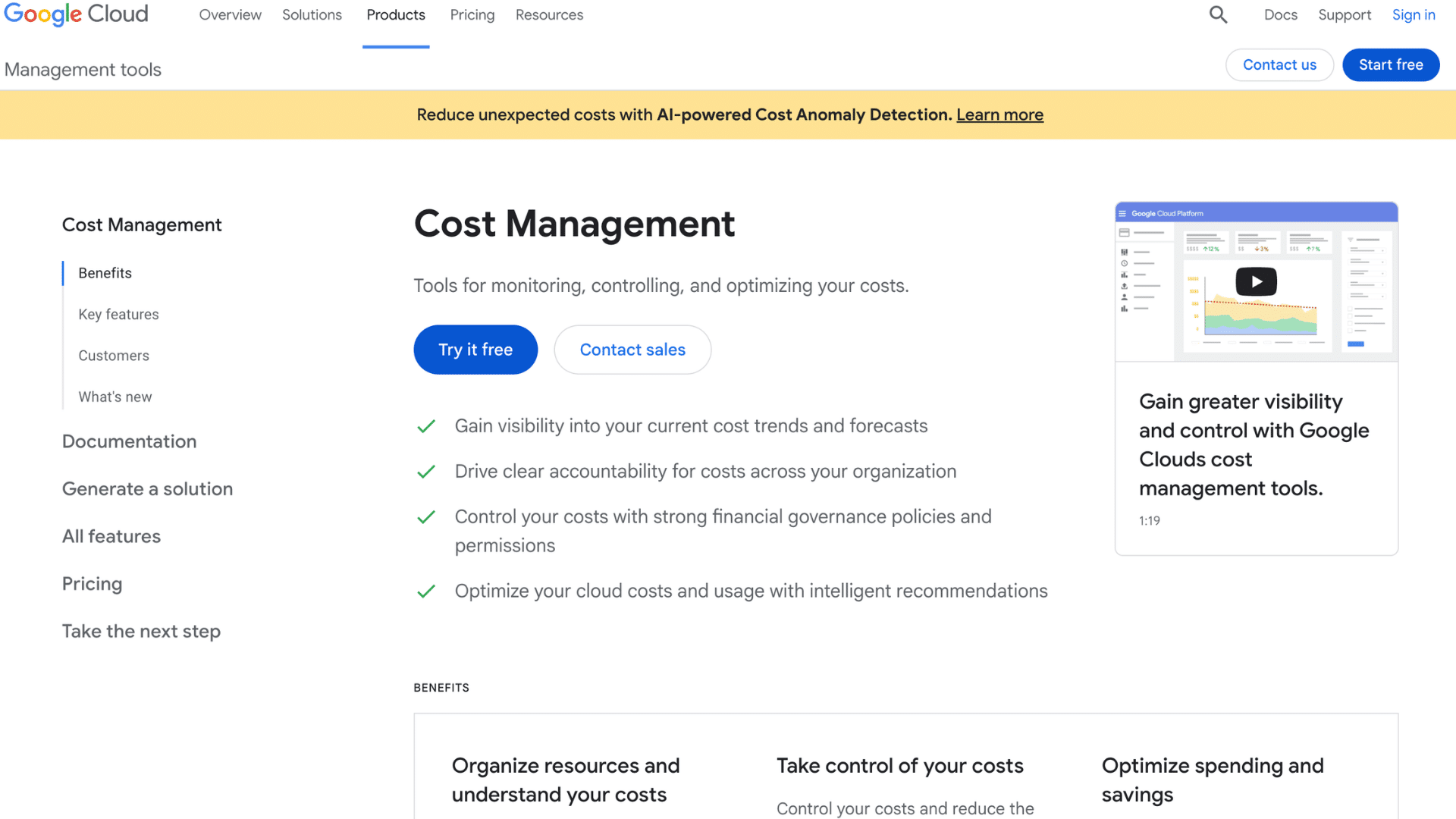
If you use Google Cloud, this tool is already available to you at no extra cost. It is useful because it lets you set budgets and get alerts before you go over your limit.
You can also see costs broken down by project or label.
It connects to BigQuery if you need more detailed reports. For teams just starting out with cloud cost control, this is a practical and easy first step.
| Pros | Cons |
|---|---|
| Budget alerts notify you automatically when your spending gets close to the limit you set, which helps you avoid surprise bills at the end of the month. | The tool only covers Google Cloud, so you will still need another solution if your business also runs workloads on AWS or Microsoft Azure. |
| It comes included with your Google Cloud account, so you do not need to pay anything extra or go through a lengthy setup process to start using it. | Deeper reporting requires you to use BigQuery, which can be difficult for team members without a data or technical background. |
Features:
- Budget setup with automated email alerts before limits are reached
- Cost breakdown by project, service, or resource label
- BigQuery integration for building custom spending reports
3. Azure Cost Management and Billing
Azure Cost Management and Billing for any business running workloads on Microsoft Azure. It gives you a clear view of what you are spending and where.
You can set budgets, receive alerts, and get recommendations to cut waste. It also works well with tools like Power BI if you need richer reports.
Since it is free for Azure users, you get solid cost visibility without paying extra for a third-party platform.
| Pros | Cons |
|---|---|
| It provides built-in cost-saving recommendations that identify unused or oversized resources, helping you reduce waste without the time-consuming manual reviews. | The tool is primarily designed for Azure, so businesses using a mix of cloud providers will find it limited when trying to get a full view of their cloud costs. |
| Free access for all Azure users means you can start managing your spending right away without going through a procurement process or signing up for a paid plan. | Some useful features, such as detailed billing exports and custom dashboards, are locked behind higher Azure subscription tiers, which may require you to upgrade your plan. |
Features:
- Cost-saving recommendations for idle or oversized Azure resources
- Custom budget setup with threshold-based spending alerts
- Power BI integration for advanced visual cost reporting
4. CloudHealth By VMware
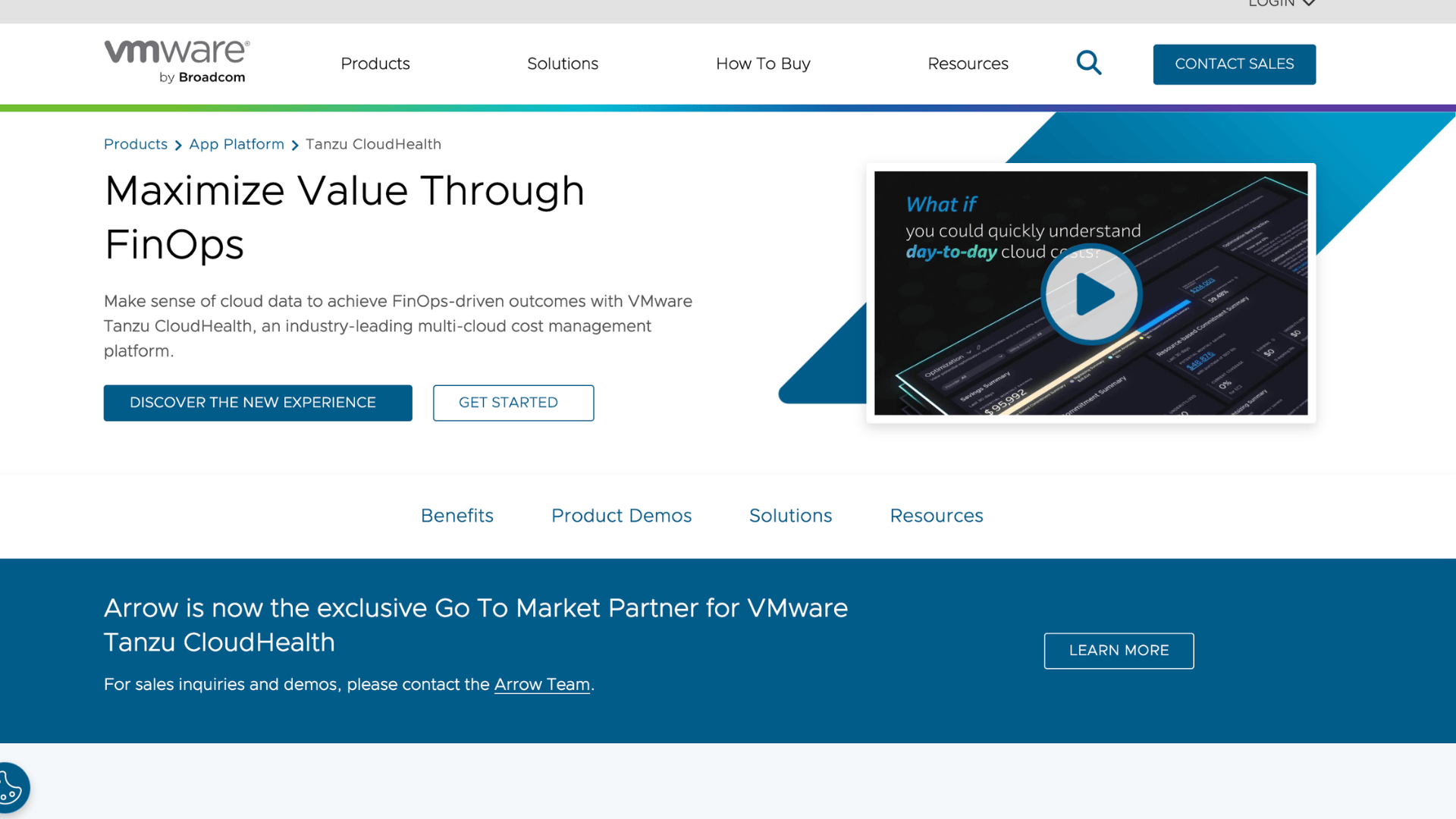
CloudHealth by VMware is a tool that large businesses use to manage costs across multiple cloud platforms. It brings data from AWS, Azure, and Google Cloud into one place.
You can allocate costs by team or department and set policies to control spending. It is built for enterprises with complex environments.
If you manage a big cloud footprint and need strong governance alongside cost visibility, CloudHealth is worth a serious look.
| Pros | Cons |
|---|---|
| It combines cost data from AWS, Azure, and Google Cloud into a single dashboard, so you do not have to switch between platforms to get a full picture of your spending. | The cost of the platform is high compared to many alternatives, which makes it less suitable for small businesses or startups working with a tight technology budget. |
| Cost allocation features let you assign spending to specific teams or departments, making internal accountability and chargeback reporting much easier to manage. | New users often find the platform difficult to learn at first, and fully configuring it can take several weeks, depending on the size and complexity of your cloud setup. |
Features:
- Unified multi-cloud cost dashboard for AWS, Azure, and Google Cloud
- Department-level cost allocation and chargeback reporting
- Policy controls to manage and govern cloud resource usage
5. Apptio Cloudability
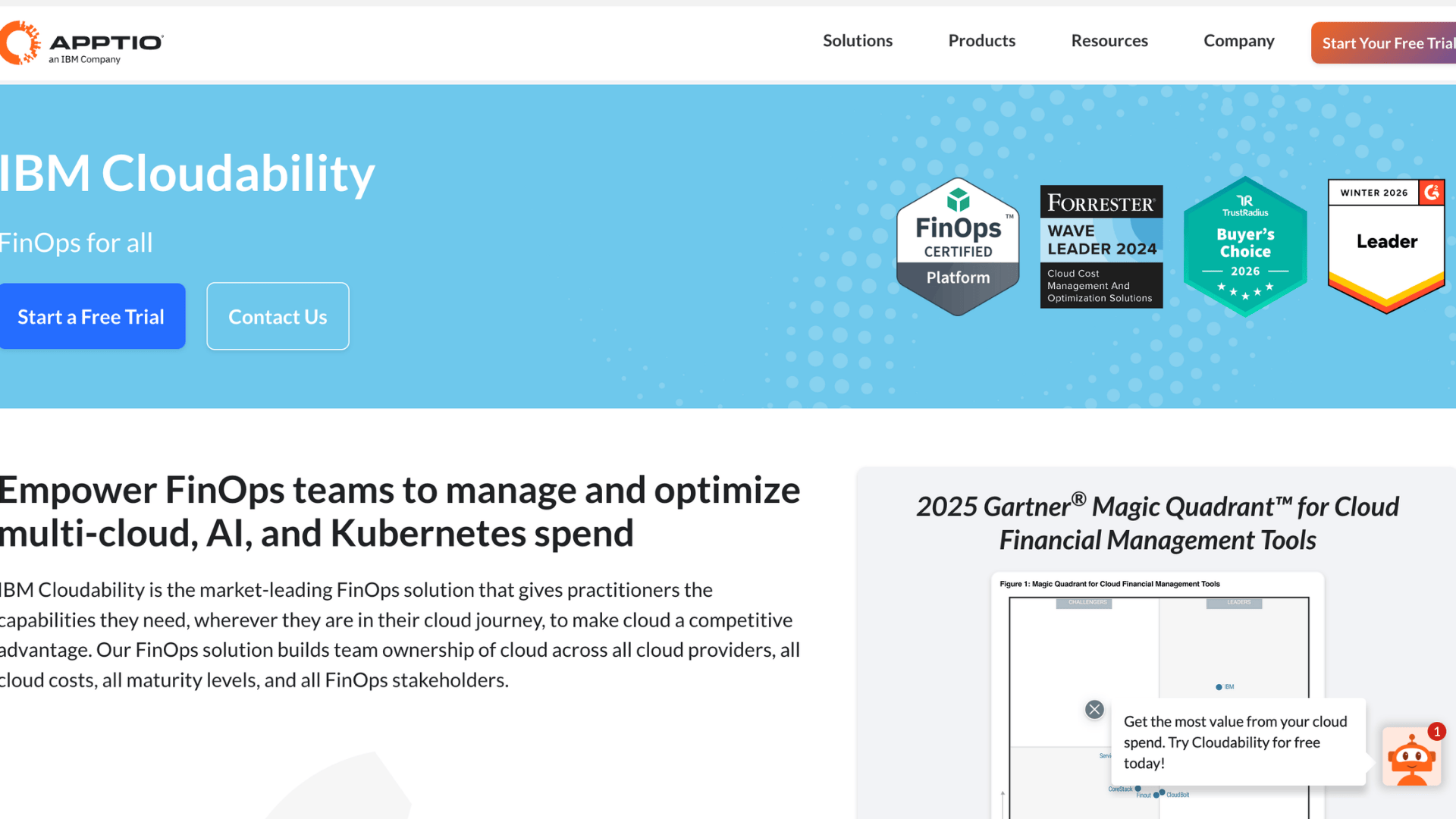
Apptio Cloudability is a tool for finance and IT teams that need to carefully plan cloud budgets. It pulls cost data from multiple cloud providers and displays it in a single, clean dashboard.
You can forecast future spending and allocate costs across departments. It is widely used by large companies that take their FinOps practice seriously.
If your team needs accurate data to justify cloud investments and control spending growth, Cloudability provides the structure to do so effectively.
| Pros | Cons |
|---|---|
| The forecasting features give your finance team reliable data to plan ahead and avoid unexpected spikes in cloud spending that can throw off your quarterly budget. | You cannot find pricing information on their website, so you have to contact their sales team to find out whether the tool fits your budget. |
| Cost allocation across teams and business units helps each department take ownership of its own cloud usage rather than treating cloud costs as a single, shared, and invisible expense. | Smaller teams without a dedicated FinOps function may find the tool more complex than they need, as it is clearly designed for larger enterprise workflows. |
Features:
- Multi-cloud cost visibility pulled into one central dashboard
- Budget forecasting to help teams plan spending in advance
- Cost allocation by team, product line, or business unit
6. Spot By NetApp
Spot by NetApp is a very useful tool for automatically reducing compute costs.
It moves your workloads to spot or preemptible instances, which are much cheaper than standard ones. Once you set it up, it handles the optimization on its own.
You do not need to manually watch your resources every day. It works across AWS, Azure, and Google Cloud.
If your team runs large compute workloads and wants to lower the bill without extra manual work, Spot is a smart pick.
| Pros | Cons |
|---|---|
| The automation shifts workloads to cheaper compute options on its own, saving your engineering team time and reducing your cloud bill without constant manual effort. | Spot instances can be reclaimed by the cloud provider with little warning, so this tool may not be the right fit for workloads that need to run without any interruptions. |
| Supporting all three major cloud providers means you get consistent savings optimization, whether your workloads run on AWS, Azure, or Google Cloud, from the same platform. | The tool is mostly focused on computing savings and does not offer the broader financial reporting or FinOps planning features that some other cost management tools provide. |
Features:
- Automated workload placement on lower-cost spot instances
- Cross-cloud support across AWS, Azure, and Google Cloud
- Real-time savings tracking and optimization recommendations
7. Densify
Densify is a tool I would highlight for teams that want a smarter way to size their cloud resources.
It uses machine learning to analyze your workloads and tell you exactly what size and type of resource you should use.
This helps you stop paying for more than you need. It works with public cloud platforms and Kubernetes.
If your team is running a large number of workloads and wants to cut waste without guessing, Densify gives you clear and reliable guidance.
| Pros | Cons |
|---|---|
| Machine learning-driven recommendations give your team accurate right-sizing guidance, reducing overprovisioning and cutting cloud waste without requiring manual analysis of each workload. | Pricing is not publicly listed, so you will need to have a sales conversation before you can evaluate whether Densify fits your company’s budget and requirements. |
| It works across both traditional cloud environments and Kubernetes clusters, making it a flexible option for teams that run a mix of containerized and non-containerized workloads. | The platform is better suited to larger organizations with high workload volumes, and smaller teams may find its advanced features more than they need right now. |
Features:
- Machine learning-based right-sizing for cloud and Kubernetes workloads
- Continuous workload analysis to detect and reduce over-provisioning
- Recommendations matched to your actual usage patterns over time
8. Harness Cloud Cost Management
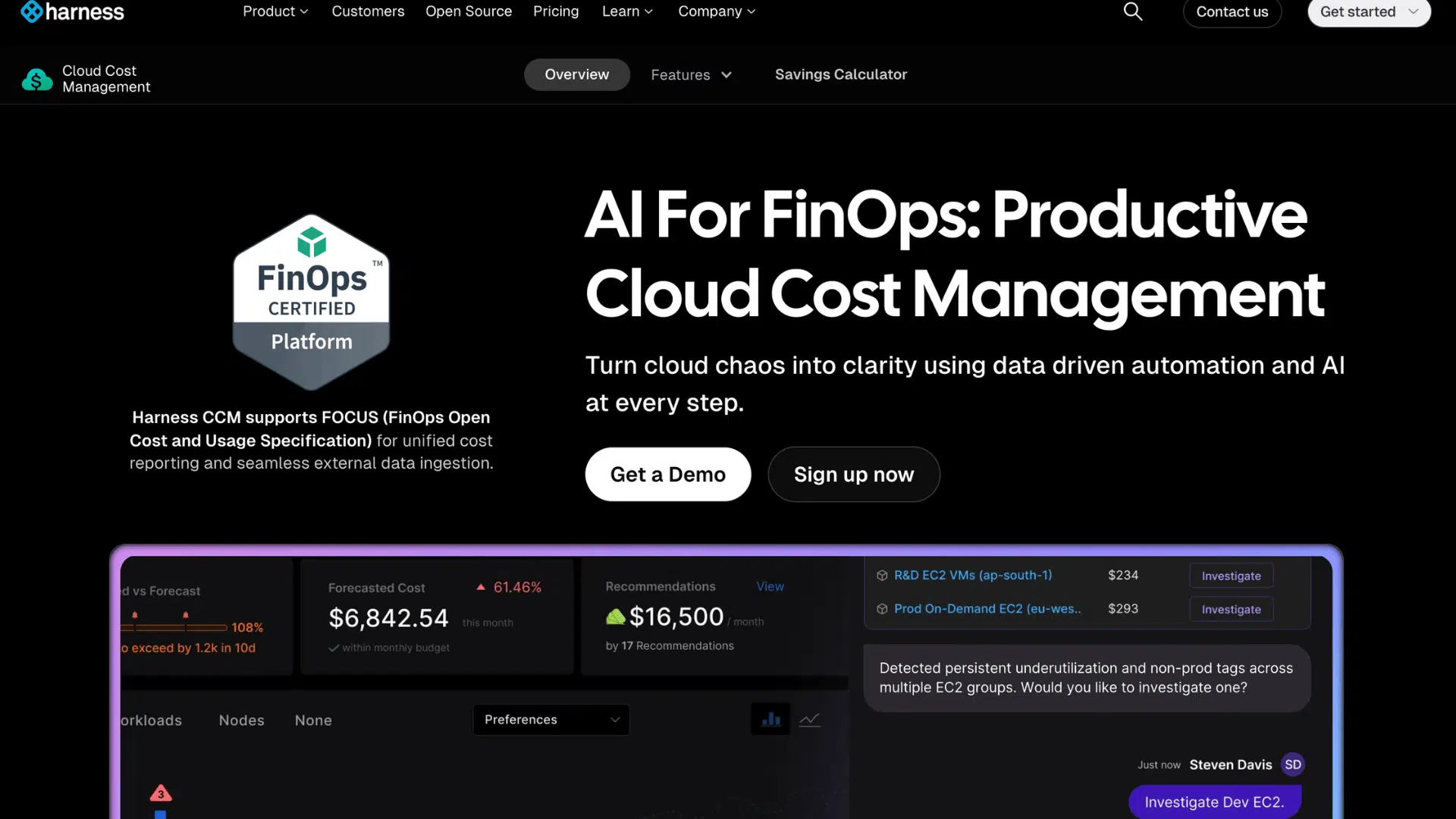
Harness Cloud Cost Management is a solid pick for engineering teams that want full visibility into what they are spending on the cloud.
It connects with AWS, Azure, and Google Cloud. You can set budgets, get alerts, and see cost trends over time.
What makes it stand out is that it links cloud costs directly to your software deployments.
So you can see exactly how a new release affects your bill. It is a practical tool for DevOps teams managing cloud spending day to day.
| Pros | Cons |
|---|---|
| It connects cloud spending directly to software deployments, so your team can see how each release or update is affecting your overall cloud bill in real time. | Some of the more advanced features are only available on higher-priced tiers, which means smaller teams may need to upgrade their plans to get the full value from the platform. |
| The multi-cloud support means you can manage and compare spending across AWS, Azure, and Google Cloud without needing to log in to three separate platforms every time. | The platform can take some time to learn, especially for team members new to FinOps or who have not used a dedicated cloud cost management tool before. |
Features:
- Cost correlation is tied directly to software deployments and releases
- Multi-cloud budget tracking across AWS, Azure, and Google Cloud
- Automated alerts when spending crosses your defined thresholds
9. IBM Turbonomic
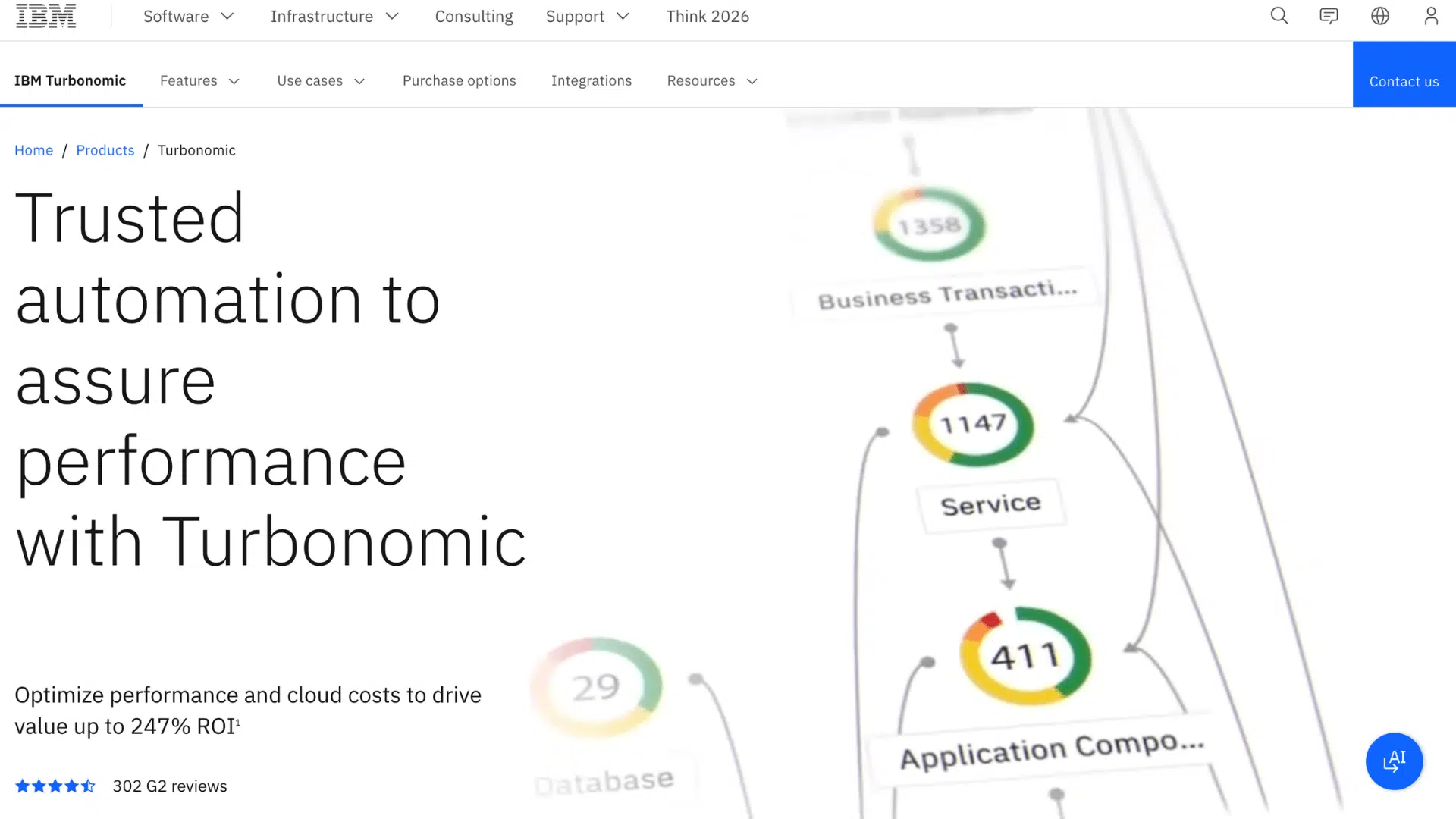
Turbonomic takes a different approach compared to most cost tools. Instead of just showing you data and waiting for you to act, it automatically adjusts your cloud resources in real time to balance performance and cost.
It works across cloud, on-premise, and hybrid environments.
This makes it a strong choice for large enterprises that want a hands-off approach to resource management.
You get fewer wasted resources and fewer performance issues at the same time, which is a hard balance to strike with manual management alone.
| Pros | Cons |
|---|---|
| It does not just give you recommendations; it also automatically resizes and adjusts resources, freeing your team from manually responding to every optimization alert. | The platform is priced for enterprise use and may be too costly for small or mid-sized businesses seeking a simpler, more affordable cloud cost management solution. |
| It works across cloud, on-premise, and hybrid setups, giving businesses with mixed infrastructure a single tool to manage resource efficiency across their entire technology environment. | Initial configuration can be complex and time-consuming, and your team may need dedicated technical resources to set up and run the platform the way you want. |
Features:
- Real-time automated resource adjustments to balance cost and performance
- Support for cloud, on-premise, and hybrid infrastructure environments
- Continuous workload analysis to prevent both overspending and performance issues
10. Apache CloudStack
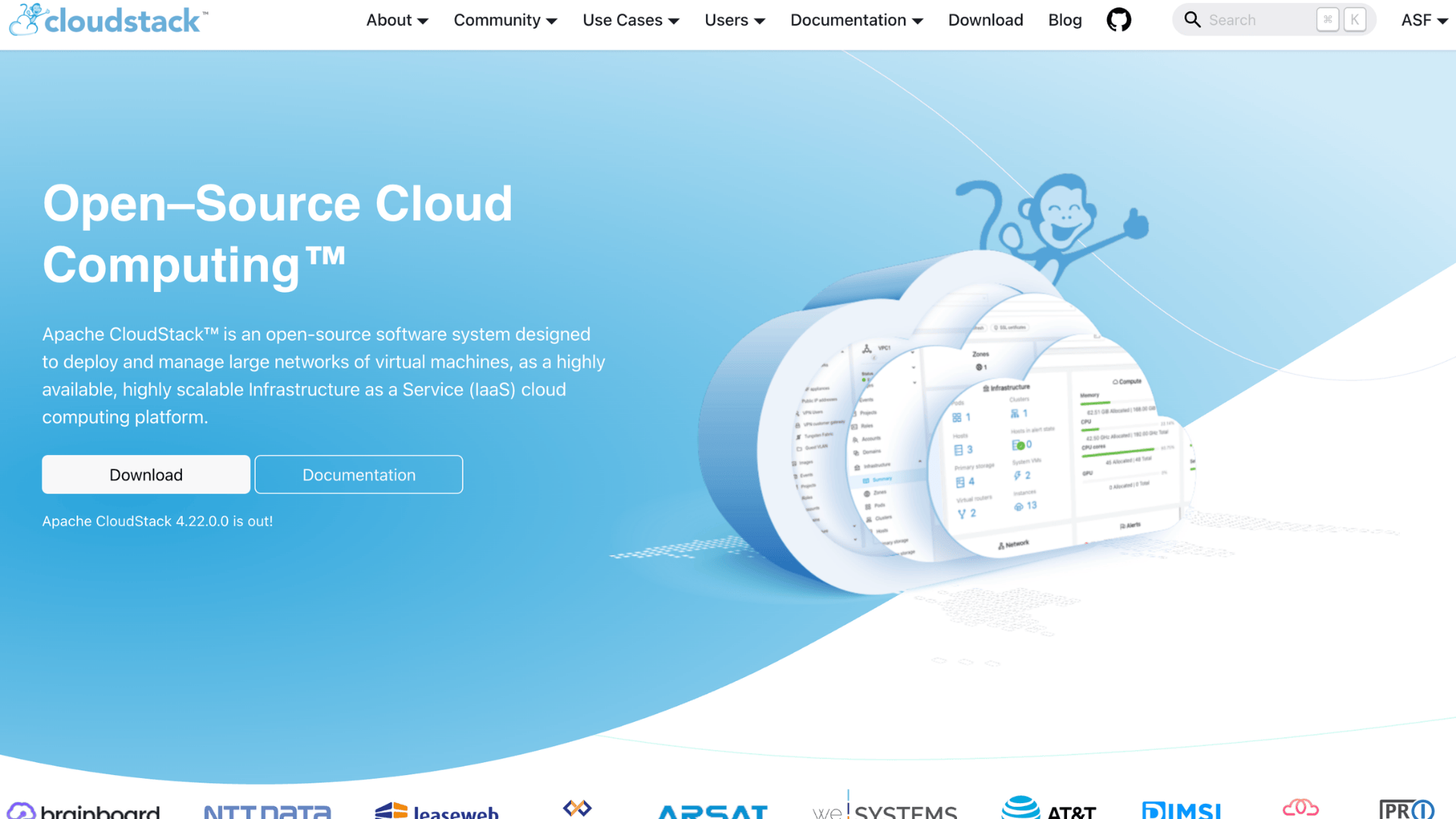
Apache CloudStack is an open-source platform that helps you build and manage your own cloud infrastructure.
It gives you full control over compute, networking, and storage without relying on a third-party cloud provider. If your business wants to run a private or hybrid cloud environment on your own terms, this is a solid option.
It is free to use, making it attractive to cost-conscious teams.
The trade-off is that you will need technical expertise to set it up and keep it running properly.
| Pros | Cons |
|---|---|
| It is completely free and open-source, which means you can build and run your own cloud environment without paying ongoing subscription fees to a commercial cloud provider. | Setting it up requires strong technical knowledge and dedicated IT resources, so businesses without experienced infrastructure teams may struggle to deploy and maintain it correctly. |
| You get full control over your cloud infrastructure, including networking, compute, and storage, which gives your team the flexibility to customize the environment to fit your exact needs. | Since it is open source, there is no official support team to contact when something goes wrong, so you will need to rely on community forums or hire external experts for help. |
Features:
- Full control over private and hybrid cloud infrastructure setup
- Open-source platform with no licensing or subscription costs
- Support for multiple hypervisors, including KVM, VMware, and XenServer
11. Flexera One
Flexera One is a comprehensive platform that goes beyond just cloud costs. It combines cloud cost management, IT asset tracking, license management, and compliance into a single place.
This makes it a strong fit for large enterprises that want a complete view of their entire technology spend, not just their cloud bills.
You can manage software licenses alongside cloud usage and spot areas of overlap or waste.
It is a trusted platform used by many large organizations that need unified control over their full IT environment.
| Pros | Cons |
|---|---|
| It combines cloud cost management with IT asset and license tracking, giving large enterprises a single platform to oversee their entire technology spending rather than using multiple tools. | The platform is expensive and clearly built for large enterprises, which means smaller businesses will likely find it far more complex and costly than they need. |
| Strong compliance and software license management features help businesses avoid costly penalties and reduce overspending on unused software across their technology environment. | The setup process is lengthy and often requires dedicated resources to configure properly, which can delay the time it takes before your team starts seeing real value from the tool. |
Features:
- Combined cloud cost and IT asset management in one platform
- Software license tracking to reduce overspending on unused tools
- Compliance monitoring to help businesses avoid regulatory penalties
12. Zesty
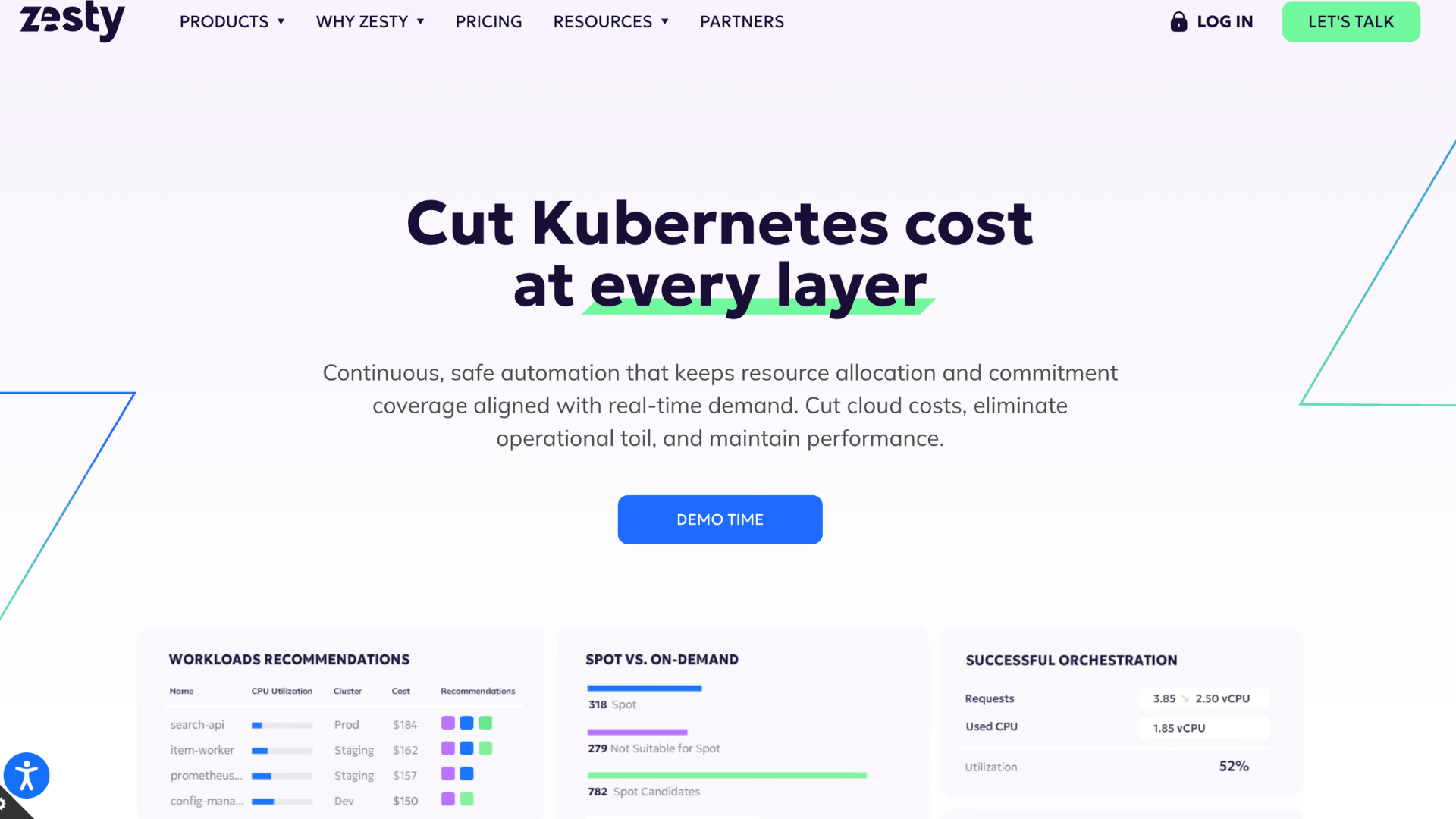
Zesty is built specifically for AWS users who want to reduce their cloud bills through automation.
It dynamically adjusts your cloud resources based on real usage, so you are never paying for capacity you do not need.
It is especially good at automatically managing Reserved Instances and storage volumes. Once it is running, very little manual effort is needed to keep it working.
For businesses that rely heavily on AWS and want to cut costs without adding more work to their teams, Zesty is a focused, efficient option.
| Pros | Cons |
|---|---|
| It automates Reserved Instance and disk management on AWS, removing a time-consuming task from your team and helping you avoid paying for unused reserved capacity. | The tool is built exclusively for AWS, so if your business also uses Azure or Google Cloud, you will need to find separate solutions to manage costs on those platforms. |
| Dynamic resource adjustment based on live usage means you are consistently paying for only what you need, rather than over-provisioning and paying for idle capacity month after month. | Reporting and analytics features are not as deep as those of some competing tools, which may be a limitation if your team needs detailed financial breakdowns or multidimensional cost analysis. |
Features:
- Automated Reserved Instance management to reduce unused AWS commitments
- Dynamic resource scaling based on real-time usage data
- Automated disk and storage volume right-sizing for AWS environments
13. CloudCheckr
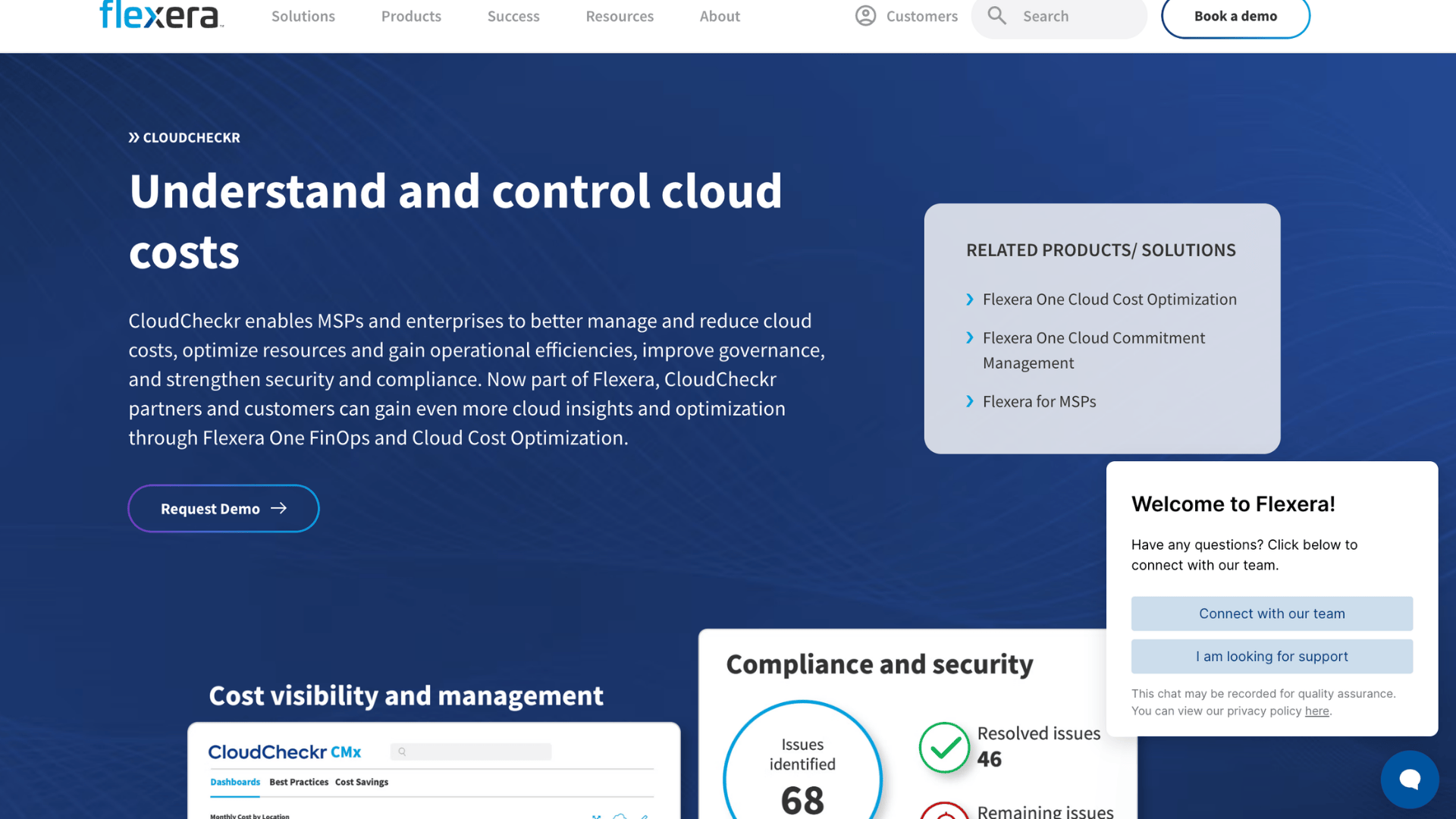
CloudCheckr is a cloud management platform that combines cost optimization, security monitoring, and compliance checks into a single tool.
It integrates with AWS and Azure and provides your team with detailed reports on spending, resource usage, and potential risks.
You can quickly identify unused resources and act on clear recommendations to reduce waste. It is a popular choice among managed service providers who need to monitor multiple client environments at once.
If your team needs cost control and security visibility without switching between platforms, CloudCheckr covers both.
| Pros | Cons |
|---|---|
| It combines cost management with security and compliance monitoring, giving your team a broader view of cloud health rather than focusing solely on data. | The user interface feels dated compared to newer platforms, and some team members may find it less intuitive to navigate, especially when working with large amounts of data. |
| It is well-suited for managed service providers because it supports multi-account and multi-client environments, making it easier to manage and report on multiple cloud setups simultaneously. | Google Cloud support is limited compared to its AWS and Azure coverage, so businesses that rely heavily on Google Cloud may not receive the same level of detail and functionality. |
Features:
- Combined cost, security, and compliance reporting in one dashboard
- Multi-account support for managed service providers and enterprises
- Clear recommendations to identify and remove unused cloud resources
14. ProsperOps
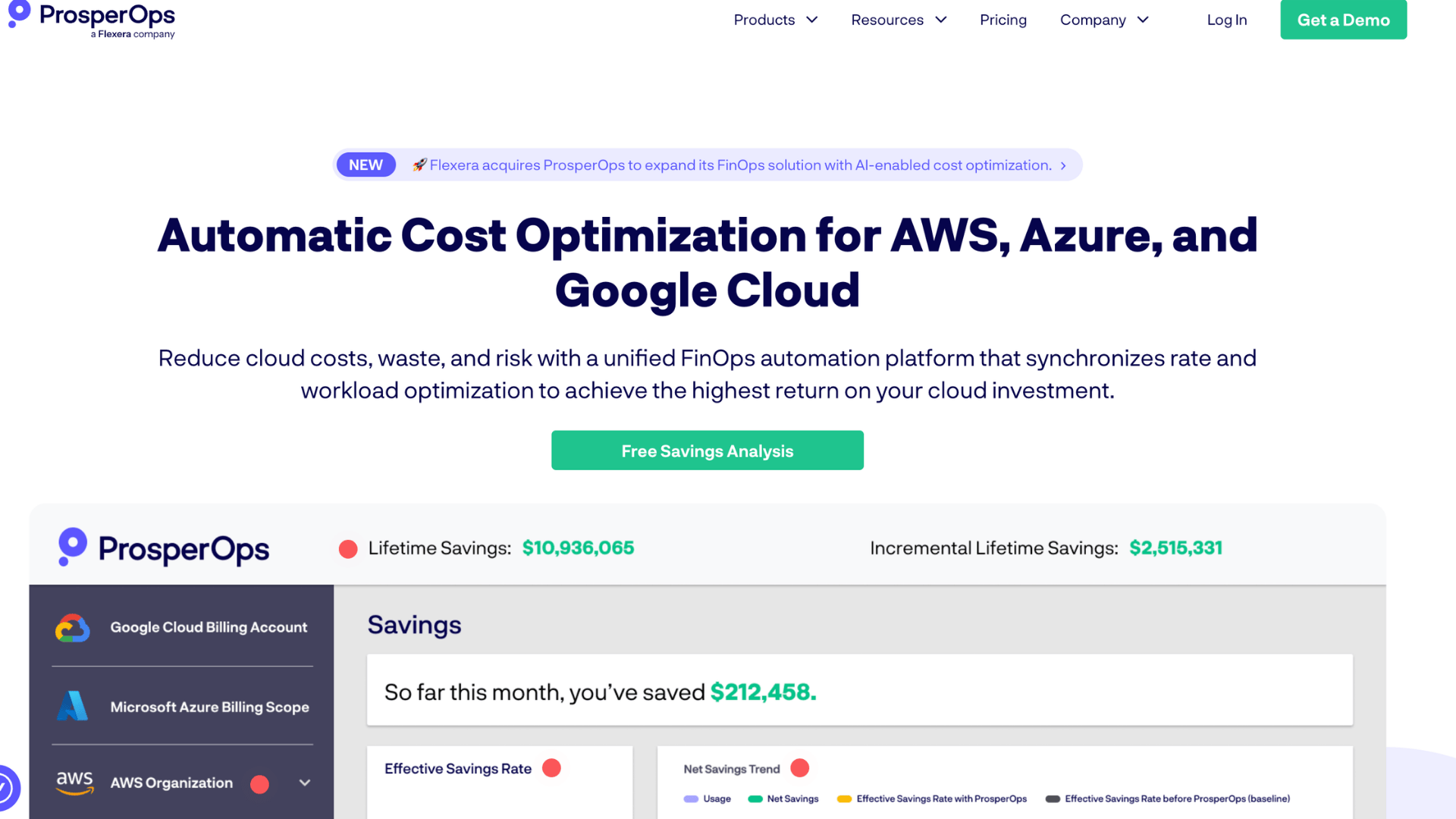
ProsperOps is an automated savings tool built specifically for AWS. It manages your Reserved Instances and Savings Plans on your behalf, ensuring you always get the best possible rate for your compute usage.
You do not need to manually figure out which commitments to buy or when to buy them. The platform handles all of that in the background.
It is a good fit for businesses that spend a meaningful amount on AWS compute and want to reduce their bill without dedicating engineering time to manually manage discount programs.
| Pros | Cons |
|---|---|
| It fully automates the management of AWS Savings Plans and Reserved Instances, removing a complex and time-consuming task from your team while consistently delivering compute cost savings. | The tool is built exclusively for AWS, so if your business runs workloads on Azure or Google Cloud, you will need separate tools to manage discount programs on those platforms. |
| There is no upfront cost to get started, since ProsperOps uses a success-based pricing model: you only pay when the tool delivers verified savings on your AWS bill. | It focuses specifically on compute savings through commitment management and does not offer broader cloud cost visibility, budgeting, or reporting features that some teams also need. |
Features:
- Automated management of AWS Reserved Instances and Savings Plans
- Success-based pricing so you only pay when real savings are delivered
- Continuous commitment optimization based on your actual usage patterns
15. Xosphere
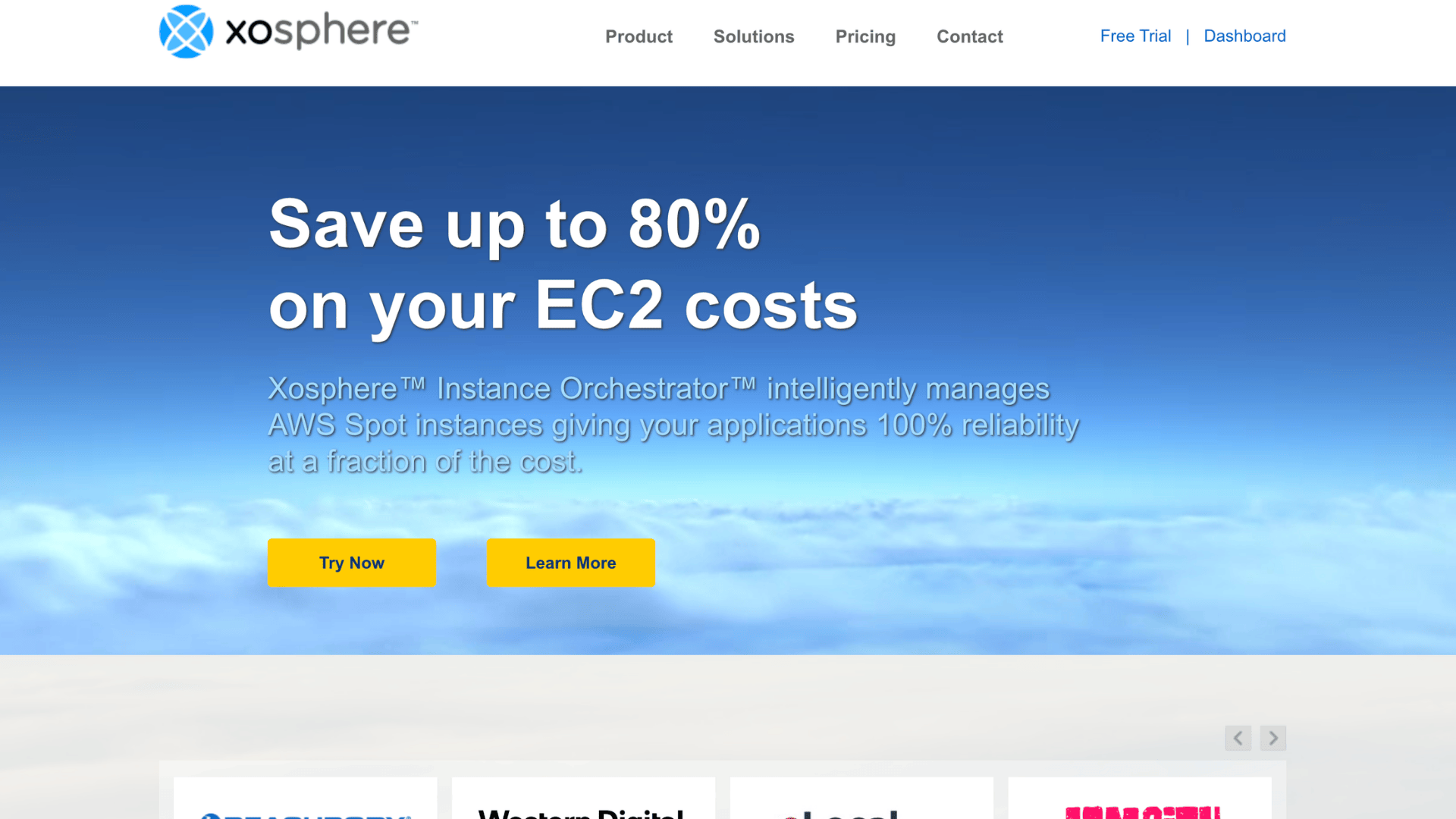
Xosphere is an AWS-focused tool that helps you run your workloads on spot instances without the usual risk of interruptions.
It uses automation to manage spot instance fleets intelligently, moving workloads when needed so your applications keep running smoothly.
You get the lower cost of spot pricing while reducing the downtime risk that normally comes with it.
If your team runs large compute jobs on AWS and wants to cut costs without constantly babysitting your infrastructure, Xosphere handles that work for you reliably.
| Pros | Cons |
|---|---|
| It automatically manages spot instance fleets and handles interruptions gracefully, so your team gets the cost benefits of spot pricing without the usual reliability concerns. | The platform is limited to AWS only, which means businesses with workloads spread across multiple cloud providers will need additional tools to achieve similar savings on other platforms. |
| The automation reduces the manual work your engineering team needs to manage cost-optimized compute, freeing them to focus on building and shipping products. | Xosphere is narrowly focused on spot instance management and does not provide broader cloud cost analysis, forecasting, or multi-service spending visibility for teams that need these capabilities. |
Features:
- Automated spot instance fleet management with interruption handling
- Cost savings on AWS compute without sacrificing application reliability
- Workload-aware automation that keeps your applications running during spot interruptions
16. Nutanix Cost Governance
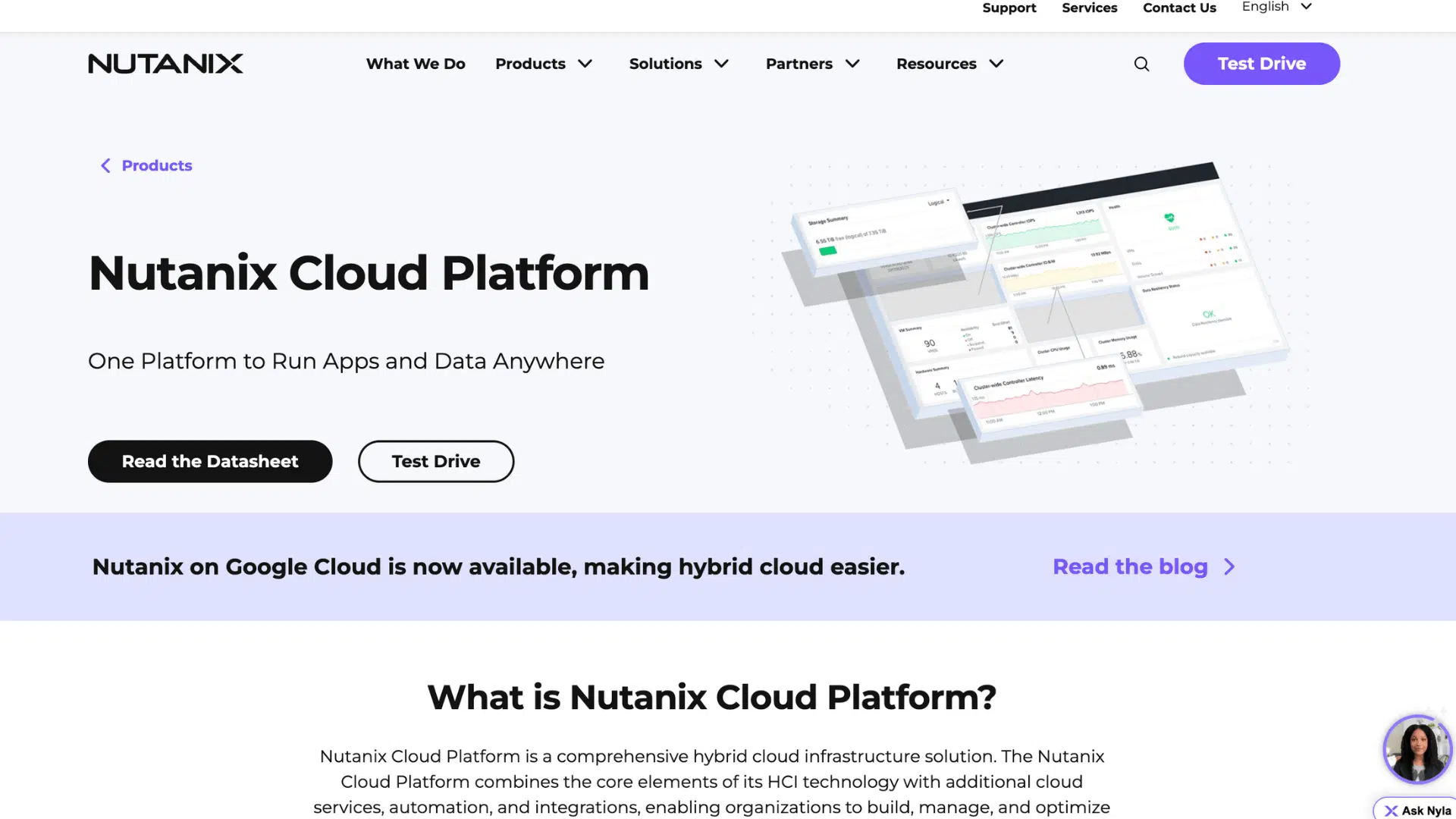
Nutanix Cost Governance is designed for businesses running hybrid cloud environments that include Nutanix infrastructure.
It gives you a single view of spending across both private and public clouds. You can run chargeback reports so each department gets billed for exactly what they use.
The tool also flags underused resources and gives clear steps to cut waste.
For enterprises managing a mix of on-premises and cloud workloads, this tool provides much-needed visibility and control in a single place without requiring multiple platforms.
| Pros | Cons |
|---|---|
| Chargeback and showback reporting let you accurately assign cloud costs to specific departments, encouraging teams to take greater responsibility for the resources they consume. | The tool is most useful for businesses already using Nutanix infrastructure, and organizations without Nutanix in their environment will get very limited value from this platform. |
| It provides a unified view of both private and public cloud spending, which is rare and very useful for enterprises running hybrid environments that span multiple infrastructure types. | Teams that rely purely on public cloud platforms like AWS or Azure may find the feature set too narrow, since the tool is built around Nutanix-centric hybrid cloud use cases. |
Features:
- Chargeback and showback reporting for department-level cost accountability
- Unified cost visibility across private and public cloud environments
- Underused resource detection with clear steps to reduce waste
17. Kubecost
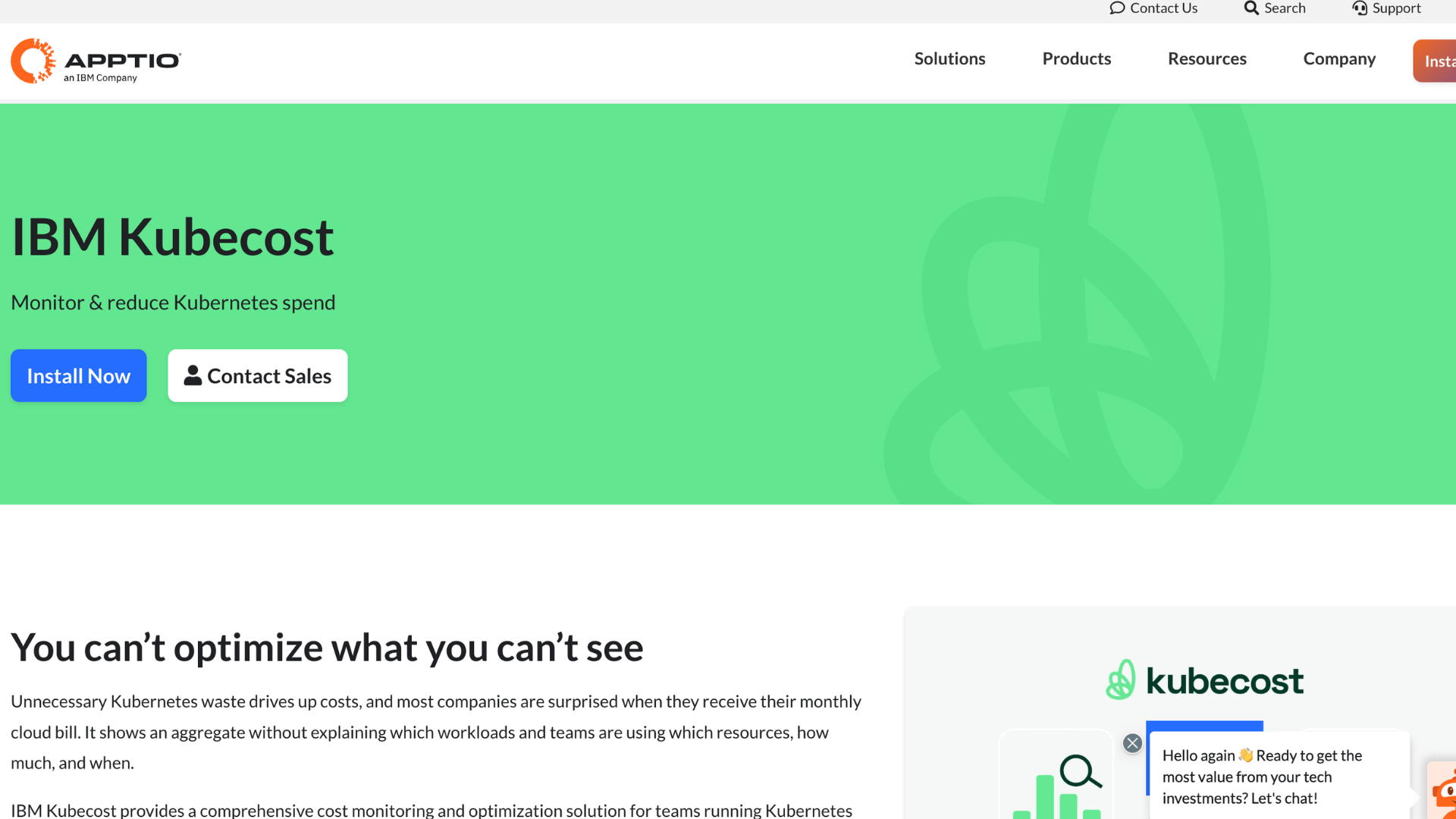
Kubecost is built specifically for teams running Kubernetes workloads. It gives you real-time cost data broken down by namespace, deployment, pod, or team.
This level of detail is hard to get from general cloud cost tools. You can see exactly which parts of your Kubernetes setup are driving up costs and take action quickly.
It works with major cloud providers and also supports on-premise clusters.
For DevOps and platform engineering teams that manage containerized applications, Kubecost fills a gap that most other cost tools simply do not address.
| Pros | Cons |
|---|---|
| It breaks down Kubernetes costs at a very granular level, giving your engineering team precise data on which namespaces, pods, or deployments are consuming the most budget. | The tool is only useful for Kubernetes environments, so businesses that do not use containers or are in early stages of Kubernetes adoption will not find much value in it. |
| It supports both cloud-hosted and on-premises Kubernetes clusters, making it a flexible option for teams that run containers across different infrastructure setups. | The user interface is functional but fairly basic, and teams that need polished dashboards or executive-level reporting may find the visual presentation less refined than other platforms. |
Features:
- Real-time cost breakdown by namespace, pod, or deployment
- Support for both cloud and on-premise Kubernetes clusters
- Team-level cost allocation for containerized application environments
18. CloudZero
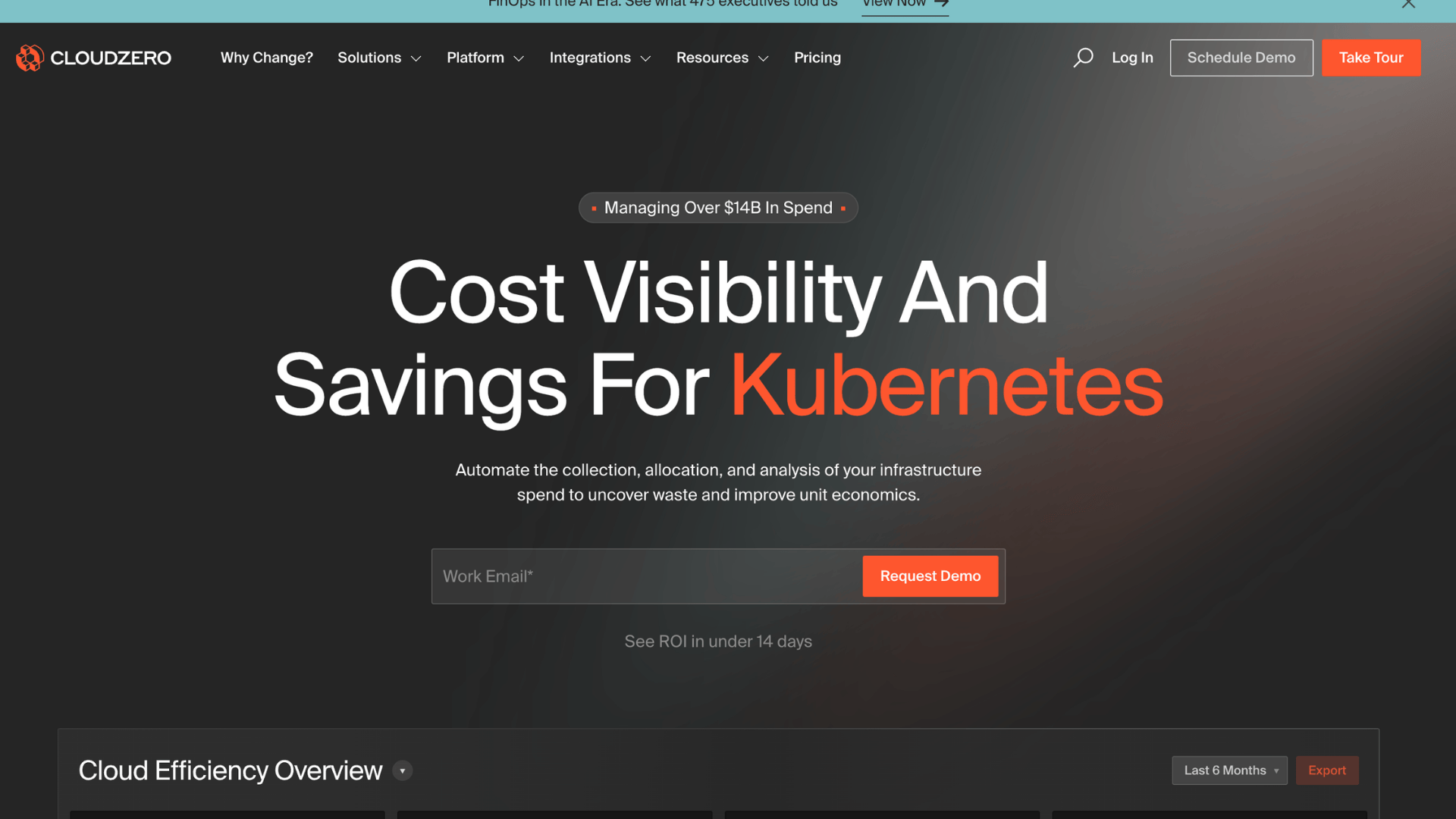
CloudZero is a cloud cost intelligence platform that goes beyond showing you what you are spending. It helps you understand the cost of specific products, features, or customers.
This is useful for product teams that want to know how much it costs to serve each customer or run each part of their application.
It works with AWS, Azure, and Google Cloud.
If your business wants to connect cloud spending to real business metrics rather than just infrastructure categories, CloudZero gives you a clear and actionable way to do that.
| Pros | Cons |
|---|---|
| It connects cloud costs to business-level metrics such as customers or product features, giving your team a much more meaningful view of spending than traditional infrastructure-based breakdowns do. | Getting the most out of CloudZero requires proper resource tagging across your environment, which can take time to set up and maintain consistently as your cloud footprint grows. |
| The dashboard is clean and easy to use, making it accessible for both engineering and business stakeholders who need to understand cloud costs without a technical background. | The platform is priced at a level that may be difficult to justify for smaller businesses or startups that do not yet have the scale to benefit from product-level cost analysis. |
Features:
- Product and customer-level cloud cost analysis
- Multi-cloud support across AWS, Azure, and Google Cloud
- Clean dashboard accessible to both technical and business teams
19. Datadog
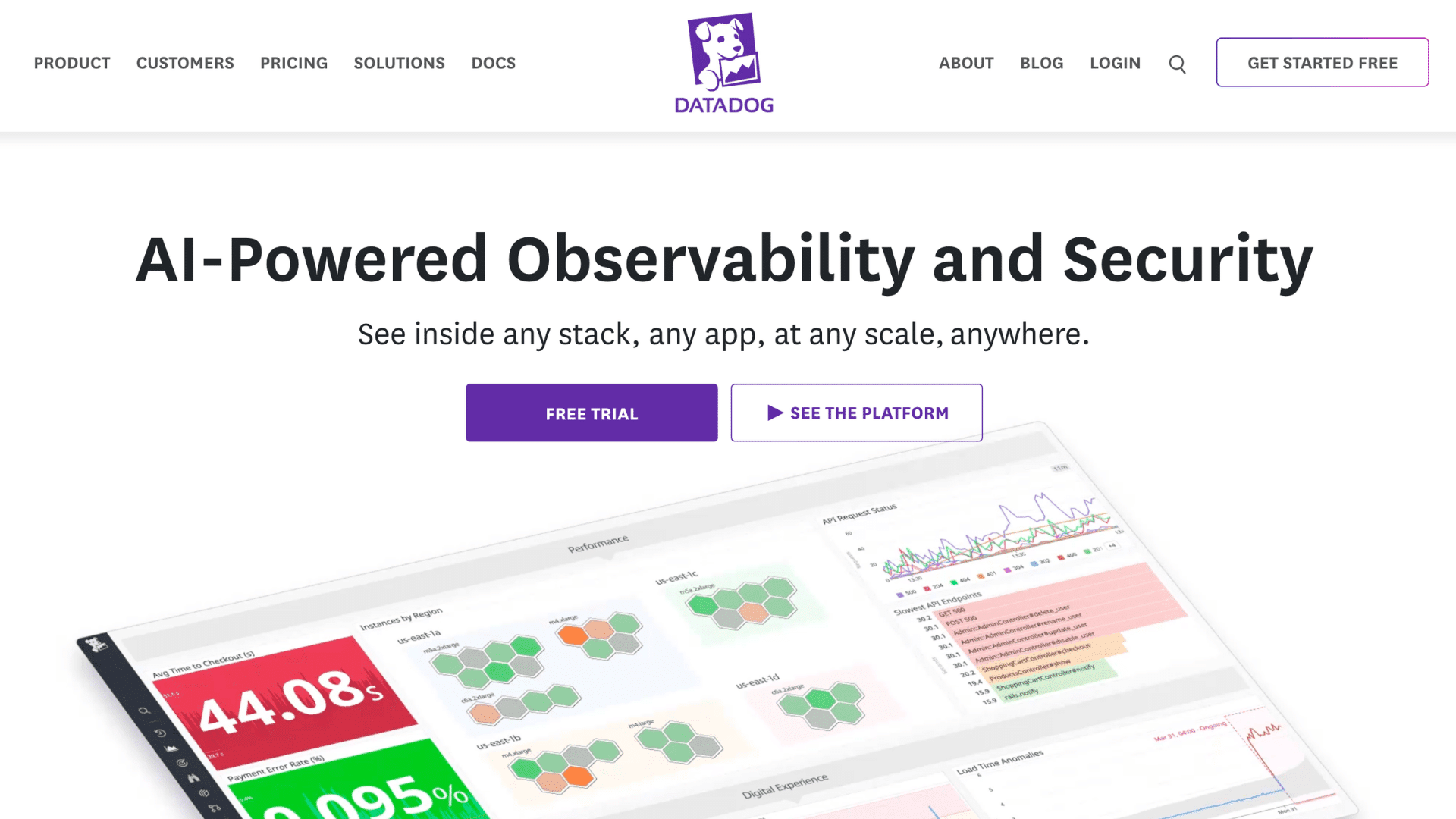
Datadog is primarily a monitoring and observability platform, but it also gives you useful cloud cost management features.
You can see how your infrastructure spending connects to application performance and usage.
This is helpful when you want to understand whether a cost spike is tied to a specific service or traffic pattern. It works across AWS, Azure, and Google Cloud.
If your team already uses Datadog for monitoring, adding cost visibility on top makes it easier to manage both performance and spending from a single, familiar platform.
| Pros | Cons |
|---|---|
| It connects cloud cost data with application performance metrics, giving your team a clearer picture of how infrastructure decisions affect both spending and the end-user experience at the same time. | Cloud cost management is not Datadog’s primary focus, so the cost features are not as deep or as detailed as what you would get from a dedicated cloud financial management platform. |
| If your team already uses Datadog for monitoring, you can add cost visibility without onboarding a new tool, saving time and reducing the number of platforms your team has to manage. | Datadog’s pricing can add up quickly as you enable more features and monitor more infrastructure, which means the overall cost of the platform may be higher than you initially expect. |
Features:
- Cloud cost visibility connected to real-time application performance data
- Multi-cloud support across AWS, Azure, and Google Cloud environments
- Unified platform for monitoring, observability, and infrastructure cost tracking
20. Hystax Acura
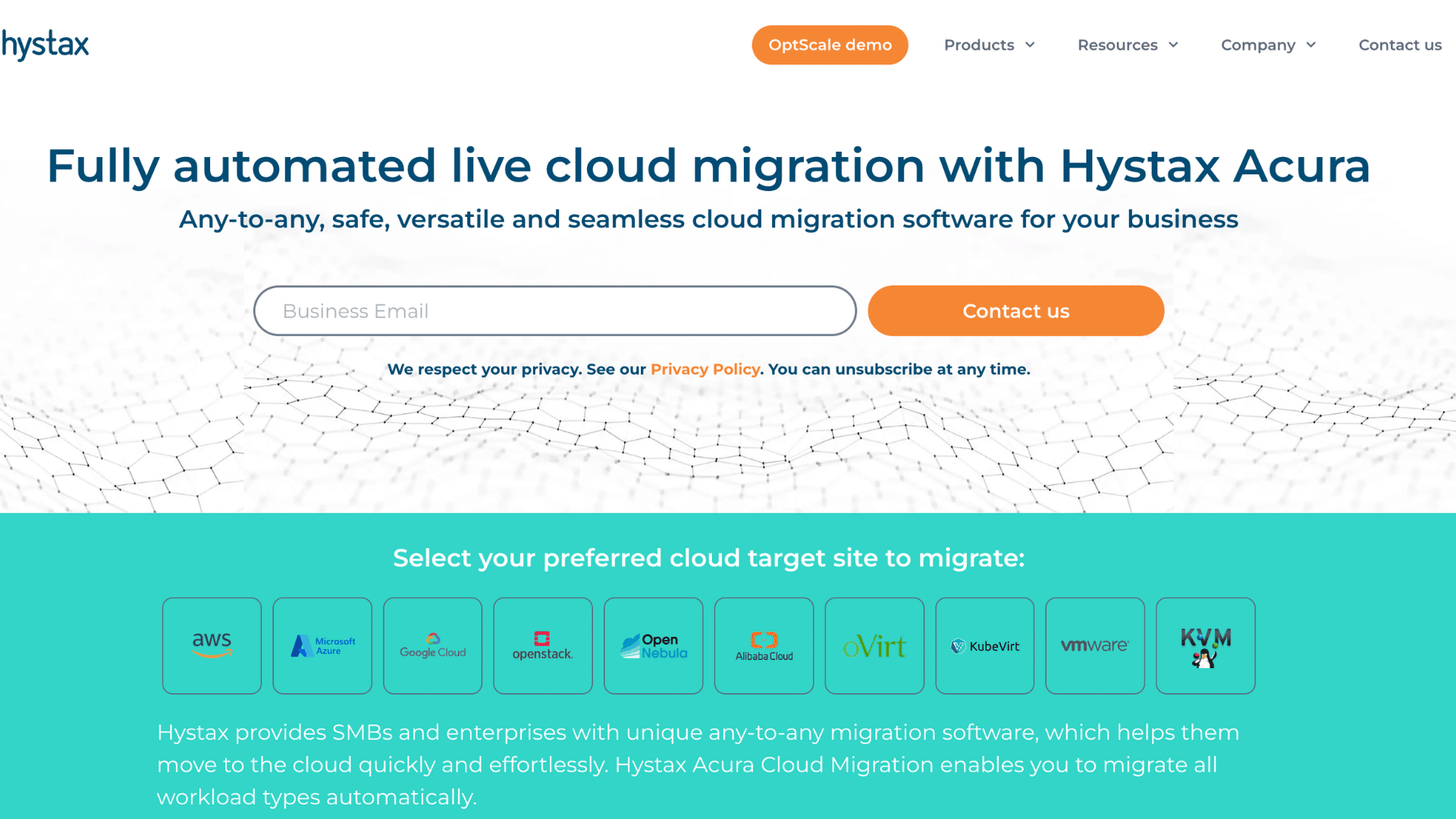
Hystax Acura is a cloud management platform that covers cost tracking, optimization, and cloud migration in one tool.
It gives you real-time visibility into your spending across multiple cloud providers and sends alerts when costs go beyond your set limits.
The optimization recommendations are straightforward and easy to act on. What sets it apart is the added support for cloud migration and disaster recovery, which makes it more versatile than a pure cost tool.
For businesses that want broad cloud management capabilities alongside cost control, Hystax Acura offers a useful all-in-one package.
| Pros | Cons |
|---|---|
| It covers cloud cost management, migration, and disaster recovery in one platform, reducing the need for your team to use and manage multiple separate tools at the same time. | Hystax Acura is less well-known than the major platforms on this list, which means there is a smaller community and fewer third-party resources available if your team runs into issues. |
| Real-time spending alerts help your team stay within budget limits and respond quickly to unexpected cost spikes before they grow into larger financial problems at the end of the month. | The user interface is functional but not as polished as some competing tools, and team members accustomed to more modern platforms may find the experience less smooth to use. |
Features:
- Real-time cost visibility and budget alert notifications
- Multi-cloud support with spending data across providers in one view
- Built-in cloud migration and disaster recovery capabilities
21. Finout
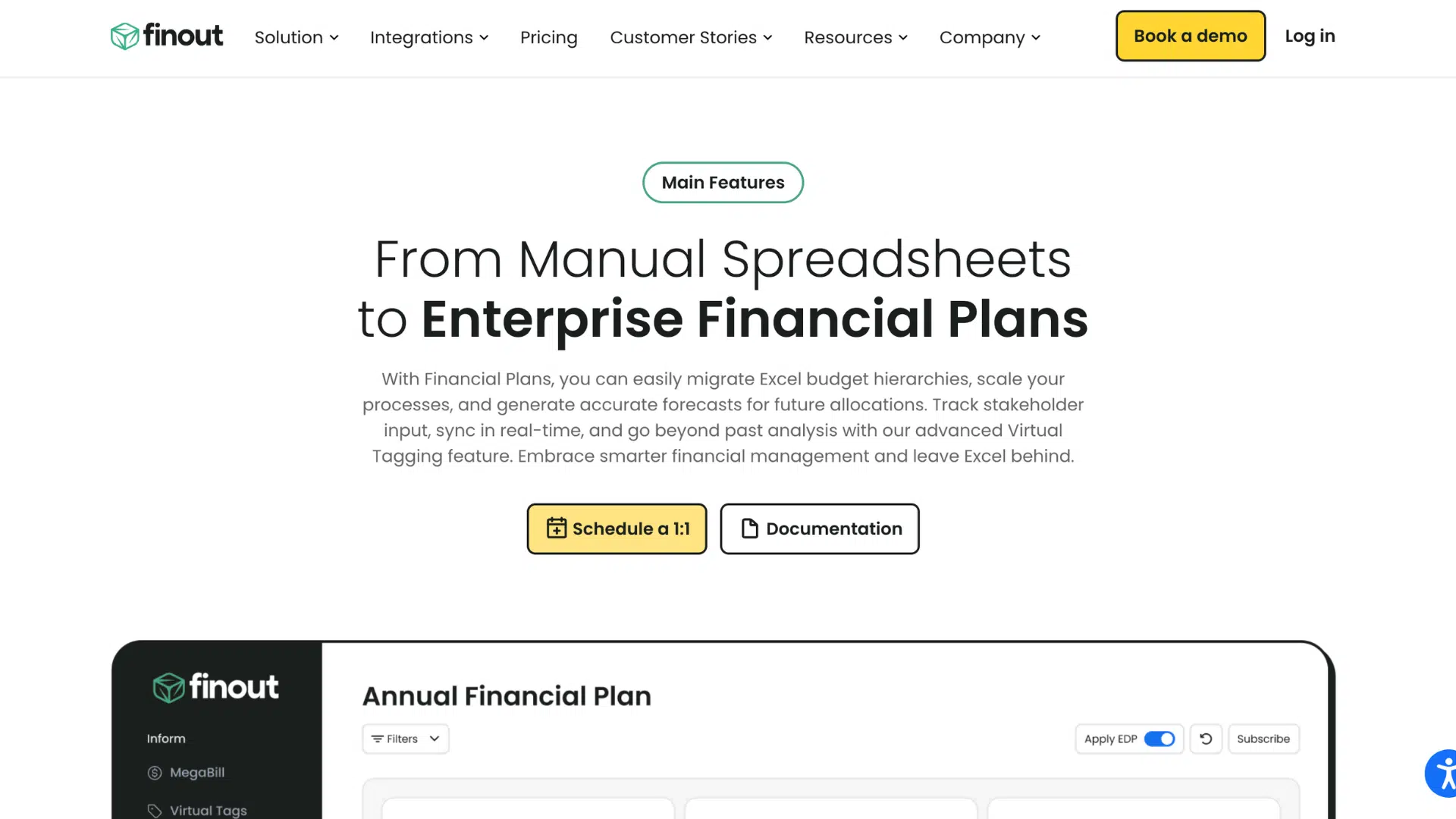
Finout is a cloud cost management platform that gives engineering and finance teams a shared view of their cloud spending.
It creates what it calls a “MegaBill,” a single, unified view of all your cloud costs across providers and tools.
You can break costs down by team, product, or feature without needing complex tagging setups.
It works with AWS, Azure, Google Cloud, and even tools like Snowflake and Datadog. If your team struggles to align on cloud spending, Finout makes that conversation much simpler.
| Pros | Cons |
|---|---|
| The MegaBill feature consolidates costs from multiple platforms into a single, unified view, making it much easier for both engineering and finance teams to understand total cloud spending without jumping between tools. | Finout is a newer platform than more established tools, which means it has a smaller user community and fewer third-party integrations than older, more mature alternatives. |
| It supports cost allocation without requiring extensive tagging upfront, saving your team significant setup time compared to platforms that rely entirely on consistent resource tagging. | Some advanced reporting and customization features may still be maturing as the platform grows, so teams with very specific or complex reporting needs may find certain gaps in functionality. |
Features:
- Unified MegaBill view combining costs from multiple cloud providers and tools
- Cost allocation by team, product, or feature without complex tagging requirements
- Support for AWS, Azure, Google Cloud, Snowflake, and Datadog in one dashboard
How to Choose the Right Cloud Cost Management Tool?
Picking the right tool helps control spending and avoid waste. It also improves visibility and planning across cloud environments.
- Cost visibility: Choose a tool that shows clear, real-time cost data across services, accounts, and teams for better tracking and decisions.
- Budget alerts: Look for tools that send alerts when spending crosses limits to prevent unexpected bills.
- Multi-cloud support: Ensure the tool works across AWS, Azure, and Google Cloud if multiple platforms are used.
- Automation features: Select tools that automate cost-saving actions like shutting down unused resources or rightsizing instances.
- Detailed reporting: Good tools provide simple reports and dashboards to analyze usage trends and spending patterns.
- Integration support: Check if it connects with existing systems like billing tools, DevOps pipelines, or monitoring platforms.
- User access control: Choose tools that allow role-based access to manage permissions and improve security.
- Scalability: Pick a tool that can handle growth as cloud usage increases over time.
Conclusion
Cloud cost management is no longer optional. I have seen how the right tool can completely change the way a team feels about its cloud bill.
Instead of reacting to surprises, you start making confident, informed decisions.
The tools in this guide offer different ways to monitor usage, cut waste, automate savings, and connect spending to real business goals.
The best choice depends on your cloud setup, team structure, and desired level of control.
Even small improvements can lead to meaningful savings over time. Start with your biggest cost challenge, test a solution, and build from there.
Which cloud cost management tool have you tried?
What worked well, and what did not? Share your experience in the comments below so others can learn from it.

