



I often see people talk about software security, but many skip one simple idea that matters a lot. That’s where SBOM comes in.
If you build, use, or manage software, this is something you should know. In this guide, I will explain the meaning of the SBOM, why it matters, and how teams use it in real work.
I will also walk you through common standards and share simple best practices you can follow without confusion.
These steps can help you stay more aware of what goes into your software.
By the end, you will have a clear idea of how SBOM helps track software parts, reduce risks, and keep systems safer. I will keep things simple, so you don’t feel lost, even if this topic is new to you and you are still learning.
What Does SBOM Stand For?
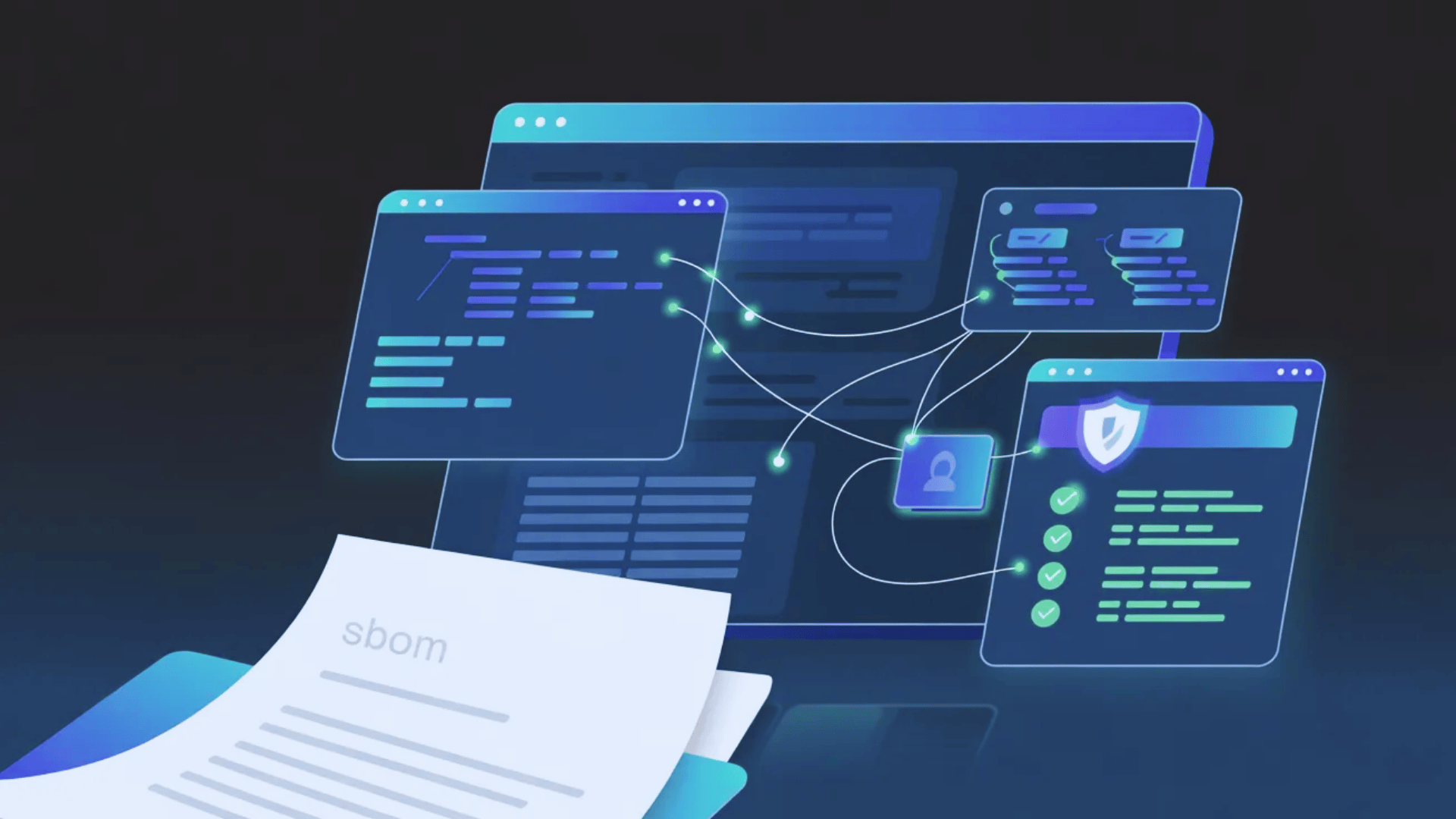
SBOM stands for Software Bill of Materials.It is a complete list of all components, libraries, and dependencies used to build a piece of software.
Think of it like a food label that lists every ingredient in a product, but here it applies to software rather than food.
Most software is not built from scratch. Developers often use open-source packages and third-party code to save time and effort.
An SBOM keeps track of all these parts by showing what is included, which version is used, and who created it.
This clarity is critical during security incidents. When Log4Shell was disclosed in December 2021, it affected Apache Log4j, a component used in thousands of products.
Organizations with an accurate SBOM could cross-reference Log4j against their inventory in minutes.
Those without one faced days of manual discovery work across their entire software estate. That incident did more to accelerate SBOM adoption than any regulatory guidance published before or since.
What Is SBOM Used For?
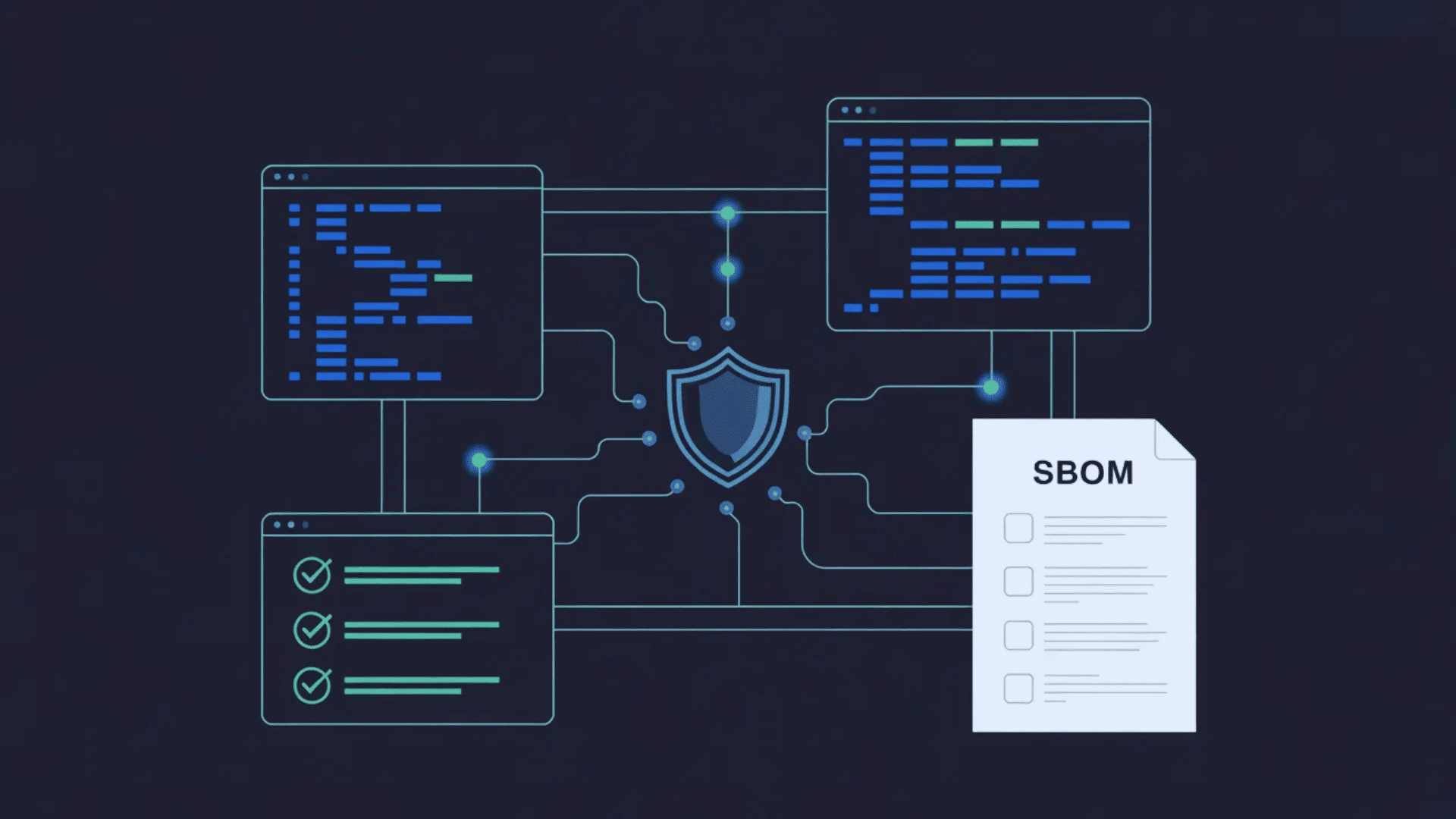
SBOM helps teams manage software better and stay prepared for risks. It provides a clear view of components, enabling faster, safer decisions.
- Vulnerability Management: Teams can quickly check their SBOM when a new security issue is reported. This helps them quickly identify affected components without performing lengthy manual checks.
- License Compliance: An SBOM lists all licenses associated with each component. This helps teams avoid legal trouble and stay within allowed usage rules.
- Supply Chain Security: It shows the origin of every component. This makes it easier to spot unknown or unsafe dependencies in the system.
- Incident Response: During a security incident, an SBOM provides a clear view of the software. This helps teams act faster and reduce downtime.
- Regulatory Compliance: Many rules now require an SBOM for software delivery. It helps companies meet these requirements without confusion.
- Software Procurement: Buyers can review the SBOM before using third-party tools. This helps them choose safer and more trusted software.
Why are SBOMs Important for Cybersecurity?
SBOMs give security teams a clear view of what is inside their software. Most apps use many third-party and open-source components.
Without a proper list, it becomes hard to track risks or fix issues in a timely manner.
When a security flaw shows up in a common library, teams with an SBOM can check their systems right away. There is no need for long manual checks or guesswork.
They already know which components they use and where they are. This saves time and reduces damage.
SBOMs also support government-set rules. Laws like the US Executive Order 14028 and the EU Cyber Resilience Act make SBOMs an important part of software security today.
How are SBOMs Created and Managed?
SBOM creation follows a clear process using tools and automation. Good management keeps it accurate, up to date, and easy to access.
- Build-Time Generation: SBOMs are created during the software build process. This captures every component exactly as it is added, making the final list more accurate and reliable.
- Post-Build Analysis: If source code is not available, tools can scan the finished software. This method works well but may miss small details compared to build-time creation.
- Automated Tooling: Teams use tools like Syft, cdxgen, and Trivy to generate SBOMs. These tools scan the code and create structured files in standard formats.
- CI/CD Integration: SBOM generation is now part of the CI/CD pipeline. This ensures every new release automatically includes an updated SBOM without manual work.
- Regular Updates: SBOMs must be updated with every software change. An outdated SBOM can cause serious gaps in tracking and security.
- Centralized Storage: SBOMs are stored with release files and version history. This makes them easy to access during audits, security checks, or reviews.
SBOM Tool Comparison: Syft vs. Trivy vs. cdxgen
Choosing the right generation tool depends on your environment and output needs. This is how the three most commonly used open-source tools compare across the criteria that matter most in practice.
| Criteria | Syft (Anchore) | Trivy (Aqua Security) | cdxgen (OWASP) |
|---|---|---|---|
| Primary Output Format | SPDX, CycloneDX, Syft JSON | CycloneDX, SPDX, JSON | CycloneDX (primary) |
| Container Image Scanning | Yes | Yes (also scans for CVEs) | Limited |
| Language Ecosystem Support | Broad (Go, Java, Python, Ruby, Node, .NET) | Broad (same + Rust, PHP) | Very broad, especially Java/Maven |
| Vulnerability Scanning | No (use with Grype) | Yes (built-in) | No |
| CI/CD Integration Ease | High | High | Moderate |
| Best Suited For | SBOM-first workflows, paired with Grype | Combined SBOM + vulnerability scan | Java-heavy enterprise codebases |
Key SBOM Standards, Guidelines, and Regulatory Frameworks
Not all SBOMs look the same. These standards define how SBOM data is structured, shared, and understood across different tools and organizations.
1. SPDX (Software Package Data Exchange)
SPDX is one of the most widely used SBOM formats. It is managed by the Linux Foundation and is also an ISO standard.
It started as a tool for license tracking, but now supports security use as well. SPDX records details such as component names, versions, and licenses in a structured format.
It supports formats like JSON, YAML, and RDF. Many tools already support SPDX, making it easy to use.
For teams focused on open-source tracking and clear records, SPDX is a reliable and simple option.
2. CycloneDX
CycloneDX is designed with security as the main focus. It is an OWASP project built for modern software systems.
It can track not only software parts but also hardware, services, and firmware.
One key feature is VEX, which helps teams know if a known issue actually affects them. This saves time during checks. CycloneDX works well with DevSecOps pipelines and security tools.
Many teams use it because it provides better risk insight and helps them respond faster when problems are found.
3. SWID Tags (Software Identification Tags)
SWID Tags follow the ISO/IEC 19770-2 standard and focus on software tracking. These tags are added directly into the software during installation.
They help teams keep track of what software is installed on systems. Unlike SPDX and CycloneDX, they are mainly used for asset management, not security checks.
They are common in large companies and government setups.
While not widely used in open-source projects, SWID Tags still matter in regulated industries where tracking and compliance are very important.
4. NTIA Minimum Elements (2021)
The NTIA minimum elements set the basic standard for SBOMs in the US. Released in 2021, this framework lists key fields such as component name, version, supplier, unique ID, dependencies, author, and timestamp.
These details make SBOMs clear and useful. It does not replace formats like SPDX or CycloneDX, but works with them.
For teams just starting with SBOMs, this is a simple and practical guide. It helps meet federal expectations without adding too much complexity to the process.
5. NIST SP 800-161r1
NIST SP 800-161r1 focuses on managing supply chain risks. It explains how SBOMs fit into a larger cybersecurity plan.
This guide helps teams identify and manage risks associated with third-party software components.
It does not require a specific SBOM format, but it provides clear steps for better control. Security and procurement teams can use it to make smarter decisions.
By following this framework, organizations can build stronger systems and reduce risks associated with external software sources.
6. US Executive Order 14028
Executive Order 14028 mandated the use of SBOMs across the US government. Signed in 2021, it requires federal agencies and their vendors to implement stronger cybersecurity practices.
SBOMs became a key part of this order. Companies that sell software to the US government are now expected to provide an SBOM.
This rule moved SBOMs from a helpful idea to a real requirement.
It also encouraged private companies to follow similar steps and improve their own software security practices.
7. EU Cyber Resilience Act
The EU Cyber Resilience Act sets clear rules for software sold in Europe. It applies to products that include digital components, both hardware and software.
Companies must document what their software contains and how they manage the risks it poses.
SBOMs play a big role in this process. The Act also focuses on addressing vulnerabilities and maintaining system security over time.
For businesses in Europe, following this law is required, not optional, and it sets strong transparency standards.
8. FDA Guidance for Medical Device SBOMs
The FDA requires SBOMs for software used in medical devices. This rule is based on the Consolidated Appropriations Act of 2023.
It means manufacturers must provide a full SBOM when submitting devices for approval.
This is important because medical devices must be safe and secure. Knowing what software is inside helps reduce risks to patients.
Companies in this space must treat SBOM creation as a key part of development, testing, and approval to meet strict safety standards.
Components of a Software Bill of Materials
These components help describe the contents of a software product. They make it easier to track, manage, and secure all software parts.
| Component Type | What It Includes | Why It Matters |
|---|---|---|
| Component Name | The name of each software package or library | Tells you which parts are in your software |
| Component Version | The specific version or release number | Helps match components to known issues or updates |
| Supplier / Author | Who provides or maintains the component | Helps identify trusted vs unknown sources |
| Unique Identifier | IDs like package URL, checksum, or other standard IDs | Use tools to track the same component clearly |
| Dependency Relationship | How components depend on or include other components | Shows how your software is connected under the hood |
| License Information | The license for each component (open-source or commercial) | Helps teams handle legal and usage obligations |
| Security / Vulnerability Data | References to known vulnerabilities or advisories | Supports faster risk checks and patch decisions |
| SBOM Metadata | Info about the SBOM itself (creator, date, tool used) | Provides context, traceability, and audit history |
Key Challenges in Using SBOMs
Adopting SBOM takes effort, planning, and the right tools. Many teams face practical issues while trying to implement it fully.
- Keeping SBOMs Up to Date: Software changes often, with new components and updates added regularly. An outdated SBOM can quickly lose its value and lead to wrong decisions.
- Handling Transitive Dependencies: Tracking direct components is simple, but deeper dependencies are harder. These hidden layers can be missed without proper tools in place.
- Tool and Format Fragmentation: Different formats, such as SPDX and CycloneDX, are not always compatible. This creates confusion when teams use multiple tools or systems.
- Scaling Across Large Codebases: Managing SBOMs for one app is easy, but not for many systems. Large setups need automation to stay consistent and accurate.
- Limited Internal Expertise: Many teams lack knowledge about SBOM tools and standards. Without proper training, implementation may stay incomplete or slow.
- Supplier Cooperation: SBOM depends on vendors sharing correct data. Getting all suppliers to follow the same standard is still a challenge.
- Regulatory Complexity: Different rules apply in different regions and industries. Managing multiple compliance requirements at once adds extra effort and confusion.
The Organizational Adoption Gap: Why SBOMs Fail in Practice?
In my experience reviewing how security programs work in real teams, the most common SBOM failures are not technical at all. They come from how teams handle the process day to day.
Many teams create an SBOM once, save it with the release, and move on.
Over time, the software keeps changing, but the SBOM stays the same. After a few months, it no longer reflects what is actually in the product.
This creates a false sense of safety. In some cases, it can be worse than not having an SBOM at all.
The fix is simple. Treat SBOM generation as part of your build pipeline, not just a document. Also, assign clear ownership so someone is responsible for keeping it updated between releases.
SBOM vs SCA: Key Differences
Both SBOM and SCA help improve software security and visibility. They serve different roles but often work together in practice.
| Aspect | SBOM (Software Bill Of Materials) | SCA (Software Composition Analysis) |
|---|---|---|
| Main Purpose | Documents what components are inside your software | Analyzes components to find risks and issues |
| Nature | Passive inventory | Active security and compliance process |
| Focus | Lists all components (open-source and proprietary) | Focuses mainly on open-source and dependencies |
| Output | Standard file (SPDX, CycloneDX, etc.) | Reports, alerts, and dashboards |
| Security Role | Helps teams review risks using documented data | Detects vulnerabilities and license issues directly |
| Usage Timing | Created during build or release | Runs continuously during development |
| Typical Owners | Compliance, governance, and vendor teams | Security, DevSecOps, and development teams |
| Regulatory Angle | Supports transparency and compliance needs | Supports ongoing risk and vulnerability management |
Best Practices for Using SBOMs Effectively
Having an SBOM is a good start, but how you use and maintain it determines its real value. These practices help teams get the most out of their SBOMs from day one.
- Automate SBOM Generation: Manual work can lead to errors and delays. Adding SBOM generation to your CI/CD pipeline ensures that every build automatically creates an accurate, up-to-date list.
- Choose a Standard Format Early: Pick a format like SPDX or CycloneDX from the start. Changing formats later can cause tool and compatibility issues across teams and systems.
- Start with New Projects First: It is easier to apply SBOM practices to new projects. Older systems can be updated later once the process is clear and stable.
- Include Transitive Dependencies: Do not stop at direct components. Ensure deeper dependencies are captured to avoid missing hidden risks.
- Store SBOMs Alongside Release Artifacts: Keep SBOMs alongside your release artifacts. This makes them easy to find during audits or security checks.
- Review and Update After Every Release: Software changes frequently, so the SBOM must be kept up to date. An outdated SBOM can lead to wrong decisions and missed risks.
Practical note: SBOM and SCA are not competing tools; they work best together. Think of an SBOM as the inventory and SCA as the analysis engine that runs against it.
Tools like Grype with Syft or Trivy’s built-in scanning let teams handle both tasks in one pipeline step.
Conclusion
SBOMs are not complicated once you understand what they are trying to do: give you a clear, honest view of what is inside your software.
The teams that benefit most are not the ones with the most advanced tools.
They are the ones who treat SBOMs as a normal part of their software development and shipping processes.
That consistency is what makes the difference. Security requirements are tightening. Supply chains are getting more complex.
Having an accurate software inventory puts you in a much stronger position to respond when something goes wrong, and something always eventually does.
Start with the basics, keep it steady, and grow step by step.
Are you already using SBOMs, or are you just getting started? Share your experience in the comments below.
Frequently Asked Questions
What Is an SBOM in Cybersecurity?
An SBOM is a list of all software components used in an application. It helps teams quickly track parts and manage security risks.
What Is the Difference Between BOM and SBOM?
A Bill of Materials (BOM) lists all parts needed to build a product, mainly for hardware or physical items. An SBOM lists software components, such as libraries and dependencies, to manage security and risk.
What Should Be Included in SBOM?
An SBOM should include component name, version, supplier, and dependencies. It may also include licenses, IDs, and security data.
What Is the Major Use Case of SBOM?
The main use is to find and fix security risks faster. It also helps with compliance, tracking, and software transparency.