





A few years ago, work mostly happened inside offices. Today, a team meeting might include people working from home, at office desks, in airports, or at client sites at the same time.
That shift has changed what businesses need to stay productive.
I have noticed that companies are no longer only investing in office equipment or physical setups. They are focusing more on tools that keep communication smooth, data secure, and work accessible from anywhere.
Modern workplace solutions bring together technology, collaboration systems, and security practices to support this way of working.
These solutions help employees stay connected, reduce delays, and keep workflows moving without relying on a single location.
Understanding how these systems work can help businesses make smarter decisions, avoid costly mistakes, and build workplaces that actually support how teams work today.
What are Modern Workplace Solutions?
Modern workplace solutions are systems, tools, and processes that help employees communicate, access resources, and complete work efficiently across different locations.
I have observed that businesses have begun paying closer attention to these solutions as flexible work has become more common and teams have needed reliable ways to stay connected.
These setups usually combine collaboration tools, cloud access, security controls, and workflow management into one working environment.
Focus on solving workflow problems first, then choose tools that support those needs instead of buying software too early.
How do Modern Workplace Solutions Work?
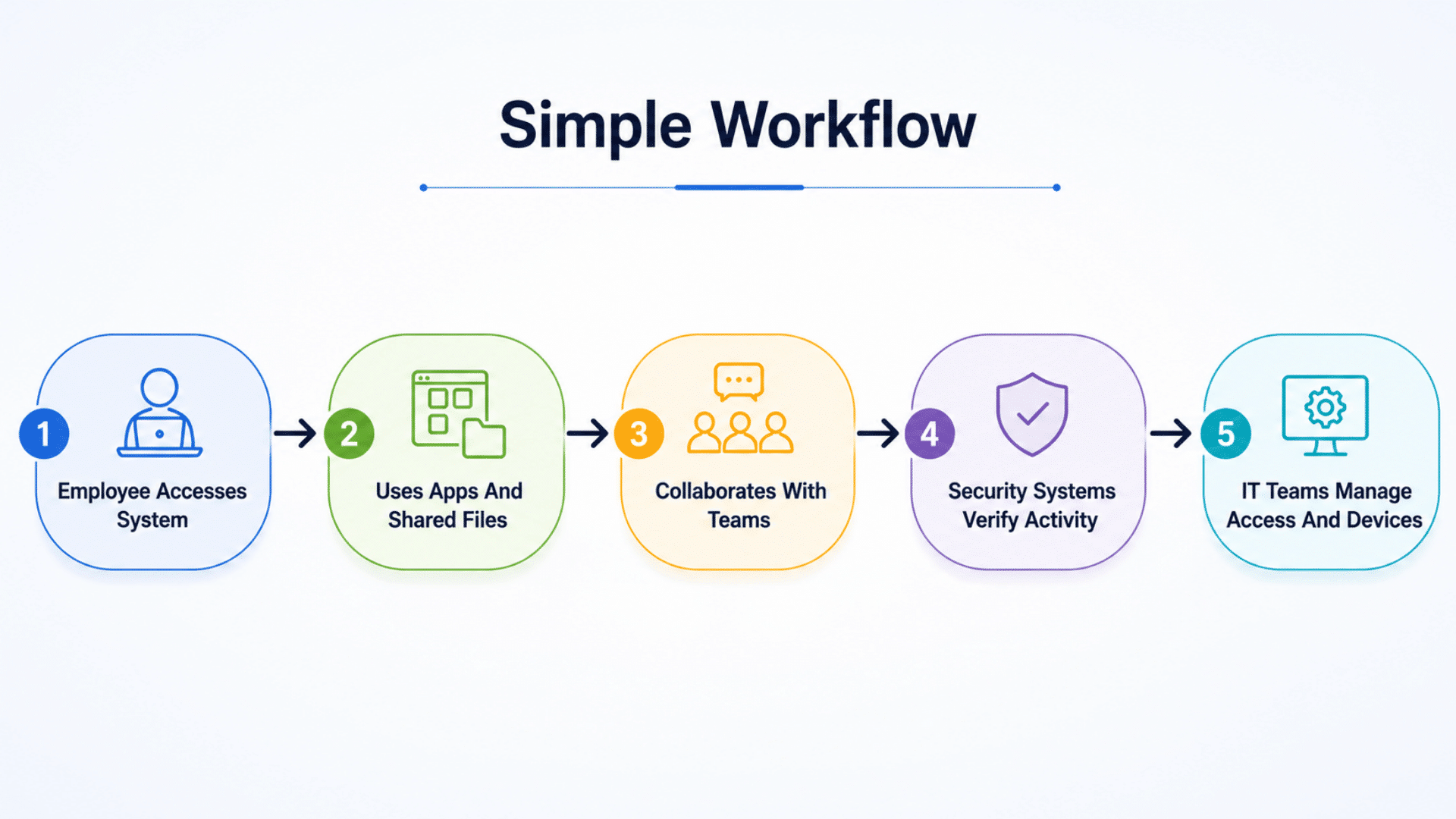
Looking at the workflow step by step makes it easier to understand how employees, systems, security controls, and workplace technologies interact continuously during everyday business operations.
- Employee Accesses System: Employees sign into workplace platforms using approved devices and credentials to access tools, applications, and company resources.
- Uses Apps And Shared Files: Productivity applications, cloud storage, and shared documents allow teams to access and update information from multiple locations.
- Collaborates With Teams: Communication platforms enable messaging, meetings, file sharing, and project coordination among employees across multiple departments or locations.
- Security Systems Verify Activity: Authentication systems, permissions, and monitoring tools review user activity and help control access to sensitive information.
- IT Teams Manage Access and Devices: IT administrators maintain devices, manage permissions, monitor systems, and support users to keep workplace operations running consistently.
How AI and Cloud Support Modern Workplace Solutions
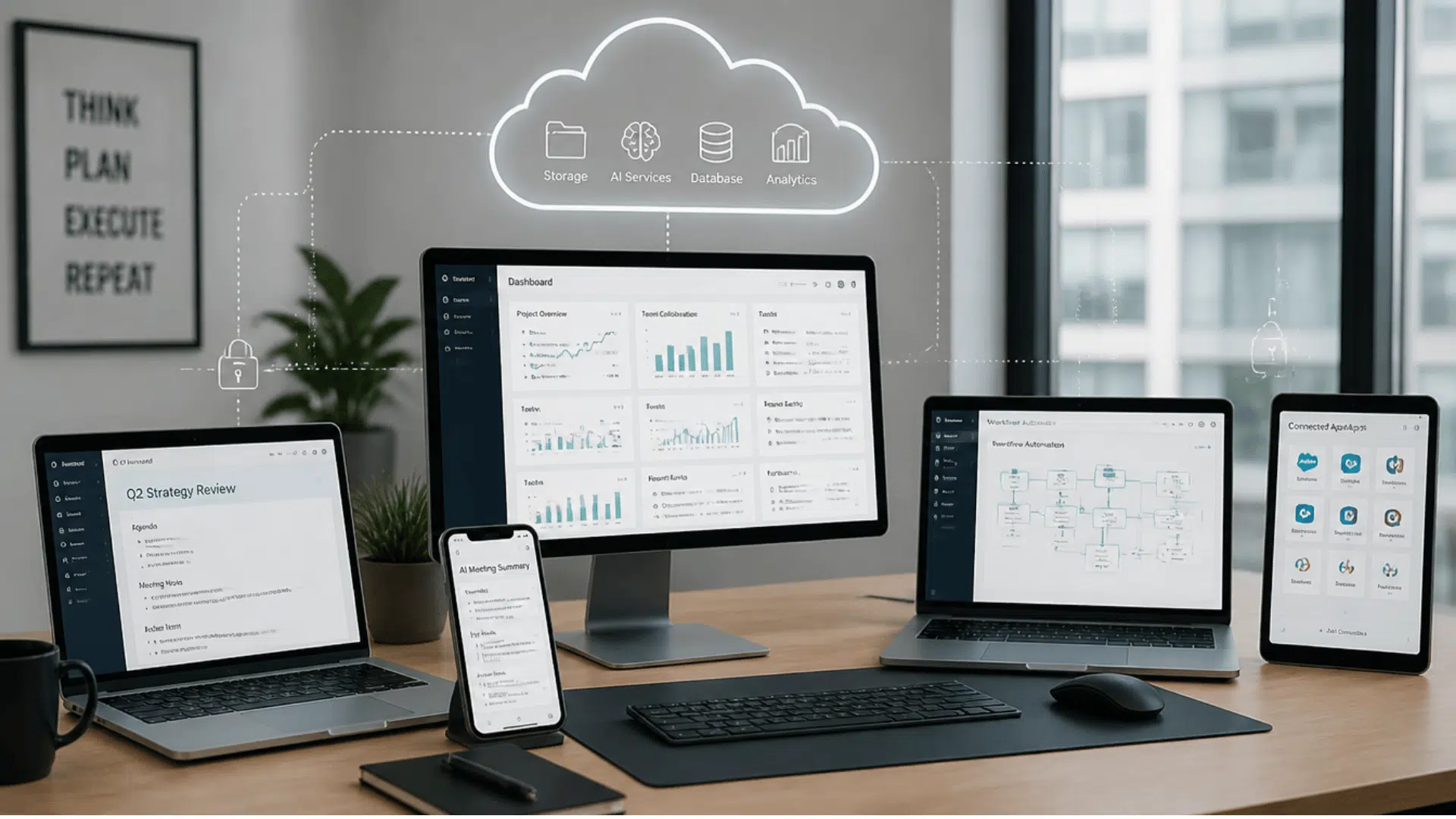
AI and cloud technologies play a major role in how modern workplace solutions support communication, access, and day-to-day operations.
Cloud systems provide the infrastructure that keeps information available in different locations, while AI helps teams reduce manual work and process information more efficiently.
Understanding how both work together makes it easier to build systems that remain useful as teams grow and work styles continue changing.
How Cloud Systems Support Modern Workplaces
Cloud systems help businesses move resources beyond office-based environments and make work accessible from multiple locations and devices.
Instead of relying only on local storage or office networks, employees can access files, applications, and communication systems through internet-connected platforms.
Cloud systems commonly support:
- Centralized file storage and document access
- Remote availability across devices and locations
- Shared applications for collaboration
- Easier scaling when teams expand
- Lower dependence on office infrastructure
One practical approach is to review internet reliability and access policies before moving large parts of your workflow to cloud platforms.
How AI is Changing Workplace Systems
AI tools are increasingly being used to support routine work activities, reduce repetitive tasks, and help employees process information faster.
It has been observed that businesses tend to achieve stronger results when AI is introduced gradually rather than applying automation everywhere at once.
Common workplace uses for AI include:
- Meeting summaries and note generation
- Workflow automation for repetitive tasks
- Faster search across documents and systems
- Productivity insights and reporting
- AI-supported communication features
Applying AI to smaller processes first often makes adoption easier and helps employees adjust more comfortably.
Types of Modern Workplace Solutions
Not every company needs the same setup. I usually find that businesses mix different solution categories based on employee needs, work locations, and operational priorities.
Understanding these categories makes it easier to choose tools that actually support day-to-day work instead of creating unnecessary complexity.
1. Communication And Collaboration Solutions
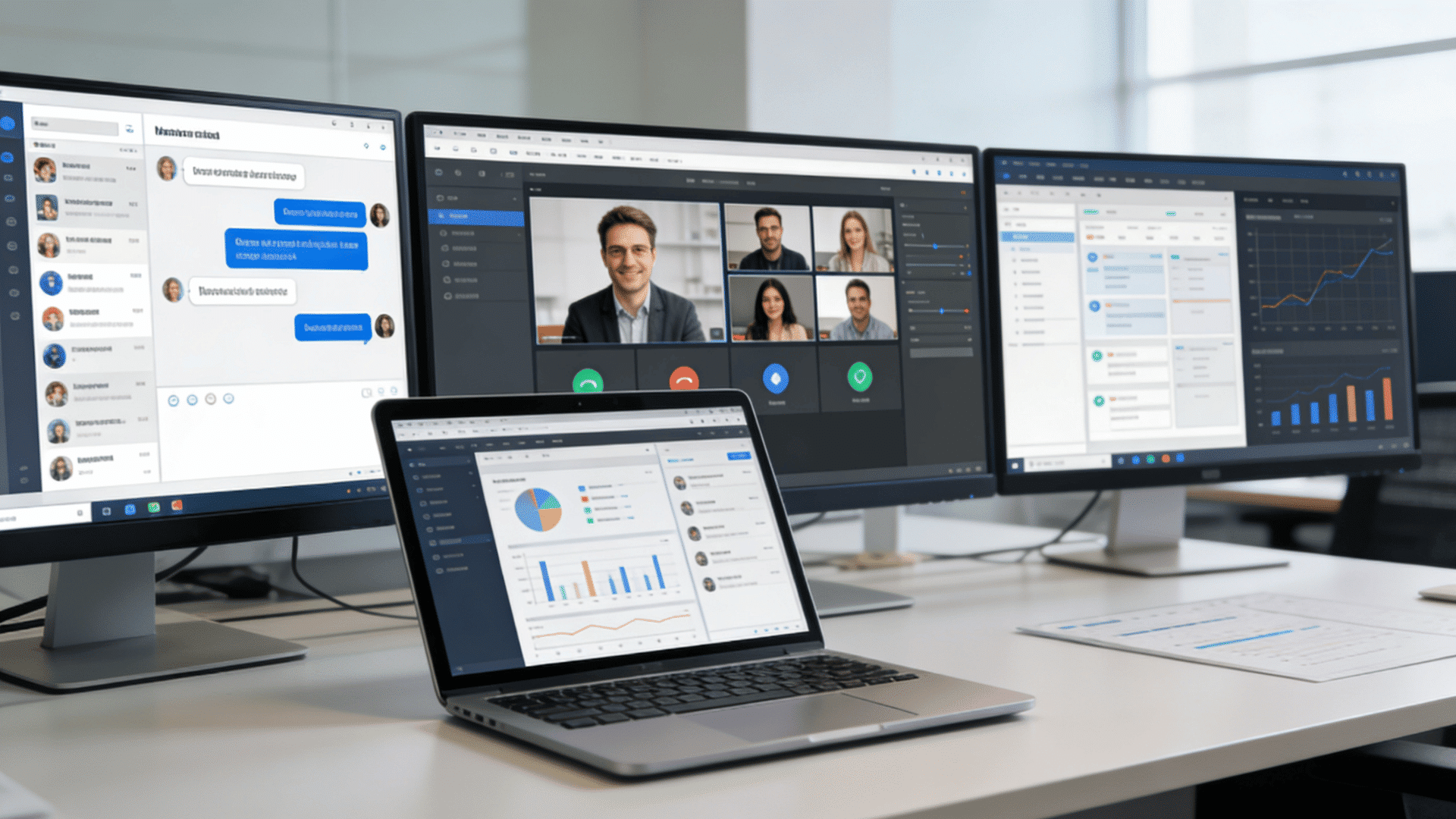
Communication and collaboration solutions help employees interact, share updates, and coordinate tasks without depending on physical proximity.
In my experience, communication gaps often become apparent first when teams work remotely, which is why many businesses prioritize these tools early on.
Messaging platforms, video conferencing systems, shared workspaces, and project collaboration tools commonly fall into this category.
Examples include:
- Messaging systems
- Video meetings
- Shared workspaces
- Team communication platforms
2. Cloud Productivity Solutions
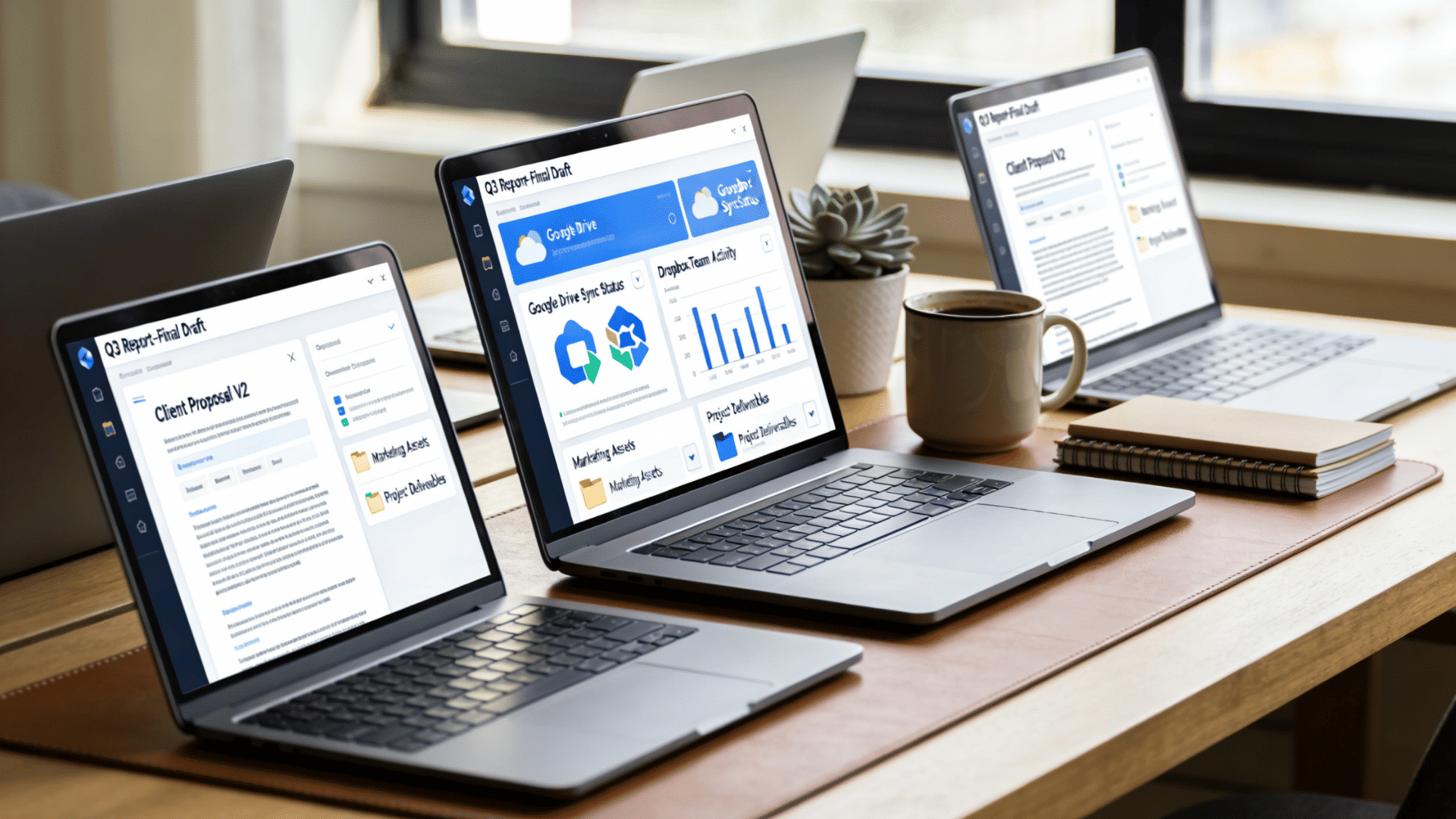
Cloud productivity solutions enable employees to access applications, files, and documents from multiple locations via connected platforms.
Instead of storing work on individual devices, information stays available through centralized systems that support collaboration and file management.
Businesses often use these tools to support document sharing, improve accessibility, and maintain consistency across teams working on multiple devices.
Common functions include:
- Shared documents
- File storage
- Cross-device access
- Productivity applications
3. Security And Access Solutions
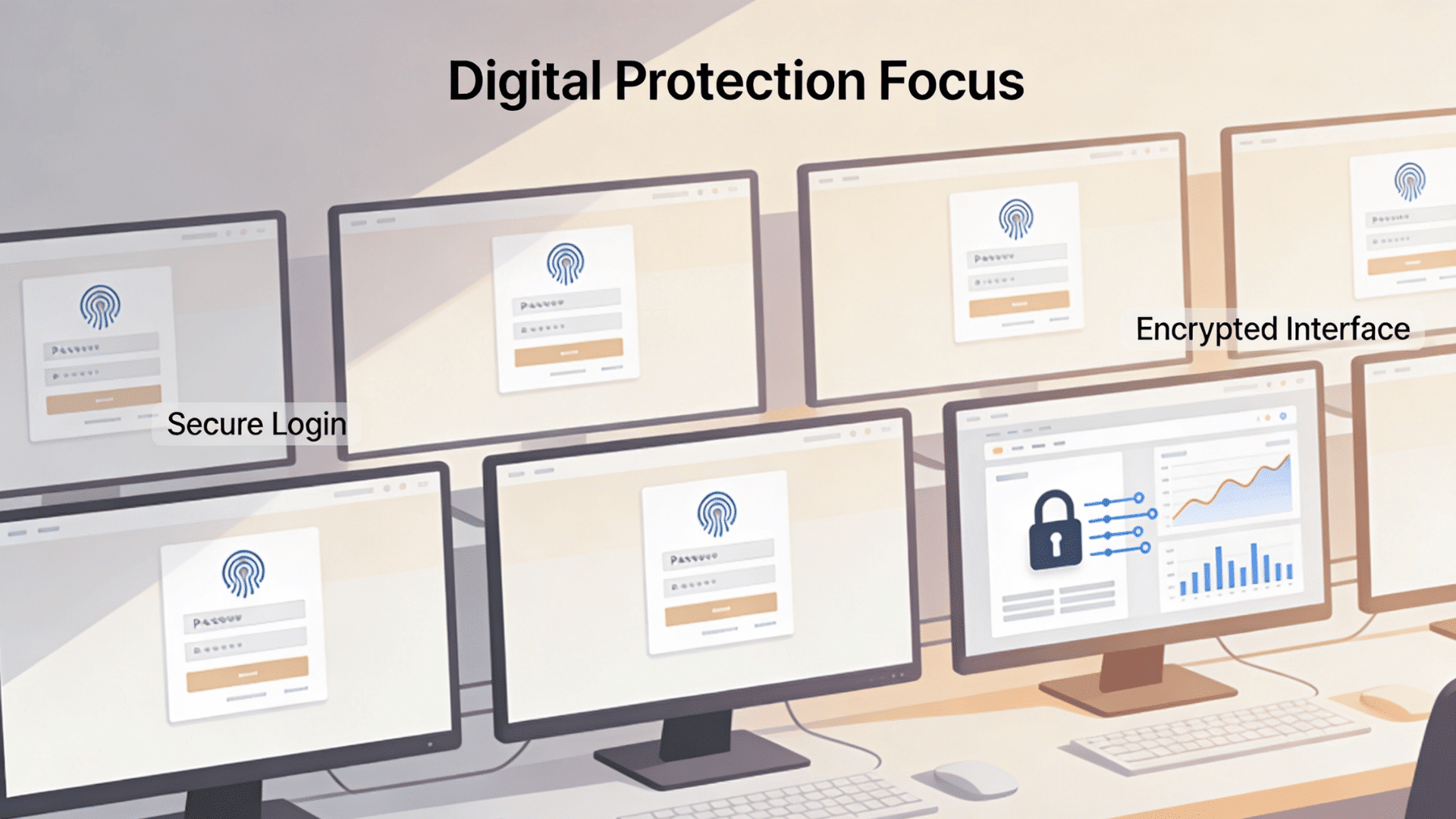
Security and access solutions focus on protecting company systems, employee accounts, and sensitive information.
As more employees work in hybrid and remote settings and on devices, businesses need stronger control over who can access resources and how their activity is monitored.
From my experience, companies overlook this category early and face unnecessary risks later.
Access management systems, authentication controls, and security monitoring tools help reduce unauthorized access and strengthen protection measures.
Examples include:
- Identity management
- User permissions
- Authentication systems
- Data protection controls
4. Device and Workplace Management Solutions
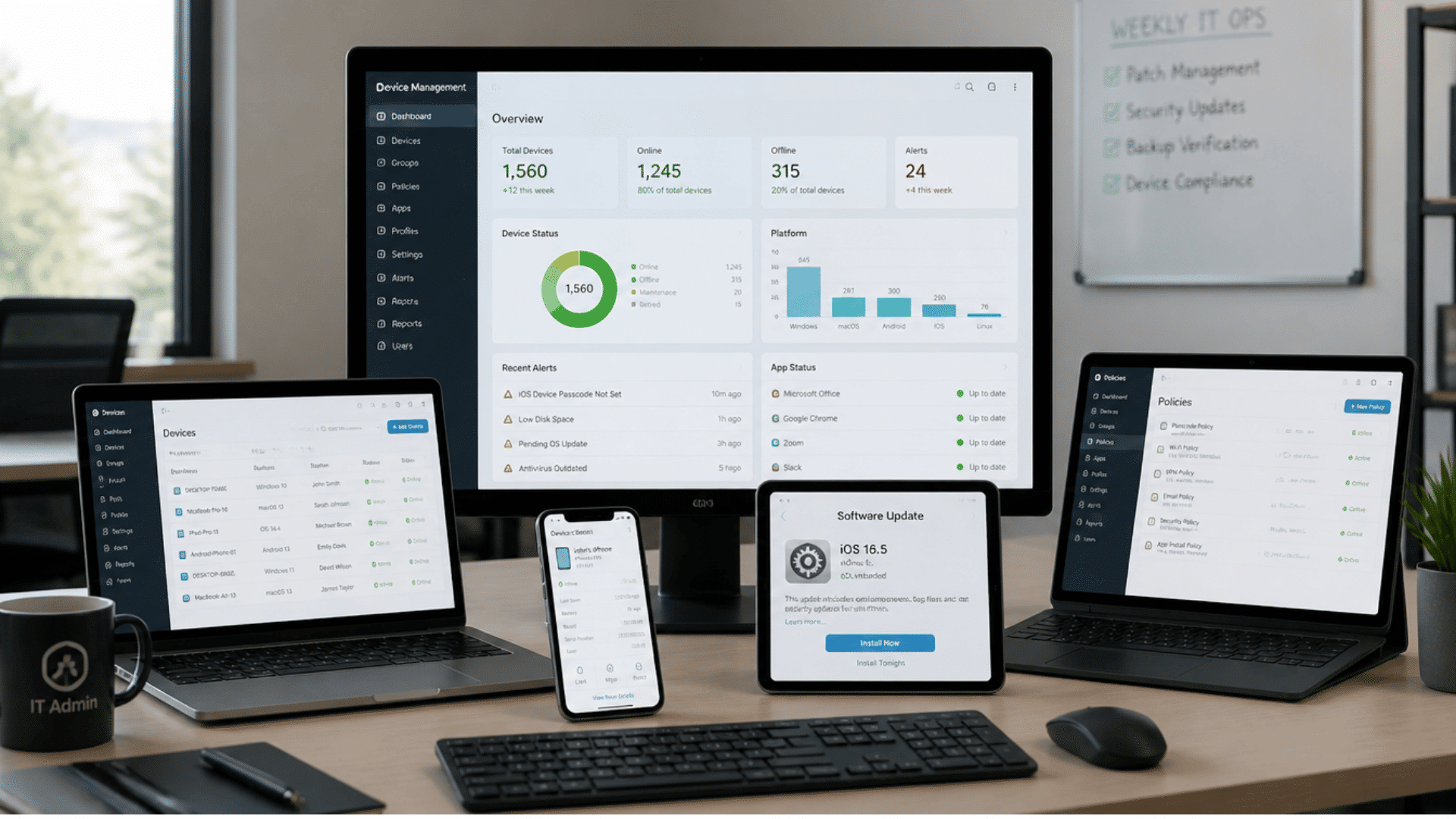
Device and workplace management solutions help IT teams monitor systems, maintain software, and support employees remotely.
Managing laptops, mobile devices, and company applications becomes more difficult as organizations grow, especially with hybrid teams.
These systems help maintain consistency, improve visibility, and reduce technical disruptions across distributed teams.
Key capabilities include:
- Device control
- Remote management
- Updates and monitoring
- Endpoint security
Quick Comparison Table
Looking at different solution categories explains what businesses need, but comparing examples side by side makes it easier to understand how these systems support daily operations.
| Type | Main Purpose | Typical Focus | Common Examples |
| Collaboration Solutions | Team communication and coordination | Meetings, messaging, teamwork | Microsoft Teams, Slack, Zoom |
| Productivity Solutions | Document access and workflow support | Files, apps, shared work | Microsoft 365, Google Workspace |
| Security Solutions | Protect users and company data | Authentication, permissions | Identity management tools, authentication platforms |
| Device Management Solutions | Manage systems remotely | Devices, monitoring, updates | Endpoint management systems, remote device management platforms |
Microsoft Modern Workplace Solutions Explained
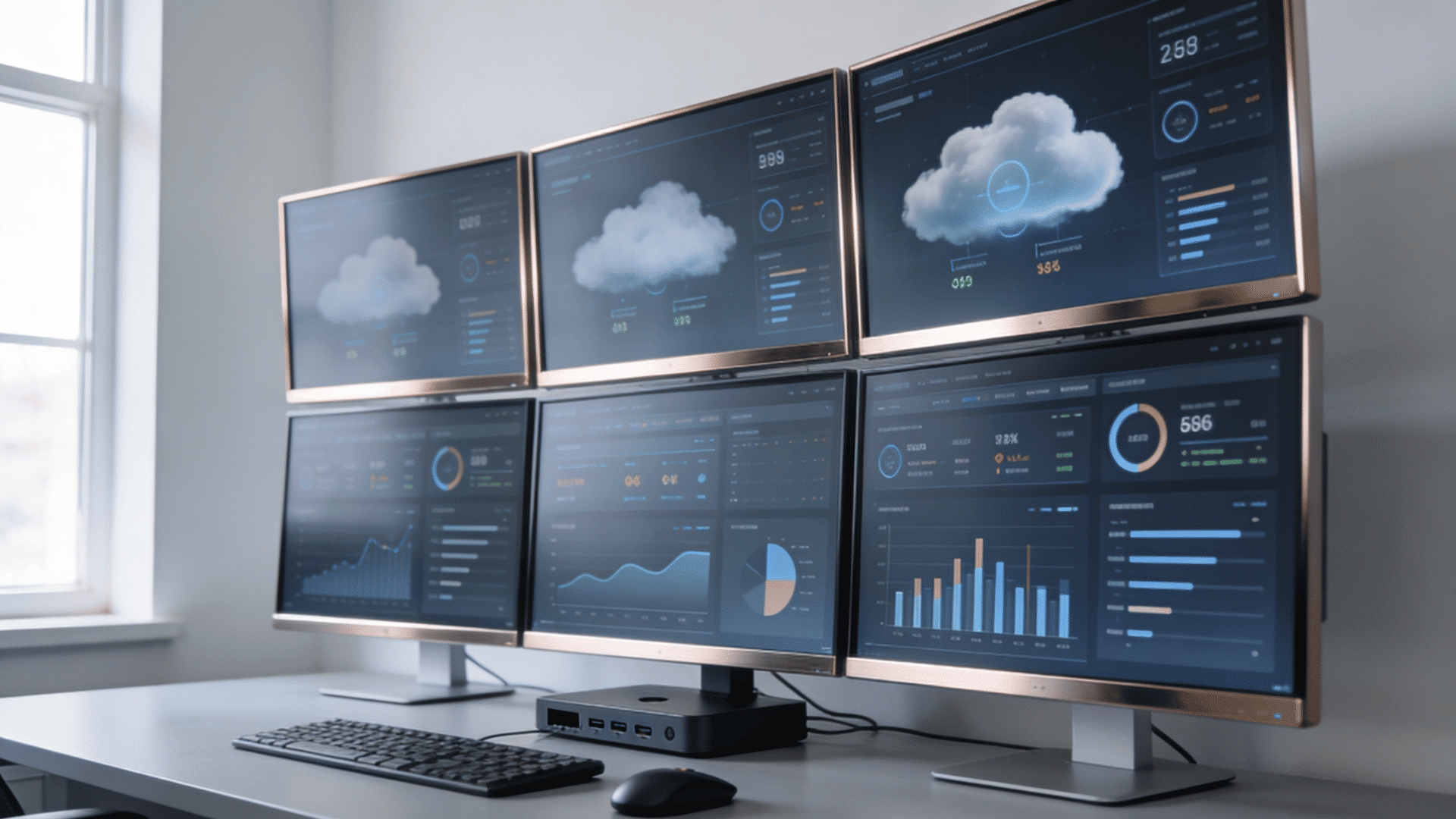
Microsoft has become one of the most widely used providers of workplace technology because its products span communication, productivity, cloud infrastructure, security, and device management across connected systems.
In many cases, businesses explore modern workplace solutions and eventually evaluate Microsoft products because they can combine multiple workplace functions under fewer platforms.
Core Microsoft Workplace Products
Microsoft workplace solutions combine multiple products that support communication, file access, collaboration, security, and system management.
Instead of functioning independently, many of these tools are designed to work together, which can reduce switching between platforms and simplify administration for IT teams.
| Product | Main Purpose | Typical Use |
| Microsoft 365 | Productivity and collaboration | Documents, email, workplace applications |
| Teams | Communication and meetings | Messaging, calls, team collaboration |
| SharePoint | Content and document management | File sharing, internal resources |
| OneDrive | Cloud storage | File access and synchronization |
| Intune | Device and access management | Device policies and remote management |
| Azure | Cloud infrastructure | Hosting, storage, identity management |
Businesses evaluating these tools often benefit from identifying workflow requirements first because not every organization needs the entire ecosystem.
How Microsoft Uses AI and Cloud Together
Microsoft combines AI capabilities with cloud-connected systems to support communication, productivity, security, and workplace management.
Rather than operating as separate technologies, AI features are increasingly built into productivity tools and connected services to help employees complete tasks more efficiently.
Common examples include:
- AI assistants that summarize meetings and conversations
- Cloud-connected access across devices and locations
- Automated workflows for repetitive tasks
- Security monitoring and identity management
- Device management through centralized systems
- Cross-platform access for hybrid work environments
A practical approach is to start with smaller use cases, such as meeting summaries or workflow automation, before expanding AI across larger business processes.
Workplace Solutions Beyond Microsoft
Microsoft products are widely used, but many businesses build workplace systems using tools from multiple providers.
I have noticed that organizations often combine platforms rather than relying entirely on a single ecosystem, especially when budgets, team preferences, or technical requirements vary across departments.
Comparing alternatives helps businesses choose tools based on operational needs rather than assuming a single platform fits every workflow.
Popular Alternatives across Different Workplace Categories
Different solution categories solve different workplace problems. Looking at alternatives side by side makes it easier to compare options and identify where each platform may fit within existing systems.
| Solution Category | Popular Options | Common Use |
| Productivity | Google Workspace | Documents, email, collaboration |
| Messaging | Slack | Team communication and channels |
| Meetings | Zoom | Video conferencing and virtual meetings |
| Project Management | Asana, Trello | Task management and workflow tracking |
| Cloud Services | AWS, Google Cloud | Infrastructure, hosting, storage |
In many cases, combining compatible platforms works better than rebuilding everything at once.
Should Businesses Choose One Platform or Combine Multiple Tools?
Some businesses prefer single-platform ecosystems because they simplify management and reduce integration work. Others combine platforms to match specific operational needs.
The better approach usually depends on factors such as workforce size, security requirements, budget constraints, and internal technical support.
Before introducing additional tools, review whether new platforms solve a clear problem or simply duplicate existing functions.
Why Businesses are Investing in Modern Workplace Solutions
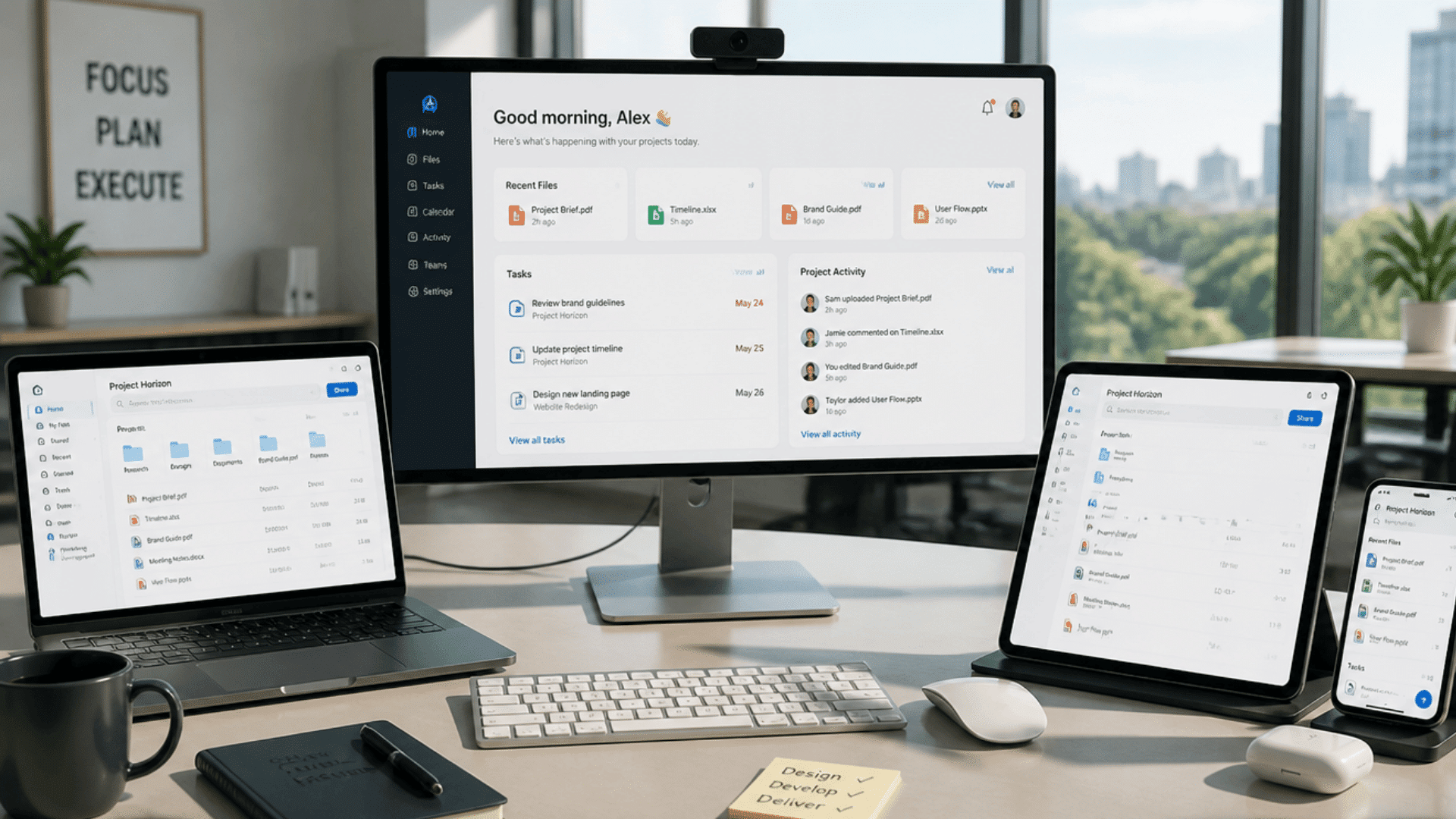
Businesses adopt modern workplace solutions for various reasons, but most decisions are driven by evolving work expectations and operational priorities.
The following factors explain why companies are focusing more on flexibility, communication, employee support, security practices, efficiency improvements, and systems that can support growth over time.
- Flexible Working Models: Employees can work from offices, homes, or different locations while maintaining access to systems, files, and communication tools.
- Faster Communication: Connected platforms reduce delays by allowing teams to share updates, hold meetings, and exchange information more quickly.
- Better Employee Experience: Easier access to resources and smoother workflows help reduce frustration and improve day-to-day work experiences.
- Stronger Security Controls: Authentication systems, permissions, and monitoring tools help protect company information and manage access more effectively.
- Improved Operational Efficiency: Connected workflows reduce repetitive tasks, simplify processes, and help teams complete work with fewer interruptions.
- Easier Business Growth: Businesses can add employees, devices, and resources more easily without making major infrastructure changes.
Benefits of Modern Workplace Solutions
The value comes from improving how employees work rather than simply adding more software.
From what I have seen, businesses focus heavily on tools at first, but stronger communication, easier access, and fewer delays usually create the biggest impact.
These benefits show how modern workplace solutions support daily operations and long-term business goals.
| Benefit | How Is It A Benefit? |
| Better Team Collaboration | Improves communication and makes teamwork faster across locations. |
| Increased Workplace Flexibility | Supports work from different locations and devices. |
| Improved Security And Access Control | Protects company resources and controls user access. |
| Higher Productivity Across Teams | Reduces delays and improves workflow efficiency. |
| Easier Scaling For Business Growth | Supports expansion without major system changes |
How to Start Implementing Modern Workplace Solutions
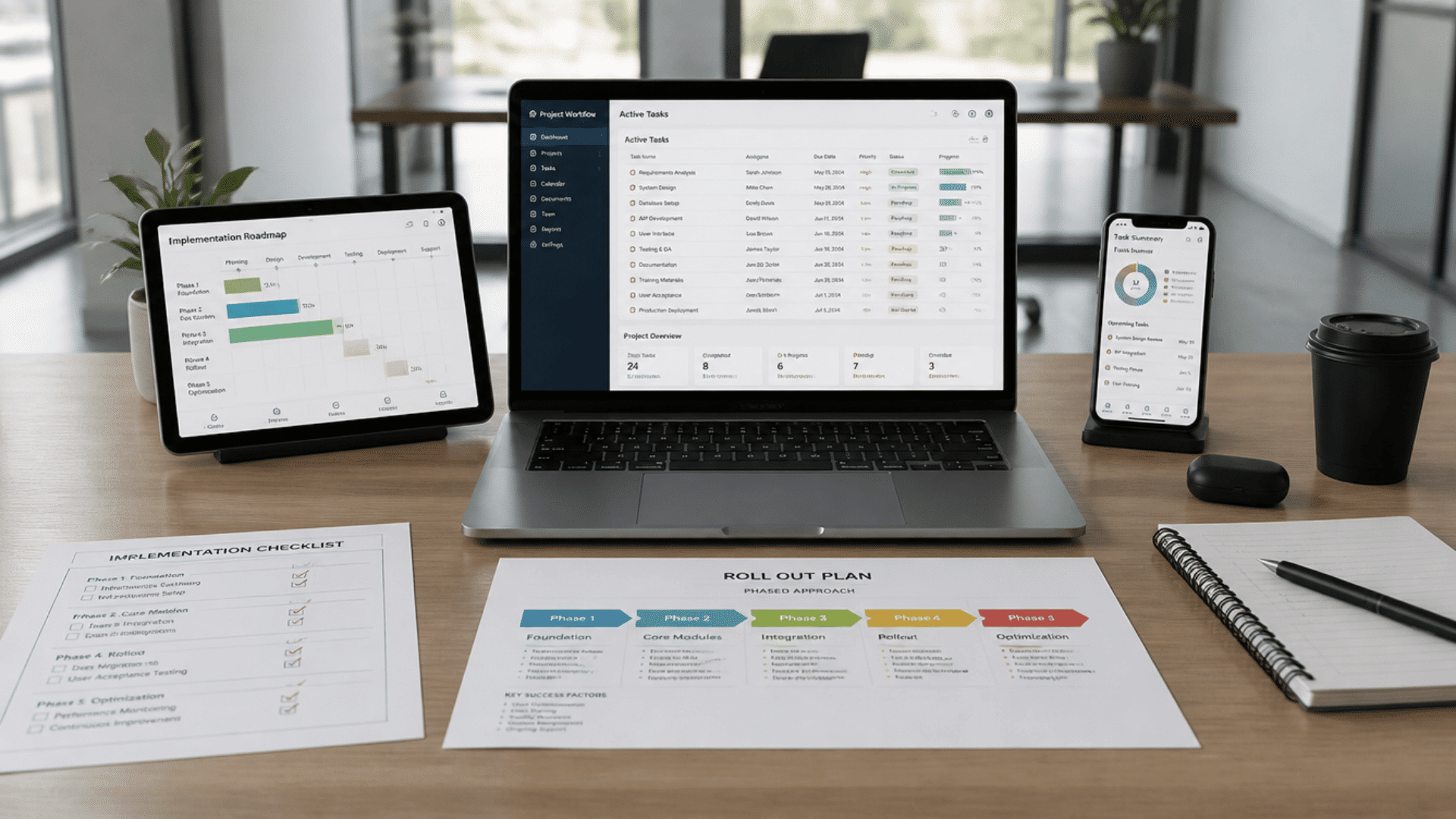
Implementing modern workplace solutions is more effective when businesses follow a structured approach rather than making large changes all at once.
These steps help reduce disruptions, improve employee adoption, and create systems that align more closely with operational requirements.
1. Assess Current Systems: Review existing tools, workflows, and technology gaps to understand what already works and what needs improvement.
2. Define Business Needs: Identify goals such as improving communication, supporting remote work, or strengthening security practices.
3. Choose Required Tools: Select solutions based on operational requirements instead of adding unnecessary software.
4. Start With Smaller Teams: Run pilot programs with selected teams before expanding company-wide adoption.
5. Train Employees: Provide guidance and support so employees understand how to use new systems effectively.
6. Monitor Usage and Adjust: Track adoption, collect feedback, and make improvements based on employee experiences and business requirements.
Final Thoughts
Modern workplace solutions are not only about adding software or replacing old systems.
They are about creating work environments where employees can communicate easily, access resources securely, and stay productive across different locations.
I have noticed that businesses often get better results when they focus on solving everyday workflow problems rather than chasing every new tool that comes along.
The right approach usually starts with clear goals, gradual implementation, and continuous improvement.
Businesses evaluating workplace modernization should focus on systems that improve communication, support cloud access, and align with long-term operational needs, rather than selecting tools solely based on popularity.
Small changes often create clearer results than large technology shifts introduced all at once.
Start reviewing your current setup now and identify where modern workplace solutions can create stronger, more connected workflows.
Frequently Asked Questions
Are Modern Workplace Solutions only Useful for Large Businesses?
No. Small and medium businesses also use workplace tools to improve communication, support remote work, and manage resources more efficiently.
How Long Does It Take to Implement Modern Workplace Solutions?
Implementation time varies depending on company size, existing systems, and goals, but many businesses start with smaller deployments before expanding gradually.
What Should Businesses Prioritize Before Choosing Workplace Tools?
Businesses should review workflow problems, employee needs, security requirements, and long-term goals before selecting platforms or adding new systems.

One Response