



I have spent a lot of time helping businesses figure out how to protect their spaces without overcomplicating things. And one question keeps coming up: how do I control who gets in and who does not?
That is exactly what access control software solves. It manages who can enter your building, access your systems, and view your files, all from one screen.
In this guide, I am going to walk you through everything you need to know. I will cover what access control software is, why your business needs it, and the fifteen best options available right now.
By the end, you will know exactly which tool fits your size, budget, and security goals.
What is Access Control Software?
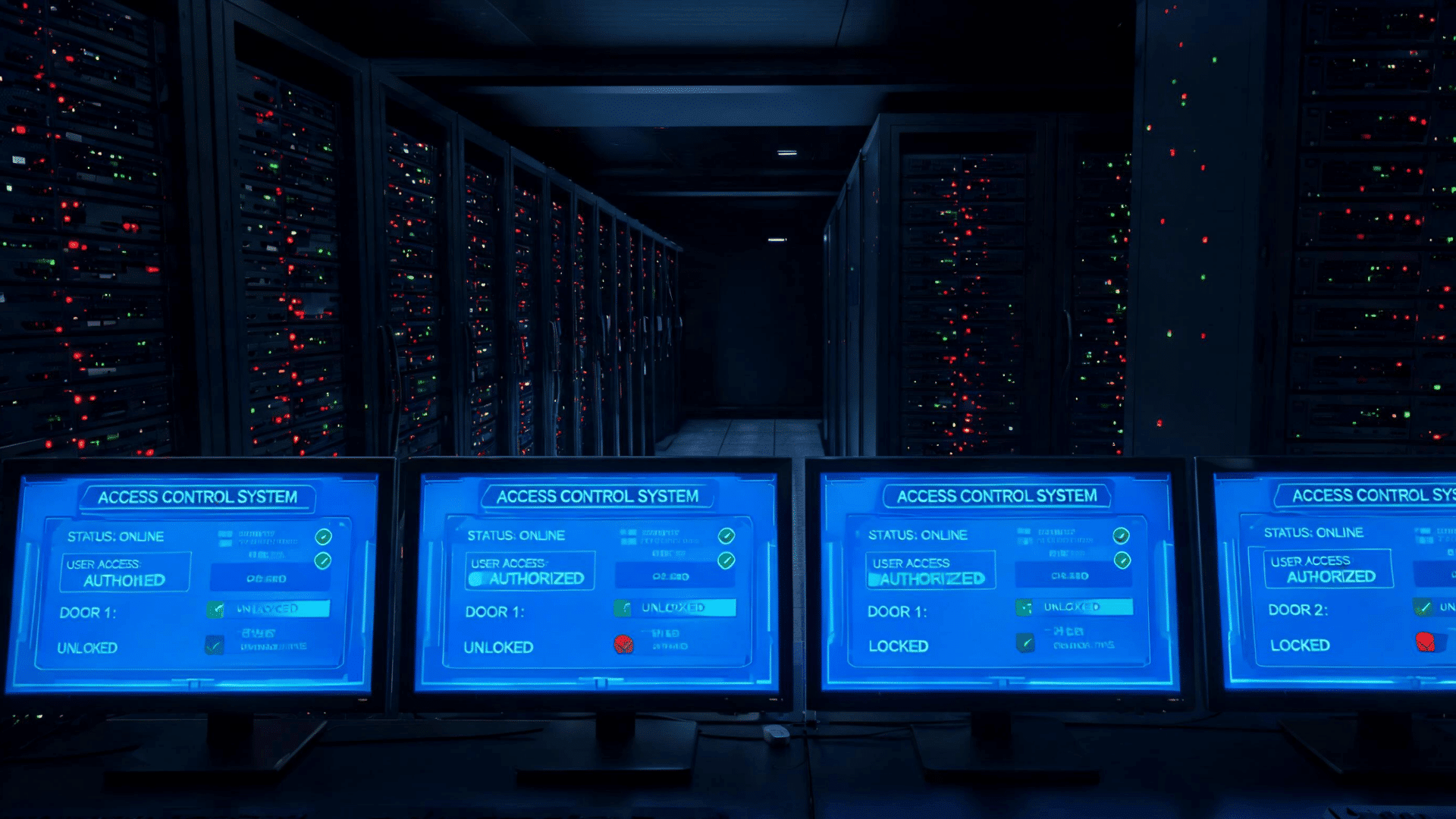
Access control software is a digital tool that manages who can go where and when. It works with physical devices like door readers, key cards, and biometric scanners.
It stores user permissions, logs every entry and exit, sends alerts when something looks wrong, and lets admins manage everything from one screen.
Think of it like a very smart security guard, one that never sleeps, never makes errors, and keeps a perfect record of everything.
It handles role-based access control, meaning different people get different levels of access based on their job. It connects with video cameras, alarm systems, and identity tools like Active Directory or SSO.
It also helps businesses stay compliant with rules like HIPAA, SOC two, and GDPR by creating clean audit trails.
Why Do You Need Access Control Software?
Here are ten solid reasons why access control software is worth every dollar:
- Stop Unauthorized Entry: Only approved people get in. No guessing, no sharing keys, no forgotten badges letting strangers inside.
- Protect Sensitive Data: Server rooms, HR files, and finance systems need layers of protection. Software-based controls add that layer.
- Stay Compliant with Regulations: HIPAA, SOC two, ISO 27001, and GDPR all require documented proof of who accessed what. Access control software creates that paper trail automatically.
- Reduce Insider Threats: Not every security risk comes from outside. Role-based permissions make sure employees only see what they need to see.
- Manage Remote and Hybrid Teams: With people working from home or across multiple offices, mobile access control lets admins grant and revoke access from anywhere.
- Cut Costs on Physical Security: Automated systems reduce the need for on-site guards and manual check-ins.
- Get Real-Time Alerts: If someone tries to enter a restricted area after hours, you know about it instantly.
- Automate Visitor Management: Sign guests in digitally, issue temporary passes, and revoke access when they leave, all without a receptionist.
- Scale with Your Business: Add new doors, users, or locations without rebuilding your whole system.
- Keep an Audit Trail: Every single access event is logged with a timestamp. If something goes wrong, you have the full picture.
Benefits of Access Control Software
Here is what you gain when you switch to a proper system:
| Benefit | Description |
|---|---|
| Faster Onboarding and Offboarding | Add or remove user access in seconds when employees join or leave the company. |
| Centralized Control | Manage all doors, floors, and buildings from a single dashboard instead of using multiple systems. |
| Better Visitor Experience | Digital sign-ins and pre-registered visitor passes make entry smooth, efficient, and professional. |
| Stronger Compliance Posture | Automated logs and reports simplify audits and help maintain regulatory compliance. |
| Fewer Security Gaps | Features such as multi-factor authentication and biometric verification provide additional security beyond key cards. |
| Integration with Existing Tools | Modern access control platforms connect with HR software, video surveillance systems, and other IT tools already in use. |
Now that you know why it matters, here is a look at the fifteen best options available right now.
Best Access Control Software Today
Here is a ranked list of the best access control software available today. Each tool is reviewed with pros, cons, pricing in USD, and a direct link to the official site.
1. Kisi
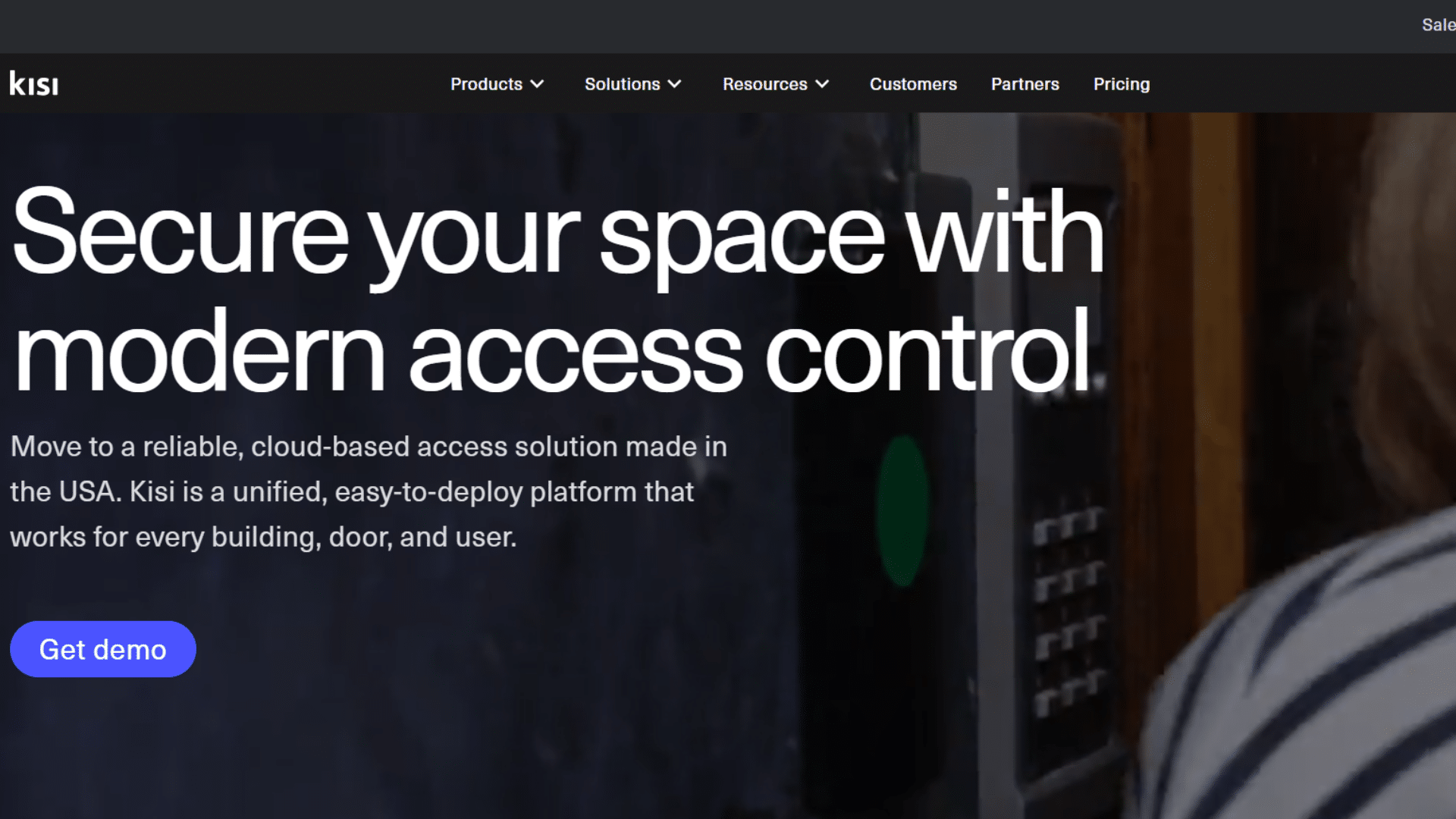
Best for: Businesses of all sizes that want cloud-first simplicity with enterprise-grade features.
Kisi is widely regarded as one of the most well-rounded access control systems on the market.
It is fully cloud-based and works on any device. Admins love the clean dashboard. Employees enjoy unlocking doors with just their phone.
Pros:
- Excellent cloud dashboard with remote global management
- Works with key cards, mobile phones, fobs, and QR codes
- Strong third-party integrations, including Slack, G Suite, and HR tools
- Open API for custom development
Cons:
- Hardware must be purchased separately
- Some advanced features are only available on higher-tier plans
- No built-in video surveillance hardware, relies on integrations
Price: Starts at around $59/month per site (hardware costs extra)
Official Site: Kisi
2. Verkada
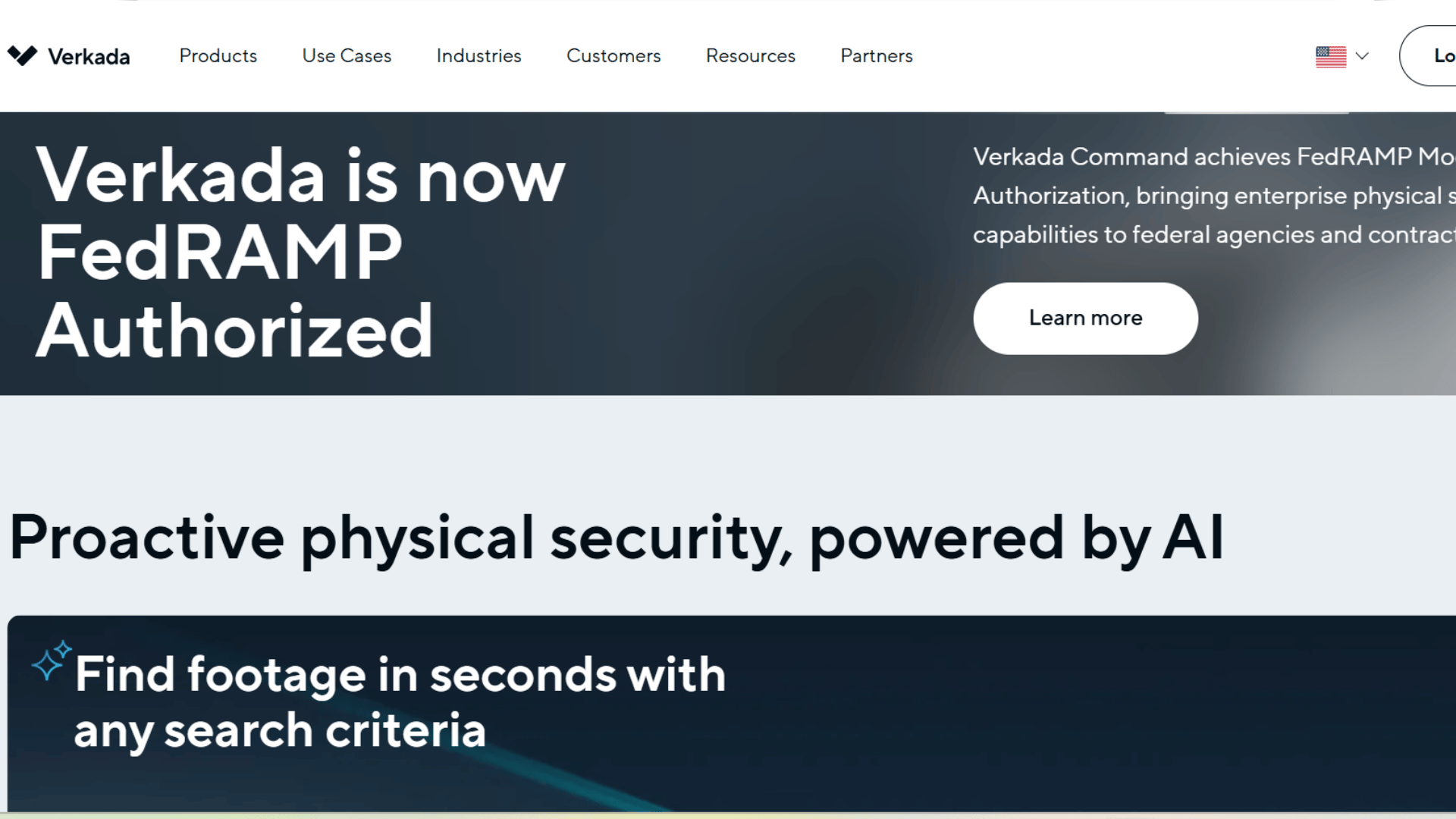
Best for: Mid size to large businesses that want an all in one security platform.
Verkada’s Command platform ties access control, video surveillance, and alarms into one cloud based system.
It is especially strong for companies that want everything managed from one screen. The mobile app is one of the cleanest in the industry.
Pros:
- One platform for access, video, and alarms
- Clean, easy to learn interface
- Remote lockdowns and door controls
- Strong mobile app for on the go management
Cons:
- Higher hardware costs compared to competitors
- Locked into Verkada’s own hardware ecosystem
- Custom pricing can be hard to predict upfront
Price: Software licenses start at $249/year; hardware costs extra
Official Site: Verkada
3. Brivo
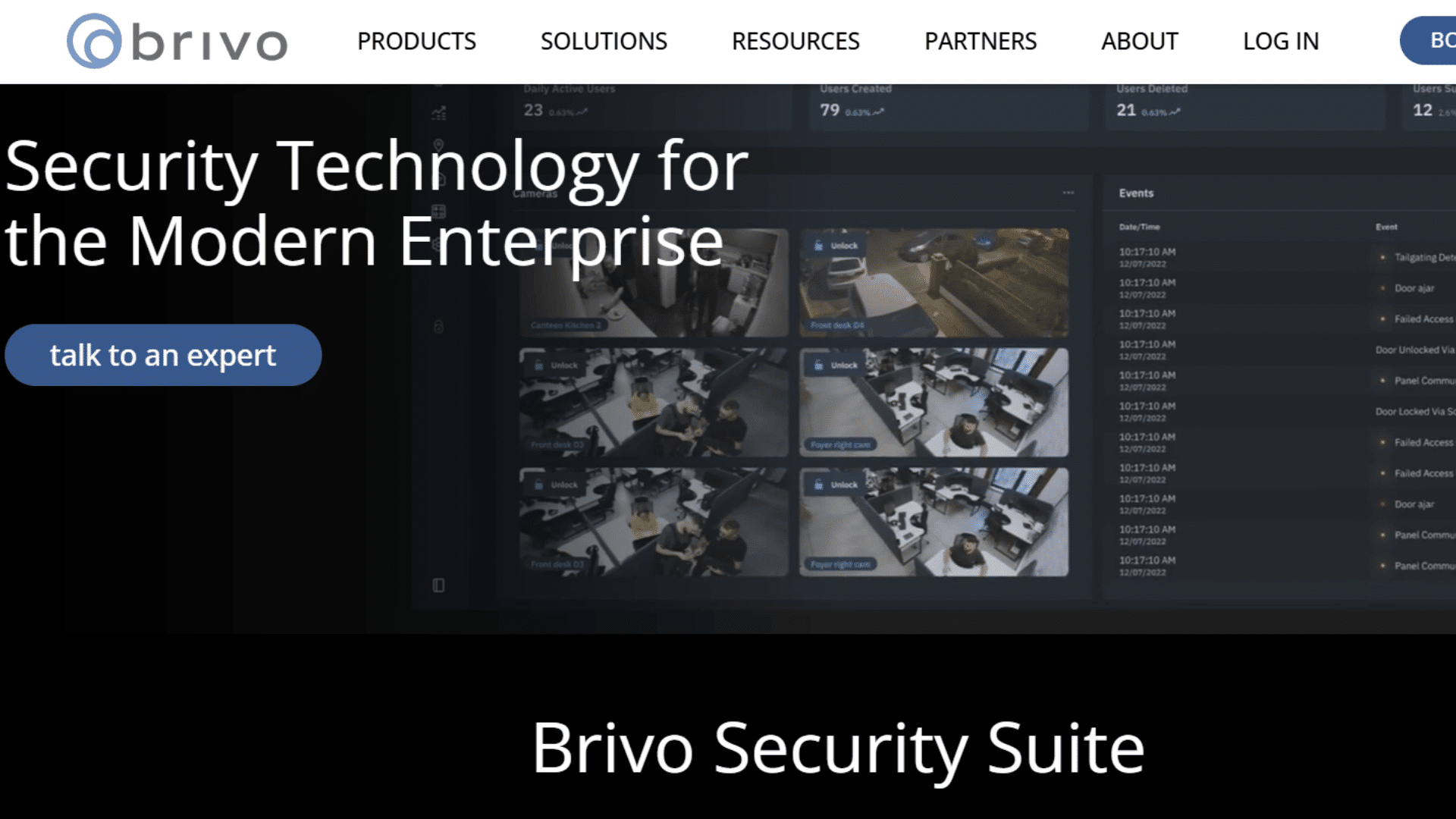
Best for: Startups, SMBs, coworking spaces, and distributed offices.
Brivo has been a cloud-based access control pioneer for over twenty years. It is known for transparent pricing and mobile-first design.
It is one of the top picks for access control for small business owners who want simplicity without sacrificing features.
Pros:
- Transparent per-door pricing, easy to budget
- Strong mobile credential support
- Good smart building integrations
- Works for both residential and commercial applications
Cons:
- Multiple separate apps can confuse new users
- Less feature-rich than enterprise-grade options
- Customer support response times can vary
Price: Starts at $350/year per door
Official Site: Brivo
4. Johnson Controls
Best for: Large enterprises and campuses needing deep integration with building systems.
Johnson Controls offers a powerful web-based access control platform with door scheduling, alarm monitoring, and temporary visitor access.
It scales well across large, multi-site organizations and connects tightly with existing building infrastructure.
Pros:
- Deep integration with building management systems
- Web and mobile apps with remote management
- Scalable for hundreds of locations
- Solid video surveillance integration
Cons:
- Pricing is not publicly listed and requires a sales call
- Setup can be complex for smaller teams
- The interface feels dated compared to newer cloud tools
Price: Custom quote only
Official Site: Johnson Controls
5. Genetec Security Center
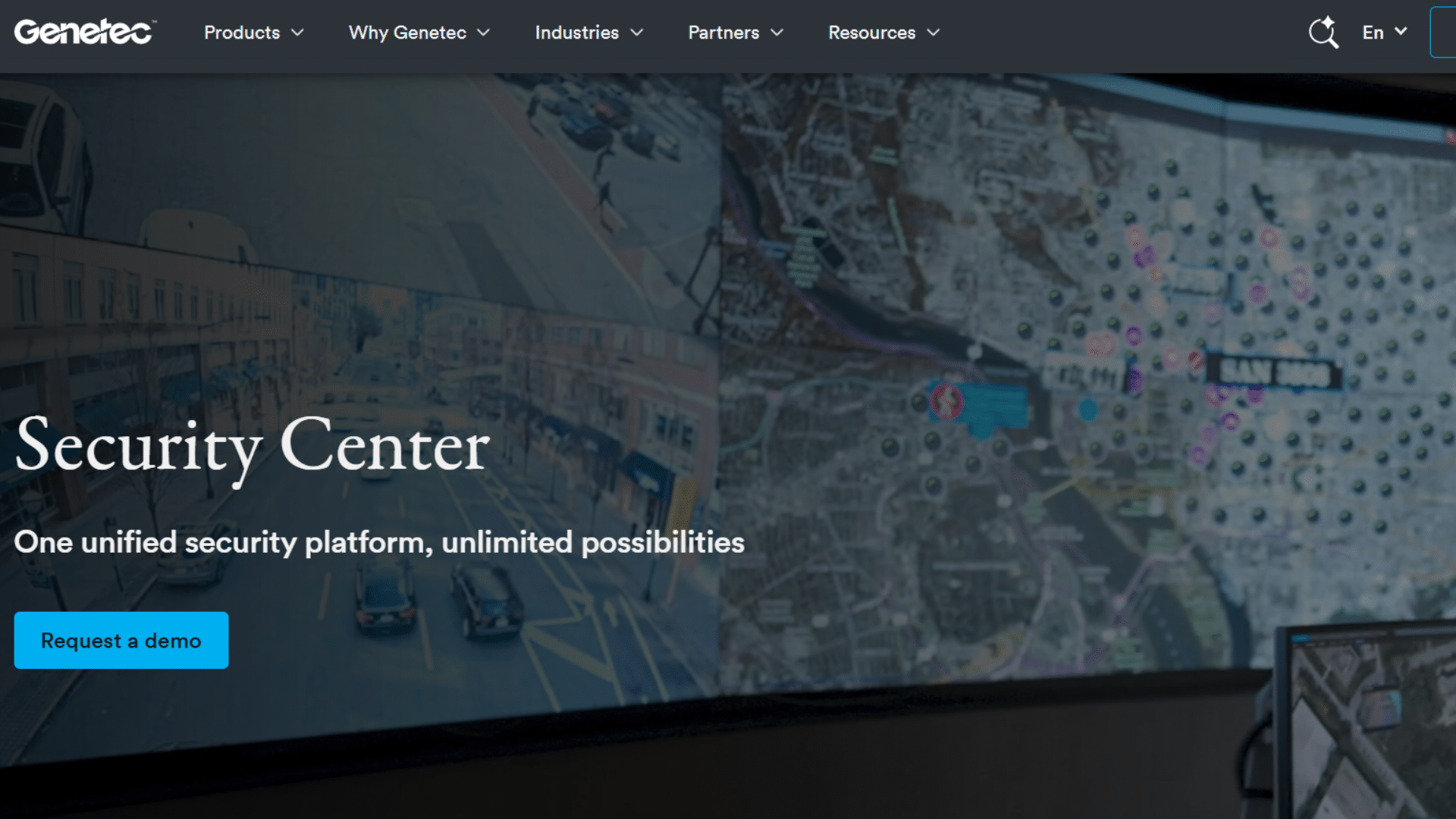
Best for: Universities, smart cities, and multi-campus enterprises.
Genetec brings together access control, video surveillance, license plate recognition, and intrusion detection into one unified dashboard.
Its cloud native upgrade makes it a top pick for complex, large-scale deployments that need everything connected.
Pros:
- True unified security platform across all systems
- AI-powered incident correlation across devices
- Mobile dashboards for remote management
- Strong analytics and reporting tools
Cons:
- High upfront licensing cost
- Requires experienced integrators to set up properly
- Too much for small businesses to manage
Price: Base license around $12,000; add-ons for video and analytics
Official Site: Genetec Security Center
6. LenelS2 OnGuard
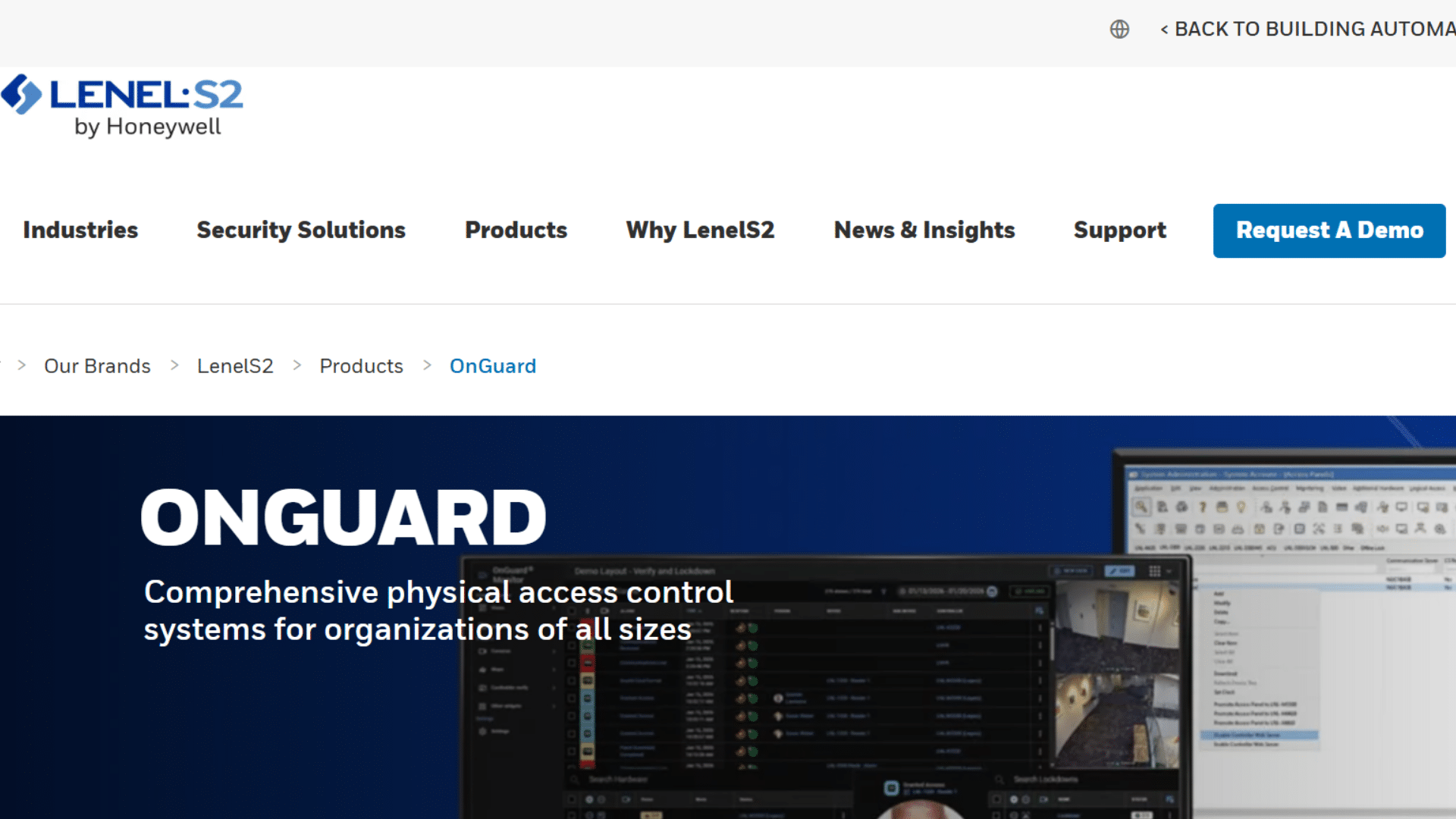
Best for: Airports, hospitals, government institutions, and Fortune five hundred companies.
OnGuard by LenelS2 is one of the most trusted enterprise access control system platforms in the world.
It supports over one million cardholders and delivers exceptional granularity in access rules. When scale and reliability are non-negotiable, this is the tool.
Pros:
- Handles a massive scale, one million plus cardholders
- Multi-factor authentication with biometrics and cards
- Integrated video management system built in
- Real-time monitoring and lockdown tools
Cons:
- Very expensive, not for small businesses at all
- Requires professional installation and dedicated IT support
- Long implementation timelines
Price: Custom quotes; typically $25,000 plus annually for enterprise
Official Site: LenelS2 OnGuard
7. Honeywell Pro Watch
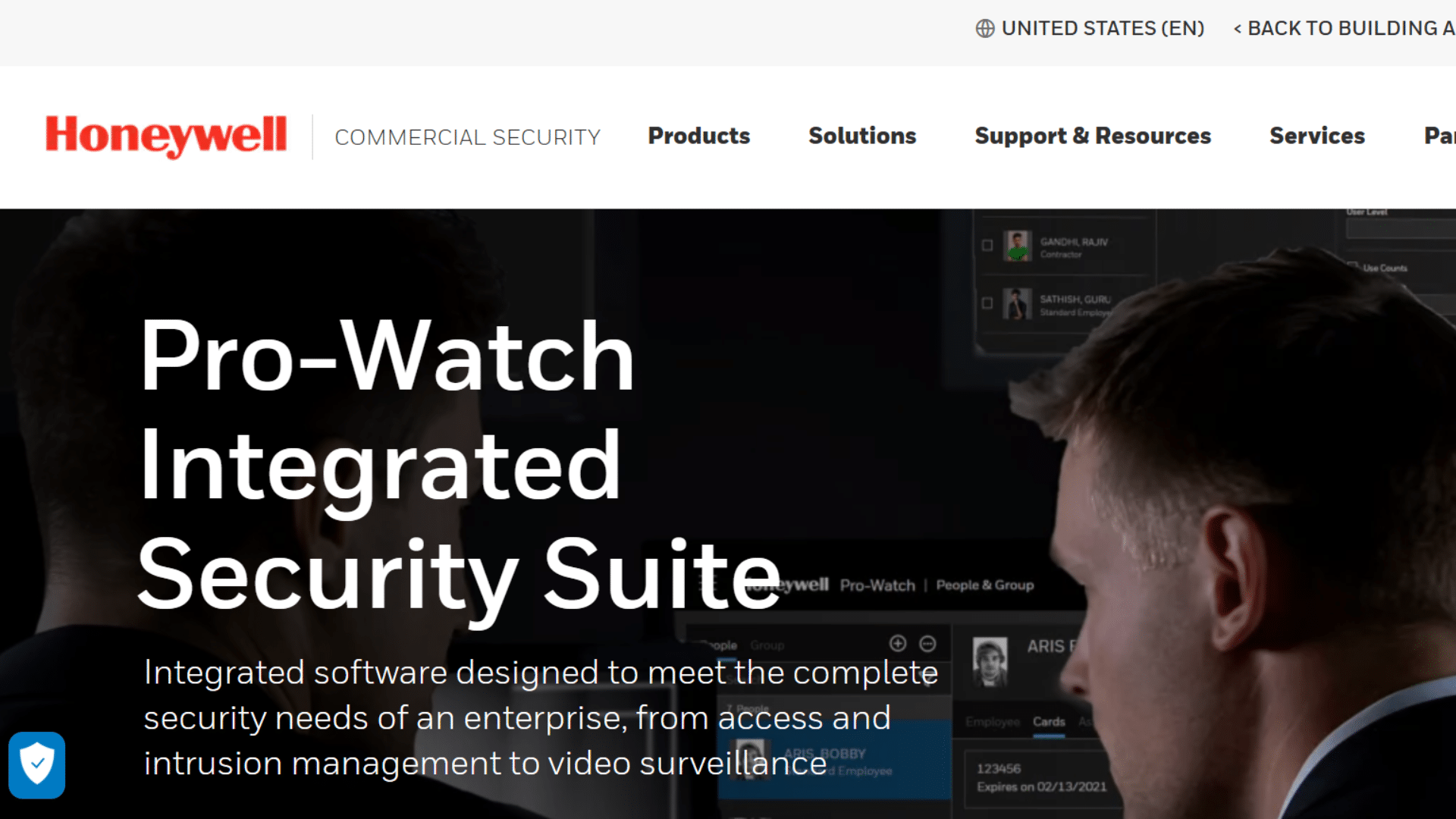
Best for: Manufacturing plants and enterprises with phased growth plans.
Pro Watch by Honeywell stands out for its modular design. You can start small and add features over time without rebuilding your system.
Its latest version includes AI-driven tailgating detection that flags when someone slips through a door while an authorized person is behind it.
Pros:
- Modular, pay for only what you need
- AI anomaly detection for suspicious access patterns
- Strong compliance audit trail tools
- Deep integration with Honeywell building systems
Cons:
- The starting cost is still high for smaller organizations
- Modules can add up in cost very quickly
- Some users report a steep learning curve at first
Price: Starting at $10,000 for small installations
Official Site: Honeywell Pro Watch
8. Okta Workforce Identity
Best for: Tech companies and hybrid-work organizations that need both digital and physical access control.
Okta bridges the gap between IT identity management and physical access control.
It is the go-to choice for companies that want a single system to manage app logins and building doors at the same time. With SSO and geo-fencing built in, it fits perfectly into modern hybrid work setups.
Pros:
- Single sign-on (SSO) for both apps and physical doors
- Geofencing and contextual access rules
- MFA across digital and physical environments
- The subscription model makes scaling easy
Cons:
- Physical access hardware integrations require third-party setup
- More IT focused, less suited for non-technical security teams
- Hardware costs are not included in the pricing
Price: From $6/user/month; enterprise packages available
Official Site: Okta Workforce Identity
9. Avigilon ACM
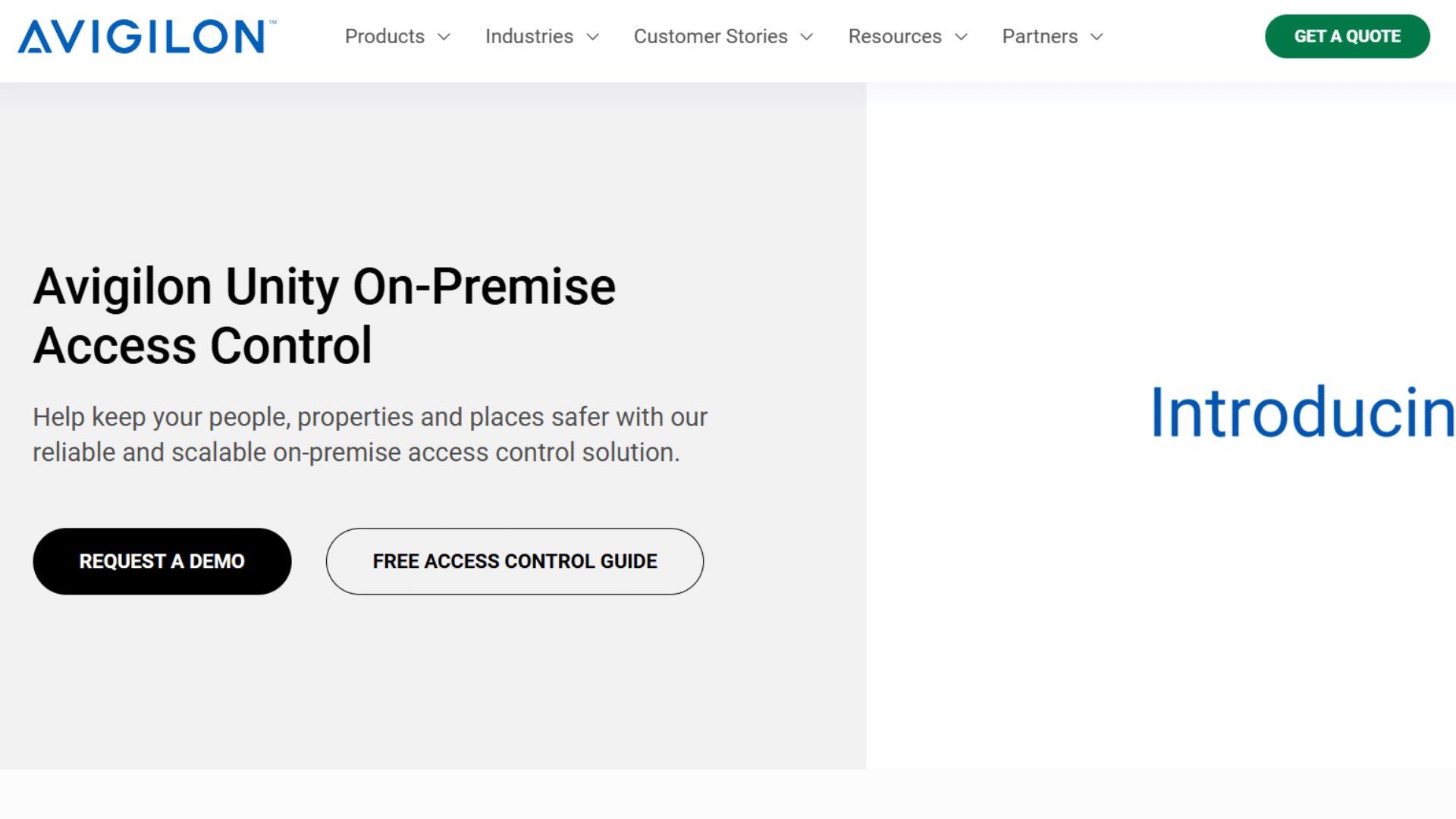
Best for: Hospitals, retail chains, and industrial facilities needing video-linked access control.
Avigilon, part of Motorola Solutions, merges access control with AI-driven video analytics. Every access event can be automatically cross-referenced with camera footage.
It also offers thermal imaging integration, a big plus for healthcare and factory environments.
Pros:
- Video and access events are automatically linked together
- Loitering and suspicious behavior alerts built in
- Thermal imaging support for specialized environments
- Strong ecosystem with Motorola Solutions tools
Cons:
- Higher cost than basic access control tools
- Requires professional installation and ongoing support
- The interface can feel complex for first-time users
Price: Entry at around $10,000; scales with modules added
Official Site: Avigilon
10. Salto KS
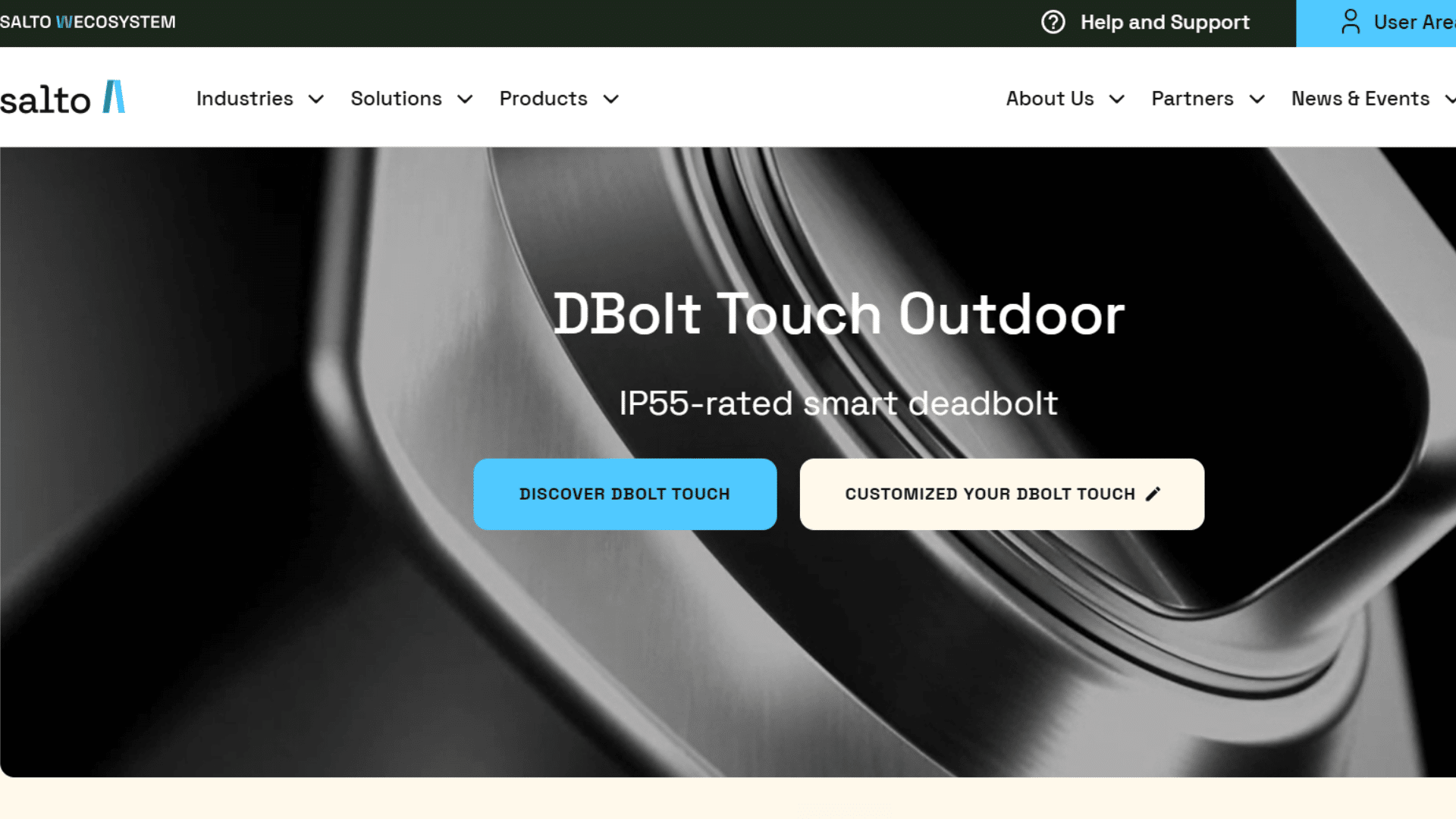
Best for: Businesses that need fine-grained time and door scheduling with cloud convenience.
Salto KS is a cloud-based door access control software that lets you define access down to specific days, times, and locks per user.
It is popular in coworking spaces, hospitality, and education settings where schedules change often.
Pros:
- Very detailed time and door scheduling per individual user
- Easy cloud management from anywhere in the world
- Real-time notifications and full event logs
- Good data analytics on access patterns
Cons:
- Office mode unlocks all doors at once; no single room option is available
- Smaller integration library than top-tier platforms
- Hardware costs are not bundled into pricing
Price: Contact Salto for a custom quote
Official Site: Salto KS
11. Dormakaba E Plex
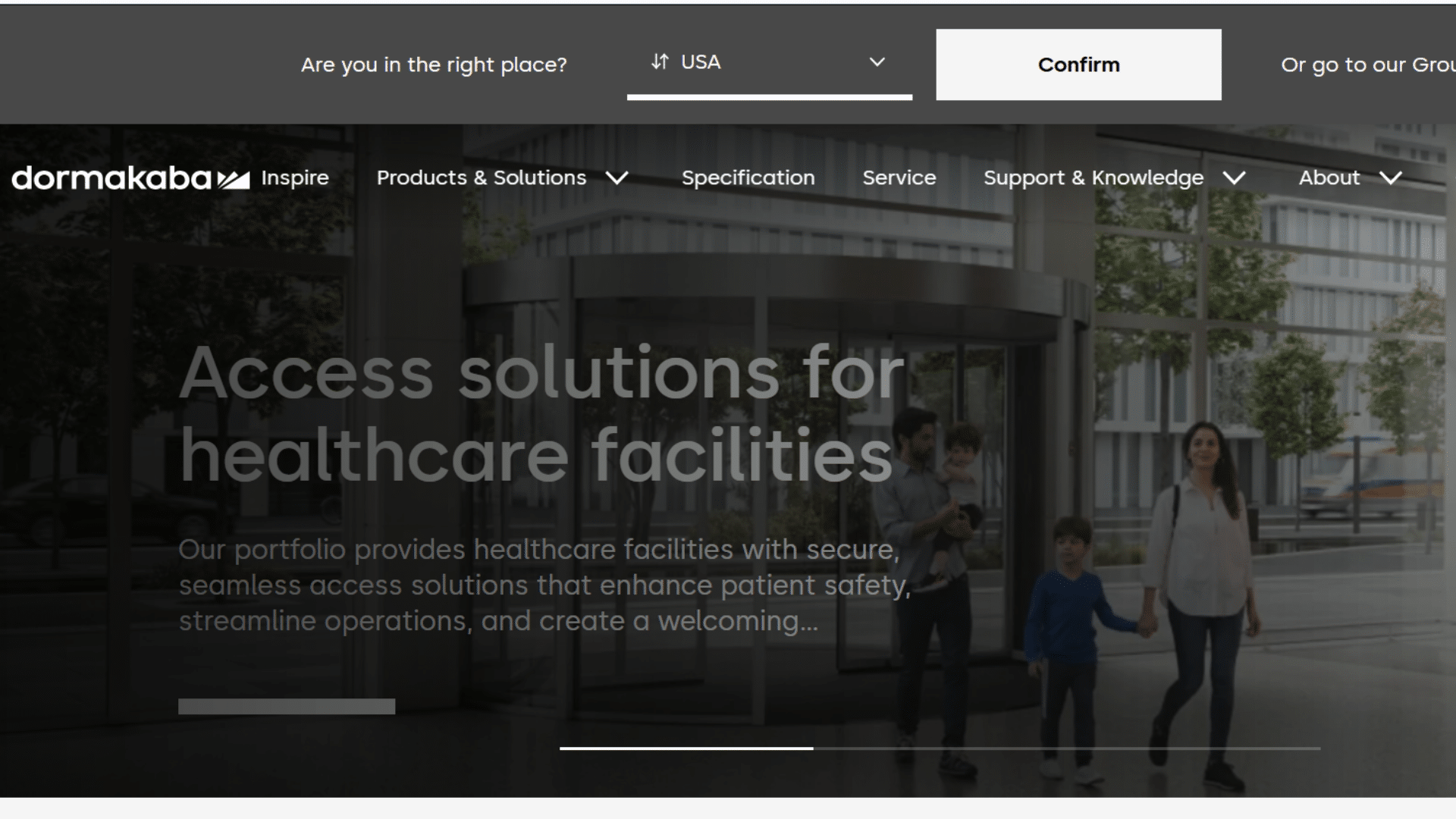
Best for: Organizations that want flexible wireless lock and software options from one vendor. Dormakaba offers both software and hardware under one roof, including electronic locks, readers, and keypads.
Their E Plex software covers access scheduling, visitor management, and holiday access blocks. It is a solid pick when you want hardware and software from one trusted brand.
Pros:
- Covers both hardware and software needs
- Access scheduling with holiday and vacation blocks
- Visitor management is built directly into the platform
- Hardware integrates with third-party systems like Kisi
Cons:
- Less modern UI compared to cloud native tools today
- Pricing details are not fully transparent online
- Support experience can vary depending on your region
Price: Contact Dormakaba for pricing details
Official Site: Dormakaba E Plex
12. ADT Commercial Access Control
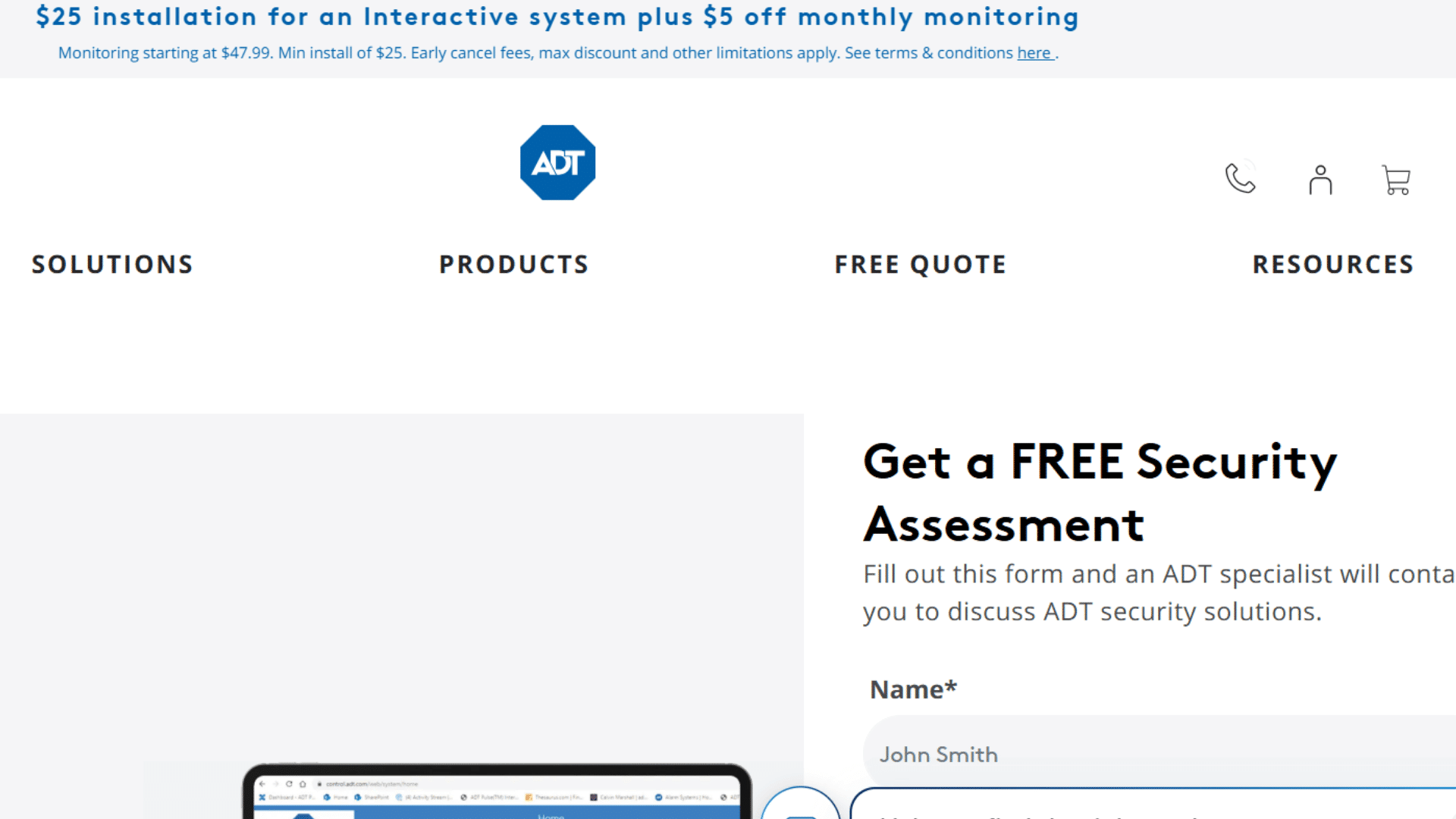
Best for: Businesses that already use ADT for alarms and want to add access control on top. ADT has been in the security business for decades.
Their ADT Pulse platform introduced mobile access control and real-time alerts to their existing customer base.
It works best for companies already inside the ADT ecosystem who want to add door control without switching vendors.
Pros:
- Integrated security ecosystem covering alarms, cameras, and access
- Mobile app for remote monitoring and management
- Real-time alerts for suspicious or unusual activity
- Keycard reader and intercom support included
Cons:
- Limited customization for reporting and analytics
- Pricing is not listed online, requires a consultation
- Reporting tools lag behind newer cloud-only competitors
Price: Contact ADT for a free security assessment and quote
Official Site: ADT Commercial Access Control
13. Acre Security (ACT365)
Best for: Multi-door organizations that want a scalable cloud solution with easy integration.
Acre Security’s ACT365 is a cloud-based access control platform that handles single or multiple locations from one clean interface.
Intelligent door readers and encrypted smart cards make movement between spaces fast and easy for both users and admins.
Pros:
- Highly scalable, great for growing multi-location setups
- Easy to integrate with other business apps
- Encrypted smart card support for stronger security
- Simple, approachable interface for non-technical teams
Cons:
- The entry-level tier is limited to only eight doors
- End user support goes through the installer, not directly to Acre
- Pricing is not clearly listed on the website
Price: Contact Acre for a quote
Official Site: Acresecurity
14. ISONAS Pure Access Cloud
Best for: Small businesses that want a lightweight, low-hardware cloud access system.
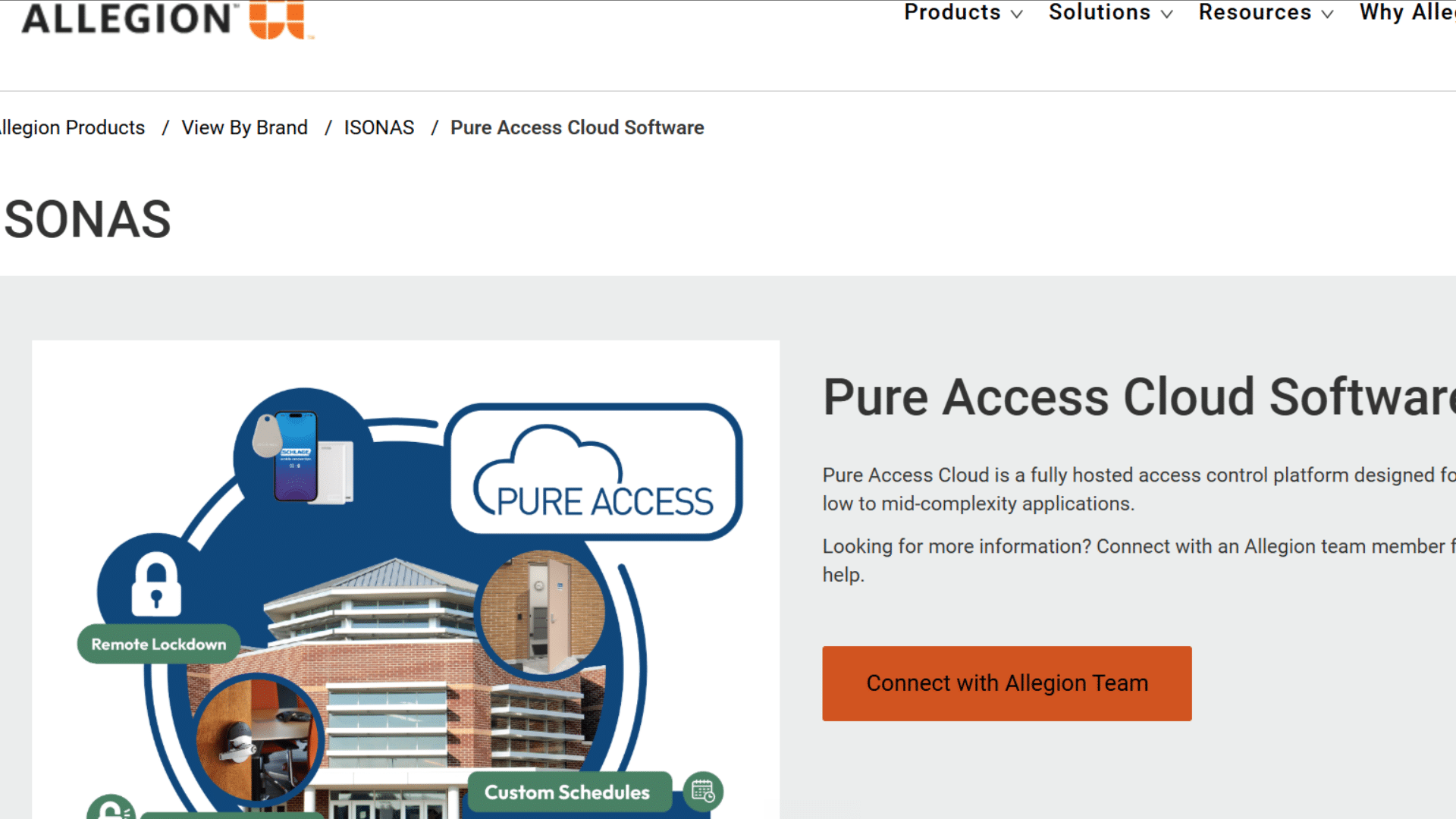
ISONAS, now owned by Allegion, runs as a pure IP-based system. It requires very little hardware because it runs in a web browser.
Pure Access Cloud works best for low to mid-complexity applications where a simple, clean setup is the priority.
Pros:
- Minimal hardware requirements keep upfront costs low
- Web browser-based, no software to download or install
- Customizable dashboards for different admin needs
- Good fit for small offices with only a few access points
Cons:
- Not built for large enterprise-level deployments
- Limited advanced analytics compared to bigger platforms
- Support is handled through Allegion, which can be slow to respond
Price: Contact Allegion for pricing details
Official Site: ISONAS
15. SecureSlate
Best for: Startups and SMBs that need identity and access governance tied to compliance.
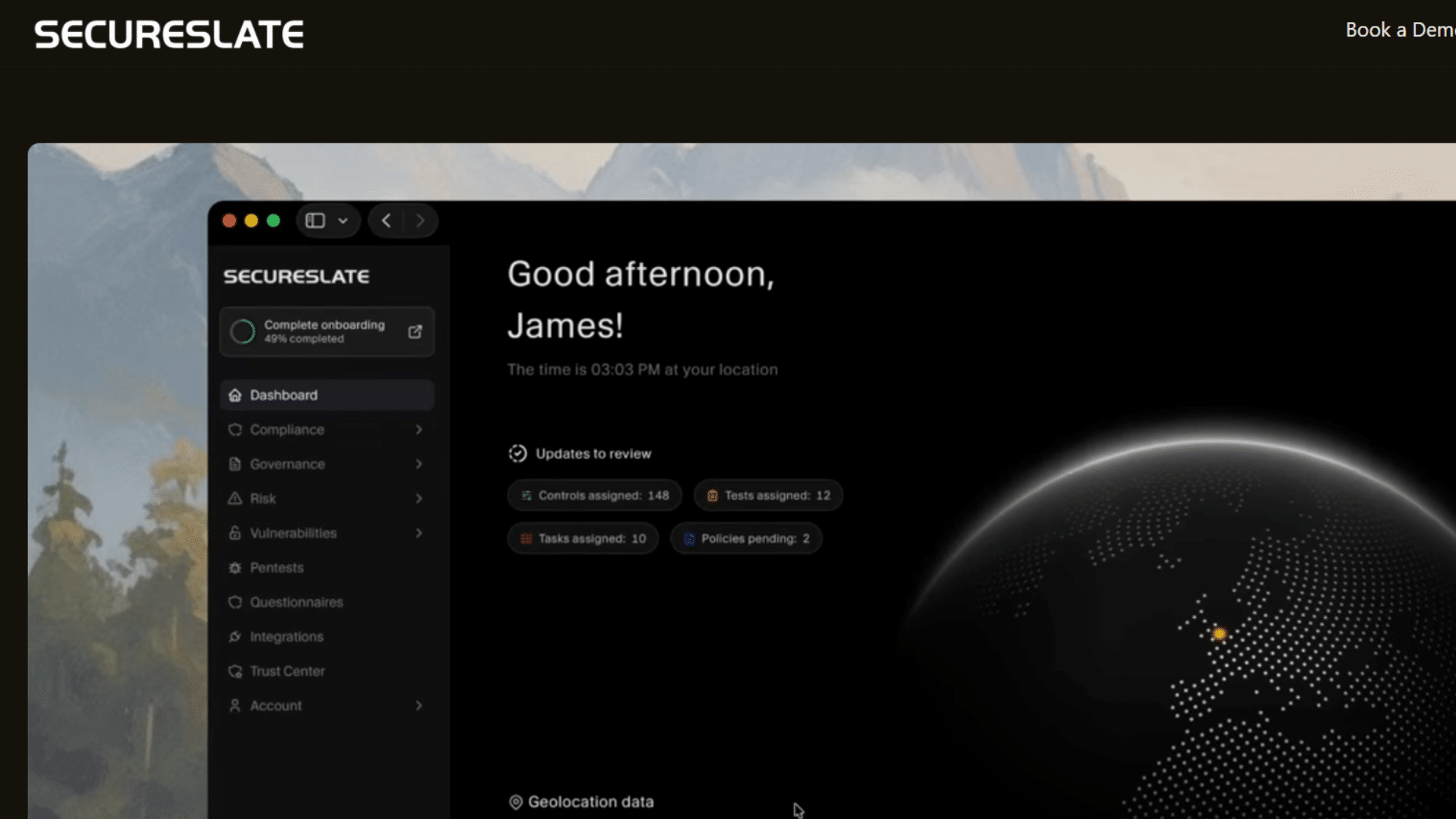
SecureSlate is not a traditional door access system. It is a compliance-first platform that governs digital identity and access.
It is ideal for companies working toward SOC two, ISO 27001, or HIPAA certification who need to prove who has access to what across their systems and tools.
Pros:
- Streamlines access policies for compliance, including SOC two, ISO 27001, and HIPAA
- Automated audit trails and evidence collection save hours of prep work
- Role-based access control with clear ownership records
- Affordable plans designed for small teams
Cons:
- Focused on digital access governance, not physical door control
- Not a standalone physical security solution on its own
- Smaller feature set than full enterprise platforms
Price: Starts at $284/month
Official Site: Secureslate
How to Choose the Right Access Control Software
Now that you have seen all fifteen options, here is a quick framework for picking the right one. Different businesses have very different needs, so match the tool to your situation.
| Business Type | Recommended Tools | What to Look For |
|---|---|---|
| Small Businesses (1–25 employees) | Kisi, Brivo, ISONAS, Acre ACT365 | Choose a cloud-based system that is easy to set up and priced per door, so costs stay predictable and low. |
| Mid-Size Companies (25–500 employees) | Verkada, Avigilon, Salto KS | Look for stronger reporting, more integrations, and simple management for multiple doors or floors without needing a large IT team. |
| Large Enterprises (500+ employees) | LenelS2 OnGuard, Genetec, Honeywell Pro-Watch, Johnson Controls | Choose platforms built for large-scale use, complex compliance needs, and multi-site deployments. |
| Compliance-Heavy Industries (Healthcare, Finance, Government) | SecureSlate | Prioritize digital governance, HIPAA support, GDPR support, audit logs, and compliance-focused features. |
| Tech and Hybrid Work Companies | Okta Workforce Identity with Kisi or Verkada hardware | Use Okta to integrate IT and physical access, then pair it with modern access-control hardware for full coverage. |
Common Features to Look For in Any Access Control Software
When comparing access control software, keep these features on your checklist. They separate a truly useful system from one that just ticks a basic security box:
- Multi-factor authentication (MFA): Requires more than one proof of identity before granting access to any space or system
- Role-based access control (RBAC): Limits what each person can access based on their job title or department
- Visitor management: Lets you register guests, issue temporary passes, and log their entry and exit automatically
- Mobile credentials: Let employees use their phones instead of key cards for a better daily experience
- Real-time alerts: Notifies admins the moment something unusual or unauthorized happens
- Audit trail and reporting: Logs every access event with timestamps, which is critical for compliance reviews
- Cloud vs. on-premise: Cloud is easier to manage remotely, while on-premise gives more control for regulated industries
- SSO integration: Connects with your existing identity tools so users have one login for everything they need
At the End
Choosing the right access control software is one of the most important security decisions your business will make.
Even if you are a small startup protecting one office or a large enterprise securing dozens of facilities, there is a tool on this list built for your exact needs.
Start by asking three questions: How many doors or users do I need to manage? Do I need to meet any compliance requirements? And how technical is my team?
The answers will point you straight to the right platform without wasting time on the wrong ones. Kisi, Verkada, and Brivo are the top picks for most US businesses this year.
For enterprise deployments, LenelS2 and Genetec lead the field. For compliance-first teams, SecureSlate is a smart starting point that will save you hours of audit prep.
Ready to get started? Pick two or three tools from this list, request a free demo from each, and compare them side by side. Your security upgrade is one demo call away.
Frequently Asked Questions
What is Access Control Software?
Access control software manages who can enter a space or system by controlling and logging user permissions digitally.
How Much does Access Control Software Cost?
Costs range from six dollars per user per month to over twenty-five thousand dollars for large enterprise systems.
Does Access Control Software Work with Security Cameras?
Yes, most platforms like Avigilon, Genetec, and Verkada link access events directly to your existing camera footage.
Is Cloud-Based Access Control Software Safe to Use?
Yes, reputable cloud platforms use strong encryption and multi-factor authentication to keep all your access data secure.