


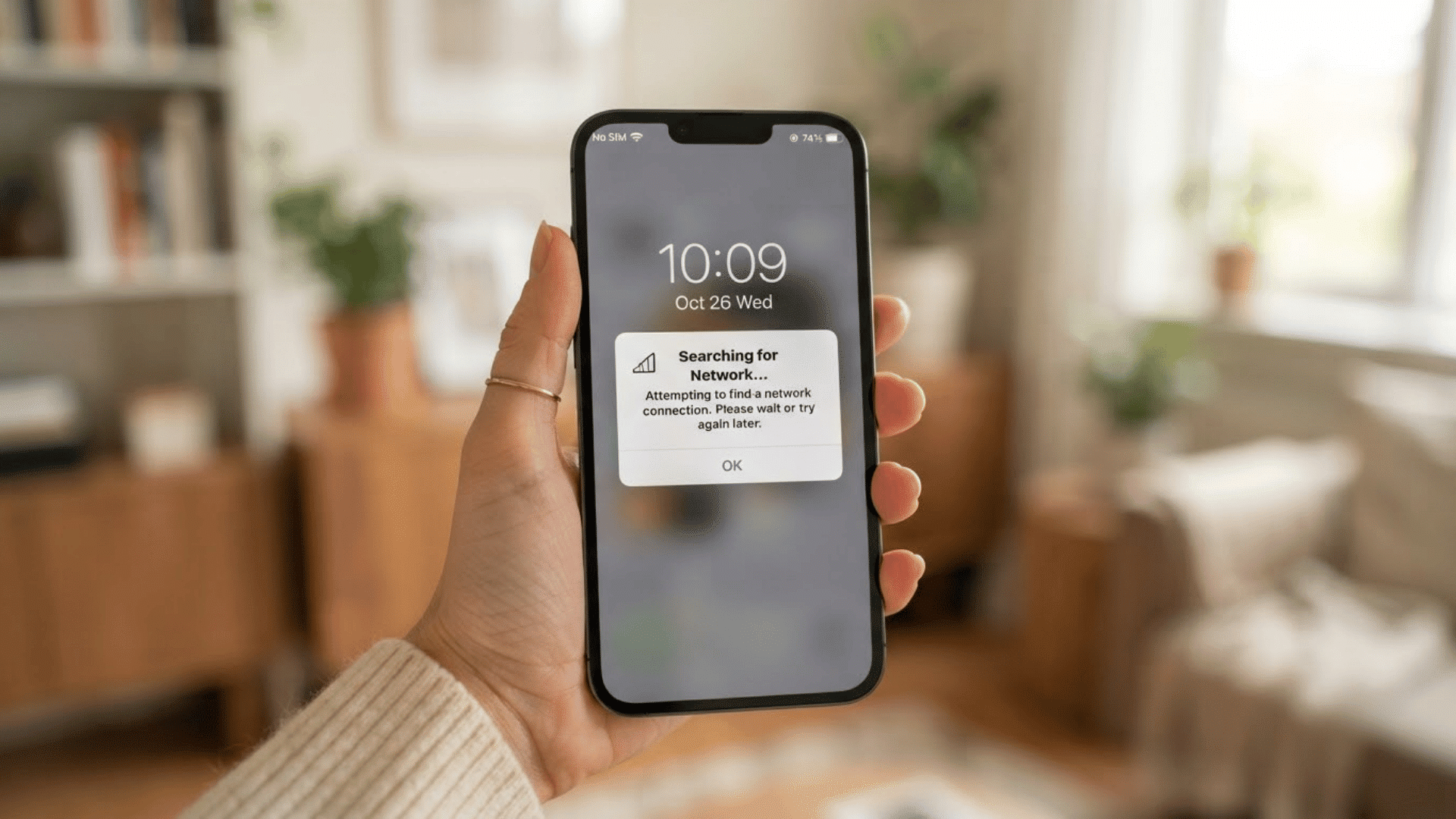
A weak WiFi signal can turn a simple video call or a quick file upload into a frustrating delay, especially in a home with thick walls, multiple floors, or a router tucked in a back office.
Trying to fix dead zones raises one question: Wi-Fi extender vs booster, which actually eliminates weak signals instead of shifting them.
While these terms are often used interchangeably, they can refer to different ways of extending wireless range.
I’ve set up both types in older houses with stubborn dead spots, and the difference mostly comes down to what each device is actually built to do.
This comparison breaks down how extenders and boosters work, where mesh WiFi fits into the picture, and how to choose the right option.
What Is a WiFi Extender?
A WiFi extender is a device that expands the coverage area of an existing wireless network by receiving the router’s signal and rebroadcasting it to locations with weak or no connection.
It does not create a new internet connection; instead, it works as a bridge between the router and devices in areas such as basements, upper floors, or distant rooms.
The extender captures the available WiFi signal, strengthens its reach, and creates an extended coverage area where devices can connect more reliably.
For the best performance, it should be placed between the router and the area with poor coverage, where it can still receive a strong signal.
What Is a WiFi Booster?
A WiFi booster is a general term used for devices that improve wireless network coverage and performance, which is why it is often confused with WiFi extenders and repeaters.
In many cases, a booster works by receiving the existing signal from a router and rebroadcasting it to areas with weak or limited connectivity.
Depending on the device type, it may extend range, strengthen signal coverage, or provide a more stable connection through technologies like wireless repeaters, powerline adapters, or mesh systems.
WiFi boosters are useful for reducing dead zones caused by distance, walls, or multiple floors in a home or office.
Proper placement is important, as the device needs a strong connection to the router to deliver better coverage.
WiFi Extender vs Booster: What Are the Key Differences?
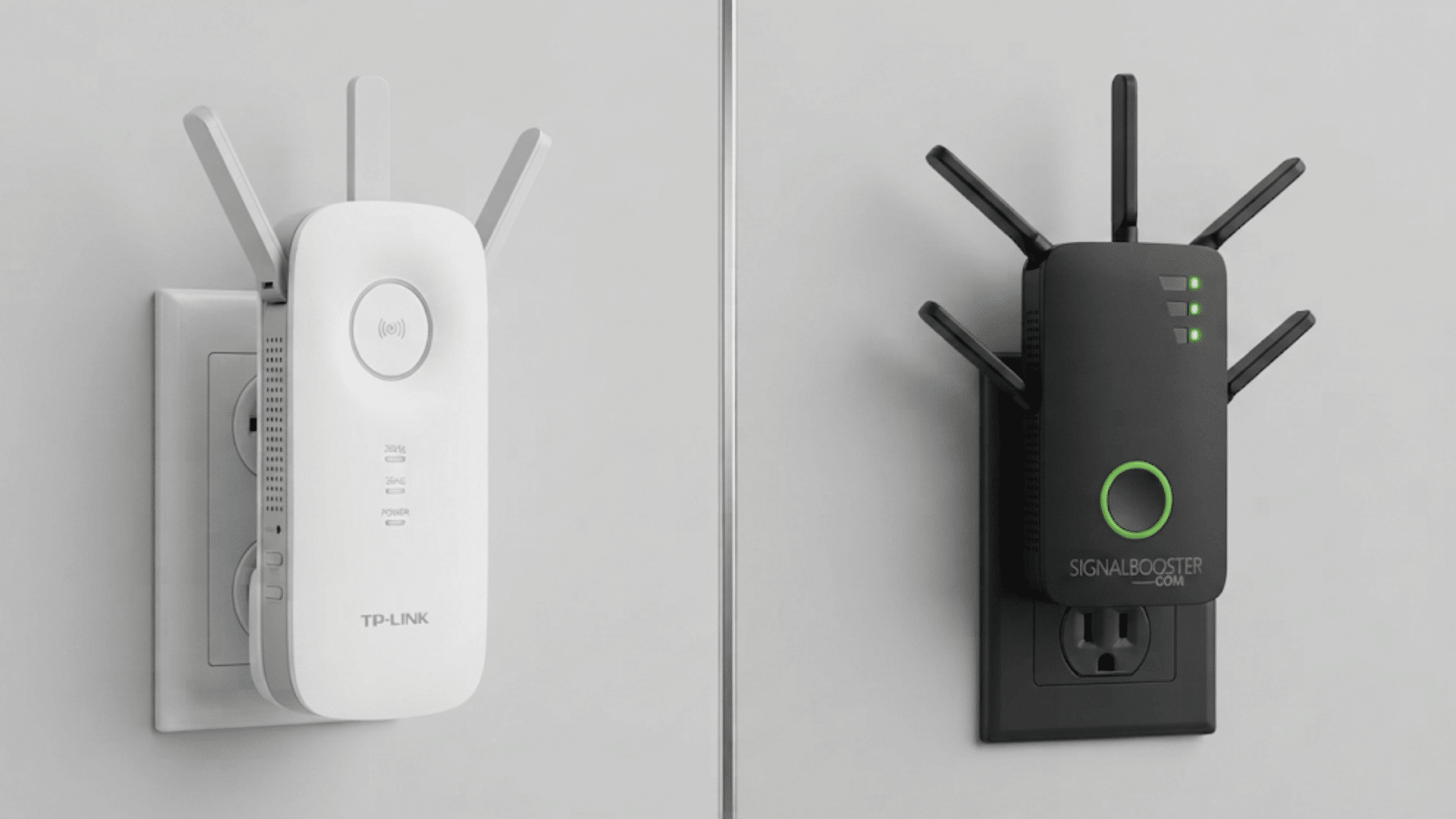
Both devices aim to improve wireless coverage, but they work differently. Understanding these differences helps you choose the right solution for better speed, range, and reliability.
1. How They Improve Wi Fi Coverage
A WiFi extender receives the existing router signal and rebroadcasts it to areas with weak coverage, helping eliminate dead zones.
A WiFi booster is a broader term that refers to devices designed to strengthen or improve wireless performance by expanding range, improving signal reach, or enhancing connectivity in problem areas.
2. Signal Strength and Performance
WiFi extenders perform best when placed in a location where they can receive a strong signal from the router before extending it further.
WiFi booster performance depends on the device type, placement, network conditions, and how effectively it improves overall wireless coverage and speed.
3. Setup and Ease of Use
Most WiFi extenders are simple to install using features like WPS buttons, mobile apps, or guided setup instructions.
WiFi boosters may have different installation processes depending on their technology and features, making setup easier for some devices and more advanced for others.
4. Best Use Cases
WiFi extenders are ideal for fixing weak signals in specific rooms, floors, or areas where coverage drops.
WiFi boosters are better suited for users who need broader improvements, such as increasing coverage across larger homes, offices, or spaces with multiple connectivity challenges.
Factors to Consider Before Choosing an Extender or a Booster
- Home Size and Layout: Larger homes, multiple floors, and obstacles like thick walls can affect signal strength and may require a device with wider coverage.
- Distance From the Router: The placement of your extender or booster matters. A device placed too far from the router may receive a weak signal and deliver limited improvement.
- Internet Speed and Router Performance: Extenders and boosters can improve coverage but cannot increase the internet speed provided by your service plan or fix an outdated router.
- WiFi Standards and Compatibility: Check if the device supports your router’s WiFi standard, frequency bands, and network requirements for smooth performance.
- Coverage Needs and Device Usage: Consider the number of connected devices and activities like streaming, gaming, or video calls to choose a solution that matches your needs.
How Your Existing Network Affects WiFi Performance?
According to the National Institute of Standards and Technology, wireless networks depend on proper configuration, compatible devices, and secure deployment practices to maintain reliable performance.
- Router Performance: An outdated or poorly placed router can limit extender or booster performance. A modern router with updated WiFi standards provides a stronger foundation for better coverage.
- Wired vs Wireless Connections: Ethernet connections offer more stable and reliable performance for high-bandwidth activities, while wireless connections provide greater flexibility for everyday use.
- WiFi Interference and Signal Quality: Walls, electronic devices, nearby networks, and distance from the router can weaken signals. Proper placement and reduced interference help improve connection quality.
- Device Compatibility: Ensure your extender or booster supports your router’s WiFi standards, frequency bands, and network needs to maintain reliable performance across connected devices.
WiFi Extender vs Booster vs Mesh WiFi
Compare WiFi extenders, boosters, and mesh WiFi systems to understand their coverage, performance, setup, and ideal use cases.
| Factor | WiFi Extender | WiFi Booster | Mesh WiFi |
|---|---|---|---|
| Main Purpose | Extends existing WiFi coverage | Improves signal strength and performance | Creates a unified network with multiple nodes |
| Coverage Area | Best for small areas and dead zones | Helps improve weak connections | Ideal for large homes and offices |
| Network Performance | May reduce speed due to signal rebroadcasting | Depends on device type and setup | Provides smoother coverage with node switching |
| Setup Process | Simple setup with WPS or apps | Varies by device features | Requires multiple nodes but easier management |
| Best Choice For | Adding coverage in specific rooms | Improving overall WiFi strength | Seamless coverage across large spaces |
Common Mistakes to Avoid when Using WiFi Extenders and Boosters
Using WiFi extenders and boosters incorrectly can limit their performance. Avoiding common setup and usage mistakes helps maintain better coverage, stability, and connection quality.
- Placing the Device Too Far From the Router: Keeping the extender or booster outside the router’s strong signal range can reduce its ability to improve coverage.
- Expecting Faster Internet Speeds: These devices improve WiFi reach but cannot increase the internet speed provided by your service plan.
- Ignoring Router Performance: An outdated or weak router can limit results, even with a high-quality extender or booster.
- Using Too Many Extension Devices: Adding multiple devices without proper planning can create network interference and reduce performance.
- Poor Device Placement: Placing the extender near obstacles like thick walls or appliances can weaken signal transmission and coverage.
Note: It also helps to rule out the device itself first, since a single device running slow on WiFi isn’t always a coverage problem at all.
Which One Should You Choose?
The right choice between a WiFi extender and booster depends on your coverage needs, home layout, and current network setup.
A WiFi extender is practical for fixing weak signals in specific rooms or corners.
For larger spaces or more complex connectivity issues, a booster or advanced solution like a mesh system may provide better results.
Your budget, router performance, and the number of connected devices should also influence your decision.
Instead of focusing only on the device name, identify the problem you need to solve, such as dead zones, unstable connections, or limited range, and choose the option that best fits your requirements.
Conclusion
Choosing between a WiFi extender and booster becomes easier when you understand how each device works and what your network needs.
A WiFi extender rebroadcasts the router’s signal, while a booster broadly improves WiFi coverage and performance.
Although the terms are often used interchangeably, their features can vary. Factors like router quality, home layout, device compatibility, and signal interference all affect results.
Avoiding common setup mistakes, such as poor placement or expecting faster internet speeds, helps improve performance.
The best choice depends on your specific coverage issues, budget, and network setup. Taking time to evaluate your needs can help create a more reliable and connected WiFi experience.
Frequently Asked Questions
Do WiFi Boosters Work with All Routers?
Most WiFi boosters work with common routers, but compatibility depends on WiFi standards, frequency support, and the network features of your router.
Can a WiFi Booster Improve Signal Strength without Extending Range?
Some WiFi boosters focus on improving signal quality and stability, while others extend coverage by reaching areas with weak connections.
Does a WiFi Extender Need to Stay Connected to The Router?
Yes, a WiFi extender must receive a signal from the router to rebroadcast it and improve coverage in weaker areas.
Are WiFi Boosters Worth Buying for Apartments?
WiFi boosters can help in apartments with signal issues caused by walls, distance, or interference from nearby wireless networks.
Can a WiFi Extender or Booster Support Multiple Devices at Once?
Yes, most modern extenders and boosters support multiple connected devices, but performance depends on bandwidth, device usage, and network capacity.