



Every time you open a website, stream a movie, send an email, or play an online game, a server is working behind the scenes.
It takes your request, finds the information you need, and delivers it to your device in just a few seconds.
A computer server may be a powerful physical machine, but it can also be software running on an ordinary computer.
Its main job is to provide data, applications, or services to other devices connected through a network.
Understanding what a server is makes it easier to see how websites, cloud storage, email, and many other digital services work.
Key Points to Remember
|
What Is a Computer Server?
A computer server is a physical machine or software system that provides data, applications, or services to other devices over a network.
These connected devices, known as clients, send requests to the server and receive the required information in response.
For example, when you open a website, your browser requests its content from a web server.
The server processes the request and sends back the page files, images, and other resources needed for display.
A server may be a dedicated physical computer, a virtual machine hosted in the cloud, or server software running on a regular computer.
Its form depends on the required workload, storage capacity, security needs, expected traffic, and overall performance demands.
What Does a Computer Server Do?
A computer server works behind the scenes to process requests and keep digital services running smoothly for users.
- Delivers Website Content: It sends web pages, images, videos, and other requested files directly to your browser.
- Stores and Shares Files: It keeps files in one place and allows authorized users to access them remotely.
- Runs Applications: It hosts software and provides the computing power needed for multiple people to use it.
- Manages Data: It stores, organizes, and retrieves information whenever a connected device or application requests it.
- Controls Access: It checks user permissions and protects sensitive files, applications, and network resources from unauthorized access.
How Does a Computer Server Work?
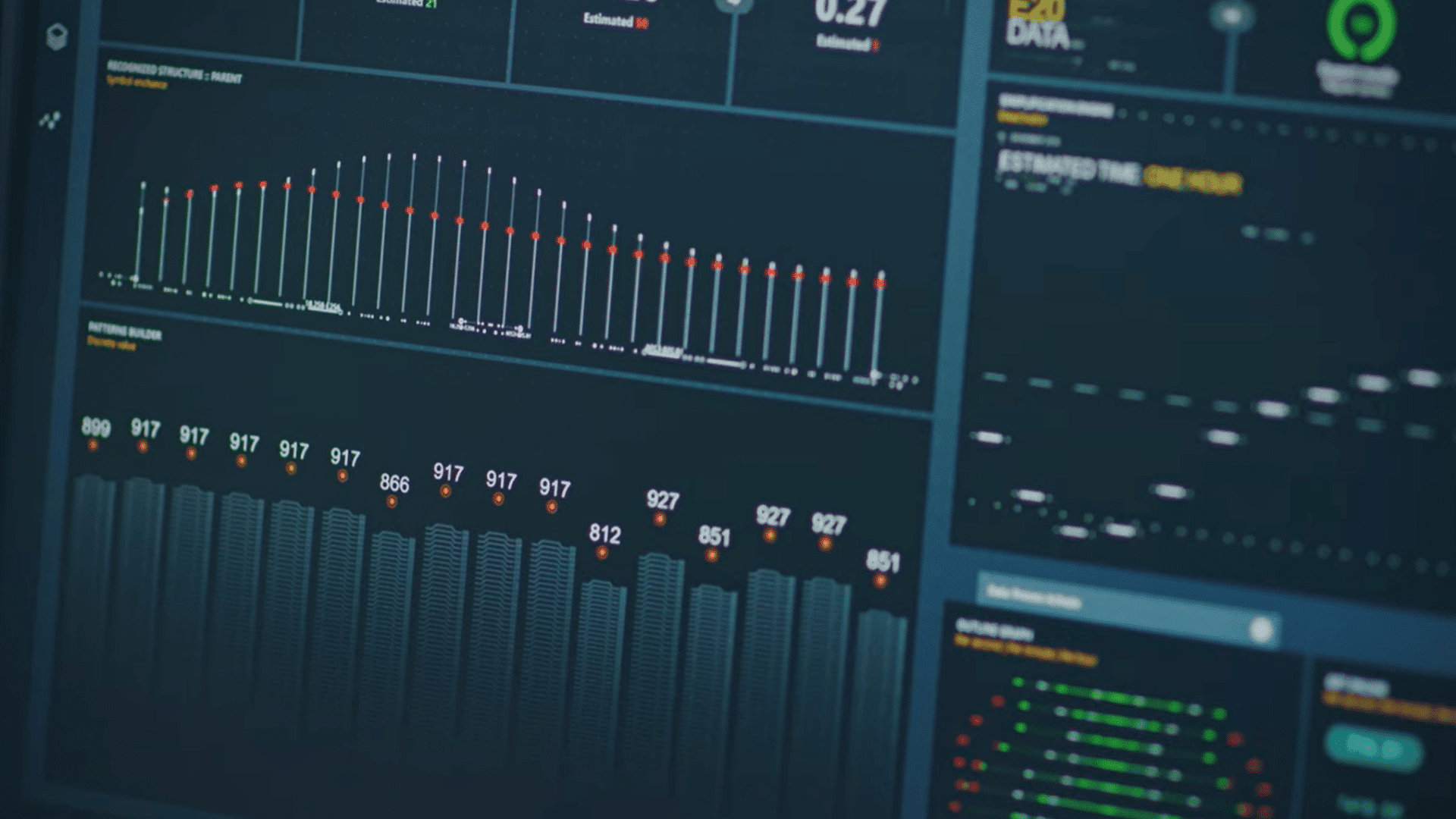
A computer server follows a simple request-and-response process to provide websites, files, applications, and other online services.
Step 1: The Client Sends a Request
The process begins when a client, such as a phone, computer, browser, or application, sends a request to a server.
For example, entering a website address tells your browser to request that specific webpage.
The request then travels through your local network and the internet using standard communication rules.
It contains important details that help the server identify the exact information, file, page, or service the client needs before preparing the correct response.
Step 2: The Server Receives the Request
The request reaches the server responsible for providing the required data or service.
Server software reads the request details carefully and identifies the exact data, file, application, or service the client needs.
When many people use the same website or application, the server organizes and processes their requests at the same time.
Network tools may distribute incoming requests across several servers. This prevents one machine from becoming overloaded, slowing down, or responding late.
Step 3: The Server Processes the Request
The server checks the request, identifies what the client needs, and follows the required instructions to complete the task accurately.
This may involve running an application, confirming login details, checking user permissions, or performing calculations.
Security systems may inspect the request to block suspicious activity or unauthorized access.
The processor completes the required calculations and follows instructions to process each client request accurately and efficiently.
Meanwhile, the memory holds active data while the server manages requests from connected clients.
Step 4: The Server Finds the Required Data
After processing the request, the server searches its connected storage systems or databases to locate the required information.
It may retrieve website files from storage, collect customer details from a database, or load content from another connected server.
Some frequently requested information may already be stored in a Cache, allowing the server to access it faster.
The server then organizes the selected files or data into a suitable response that the client device can receive, read, and display properly for the end user.
Step 5: The Server Sends the Response
The server sends the requested data through the network and delivers it securely to the correct client device.
For a website request, the response may include text, images, stylesheets, scripts, videos, and other page files.
Your browser reads this content and arranges each element into the webpage displayed on your screen. The entire exchange usually happens within seconds.
If the server cannot complete the request, it sends an error message that identifies or explains the problem clearly to the user.
What Happens when You Open a Website?
Opening a website starts a quick exchange between your browser and the server hosting the requested page.
- Domain Lookup: Your browser uses the entered domain name to identify the server hosting the website.
- HTTP Request: Your browser sends an HTTP request to the identified server asking it to provide the webpage.
- Page Preparation: The web server locates the required files or creates the page using information stored in databases.
- Content Delivery: The server returns the completed page content so your browser can display every requested website element.
- Quick Response: This exchange usually takes only seconds, so the website appears on your screen almost instantly.
Is a Server Hardware or Software?
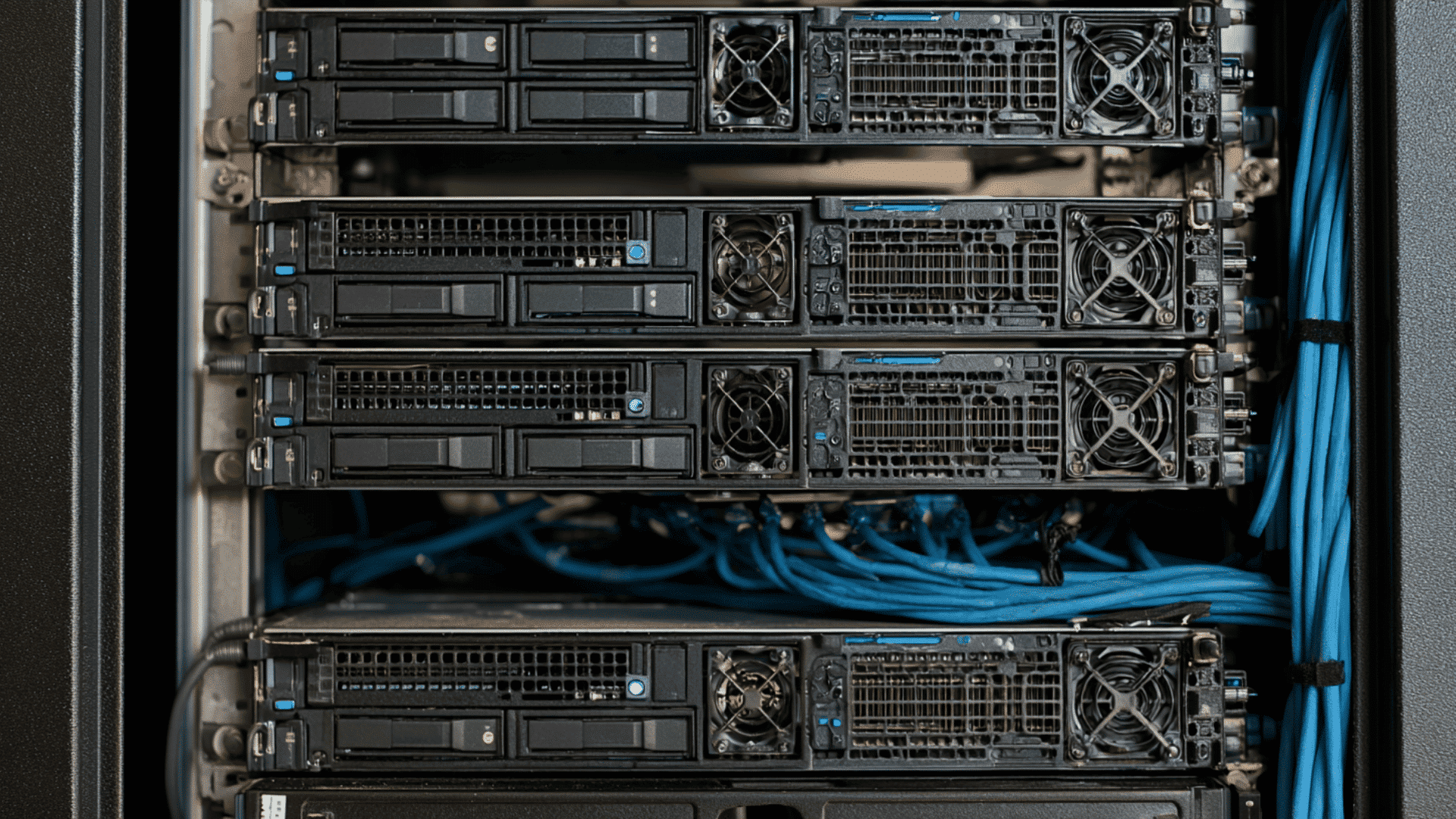
A server can be physical hardware, specialized software, or a combination of both. Server hardware is physical computer equipment that provides processing power, memory, storage, and network connections in towers or racks.
Server software is a program that receives requests and provides services, such as delivering webpages, managing emails, or sharing files.
An ordinary computer can work as a server when it runs the required software. One physical machine can also run several virtual servers at the same time.
Simply put, hardware provides the resources, while software controls how the server performs its job.
What are the Main Components Inside a Server?
A server contains several hardware components that work together to process requests, store data, and maintain reliable performance.
- Processor (CPU): Executes instructions and handles calculations, applications, and user requests.
- Memory (RAM): Temporarily stores active data for faster processing and smoother performance.
- Storage Drives: Hard drives or SSDs store operating systems, applications, and files.
- Motherboard: Connects the processor, memory, storage, and other hardware components.
- Network Interface Card: Connects the server to a network and transfers data between devices.
- Power Supply: Provides electricity to all server components, often with a backup unit.
- Cooling System: Uses fans or liquid cooling to prevent overheating during continuous operation.
Understanding the Difference Between a Client and a Server
A client requests data or services, while a server receives that request and provides the required response. They work together through a network.
| Feature | Client | Server |
|---|---|---|
| Main Role | Requests data or services | Provides data or services |
| Common Examples | Laptop, phone, browser, or app | Web file, email, or database server |
| User Interaction | Used directly by the user | Usually works in the background |
| Connections | Connects to one or more servers | Handles requests from many clients |
| Operating Time | Runs when needed | Often operates continuously |
Types of Servers and Their Uses
Different servers perform specific jobs, from loading websites and storing files to managing emails, databases, and online games.
- Web Server: It stores website files and sends webpages, images, and other content to browsers when users request them.
- File Server: It keeps files in one central location so authorized users can access, share, and manage them.
- FTP Server: An FTP Server explains how files move between networked computers.
- Database Server: It stores organized information and retrieves specific records when websites, applications, or users request them.
- Email Server: It sends, receives, stores, and organizes email messages for individuals, businesses, and other connected users.
- Application Server: It runs software and processes application tasks for multiple users without requiring local installation on every device.
- DNS Server: It converts familiar domain names into IP addresses that help browsers locate the correct website server.
- Proxy Server: It passes requests between clients and other servers while supporting privacy, security, filtering, or traffic control.
- Game Server: It manages player connections, actions, and shared environments during online multiplayer games.
Server vs Regular Computer
A server and a regular computer may use similar hardware, but they are designed for different purposes and workloads.
| Feature | Server | Regular Computer |
|---|---|---|
| Main Purpose | Provides data and services to other devices | Handles tasks for one primary user |
| Workload | Manages many requests at the same time | Runs personal applications and everyday tasks |
| Operating Time | Often runs continuously | Usually operates only when needed |
| Hardware | May include powerful or backup components | Usually uses standard consumer components |
| Storage | Often provides large or shared storage | Stores files mainly for one user |
| Management | Commonly monitored and controlled remotely | Usually managed directly by its user |
| Cost | Varies based on capacity and purpose | Generally costs less than business servers |
Where Are Computer Servers Located?
Computer servers can operate wherever reliable power, cooling, security, and network access are available. Common locations include:
- Homes and Offices: Small servers may operate locally to manage files, devices, backups, or other basic tasks.
- Dedicated Server Rooms: Businesses often store servers in controlled rooms with secure access, cooling, and backup power.
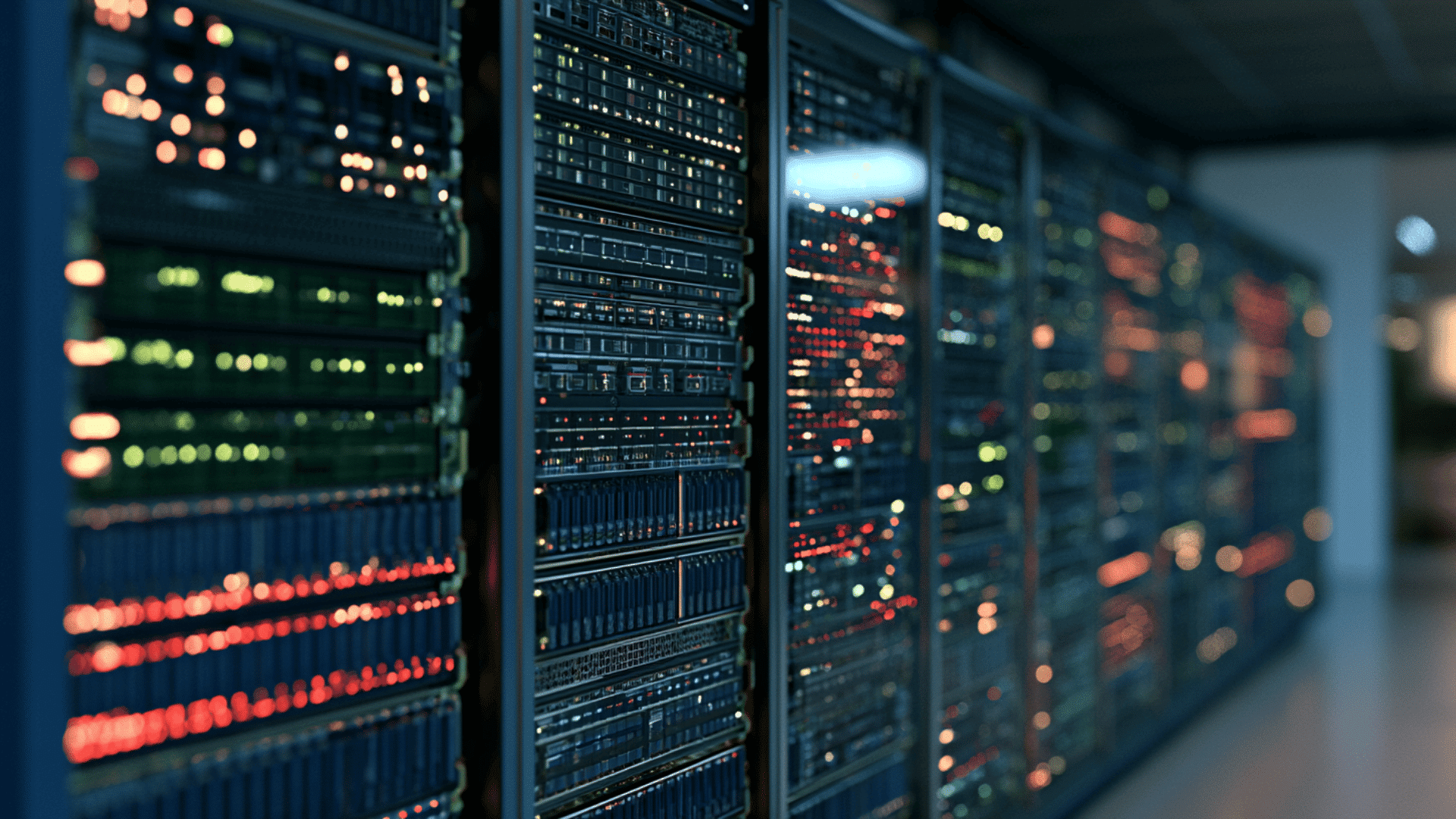
- Data Centers: These large facilities contain thousands of secured servers supported by cooling, fire protection, backup electricity, and fast networks.
- Edge Locations: Edge servers operate closer to users or connected devices, processing data nearby to reduce delays.
NOTE: Cloud services may appear invisible, but they depend on physical servers running inside data centers worldwide.
Can a Regular Computer Be Used as a Server?
Yes, a regular computer can work as a server when it runs software that provides data or services to other devices.
A home computer might host a small website, share files, stream personal media, run a private game, or manage smart-home devices.
However, an everyday computer may not match the reliability of dedicated server hardware.
It may have limited storage, slower network speeds, basic cooling, and no backup power. It must also remain switched on whenever users need its services. Security matters as well, especially if the computer is available through the internet.
Regular computers suit light workloads, while businesses often need dedicated or cloud servers for performance, security, and uptime.
Everyday Examples of Computer Servers
Many everyday online activities rely on connected servers working together without appearing directly on your screen.
- Streaming: Media servers deliver video and audio files smoothly to your device while you stream movies or shows.
- Cloud Storage: Cloud servers store photos and documents online, allowing you to access them from multiple authorized devices.
- Online Shopping: Web, application, and database servers display products, manage shopping carts, and securely process customer orders online.
- Online Gaming: Game servers connect players, process their actions, and keep shared online matches synchronized in real time.
- Banking: Banking servers verify account details, process transactions, and protect sensitive information when you use an ATM.
Are Some Servers Built Specifically for AI?
Yes, AI servers use powerful GPUs or specialized chips to process complex calculations faster than standard servers. This extra power supports machine learning, image recognition, language models, and data analysis.
AI servers also require large amounts of memory, fast storage, high-speed networking, and advanced cooling systems.
These features help them process massive datasets and run complex models efficiently. Businesses may use AI servers in their own data centers or access them through cloud services.
The best option depends on workload size, performance needs, budget, security, and scalability.
Physical, Virtual, and Cloud Servers
Servers differ in how they operate, where they store data, and how easily their resources can scale.
| Server Type | How It Works | Best For |
|---|---|---|
| Physical | Dedicated hardware with local storage and full control. | High security and performance |
| Virtual | Shares hardware but operates independently. | Hosting and application testing |
| Cloud | Uses scalable online computing resources. | Remote access and changing workloads |
Why Do Servers Run 24/7?
Servers run continuously to keep websites, emails, files, and applications available whenever users need them.
Server facilities use cooling systems, backup power, network monitoring, and spare components to reduce interruptions.
Important services may also run across several servers, allowing another machine to respond if one fails.
Effective server management includes monitoring performance, installing updates, controlling access, and responding quickly to technical problems.
However, not every server must remain active all day. Home, development, and testing servers may operate only when someone needs them.
Do You Need a Server at Home?
Most people do not need a home server because cloud services and everyday devices handle common tasks.
- File Storage: A home server keeps files centralized and lets household devices access or share them easily.
- Automatic Backups: It can automatically back up important photos, documents, and other data from connected household devices.
- Personal Streaming: It can stream your personal movies, music, and photos to compatible devices throughout your home.
- Game Hosting: You can host a private multiplayer game and control who joins the server from your network.
- Smart-Home Control: A home server can manage smart devices locally, reducing dependence on external cloud platforms and services.
- Setup Requirements: Consider equipment costs, electricity use, storage capacity, security, maintenance requirements, and internet speed before installation.
- Basic Hardware: A basic computer may provide enough power for light personal storage, backup, or media tasks.
What Happens when a Server Goes Down?
When a server goes down, the data or service it provides may become temporarily unavailable. A website may stop loading, an online game may disconnect, or employees may lose access to shared files.
Common causes include hardware failure, software errors, power loss, network outages, maintenance, excessive traffic, and cyberattacks.
The effect depends on the server’s role and whether backup systems are available.
Organizations often use monitoring, data backups, spare equipment, and multiple servers to restore access and limit downtime.
Conclusion
Servers work in the background to power websites, emails, video streaming, cloud storage, and other daily online tasks.
Whether physical, virtual, cloud-based, or built for AI, each server receives requests, processes information, and sends back the requested data.
Dedicated servers handle complex business tasks, while regular computers suit basic storage, backups, or gaming.
Knowing how servers work, you can better evaluate performance, security, storage, and uptime needs.
Before choosing a home or business server, assess your workload, compare options, and consider consulting an IT professional.
Frequently Asked Questions
How Much Does a Computer Server Cost?
A computer server may cost hundreds or thousands of dollars, depending on its processing power, storage, software, reliability, and intended workload.
How Much RAM Does a Server Need?
A small server may use 8–16 GB of RAM, while databases, business applications, gaming, and virtualization often require considerably more memory.
Is Google a Server?
Google is a company that operates large networks of servers. These machines support services such as Search, Gmail, YouTube, Maps, and cloud storage.
Does a Computer Server Need an IP Address?
Yes, a server normally needs an IP address so connected devices can locate it and send requests across local networks or the internet.