





Finding the best AI right now is harder than it sounds. New tools launch constantly, features change fast, and recommendations become outdated quickly.
After testing AI tools across writing, research, coding, image generation, search, and daily productivity tasks, I noticed something surprising: the “best AI” changed depending on what I needed to accomplish.
Some tools were excellent for research but weak for creativity. Others handled coding well but felt limited for everyday tasks. That is why this guide focuses on practical comparisons instead of hype.
Rather than giving you another generic ranking list, I will break down which AI tools stand out, where they work best, what surprised me during testing, and how to choose the right option based on your needs, budget, and workflow.
The Best AI Tools Right Now for Different Needs
If you want recommendations before diving into detailed reviews, these are the AI tools that currently stand out across categories.
During testing, I noticed that no single tool dominated everything. Most excelled in specific workflows, which makes choosing based on your needs more useful than choosing based on hype.
1. ChatGPT
Official Website: https://chatgpt.com
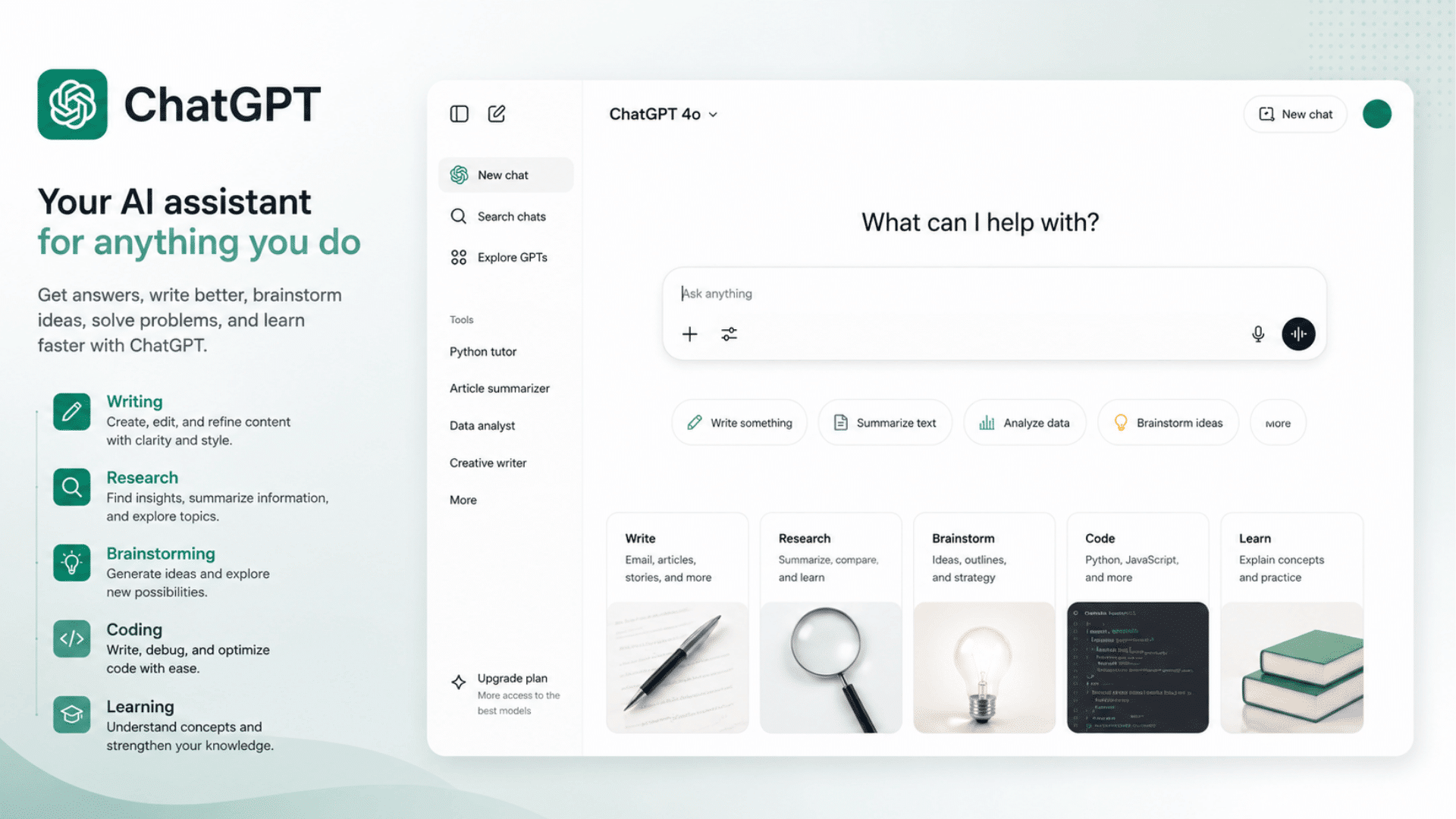
If you want one AI that handles writing, research, brainstorming, coding, image generation, and daily productivity reasonably well, ChatGPT remains one of the easiest starting points.
It felt like the most balanced option because it handled many different tasks without forcing major compromises.
Best for: Everyday users, professionals, content creators, mixed workloads
Pricing: Free + Paid plans available
Quick Tip: Start with the free version first and upgrade only if usage limits become frustrating.
2. Claude
Official Website: https://claude.ai
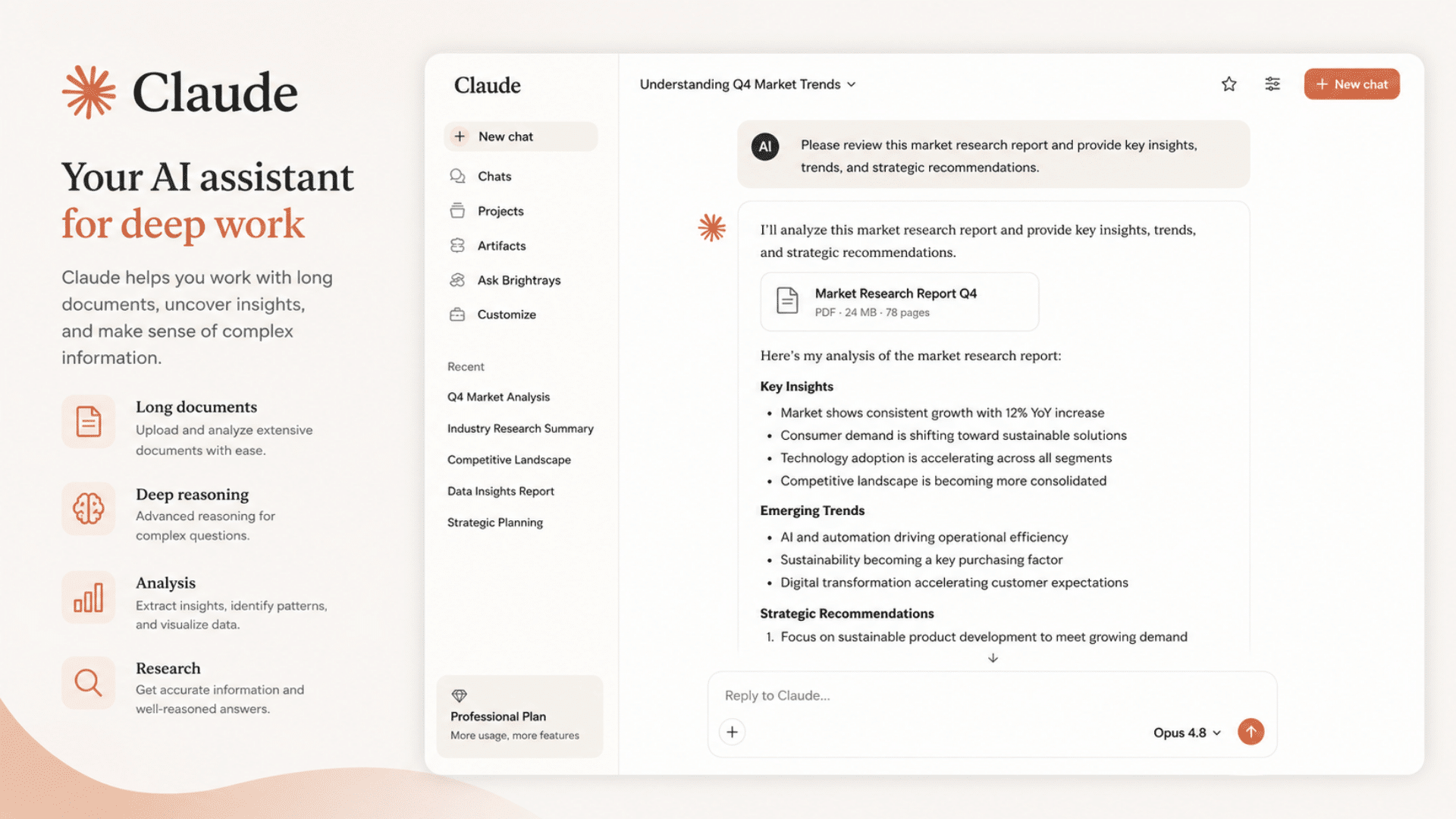
Claude performed especially well for long-form analysis, document-heavy tasks, and structured writing. During testing, it often produced more organized responses when handling large amounts of information.
One thing I noticed is that Claude becomes noticeably stronger when working with large documents because it maintains structure and context more consistently over longer outputs.
Best for: Research, long documents, analysis, writing
Pricing: Free + Paid plans
Quick Tip: Works particularly well when prompts include detailed context.
3. Perplexity
Official Website: https://www.perplexity.ai
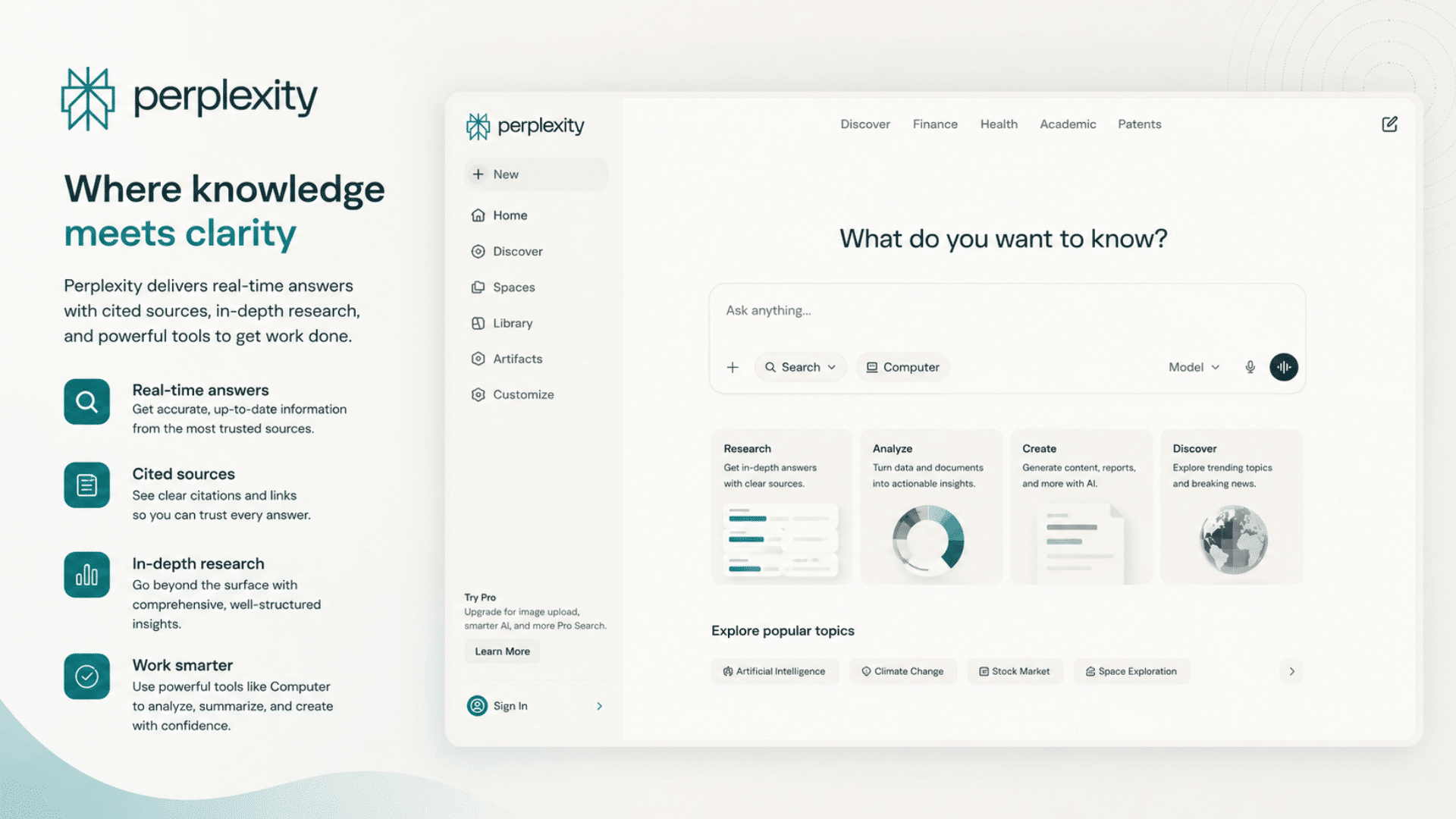
Perplexity stands out because it combines AI responses with sources and web-backed results. This makes it useful when speed and references matter more than creative output.
During testing, it saved time on early-stage research because source-backed answers reduced the amount of tab switching required for basic information gathering.
Best for: Research, fact-checking, current information
Pricing: Free + Paid plans
Quick Tip: Verify important information even when sources are provided.
4. Cursor
Official Website: https://cursor.com
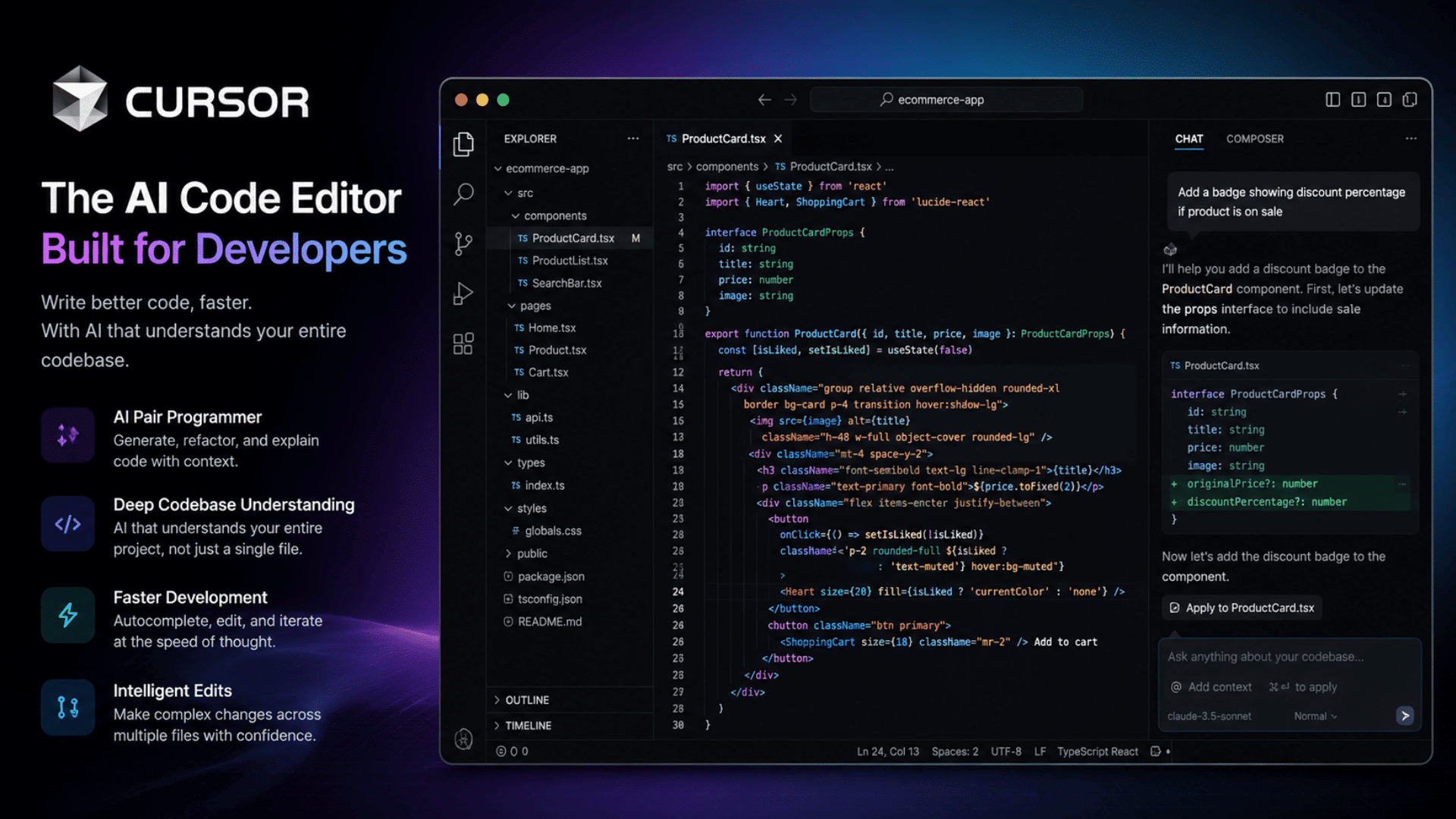
Cursor is built specifically for coding workflows, which became obvious during testing. Instead of feeling like a chatbot adapted for developers, it feels like a development tool with built-in AI.
What surprised me most is how quickly it integrates into development workflows, making coding sessions feel less interrupted than constantly switching between separate AI tools.
Best for: Developers, debugging, code generation
Pricing: Free + Paid plans
Quick Tip: More valuable if coding is part of your daily workflow.
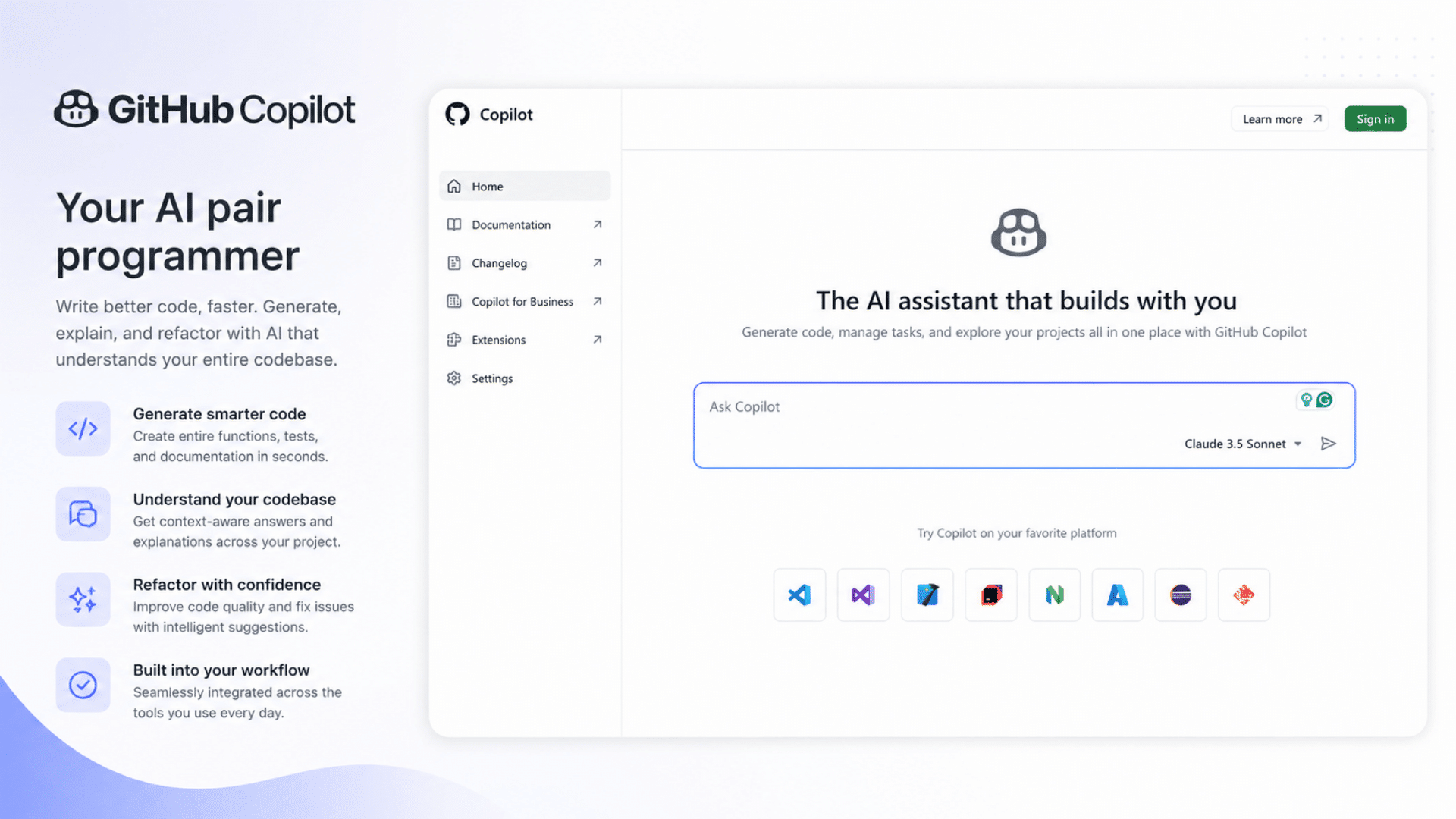
5. GitHub Copilot
Official Website: https://github.com/features/copilot
For developers who already spend most of their time inside editors, GitHub Copilot fits naturally into existing workflows without requiring major changes.
Instead of switching between browser tabs and coding environments, suggestions appear directly where you work. During testing, it felt less like a chatbot and more like a workflow accelerator for repetitive coding tasks.
Best for: Software developers, coding teams
Pricing: Paid with limited free access
Quick Tip: Most useful when integrated directly into your IDE.
6. Midjourney

Official Website: https://www.midjourney.com
Midjourney consistently produces visually impressive results and remains one of the stronger choices for creative work. The platform works particularly well for concept art, marketing visuals, product ideas, and social media content.
New users may experience a learning curve at first, but spending time refining prompts usually leads to much stronger outputs.
Best for: Designers, marketers, creative projects
Pricing: Paid only
Quick Tip: Learning prompt structure dramatically improves outputs.
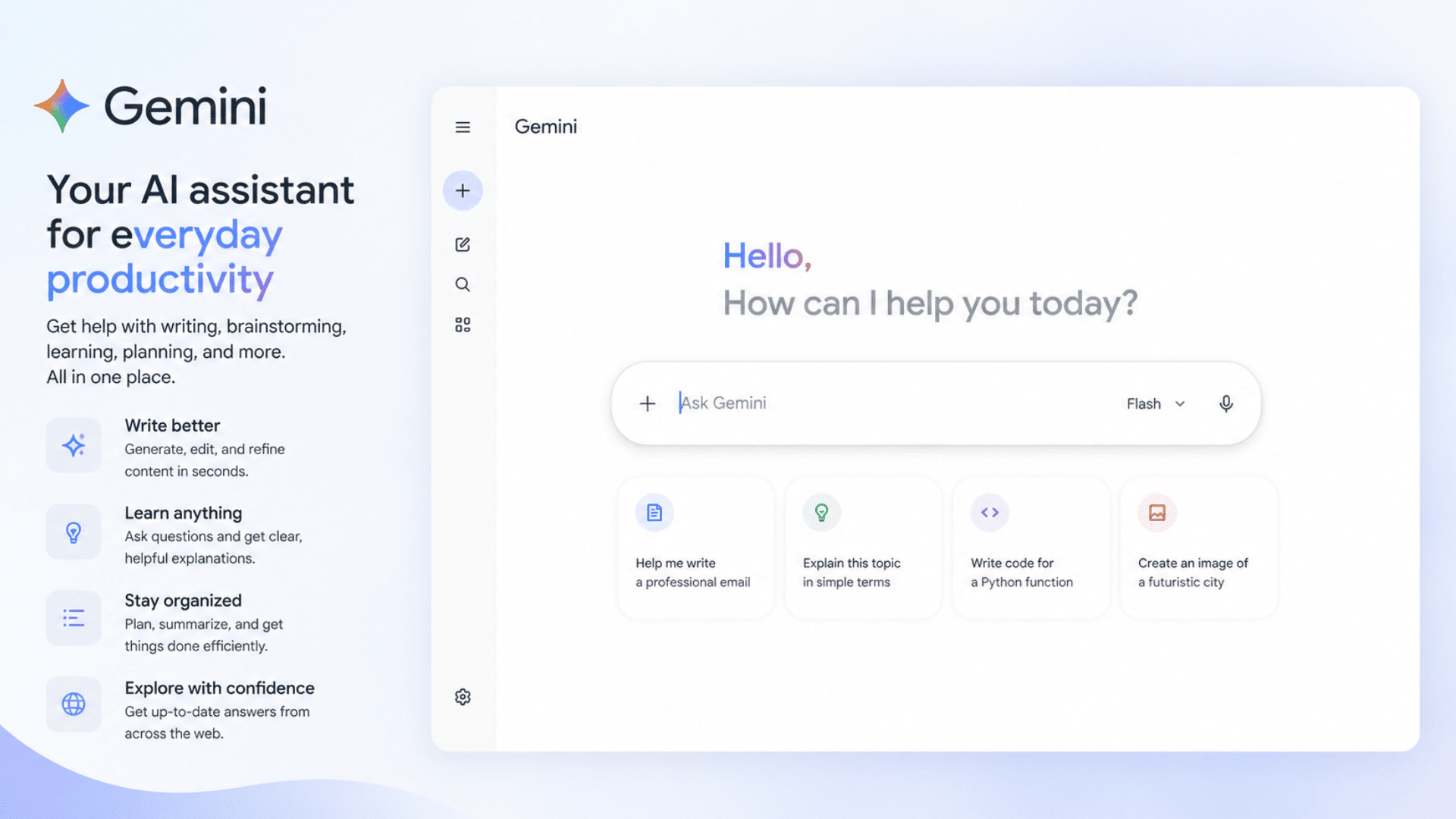
7. Gemini
Official Website: https://gemini.google.com
Gemini offers a generous free plan and works well for users who want AI assistance without immediately paying for a subscription.
One thing I noticed during testing is that Gemini often makes the most sense for users already working inside Google’s ecosystem. The free tier also lowers the barrier for people experimenting with AI for the first time.
Best for: Students, casual users, free access
Pricing: Free + Paid plans
Quick Tip: Try free tools first before building paid subscriptions.
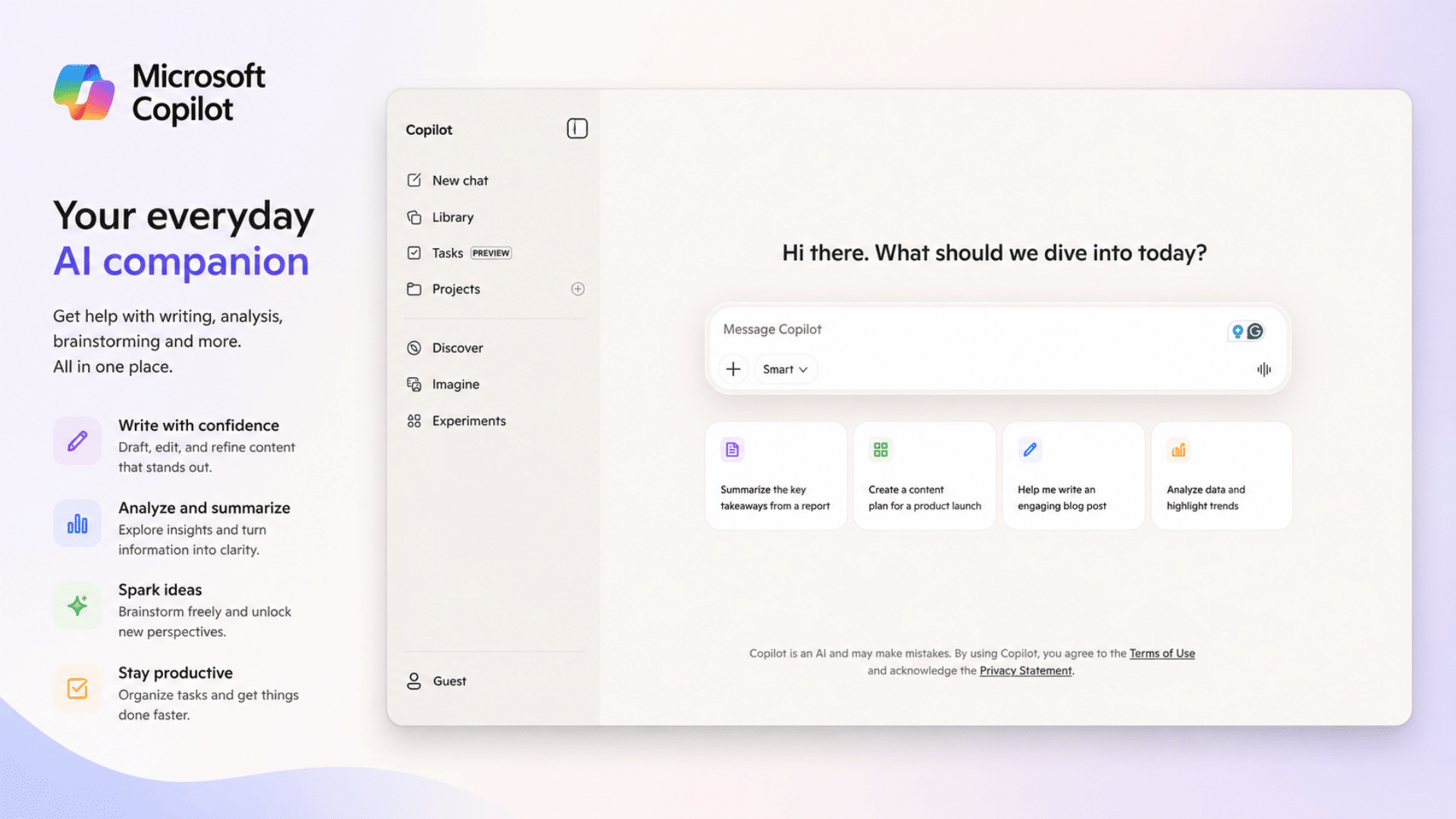
8. Microsoft Copilot
Official Website: https://copilot.microsoft.com
Microsoft Copilot feels most effective when integrated into workplace environments, especially if you already use office tools extensively.
Rather than acting like a standalone AI destination, it works more like an extension of existing productivity software. It becomes more valuable when used alongside documents, spreadsheets, meetings, and workplace workflows.
Best for: Office work, workplace productivity
Pricing: Free + Paid plans
Quick Tip: Delivers more value inside existing business ecosystems.
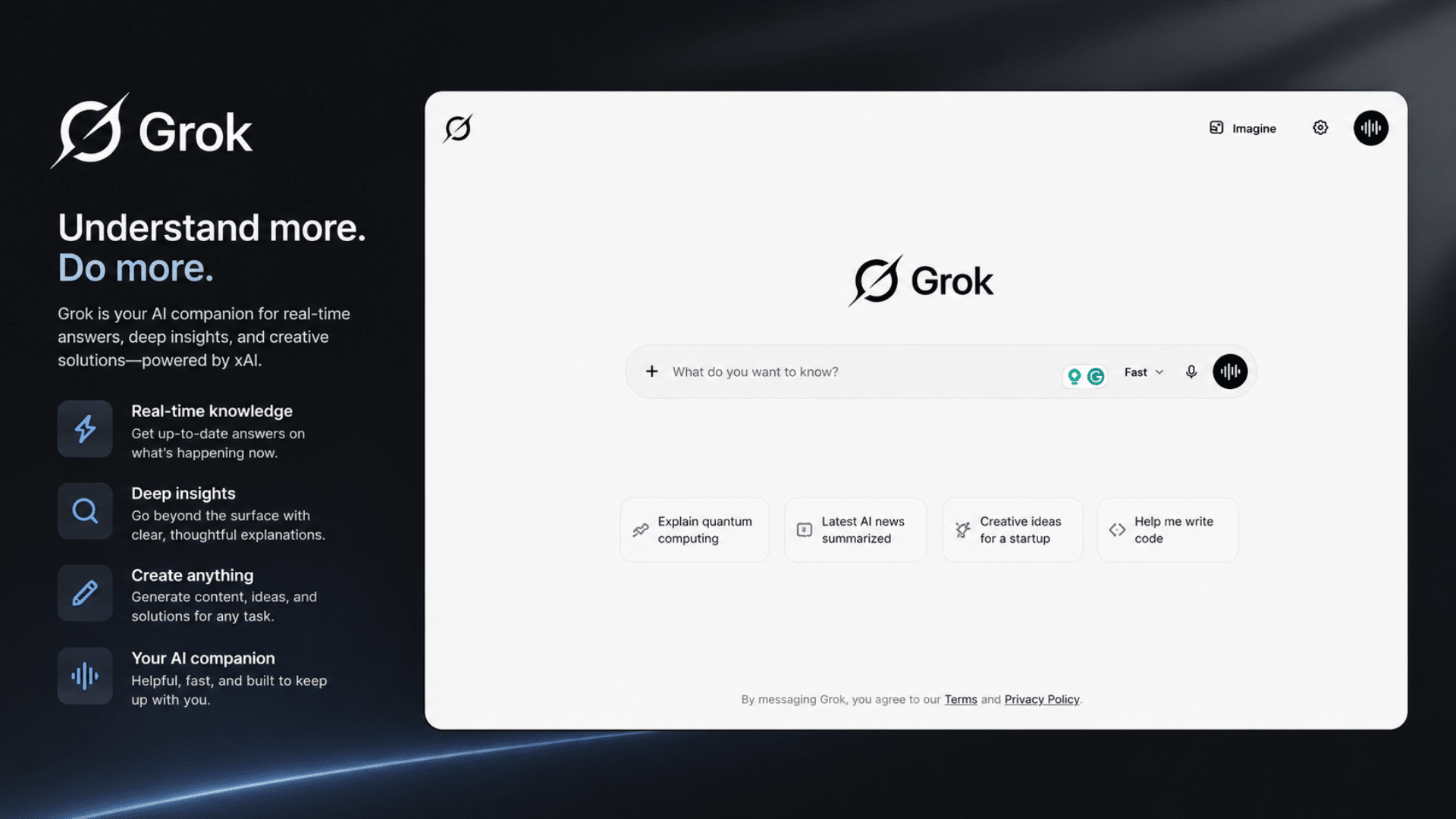
9. Grok
Official Website: https://grok.com
Grok focuses heavily on conversational interactions, current events, and a more personality-driven experience compared to many traditional AI assistants.
During testing, it felt faster for casual exploration and trend-based discussions than for structured workflows.
One thing I noticed is that Grok feels less formal than many competitors, which some users may prefer while others may find distracting.
It works best when speed and conversational responses matter more than polished outputs.
Best for: Casual users, trend discussions, conversational tasks
Pricing: Free + Paid plans
Quick Tip: Double-check important information because conversational speed does not always equal accuracy.
10. Character AI
Official Website: https://character.ai
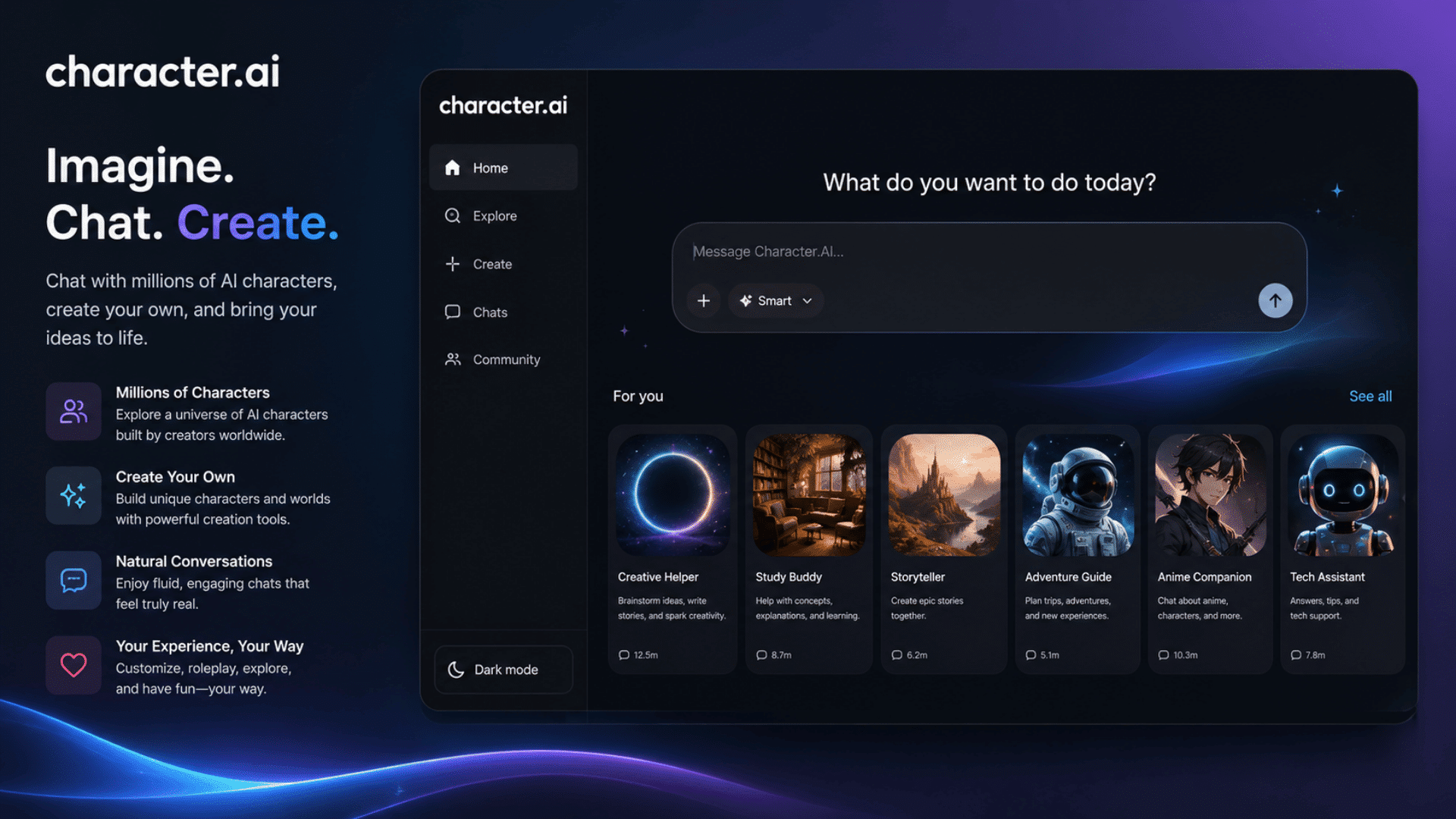
Character AI is built around conversational experiences rather than productivity workflows.
Instead of acting like a traditional assistant, it focuses on interactive conversations, roleplay, fictional characters, and personalized interactions.
It stood out because it feels very different from research or work-focused AI tools.
For entertainment and creative conversations, it offers a more specialized experience than general-purpose assistants.
Best for: Entertainment, roleplay, creative conversations
Pricing: Free + Paid plans
Quick Tip: Better for interaction-focused experiences than professional tasks.
11. DeepSeek
Official Website: https://www.deepseek.com
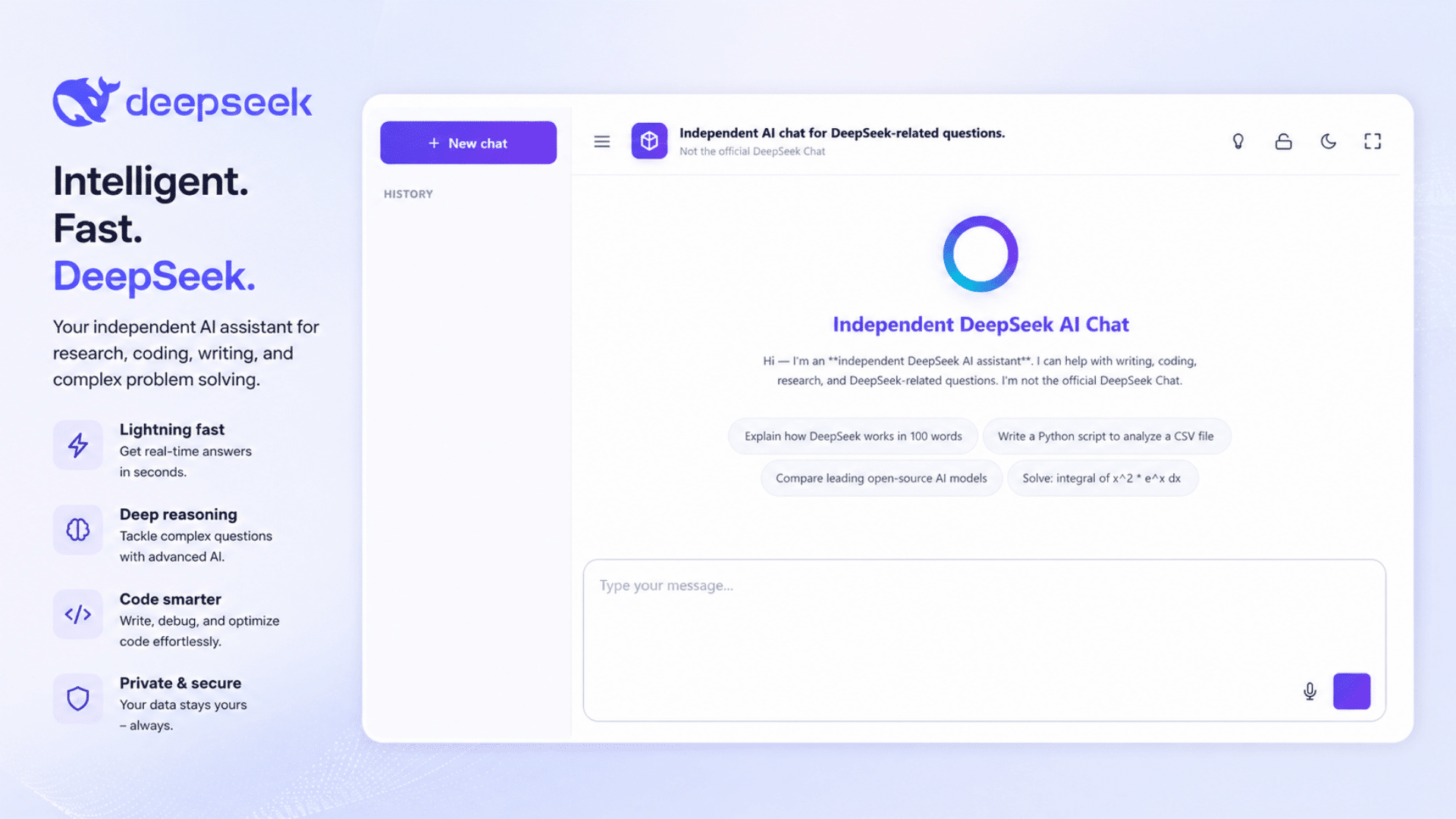
DeepSeek gained attention for offering strong reasoning and coding performance while remaining relatively accessible.
During testing, it handled technical prompts surprisingly well and often performed competitively in logic-heavy tasks.
The experience may vary with workload, but it offers an alternative for users seeking options beyond larger ecosystems.
Best for: Technical users, coding, reasoning tasks
Pricing: Free + Paid plans
Quick Tip: Compare outputs side by side with larger models for technical work.
12. Jasper
Official Website: https://www.jasper.ai
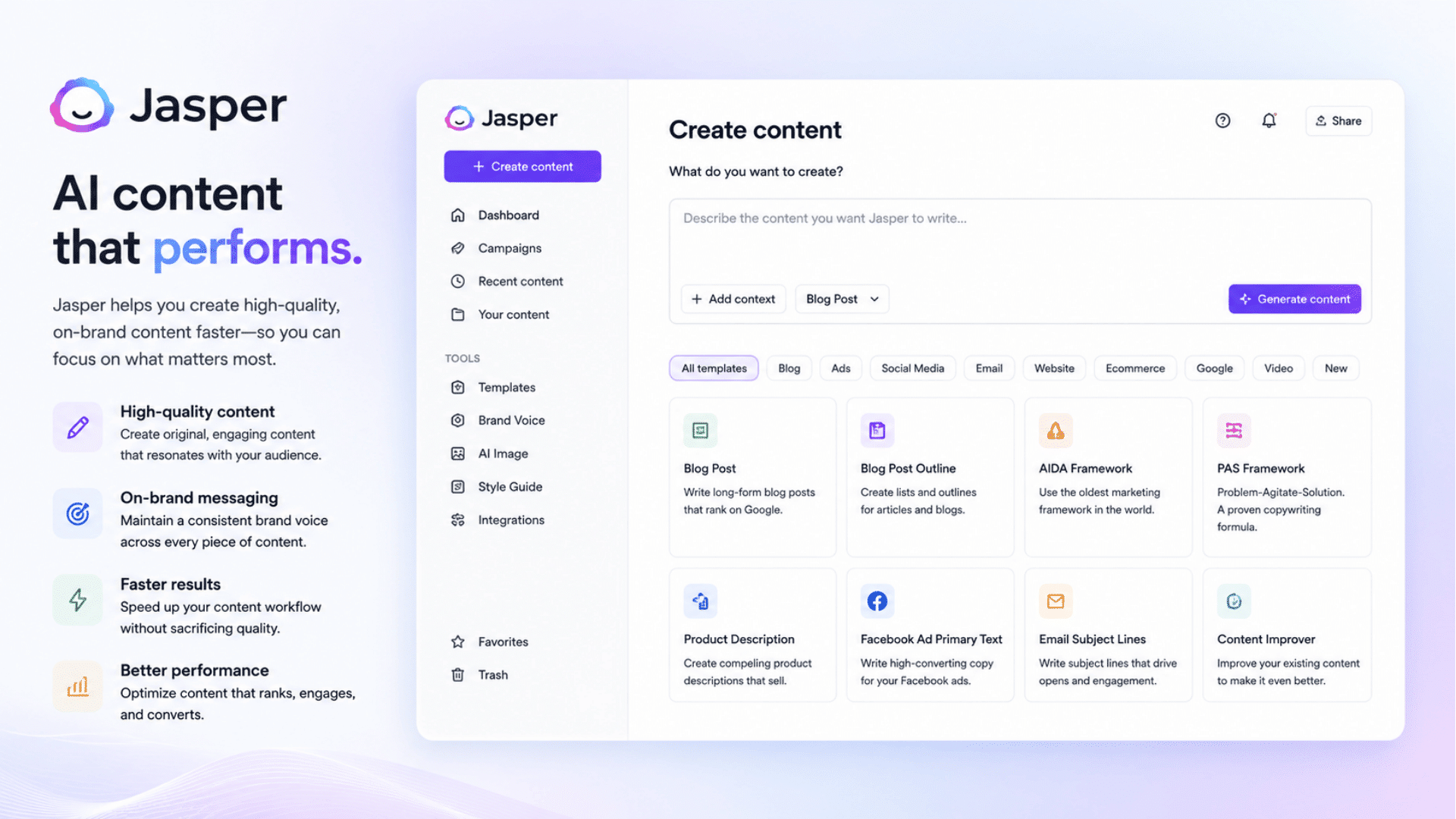
Jasper focuses heavily on marketing and business workflows rather than general AI usage. It feels more like a content production platform than a chatbot.
During testing, Jasper performed particularly well for marketing tasks such as campaign creation, content workflows, and brand-focused outputs. However, casual users may find it more specialized than necessary.
Best for: Marketing teams, businesses, content workflows
Pricing: Paid plans
Quick Tip: Most valuable if content creation directly impacts your business workflows.
13. Meta AI
Official Website: https://www.meta.ai
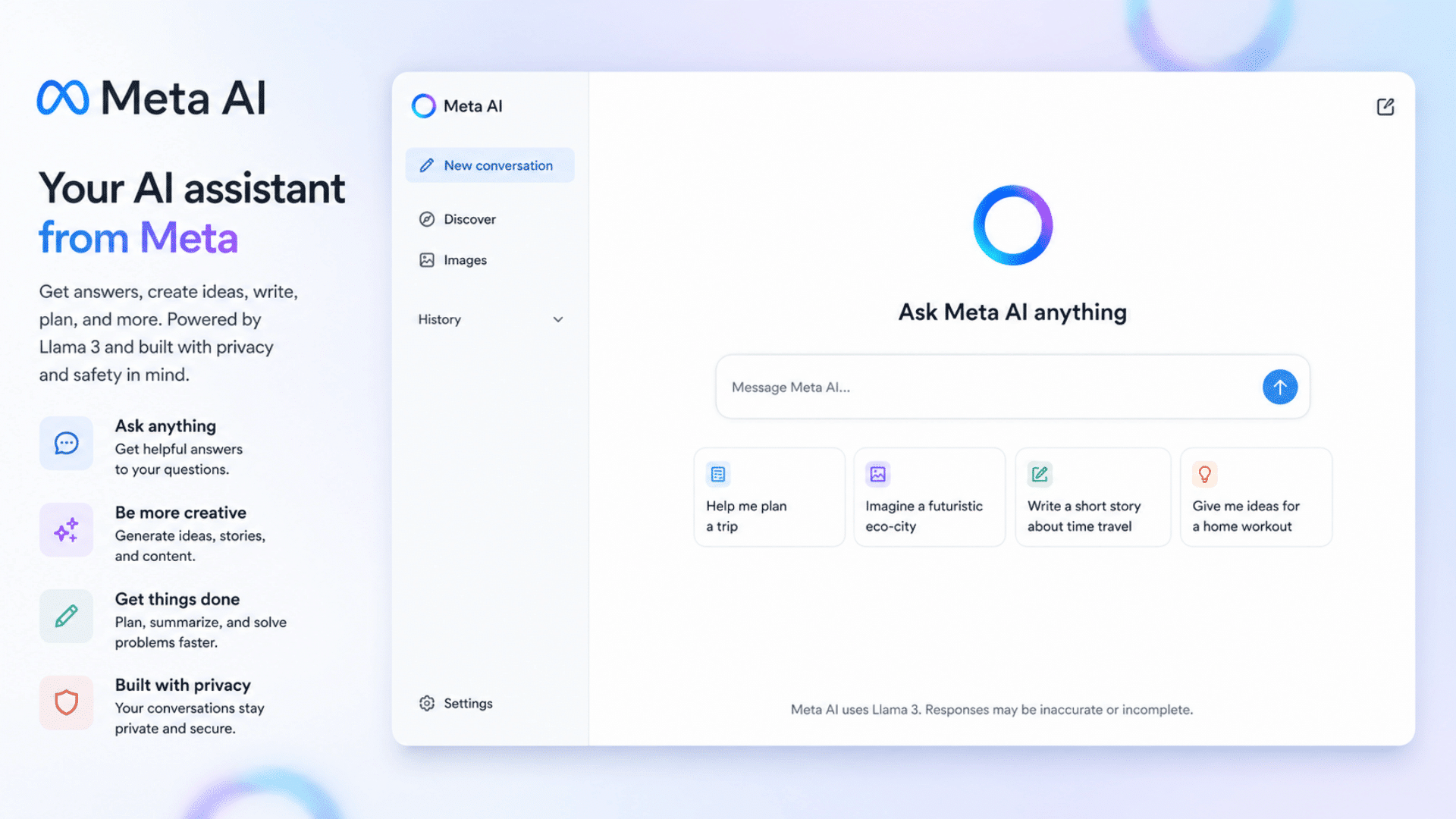
Meta AI is increasingly integrated across social platforms and messaging environments, making it accessible for users already inside Meta’s ecosystem.
What stood out most was convenience. Instead of opening separate apps, many interactions happen inside existing workflows and social experiences.
Best for: Social users, quick tasks, everyday assistance
Pricing: Free
Quick Tip: Useful when convenience matters more than advanced features.
14. NotebookLM
Official Website: https://notebooklm.google.com
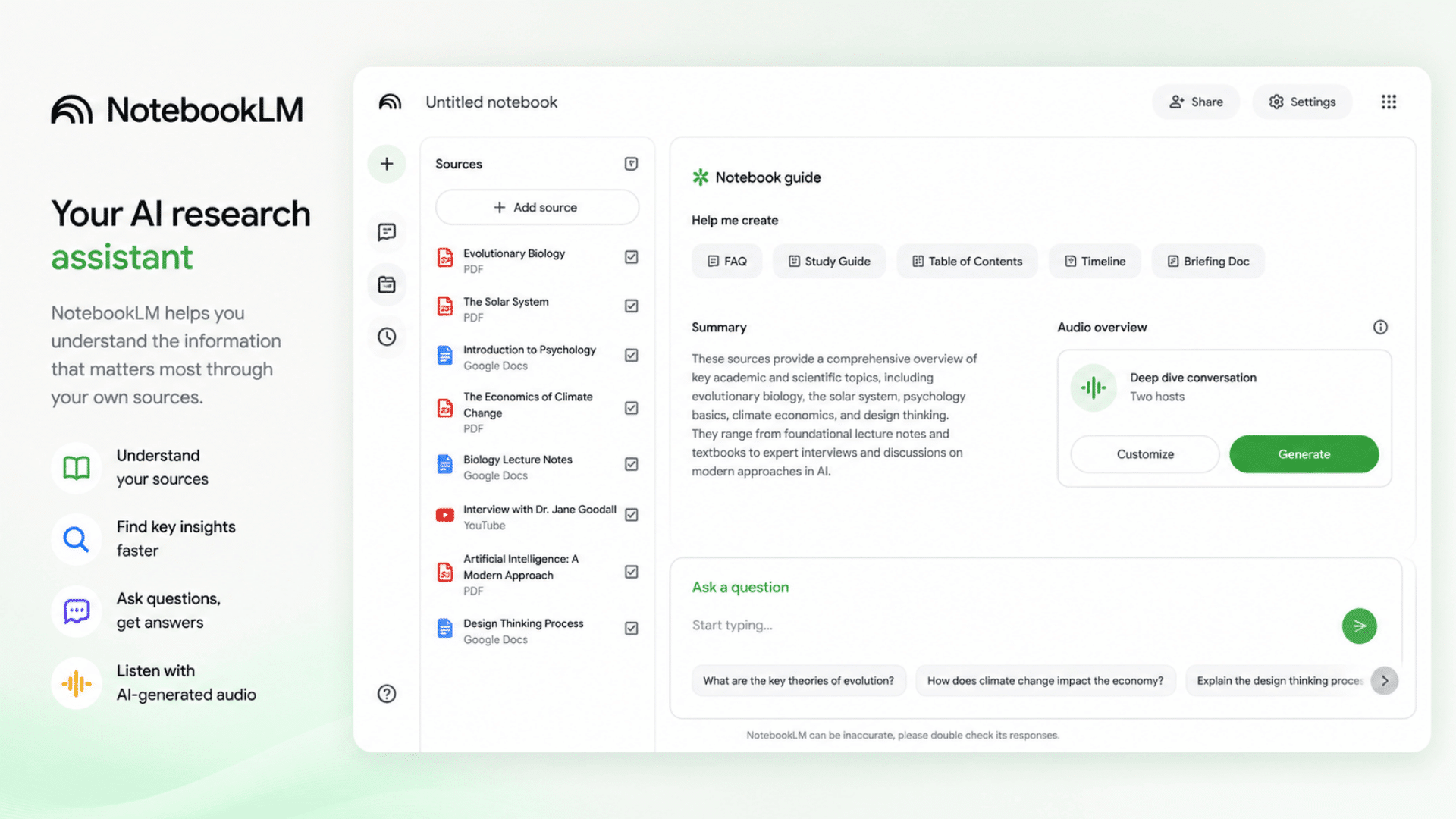
NotebookLM focuses more on understanding your documents than acting like a traditional chatbot.
During testing, it felt strongest when organizing research, summarizing files, and working with source-heavy projects.
For users managing lots of information, this specialized approach can save time compared to general-purpose AI tools.
Best for: Researchers, students, document-heavy workflows
Pricing: Free + Paid options
Quick Tip: Upload structured source material to improve output.
15. Poe
Official Website: https://poe.com
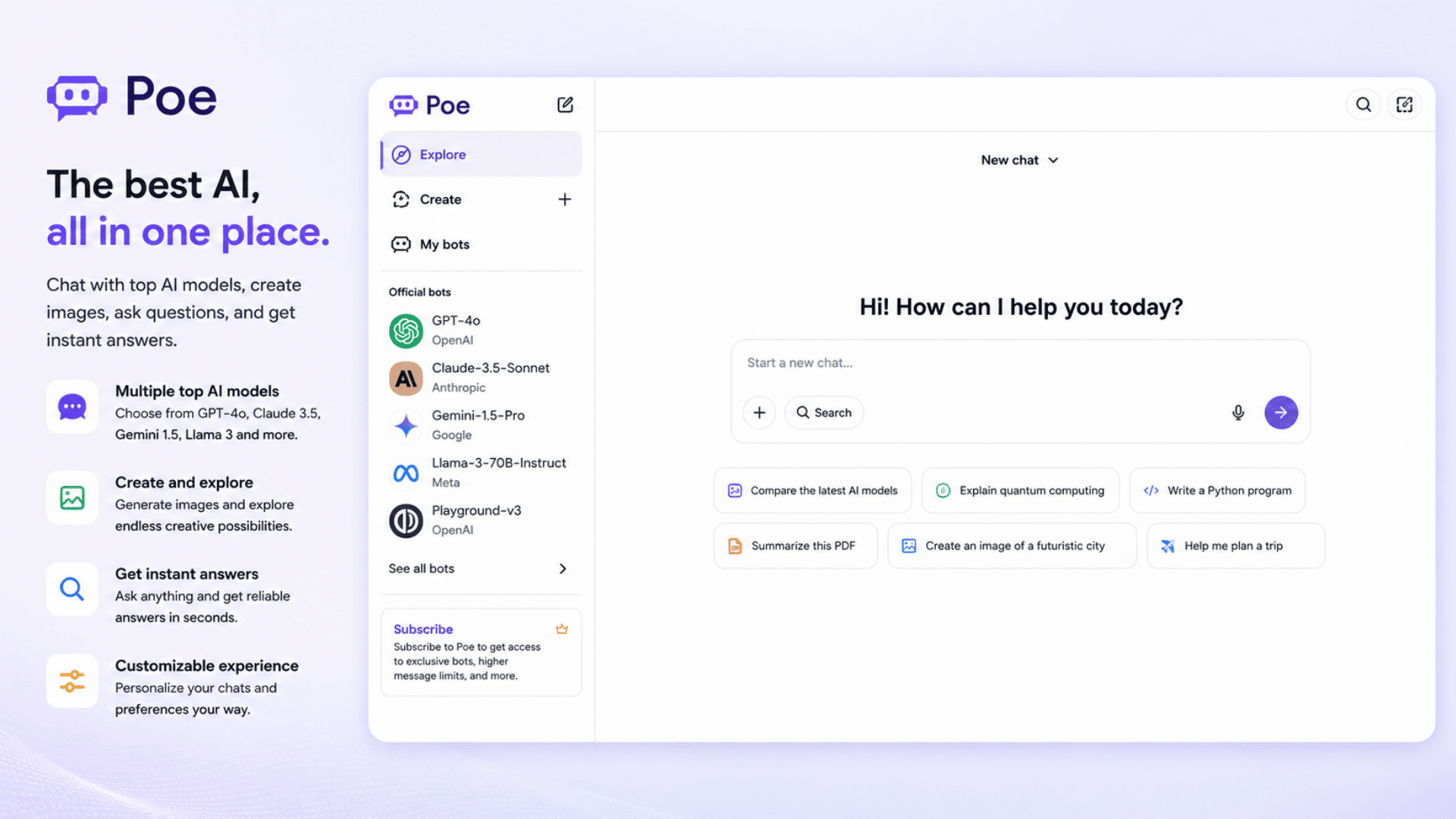
Poe takes a different approach by giving users access to multiple AI models on a single platform.
Instead of committing to a single ecosystem immediately, users can more easily compare outputs.
This flexibility makes it useful for experimentation, although subscription costs can become a factor depending on usage.
Best for: AI experimentation, model comparisons, power users
Pricing: Free + Paid plans
Quick Tip: Useful if you want to test several models before choosing one ecosystem.
Quick Comparison Table
Since many AI tools overlap in features, the table below highlights their biggest differences first to make the detailed reviews and testing insights easier to follow.
| AI Tool | Best For | Free / Paid | Pros | Cons |
| ChatGPT | General use, productivity, mixed workflows | Free + Paid | Versatile, multimodal, strong ecosystem | Advanced features often require paid plans |
| Claude | Research, writing, documents | Free + Paid | Strong long-context handling, organized outputs | Smaller ecosystem |
| Perplexity | Research, search, fact-checking | Free + Paid | Source-backed answers, fast research | Less creative for content tasks |
| Cursor | Coding workflows | Free + Paid | Built specifically for developers | Limited outside technical workflows |
| GitHub Copilot | Coding assistance | Limited Free + Paid | Smooth IDE integration | Best suited mainly for developers |
| Midjourney | Image generation | Paid Only | High-quality creative visuals | Learning curve and no free tier |
| Gemini | Daily tasks, free AI access | Free + Paid | Generous free tier, ecosystem integration | Output consistency varies |
| Microsoft Copilot | Workplace productivity | Free + Paid | Works well with office workflows | More useful inside the Microsoft ecosystem |
| Grok | Conversational AI, trends | Free + Paid | Fast and conversational | Reliability can vary |
| Character AI | Entertainment, roleplay | Free + Paid | Interactive conversations | Limited productivity value |
| DeepSeek | Coding, reasoning tasks | Free + Paid | Strong technical performance | Smaller ecosystem |
| Jasper | Marketing and business content | Paid | Workflow-focused content tools | Expensive for casual users |
| Meta AI | Social and everyday tasks | Free | Convenient and accessible | Fewer advanced capabilities |
| NotebookLM | Research and documents | Free + Paid | Excellent source handling | Narrower use cases |
| Poe | Testing multiple models | Free + Paid | Access to many models in one place | Costs can add up |
If you only want one tool, start with ChatGPT. If you need specialized workflows, matching the AI to your actual use case usually produces better results than chasing whichever model is trending.
Why are there Suddenly so Many AI Tools?
The rapid growth of AI tools stems from broader capabilities, stronger competition, and shifting user expectations, creating platforms that handle more tasks, reduce friction, and better fit into everyday workflows.
- AI expanded beyond text into images, code, audio, documents, and video.
- Users increasingly expect one platform to handle multiple workflows.
- AI tools shifted from conversations toward completing practical tasks.
- Larger context windows improved research and long-document handling.
- AI search changed how users discover and consume information.
- Competition increased free access, feature availability, and the pace of product updates.
- More choices created subscription fatigue and tool overload.
How to Evaluate and Rank AI Tools Properly
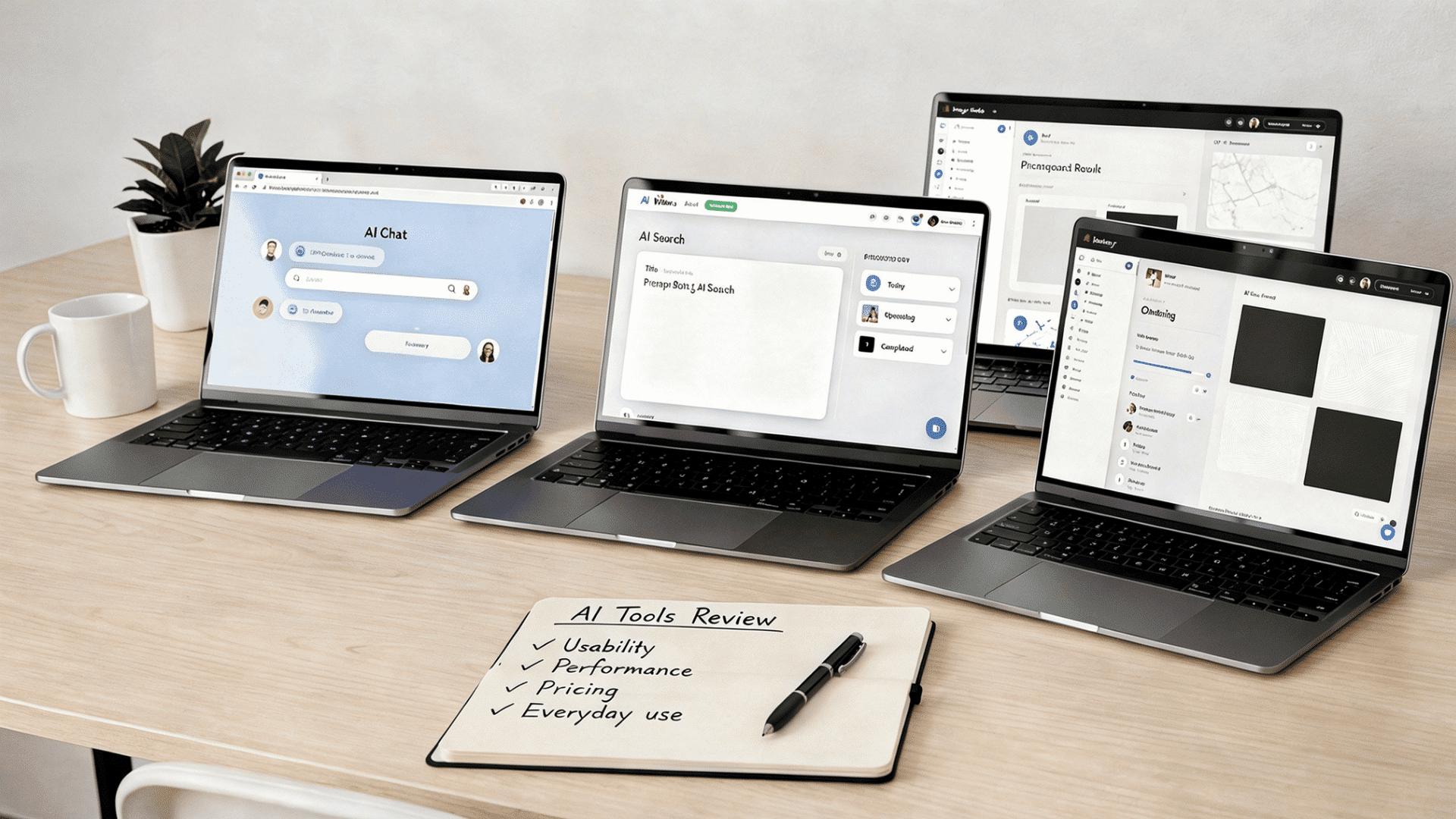
AI rankings can easily become misleading because different tools are built for different types of work. A coding assistant may perform extremely well for developers but feel limited for research tasks.
Likewise, a strong writing tool may struggle with image generation or workflow automation.
Instead of jumping straight into rankings, the steps below show the process used to evaluate these tools across everyday tasks, pricing, usability, and performance
Step 1: Start with Real-World Use Cases
Before comparing tools, define the tasks you actually care about. Testing random prompts often creates misleading results.
For this comparison, I focused on workflows people commonly use AI for:
Content and Writing Tasks
- Writing articles and blog content
- Summarizing long documents
- Rewriting existing content
- Brainstorming ideas and outlines
- Creating emails and short-form content
Research and Information Tasks
- Research prompts
- Comparing multiple sources
- Fact-checking responses
- Summarizing reports and documents
Creative Workflows
- Image generation
- Visual idea creation
- Prompt experimentation
Technical Workflows
- Coding tasks
- Debugging problems
- Code explanations
- Documentation support
Daily Productivity Tasks
- Task planning
- Organizing information
- Workflow assistance
- Scheduling and productivity support
Step 2: Compare the Features that Actually Matter
Not every feature deserves equal attention. Some categories affect everyday usability far more than others.
| Evaluation Category | What To Look For |
| Writing Quality | Natural language, structure, and creativity |
| Accuracy | Reliability and factual consistency |
| Research Ability | Source handling and analysis depth |
| Speed | Response time and workflow efficiency |
| Coding Capability | Technical performance and debugging |
| Context Handling | Long conversations and file support |
| Ease of Use | Learning curve and interface quality |
| Cost | Features relative to pricing |
| Reliability | Consistency across repeated tests |
| Multimodal Support | Documents, images, voice, files |
Step 3: Use Weighted Scoring Instead of Equal Scoring
One mistake people make is treating every category equally. In practice, strong output quality usually matters more than small differences in speed.
Here is the weighting used for rankings:
- Output Quality – 25%
Most important because poor outputs reduce usefulness quickly - Accuracy – 20%
Critical for research, business, and everyday reliability - Features and Capabilities – 15%
More features create flexibility across workflows - Speed – 10%
Fast responses improve productivity - Ease of Use – 10%
Complex tools create friction - Cost and Value – 10%
Pricing matters when subscriptions add up - Reliability – 10%
Consistency matters more than occasional impressive outputs
Step 4: Test More than Once
One prompt rarely tells the full story.
A tool may perform well in one session and poorly in another.
Running repeated prompts across different tasks often reveals strengths and weaknesses faster than benchmark scores alone.
Quick suggestion: Test the same prompt across multiple tools using identical instructions. Small differences become easier to spot.
The goal is not to find one perfect AI tool. It is to identify which tool consistently improves the tasks you repeat most often.
Rankings help narrow choices, but matching AI capabilities to your workflow usually produces better results than chasing whichever model is trending.
Best AI Tools by Use Case
The biggest thing I noticed while testing is that the best AI often depends less on rankings and more on the type of work you do repeatedly. Use the tables below to match tools with common workflows.
Best AI for Writing
| AI Tool | Best For | Why It Works |
|---|---|---|
| ChatGPT | General writing | Versatile across blogs, emails, and brainstorming |
| Claude | Long-form content | Strong structure and organization |
| Jasper | Marketing content | Built for business and content workflows |
Tip: If you regularly write multiple content types, prioritize flexibility over niche features.
Best AI for Coding
| AI Tool | Best For | Why It Works |
|---|---|---|
| Cursor | Development workflows | Built specifically for coding |
| GitHub Copilot | IDE assistance | Integrates directly into coding environments |
| DeepSeek | Technical reasoning | Strong logic and code explanations |
Tip: Workflow integration usually matters more than raw coding ability.
Best AI for Students
| AI Tool | Best For | Why It Works |
|---|---|---|
| Gemini | Free access | Good entry point for students |
| ChatGPT | Explanations | Useful across subjects |
| NotebookLM | Study material | Handles notes and sources well |
Tip: Use AI to understand concepts, not just to generate answers.
Best AI for Research
| AI Tool | Best For | Why It Works |
|---|---|---|
| Perplexity | Citations | Source-backed answers |
| Claude | Large documents | Strong long-context handling |
| NotebookLM | Source organization | Works well with uploaded material |
Tip: Always verify research outputs using original sources.
Best AI for Business
| AI Tool | Best For | Why It Works |
|---|---|---|
| Microsoft Copilot | Office workflows | Strong workplace integration |
| ChatGPT | Mixed tasks | Flexible across teams |
| Claude | Information-heavy work | Handles larger workloads well |
Best AI for Image Generation
| AI Tool | Best For | Why It Works |
|---|---|---|
| Midjourney | Creative visuals | High-quality image generation |
| ChatGPT | Editing and iteration | Flexible image workflows |
Best AI for Marketing
| AI Tool | Best For | Why It Works |
|---|---|---|
| Jasper | Marketing teams | Content workflows |
| ChatGPT | Campaign support | Broad use cases |
| Midjourney | Visual assets | Creative generation |
Best AI for Everyday Use
| AI Tool | Best For | Why It Works |
|---|---|---|
| ChatGPT | General tasks | Most balanced experience |
| Gemini | Free for everyday use | Accessible and simple |
| Grok | Casual interactions | Conversational experience |
A checklist format works well here because readers want quick warnings and practical takeaways, not long explanations.
Common Mistakes People Make When Choosing AI
After testing different AI tools and comparing workflows, I noticed that many frustrations come from how people choose AI rather than the tools themselves.
Before subscribing or switching platforms, check if you are making any of these common mistakes.
☐ Choosing based on hype instead of your workflow
Popular tools are not automatically better for your needs. Start with your most repeated tasks first.
☐ Paying for multiple subscriptions too early
One mistake I noticed repeatedly is people stacking subscriptions before understanding what they actually use. Start with one tool and expand later.
☐ Ignoring workflow fit
A strong coding assistant may feel disappointing for research tasks. Match tools to how you work, not feature lists.
☐ Expecting perfect accuracy
Even strong AI models still make mistakes. Fact-check important outputs, especially for research, business, and technical work.
☐ Not testing prompts properly
Many people switch tools too quickly when the real issue is unclear prompting. Test multiple prompt styles before deciding.
☐ Ignoring privacy and data policies
Before uploading documents, client files, or sensitive information, review how the platform handles data and storage.
☐ Choosing features you will never use
Large feature lists sound impressive, but paying for unused capabilities quickly increases costs.
☐ Skipping free trials and free plans
I found short testing periods often reveal limitations faster than comparison articles do.
If you feel stuck between multiple tools, choose the option that removes friction from your daily workflow rather than the one with the longest feature list. In practice, consistency usually creates more value than constantly switching platforms.
Current AI Trends and What the Future May Look Like
AI is changing quickly, and one thing I observed while testing different tools is that companies are no longer competing only on chatbot quality.
They are competing on automation, pricing, integrations, and workflow support.
Right now, AI is moving beyond text into images, documents, coding, audio, and search.
Memory systems are improving, allowing tools to remember context better and support longer workflows.
Specialized AI tools are also growing in popularity because focused products often perform better at specific tasks.
Looking ahead, expect more automation, smarter reasoning, lower pricing pressure, stronger privacy regulations, and AI tools that feel more integrated into everyday work rather than standalone assistants.
Wrapping Up
After spending time testing these AI tools across writing, research, coding, productivity, and creative tasks, I realized that finding the “best AI” is less about rankings and more about fit.
Some tools stood out for research; others worked better for coding, business workflows, or creative projects.
At the same time, trends like multimodal AI, automation, and specialized tools are making the market more crowded and harder to navigate.
What worked best for me was focusing less on feature lists and more on which tool consistently saved time in everyday workflows.
My suggestion is to start small, build habits around one platform, and only expand when clear limitations appear.
Now it is your turn to choose one tool from this guide, test it with real tasks this week, and see which one actually improves how you work rather than just adding another subscription.
Frequently Asked Questions
How Often do AI Tool Rankings Change?
AI rankings change frequently because models, pricing, features, and integrations update quickly across platforms.
Should You Choose One AI Tool or Multiple Tools?
Starting with one primary tool usually reduces costs and complexity before adding specialized tools later.
Are Free AI Tools Good Enough for Most Users?
Many free AI tools handle everyday tasks well, though advanced workflows often benefit from paid features.