




A call center can sound productive all day while agents quietly lose hours to routing requests, searching records, typing notes, and repeating routine updates.
That is where call center automation earns attention: not as a technology project, but as a practical way to move predictable work to software and preserve human time for judgment-heavy conversations.
The real question is not how much work can be automated, but which tasks create measurable value when software takes over.
From a technical documentation perspective, I look for clear process logic, defined exceptions, and a reliable handoff before calling any workflow ready.
This guide will show how automation can support cost control, agent capacity, service quality, growth, measurement, and smarter tool selection without making the customer experience harder.
What is Call Center Automation?
Call center automation uses software to complete selected customer service and operational tasks with little or no manual input.
It can reduce repetitive work while keeping agents available for conversations that require judgment, explanation, or empathy.
The technology covers more than AI voice agents. Common functions include IVR, intelligent routing, automated call summaries, CRM updates, scheduling, quality checks, workforce planning, and customer self-service.
Automation generally works at three levels:
- Rule-based automation: Follows predefined instructions for predictable tasks.
- AI-assisted work: Supports agents with information, prompts, summaries, or suggested actions.
- Autonomous service: Handles suitable customer requests without agent involvement.
Understanding these levels makes it easier to judge where automation can create meaningful business value.
Where Call Center Automation Creates Business Value
Call center automation creates business value by eliminating repetitive work, improving the flow of support requests, and helping teams handle increased demand without adding unnecessary manual steps.
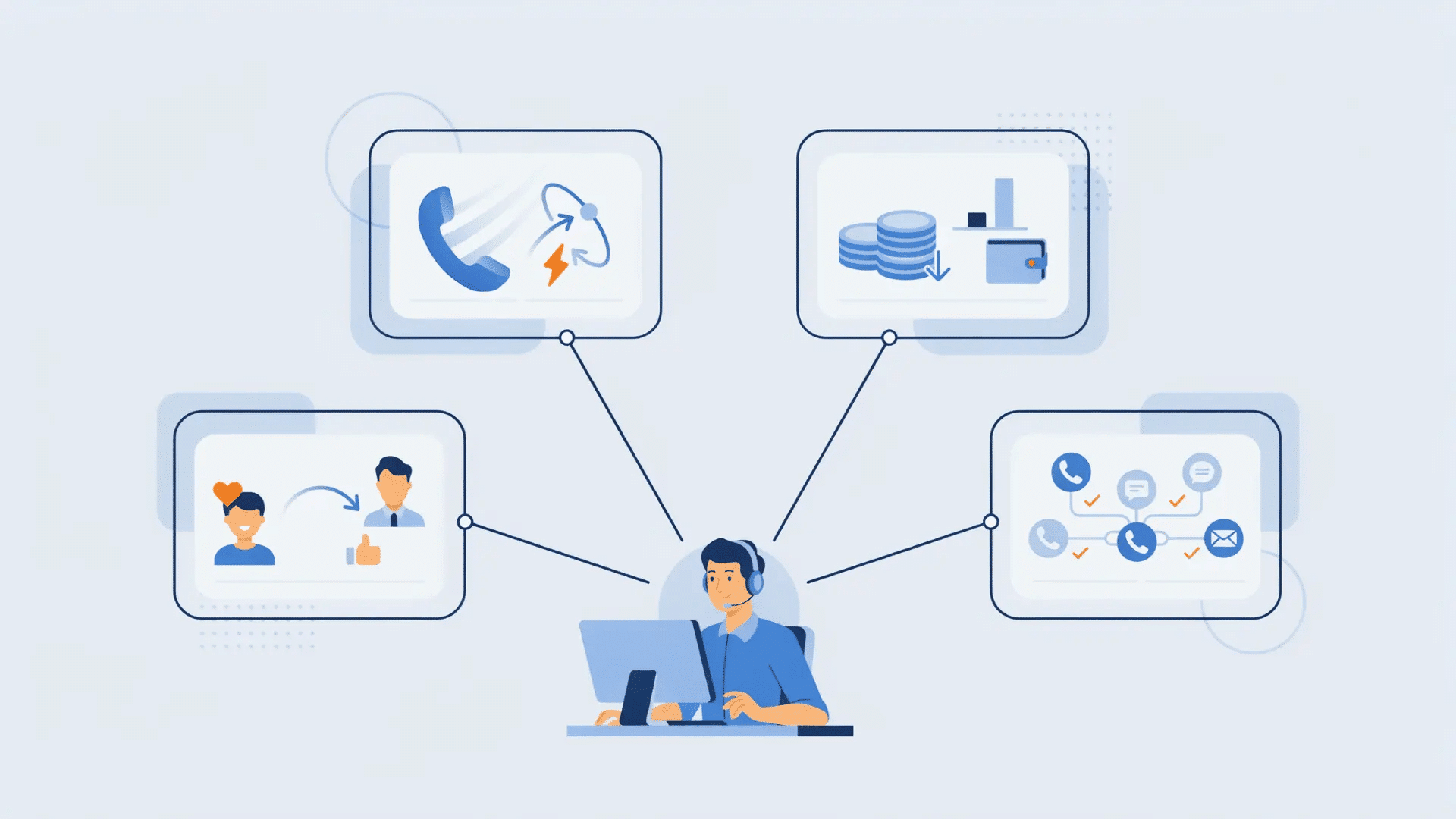
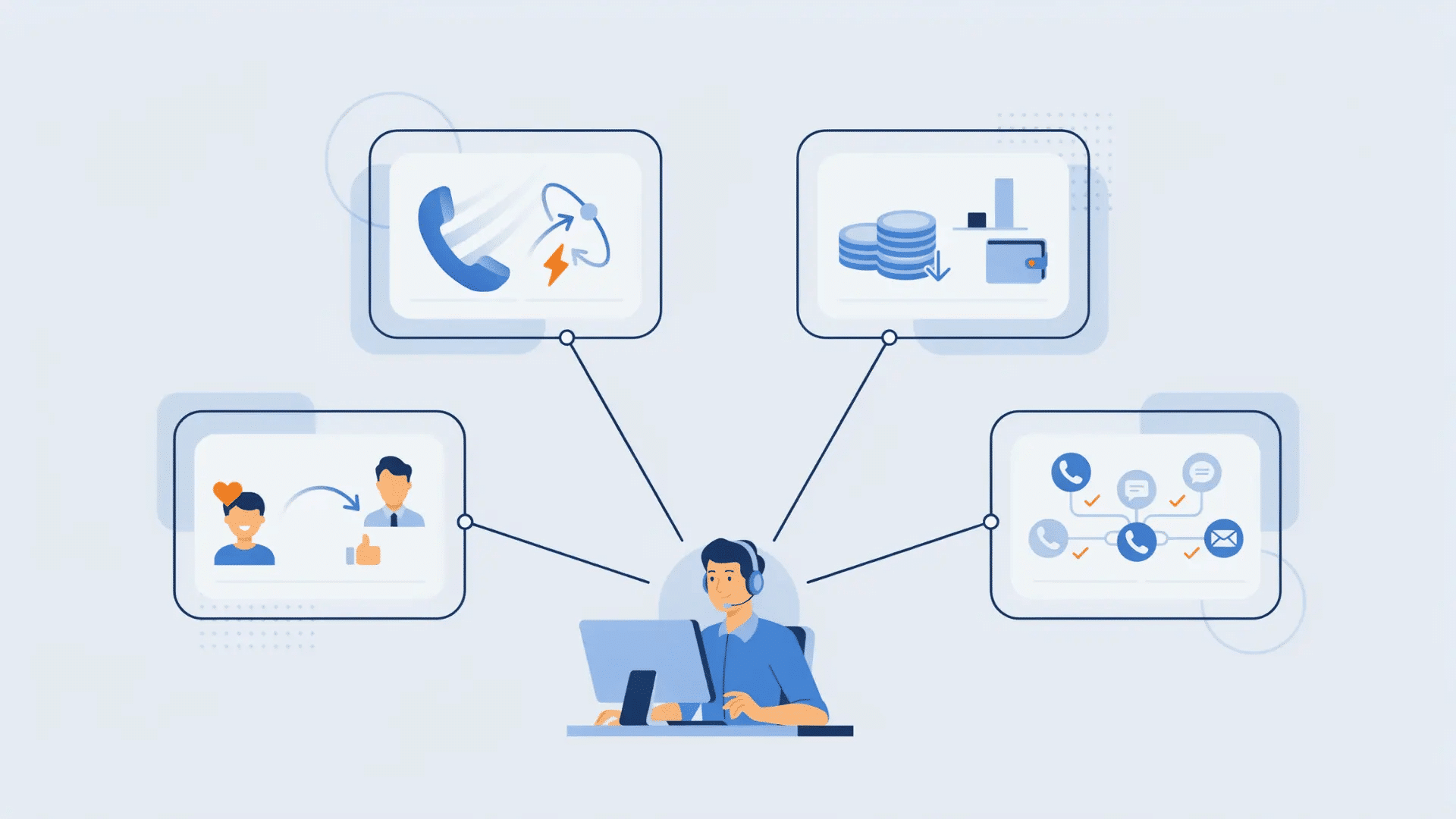
For business leaders, four areas deserve particular attention: agent capacity, resolution costs, service speed, and the ability to handle growth without placing constant pressure on staffing.
1. Higher Agent Capacity
Automation can free agents from administrative work such as entering notes, locating account details, updating records, and completing repetitive post-call tasks.
That released time can be used for conversations involving reasoning, explanation, negotiation, or empathy.
Instead of measuring value only through the number of automated tasks, teams should track how much usable agent time becomes available for work that benefits from human involvement.
2. Lower Cost Per Resolution
Lower operating costs can come from reducing unnecessary transfers, repeated contacts, manual record updates, and routine requests that software can handle reliably.
However, cost should be measured against completed resolutions rather than isolated interactions. A cheap automated call provides little value when the customer must contact support again or reach an agent afterward.
That distinction helps businesses judge financial performance more accurately.
3. Faster Customer Service
Automation can speed up service by shortening routing paths, collecting useful information before an agent answers, and handling simple requests through self-service.
Customers may also spend less time repeating account details when information collected earlier follows them through the support process. The main benefit is reduced customer effort, not simply faster technology.
A strong workflow should help customers reach the right answer or person with fewer unnecessary steps, transfers, and repeated explanations.
4. More Capacity During Growth
Automated handling can help support teams manage rising contact volumes without requiring staffing to increase at the same pace.
This becomes useful during seasonal peaks, product launches, extended service hours, or periods when new customer groups create additional demand.
Routine requests can follow automated paths, while agents remain available for cases requiring human attention.
The business benefit comes from maintaining service quality while workload changes, rather than allowing queues and manual tasks to grow unchecked.
Which Call Center Tasks Should be Automated?

The best choices are repetitive tasks with clear rules, while conversations requiring judgment, empathy, or sensitive decisions should remain human-led.
Call Center Tasks Worth Automating
I recommend mapping each task to its place in the customer process. This shows which activities consume agent time without requiring human judgment.
| Stage | Tasks Worth Automating | Business Benefit |
| Before the Call | Customer identification, intent capture, routing, and appointment confirmations | Reduces manual sorting and directs calls faster |
| During the Call | Knowledge retrieval, transcription, prompts, and account data lookup | Gives agents faster access to useful information |
| After the Call | Summaries, CRM updates, follow-up tasks, and disposition coding | Cuts repetitive administrative work |
| Operations | Forecasting, scheduling, QA scoring, and reporting | Supports consistent workforce and quality processes |
| Self-Service | Balance checks, order status, basic account actions, and common requests | Handles simple requests without agent involvement |
Call Center Tasks that Should Remain Human-Led
Some customer conversations require judgment that fixed rules cannot provide. Clear escalation rules help agents understand when responsibility moves from software to a person.
- High-Stakes Conversations: Agents should handle complaints, fraud concerns, disputed charges, cancellations, and sensitive account issues. Automation may collect information, but people should make decisions requiring empathy, explanation, and review.
- Exception-Heavy Requests: Incomplete records, conflicting policies, and unusual circumstances need human assessment. Automation should gather relevant information before transferring the case to an agent for a final decision.
How to Measure the Business Value of Call Center Automation
Call center automation should be measured by the total effort required to solve a customer’s problem, not simply by how quickly one interaction ends.
I recommend measuring the full resolution path because it shows where software genuinely removes work and where it only moves work elsewhere.
Three measures provide a clearer view of business value: cost per resolved contact, escalation leakage, and capacity gained.
The key question is simple: Did the customer’s issue require less total effort to resolve?
1. Cost Per Resolved Contact
Cost per resolved contact measures what the business spends to bring a customer issue to a completed outcome.
The calculation can include agent time, software costs, transfers, follow-up work, and repeated contacts when reliable data is available.
This approach gives managers a stronger financial perspective than reviewing call duration alone.
A shorter interaction means little financially when another interaction is required later.
Measure the completed resolution, not just the first touchpoint.
2. Escalation Leakage
Escalation leakage shows how many automated interactions eventually require human assistance or create another customer contact.
Not every escalation signals poor performance. Some cases should be routed to an agent by design, especially when judgment or sensitive decisions are involved.
The concern is that failed automation creates unnecessary transfers, repeated calls, or channel switching. Separating planned handoffs from failed self-service helps teams identify workflows that need adjustment.
High self-service volume should not be mistaken for successful resolution.
3. Capacity Gained
Capacity gained measures how much agent time or workload automation releases and what the business does with that additional capacity.
Released hours may support larger queues, complex cases, shorter waits, employee training, outbound work, or reduced overtime. Tracking the destination of that capacity makes the operational benefit easier to evaluate.
From a process-documentation standpoint, I would record both the time saved and where that time is reassigned. That connection turns an efficiency metric into measurable business value.
How to Choose the Right Call Center Automation Tools
The right call center tools should solve specific workflow problems rather than simply add more features.
One team may struggle with routing, while another loses more time to post-call notes, quality reviews, or customer record updates.
Integration matters just as much as features. Routing, CRM, quality, workforce, and voice systems should exchange useful information without forcing agents to enter the same data twice.
A smaller, connected tool stack can be more useful than several platforms working separately.
Use the categories below to compare the main options:
| Tool Type | Main Job | Check Before Buying | Current Software Examples |
| IVR and routing | Direct incoming calls | Routing flexibility | Genesys Cloud CX for IVR, intelligent routing, and omnichannel orchestration |
| Agent assistance | Support live conversations | Knowledge accuracy | Five9 Agent Assist for real-time guidance, transcription, suggestions, and call summaries |
| Workflow automation | Trigger routine tasks | Integration support | Talkdesk Automation Designer and Automation Flows for no-code processes and cross-system workflow automation |
| CRM automation | Update customer records | Data mapping | Salesforce Agentforce Service, formerly Service Cloud, for service CRM, automated processes, cases, and customer information |
| QA software | Review interactions | Scoring controls | Verint Quality Management and Quality Bot for automated interaction evaluation and quality management |
| Workforce software | Plan staffing | Forecast accuracy | Calabrio WFM for forecasting, resource planning, scheduling, and intraday workforce management |
| Voice AI | Handle suitable calls | Human handoff | PolyAI Platform and Agent Studio for conversational voice agents, call routing, transactions, and escalations |
Modern platforms may combine several functions, but the number of features should not drive the decision.
Choose software according to the work that needs improvement, the systems it must connect with, and the controls agents need during exceptions.
How Can Call Centers Scale Without Service Drift?
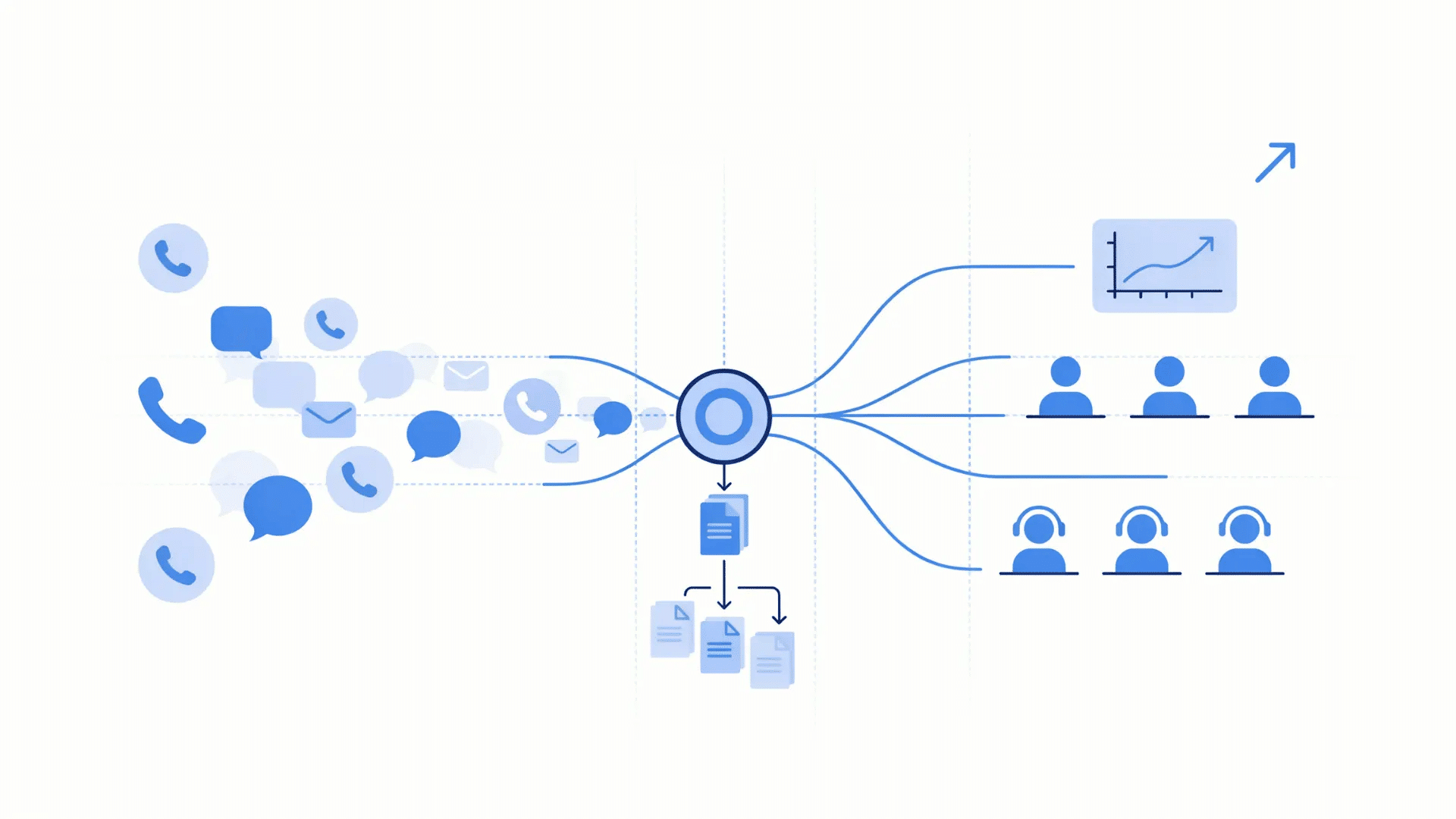
Scaling support successfully means handling increased customer demand without letting response quality, routing accuracy, or workflow consistency decline.
Automation can support growth, but only when the processes behind it remain controlled and well documented.
Three areas deserve particular attention during expansion.
1. Peak Call Volume
Demand spikes can pressure queues when every request requires manual handling. Automated workflows can absorb repetitive requests while agents handle cases requiring judgment or detailed assistance.
Seasonal demand, promotions, service interruptions, and product launches can create higher contact volumes.
Automation should reduce avoidable queue pressure without removing agents from the process, keeping human support readily accessible when customers need it.
2. Knowledge Consistency
Service quality can vary when agents, locations, shifts, or queues rely on different information. Shared knowledge sources reduce differences by giving agents and automated workflows access to approved guidance.
Content should have clear ownership and review dates. Outdated instructions can spread when a single source feeds multiple workflows.
Regular knowledge reviews help keep customer answers aligned as the operation grows.
3. New Queues and Services
Adding a new product, service line, or support queue becomes easier when existing workflow logic can be reused rather than rebuilt from scratch.
Documented routing rules, integrations, escalation paths, and testing procedures provide a stronger starting point.
Before copying an existing workflow, teams should check where the new service differs. Customer intent, system access, policies, and exception paths may require separate rules.
Reusable processes support faster expansion, but controlled testing helps prevent old assumptions from creating new service problems.
How to Plan a Call Center Automation Rollout
A successful call center automation rollout should begin with one defined workflow. Test expected actions and unusual cases before expanding its use.
Follow these six steps:
- Map the Workflow: Record call paths, agent actions, system connections, and handoffs.
- Choose a Use Case: Select repetitive work with clear rules and limited need for human judgment.
- Set a Baseline: Record resolution rates, transfers, repeat contacts, costs, and customer effort.
- Define Escalation Rules: Specify when automation should transfer customers to an agent.
- Test Every Path: Check normal requests, incomplete records, unusual cases, and system failures.
- Review Before Expanding: Compare results with the baseline and correct problems before wider use.
Expert Note: I recommend documenting the normal path, exceptions, system dependencies, and human handoff before launch.
A controlled rollout makes performance easier to evaluate and improve.
Bottom Line
Call center automation delivers the most value when it removes repetitive work without making customer service harder.
The goal is not to automate every interaction, but to reduce manual effort, control resolution costs, protect agent capacity, and keep service reliable as demand grows.
Strong results also depend on clear handoffs, accurate knowledge, connected systems, and regular workflow reviews.
Measuring completed resolutions, repeat contacts, escalations, and released agent time gives businesses a more useful view of performance than call speed alone.
From a technical documentation standpoint, I would treat every automated workflow as a process that needs clear logic, documented exceptions, a human fallback, and an assigned owner.
Which call center tasks take the most time in your business? Share your experience in the comments.
Frequently Asked Questions
Can Small Call Centers Benefit from Automation?
Yes. Small teams can use call center automation for repetitive tasks such as reminders, basic inquiries, and record updates without adopting a large software stack.
Does Automation Require Replacing an Existing Phone System?
Not always. Many automation platforms connect with existing phone, CRM, help desk, and cloud systems through built-in integrations or supported APIs.
What Data Should be Prepared Before Adding Automation?
Prepare clean customer records, call reasons, workflow rules, knowledge content, routing information, and system permissions so automated processes receive dependable inputs.
Do Agents Need Training After Automation Is Introduced?
Yes. Agents should understand automated workflows, system prompts, override options, transferred information, and failure procedures so they can respond correctly when manual involvement begins.