



Debian and Ubuntu are two popular Linux distributions used for servers, cloud platforms, development environments, and desktop systems.
Ubuntu is built from Debian, but each follows a different approach to software updates, support, stability, and ease of management.
I’ve run production servers on both, and the Debian vs Ubuntu question comes up whenever I plan a new deployment.
Debian 13 “Trixie” became the current stable release on August 9, 2025, while Ubuntu releases a new Long Term Support version every two years.
I’ll compare their releases, security, packages, hardware support, and real-world performance.
Quick Answer : In a Debian vs Ubuntu comparison, pick Debian if you want a free, vendor-independent server that barely changes for years. Pick Ubuntu if you want longer paid support options and the easiest path onto major cloud platforms.
What Sets Debian and Ubuntu Apart?
Debian and Ubuntu share the same package format and the same APT tooling, but they’re built by very different organizations.
Debian is a volunteer collective with no fixed release date, while Canonical runs Ubuntu as a commercial product with a two-year LTS cycle.
I think of Debian as the raw ingredient and Ubuntu as the packaged meal, same core, different amount of polish on top.
Canonical originally forked Ubuntu from a Debian snapshot back in 2004, and every new Ubuntu release still opens by syncing against Debian’s unstable branch.
| Factor | Debian | Ubuntu |
| Current release | 13 “Trixie” (Aug 2025) | 26.04 LTS “Resolute Raccoon” (Apr 2026) |
| Release cadence | No fixed date (~2 years) | Fixed, every 2 years (April) |
| Governance | Volunteer, SPI-backed | Canonical (commercial) |
| Free security support | ~3 years full + ~2 years LTS | 5 years |
| Extended support | Community-run Debian LTS | Up to 10 years (Ubuntu Pro, free for personal use) |
| Kernel updates | Fixed within a stable release | Rolling HWE kernel track during release lifetime |
| Package freshness | Older, heavily tested | Slightly newer at release |
| Architectures supported | 8, incl. RISC-V, IBM Z, POWER, 32-bit ARM | Fewer, mainstream-focused |
| Cloud market share | 6.1% of Linux websites | 15.0% of Linux websites |
| Cloud image polish | Available, less pre-tuned | cloud-init pre-configured on AWS, Azure, GCP |
| Docker base images | Slightly smaller (slim images) | Closer parity with Ubuntu hosts |
| Best for | Long-term stability, vendor independence | Longer paid support, easier cloud onboarding |
| Packaging System | Uses apt and deb only | Adds snap by default |
Why People Move From Ubuntu to Debian?
If you are reading this because you want to leave Ubuntu, three things usually push the decision. The first is snap packages.
Ubuntu installs some software as snaps even when you ask for the apt version, and the snap back end is run by Canonical. Debian leaves this out, so you keep plain apt packages and normal repositories.
The second is the login and shutdown messages. Ubuntu server prints Pro upsell notices and news lines in the message of the day, which Debian does not add.
The third is account prompts. Ubuntu nudges you toward a Canonical account for Pro coverage, while Debian asks for nothing. None of these change raw speed, but they change how much the vendor sits between you and the machine.
How Debian and Ubuntu Release Cycles Affect Upgrade Planning
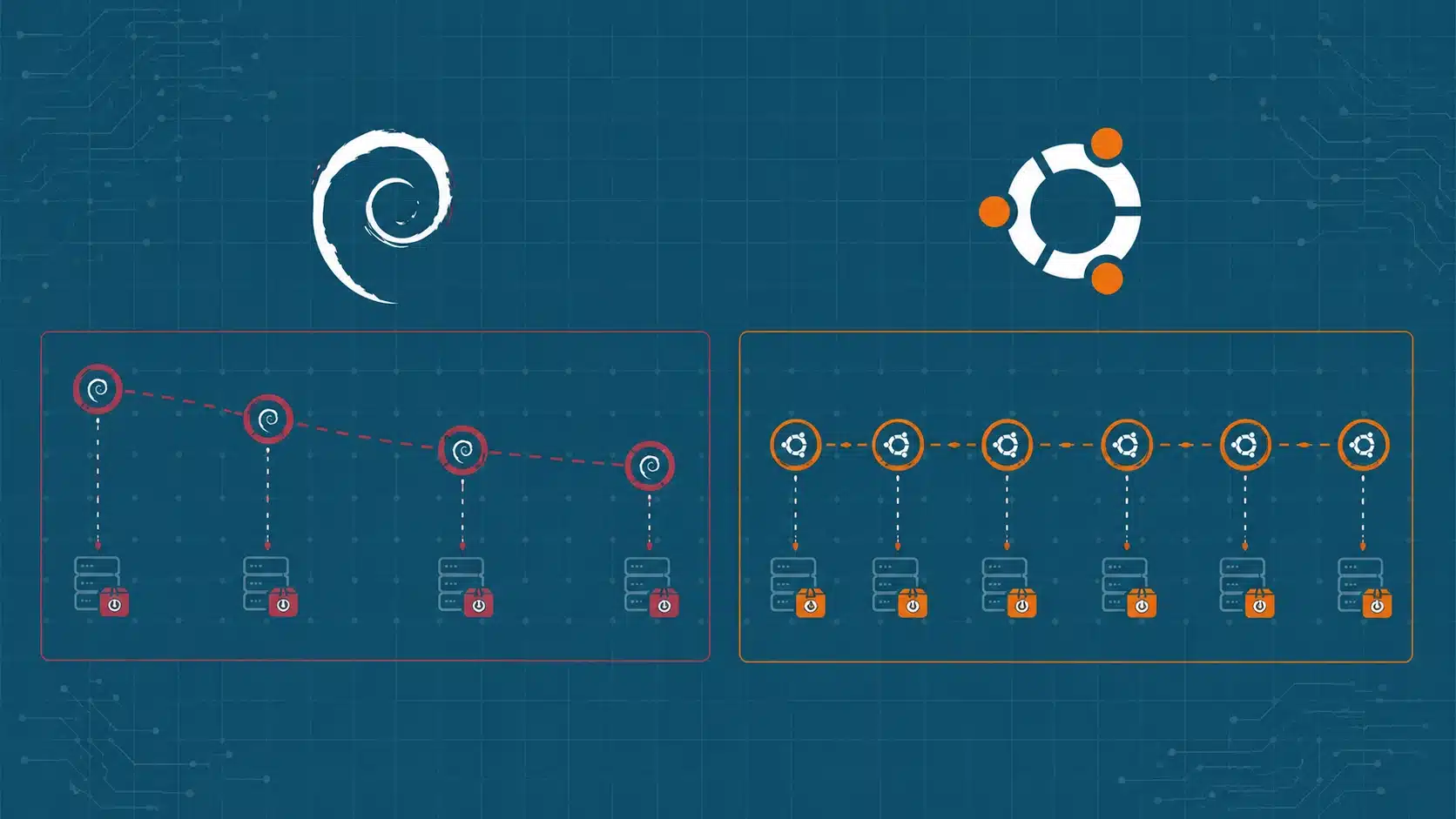
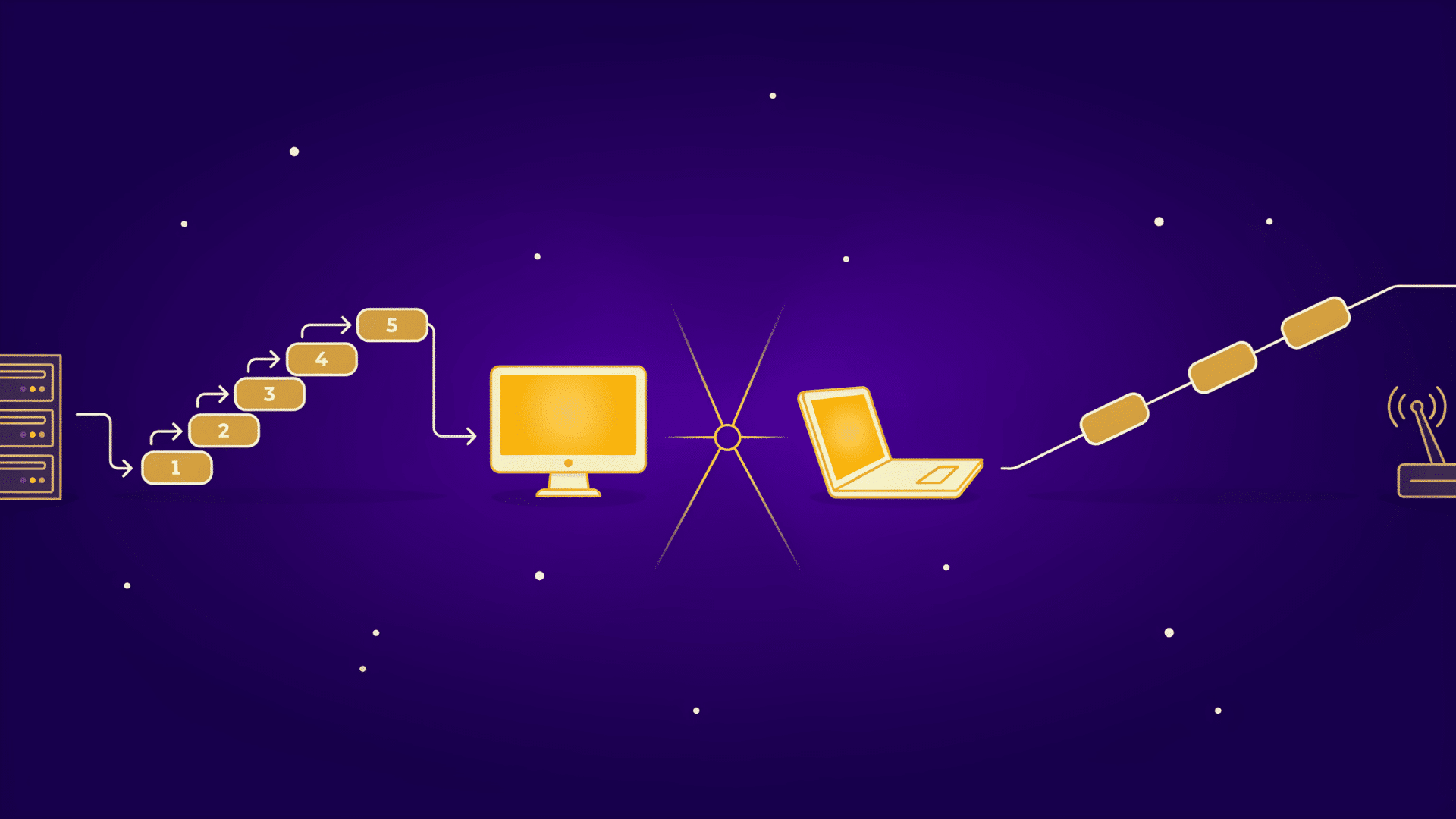
The Debian vs Ubuntu release-cycle difference affects how far ahead teams can schedule testing, plan maintenance windows, and prepare for major upgrades.
The two models split on one point: Debian ships when it is ready, so administrators can plan a Debian upgrade around their own calendar rather than a fixed date.
Debian’s Release Rhythm
Debian does not follow a fixed release calendar:
- Stable versions ship only when the release team considers them ready.
- Debian 13 “Trixie” arrived about two years after Debian 12 “Bookworm.”
- Release dates may shift when testing or unresolved issues require more time.
This approach favors stability, though it makes exact upgrade dates harder to predict. In practice, you can time a Debian upgrade around your own maintenance window instead of the project’s schedule.
Ubuntu’s LTS Schedule
Ubuntu releases a new LTS version every even-numbered April. Ubuntu 26.04 LTS offers:
- Five years of standard security maintenance
- Ten years of coverage with Ubuntu Pro
- Up to 15 years with the paid Legacy add-on
Debian offers a flexible, readiness-based cycle, while Ubuntu makes long-term upgrade planning more predictable.
Between LTS versions, Ubuntu also ships interim releases every six months, but those get only nine months of support and are not meant for long-lived servers.
Debian vs Ubuntu Performance Under Real Workloads
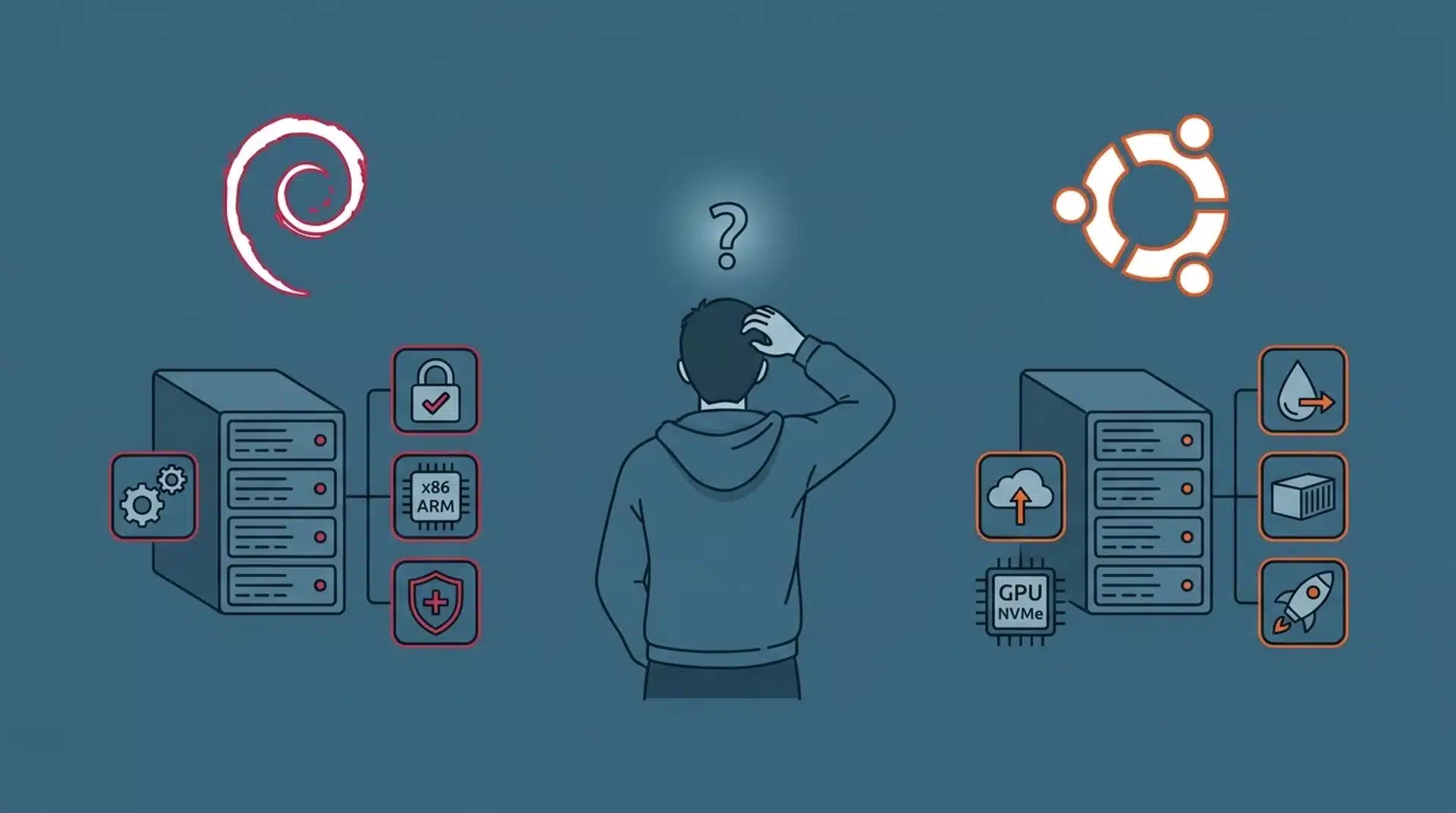
Neither distro is meaningfully faster once you strip away default services and desktop extras. The gap comes down to configuration, not the base OS.
What actually differs is how much each one changes underneath you over time.
I’ve left Debian servers untouched for three years and found the same package behavior on day 1,095 as on day one. That predictability matters more to me than raw speed.
Kernel Updates and System Changes
Ubuntu’s hardware enablement track introduces newer kernels during an LTS release. This can improve support for newer processors, storage devices, and networking hardware.
Debian takes a more conservative approach:
- Kernel versions remain broadly consistent within a stable release.
- Security patches and important fixes are backported.
- Major behavioral changes are usually avoided.
I prefer Debian’s approach for servers that need to run unattended with minimal change.
Package Freshness and Hardware Support
Ubuntu often ships newer packages and drivers at release because it draws from a recent Debian development snapshot and adds its own changes.
Debian Stable usually includes older versions that have gone through longer testing.
The main differences are:
- Ubuntu: Newer software and stronger support for recent mainstream hardware
- Debian: More conservative packages and support for more processor architectures
- Both: Backports repositories for installing selected newer packages
Debian still supports architectures such as RISC-V, IBM Z, POWER, and 32-bit ARM. Ubuntu focuses on fewer mainstream platforms, so Debian can be the better fit for embedded, industrial, and less common server hardware.
Which Has Better Security Coverage: Debian or Ubuntu?
Ubuntu LTS gives you five years of standard security maintenance for packages in the Main repository. Ubuntu Pro and the paid Legacy add-on extend that coverage further.
The support periods are:
- Ubuntu LTS: Five years of standard maintenance
- Ubuntu Pro: Up to 10 years across Main and Universe
- Legacy add-on: Up to 15 years for eligible releases
- Debian: About three years of regular support, followed by roughly two years under Debian LTS
For production planning, the choice is fairly simple. Ubuntu offers the longer optional support period and a commercial support path.
Debian provides around five years of coverage without requiring a paid plan.
Choosing Between Debian and Ubuntu for Cloud and Docker Hosting

Ubuntu has a larger cloud footprint and is often the default Linux image on major providers. Debian is widely available too, though it may need more setup.
W3Techs reports Ubuntu powers 15.0% of Linux websites, compared with Debian’s 6.1%, which points to Canonical’s cloud focus rather than better reliability.
Cloud Images and Onboarding
Ubuntu reduces the manual work needed when launching a new cloud server through several built-in features:
- Cloud-init is pre-configured
- Images are available on AWS, Azure, and Google Cloud
- Kernels may be tuned for each provider
- Canonical tools support larger environments
These features can reduce setup time for new virtual machines. Debian images exist on the same providers, but you often configure cloud-init and provider tuning yourself, which adds a few steps on first boot.
Docker and Container Base Images
For container workloads, the main differences involve image size, host compatibility, and package setup:
- Debian Slim images are often smaller
- Ubuntu images match Ubuntu hosts closely
- Both support stable container workloads
- Dependencies usually matter more than the base image
Choose based on image size, host compatibility, and your team’s tools.
The Debian Community’s Verdict: Is Switching Worth It?
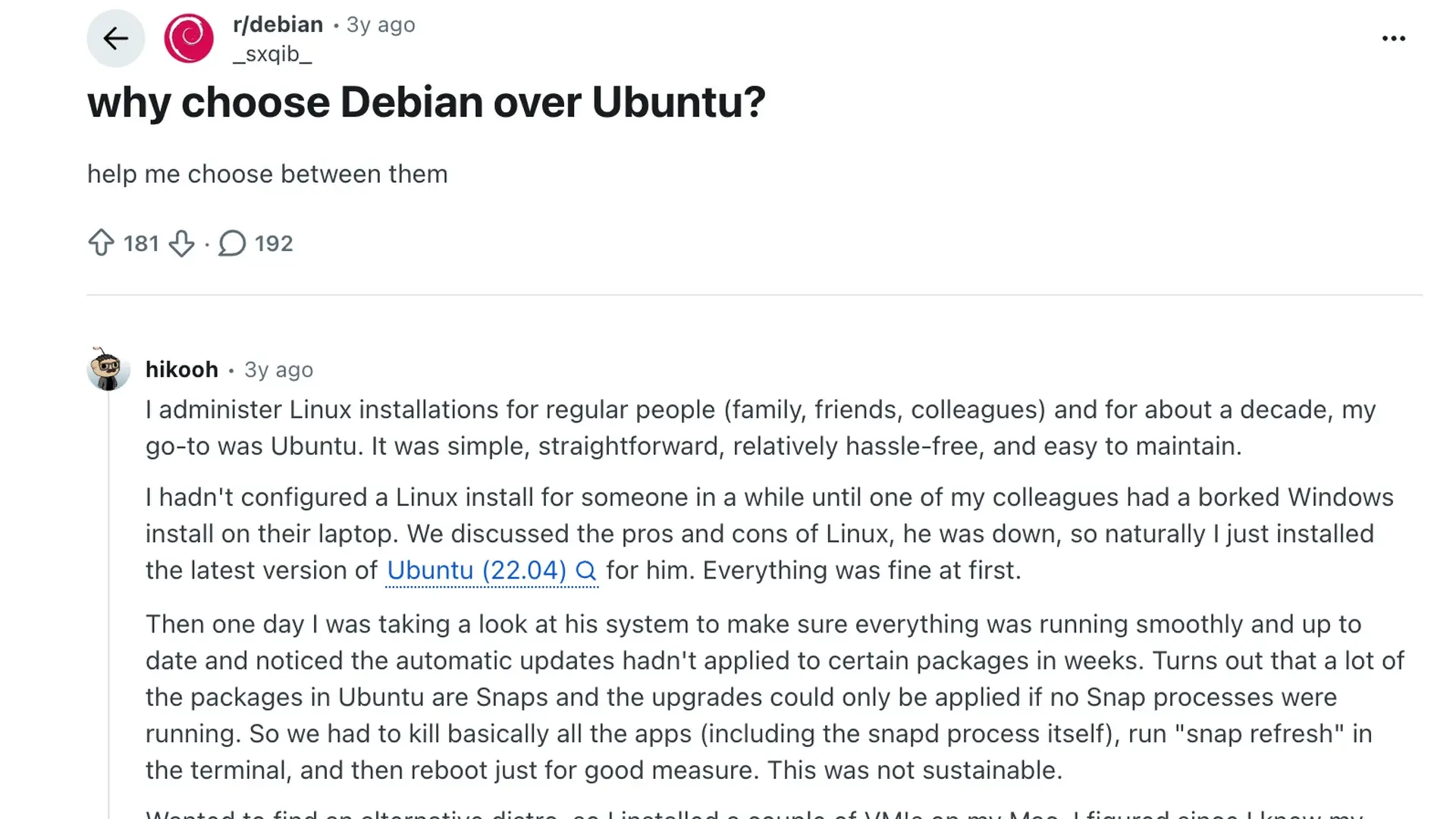
In a Reddit discussion about choosing Debian over Ubuntu, users shared practical reasons for switching, staying, or testing both systems. The thread presents personal experiences rather than a final verdict.
- More Control Over Packages: Several users preferred Debian because Snap remains optional and standard APT packages stay central.
- Fewer Unplanned Changes: Debian users valued conservative updates and predictable behavior across long-running systems.
- Easier Than Expected: Some former Ubuntu users said modern Debian installation and desktop setup felt much simpler than older releases.
- Ubuntu Still Has Advantages: Commenters noted that Ubuntu may offer broader documentation, smoother hardware support, and an easier start for beginners.
- Test Before Switching: Many recommended trying Debian through a live USB or virtual machine before replacing an existing Ubuntu installation.
The main takeaway is to choose based on your hardware, skills, and update preferences.
My Verdict: Debian vs Ubuntu for Your Next Server
My Debian vs Ubuntu choice depends on the server’s long-term needs.
I prefer Debian for stable servers that benefit from conservative updates and vendor independence.
Ubuntu is a better fit for cloud integration, predictable LTS releases, longer support options, and teams already using Canonical tools.
Neither is better for every case. Debian favors control and consistency, while Ubuntu offers easier cloud setup and a clearer upgrade schedule.
My rule of thumb is simple: choose Debian for stability and independence, or choose Ubuntu for ecosystem support, easier onboarding, and a longer support runway across larger production server fleets.
Which distribution do you use for production servers? Share your setup and the reason behind your choice in the comments.
Frequently Asked Questions
Is Ubuntu Based on Debian?
Yes. Ubuntu is based on Debian and imports many packages from Debian Unstable early in each development cycle. Canonical then modifies, tests, and maintains them for Ubuntu.
Which Is More Stable, Debian or Ubuntu?
Debian Stable generally changes less after release, receiving mainly security patches and important fixes. Ubuntu LTS is also dependable but includes newer kernels, drivers, and Canonical tools.
Is Debian Faster Than Ubuntu for Servers?
Neither is automatically faster. Performance depends more on enabled services, kernel versions, resource limits, system tuning, and workload. A minimal Debian installation may use fewer resources by default.
Which Is Better for Cloud Hosting, Debian or Ubuntu?
Ubuntu is often easier because Canonical ships tuned images for AWS, Azure, and Google Cloud. Debian is widely available too and suits a smaller, simpler base system.
Can I Switch From Ubuntu to Debian Without Reinstalling?
Not safely. Switching usually requires a clean Debian installation. Back up your files and settings first, then reinstall and restore what you need.