

Quick Answer: An unsecured Internet of Things device can give attackers access to other systems on the same network. It may also leak sensitive data or stop working reliably.
The risk posed by Internet of Things devices stems from three interconnected problems: weak security, exposed personal data, and unpredictable performance.
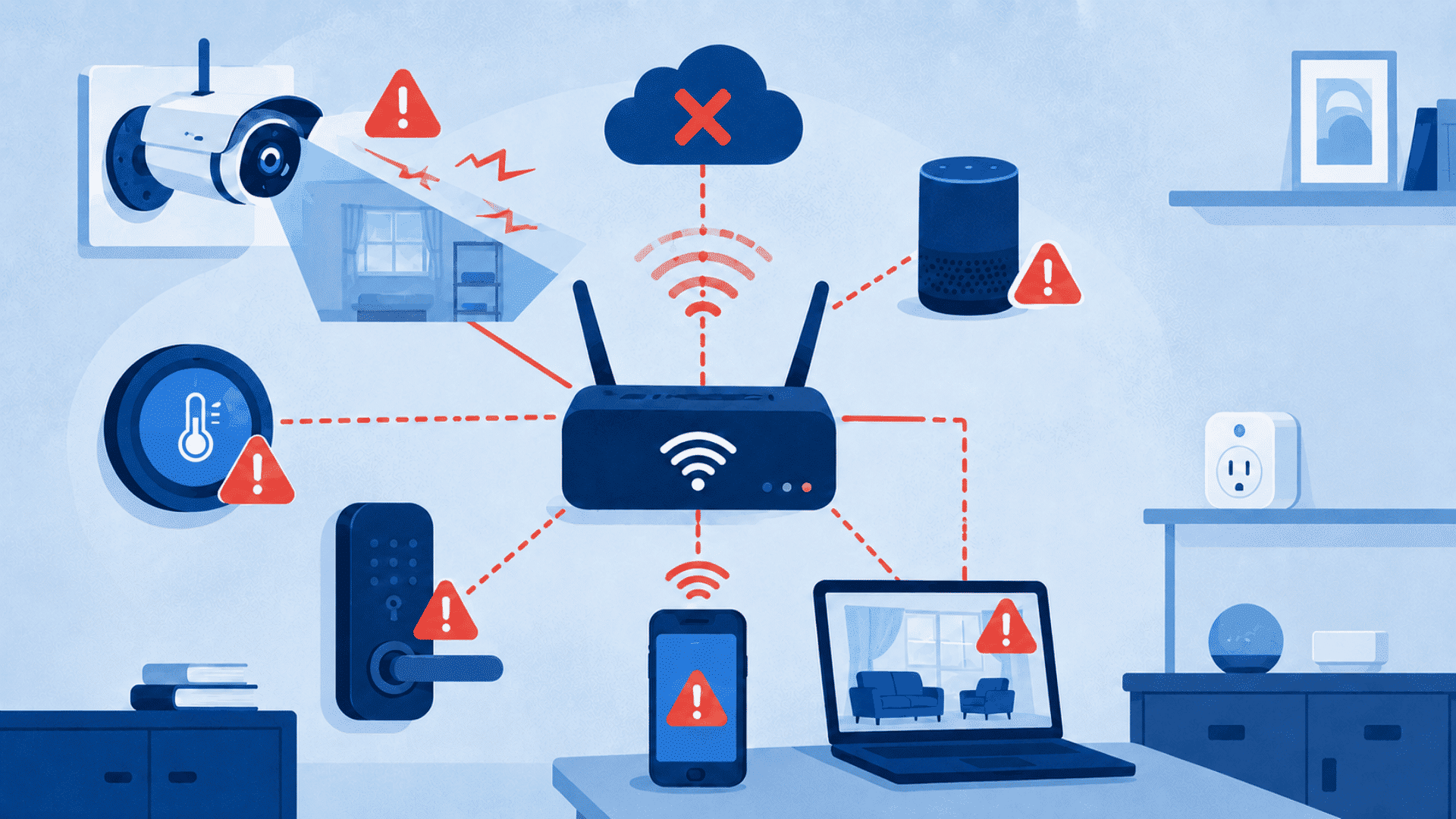
A smart plug, doorbell camera, or thermostat that shares a network with a laptop or work computer can become the easiest way in for an attacker, not just a convenience add-on.
These are just a few examples of IoT devices that may introduce security and privacy risks when poorly configured.
Attackers exploit the sheer number of IoT devices online to infect large groups at once, then use that access to attack other systems.
The device nobody checks on is usually the one that gets compromised first.
This article explains how IoT weaknesses lead to network intrusion, data exposure, and unreliable operation. It also covers the practical controls that can reduce each risk.
Risks Posed by Internet of Things Devices on a Shared Network
An IoT device becomes a network entry point through a default password, an open port, or unencrypted traffic.
Most smart devices share the same network as laptops, phones, and work files, so a break-in rarely stays contained to just that one device.
CISA points out that passwords are often the only barrier between a device and personal information, and factory-set logins make that barrier easy to skip.
A smart plug shipped with an “admin/admin” login is functionally an unlocked door on the network. I’ve seen flat, unsegmented networks turn one hacked camera into full access to shared drives within minutes.
| Risk Type | Main Cause | Possible Result |
| Security | Weak passwords, outdated firmware, insecure connections | Device hijacking, malware, or network access |
| Privacy | Excessive collection or exposed stored data | Surveillance, fraud, or identity misuse |
| Operational | Outages, software faults, dead batteries, lost vendor support | False alerts, delayed commands, or device failure |
How do Attackers Move from IoT Devices to Other Systems?
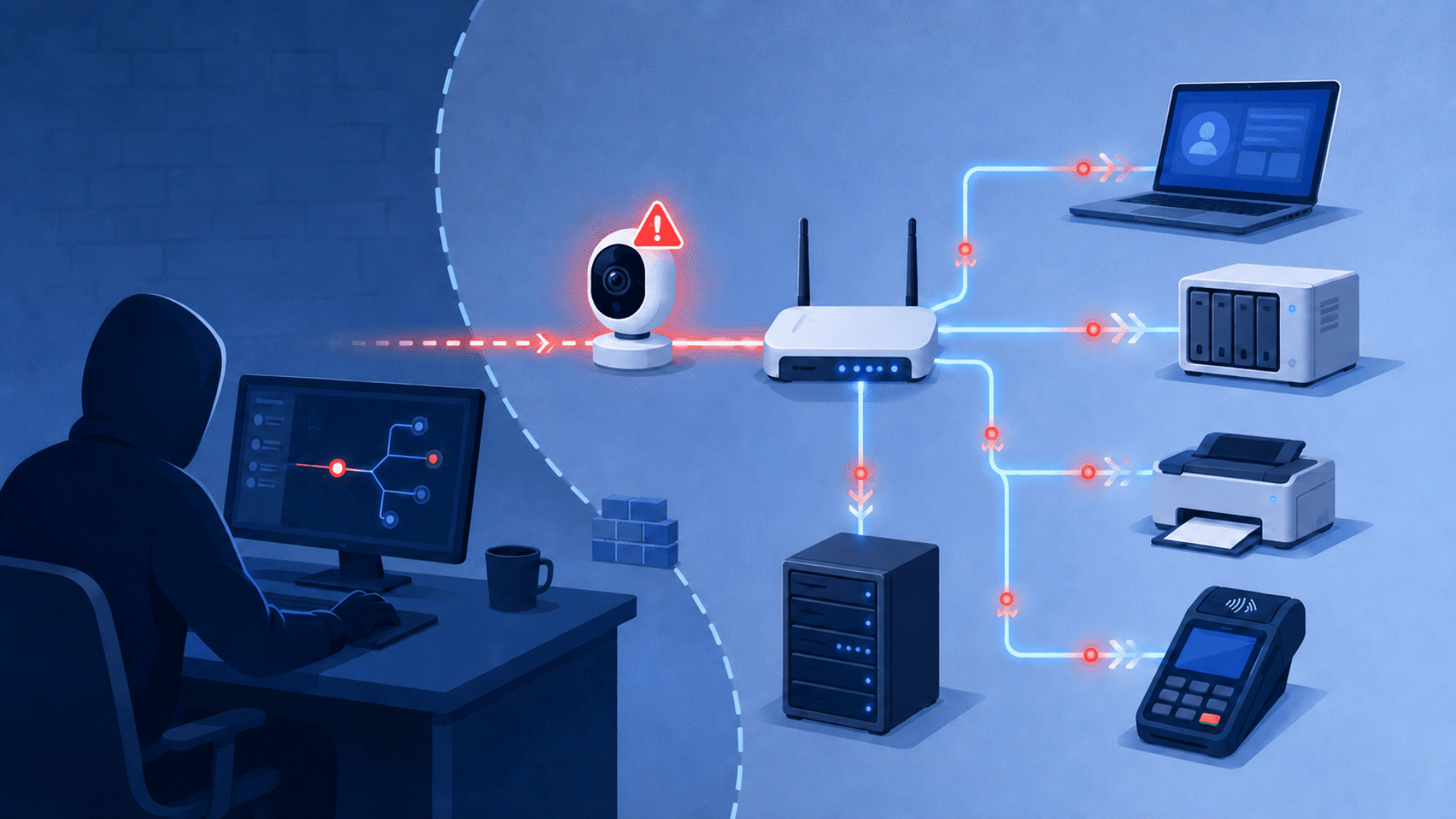
The FBI warns that once attackers compromise an IoT device, “they can move laterally and compromise your network devices.”
Once inside, they may search for:
- Shared drives containing sensitive files
- Computers with missing security updates
- Stored usernames and passwords
- Printers, servers, and payment systems
- Other poorly secured connected devices
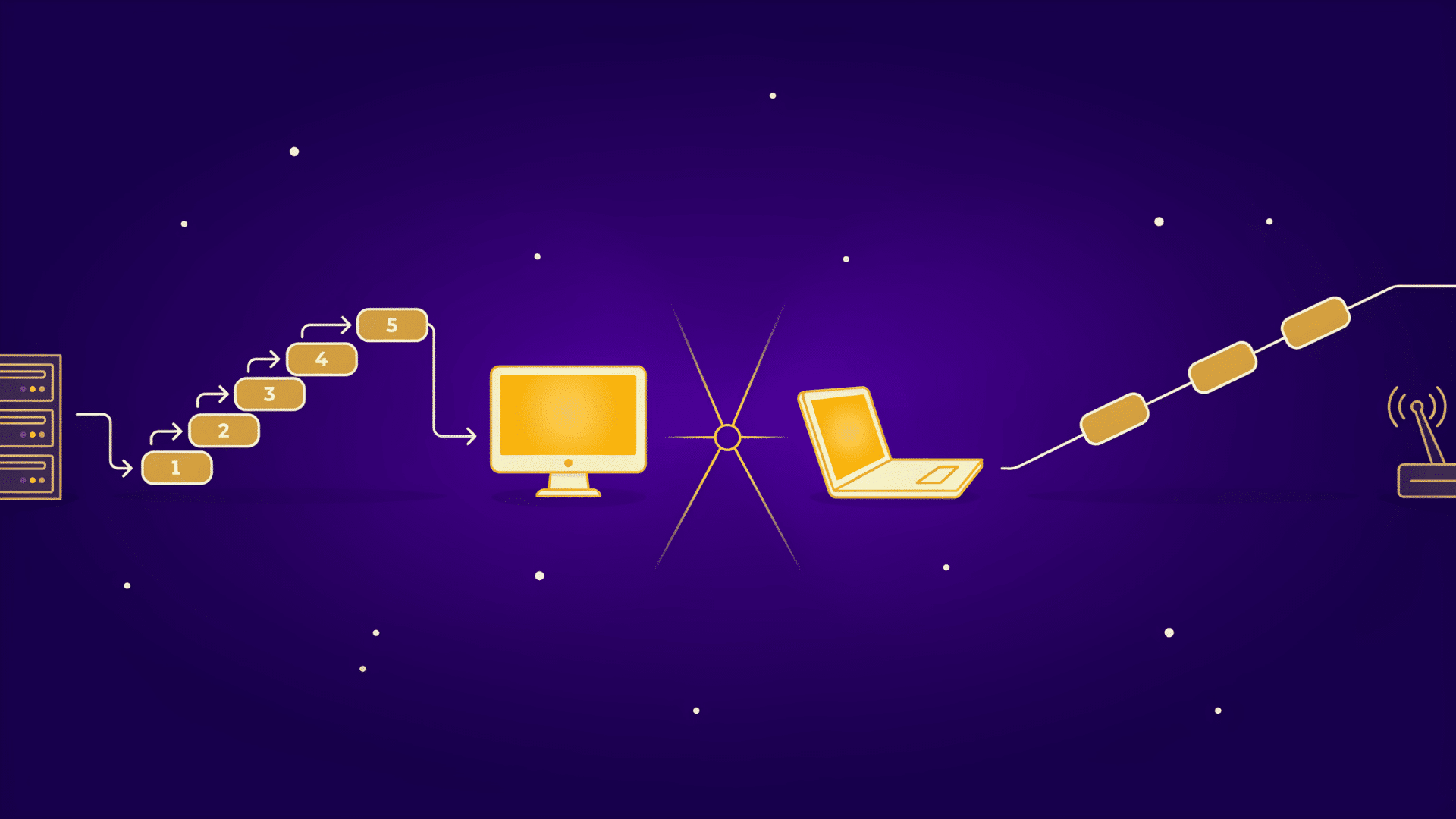
This process, called lateral movement, avoids the need to attack the main computer first. A hacked camera can become a launch point for accessing a laptop’s shared folders.
Small businesses face added risk when payment systems, printers, cameras, and customer records share one flat network.
What are the Main Security Risks of Internet of Things Devices?
The main security risks of Internet of Things devices come from weak authentication, outdated firmware, insecure communication, and malware that turns devices into attack tools.
Each risk compounds the others: a weak password lets an attacker in, and a missing update keeps that access open indefinitely.
Manufacturers tend to prioritize convenience and short development cycles over long-term security support, which is why these four risks show up across nearly every category of smart device.
1. Weak Passwords and Poor Authentication in IoT Devices
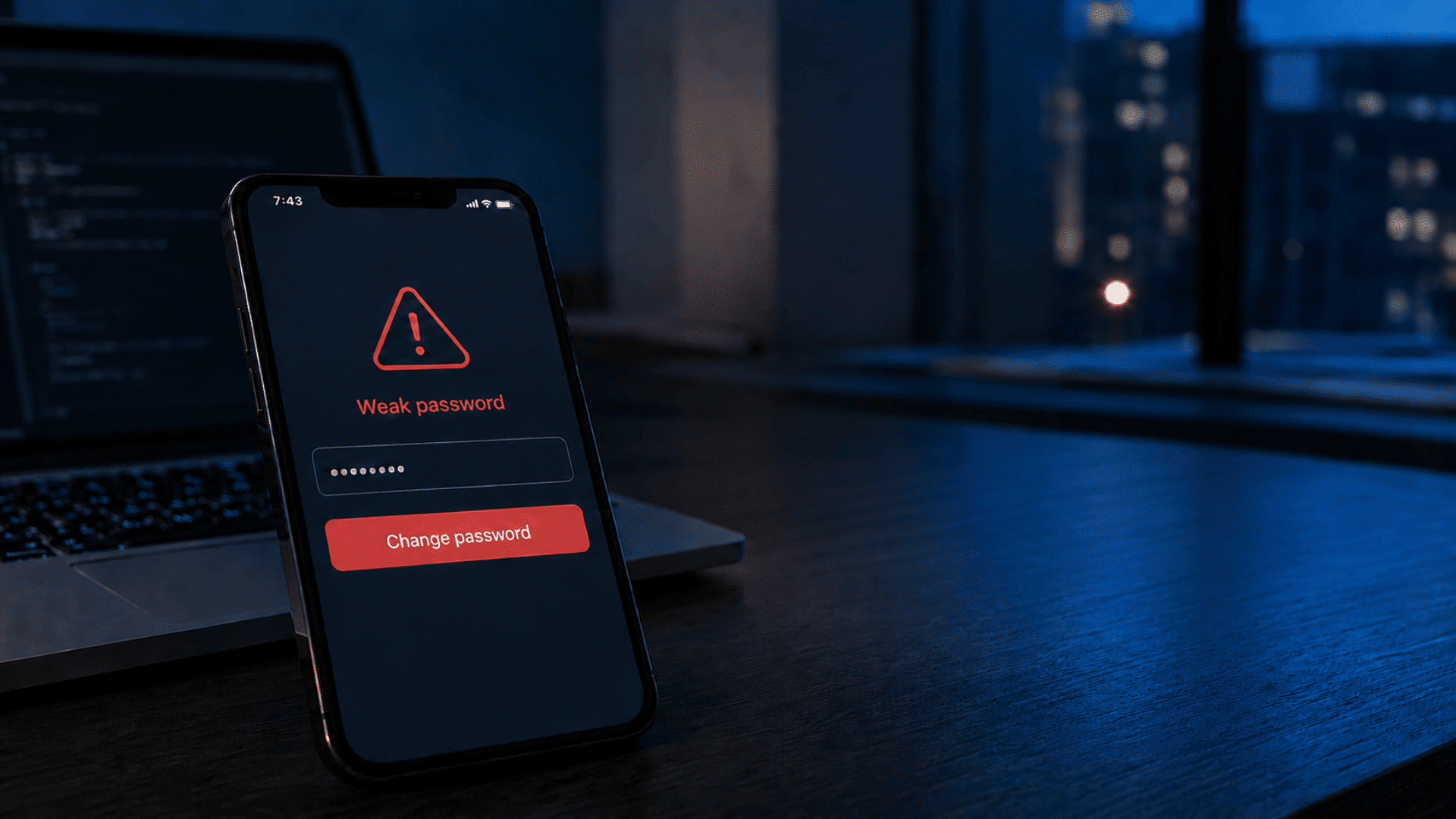
Weak passwords remain the single biggest security risk in IoT devices, since many ship with factory logins that owners never change.
According to NIST, IoT devices should carry a unique identity and support strong authentication, but many budget devices skip this step entirely. Changing default credentials during setup closes this gap immediately.
2. Missing Updates and Unsupported IoT Firmware
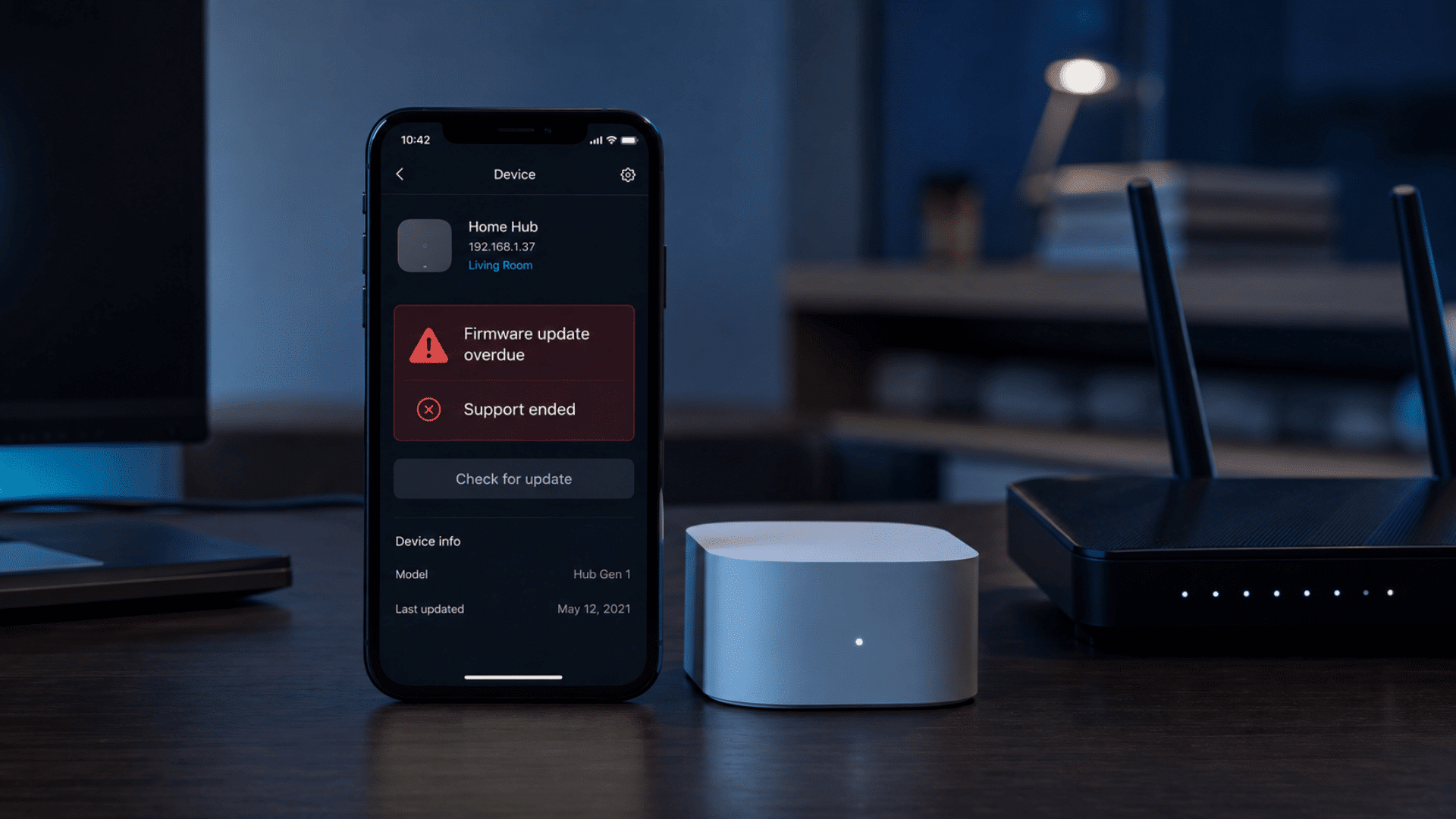
Missing updates leave known vulnerabilities open on IoT devices indefinitely, since manufacturers often stop patching firmware within a few years of release.
Expert Note: A 2024 FTC study of 184 smart products found that nearly 89% of manufacturers never disclosed how long a device would keep receiving software updates.
That gap makes it hard to know whether a device is still protected until something goes wrong.
3. Insecure IoT Communications and Cloud Services
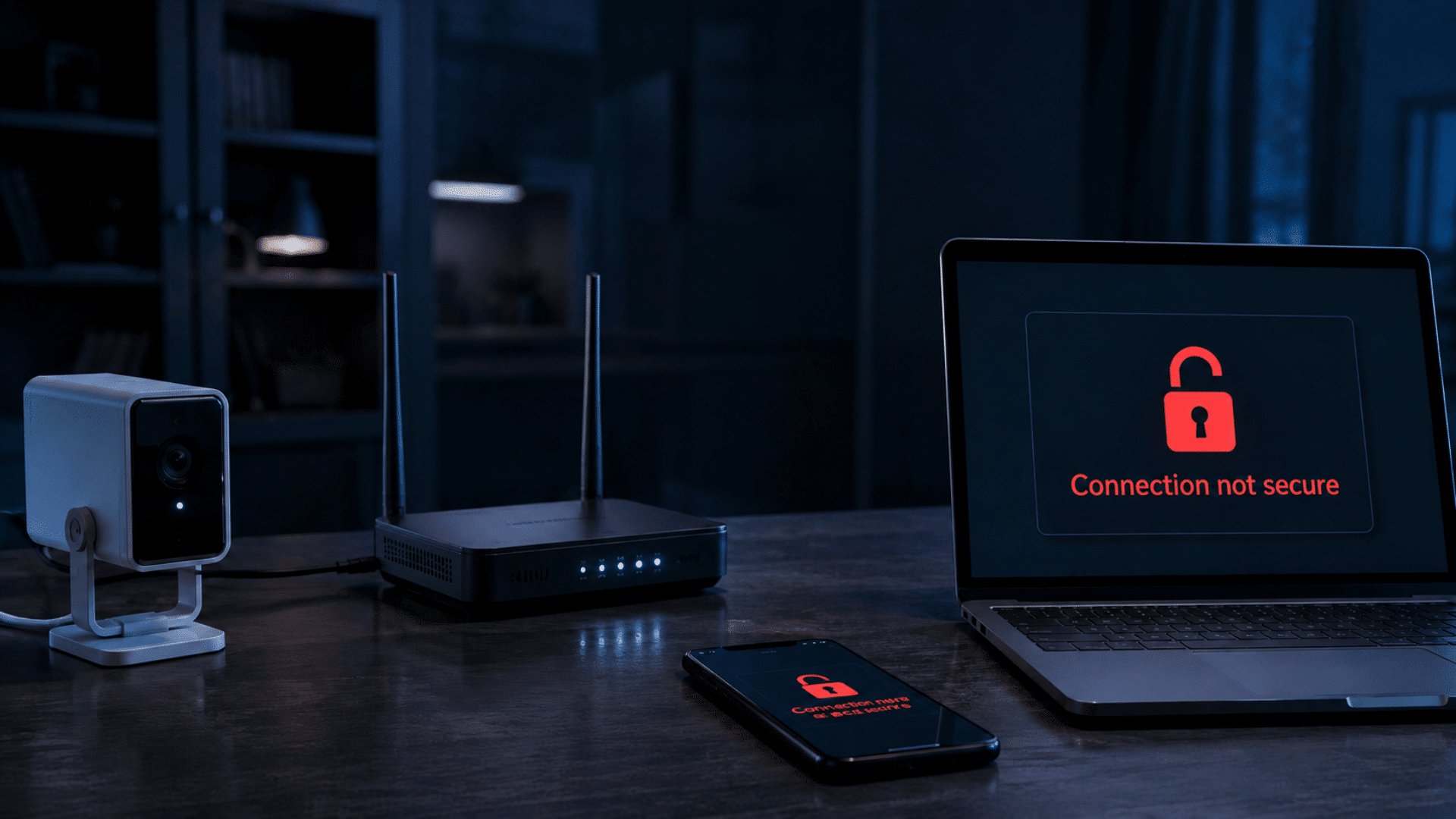
Insecure communication happens when an IoT device sends data without encryption, or when its companion cloud service has weak access controls.
Traffic sent in plain text can be intercepted on the same network, exposing login tokens or video feeds. Checking whether a device documents encrypted connections, such as TLS, is a fast way to screen for this risk.
4. IoT Malware, Botnets, and Service Disruption

IoT malware infects devices at scale, then groups them into a botnet to disrupt other services.
CISA notes that attackers exploit this scale to access device data directly or launch coordinated attacks on outside targets.
A device running unusually hot, restarting on its own, slowing the home network, or losing responsiveness can signal it’s already part of a botnet.
How do Internet of Things Devices Put Personal Data at Risk?
Beyond network access, what risk is posed by Internet of Things devices also comes down to data collection.
These devices gather more information than most owners realize, then store it on servers the owner never sees or controls. Cameras, speakers, and wearables gather details that go well beyond their advertised function.
I notice the same blind spot every time: people trust the device, not the company managing the data behind it . The three areas below cover what gets collected, where it ends up, and what happens when it leaks.
1. What Personal Data do IoT Devices Collect?
IoT cameras, microphones, and sensors may collect audio, video, location details, motion patterns, and device usage data.
For example, a voice assistant monitors for its wake word, while a smart lock records entry and exit times. Such records may reveal private household routines.
2. Where do IoT Companies Store and Share User Data?
IoT companies often store collected information on cloud servers rather than solely on the device. They may also share certain data with service providers.
The FTC advises companies to use strong encryption and access controls. A provider-level breach can expose information belonging to many connected customers simultaneously.
3. What Happens When IoT Data is Exposed?
Exposed IoT data may contribute to identity theft, targeted phishing, stalking, or unauthorized access to camera and microphone feeds.
Some device owners discover an exposed camera only after an unknown person accesses its speaker or controls. A breached provider database may affect thousands of households at once.
Reliability, Operational, and Safety Risks IoT Devices Pose
IoT devices carry reliability and safety risks unrelated to hacking, including outages, hardware failure, and discontinued support. These risks affect function and safety, not just data.
I’ve had smart devices stop responding the moment an internet connection dropped, which is a reminder that “smart” often means “dependent.”
The four areas below cover outages, hardware failure, vendor shutdowns, and physical safety.
1. Internet and Cloud Outages
Internet and cloud outages can turn off IoT devices that depend on a remote server, even for basic local tasks.
A smart lock or thermostat built around cloud processing can stop responding the moment that connection drops. Devices with local control options handle outages far better than cloud-only models.
2. Software, Sensor, and Battery Failures
Software bugs, failing sensors, and degrading batteries cause IoT devices to misreport data or stop working without warning.
A smoke detector with a failing sensor is a safety issue, not just an inconvenience. Regular firmware checks and battery replacement schedules catch most of these failures early.
3. Ended Manufacturer Support
Vendor shutdowns turn IoT devices into unsupported hardware overnight, since many products depend entirely on the manufacturer’s servers to operate.
I’ve watched entire product lines get orphaned when a company closed, leaving working hardware useless. Checking a vendor’s update history before buying reduces this exposure.
4. Physical Safety Risks from Device Failures
Physical safety risks appear when a failed or hacked IoT device controls something in the physical world, like a lock, thermostat, or medical monitor.
A compromised smart lock can leave a door open remotely, and a manipulated thermostat can put an elderly or medically dependent resident at risk.
These risks make IoT security a physical concern, not only a digital one.
IoT Risk Comparison for Homes, Businesses, and Critical Systems
The risk profile of an IoT device changes with where it’s deployed, since a hacked camera at home carries different stakes than one on a hospital network.
The table below compares likely risk and impact across three common settings:
| Setting | Primary Risk | Likely Impact | Example |
| Home network | Weak passwords, exposed cameras | Data exposure, privacy loss | Hacked baby monitor or doorbell camera |
| Small business | Flat network, unpatched devices | Data breach, downtime, financial loss | Compromised point-of-sale system or printer |
| Critical systems | Unsupported firmware, physical control | Service disruption, safety risk | Hacked medical device or industrial sensor |
I find this comparison useful for deciding which devices to lock down first when time or budget is limited.
How to Reduce the Risks of Internet of Things Devices
Reducing the risks of Internet of Things devices starts with basic network habits, not expensive security tools. Most of the steps below take less than an hour to set up.
- Change every default password during setup, including the router’s admin login.
- Put IoT devices on a separate guest or IoT-only network
- Turn on automatic updates wherever the device supports them
- Check the manufacturer’s update history before buying a new device
- Disable remote access features the household doesn’t actually use
- Review what data each device collects in its app settings
I still run through this list myself whenever a new device joins my own network, and it catches something almost every time.
Final Thoughts: The Central Risk of Internet of Things Devices
The central risk posed by Internet of Things devices isn’t any single flaw; it’s how one weak device can affect an entire network, household, or business.
So, what’s the answer to the risk posed by Internet of Things devices? Weak passwords, missed updates, and unclear data practices all lead back to the same outcome: a device meant to add convenience becomes the easiest point of failure.
Putting devices on their own network, keeping firmware current, and checking a vendor’s update history before buying handle most of that risk without much effort.
I treat this the same way I treat server hardening: the basics, done consistently, stop most problems before they start.
Internet of Things devices aren’t going away, and most of them are genuinely useful. Managing the risk they carry takes the same attention you’d give any other device on the network.
Which IoT risk concerns you most? Share your thoughts or experience in the comments below.
Frequently Asked Questions
Can a Hacked IoT Device Affect My Computer?
Yes. A compromised IoT device may allow attackers to scan, access, or attack other devices on the same network, including your computer.
What Personal Information Can IoT Devices Collect?
IoT devices may collect audio, video, location, health metrics, usage habits, and account details through their sensors and connected applications.
Are IoT Devices Safe on a Guest Wi-Fi Network?
They are safer on a guest network because it isolates them from your primary network, personal files, and computers.
How Can I Tell Whether an IoT Device Was Hacked?
Warning signs include unusual data usage, unexpected setting changes, slower performance, unfamiliar logins, and restarts you did not initiate.
Should I Replace an IoT Device That No Longer Gets Updates?
In most cases, yes. Unsupported devices remain exposed to unpatched security flaws, so replacing them can reduce ongoing security and privacy risks.