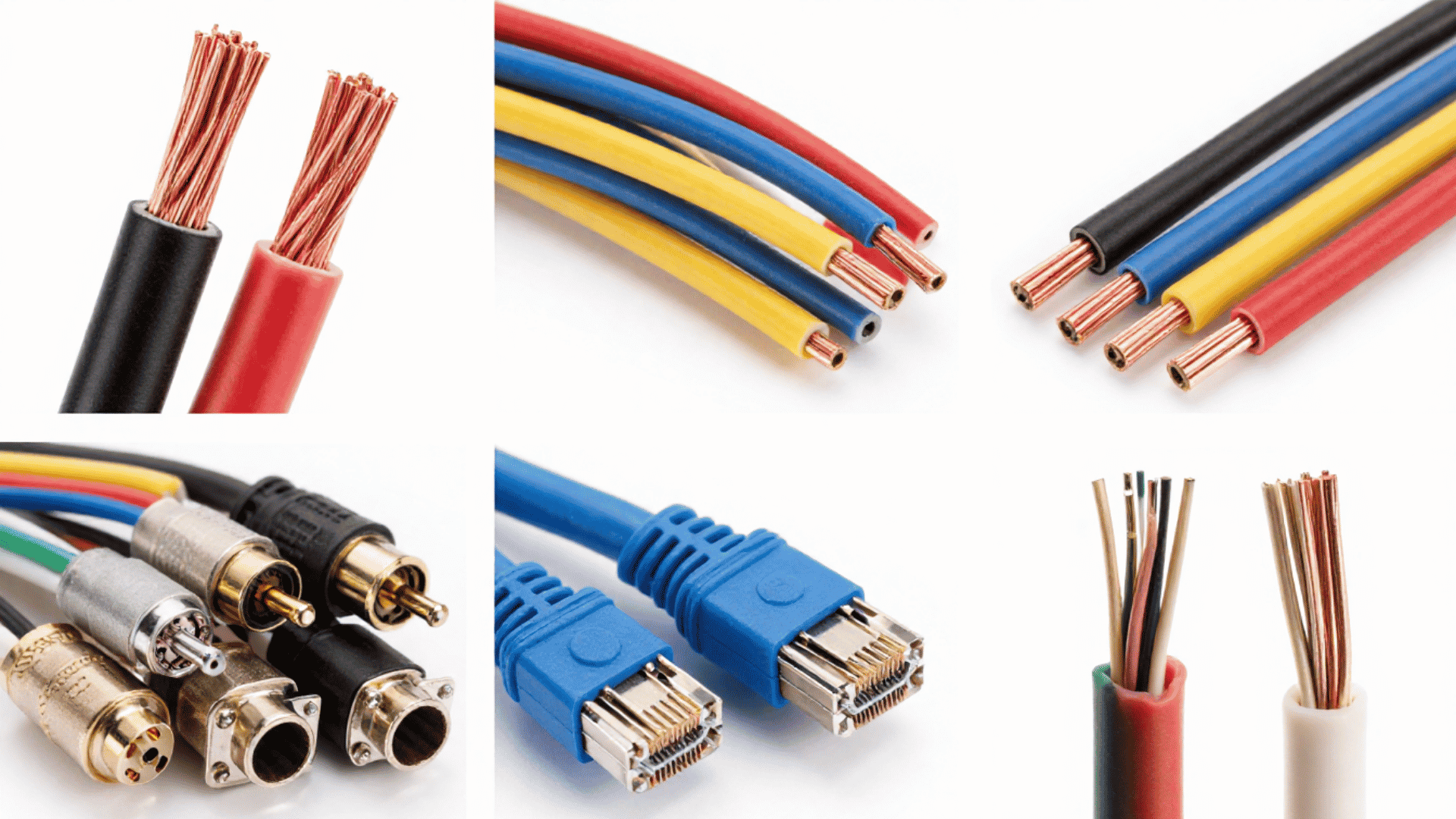




Cables are everywhere, yet most people never think about the different cable types until something stops working. Every cord, wire, and plug you see is part of a system built for a specific job.
Some cables carry electrical power, some carry data, and some carry sound and video signals.
My background is in computer engineering, and much of my work involves turning cable specifications into plain selection advice. What comes up again and again is that most cable problems trace back to a single choice: the wrong cable for the job.
By the end, you will know how many cable types there are, what each type is, what it does, and where it is used. That makes it easier to choose the right one for your home, office, or workspace.
Main Cable Types at a Glance
Before going section by section, it helps to see the three major cable types side by side. Each group solves a different everyday problem around your home, office, or workspace, and knowing them saves time later.
| Category | What it carries | Types in this group |
|---|---|---|
| Electrical power cables | Electrical current to outlets, machines, and buildings | XLPE, PVC, armored, flexible, fire-resistant |
| Networking and telecoms cables | Digital data for internet, phone, and TV | Twisted pair, fiber optic, coaxial |
| Audio and video cables | Sound and picture between screens, speakers, and devices | HDMI, USB, audio |
Keep these three categories in mind, since every cable type covered in this guide fits into one of them below.
Electrical Power Cables
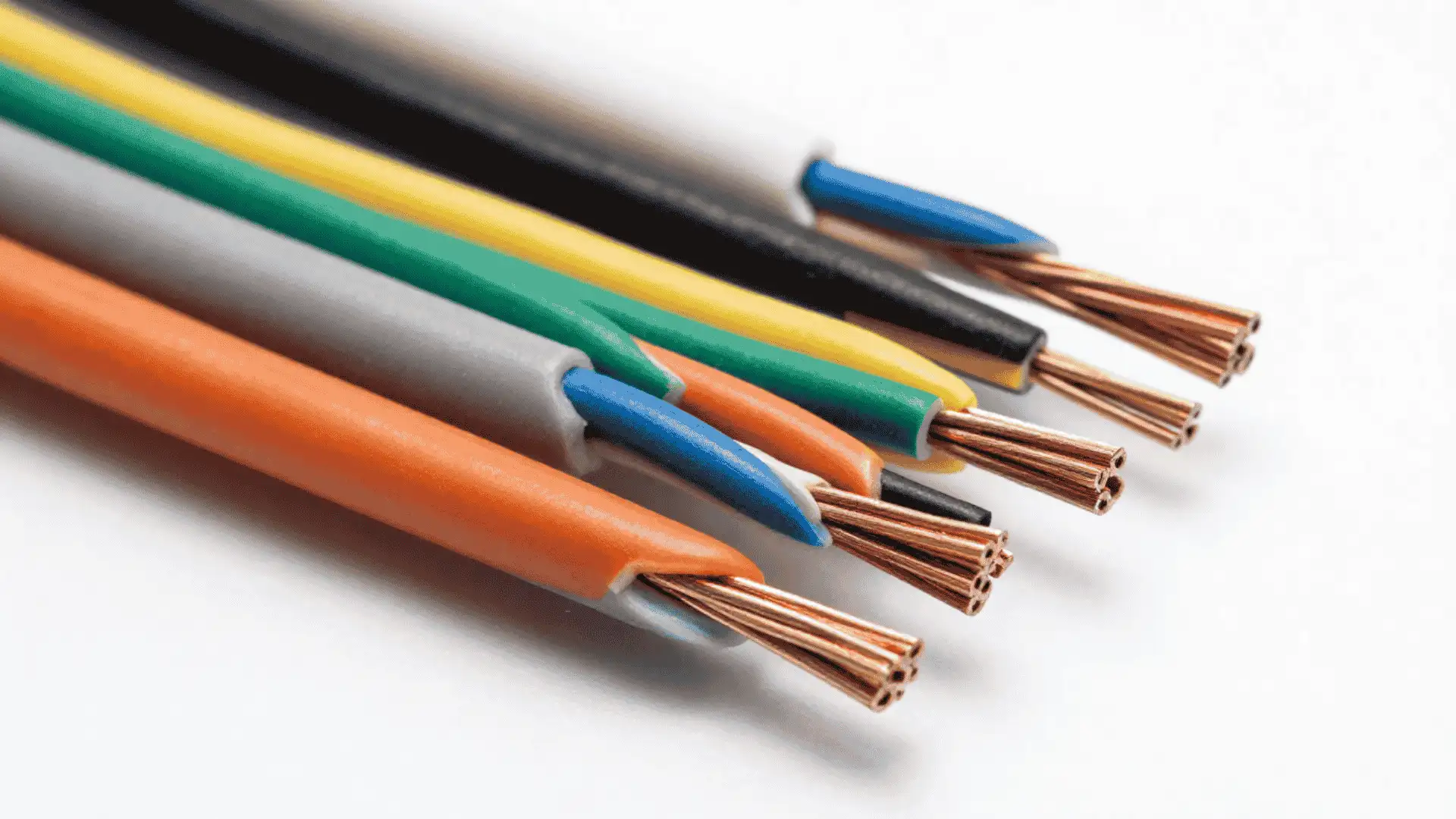
Electrical power cables carry electrical current safely from a power source to an outlet, machine, or building.
These cables are one of the most common cable types found in homes, offices, and factories. Picking the right power cable protects people and equipment from shocks, fires, and equipment damage.
Four common versions show up again and again in wiring projects:
- XLPE and PVC cables
- Armoured cables
- Flexible cables
- Fire-resistant cables
Before choosing the right power cable for your next project, it helps to understand what sets these four common options apart today.
1. XLPE and PVC Cables
XLPE and PVC cables are reliable choices for fixed electrical wiring in homes, offices, and light industrial spaces.
XLPE insulation supports temperatures up to 90°C, making it suitable for higher electrical loads, while PVC cables typically handle around 70°C and work well for standard indoor circuits.
- Why it’s Used: Reliable, low-cost fixed wiring for indoor and moderate outdoor conditions
- Estimated Price: around $25 per roll
- Buy at: Home Depot
2. Armored Cables
Armored cables wrap steel wire or steel strips around the core to guard against crushing, digging, and rodents. Builders rely on this extra layer for underground power lines and demanding industrial sites.
The most common version is steel wire armored cable, often shortened to SWA. The steel layer can also act as the circuit’s earth path, which is one reason it is standard for runs out to outbuildings and machinery.
- Why it’s Used: Heavy-duty protection for underground or high-risk installations
- Estimated Price: around $40 per length
- Buy at: Home Depot
3. Flexible Cables
Flexible cables use many thin strands instead of one solid core, allowing them to bend and coil without breaking. They show up inside washing machines, power tools, and extension cords across most households.
- Why it’s Used: Movement and durability for appliances, tools, and portable power
- Estimated Price: around $15 per pack
- Buy at: Amazon
Some places cannot afford any loss of power at all, which is why certain buildings rely on cables built to survive extreme heat and flames.
4. Fire-Resistant Cables
Fire-resistant cables keep power flowing to alarms, exit lights, and sprinkler systems even while a fire burns nearby. Building codes often require them in hospitals, schools, and high-rise offices for safety.
- Why it’s Used: Keeps emergency systems powered during a fire
- Estimated Price: around $50 per roll
- Buy at: Home Depot
What sets them apart is circuit integrity. The insulation, often mica or a layer that forms a ceramic when heated, is built to keep the circuit live for a rated period, commonly 30, 60, or 120 minutes, while it is exposed to flame.
Networking and Telecommunications Cables
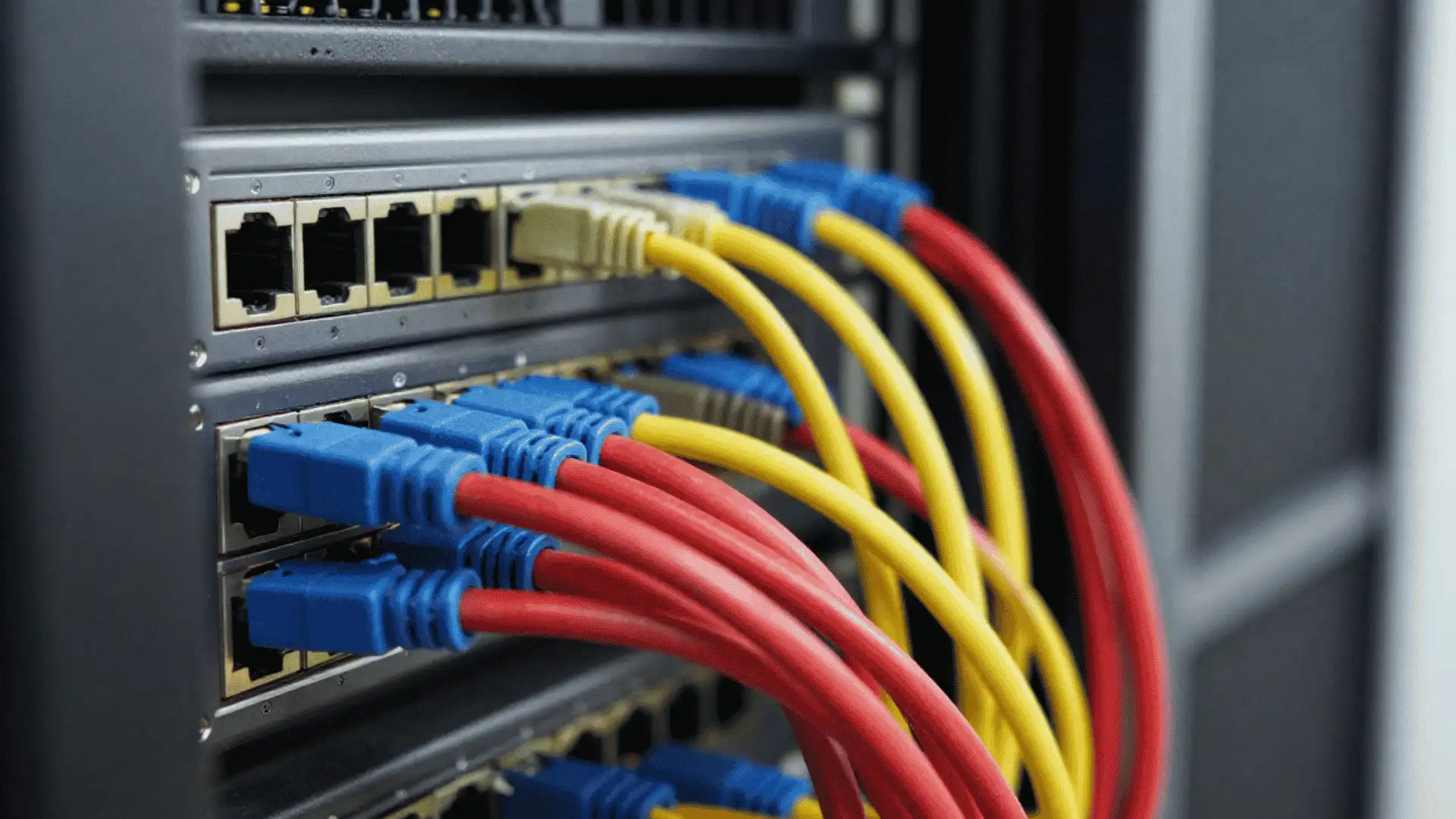
This is the category I know best from an engineering standpoint, and it’s also where people get tripped up the most: a cable that ‘looks the same’ can perform completely differently.
Three types matter most for everyday setups:
- Twisted pair cables for basic wiring
- Fiber optic cables for long-distance speed
- Coaxial cables for television and older modem connections
Twisted pair cables remain the most common choice for home and office networks, so it helps to start with how they work day to day.
5. Twisted Pair Cables
Twisted pair cables wrap two copper wires together to reduce electrical noise. Unshielded UTP suits most homes, while shielded STP adds extra protection for noisy industrial spaces and longer network runs.
- Why it’s Used: Everyday home and office network wiring
- Estimated Price: around $20 per length
- Buy at: Amazon
There’s a category number for twisted pair cables that tells you the speed. Cat5e and Cat6 handle up to about 1 Gbps for most homes and offices, while Cat6a, Cat7, and Cat8 push 10 Gbps and beyond for data centers and short high-speed links.
6. Fiber Optic Cables
Fiber optic cables send data as pulses of light through thin glass or plastic strands. This design allows very fast speeds over long distances with almost no signal loss along the way.
- Why it’s Used: High-speed, long-distance data for businesses and internet backbones
- Estimated Price: around $30 per length
- Buy at: Amazon
Fiber optic lines dominate modern networks, yet many homes still rely on an older, sturdy cable type built for television signals and cable internet service.
7. Coaxial Cables
Coaxial cables use a single copper core wrapped in metal braiding to block outside interference. Cable television, satellite boxes, and older internet modems still depend heavily on this reliable cable type.
- Why it’s Used: Stable signal for television and older internet connections
- Estimated Price: around $10 per length
- Buy at: Best Buy
Networking cables move data quietly behind the walls, but a third group of cable types brings sound and pictures directly to your screen and speakers.
Audio and Video Cables
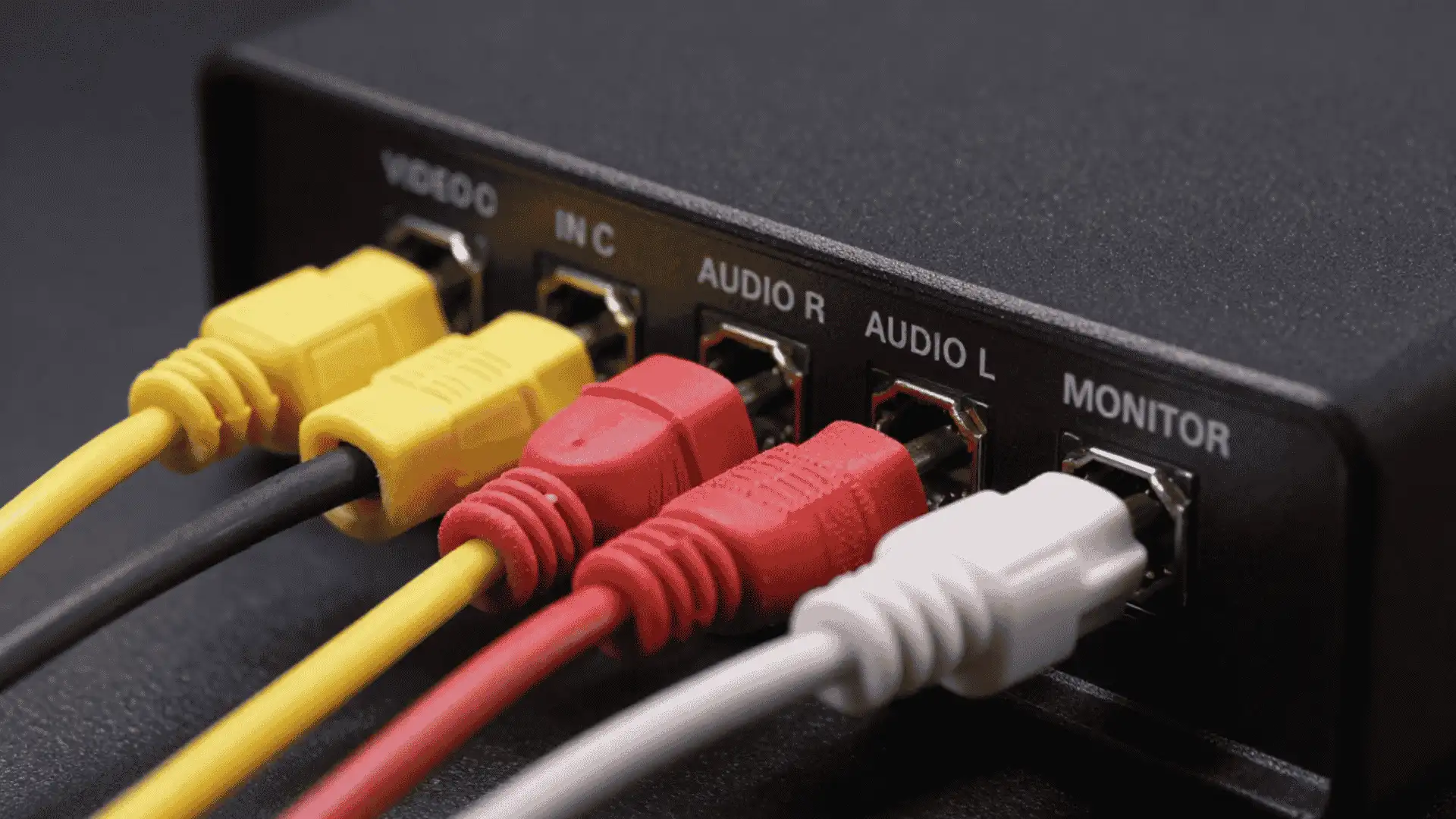
Audio and video cables carry sound and picture signals between screens, speakers, and other devices. These cable types connect gaming consoles, laptops, and sound systems to monitors and televisions.
Three cable types come up the most in everyday electronics:
- HDMI cables for screens
- USB cables for charging and data
- Audio cables for sound systems and headphones
HDMI cables show up in almost every living room today, so it makes sense to start this section with how this popular cable type works.
8. HDMI Cables
HDMI cables carry high-definition video and audio through a single cord, which keeps setups simple and tidy. Gaming consoles, streaming boxes, and laptops all connect to televisions through this cable type.
- Why it’s Used: Simple, high-quality video and audio connection for screens
- Estimated Price: around $8 per cable
- Buy at: Best Buy
HDMI 2.0 carries 4K at 60 frames per second, while HDMI 2.1 adds 8K and higher frame rates for newer consoles and displays
9. USB Cables
USB cables charge phones, connect keyboards, and move files between drives and computers. USB-A, USB-B, and USB Type-C are common versions, each shaped for different ports and devices.
USB-C is the version most new devices use, and unlike the older USB-A it plugs in either way up
- Why it’s Used: Charging, data transfer, and peripheral connections
- Estimated Price: around $6 per cable
- Buy at: Amazon
USB cables handle data and power, but sound quality still depends on a separate cable type built specifically for home audio equipment and speakers today.
10. Audio Cables
Audio cables include headphone jacks, RCA cables, and speaker wire, each built to carry sound between devices.
- Why it’s Used: Clear sound connections for headphones, stereos, and speakers
- Estimated Price: around $12 per set
- Buy at: Amazon
Worth noting: The right audio cable depends on the signal. Analog options include the 3.5 mm headphone jack, RCA pairs for stereos, and balanced XLR cables used in professional gear because they reject noise over long runs
How Cables are Classified?
When I document technical systems, the first step is always the same: figure out how the thing is actually organized before explaining it.
Cables are no different. Cables are sorted into groups based on a few key factors, not just their look or color.
From there, construction matters too, since materials like copper, aluminum, or glass fiber, along with insulation and shielding layers, shape how a cable performs.
Some cables get grouped by transmission medium instead, meaning whether they send signals through electrical current, light pulses, or radio-frequency waves.
A cable’s connector type matters just as much, since the plug on the end often decides which devices it will fit.
Performance standard and shielding level round things out, ranking cables by speed, bandwidth, voltage rating, or interference protection.
How to Choose the Right Cable Type?
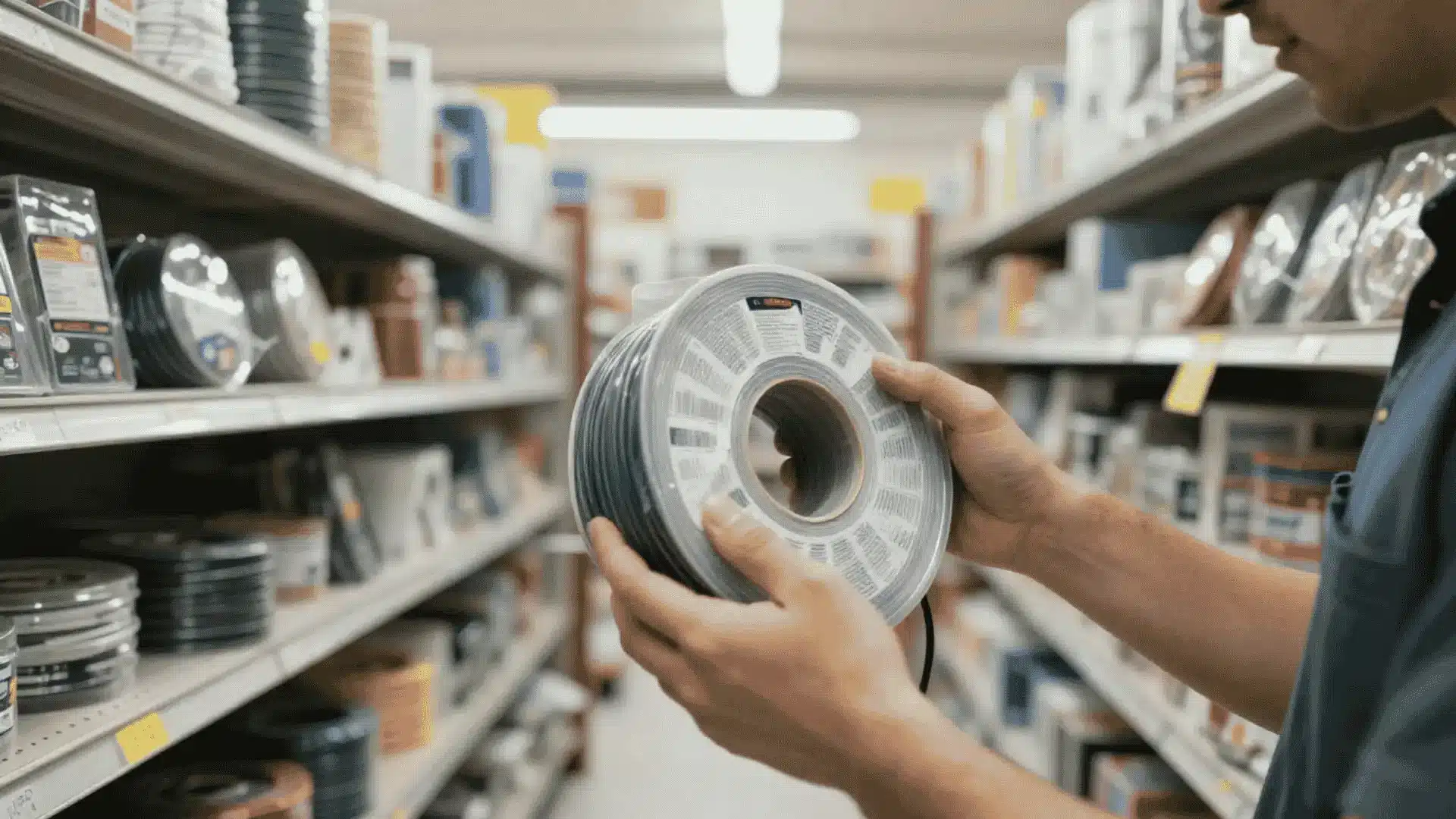
Start with the equipment manual, wiring diagram, or circuit design before selecting a cable.
- Identify whether the cable will carry power, network data, audio, video, or light signals.
- Confirm that the connector matches the device, port, terminal, outlet, or transceiver.
- For power cables, check voltage, current, conductor size, temperature rating, and wiring method.
- For Ethernet, verify the category, shielding, channel length, connector, and jacket rating.
- For fiber, confirm the mode, connector, transceiver, and bend limit.
- For HDMI or USB, check bandwidth, charging support, connector type, and cable length.
- Match the cable marking to the installation environment.
- Use a qualified installer for fixed wiring or code-controlled work.
Common Mistakes to Avoid When Choosing Cable Types
The two most common are the wrong environment rating and the wrong gauge. Both are quick to check before you buy, and both are costly to get wrong.
The table below highlights other common cable selection mistakes and how to avoid them.
| Mistakes | Fixes |
|---|---|
| Using indoor cable outdoors | Choose cable marked for outdoor direct burial, moisture-resistant, or UV-resistant use. |
| Choosing the wrong gauge | Match the wire gauge to the required load, cable length, and equipment specifications. |
| Skipping indoor fire ratings | Use plenum- or riser-rated cable where local building codes require it. |
| Mixing cable types on one run | Use one compatible cable type with matching connectors throughout the complete installation. |
Wiring Up
Cables might look simple, but the differences between cable types matter more than most people realize.
Power cables keep electricity flowing safely, networking cables move data across homes and offices, and audio and video cables bring sound and pictures to life.
Picking the correct cable protects your devices, your safety, and your budget over time.
If you are wiring a new office, upgrading a home network, or setting up a new television, knowing these categories saves you time and frustration.
A cable that looks fine on the outside can still be the wrong gauge, the wrong rating, or worn out. Take 5 minutes today to check your current setup against what you just read.
Check your current cables, then comment below with anything you are unsure about.
Frequently Asked Questions
How do Cables Work?
Cables move electricity, data, audio, or video through conductive or optical paths. Insulation, shielding, and jackets protect the signal and support safe operation.
Can You Use a Networking Cable for Electrical Power?
Standard Ethernet cables should not replace electrical wiring. However, approved Power over Ethernet systems can carry low-voltage power and data through compatible network cables.
How do You Know if a Cable Is Waterproof?
Check the cable jacket or specifications for outdoor, wet-location, or direct-burial ratings. A weather-resistant jacket does not always mean the cable is fully waterproof.
Do All HDMI Cables Support the Same Video Quality?
No. HDMI cables have different certified bandwidth categories. The required cable depends on resolution, refresh rate, color format, cable length, and connected equipment.
Is a Thicker Cable Always Better?
No. Greater thickness may indicate larger conductors or added shielding, but compatibility depends on the required load, signal, distance, connector, and installation rating.