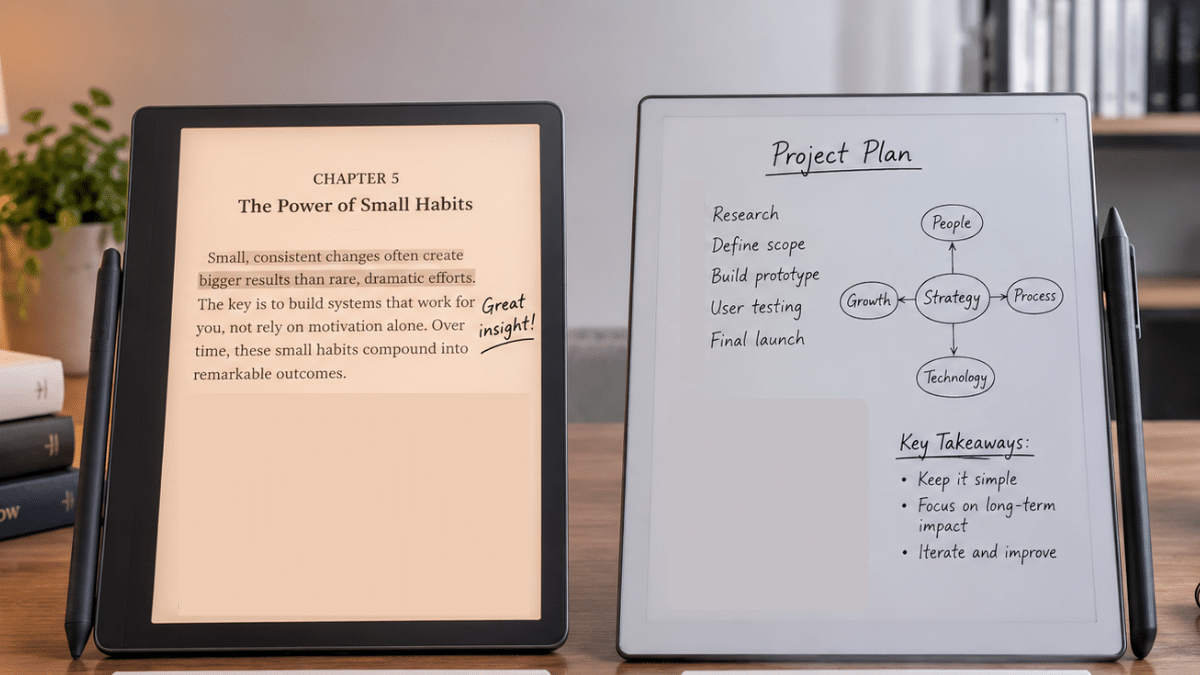



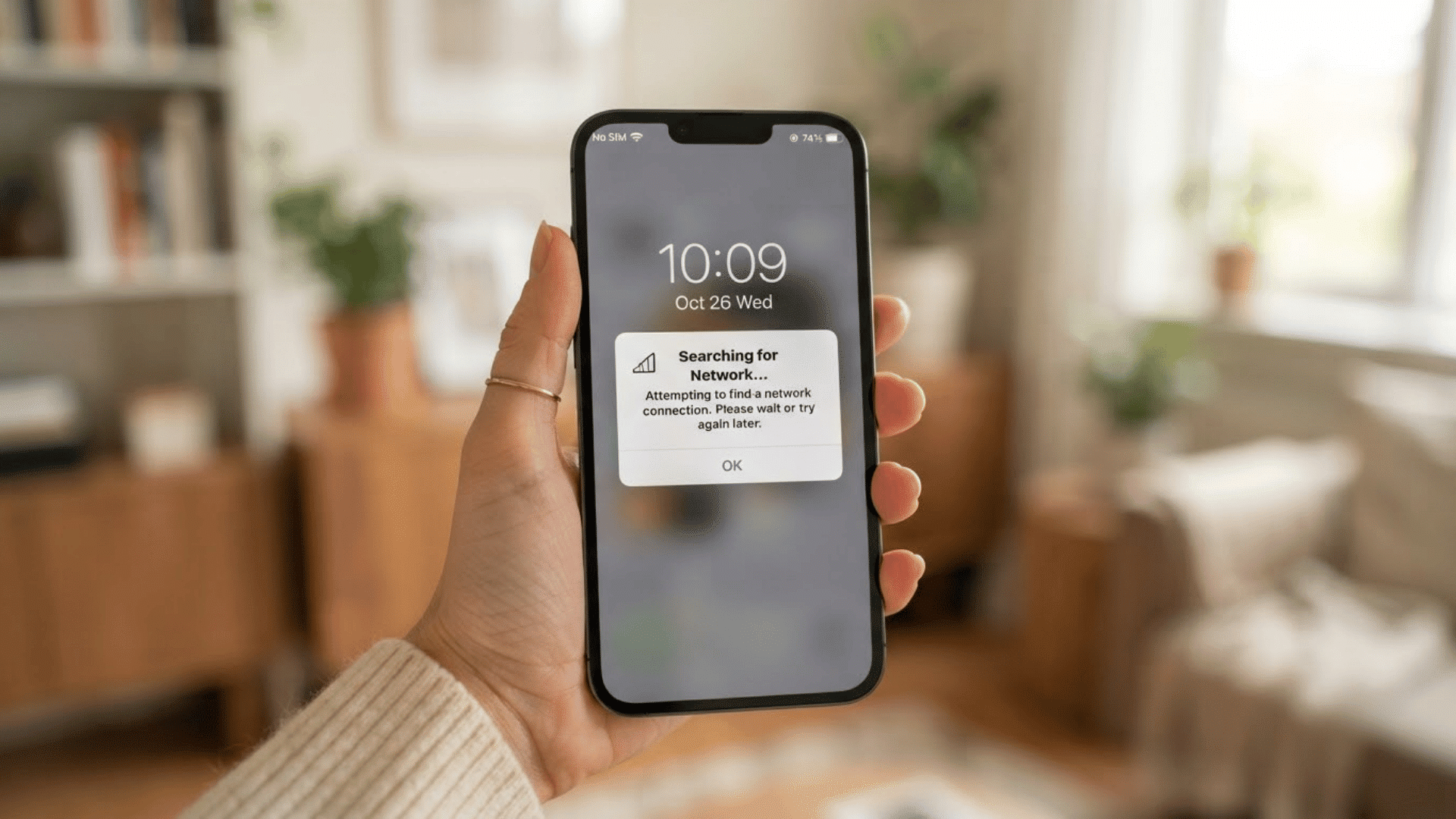
The Scribe tends to win out for readers who want one device that covers both books and the occasional note, especially if they’re already in the Kindle ecosystem.
If you write constantly and want a distraction-free space that feels like real paper, reMarkable wins.
But that quick answer only tells half the story, because these two devices aren’t really competing for the same job.
Scribe leads with reading and treats writing as a bonus. reMarkable leads with writing and treats reading as an afterthought.
From reading and writing to software and daily use, here’s how they really compare, so you can figure out which one fits how you work.
Kindle Scribe or reMarkable: Which is Better for You?
These two devices look similar at a glance, but the differences add up once you dig into the specs.
Here’s a side-by-side breakdown covering everything from display to pricing, so you can see exactly where each one pulls ahead.
| Criteria | Kindle Scribe | Remarkable |
| Display | 11-inch class E Ink display across the lineup. | Lineup spans 7.3-inch , 10.3-inch , and 11.8-inch canvases. |
| Starting Price* | Mono model available (64 GB) at Amazon at $323, $287 (16 GB), and $302 (32 GB). | reMarkable 2 costs $419. Color Paper Pro model climbs to around $679. |
| Storage | The storage available is 8 GB to 64 GB. | The storage available for reMarkable 2 is 8GB, Paperpure is 32 GB, and Paper Pro is 64 GB, |
| Screen Size | Fixed at 11 inches across the lineup. | Ranges from 10.3 to 11.8 inches depending on the model. |
| Battery Life | It is 3,000 mAh; it can run for 2-3 weeks. | It’s around 5,020 mAh. It can run for around 2 weeks. |
| Subscription | Optional, tied to Kindle Unlimited or Audible. | Optional, tied to a Connect subscription for cloud tools. |
| Resolution | 300 PPI across all models. | 226 PPI (10.3-inch) or 229 PPI (11.8-inch ), depending on the model. |
*Note: Prices may change over time and can vary by retailer, location, and available promotions.
The right choice really comes down to how you plan to use the device day-to-day.
Here’s a breakdown by common use case.
- Best for Reading Books: Kindle Scribe, with native Kindle library access, Audible integration, and an adjustable front light.
- Best for Note-Taking: reMarkable, thanks to its distraction-free interface and more natural writing feel.
- Best for Students: Kindle Scribe, since it combines reading, annotation, and note-taking in one device.
- Best for Professionals: reMarkable, with multi-cloud sync and dedicated Meeting Notes functionality.
- Best for PDF Annotation: A tie, with each device suited to slightly different annotation workflows.
- Best Value for Money: Kindle Scribe, given its lower entry price and no mandatory subscriptions.
Design and Build Quality: Kindle Scribe Vs reMarkable
Before getting into the software and features, it’s worth starting with how these devices actually feel in hand, since that’s often what shapes daily use more than any spec sheet.
1. Display Size and Screen Quality
Kindle Scribe’s 11-inch display now edges out reMarkable 2’s 10.3-inch screen, though Paper Pro matches it at 11.8 inches.
Scribe holds a resolution edge at 300 ppi versus reMarkable’s 226–229 ppi, but running my finger across both, reMarkable’s CANVAS coating clearly felt more paper-like.
For reading comfort, though, I reach for the Scribe at night, since its front light is something reMarkable simply doesn’t offer.
2. Weight and Portability
Both devices sit in a similar weight range, with reMarkable marginally lighter at 403 to 405 grams versus Scribe’s 400 to 433 grams.
In my hands, reMarkable felt more premium thanks to its metal back plate.
For daily carrying, I’ve slipped both into a bag easily, but reMarkable’s Paper Pro Move actually fits in a jacket pocket, something no Scribe model manages.
3. Pen Comparison
Kindle’s Premium Pen includes a shortcut button and works battery-free, attaching magnetically for charging.
reMarkable’s Marker Plus adds a built-in eraser, and after extended writing sessions, it held up noticeably better.
If I’m honest about which pen I’d rather write with, reMarkable takes it for feel, though I do miss Kindle’s shortcut button when switching tools mid-note.
4. Battery Life
Battery life depends on the model and usage. Kindle Scribe models offer up to 12 weeks of reading and 3 weeks of writing, while the Scribe without Front Light reaches 16 weeks of reading.
The Scribe Colorsoft provides up to 8 weeks of reading and 2 weeks of writing. reMarkable models vary by battery size, including the 3,000 mAh reMarkable 2, 3,820 mAh Paper Pure, and 5,030 mAh Paper Pro.
The 2,334 mAh Paper Pro Move has a smaller battery. Actual runtime changes with screen type, Wi-Fi, and writing frequency.
5. Storage
Kindle Scribe offers more flexibility here, with 16GB, 32GB, and 64GB options depending on how many books and notebooks you plan to keep on-device.
reMarkable, by comparison, sticks to a fixed 8GB to 64 GB across its lineup, leaning more heavily on cloud sync to offload files.
So if you want to store a lot of PDFs locally, Scribe gives you more room to work with.
Kindle Scribe Vs reMarkable Writing Experience
When it comes to the actual feel of writing, reMarkable takes the lead for me.
Latency feels near-identical on both, but the writing resistance is where they differ. ReMarkable’s CANVAS coating grips the pen like real paper, while Scribe feels smoother and glassier.
reMarkable also offers more templates, making sketching and structured notes easier for me.
My handwriting felt more natural on reMarkable too, and during longer sessions, that added texture meant less slip and less strain on my wrist.
If real paper is what you’re chasing, reMarkable gets you closest to it.
Software Features: Kindle Scribe and reMarkable
Here’s a closer look at what each ecosystem actually offers once you start relying on it.
Kindle Software
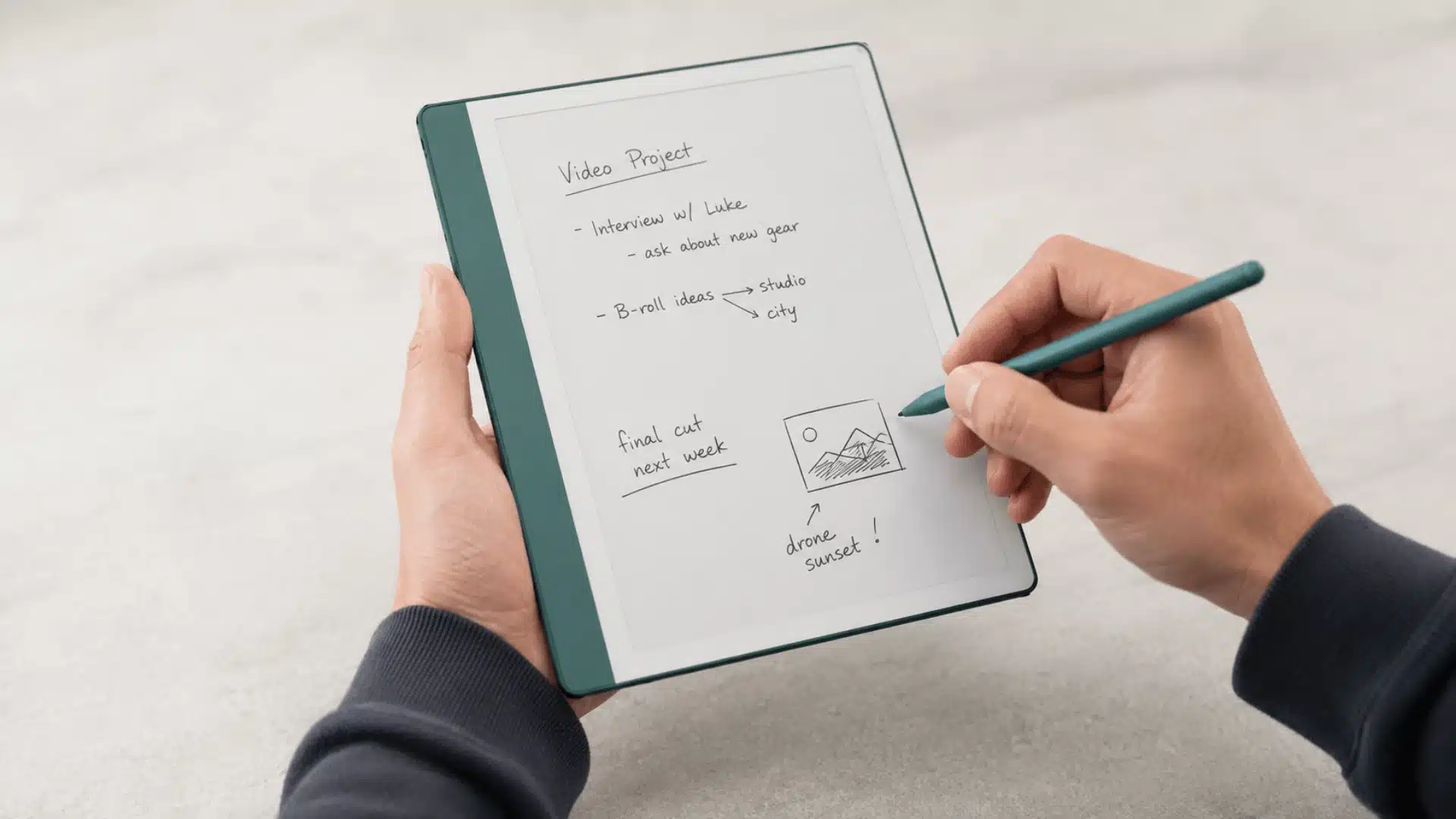
Scribe’s software is built around Amazon’s ecosystem (Kindle OS)first, with productivity tools layered on top.
Here’s what I found myself using most:
- Kindle Ecosystem: Full access to purchased books, Kindle Unlimited, and reading progress synced across my devices.
- OneNote Integration: I could export handwritten notes directly into OneNote without much hassle.
- Outlook Integration: Synced notes and calendar-related content with my Outlook account smoothly.
- Google Drive: Let me export notebooks and PDFs to Drive for backup, which I relied on often.
- AI Notebook Tools: Ask This Book and Story So Far came in handy more than I expected.
reMarkable Software
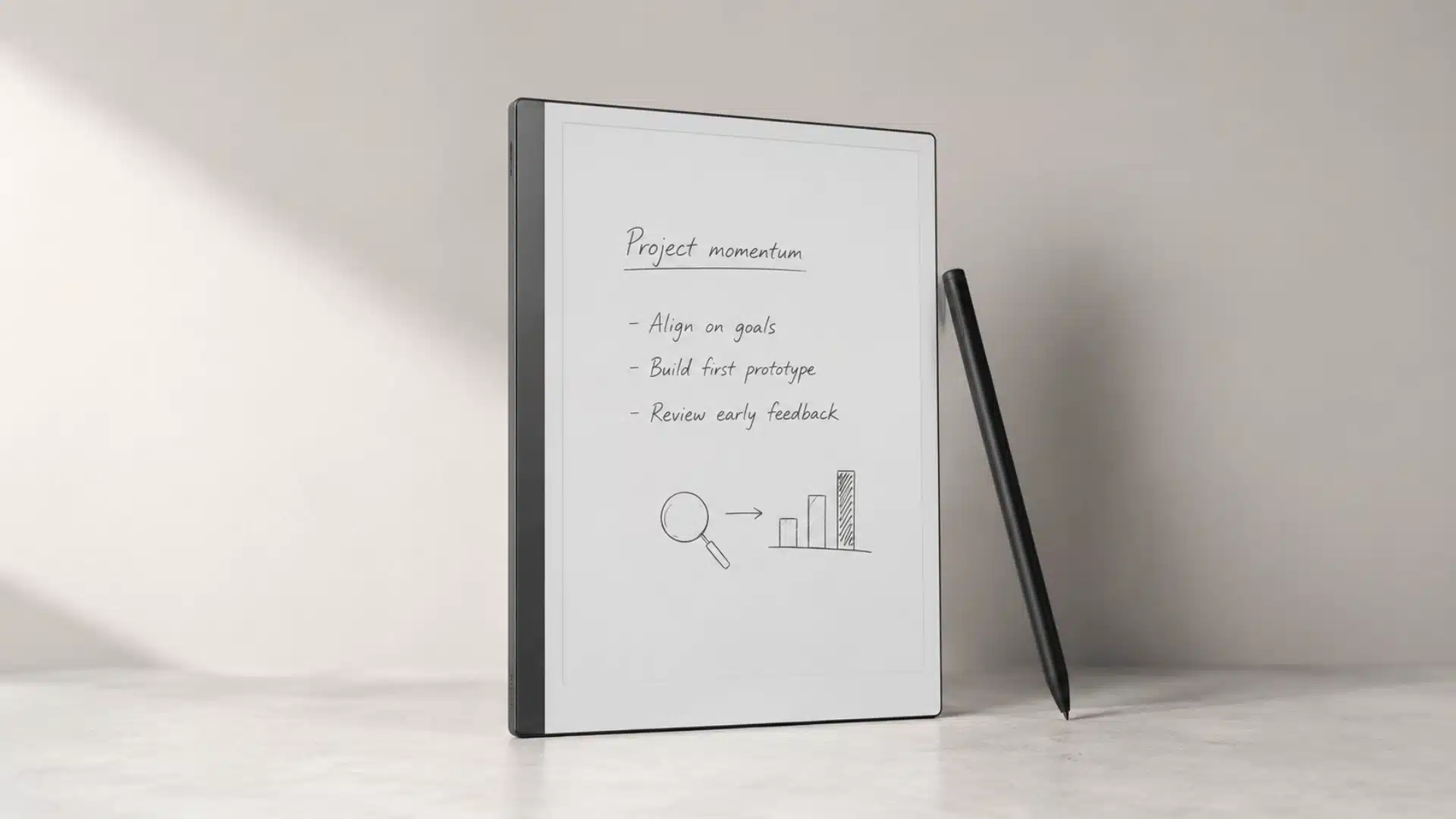
reMarkable’s software (reMarkable OS) leans harder into distraction-free writing and cross-platform syncing, and as someone who evaluates tools for a living, this stood out to me from the first week of testing:
- Desktop App: I could view, organize, and edit notebooks from my computer with no friction.
- Mobile App: Kept my notes and PDFs synced for quick access on the go.
- Meeting Notes: This dedicated template genuinely made my meeting documentation cleaner.
- Calendar Integration: Pulled my scheduled events straight into notes, which I found handy.
- Two account limitation: The only snag I hit was being limited to two linked accounts, worth noting if you are managing both personal and work.
Performance and Everyday Use: Kindle Scribe or reMarkable
Both are fast enough to write on and slow enough to notice if you came from an iPad. The differences live in the gaps: how long a notebook takes to open, and whether a 200-page PDF starts to drag once you annotate it.
Amazon quotes 40 percent faster writing and page turns on the 2026 Scribe. reMarkable quotes 21 ms ink latency on the Paper Pure and 12 ms on the Paper Pro.
Refer to the table below for a detailed and better understanding.
Subscription and Ongoing Cost
The purchase price is only part of the cost. The table below compares the subscriptions and recurring expenses for both devices.
| Feature | Kindle Scribe | reMarkable |
|---|---|---|
| Required Subscription | $0/month | $0/month |
| Optional Subscription | Kindle Unlimited: $11.99/month | Connect: $3.99/month or $39.90/year |
| Free Trial | 30 days | 50 days |
| Cloud Storage | Included with Amazon account | Limited (free), Unlimited with Connect |
| Handwriting Conversion | Included at $0 | Included with Connect ( $3.99/month ) |
| Recurring Cost (Core Features) | $0/year | $0/year |
| Maximum Annual Cost | $143.88/year (if using Kindle Unlimited) | $39.90/year (Connect annual plan) |
What Real Users are Saying About reMarkable and Kindle Scribe?
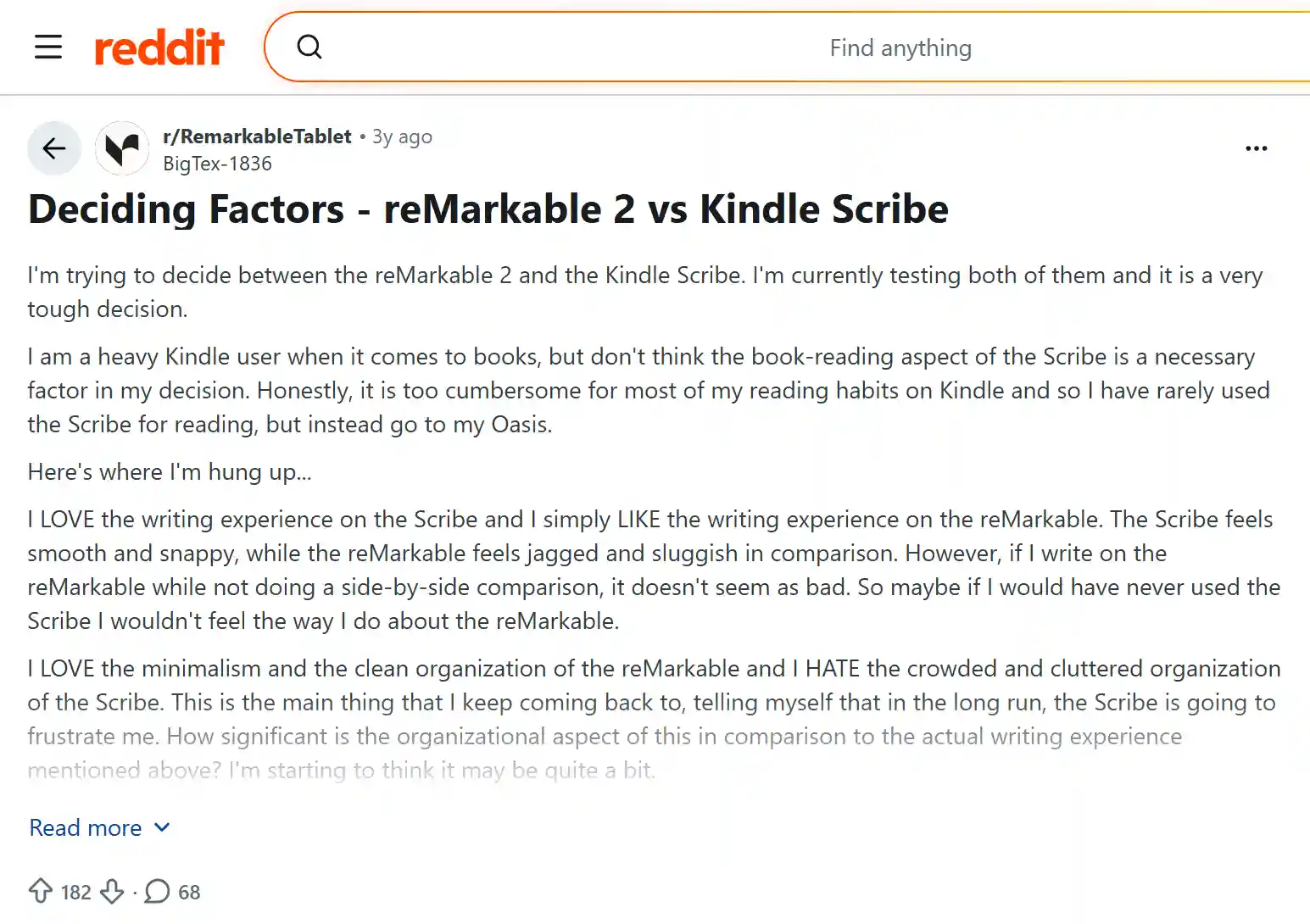
Real-world feedback from actual owners tells a consistent story: writing feel and organization are what make or break the decision.
Several users describe reMarkable’s writing experience as slightly less smooth than Scribe’s, though the gap narrows once you stop comparing side by side.
Where reMarkable consistently wins people over is organization and minimalism; others call Scribe’s notebook interface cluttered by comparison.
Design also comes up often, with reMarkable’s build praised as more premium, while Scribe’s look gets compared to a toy.
Most still say reMarkable’s writing experience wins out long term.
Glimpse of a review from thread! “I really want to love the reMarkable, but the one thing that keeps pulling me back to the Scribe is how the pen feels on the page”.
Final Thoughts
Two questions settle most of these. Where does your reading live, and how much do you write by hand in a normal week?
If your books are in the Kindle store, the Scribe takes a device out of your bag and gives you a front light for reading at night. The notes app is good enough for meeting notes and margin notes, and it costs you nothing per month.
If you fill notebooks, a reMarkable is better under the pen and gives you nothing else to look at. Add 39 dollars a year for Connect if you want to search what you wrote.
Have you used the Kindle Scribe or reMarkable? Share your experience in the comments and let us know which one worked better for you.
Frequently Asked Questions
How Easy is it to Repair Kindle Scribe Compared With reMarkable?
reMarkable sells replacement parts and publishes repair guides. Kindle Scribe offers no user-serviceable components, while Amazon replaces whole units.
How Long does it Take to Fully Charge Kindle Scribe and reMarkable?
Kindle Scribe and reMarkable both generally take around one to two hours for a full charge, depending on the charger used and remaining battery health.
Can You Install third-party Apps on Kindle Scribe or reMarkable?
No. Kindle Scribe and reMarkable run closed operating systems with no app stores, deliberately limiting features to reading, writing, and annotation.
Do Kindle Scribe and reMarkable Support Audiobooks?
Kindle Scribe supports Audible over Bluetooth. reMarkable has no audio hardware, no speakers, and no audiobook support.
Can You Read Kindle Books on a reMarkable Tablet?
No. reMarkable runs no apps, so there is no Kindle app and no workaround. You can load your own EPUB and PDF files instead.